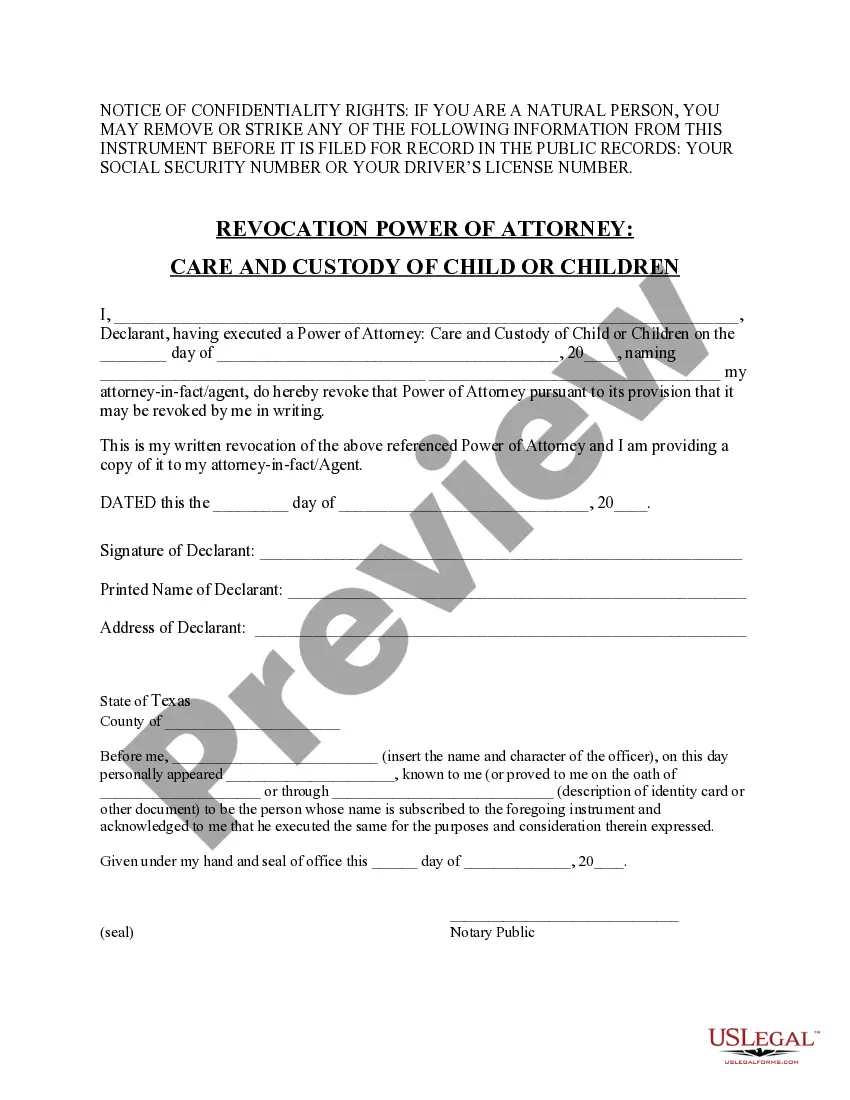
Revocation Power Attorney Document With Notary Public
Description
Get your form ready online
Our built-in tools help you complete, sign, share, and store your documents in one place.
Make edits, fill in missing information, and update formatting in US Legal Forms—just like you would in MS Word.
Download a copy, print it, send it by email, or mail it via USPS—whatever works best for your next step.
Sign and collect signatures with our SignNow integration. Send to multiple recipients, set reminders, and more. Go Premium to unlock E-Sign.
If this form requires notarization, complete it online through a secure video call—no need to meet a notary in person or wait for an appointment.
We protect your documents and personal data by following strict security and privacy standards.

Make edits, fill in missing information, and update formatting in US Legal Forms—just like you would in MS Word.

Download a copy, print it, send it by email, or mail it via USPS—whatever works best for your next step.

Sign and collect signatures with our SignNow integration. Send to multiple recipients, set reminders, and more. Go Premium to unlock E-Sign.

If this form requires notarization, complete it online through a secure video call—no need to meet a notary in person or wait for an appointment.

We protect your documents and personal data by following strict security and privacy standards.
Looking for another form?



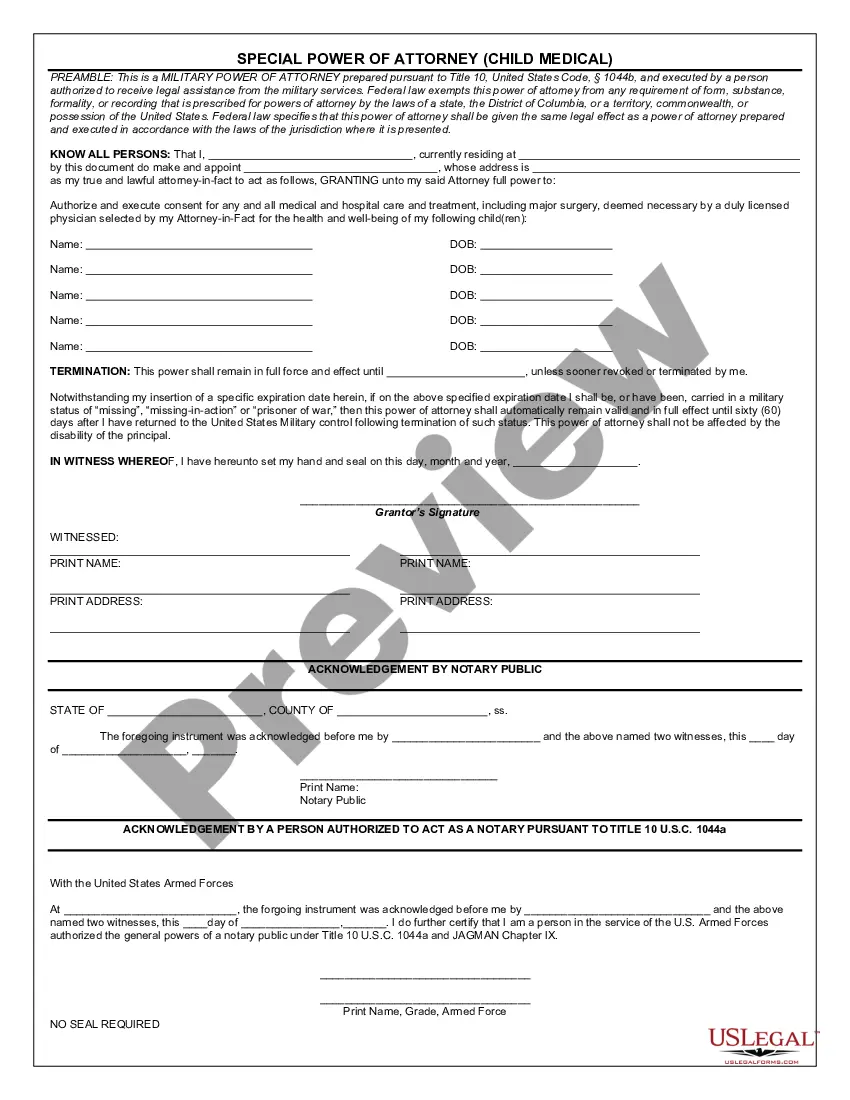
How to fill out Texas Revocation Of Power Of Attorney For Care Of Child Or Children?
Finding a reliable source for the latest and pertinent legal templates is a significant part of navigating bureaucracy.
Selecting the appropriate legal documents requires accuracy and meticulousness, which highlights the necessity of obtaining samples of the Revocation Power of Attorney Document With Notary Public solely from trusted providers, such as US Legal Forms. A faulty template can squander your time and prolong your current situation. With US Legal Forms, your concerns are minimal. You can access and verify all the details regarding the document’s applicability and significance for your situation and in your jurisdiction.
After obtaining the form on your device, you can modify it using the editor or print it and fill it out by hand. Remove the hassle associated with your legal paperwork. Explore the comprehensive US Legal Forms catalog where you can locate legal templates, assess their relevance to your situation, and download them instantly.
- Utilize the library navigation or search bar to locate your template.
- Examine the form’s details to confirm it meets the criteria of your jurisdiction.
- Preview the form, if available, to make sure it is indeed the one you need.
- Return to the search to find the correct document if the Revocation Power of Attorney Document With Notary Public does not fulfill your criteria.
- Once you are confident about the form’s applicability, download it.
- If you are a registered user, click Log in to verify and access your selected templates in My documents.
- If you do not have an account yet, click Buy now to purchase the form.
- Choose the payment plan that best fits your requirements.
- Proceed with the registration to finalize your order.
- Complete your transaction by selecting a payment method (credit card or PayPal).
- Select the file format for downloading the Revocation Power of Attorney Document With Notary Public.
Form popularity
FAQ
A Pennsylvania revocation of power of attorney form is a document that can be used to revoke a previously issued appointment of power of attorney. In addition to filling out this form, it is crucial that you provide a copy of the revocation to your agent and any backup agents that may wield the revoked powers.
Write and Sign a Revocation Letter A revocation letter is a written document that clearly states you are revoking the power of attorney that you created on a certain date. You want to sign the letter in front of a notary public and record it with the county clerk in the county where you reside.
When revocation happens, a privilege, title, or status is removed from someone. If the library revokes your library card, you can no longer take out library books ? that's a type of revocation. If a restaurant is dirty, that could result in the revocation of its health license.
Prepare a written revocation statement with the agent's name and the date you made the power of attorney you wish to revoke. Sign the revocation before a notary. You can hand-deliver a copy to your agent or send it by certified mail to prove it was received.
Challenges to the validity of the Power of Attorney: A party may challenge the validity of the POA, arguing that it was not properly executed or that the principal did not have the capacity to grant the authority.