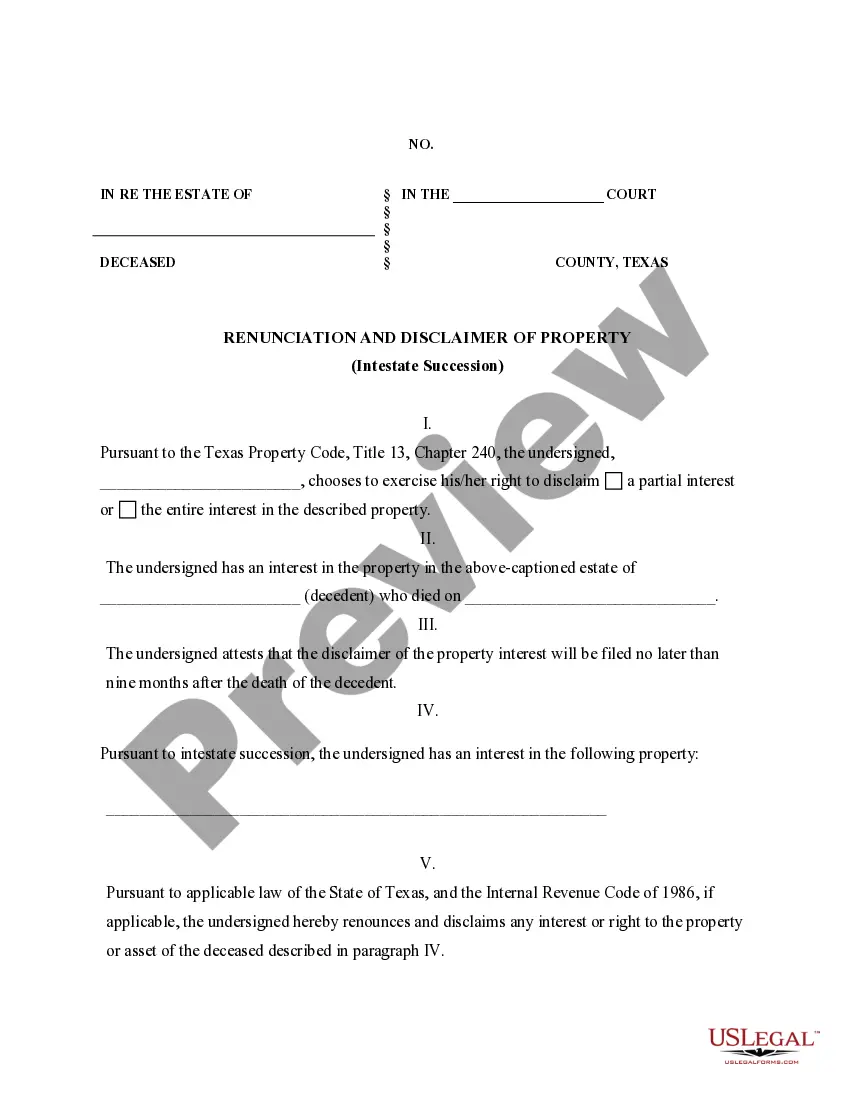
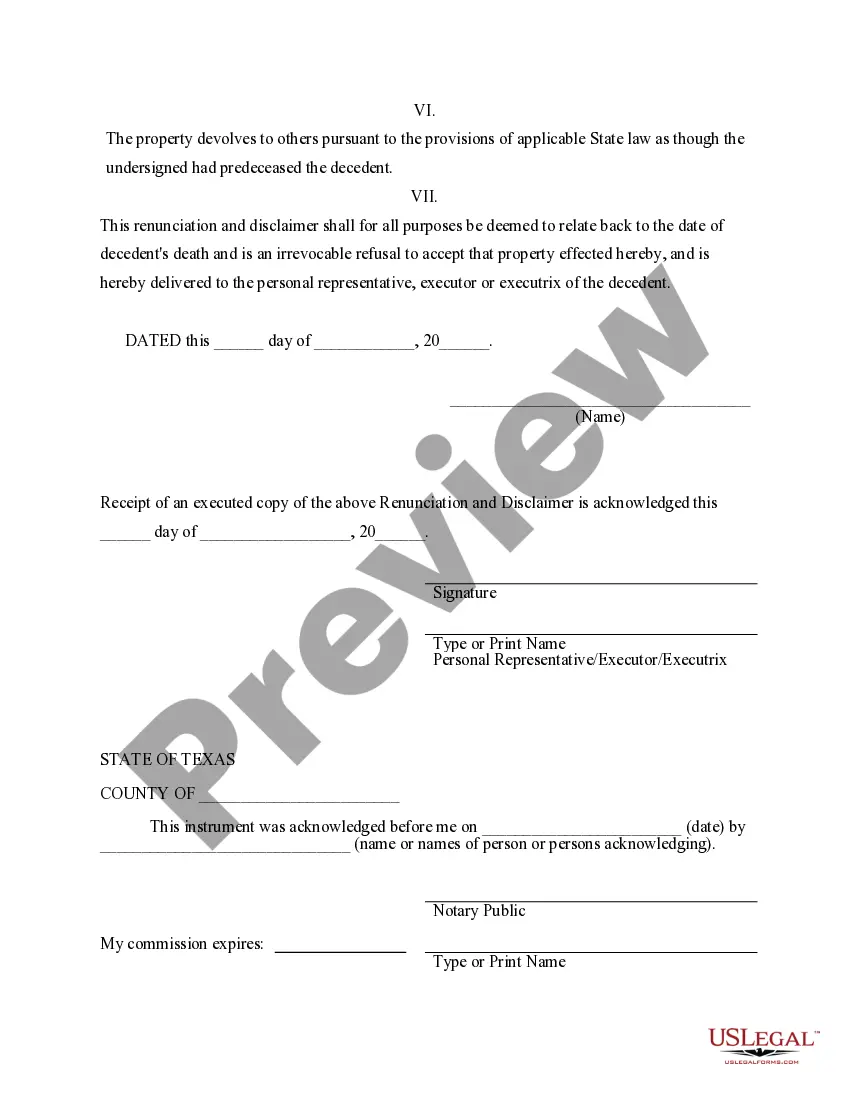
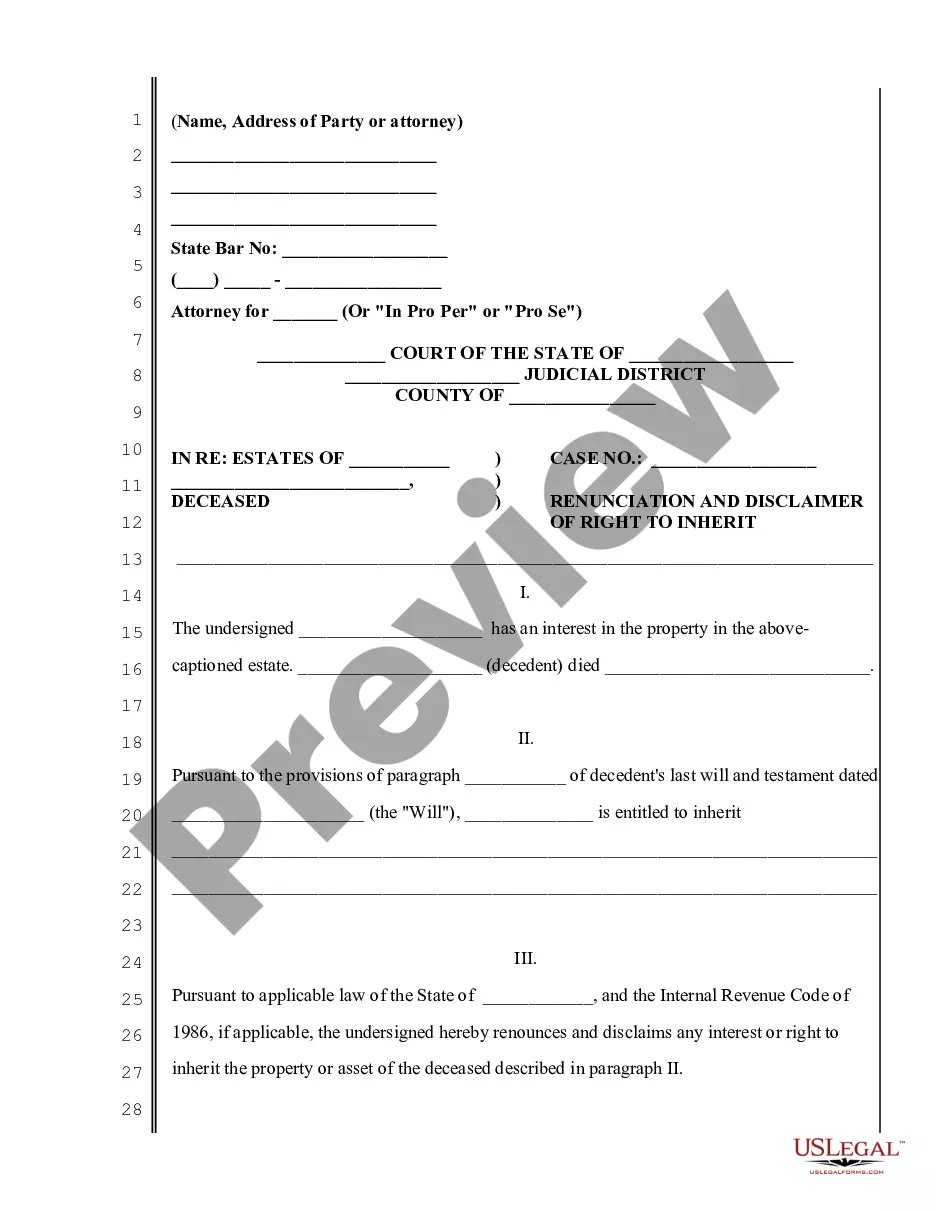
Renunciation And Disclaimer of Property received by Intestate Succession
Disclaimer of Property Interest-Texas
Texas Statutes
Probate Code
CHAPTER II. DESCENT AND DISTRIBUTION
Passage of Title Upon Intestacy and Under a Will
When a person dies, leaving a lawful will, all
of his estate devised or bequeathed by such will, and all powers of appointment
granted in such will, shall vest immediately in the devisees or legatees
of such estate and the donees of such powers; and all the estate of such
person, not devised or bequeathed, shall vest immediately in his heirs
at law; subject, however, to the payment of the debts of the testator or
intestate, except such as is exempted by law, and subject to the payment
of court-ordered child support payments that are delinquent on the date
of the person's death; and whenever a person dies intestate, all of his
estate shall vest immediately in his heirs at law, but with the exception
aforesaid shall still be liable and subject in their hands to the payment
of the debts of the intestate and the delinquent child support payments;
but upon the issuance of letters testamentary or of administration upon
any such estate, the executor or administrator shall have the right to
possession of the estate as it existed at the death of the testator or
intestate, with the exception aforesaid; and he shall recover possession
of and hold such estate in trust to be disposed of in accordance with the
law.
Chap. II, §37.
Means of Evidencing Disclaimer or Renunciation of Property or
Interest Receivable From a Decedent
Any person, or the guardian of an incapacitated
person, the personal representative of a deceased person, or the guardian
ad litem of an unborn or unascertained person, with prior court approval
of the court having, or which would have, jurisdiction over such guardian,
personal representative, or guardian ad litem, or any independent executor
of a deceased person, without prior court approval, who may be entitled
to receive any property as a beneficiary and who intends to effect disclaimer
irrevocably on or after September 1, 1977, of the whole or any part of
such property shall evidence same as herein provided. A disclaimer evidenced
as provided herein shall be effective as of the death of decedent and shall
relate back for all purposes to the death of the decedent and is not subject
to the claims of any creditor of the disclaimant. Unless the decedent's
will provides otherwise, the property subject to the disclaimer shall pass
as if the person disclaiming or on whose behalf a disclaimer is made had
predeceased the decedent and a future interest that would otherwise take
effect in possession or enjoyment after the termination of the estate or
interest that is disclaimed takes effect as if the disclaiming beneficiary
had predeceased the decedent. Failure to comply with the provisions hereof
shall render such disclaimer ineffective except as an assignment of such
property to those who would have received same had the person attempting
the disclaimer died prior to the decedent. The term "property" as used
in this section shall include all legal and equitable interests, powers,
and property, whether present or future, whether vested or contingent,
and whether beneficial or burdensome, in whole or in part. The term "disclaimer"
as used in this section shall include "renunciation." In this section "beneficiary"
includes a person who would have been entitled, if the person had not made
a disclaimer, to receive property as a result of the death of another person
by inheritance, under a will, by an agreement between spouses for community
property with a right of survivorship, by a joint tenancy with a right
of survivorship, or by any other survivorship agreement, account, or interest
in which the interest of the decedent passes to a surviving beneficiary,
by an insurance, annuity, endowment, employment, deferred compensation,
or other contract or arrangement, or under a pension, profit sharing, thrift,
stock bonus, life insurance, survivor income, incentive, or other plan
or program providing retirement, welfare, or fringe benefits with respect
to an employee or a self-employed individual. Nothing in this section shall
be construed to preclude a subsequent disclaimer by any person who shall
be entitled to property as a result of a disclaimer. The following shall
apply to such disclaimers:
(a) Written Memorandum of Disclaimer and Filing Thereof.
In the case of property receivable by a beneficiary, the disclaimer shall
be evidenced by a written memorandum, acknowledged before a notary public
or other person authorized to take acknowledgements of conveyances of real
estate. Unless the beneficiary is a charitable organization or governmental
agency of the state, a written memorandum of disclaimer disclaiming a present
interest shall be filed not later than nine months after the death of the
decedent and a written memorandum of disclaimer disclaiming a future interest
may be filed not later than nine months after the event determining that
the taker of the property or interest is finally ascertained and his interest
is indefeasibly vested. If the beneficiary is a charitable organization
or a governmental agency of the state, a written memorandum of disclaimer
disclaiming a present or future interest shall be filed not later than
nine months after the beneficiary receives the notice required by Section
128A of this code. The written memorandum of disclaimer shall be filed
in the probate court in which the decedent's will has been probated or
in which proceedings have been commenced for the administration of the
decedent's estate or which has before it an application for either of the
same; provided, however, if the administration of the decedent's estate
is closed, or after the expiration of one year following the date of the
issuance of letters testamentary in an independent administration, or if
there has been no will of the decedent probated or filed for probate, or
if no administration of the decedent's estate has been commenced, or if
no application for administration of the decedent's estate has been filed,
the written memorandum of disclaimer shall be filed with the county clerk
of the county of the decedent's residence, or, if the decedent is not a
resident of this state but real property or an interest therein located
in this state is disclaimed, a written memorandum of disclaimer shall be
filed with the county clerk of the county in which such real property or
interest therein is located, and recorded by such county clerk in the deed
records of that county.
(b) Notice of Disclaimer. Unless the beneficiary is a charitable
organization or governmental agency of the state, copies of any written
memorandum of disclaimer shall be delivered in person to, or shall be mailed
by registered or certified mail to and received by, the legal representative
of the transferor of the interest or the holder of legal title to the property
to which the disclaimer relates not later than nine months after the death
of the decedent or, if the interest is a future interest, not later than
nine months after the date the person who will receive the property or
interest is finally ascertained and the person's interest is indefeasibly
vested. If the beneficiary is a charitable organization or government agency
of the state, the notices required by this section shall be filed not later
than nine months after the beneficiary receives the notice required by
Section 128A of this code.
(c) Power to Provide for Disclaimer. Nothing herein shall
prevent a person from providing in a will, insurance policy, employee benefit
agreement, or other instrument for the making of disclaimers by a beneficiary
of an interest receivable under that instrument and for the disposition
of disclaimed property in a manner different from the provisions hereof.
(d) Irrevocability of Disclaimer. Any disclaimer filed and
served under this section shall be irrevocable.
(e) Partial Disclaimer. Any person who may be entitled to
receive any property as a beneficiary may disclaim such property in whole
or in part, including but not limited to specific powers of invasion, powers
of appointment, and fee estate in favor of life estates; and a partial
disclaimer or renunciation, in accordance with the provisions of this section,
shall be effective whether the property so renounced or disclaimed constitutes
a portion of a single, aggregate gift or constitutes part or all of a separate,
independent gift; provided, however, that a partial disclaimer shall be
effective only with respect to property expressly described or referred
to by category in such disclaimer; and provided further, that a partial
disclaimer of property which is subject to a burdensome interest created
by the decedent's will shall not be effective unless such property constitutes
a gift which is separate and distinct from undisclaimed gifts.
(f) Partial Disclaimer by Spouse. Without limiting Subsection
(e) of this section, a disclaimer by the decedent's surviving spouse of
a transfer by the decedent is not a disclaimer by the surviving spouse
of all or any part of any other transfer from the decedent to or for the
benefit of the surviving spouse, regardless of whether the property or
interest that would have passed under the disclaimed transfer passes because
of the disclaimer to or for the benefit of the surviving spouse by the
other transfer.
(g) Disclaimer After Acceptance. No disclaimer shall be effective
after the acceptance of the property by the beneficiary. For the purpose
of this section, acceptance shall occur only if the person making such
disclaimer has previously taken possession or exercised dominion and control
of such property in the capacity of beneficiary.
(h) Interest in Trust Property. A beneficiary who accepts
an interest in a trust is not considered to have a direct or indirect interest
in trust property that relates to a licensed or permitted business and
over which the beneficiary exercises no control. Direct or indirect beneficial
ownership of not more than five percent of any class of equity securities
that is registered under the Securities Exchange Act of 1934 shall not
be deemed to be an ownership interest in the business of the issuer of
such securities within the meaning of any statute, pursuant thereto.
Chap. II, §37A.