South Carolina Llc Filing Requirements
Description
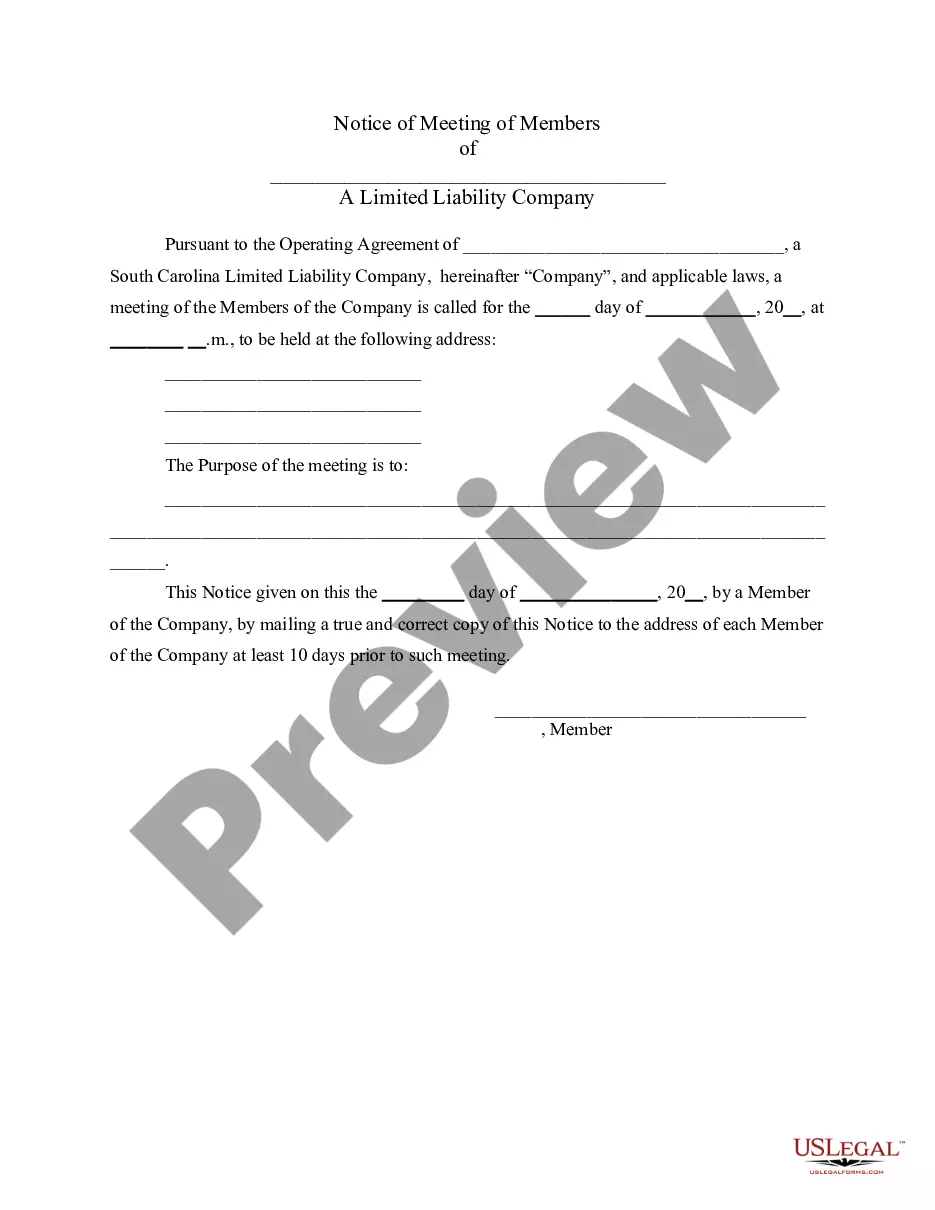
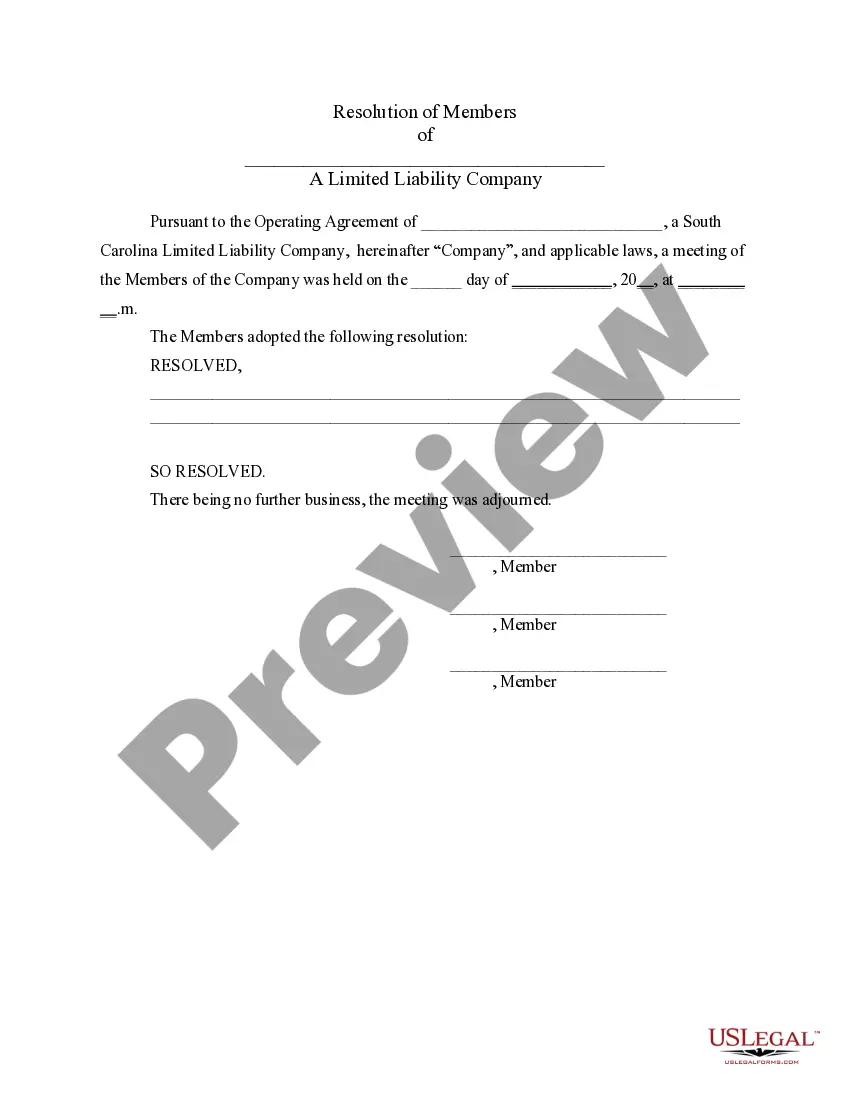
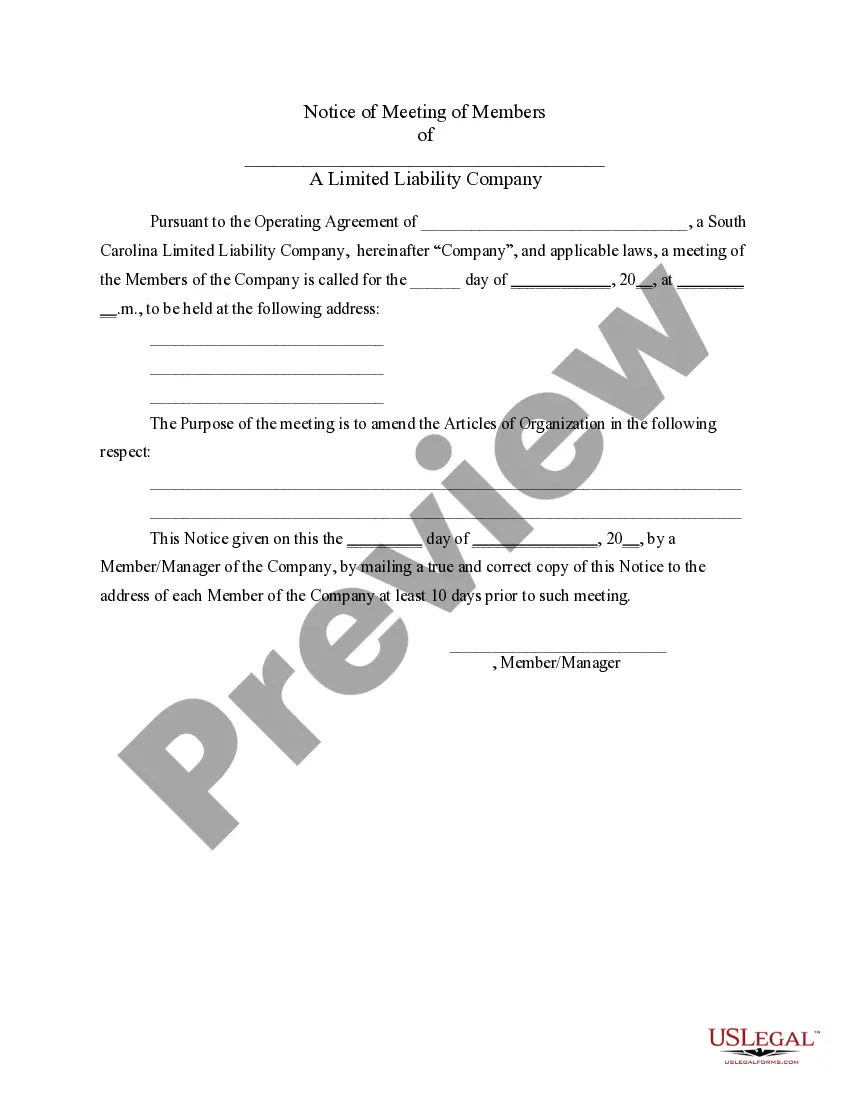
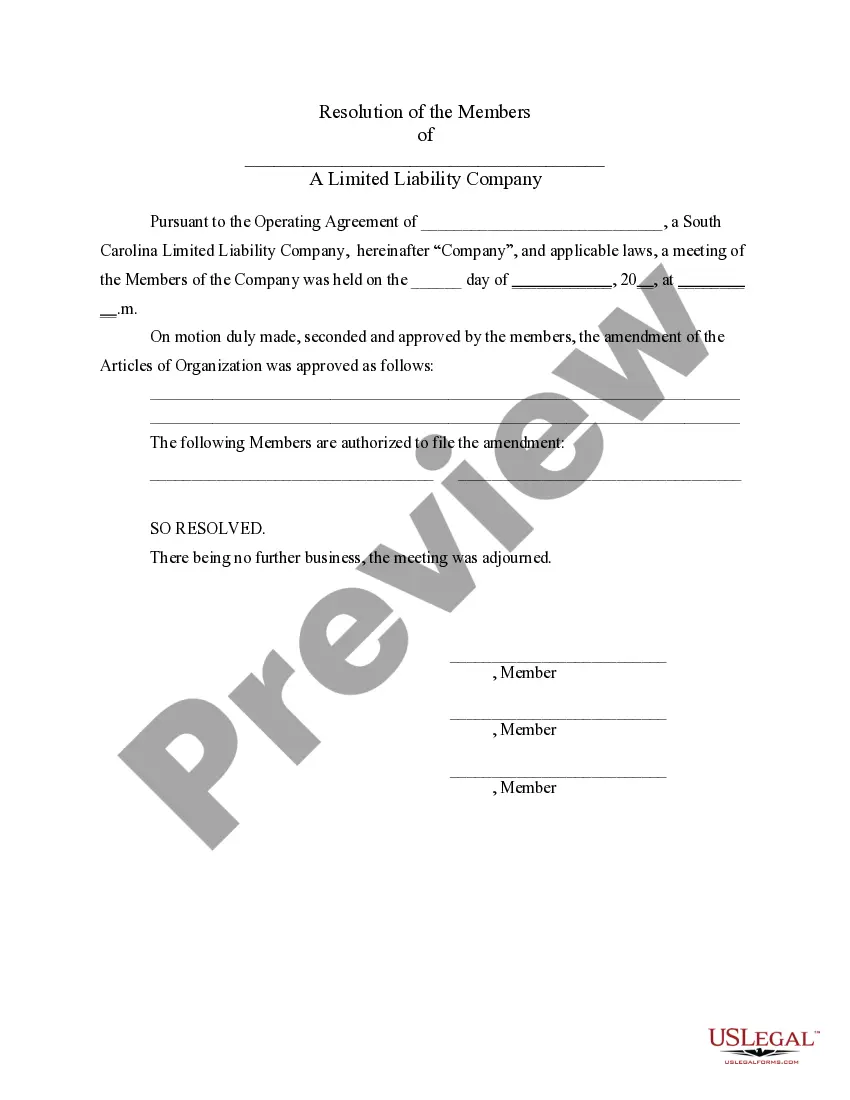

Get your form ready online
Our built-in tools help you complete, sign, share, and store your documents in one place.
Make edits, fill in missing information, and update formatting in US Legal Forms—just like you would in MS Word.
Download a copy, print it, send it by email, or mail it via USPS—whatever works best for your next step.
Sign and collect signatures with our SignNow integration. Send to multiple recipients, set reminders, and more. Go Premium to unlock E-Sign.
If this form requires notarization, complete it online through a secure video call—no need to meet a notary in person or wait for an appointment.
We protect your documents and personal data by following strict security and privacy standards.

Make edits, fill in missing information, and update formatting in US Legal Forms—just like you would in MS Word.

Download a copy, print it, send it by email, or mail it via USPS—whatever works best for your next step.

Sign and collect signatures with our SignNow integration. Send to multiple recipients, set reminders, and more. Go Premium to unlock E-Sign.

If this form requires notarization, complete it online through a secure video call—no need to meet a notary in person or wait for an appointment.

We protect your documents and personal data by following strict security and privacy standards.
Looking for another form?
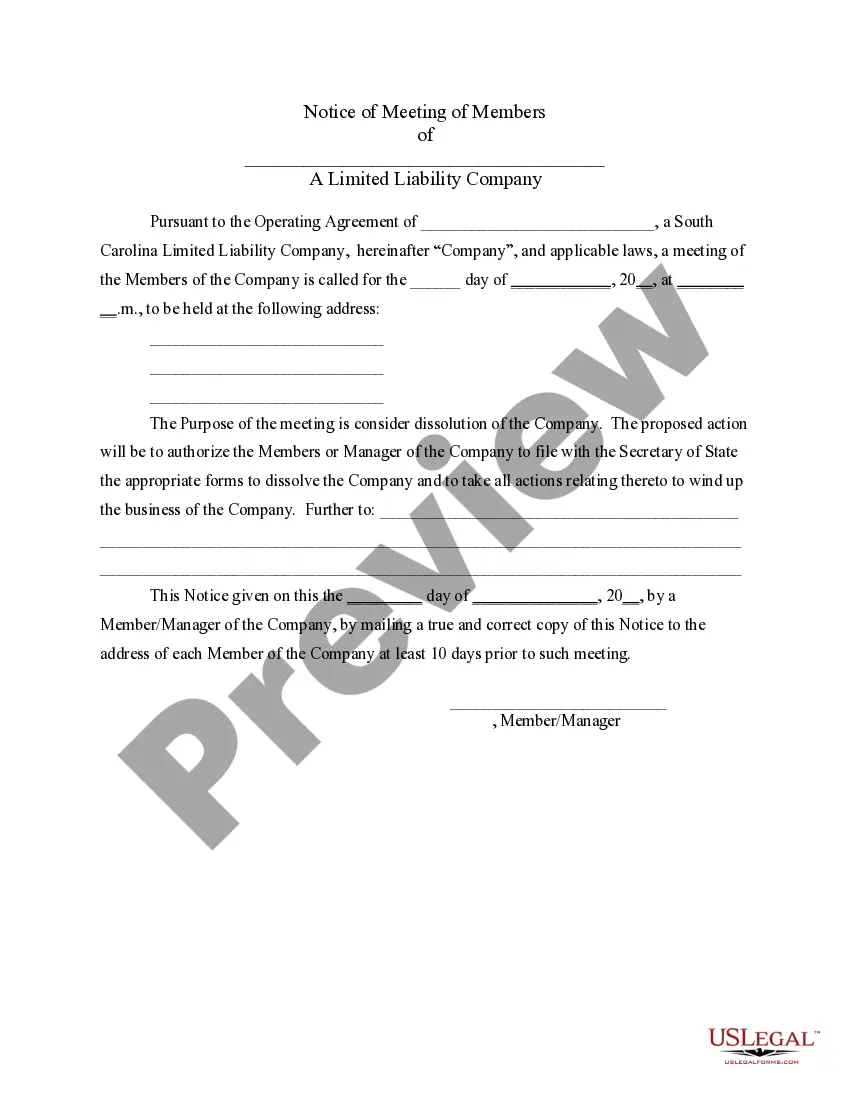
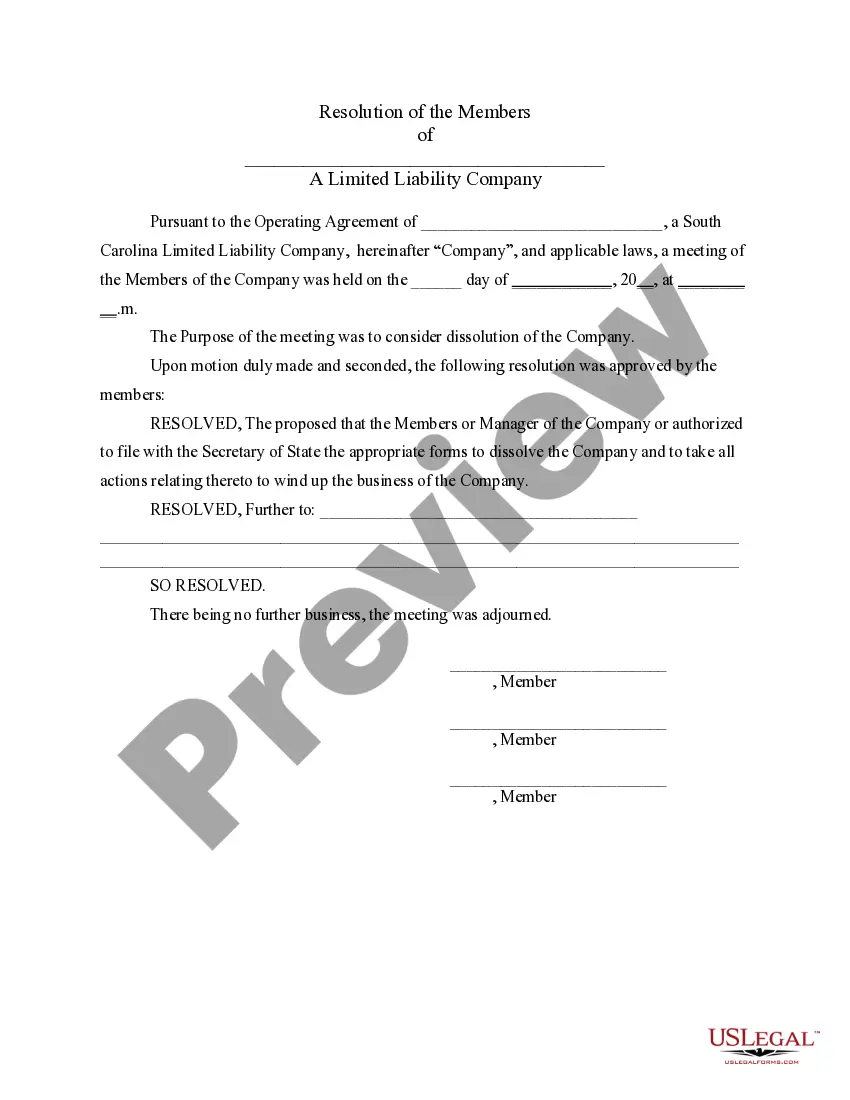
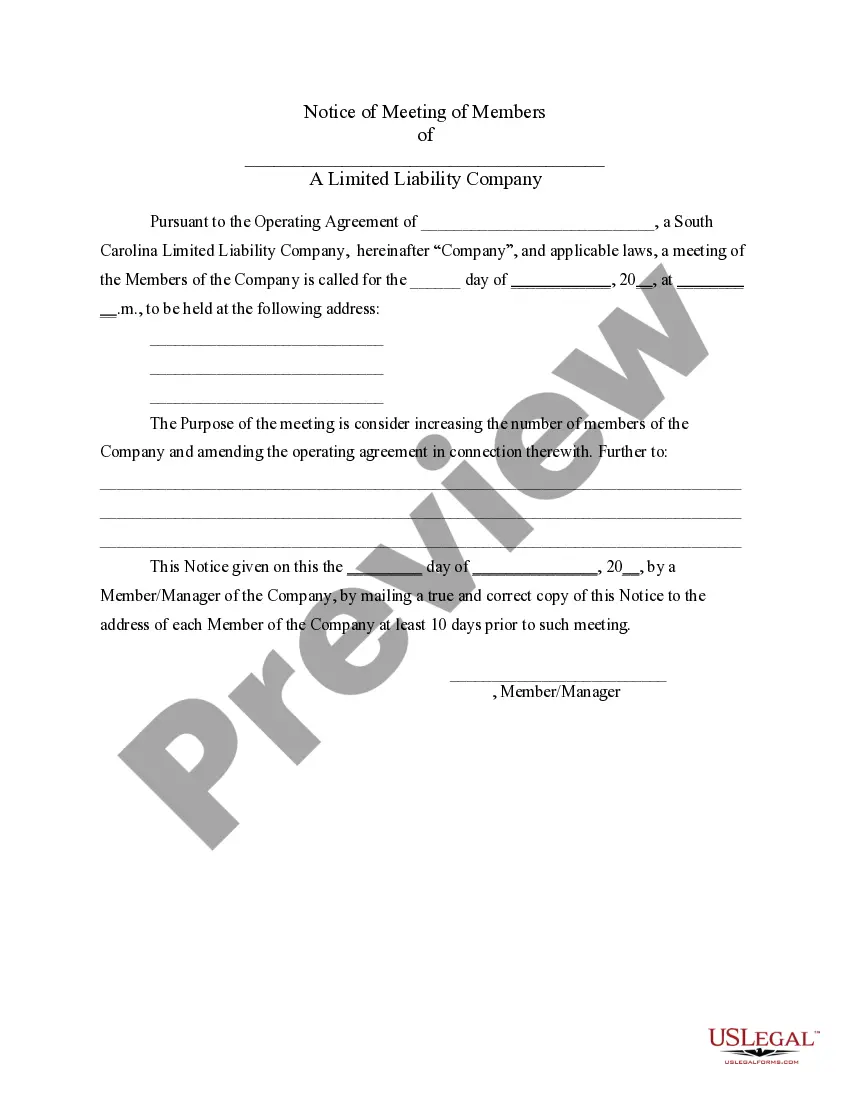
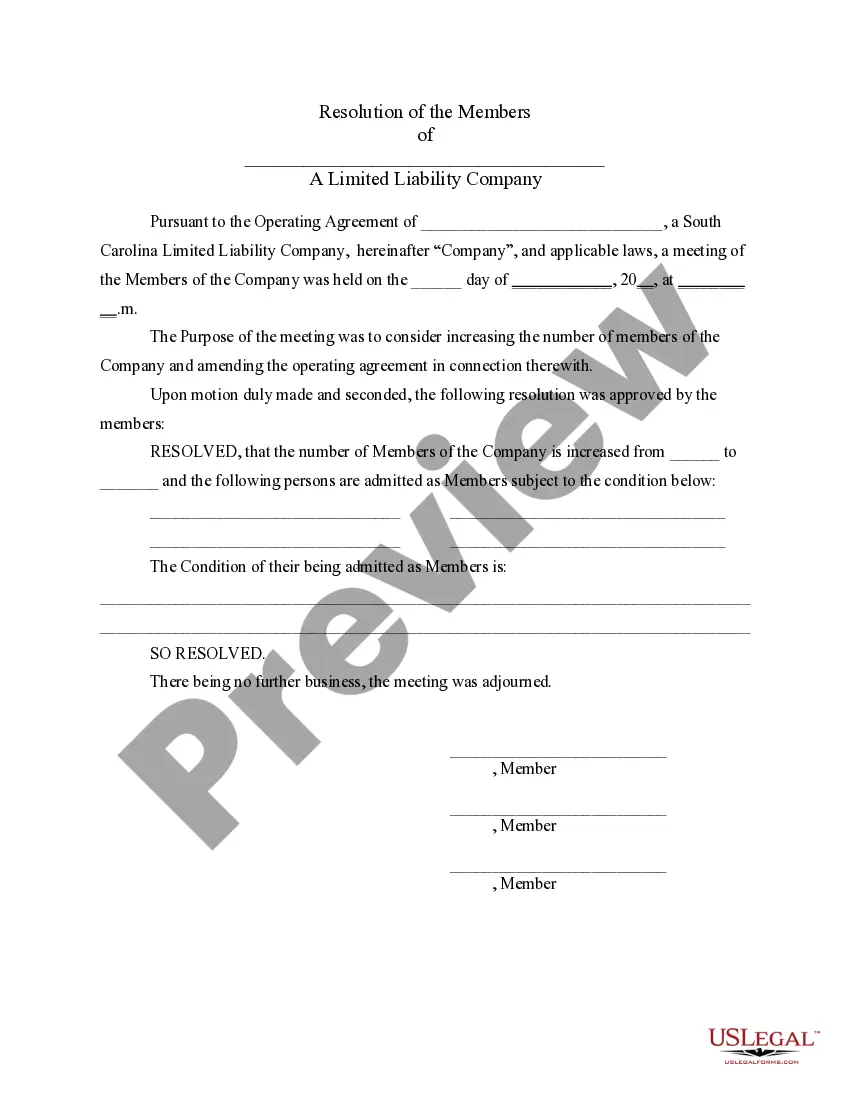
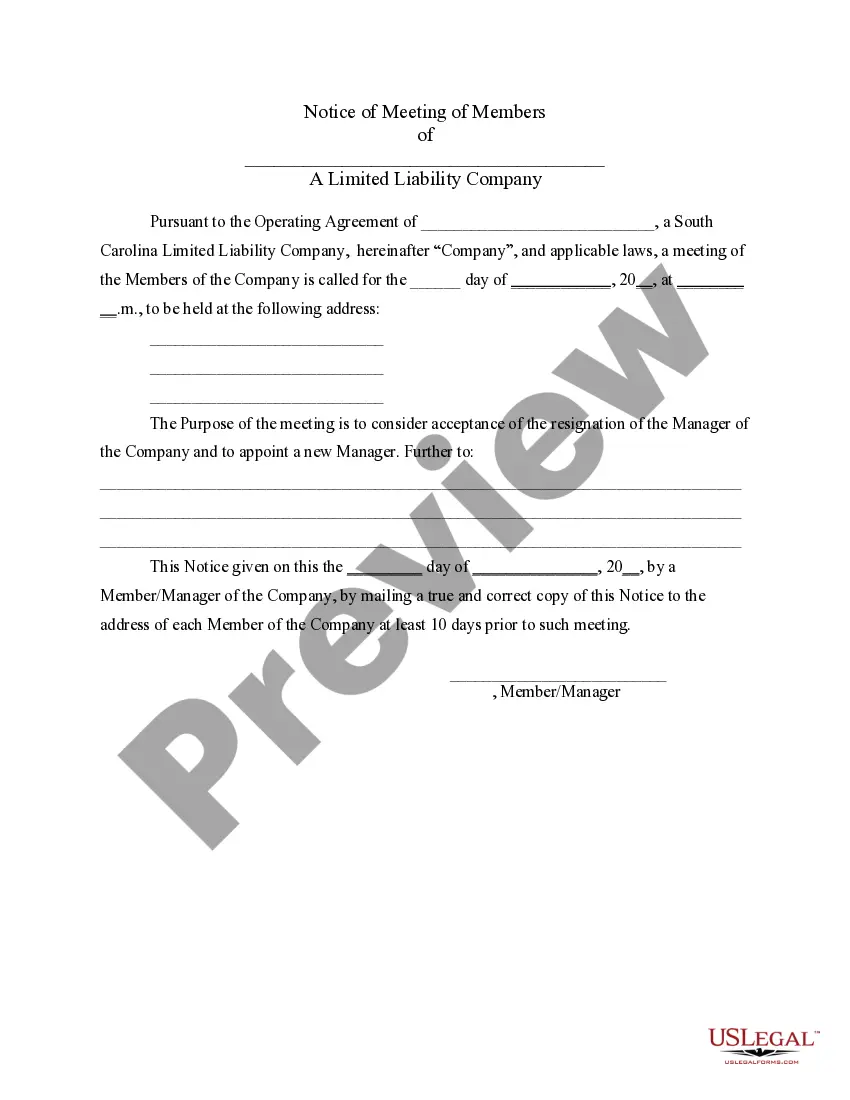
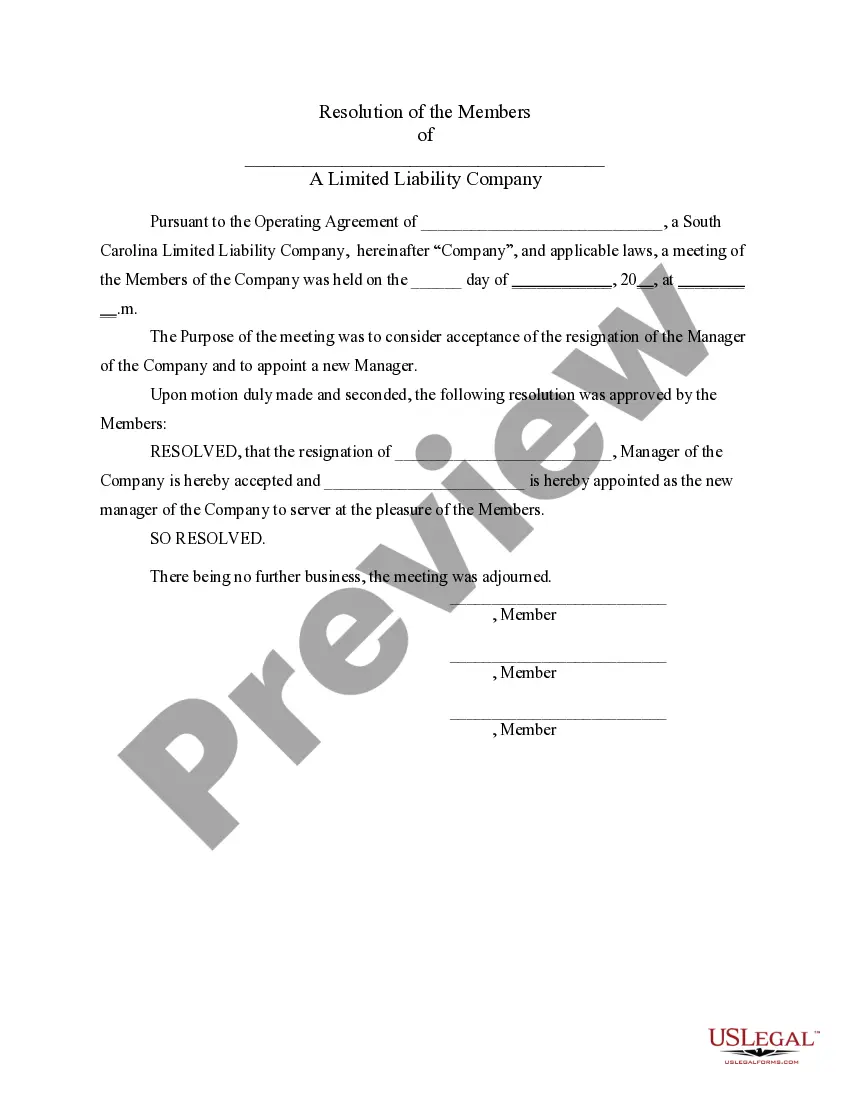
How to fill out South Carolina LLC Notices, Resolutions And Other Operations Forms Package?
Creating legal documents from the ground up can frequently be intimidating.
Certain situations may require extensive research and significant financial investment.
If you’re seeking a simpler and more cost-effective method for preparing South Carolina LLC Filing Requirements or other forms without unnecessary complications, US Legal Forms is always available to assist you.
Our online catalog consists of over 85,000 current legal documents that encompass nearly every facet of your financial, legal, and personal matters.
Examine the document preview and descriptions to confirm that you have located the form you need. Ensure that the template you choose adheres to the regulations and laws of your state and county. Select the appropriate subscription option to acquire the South Carolina LLC Filing Requirements. Download the form, then complete, certify, and print it. US Legal Forms has an excellent reputation and boasts over 25 years of expertise. Join us today and simplify the form execution process!
- With just a few clicks, you can quickly obtain state- and county-specific templates carefully assembled for you by our legal experts.
- Utilize our platform whenever you require trustworthy and dependable services to swiftly find and download the South Carolina LLC Filing Requirements.
- If you’re a returning user and have previously created an account with us, simply Log In to your account, choose the template, and download it or re-download it anytime in the My documents section.
- Not yet registered? No problem. It takes minimal time to sign up and explore the library.
- But before jumping straight to downloading the South Carolina LLC Filing Requirements, keep these pointers in mind.
Form popularity
FAQ
File Your South Carolina LLC Articles of Organization Submit Your LLC's Official Name. Reserve Your Business Name. Include Your LLC's Mailing Address. Provide the Name and Address of Your Registered Agent. List the Name and Address of Your Business's Organizer. Indicate How Long You Want Your LLC to Last.
South Carolina does not require LLCs to file an annual report. Taxes. For complete details on state taxes for South Carolina LLCs, visit Business Owner's Toolkit or the State of South Carolina . Federal tax identification number (EIN).
You must file Form SC1040 with the Secretary of State to pay your default LLC tax filings. LLCs taxed as S-corps file Form SC-1120s, while LLCs with C-corp status file Form SC1120. C-corp LLCs pay the state's low corporate income tax of 5%.
South Carolina Annual Report FAQ Yes! All businesses that are taxed as an S or C corporation must include an initial report (Form CL-1) along with their Articles of Formation, Articles of Organization, or Certificate of Authority to Transact Business in South Carolina.
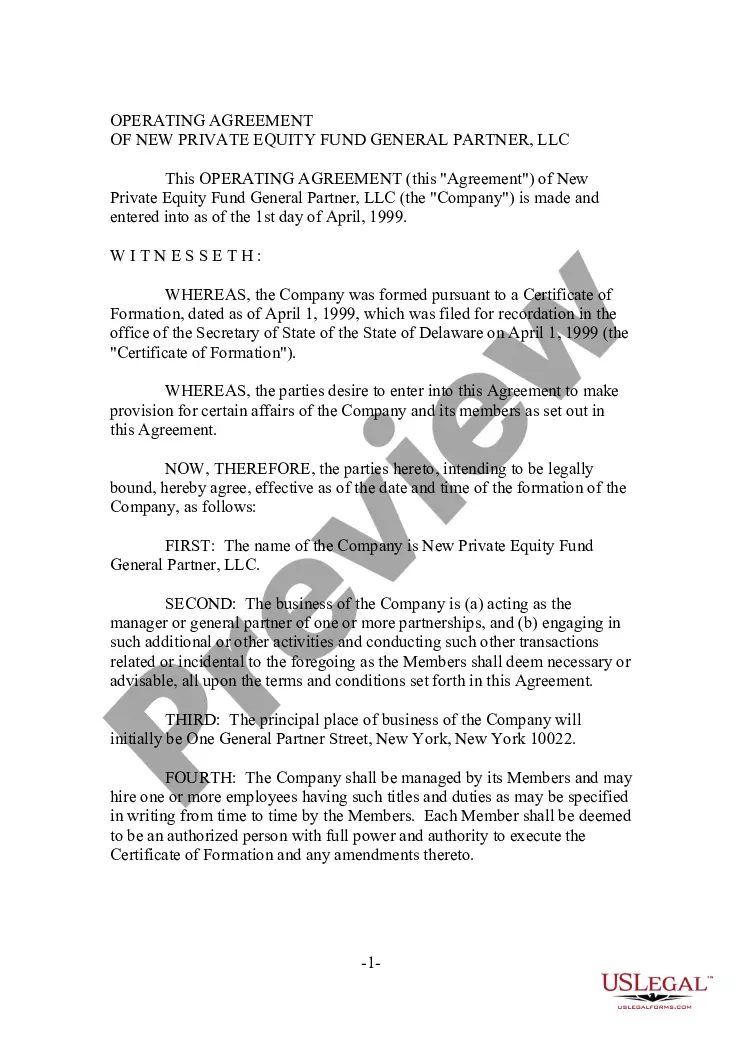
But while it's not legally required in South Carolina to conduct business, we strongly recommend having an Operating Agreement for your LLC. (It doesn't matter whether you have one or more Members in the company, a written Operating Agreement is an essential internal document.)