New York Employment Form For Title
Description
Get your form ready online
Our built-in tools help you complete, sign, share, and store your documents in one place.
Make edits, fill in missing information, and update formatting in US Legal Forms—just like you would in MS Word.
Download a copy, print it, send it by email, or mail it via USPS—whatever works best for your next step.
Sign and collect signatures with our SignNow integration. Send to multiple recipients, set reminders, and more. Go Premium to unlock E-Sign.
If this form requires notarization, complete it online through a secure video call—no need to meet a notary in person or wait for an appointment.
We protect your documents and personal data by following strict security and privacy standards.

Make edits, fill in missing information, and update formatting in US Legal Forms—just like you would in MS Word.

Download a copy, print it, send it by email, or mail it via USPS—whatever works best for your next step.

Sign and collect signatures with our SignNow integration. Send to multiple recipients, set reminders, and more. Go Premium to unlock E-Sign.

If this form requires notarization, complete it online through a secure video call—no need to meet a notary in person or wait for an appointment.

We protect your documents and personal data by following strict security and privacy standards.
Looking for another form?









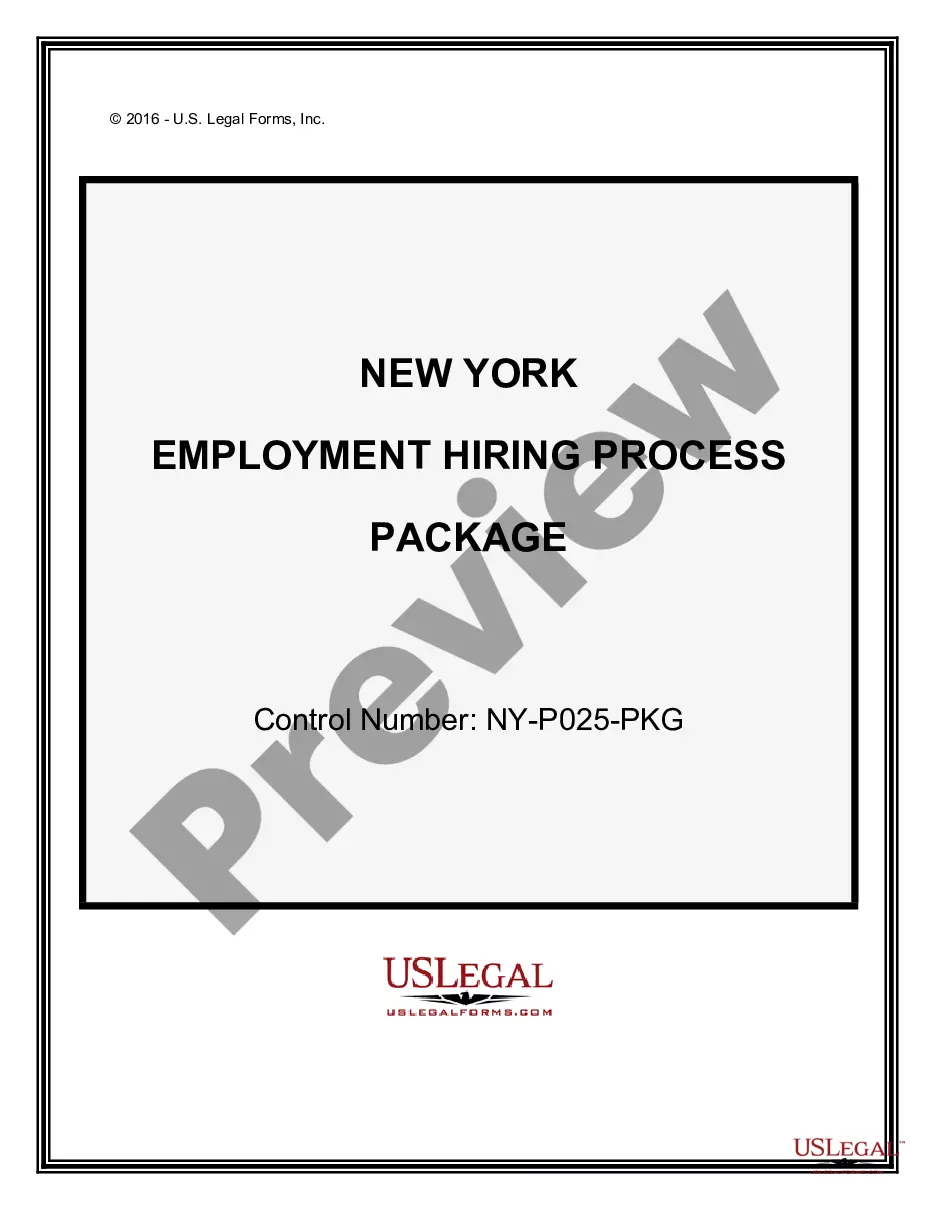
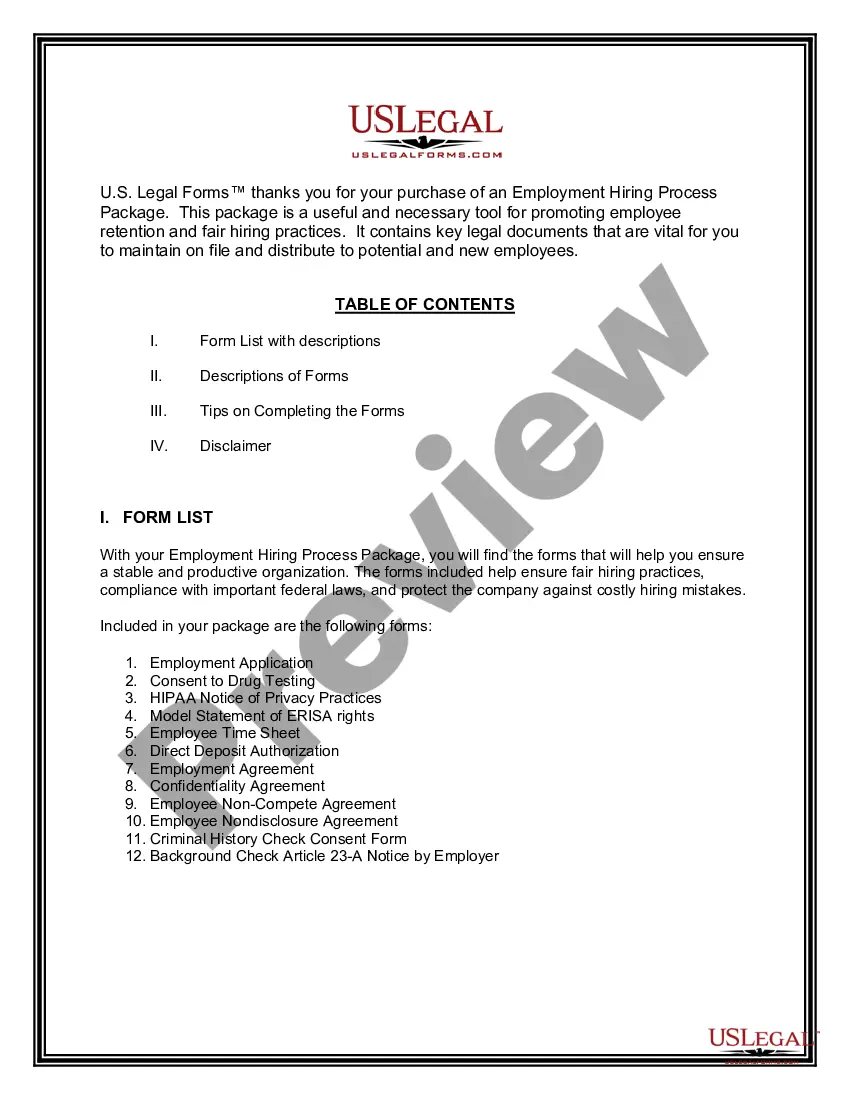
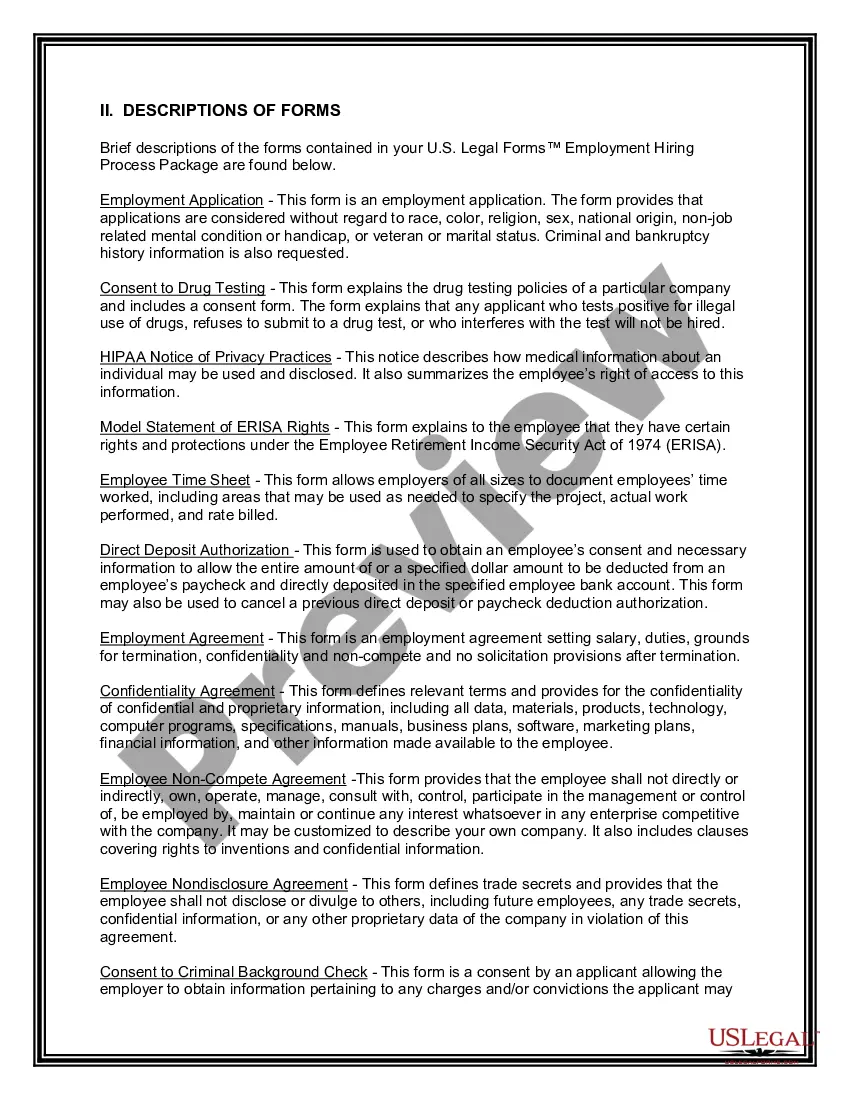
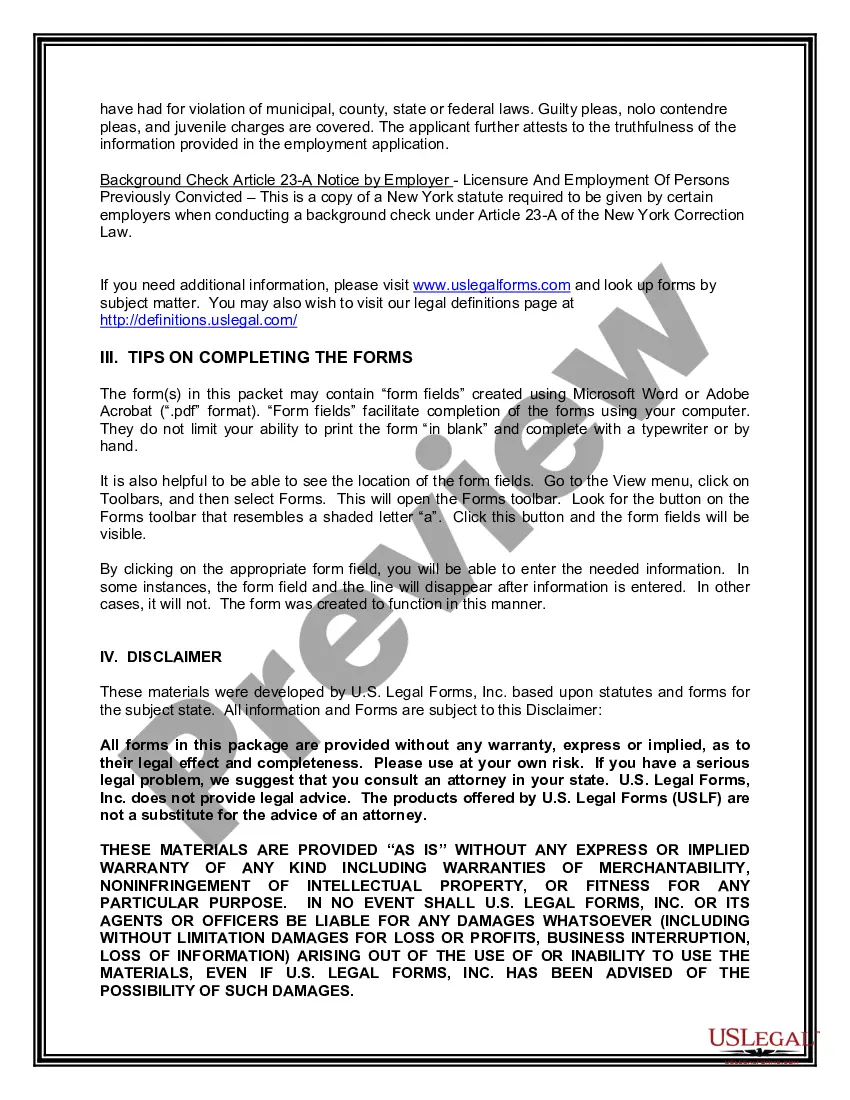
How to fill out New York Employment Hiring Process Package?
Regardless of whether it's for corporate intentions or personal matters, everyone must handle legal circumstances at some point in their lives.
Completing legal documents requires meticulous focus, starting with selecting the correct form template. For instance, if you select an incorrect version of the New York Employment Form For Title, it will be declined upon submission. Thus, it is essential to have a dependable source for legal documents such as US Legal Forms.
Once downloaded, you can fill out the form using editing software or print it and complete it by hand. With a comprehensive US Legal Forms catalog available, you don't need to waste time searching for the correct template across the web. Use the library’s user-friendly navigation to find the suitable form for any situation.
- Obtain the template you need via the search bar or catalog browsing.
- Review the form’s description to ensure it aligns with your situation, state, and county.
- Click on the form’s preview to view it.
- If it is not the correct form, return to the search feature to locate the New York Employment Form For Title template you need.
- Download the file once it fulfills your requirements.
- If you possess a US Legal Forms account, simply click Log in to access previously saved templates in My documents.
- If you have yet to create an account, you can obtain the form by clicking Buy now.
- Select the appropriate pricing option.
- Complete the profile registration form.
- Choose your payment method: utilize a credit card or PayPal account.
- Select the document format you desire and download the New York Employment Form For Title.
Form popularity
FAQ
A title for employment refers to the designation assigned to a job position, indicating the role and responsibilities of the employee. It helps clarify an employee's function within an organization and can influence salary and career progression. When filling out a New York employment form for title, it is essential to accurately reflect your official job title to avoid any confusion.
To fill out an employment agreement form, read through the entire document to understand your obligations and rights. Carefully input all required information, including job title, compensation, and work schedule. Using a New York employment form for title can help ensure you cover essential clauses and comply with local laws.
When starting a new job, you typically need to provide identification, tax forms, and any relevant certifications. Additionally, you may need to fill out a New York employment form for title, which verifies your eligibility for employment. Check with your employer to confirm any specific documents they require.
Filling out an employment form requires careful attention to detail. Begin by reviewing the entire form to understand the sections you need to complete. When using a New York employment form for title, ensure you provide clear and concise responses to each question, and double-check your information for accuracy before submitting.
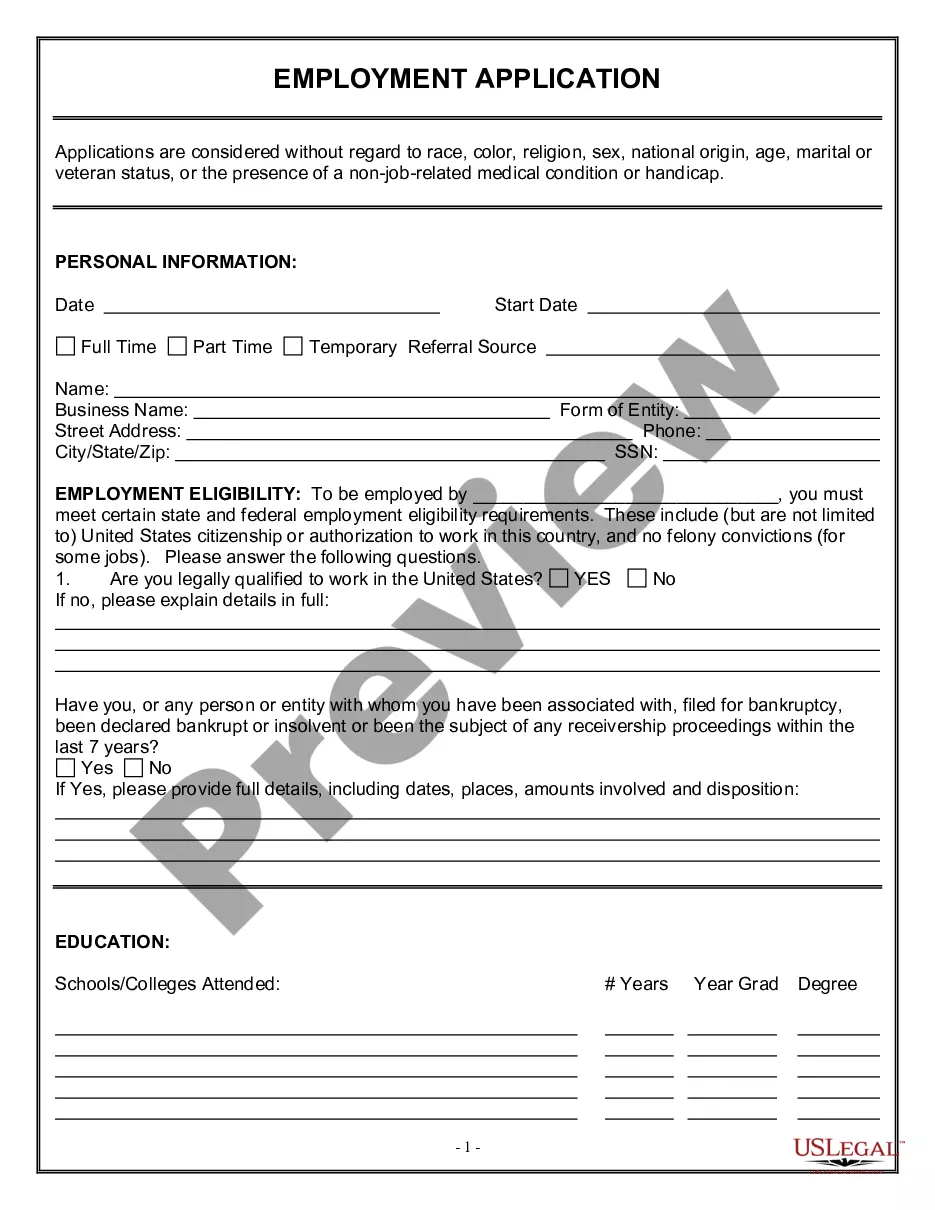
To fill out the employment application form, start by gathering all necessary information, such as your personal details, work history, and references. Make sure to follow the instructions carefully, and provide accurate information that reflects your skills and experience. Utilizing a New York employment form for title can streamline this process, ensuring you include all relevant details.
A title only vehicle is a vehicle not previously registered in California, for which a California title only, without registration, was issued.
To apply for a registration and title, use form MV-82. Use to register vehicles, renew vehicle registration, amend or request duplicate vehicle registration. Be sure to download form MV-82.1, found below. You can renew your registration or order a replacement registration online.
The person who is the owner of the vehicle must complete the seller sections on the back of the certificate. The owner must sign the title certificate as the seller. The settlor must complete the odometer and damage disclosure statement on the back of the title certificate.
Use the form Vehicle Registration/Title Application (PDF) (MV-82), available at any motor vehicle office, by request from a DMV Call Center or by download from the DMV internet site. You must pay the registration and license plate fees, any appropriate sales tax, and the fee for a title certificate $50.00.
Most often, you automatically apply for a Certificate of Title when you first register your motor vehicle or motorboat. Use the form Vehicle Registration/Title Application (PDF) (MV-82), available at any motor vehicle office, by request from a DMV Call Center or by download from the DMV internet site.