New York Corporation And Business Entity Database
Description
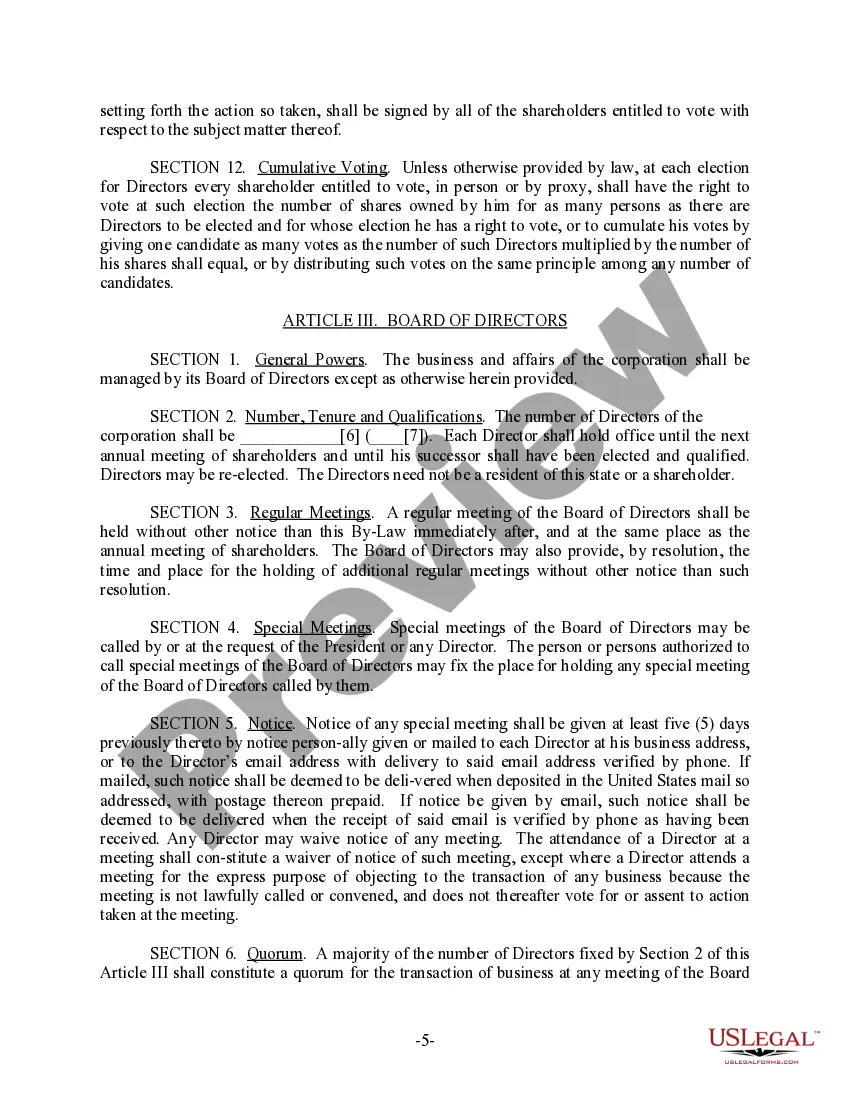
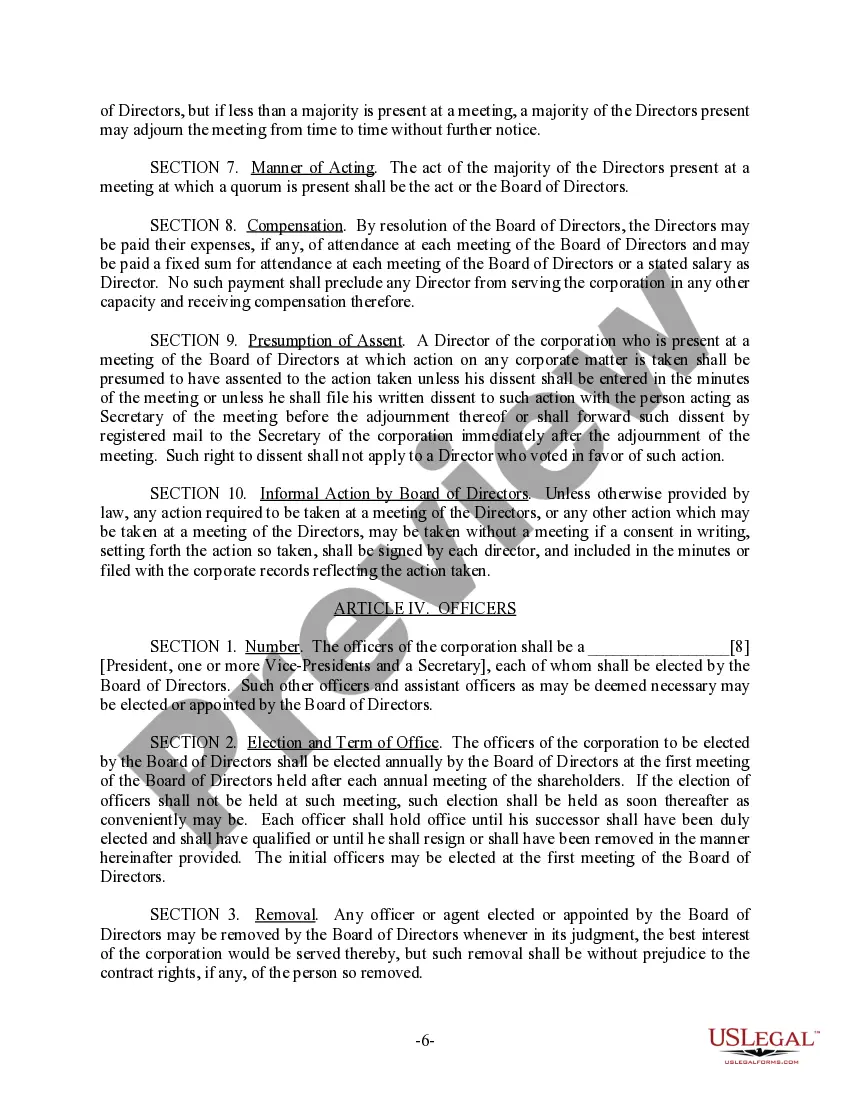
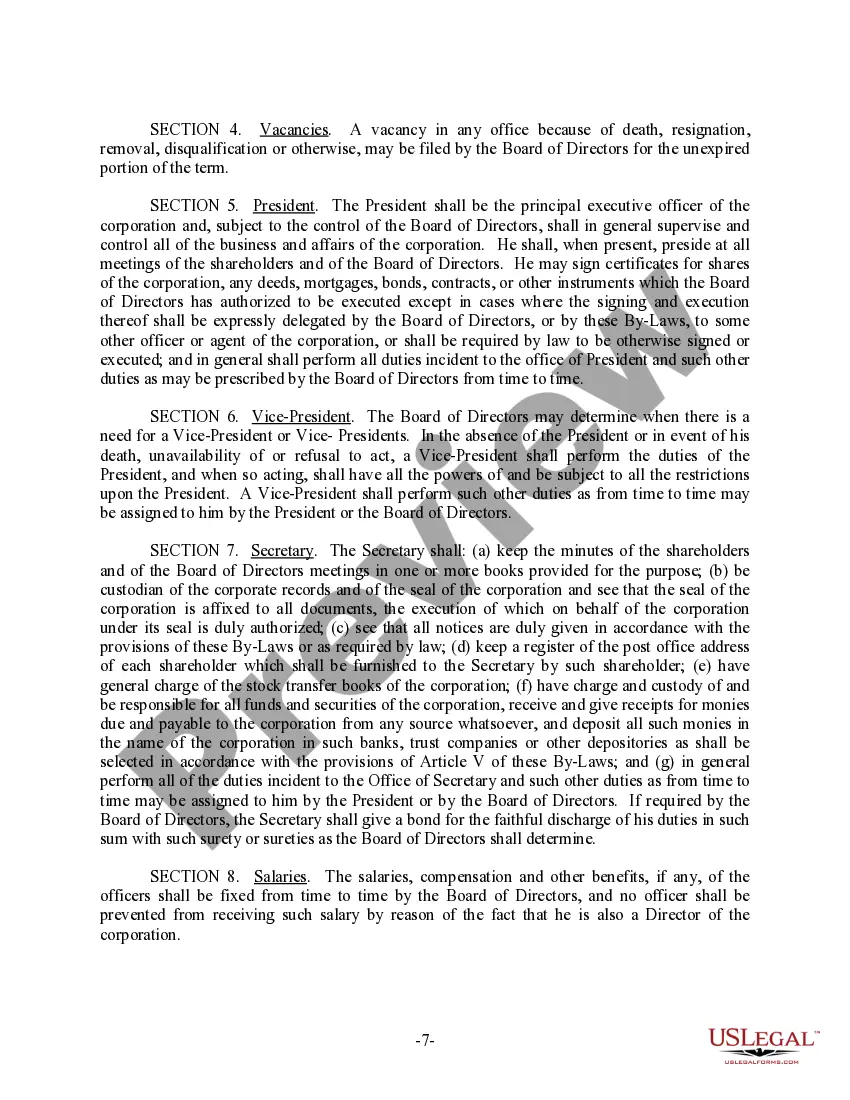
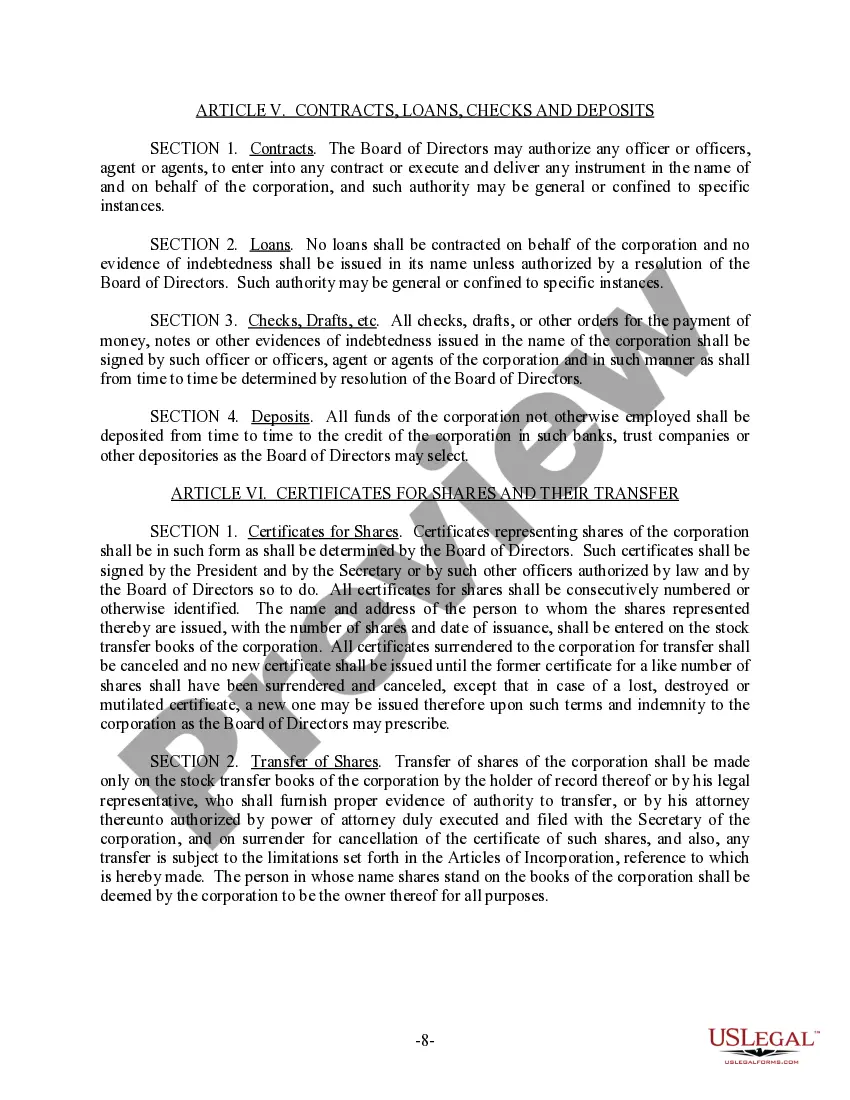

Get your form ready online
Our built-in tools help you complete, sign, share, and store your documents in one place.
Make edits, fill in missing information, and update formatting in US Legal Forms—just like you would in MS Word.
Download a copy, print it, send it by email, or mail it via USPS—whatever works best for your next step.
Sign and collect signatures with our SignNow integration. Send to multiple recipients, set reminders, and more. Go Premium to unlock E-Sign.
If this form requires notarization, complete it online through a secure video call—no need to meet a notary in person or wait for an appointment.
We protect your documents and personal data by following strict security and privacy standards.

Make edits, fill in missing information, and update formatting in US Legal Forms—just like you would in MS Word.

Download a copy, print it, send it by email, or mail it via USPS—whatever works best for your next step.

Sign and collect signatures with our SignNow integration. Send to multiple recipients, set reminders, and more. Go Premium to unlock E-Sign.

If this form requires notarization, complete it online through a secure video call—no need to meet a notary in person or wait for an appointment.

We protect your documents and personal data by following strict security and privacy standards.
Looking for another form?

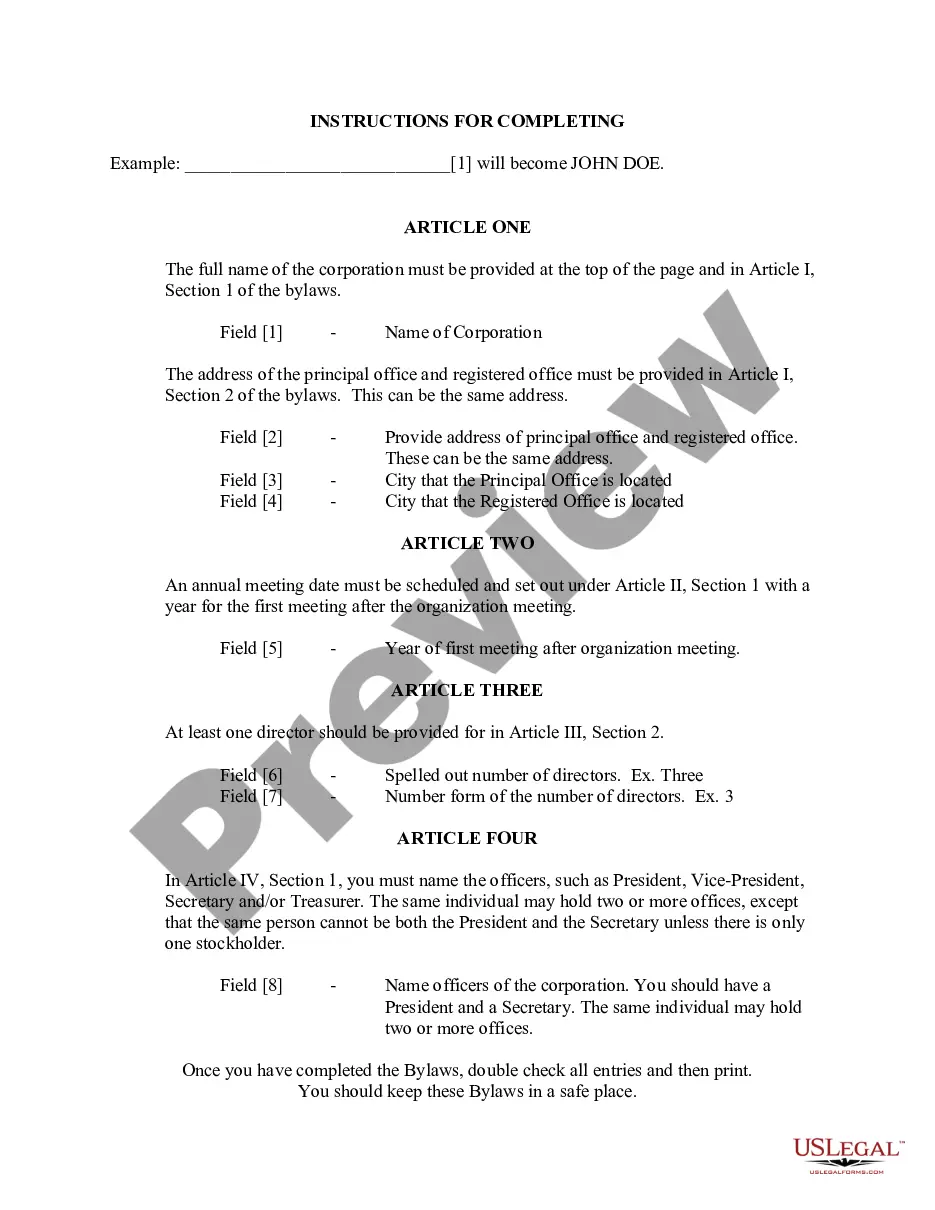
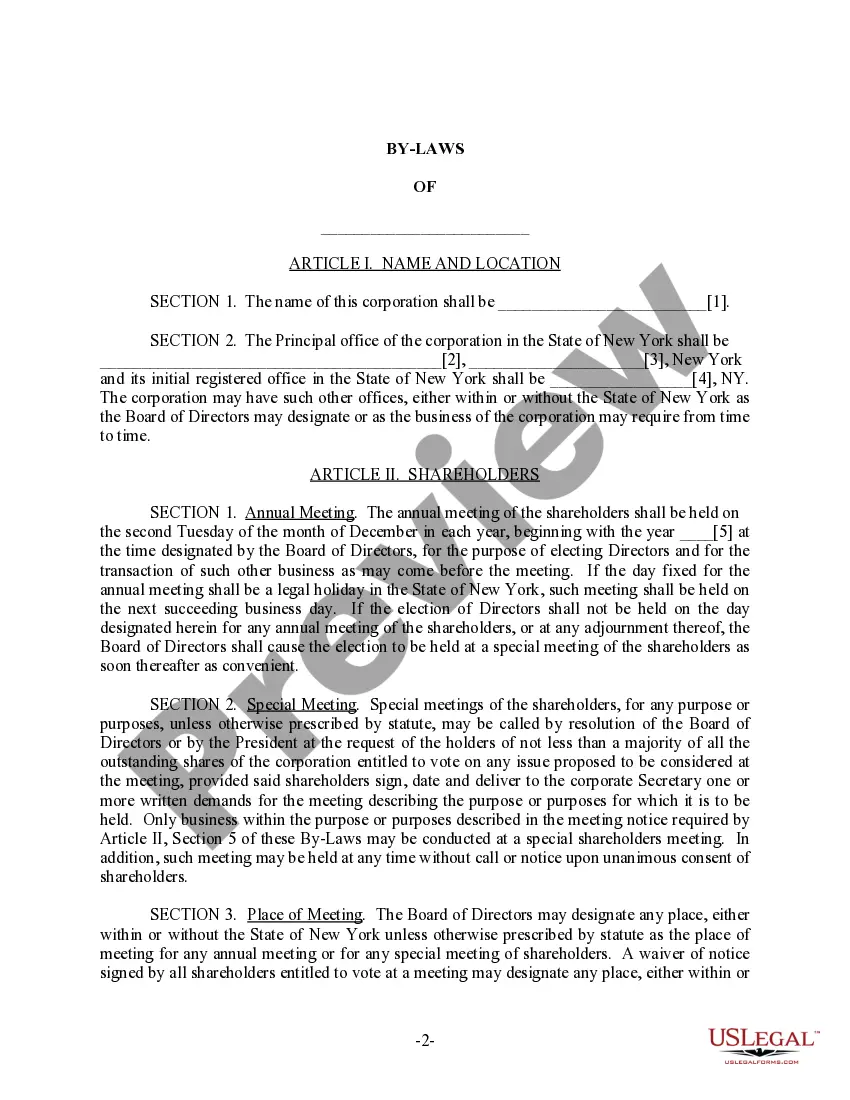
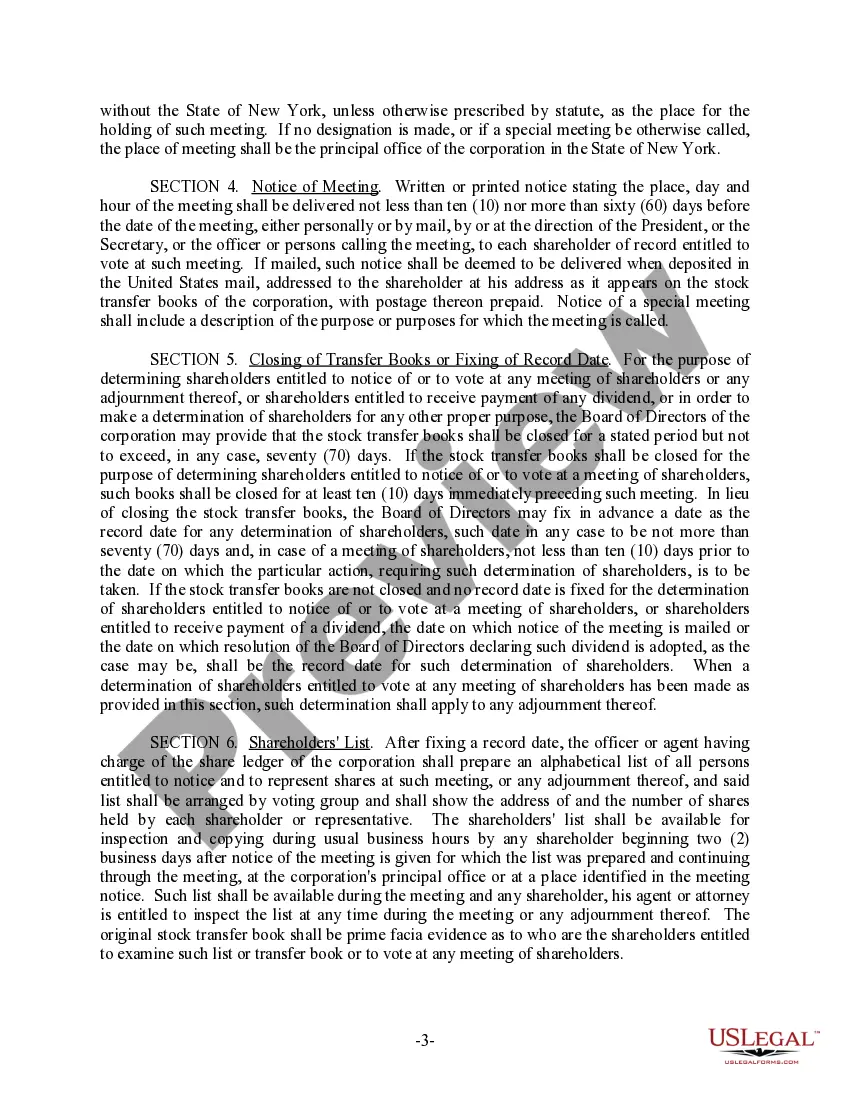
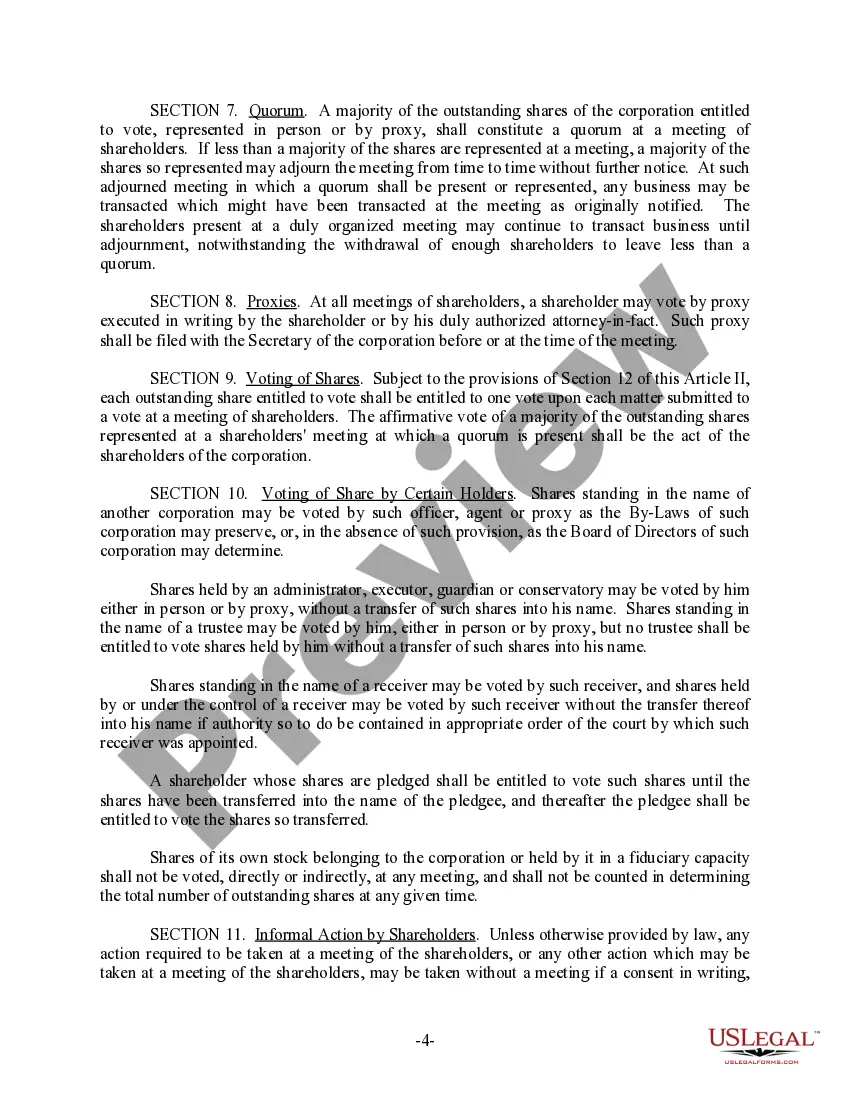
How to fill out New York Bylaws For Corporation?
Whether for professional needs or personal matters, everyone must handle legal situations at some stage in their life.
Completing legal documents requires meticulous attention, starting with selecting the correct form template.
With an extensive US Legal Forms library available, you never have to waste time searching for the correct template online. Utilize the library’s user-friendly navigation to find the suitable form for any circumstance.
- For instance, if you choose an incorrect version of a New York Corporation And Business Entity Database, it will be rejected once submitted.
- Thus, it is crucial to find a reliable source of legal documents like US Legal Forms.
- If you need to acquire a New York Corporation And Business Entity Database template, follow these straightforward steps.
- Locate the template you require by using the search bar or catalog browsing.
- Review the form’s details to ensure it aligns with your case, state, and county.
- Click on the form’s preview to examine it.
- If it is the wrong document, return to the search feature to find the New York Corporation And Business Entity Database sample you need.
- Download the document when it satisfies your needs.
- If you have a US Legal Forms account, just click Log in to access previously saved documents in My documents.
- If you do not have an account yet, you can acquire the form by clicking Buy now.
- Select the appropriate pricing option.
- Fill out the account registration form.
- Choose your payment method: either use a credit card or PayPal account.
- Select the document format you desire and download the New York Corporation And Business Entity Database.
- Once it is saved, you can complete the form using editing software or print it and finish it manually.
Form popularity
FAQ
To determine whether the name you want to use is available, visit the New York Department of State's Corporation and Business Entity Database and conduct a search.
Although actual requirements can vary depending on the state, they typically involve the following: Select a state of incorporation. ... Choose a business name. ... File incorporation paperwork. ... Appoint a registered agent. ... Prepare corporate bylaws. ... Draft a shareholders' agreement. ... Hold the first board meeting. ... Get an EIN.
To ensure that your DBA name is available, you can conduct a name search using the Department of State Division of Corporations, State Records, and UCC Database. It is also a good idea to check for any state or federal trademarks.
If you fail to file your New York biennial statement, you won't be charged any late fees and New York will not administratively dissolve your LLC. Instead, the New York Department of State will change your LLC's status to ?past due,? meaning you'll lose your good standing.
How much does a DBA filing cost in New York? For sole proprietors, the filing fee for a DBA in New York is $100. Certified copies of the business certificate are an additional $10 each. Sole proprietors file a DBA with the county clerk they plan on doing business with.