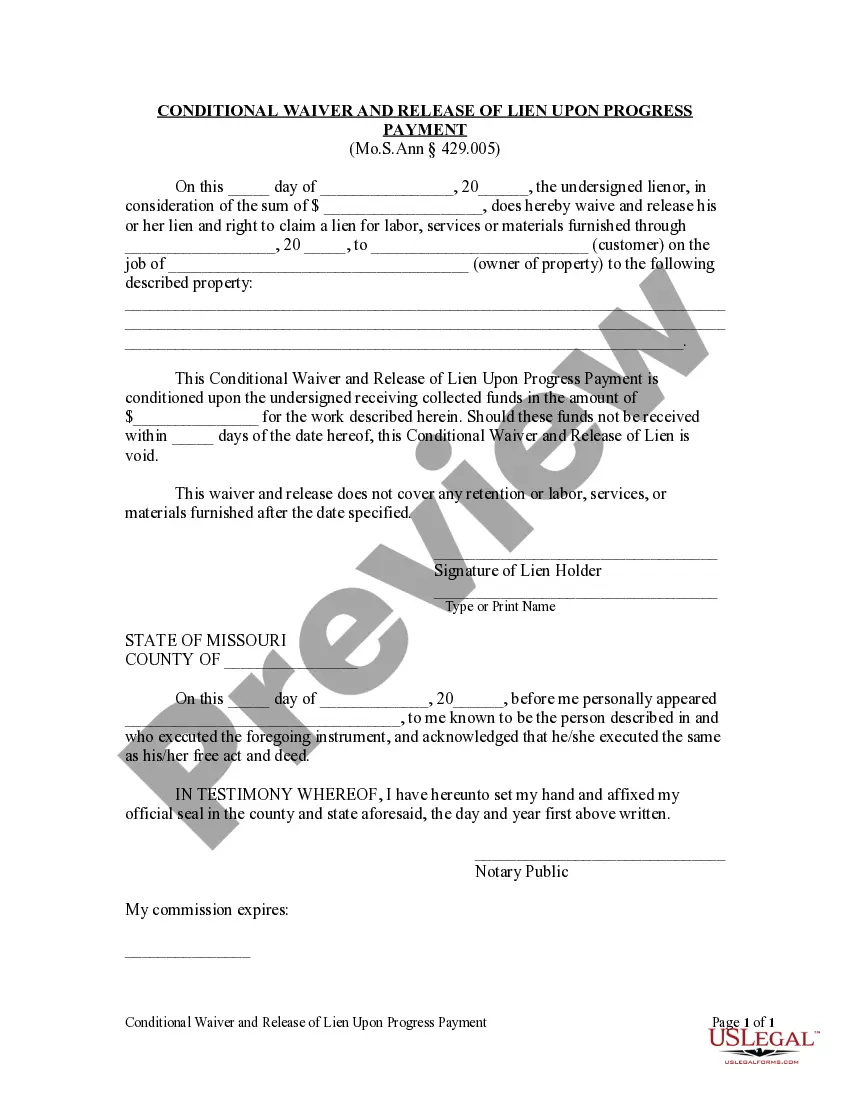
Conditional Lien Waiver Example
Description
Get your form ready online
Our built-in tools help you complete, sign, share, and store your documents in one place.
Make edits, fill in missing information, and update formatting in US Legal Forms—just like you would in MS Word.
Download a copy, print it, send it by email, or mail it via USPS—whatever works best for your next step.
Sign and collect signatures with our SignNow integration. Send to multiple recipients, set reminders, and more. Go Premium to unlock E-Sign.
If this form requires notarization, complete it online through a secure video call—no need to meet a notary in person or wait for an appointment.
We protect your documents and personal data by following strict security and privacy standards.

Make edits, fill in missing information, and update formatting in US Legal Forms—just like you would in MS Word.

Download a copy, print it, send it by email, or mail it via USPS—whatever works best for your next step.

Sign and collect signatures with our SignNow integration. Send to multiple recipients, set reminders, and more. Go Premium to unlock E-Sign.

If this form requires notarization, complete it online through a secure video call—no need to meet a notary in person or wait for an appointment.

We protect your documents and personal data by following strict security and privacy standards.
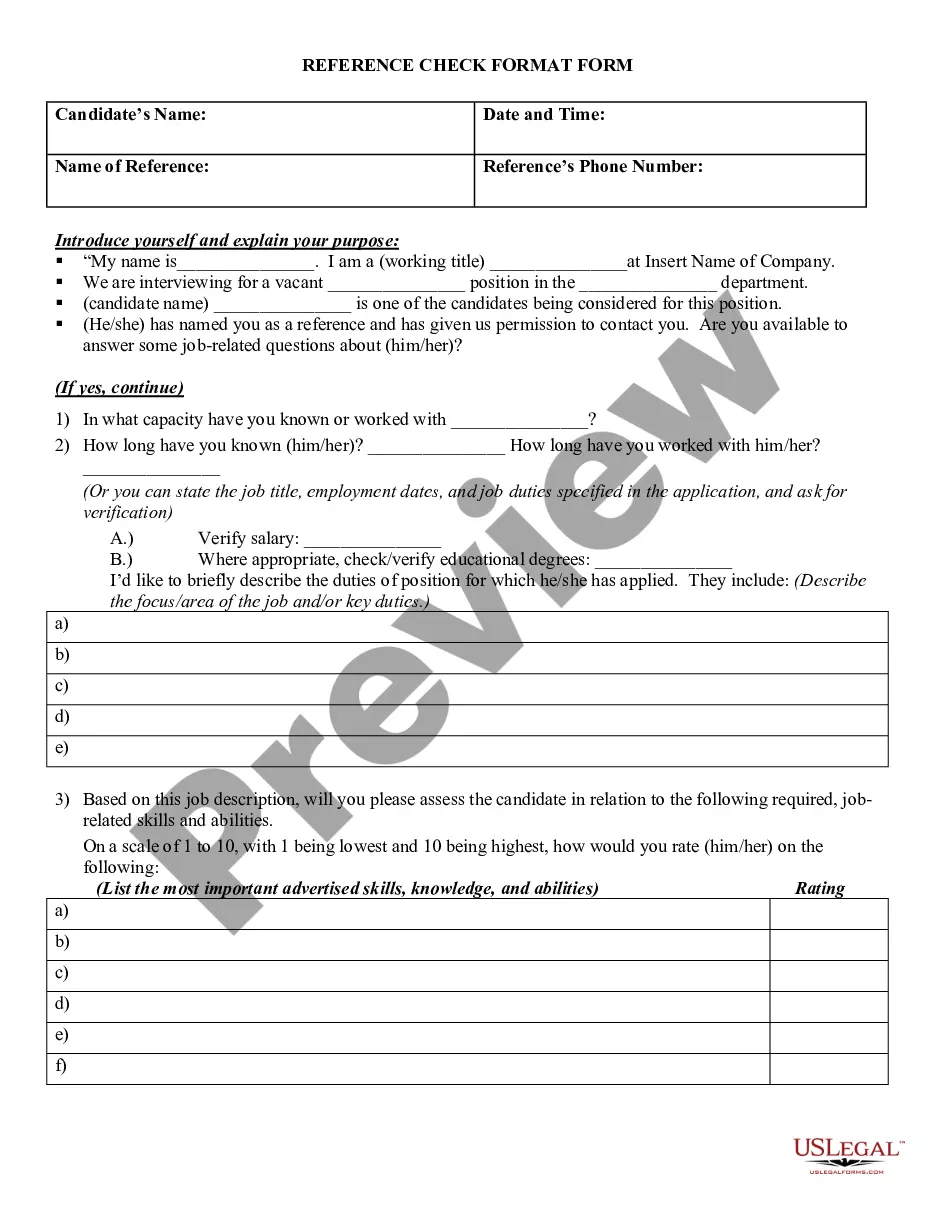
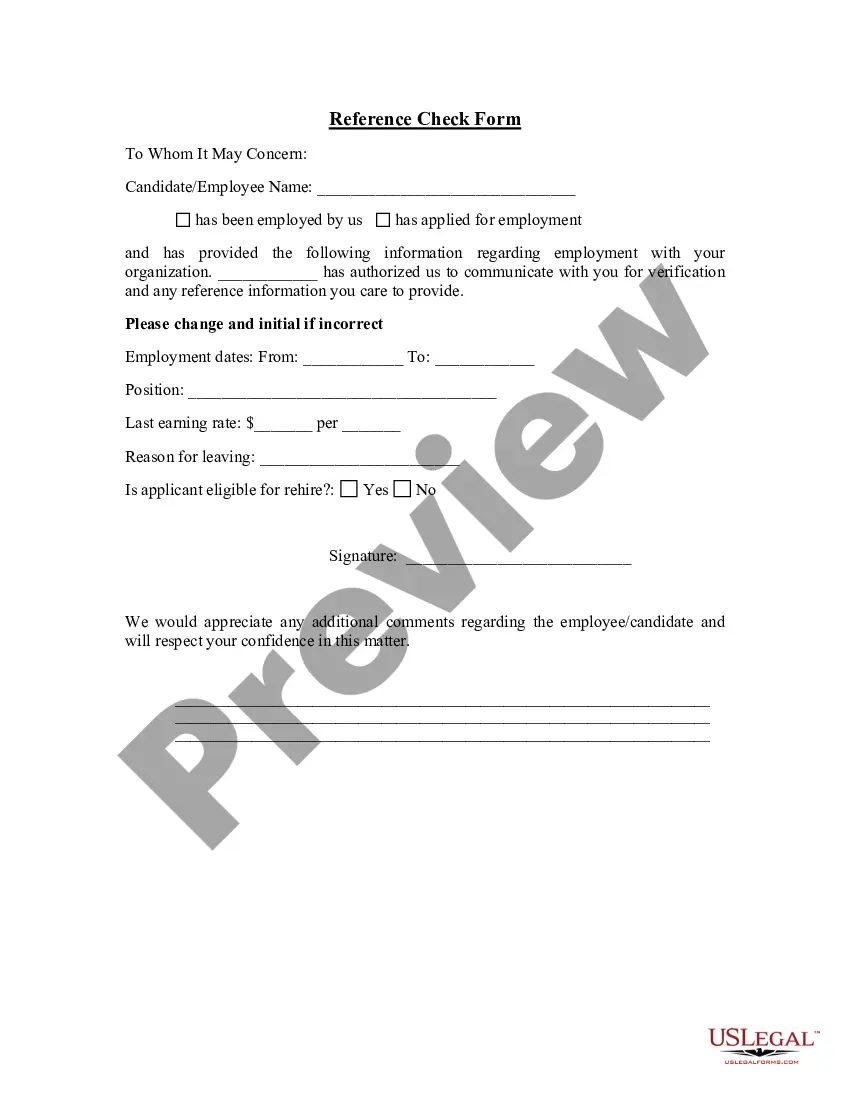
Looking for another form?
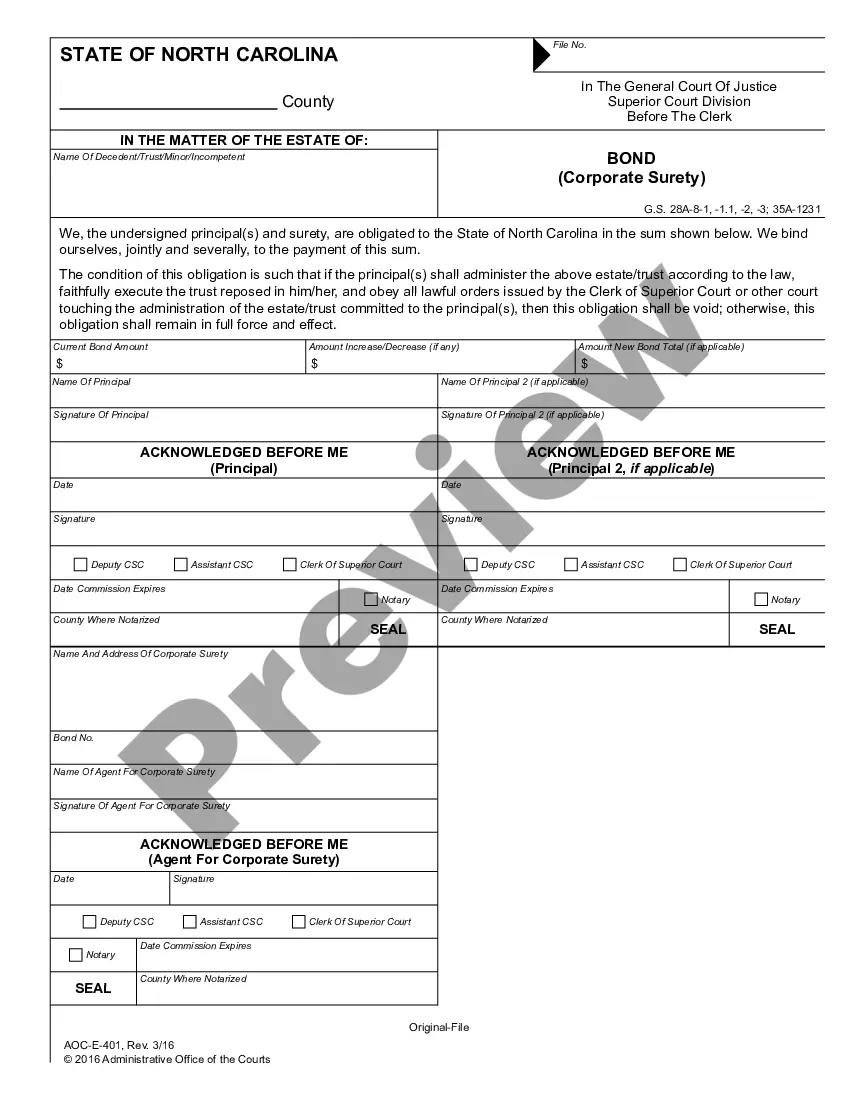
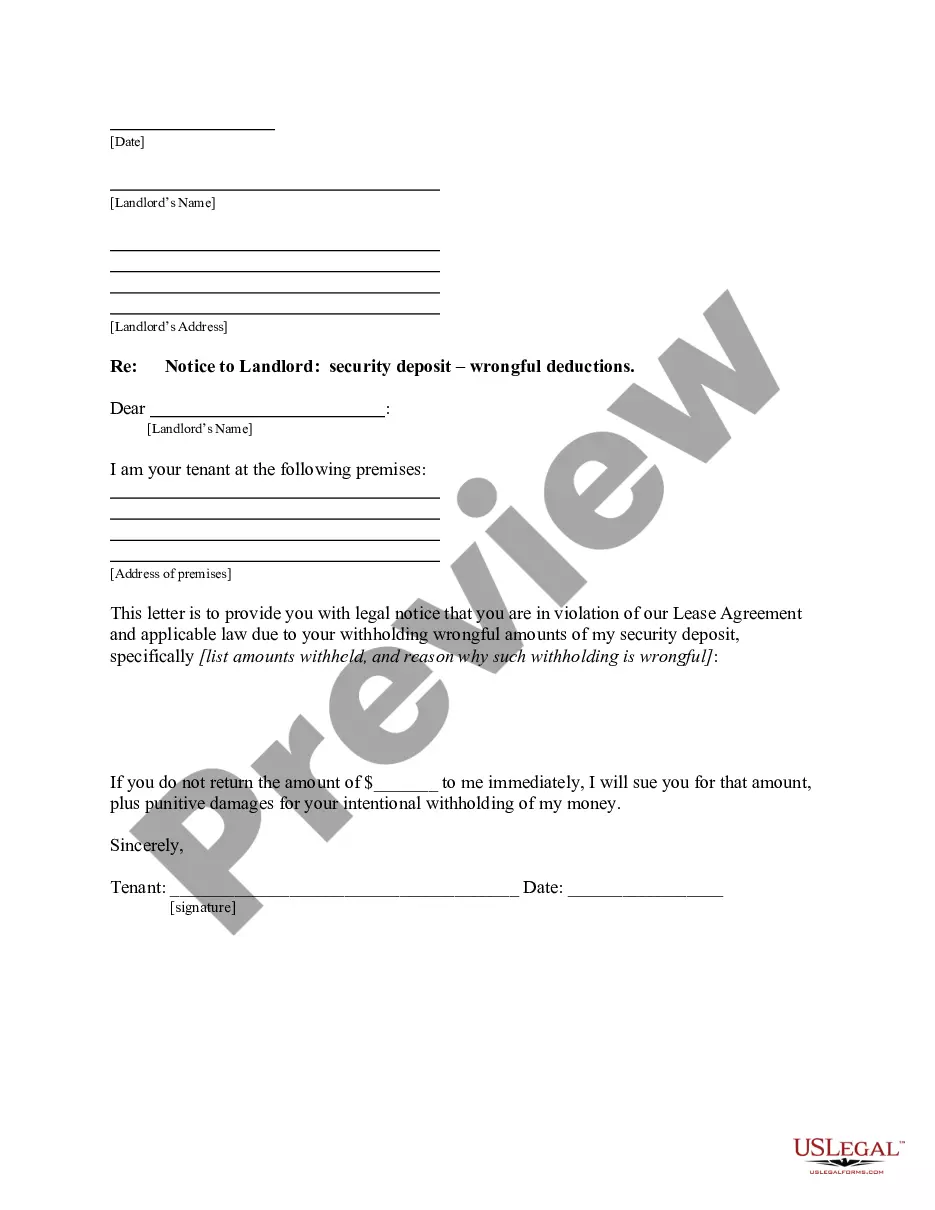
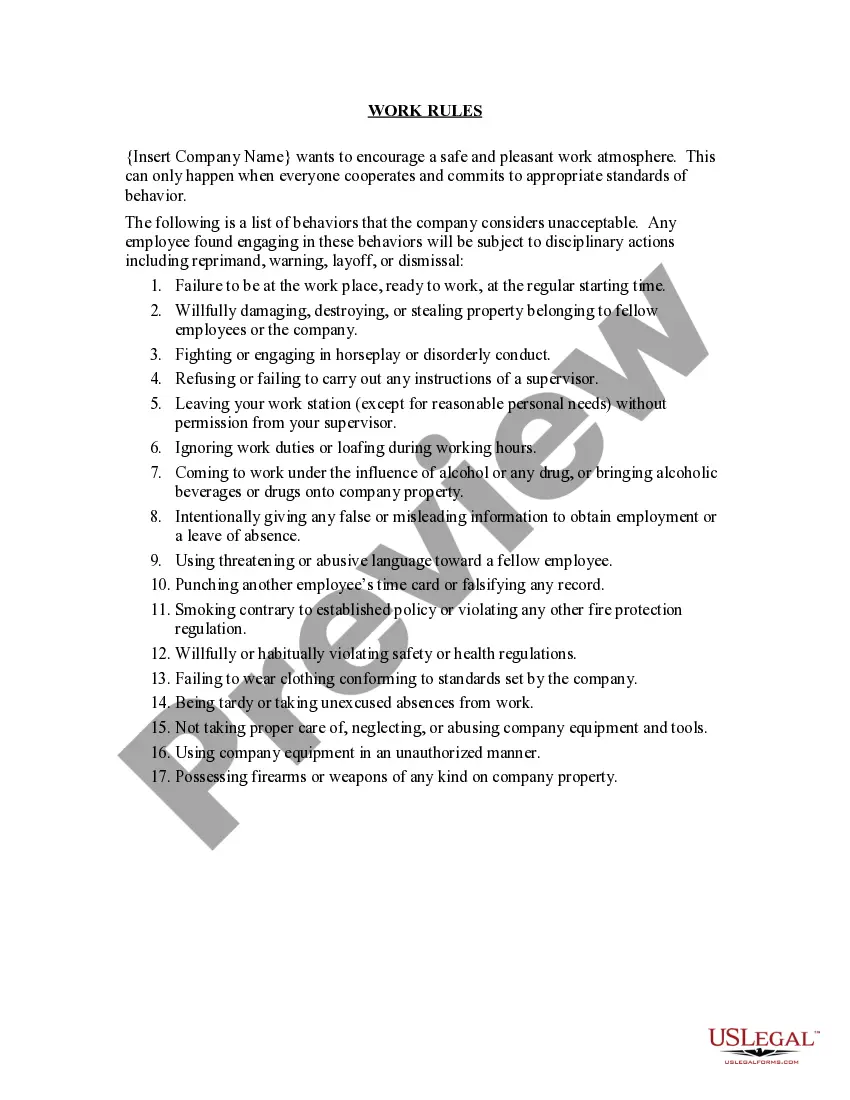
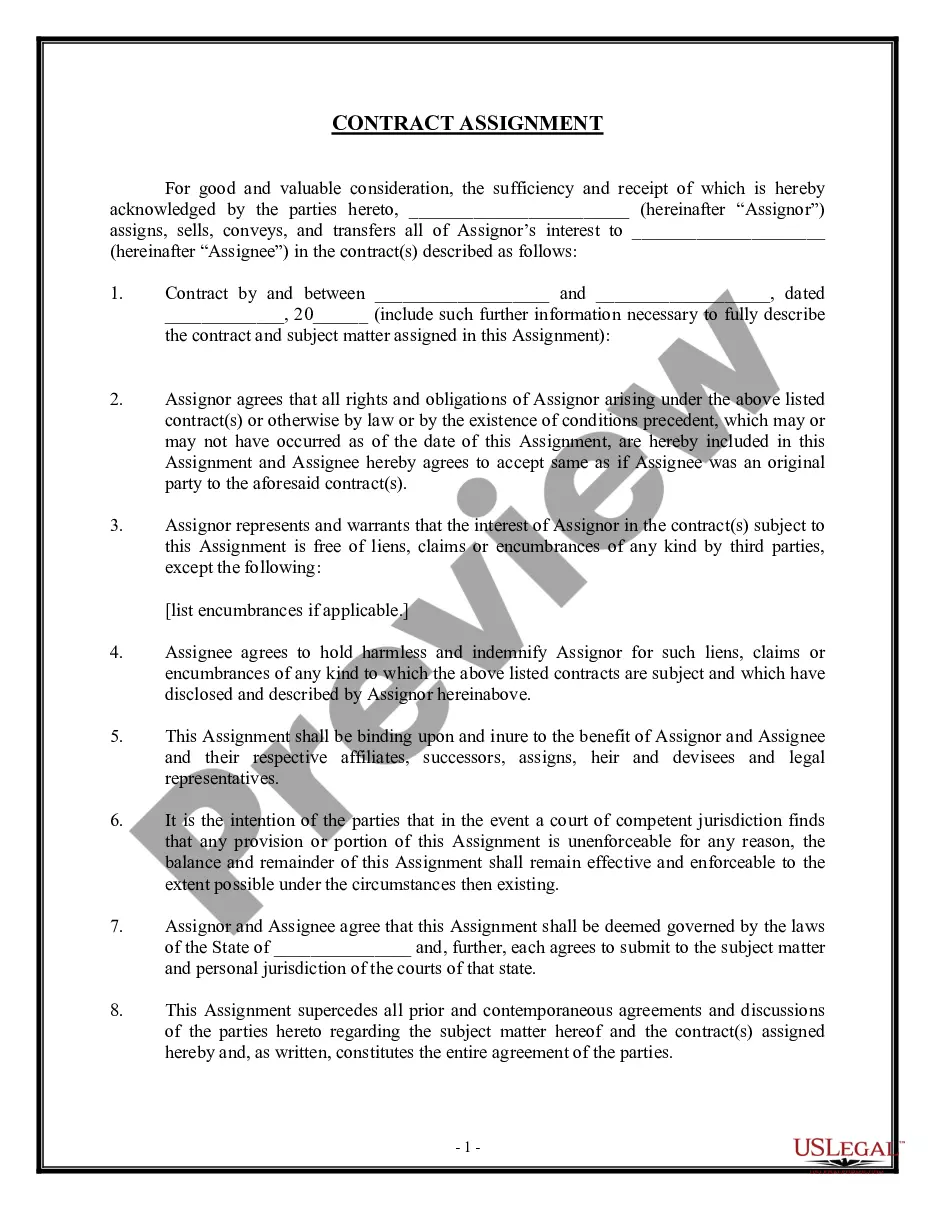
How to fill out Missouri Conditional Waiver And Release Of Lien Upon Progress Payment?
The Conditional Lien Waiver Sample you observe on this page is a reusable legal template created by experienced attorneys in accordance with federal and state regulations.
For over 25 years, US Legal Forms has offered individuals, businesses, and lawyers over 85,000 authenticated, state-specific forms for any commercial and personal circumstances. It’s the fastest, most direct, and most reliable method to acquire the documents you require, as the service assures the utmost level of data safety and anti-malware security.
Subscribe to US Legal Forms to have authenticated legal templates for all of life’s circumstances within your reach.
- Search for the document you need and examine it.
- Browse the sample you searched for and view it or review the form description to ensure it meets your needs. If it doesn’t, use the search bar to find the correct one. Click Buy Now once you have found the template you need.
- Subscribe and Log In.
- Select the pricing option that works for you and create an account. Use PayPal or a credit card for a quick transaction. If you already have an account, Log In and verify your subscription to continue.
- Obtain the editable template.
- Choose the format you prefer for your Conditional Lien Waiver Sample (PDF, DOCX, RTF) and download the document to your device.
- Complete and sign the document.
- Print the template to finish it by hand. Alternatively, use an online multifunctional PDF editor to quickly and accurately fill out and sign your form with a legally-binding electronic signature.
- Re-download your paperwork when necessary.
- Reuse the same document at any time needed. Navigate to the My documents tab in your profile to redownload any previously saved forms.
Form popularity
FAQ
Consolidated Court Automation Programs (CCAP) Steering Committee. CCAP is responsible for supporting the IT needs of the entire Wisconsin Court System.
NEF (Notice of Electronic Filing) is the e-mail notice that is automatically generated at the time a document is filed on ECF. The NEF constitutes service when e-mailed to the addresses of record in the case. The NEF provides an electronic link to the document to allow the recipient to view the document filed.
Wisconsin Court System Consolidated Court. Automation Programs (CCAP)
Purpose: Attorneys can withdraw from a case by eFiling a Motion and Order to Withdraw as Counsel. After the clerk of court processes the document and enters a withdrawn date on the case, the attorney receives an email notification confirming withdrawal.
How do I do this? A "discretionary change of venue" (Wisconsin Statute 801.52) changes "the venue to any county in the interest of justice or for the convenience of the parties or witnesses..." To seek this, you would first need to file a motion for change of venue in your current county.
The public may view all nonconfidential portions of a circuit court record in person, at the office of the clerk of court for the county where the case was filed, or may view certain portions of the circuit court record online via the Director of State Courts' public internet website.
The notice of limited appearance shall contain the following information: (a) The name and the party designation of the client. (b) The specific proceedings or issues within the scope of the limited representation. (c) A statement that the attorney will file a notice of termination upon completion of services.
The purpose of the notice of retainer is to indicate to the court who you are representing. The court may already know who you are representing, and can add you as the attorney of record for the appropriate party before you opt in.