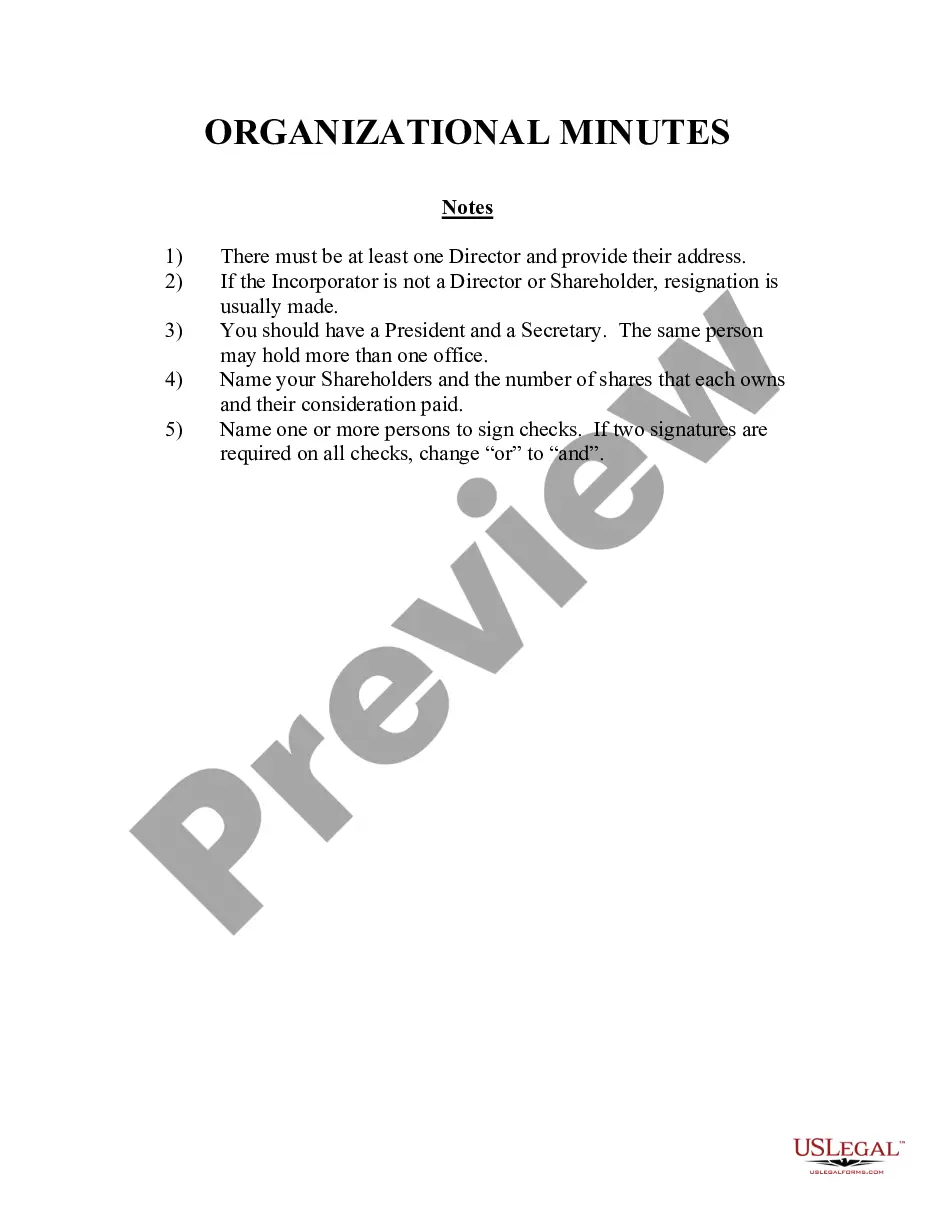
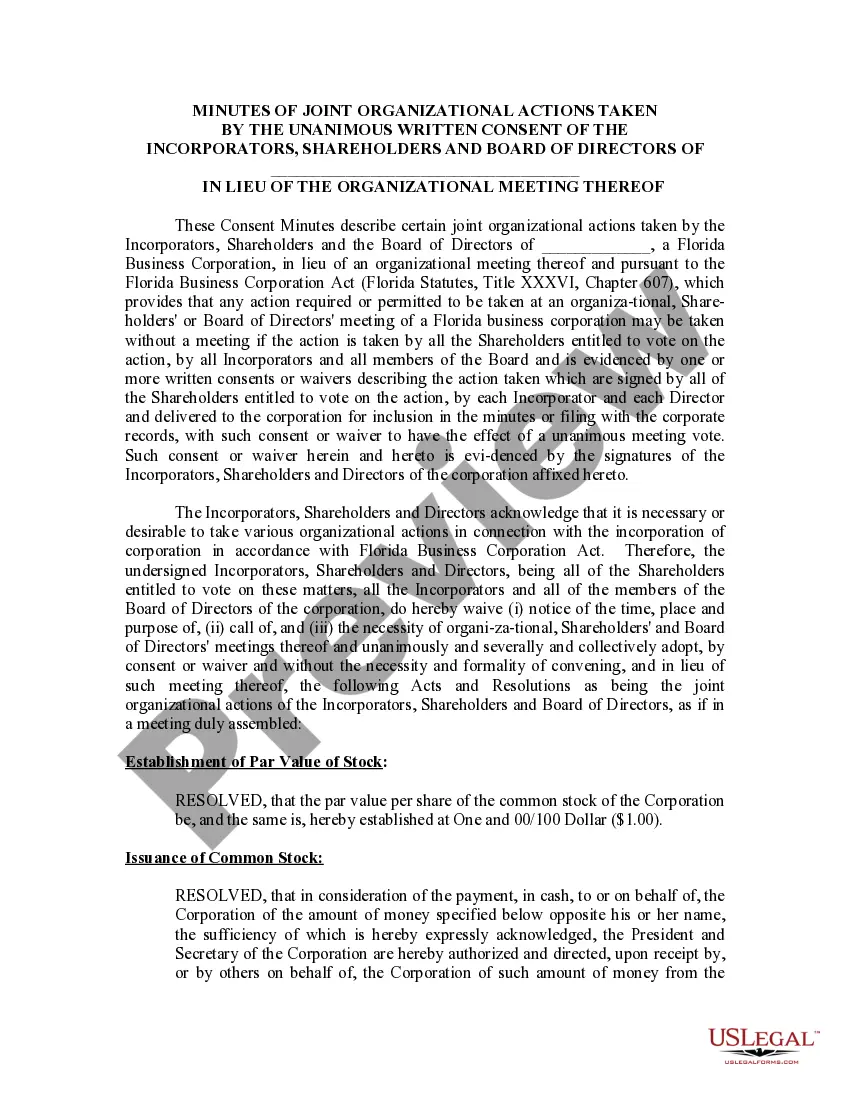
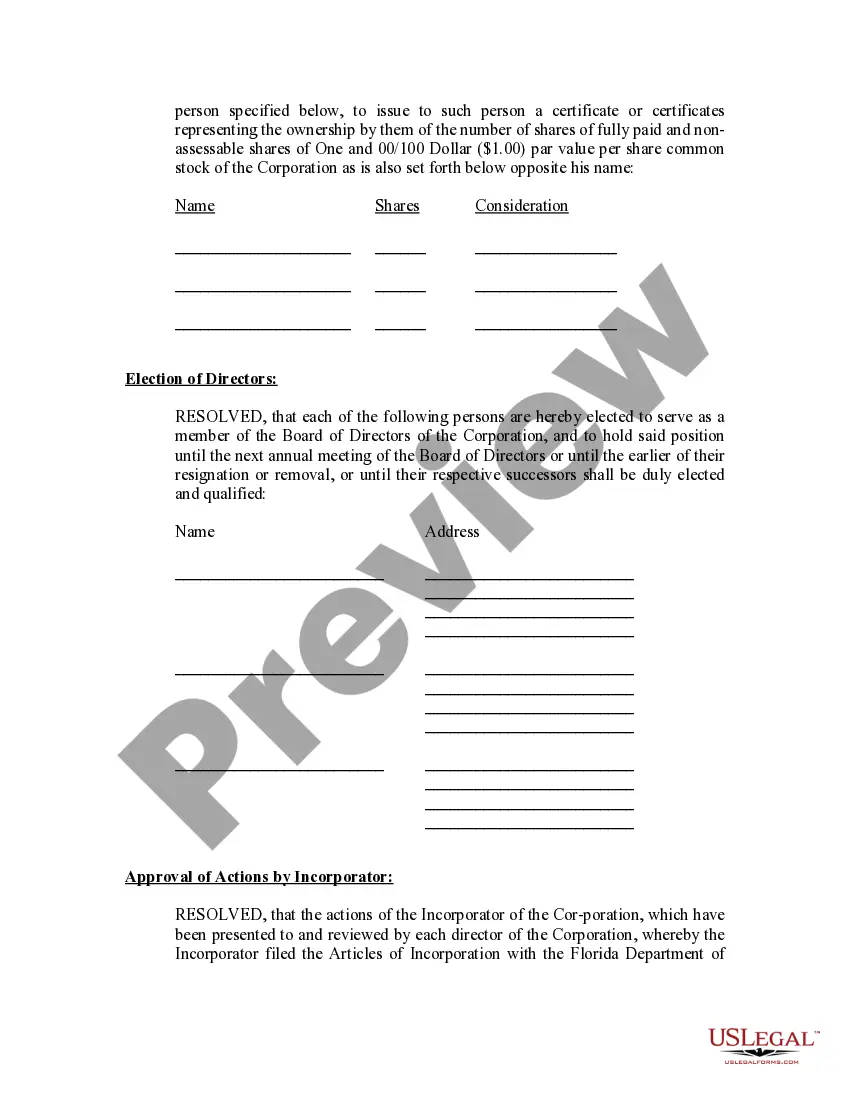
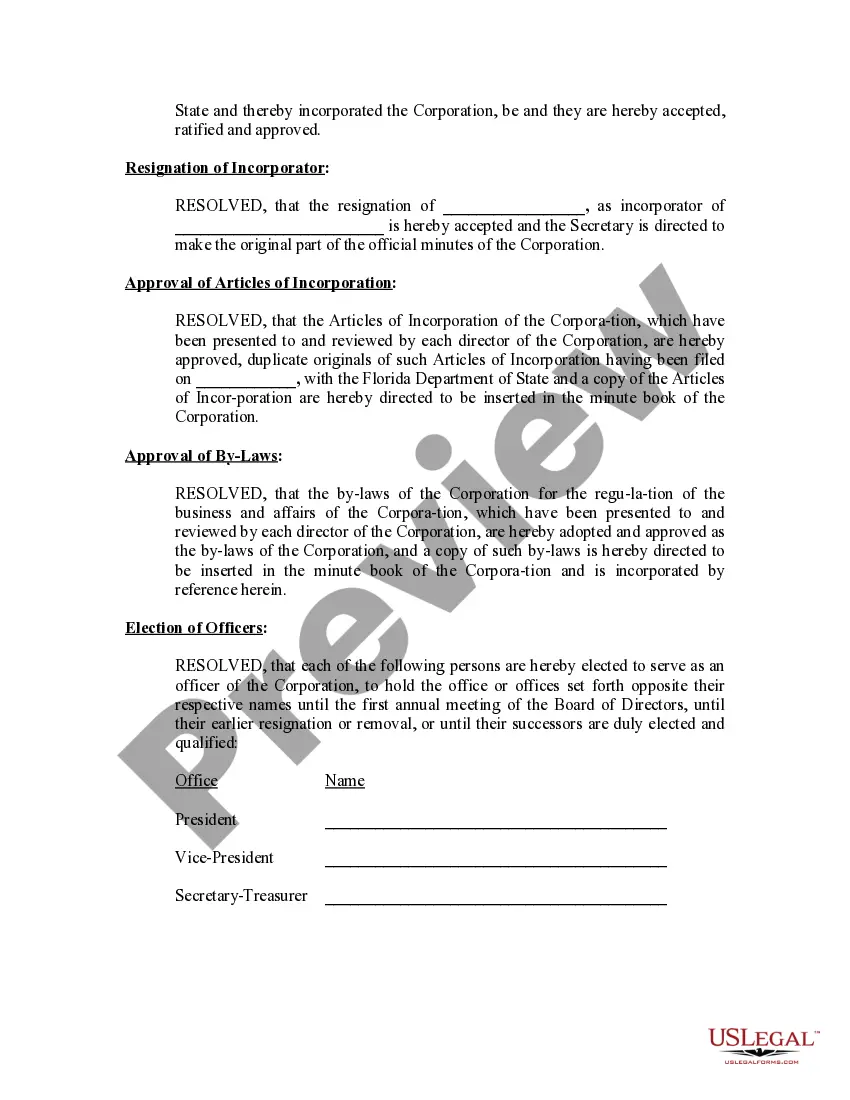
Minutes Organizational Sample With Client
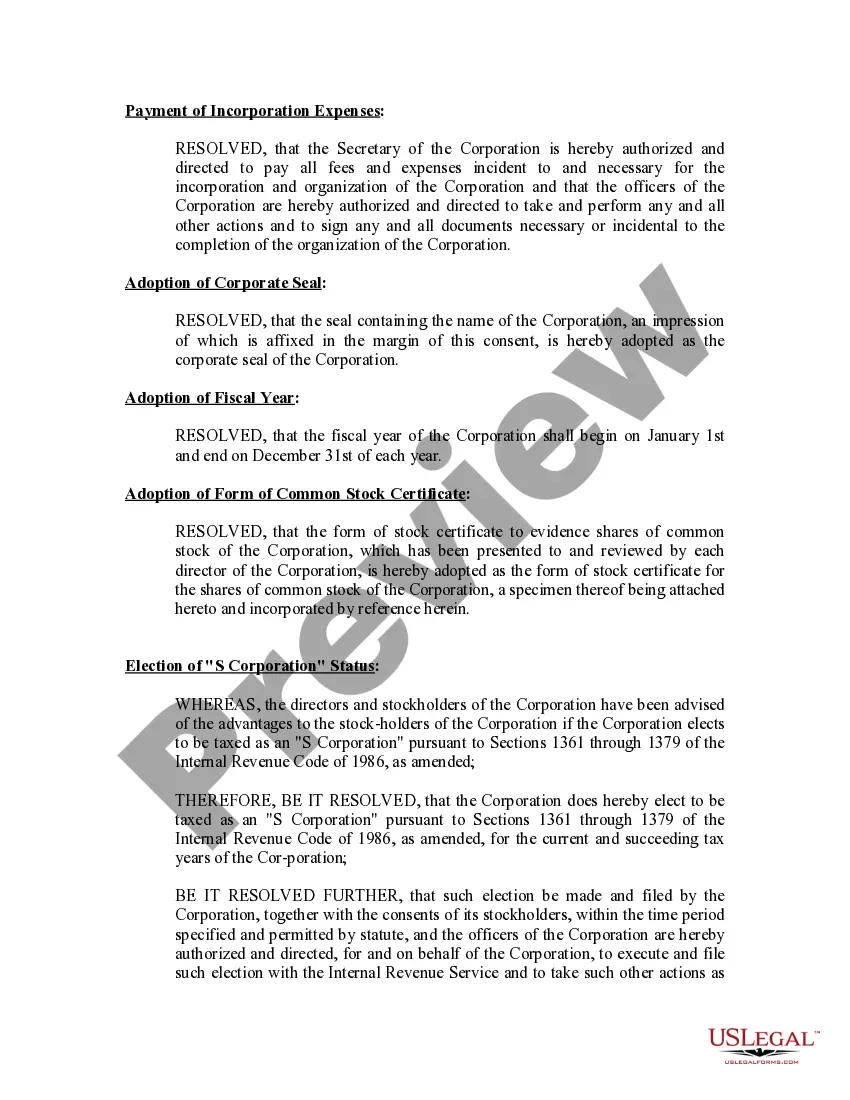
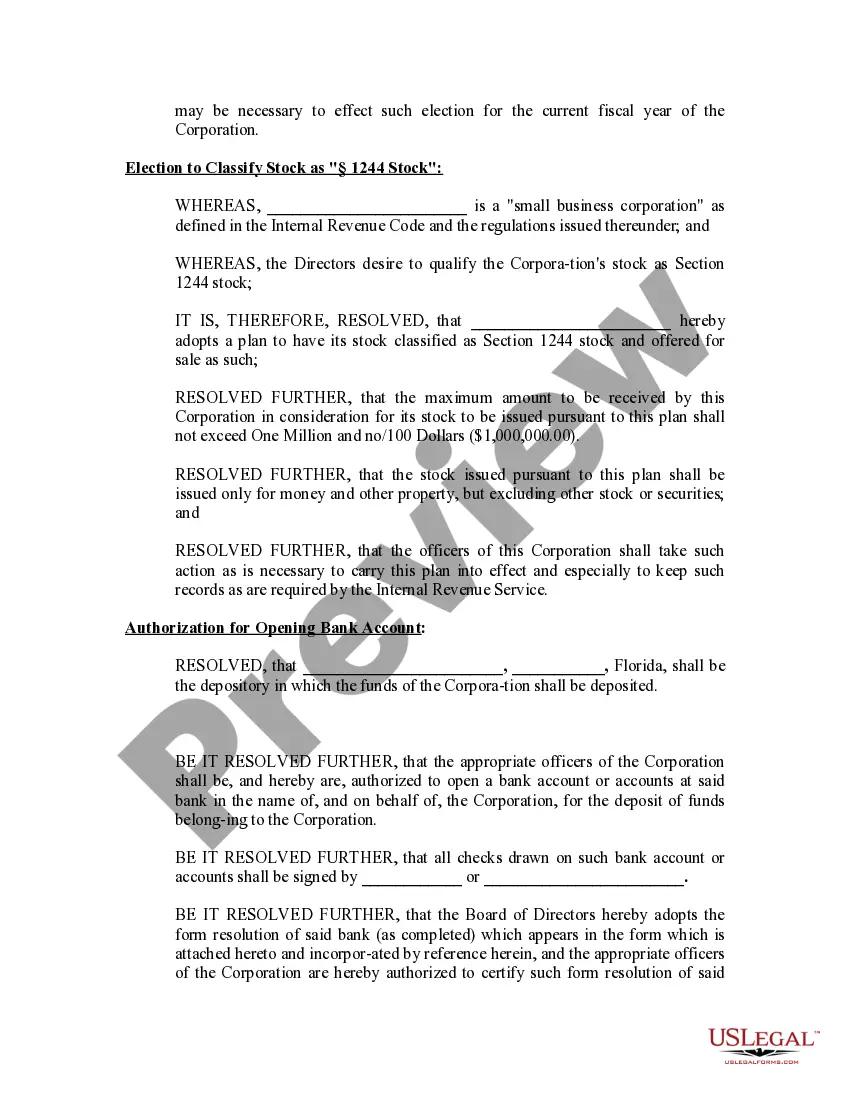
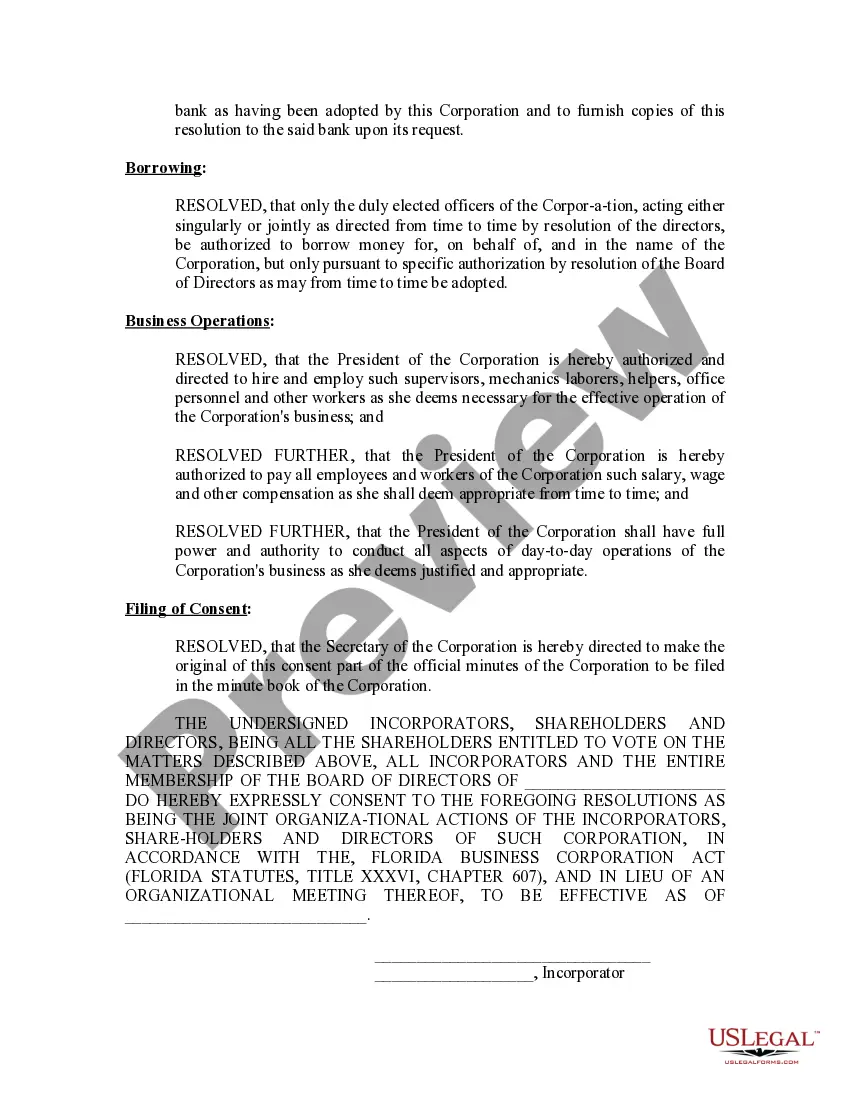
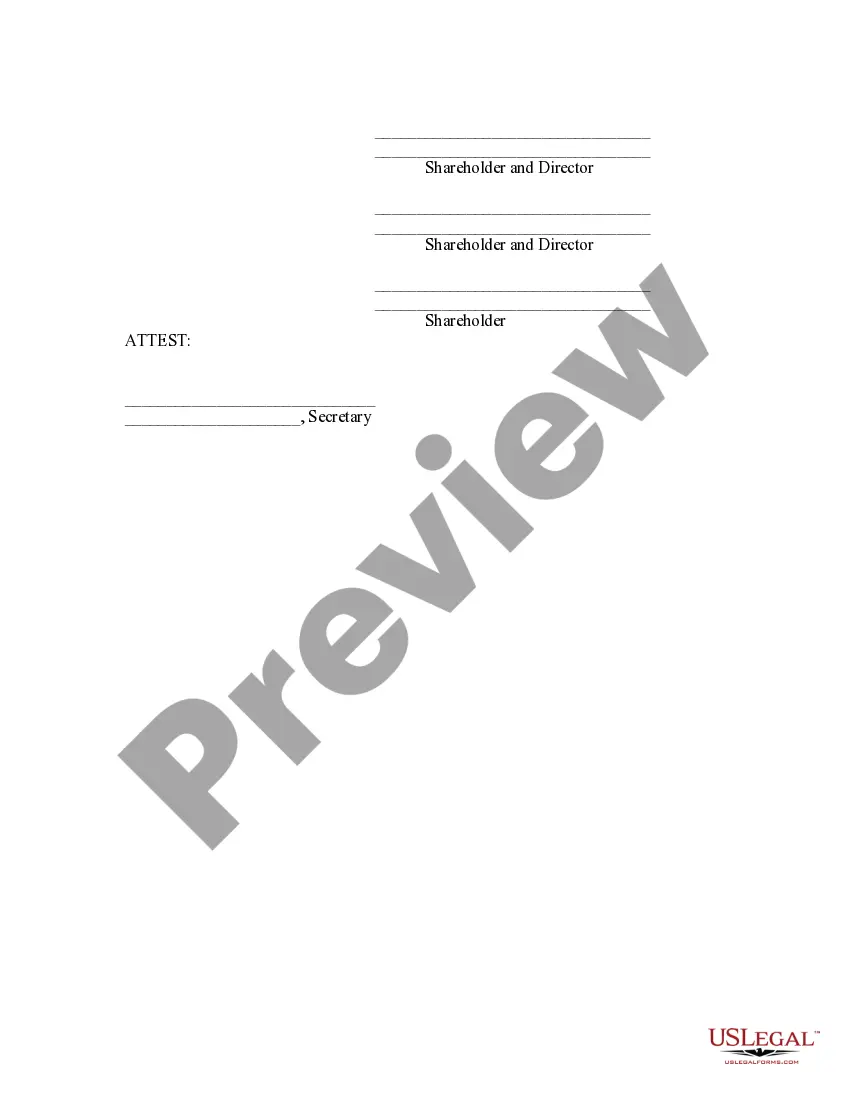
Description
Get your form ready online
Our built-in tools help you complete, sign, share, and store your documents in one place.
Make edits, fill in missing information, and update formatting in US Legal Forms—just like you would in MS Word.
Download a copy, print it, send it by email, or mail it via USPS—whatever works best for your next step.
Sign and collect signatures with our SignNow integration. Send to multiple recipients, set reminders, and more. Go Premium to unlock E-Sign.
If this form requires notarization, complete it online through a secure video call—no need to meet a notary in person or wait for an appointment.
We protect your documents and personal data by following strict security and privacy standards.

Make edits, fill in missing information, and update formatting in US Legal Forms—just like you would in MS Word.

Download a copy, print it, send it by email, or mail it via USPS—whatever works best for your next step.

Sign and collect signatures with our SignNow integration. Send to multiple recipients, set reminders, and more. Go Premium to unlock E-Sign.

If this form requires notarization, complete it online through a secure video call—no need to meet a notary in person or wait for an appointment.

We protect your documents and personal data by following strict security and privacy standards.
Looking for another form?





How to fill out Florida Minutes For Organizational Meeting?
Legal documents management can be daunting, even for the most experienced professionals.
When you are looking for a Minutes Organizational Sample With Client and don't have the opportunity to spend time searching for the correct and updated version, the procedures may become overwhelming.
- A strong online form directory can be a game-changer for anyone who wants to handle these situations efficiently.
- US Legal Forms stands as a frontrunner in the domain of online legal documents, featuring over 85,000 legal forms specific to each state accessible to you at any time.
- With US Legal Forms, you can access legal and business forms tailored to your state or county.
Form popularity
FAQ
2. What Should Be Included in Meeting Minutes? Date and time of the meeting. Names of the meeting participants and those unable to attend (e.g., ?regrets?) Acceptance or corrections/amendments to previous meeting minutes. Decisions made about each agenda item, for example: Actions taken or agreed to be taken. Next steps.
Here are a few things practically all minutes should have: Name of the person taking notes. Organization name. Date and time. Meeting participants. Meeting purpose. Summaries of reports and announcements. Decisions made. Alternative actions/options discussed.
How to write meeting minutes Organization name. Meeting purpose. Start and end times. Date and location. List of attendees and absentees, if necessary. Space for important information like motions passed or deadlines given. Space for your signature and the meeting leader's signature.
How to Write Corporate Minutes Date and Time of the Meeting. Start by documenting the date and time of the meeting. ... Names of Meeting Participants. Next, list the names of the attendees. ... Purpose of the Meeting. Include a statement defining the reason for the corporate meeting. ... Meeting Notes. ... Action Items.
Following are 10 steps that can help you compose an effective meeting minutes report: Make an outline. ... Include factual information. ... Write down the purpose. ... Record decisions made. ... Add details for the next meeting. ... Be concise. ... Consider recording. ... Edit and proofread.