Employee Report Example
Description
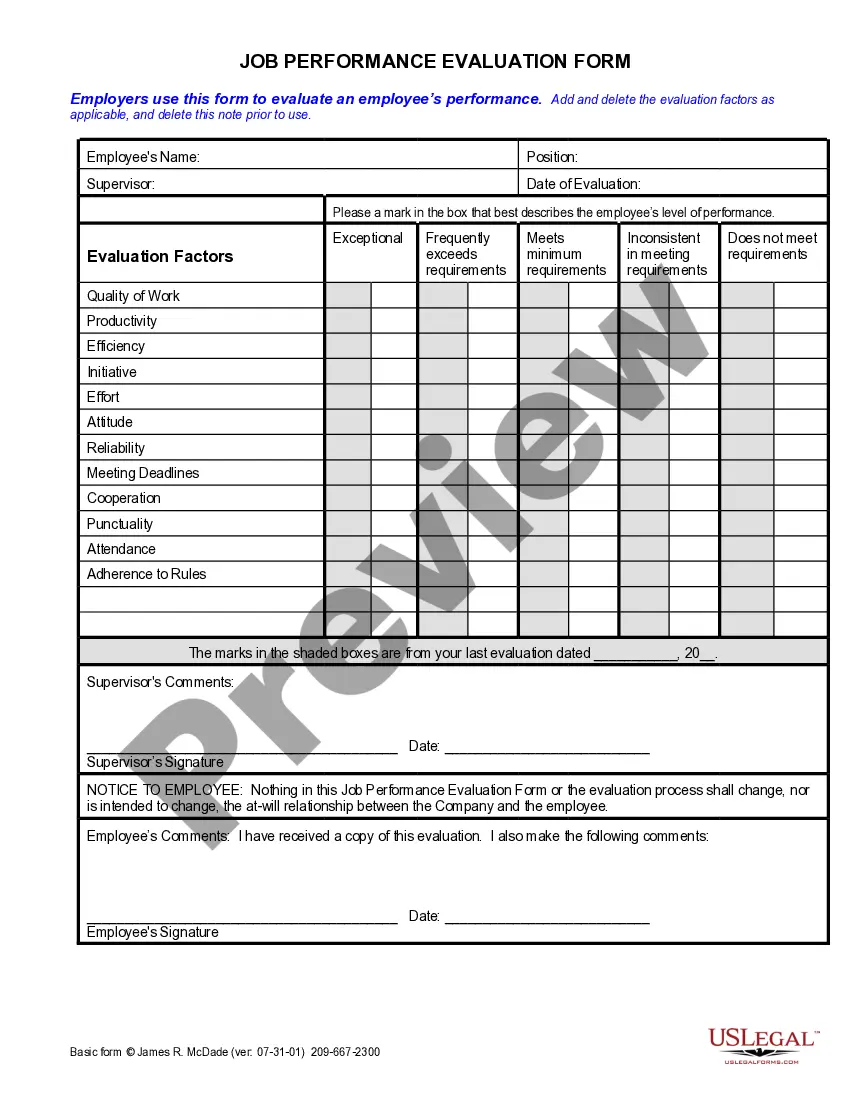
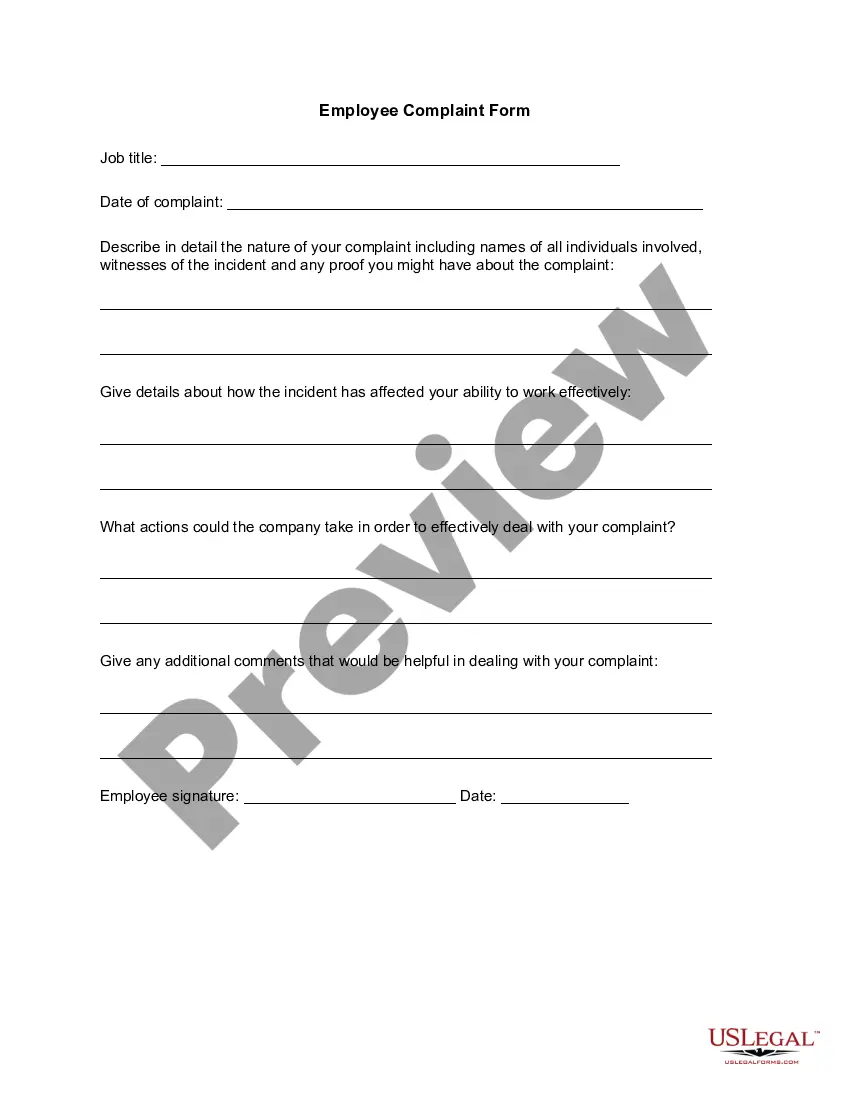
Get your form ready online
Our built-in tools help you complete, sign, share, and store your documents in one place.
Make edits, fill in missing information, and update formatting in US Legal Forms—just like you would in MS Word.
Download a copy, print it, send it by email, or mail it via USPS—whatever works best for your next step.
Sign and collect signatures with our SignNow integration. Send to multiple recipients, set reminders, and more. Go Premium to unlock E-Sign.
If this form requires notarization, complete it online through a secure video call—no need to meet a notary in person or wait for an appointment.
We protect your documents and personal data by following strict security and privacy standards.

Make edits, fill in missing information, and update formatting in US Legal Forms—just like you would in MS Word.

Download a copy, print it, send it by email, or mail it via USPS—whatever works best for your next step.

Sign and collect signatures with our SignNow integration. Send to multiple recipients, set reminders, and more. Go Premium to unlock E-Sign.

If this form requires notarization, complete it online through a secure video call—no need to meet a notary in person or wait for an appointment.

We protect your documents and personal data by following strict security and privacy standards.
Looking for another form?
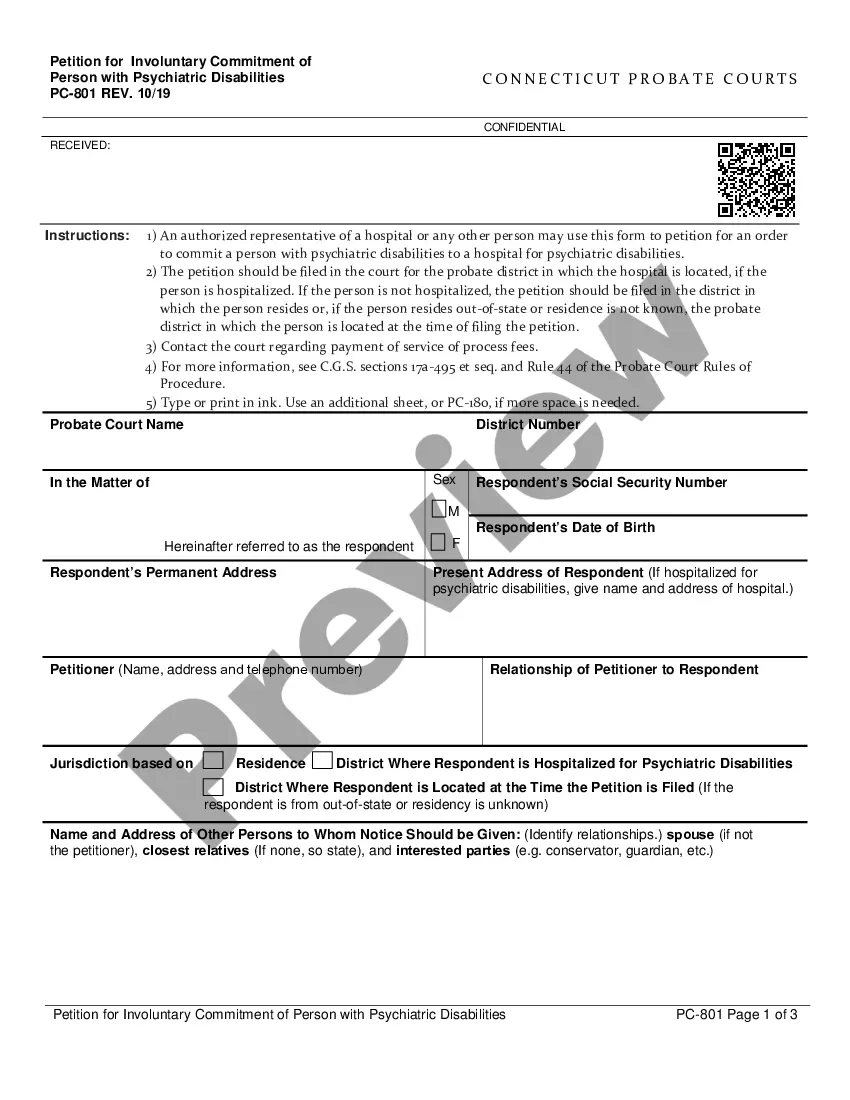
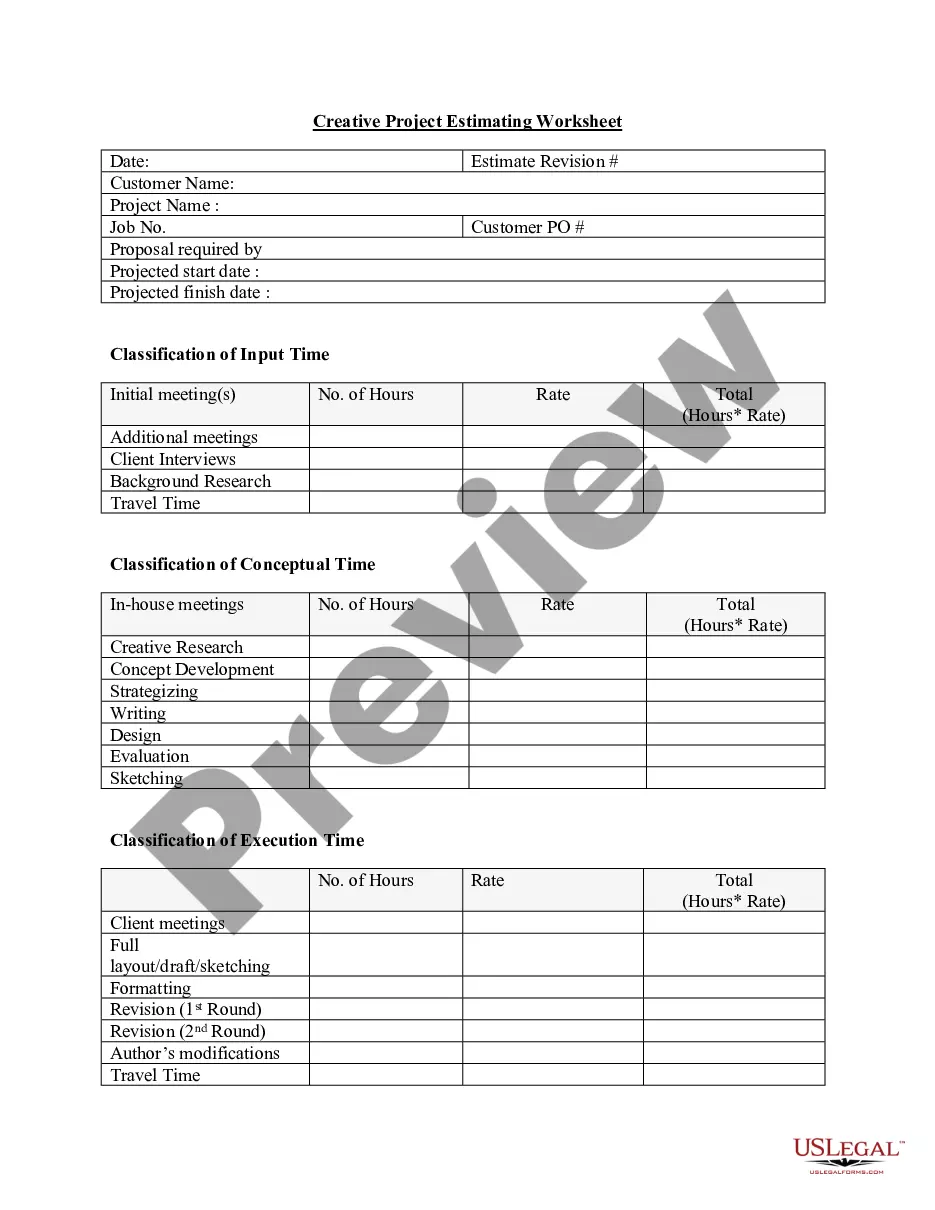

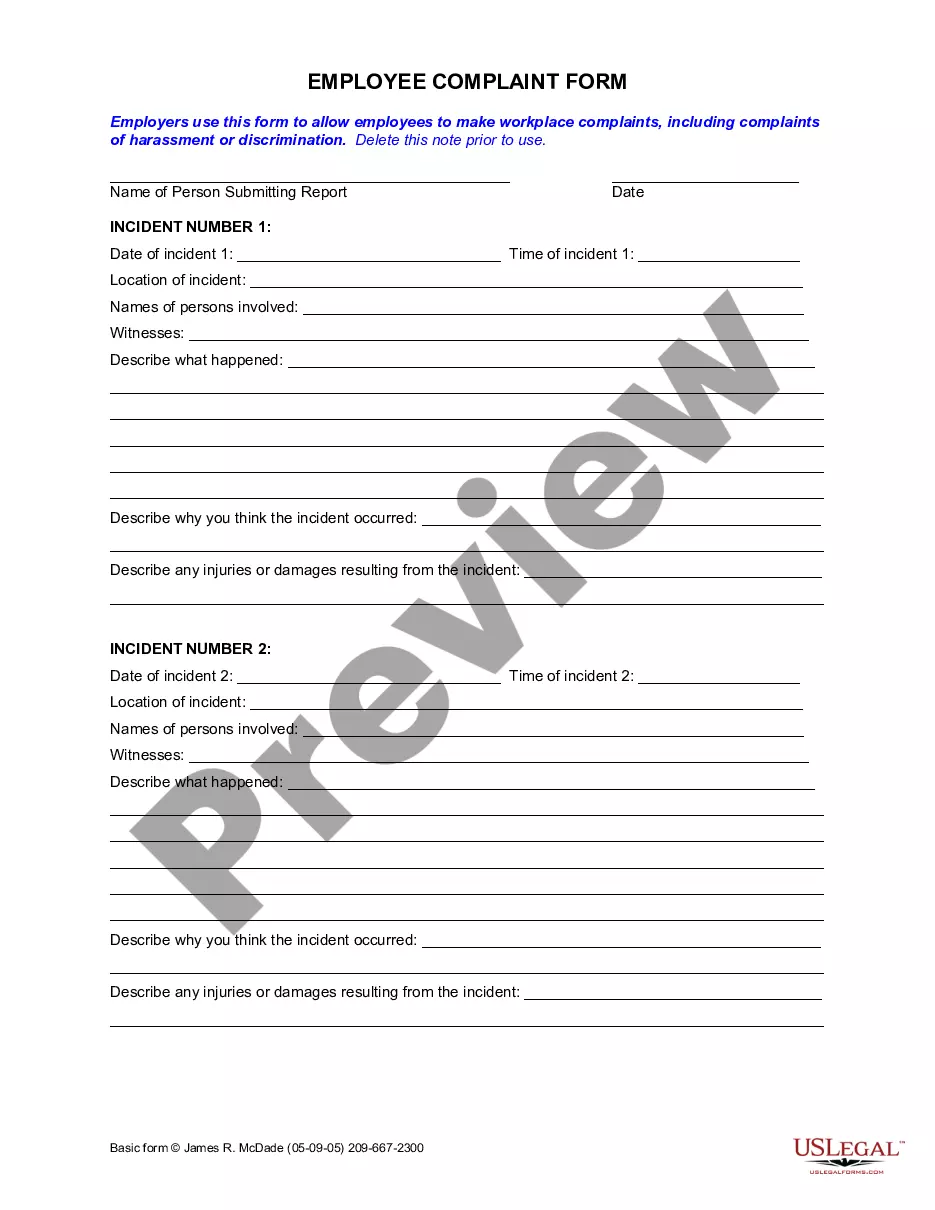
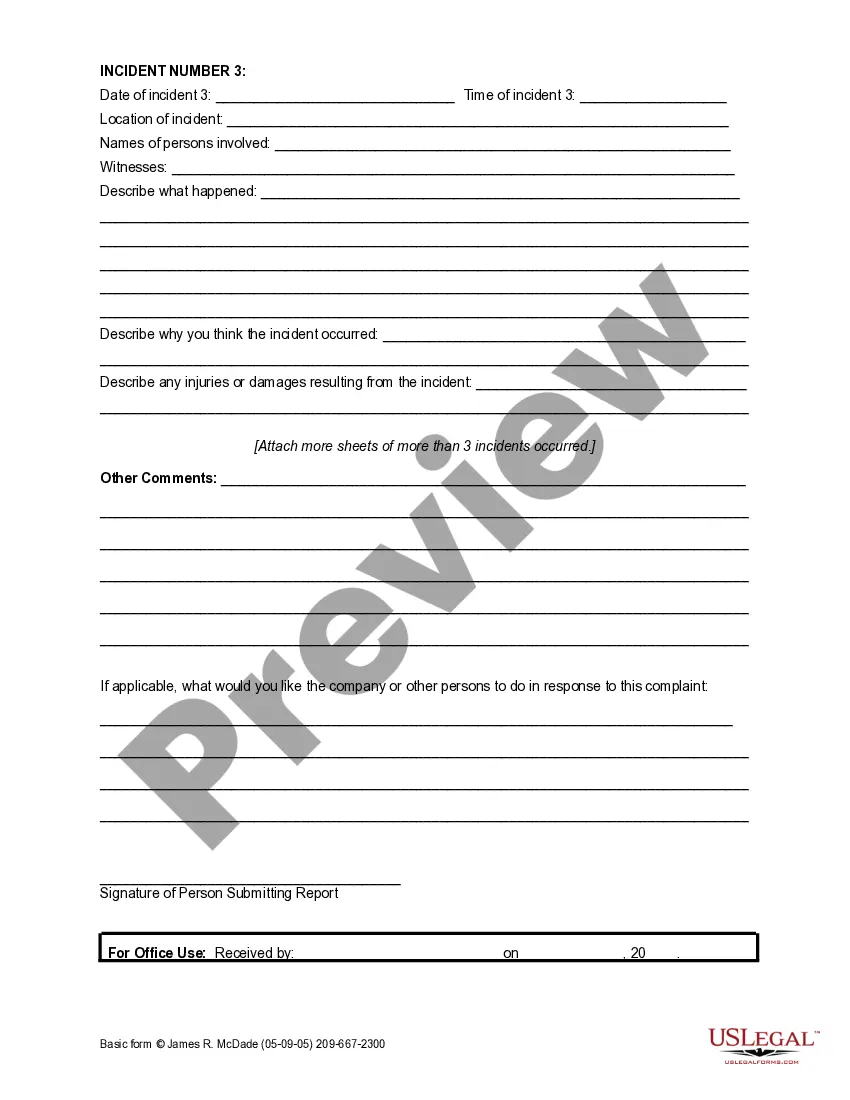
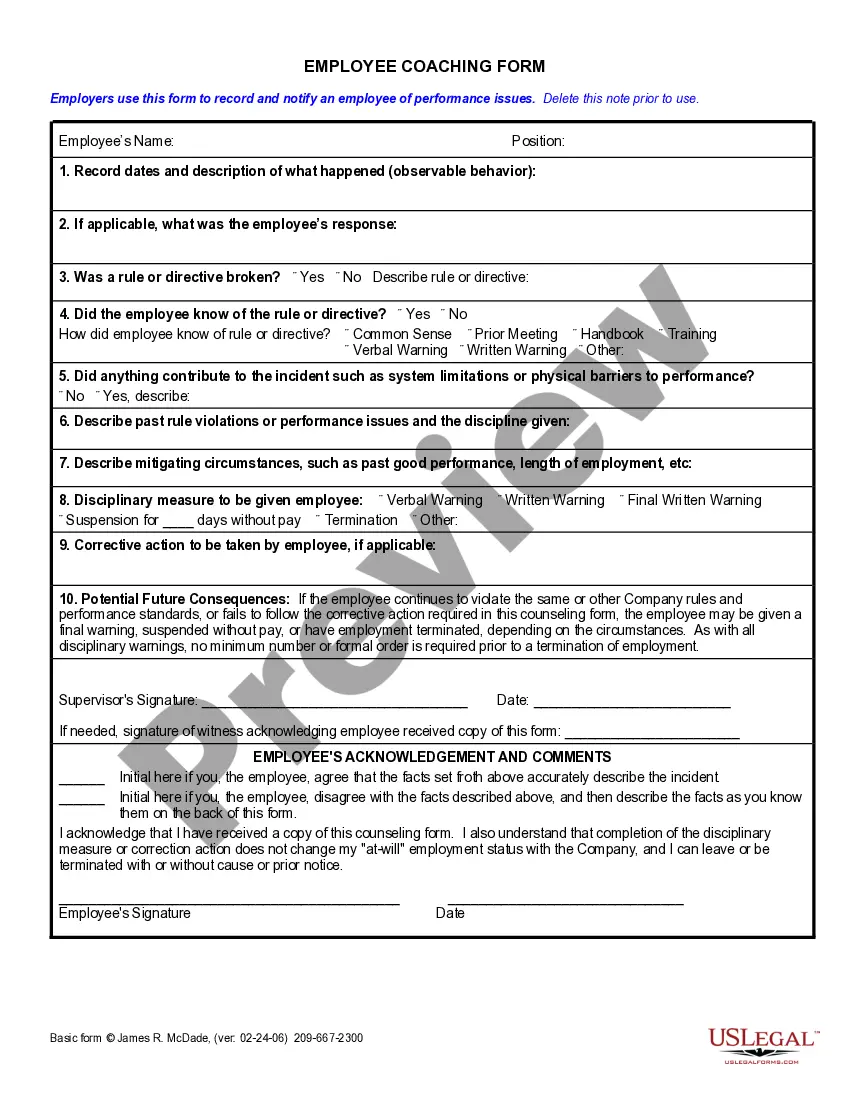
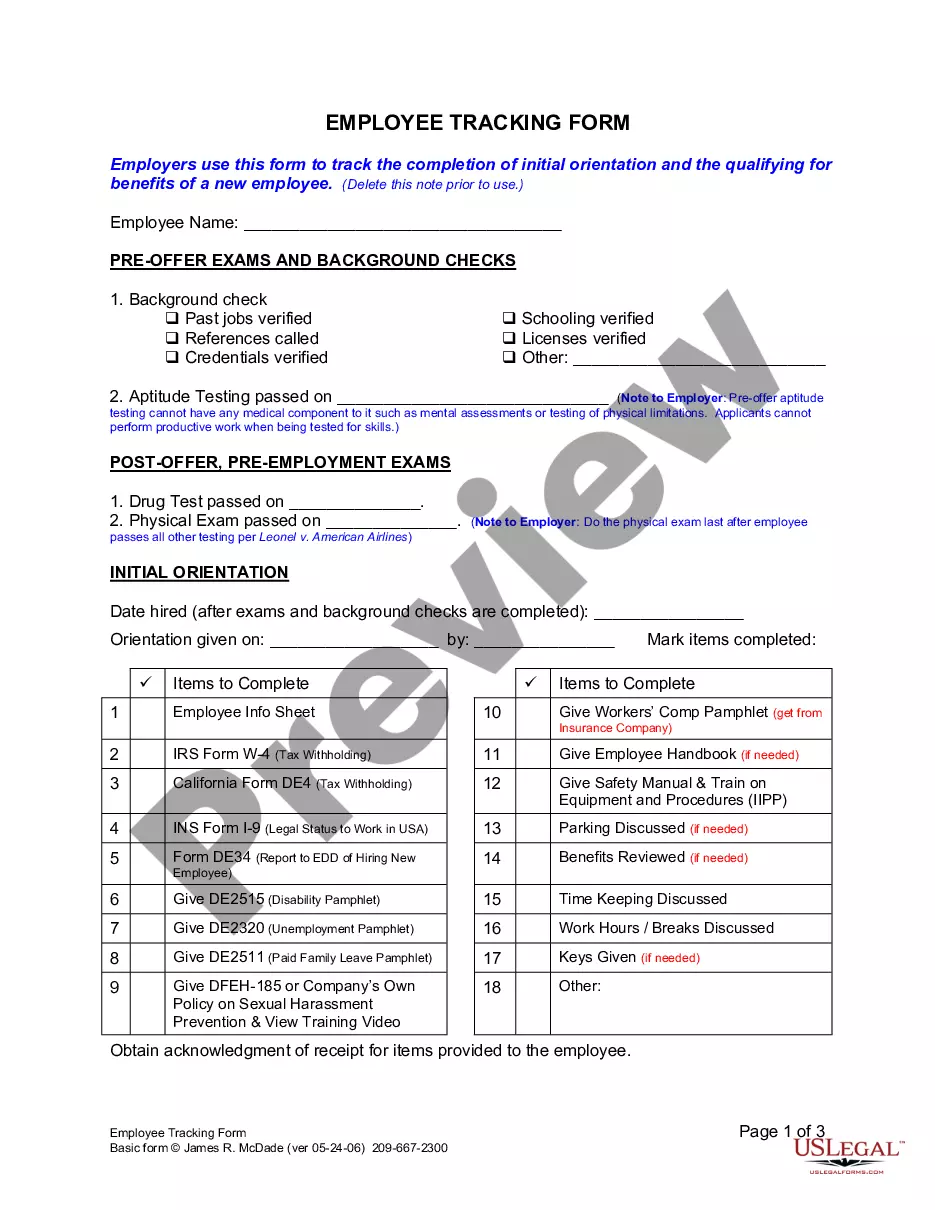
How to fill out California Employee Complaint Form?
Drafting legal documents from scratch can sometimes be intimidating. Some cases might involve hours of research and hundreds of dollars invested. If you’re searching for a more straightforward and more cost-effective way of creating Employee Report Example or any other paperwork without jumping through hoops, US Legal Forms is always at your disposal.
Our virtual library of more than 85,000 up-to-date legal forms covers almost every element of your financial, legal, and personal matters. With just a few clicks, you can instantly get state- and county-specific templates diligently put together for you by our legal professionals.
Use our website whenever you need a trustworthy and reliable services through which you can easily find and download the Employee Report Example. If you’re not new to our services and have previously set up an account with us, simply log in to your account, select the template and download it away or re-download it at any time in the My Forms tab.
Don’t have an account? No problem. It takes little to no time to register it and explore the catalog. But before jumping straight to downloading Employee Report Example, follow these recommendations:
- Review the document preview and descriptions to make sure you are on the the document you are looking for.
- Make sure the template you select complies with the requirements of your state and county.
- Pick the best-suited subscription option to purchase the Employee Report Example.
- Download the file. Then complete, sign, and print it out.
US Legal Forms boasts a good reputation and over 25 years of experience. Join us today and transform form completion into something easy and streamlined!
Form popularity
FAQ
It's important to follow some specific guidelines when preparing an employee misconduct report. Detail the Investigation of Misconduct. ... Explain the Specific Misconduct. ... Detail the Improvement Action Plan. ... Detail the Consequences of Future Misconduct. ... Detail the Employee's Right to Respond or Appeal.
Introduction: Introduce your report topic and what readers will find throughout the pages. Body: The longest section of your report ? compile all of your information and use data visualization to help present it. Conclusion: Different from the summary, this concludes the report body and summarizes all of your findings.
Incident Report Sample Walkthrough: A Step-by-Step Guide What type of injury was caused, if any? Was it fatal or non-fatal? Was there any property damage? When and where did it take place? What task was being done at the time when the incident occurred? What was the environment like?
Identifying the ?how?, ?when?, ?where? and ?whom? of the incident are important elements of a good report ? and all companies are most likely to emphasize these marks during the document development.
Lay Out the Key Sections Title. Executive summary. Introduction ? why you are writing the report, the background to it and your method for gathering information. Main body ? the areas you have bulleted. Use sub-headings here if you have a lot of information. Conclusion or recommendation, based on your findings.