California Trust Template With Interest
Description
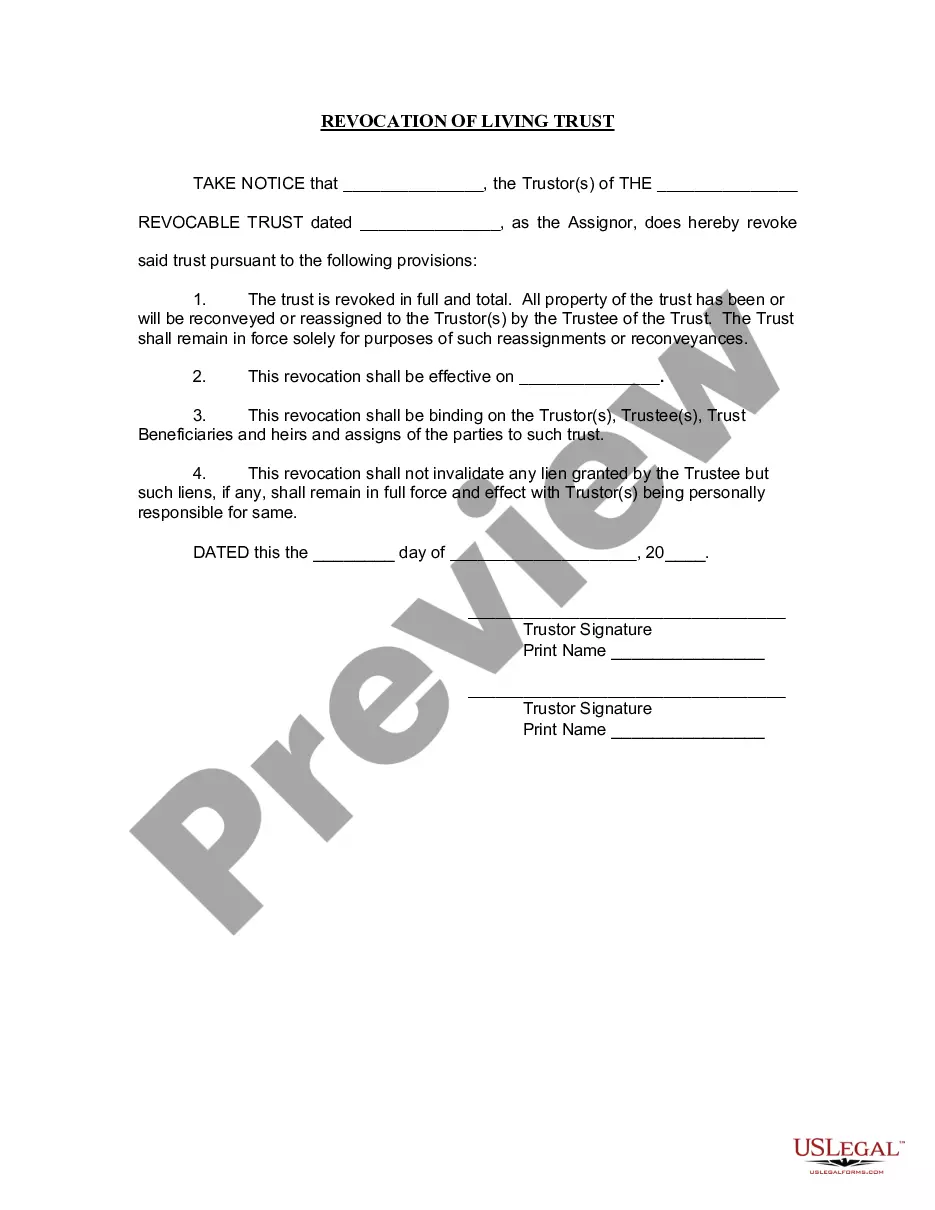
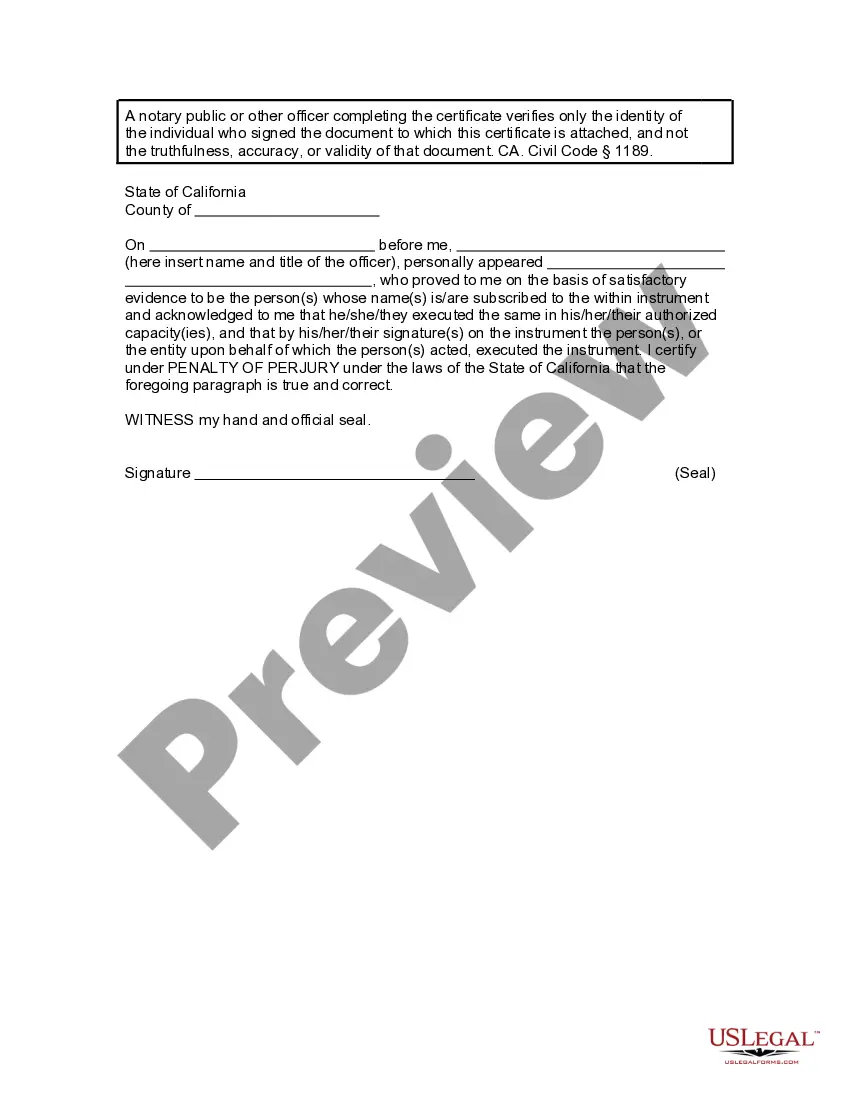




Get your form ready online
Our built-in tools help you complete, sign, share, and store your documents in one place.
Make edits, fill in missing information, and update formatting in US Legal Forms—just like you would in MS Word.
Download a copy, print it, send it by email, or mail it via USPS—whatever works best for your next step.
Sign and collect signatures with our SignNow integration. Send to multiple recipients, set reminders, and more. Go Premium to unlock E-Sign.
If this form requires notarization, complete it online through a secure video call—no need to meet a notary in person or wait for an appointment.
We protect your documents and personal data by following strict security and privacy standards.

Make edits, fill in missing information, and update formatting in US Legal Forms—just like you would in MS Word.

Download a copy, print it, send it by email, or mail it via USPS—whatever works best for your next step.

Sign and collect signatures with our SignNow integration. Send to multiple recipients, set reminders, and more. Go Premium to unlock E-Sign.

If this form requires notarization, complete it online through a secure video call—no need to meet a notary in person or wait for an appointment.

We protect your documents and personal data by following strict security and privacy standards.
Looking for another form?










How to fill out California Revocation Of Living Trust?
Legal administration can be daunting, even for the most adept professionals.
When you're looking for a California Trust Template With Interest and lack the time to invest in locating the correct and updated version, the process can become overwhelming.
Tap into a repository of articles, guides, and materials pertinent to your situation and needs.
Save time and effort in locating the documents you seek, and use US Legal Forms’ sophisticated search and Preview feature to find California Trust Template With Interest and obtain it.
Leverage the US Legal Forms online catalog, supported by 25 years of experience and trustworthiness. Revolutionize your everyday document management into a seamless and user-friendly experience today.
- If you possess a membership, Log In to your US Legal Forms account, search for the form, and obtain it.
- Check your My documents tab to review the documents you have previously downloaded and organize your folders as you see fit.
- If this is your first experience with US Legal Forms, create an account and gain unlimited access to all the features of the library.
- After downloading the desired form, verify it is the correct form by previewing it and reviewing its details.
- Ensure the template is validated in your state or county.
- Click Buy Now once you're prepared.
- Select a monthly subscription plan.
- Choose the required format, and Download, fill out, eSign, print, and submit your document.
- Access state- or county-specific legal and business documents.
- US Legal Forms addresses any needs you may have, from personal to commercial paperwork, all in one location.
- Utilize advanced tools to create and manage your California Trust Template With Interest.
Form popularity
FAQ
Given that California taxes net capital gains at the same rates as ordinary income-with a maximum rate of 12.3 percent (or 13.3 percent with respect to taxable income in excess of $1,000,000)-an otherwise out-of-state trust may have significant California income tax liabilities.
For a revocable living trust to take effect, it should be funded by transferring certain assets into the trust. Often people fund a living trust with real estate, financial accounts, life insurance, annuity certificates, personal property, business interests, and other assets.
How to create a living trust in California Take stock of your assets. ... Choose a trustee. ... Choose your beneficiaries. ... Draw up your Declaration of Trust. ... Consider signing your trust document in front of a notary public. ... Transfer your property to the trust.
Here are the steps to setting up a Living Trust in California: Take an inventory of your assets. Select your trustee. Designate your Beneficiaries. Write up your Declaration of Trust. Sign your Trust in front of a Notary Public (optional). Transfer assets and property to the Trust.
Assets that should not be used to fund your living trust include: Qualified retirement accounts ? 401ks, IRAs, 403(b)s, qualified annuities. Health saving accounts (HSAs) Medical saving accounts (MSAs) Uniform Transfers to Minors (UTMAs) Uniform Gifts to Minors (UGMAs) Life insurance. Motor vehicles.