California Trust Template For Irrevocable
Description




Get your form ready online
Our built-in tools help you complete, sign, share, and store your documents in one place.
Make edits, fill in missing information, and update formatting in US Legal Forms—just like you would in MS Word.
Download a copy, print it, send it by email, or mail it via USPS—whatever works best for your next step.
Sign and collect signatures with our SignNow integration. Send to multiple recipients, set reminders, and more. Go Premium to unlock E-Sign.
If this form requires notarization, complete it online through a secure video call—no need to meet a notary in person or wait for an appointment.
We protect your documents and personal data by following strict security and privacy standards.

Make edits, fill in missing information, and update formatting in US Legal Forms—just like you would in MS Word.

Download a copy, print it, send it by email, or mail it via USPS—whatever works best for your next step.

Sign and collect signatures with our SignNow integration. Send to multiple recipients, set reminders, and more. Go Premium to unlock E-Sign.

If this form requires notarization, complete it online through a secure video call—no need to meet a notary in person or wait for an appointment.

We protect your documents and personal data by following strict security and privacy standards.
Looking for another form?








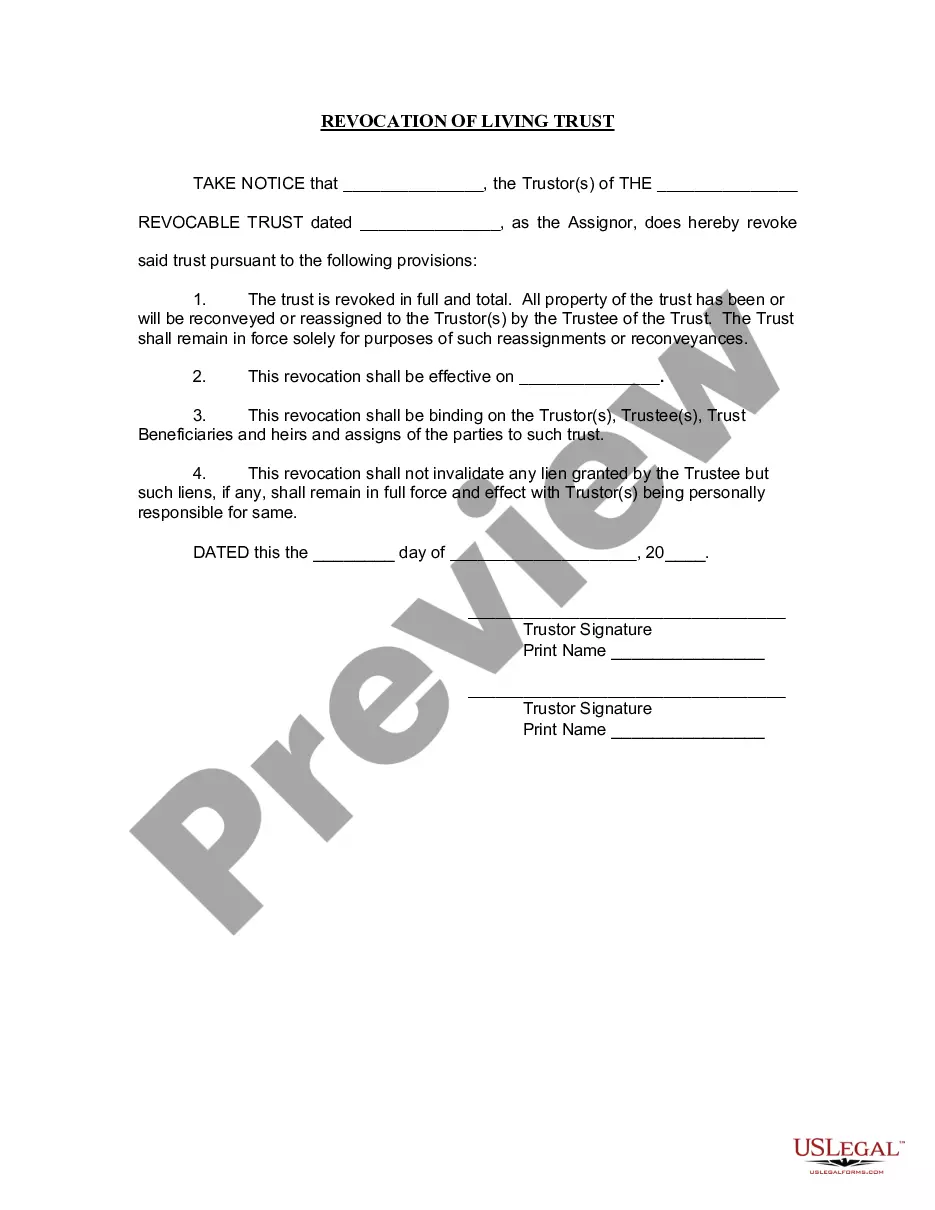
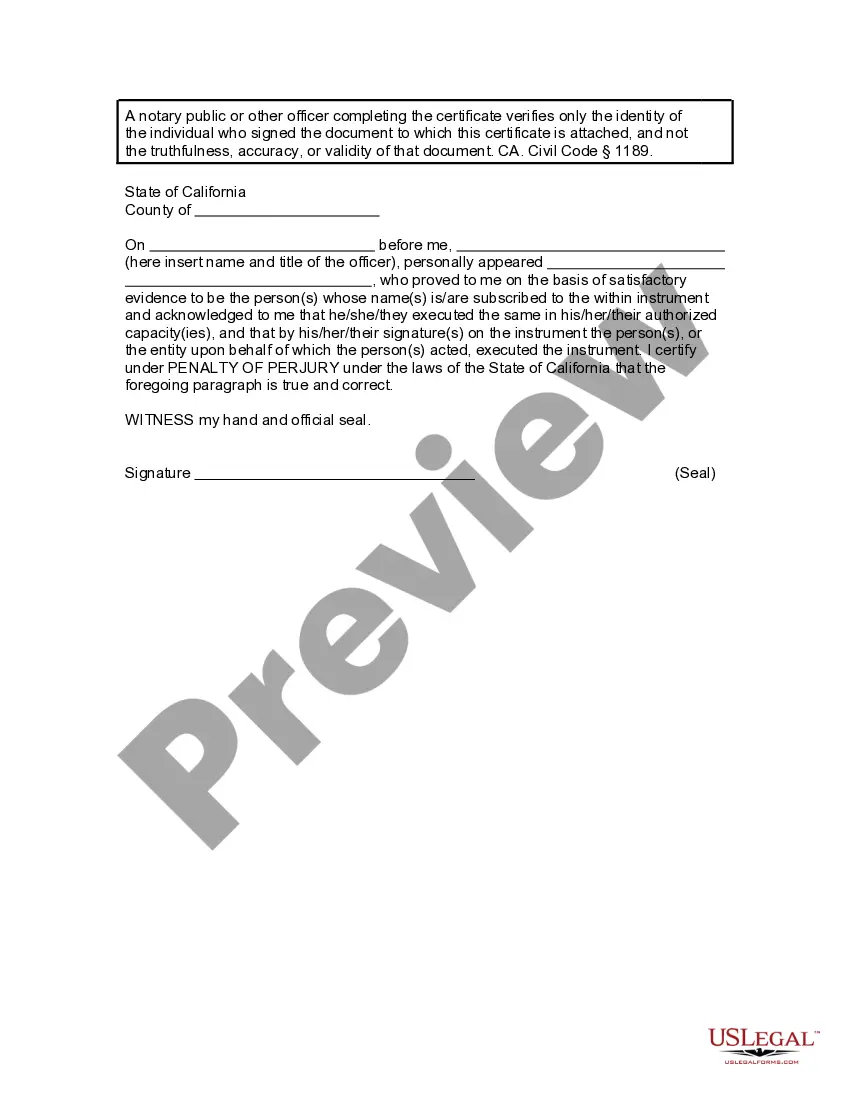
How to fill out California Revocation Of Living Trust?
The California Trust Template For Irrevocable that you see here is a reusable legal framework crafted by expert attorneys in compliance with federal and state laws.
For over 25 years, US Legal Forms has supplied individuals, organizations, and lawyers with over 85,000 validated, state-specific documents for any business and personal circumstance. It’s the quickest, simplest, and most dependable method to acquire the forms you require, as the service ensures bank-level data security and anti-malware safeguards.
Choose the format you wish for your California Trust Template For Irrevocable (PDF, Word, RTF) and save the document on your device.
- Search for the document you need and examine it.
- Browse the sample you found and preview it or check the form description to confirm it meets your needs. If it does not, use the search bar to locate the appropriate one. Click Buy Now once you have found the template you require.
- Register and Log In.
- Select the pricing plan that best fits you and set up an account. Use PayPal or a credit card for a swift payment. If you already possess an account, Log In and check your subscription to proceed.
- Acquire the fillable template.
Form popularity
FAQ
Assets placed under an irrevocable trust are protected from the reach of a divorcing spouse, creditors, business partners, or any unscrupulous legal intent. Assets like home, jewelry, art collection, and other valuables placed in the trust are guarded against anyone seeking litigation against you.
To make your trust valid in California, you simply need to sign the trust document ? that's it! You don't need to have your document witnessed or notarized to make it valid. However, many people choose to sign their document in the presence of a notary public to help authenticate the document.
The legal requirements for establishing an irrevocable trust include having a legal purpose and complying with specific laws regarding the trust's formation and operation. Trusts intended to defraud creditors, for example, are not valid.
The trusts shall be irrevocable, and the Grantor expressly waives all rights and powers, whether alone or in conjunction with others, and regardless of when or from what source he may have acquired such rights or powers, to alter, amend, revoke, or terminate the trusts, or any of the terms of this Agreement, in whole ...
Creating a living trust in California is not terribly difficult, but it takes some planning. You might find it helpful to work with a financial advisor or another professional when drafting up your living trust. However, you can also download the forms online and then take them to a notary public yourself.