Tenant C#
Description




Get your form ready online
Our built-in tools help you complete, sign, share, and store your documents in one place.
Make edits, fill in missing information, and update formatting in US Legal Forms—just like you would in MS Word.
Download a copy, print it, send it by email, or mail it via USPS—whatever works best for your next step.
Sign and collect signatures with our SignNow integration. Send to multiple recipients, set reminders, and more. Go Premium to unlock E-Sign.
If this form requires notarization, complete it online through a secure video call—no need to meet a notary in person or wait for an appointment.
We protect your documents and personal data by following strict security and privacy standards.

Make edits, fill in missing information, and update formatting in US Legal Forms—just like you would in MS Word.

Download a copy, print it, send it by email, or mail it via USPS—whatever works best for your next step.

Sign and collect signatures with our SignNow integration. Send to multiple recipients, set reminders, and more. Go Premium to unlock E-Sign.

If this form requires notarization, complete it online through a secure video call—no need to meet a notary in person or wait for an appointment.

We protect your documents and personal data by following strict security and privacy standards.
Looking for another form?
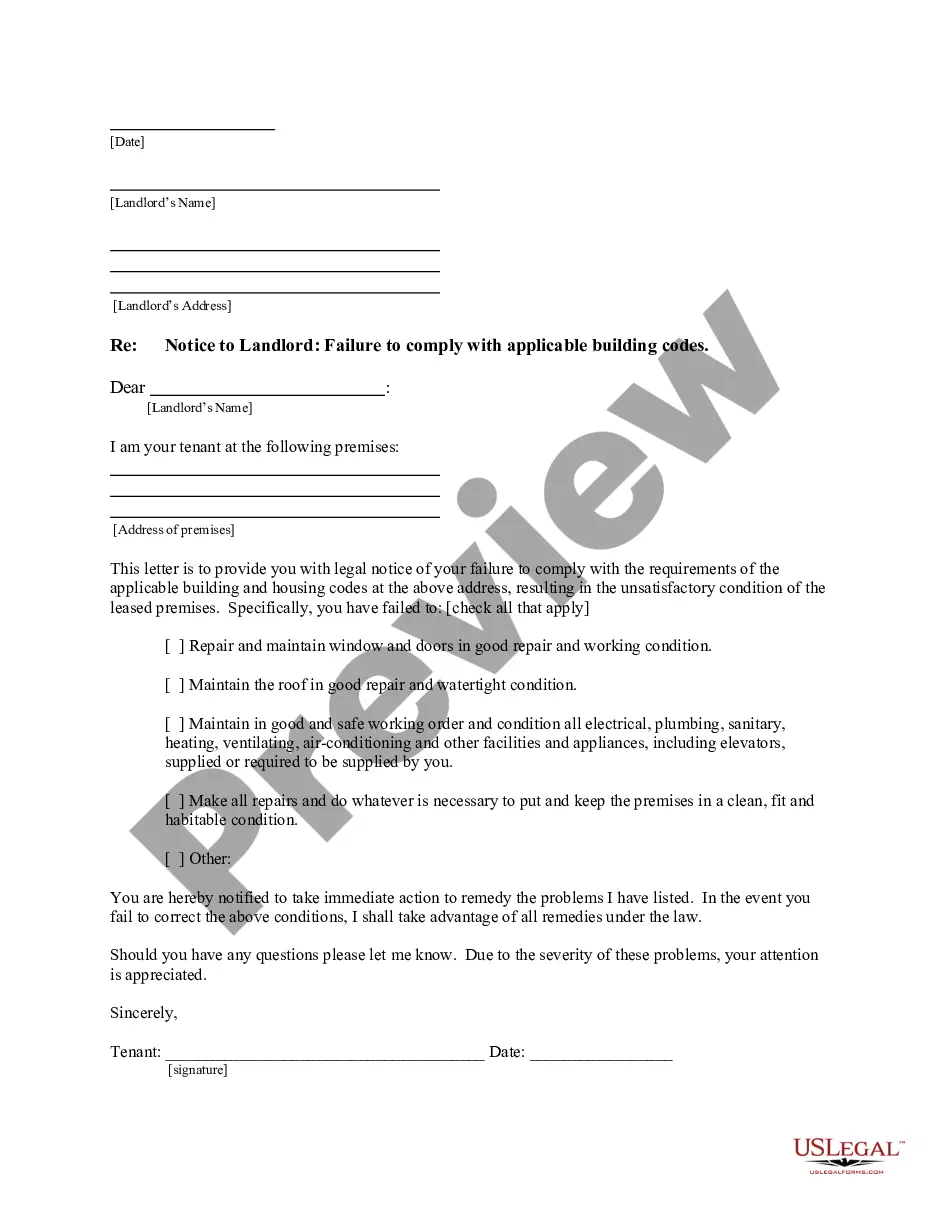
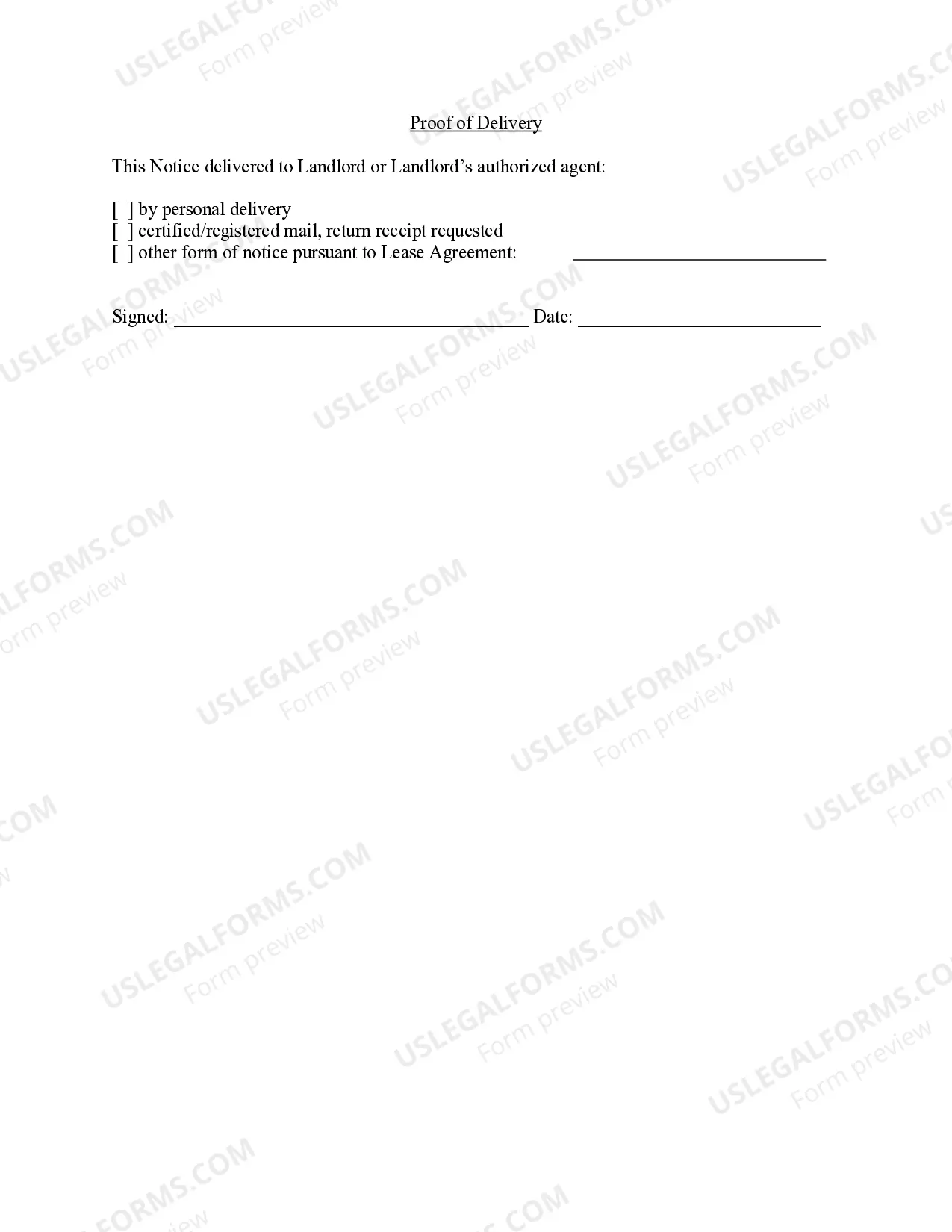
How to fill out California Letter From Tenant To Landlord For Failure Of Landlord To Comply With Building Codes Affecting Health And Safety Or Resulting In Untenantable Condition - Demand For Remedy?
- Begin by logging into your account at US Legal Forms. Ensure your subscription is active to access the necessary templates.
- If you're new to the service, start by browsing the extensive library. Use the search feature to find the specific tenant form that meets your requirements and complies with local laws.
- Select the appropriate form, taking note of any preview descriptions to confirm its relevance.
- After selecting the desired form, click the 'Buy Now' option and choose your preferred subscription plan. Create an account if you’re a new user.
- Make your payment using a credit card or PayPal to complete the subscription process.
- Once the purchase is confirmed, download your form to your device. You can always access it later in the 'My Forms' section of your profile.
By following these steps, you'll unlock the power of US Legal Forms, allowing you to easily manage your legal documentation needs. The extensive library and expert assistance solidify your experience.
Ready to simplify your legal paperwork? Start now and discover the advantages of US Legal Forms!
Form popularity
FAQ
An example of a tenant can be viewed in various software applications, such as a SaaS model where different companies use the same platform. Each company operates independently while sharing the underlying infrastructure. Utilizing Tenant c#, your application can effectively handle these diverse needs while providing a smooth user experience and high security.
In programming, a tenant represents a discrete unit of access within an application, often in a multi-tenant environment. This structure enables developers to design applications that serve various clients while isolating their data and functionalities. By understanding Tenant c#, you can build robust applications that cater to multiple users efficiently.
A tenant in computing typically refers to an instance within a multi-tenant architecture. This framework allows multiple users or groups to share resources while keeping their data separate. When you implement Tenant c#, you enhance resource efficiency without compromising individual user needs, leading to improved performance and scalability.
Being a tenant means operating within a shared space while maintaining independence. In technology, it often describes users who access cloud services while keeping their data private. With Tenant c#, you can leverage these cloud services effectively, enabling seamless management and access control for your applications.
A tenant in data refers to an individual or organization that utilizes a shared computing environment. In this context, each tenant retains their own data, configurations, and settings, ensuring security and privacy. When you consider Tenant c#, it means managing data efficiently while providing access to different users and groups securely.
To locate your directory tenant ID, log into the Azure portal and navigate to 'Azure Active Directory'. Under the ‘Properties’ menu, you will find the directory ID. This is your Tenant c# ID, essential for many administrative tasks and configurations.
The tenant administrator is the individual or individuals responsible for managing the Microsoft tenant. This person oversees user accounts, settings, and Microsoft 365 subscriptions. If you manage your Tenant c#, you will likely be regarded as the tenant administrator.
Obtaining your tenant ID is crucial for various integrations. Log into your Microsoft 365 admin center and go to 'Settings'. There you'll find your Tenant c# ID displayed clearly, allowing you to use it for purposes like API calls or service configurations.
To find the administrator of your Azure tenant, log in to the Azure portal. Navigate to the 'Azure Active Directory' section and select 'Users'. You can see a list of administrators linked to your Tenant c#, identifying who has the necessary permissions.
Accessing your tenant admin is simple. Log into the Microsoft 365 admin center using your administrator credentials. Here, you can manage user accounts, review settings, and oversee your Tenant c#, ensuring everything runs smoothly.