Revocation Trust Form Agreement With Irs

Description
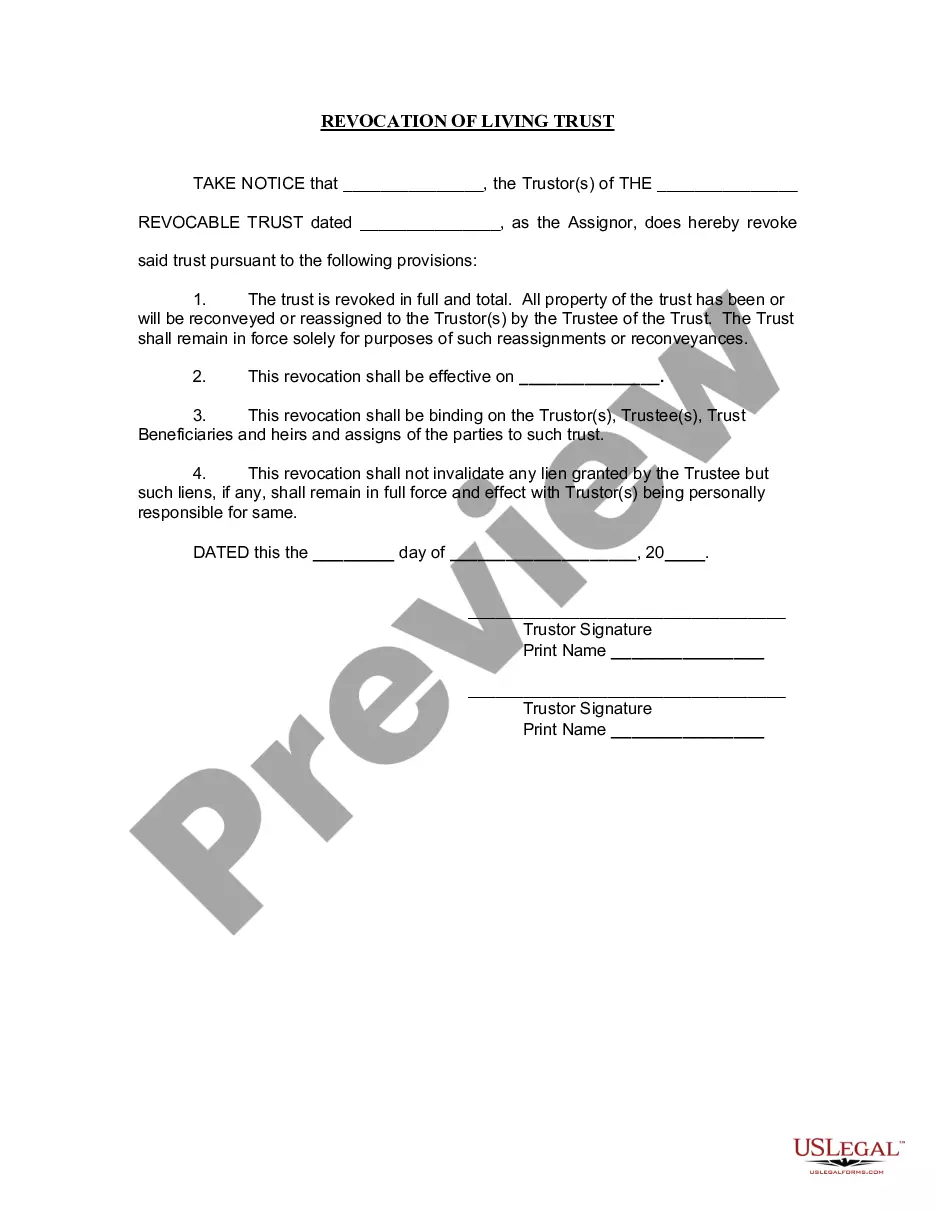



Get your form ready online
Our built-in tools help you complete, sign, share, and store your documents in one place.
Make edits, fill in missing information, and update formatting in US Legal Forms—just like you would in MS Word.
Download a copy, print it, send it by email, or mail it via USPS—whatever works best for your next step.
Sign and collect signatures with our SignNow integration. Send to multiple recipients, set reminders, and more. Go Premium to unlock E-Sign.
If this form requires notarization, complete it online through a secure video call—no need to meet a notary in person or wait for an appointment.
We protect your documents and personal data by following strict security and privacy standards.

Make edits, fill in missing information, and update formatting in US Legal Forms—just like you would in MS Word.

Download a copy, print it, send it by email, or mail it via USPS—whatever works best for your next step.

Sign and collect signatures with our SignNow integration. Send to multiple recipients, set reminders, and more. Go Premium to unlock E-Sign.

If this form requires notarization, complete it online through a secure video call—no need to meet a notary in person or wait for an appointment.

We protect your documents and personal data by following strict security and privacy standards.
Looking for another form?
How to fill out Arizona Revocation Of Living Trust?
The Revocation Trust Form Agreement With Irs displayed on this site is a reusable legal template created by experienced attorneys in compliance with federal and local laws.
For over 25 years, US Legal Forms has supplied individuals, companies, and legal practitioners with more than 85,000 validated, state-specific documents for any business and personal circumstance. It’s the fastest, simplest, and most dependable method to acquire the paperwork you require, as the service ensures the utmost level of data protection and anti-malware safeguards.
Select the format you prefer for your Revocation Trust Form Agreement With Irs (PDF, DOCX, RTF) and save the document on your device.
- Search for the document you need and review it.
- Browse through the sample you searched and preview it or read the form description to ensure it meets your requirements. If it doesn't, utilize the search feature to locate the appropriate one. Click Buy Now when you have found the template you require.
- Register and Log In.
- Select the pricing plan that fits your needs and create an account. Use PayPal or a credit card for a swift payment. If you already possess an account, Log In and verify your subscription to continue.
- Acquire the editable template.
Form popularity
FAQ
Learn How to Fill the Form 2848 Power of Attorney and ... - YouTube YouTube Start of suggested clip End of suggested clip And allows space for additions or deletions from the standard to allow the taxpayer to define theMoreAnd allows space for additions or deletions from the standard to allow the taxpayer to define the scope of the power of attorney. If the standard form is acceptable. Leave box 5 blank.
Request an abatement of interest on a tax by writing ?Request for Abatement of Interest Under Section 6404(e)? at the top of Form 843. Complete lines 1 through 3. Check the first box on line 5a. On line 5b, show the dates of any payment of interest or tax liability for the tax period involved.
In general, Form 8855, Election To Treat a Qualified Revocable Trust as Part of an Estate, must be filed by the due date for Form 1041 for the first tax year of the related estate. This applies even if the combined related estate and electing trust don't have sufficient income to be required to file Form 1041.
When filling out your Form 8822-B with the IRS, you'll need to include: Business name. EIN. Old and new mailing addresses if they are different. New business location if being updated. Name of the new responsible party if changed. Responsible party's social security number or EIN.
IRS Letter to Request First-Time Penalty Abatement. To Whom It May Concern: We respectfully request that the [failure-to-file/failure-to-pay/failure-to-deposit] penalty be abated based on the IRS's First Time Abate administrative waiver procedures, as discussed in IRM 20.1. 1.3.