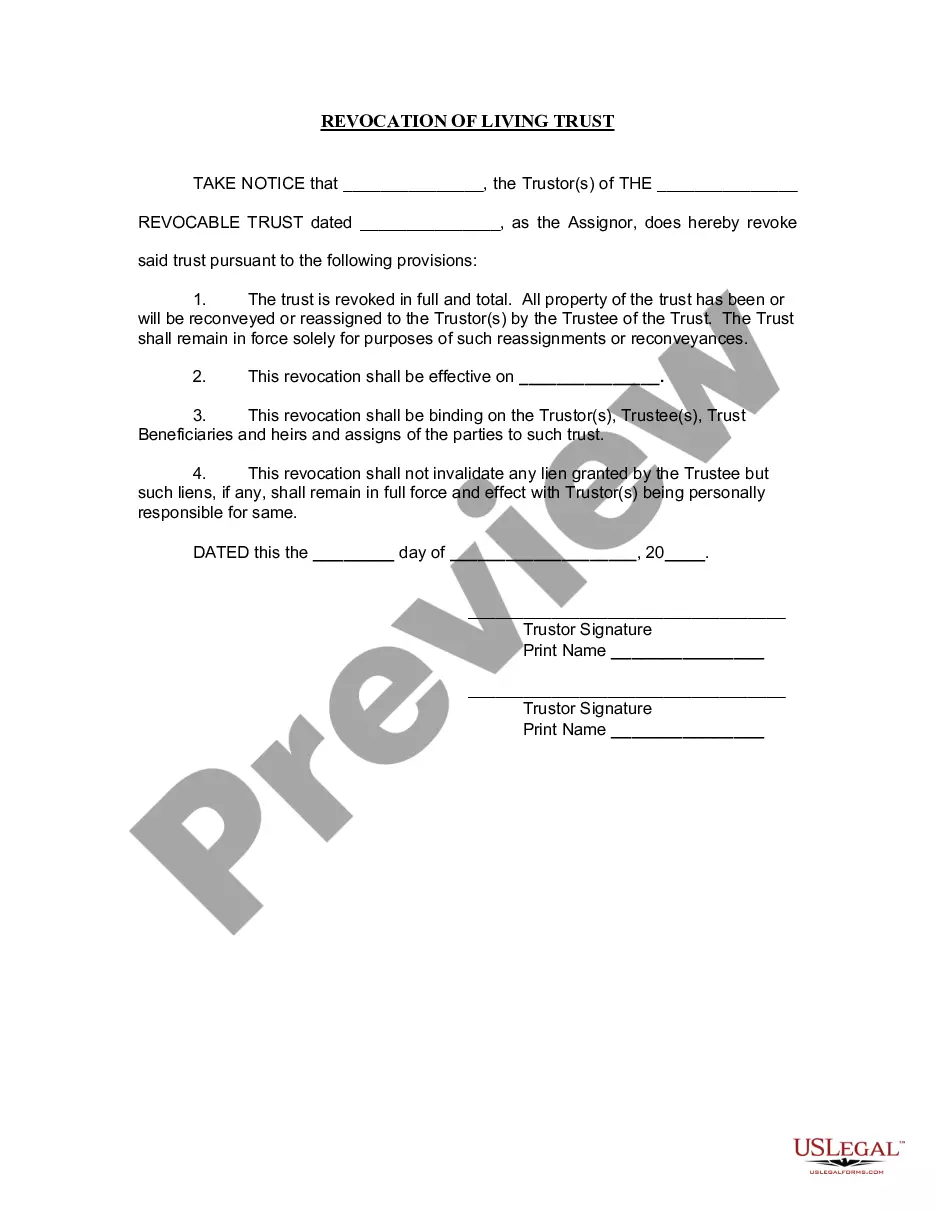
Revocation Trust Form Agreement With Canada
Description




Get your form ready online
Our built-in tools help you complete, sign, share, and store your documents in one place.
Make edits, fill in missing information, and update formatting in US Legal Forms—just like you would in MS Word.
Download a copy, print it, send it by email, or mail it via USPS—whatever works best for your next step.
Sign and collect signatures with our SignNow integration. Send to multiple recipients, set reminders, and more. Go Premium to unlock E-Sign.
If this form requires notarization, complete it online through a secure video call—no need to meet a notary in person or wait for an appointment.
We protect your documents and personal data by following strict security and privacy standards.

Make edits, fill in missing information, and update formatting in US Legal Forms—just like you would in MS Word.

Download a copy, print it, send it by email, or mail it via USPS—whatever works best for your next step.

Sign and collect signatures with our SignNow integration. Send to multiple recipients, set reminders, and more. Go Premium to unlock E-Sign.

If this form requires notarization, complete it online through a secure video call—no need to meet a notary in person or wait for an appointment.

We protect your documents and personal data by following strict security and privacy standards.
Looking for another form?
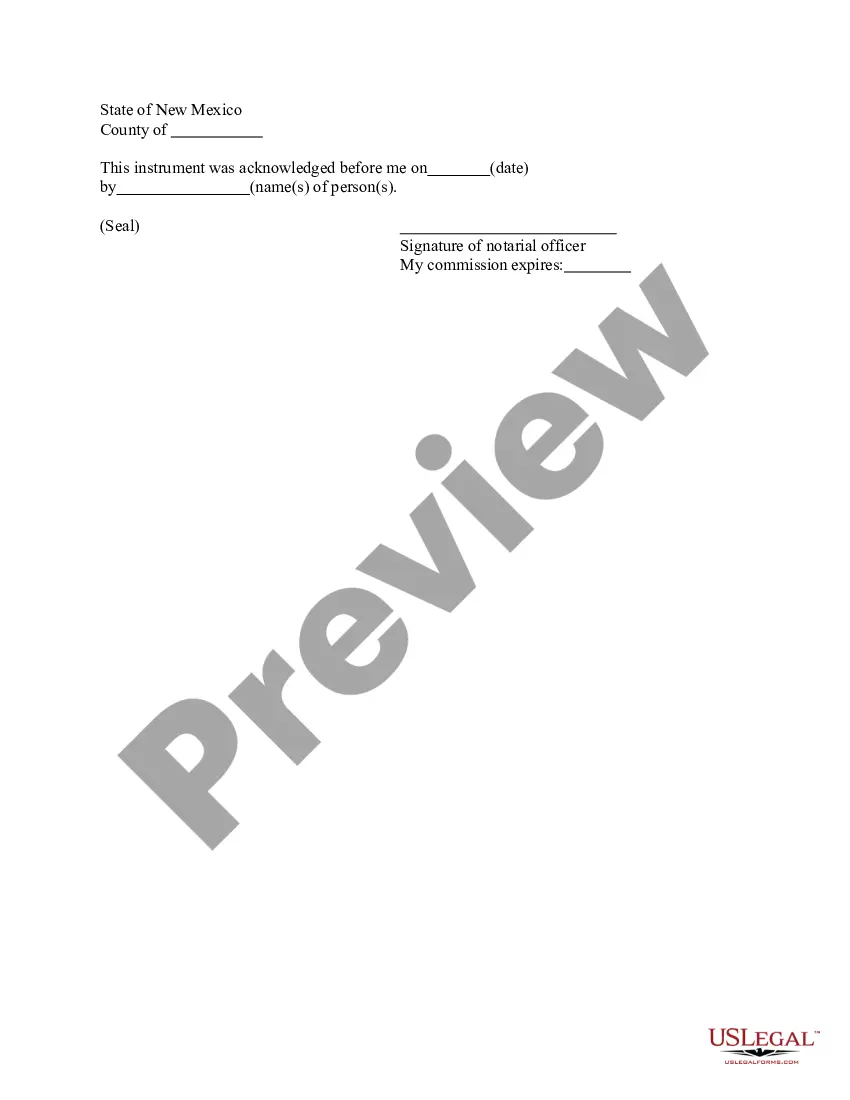

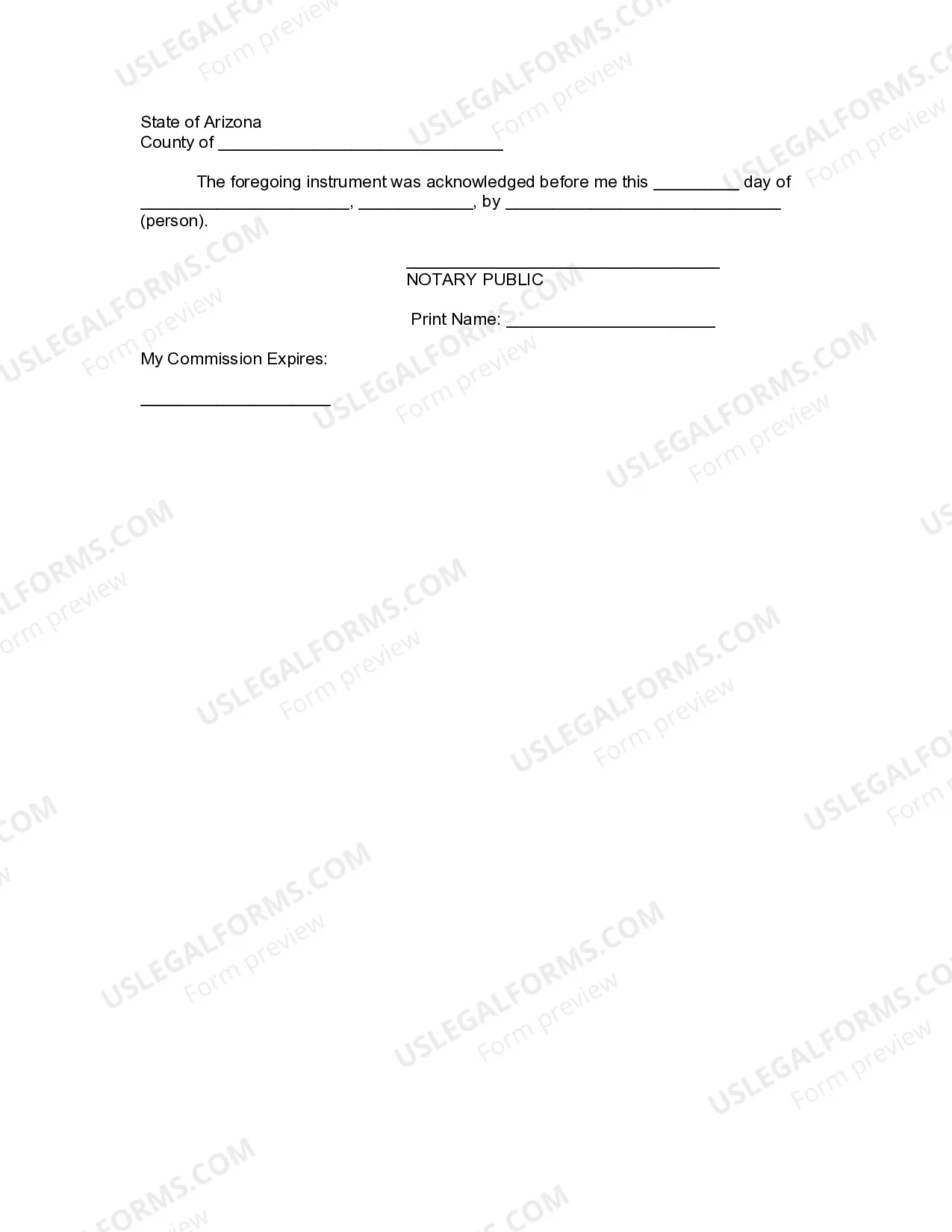
How to fill out Arizona Revocation Of Living Trust?
Whether for corporate reasons or for personal matters, everyone must confront legal circumstances at some point in their life.
Filling out legal documents demands meticulous focus, starting from selecting the appropriate form template.
Once it is downloaded, you can complete the form using editing software or print it and fill it out manually. With a vast US Legal Forms catalog available, you do not need to waste time searching for the correct sample across the internet. Utilize the library’s straightforward navigation to find the right form for any scenario.
- For example, if you choose an incorrect version of a Revocation Trust Form Agreement With Canada, it will be rejected upon submission.
- Therefore, it is essential to find a trustworthy source of legal documents like US Legal Forms.
- If you need to secure a Revocation Trust Form Agreement With Canada template, follow these straightforward steps.
- Locate the sample you require using the search bar or catalog navigation.
- Review the form’s description to verify it aligns with your case, state, and region.
- Click on the form’s preview to examine it.
- If it is the incorrect form, return to the search function to find the Revocation Trust Form Agreement With Canada sample you need.
- Download the file if it satisfies your requirements.
- If you possess a US Legal Forms profile, simply click Log in to access previously saved templates in My documents.
- Should you not have an account yet, you can acquire the form by clicking Buy now.
- Select the appropriate pricing option.
- Complete the profile registration form.
- Select your payment method: use a credit card or PayPal account.
- Select the document format you wish and download the Revocation Trust Form Agreement With Canada.
Form popularity
FAQ
The first step in dissolving a revocable trust is to remove all the assets that have been transferred into it. The second step is to fill out a formal revocation form, stating the grantor's desire to dissolve the trust.
A beneficiary can renounce their interest from the trust and, upon the consent of other beneficiaries, be allowed to exit. A trustee cannot remove a beneficiary from an irrevocable trust. A grantor can remove a beneficiary from a revocable trust by going back to the trust deed codes that allow for the same.
A trust can be wound up early if all the beneficiaries unanimously agree to the wind up and the distribution of the remaining assets of the trust or estate. This unanimous consent is sufficient to wind up a trust even if it would contradict the trust creator's intention that the trust be distributed at a future date.
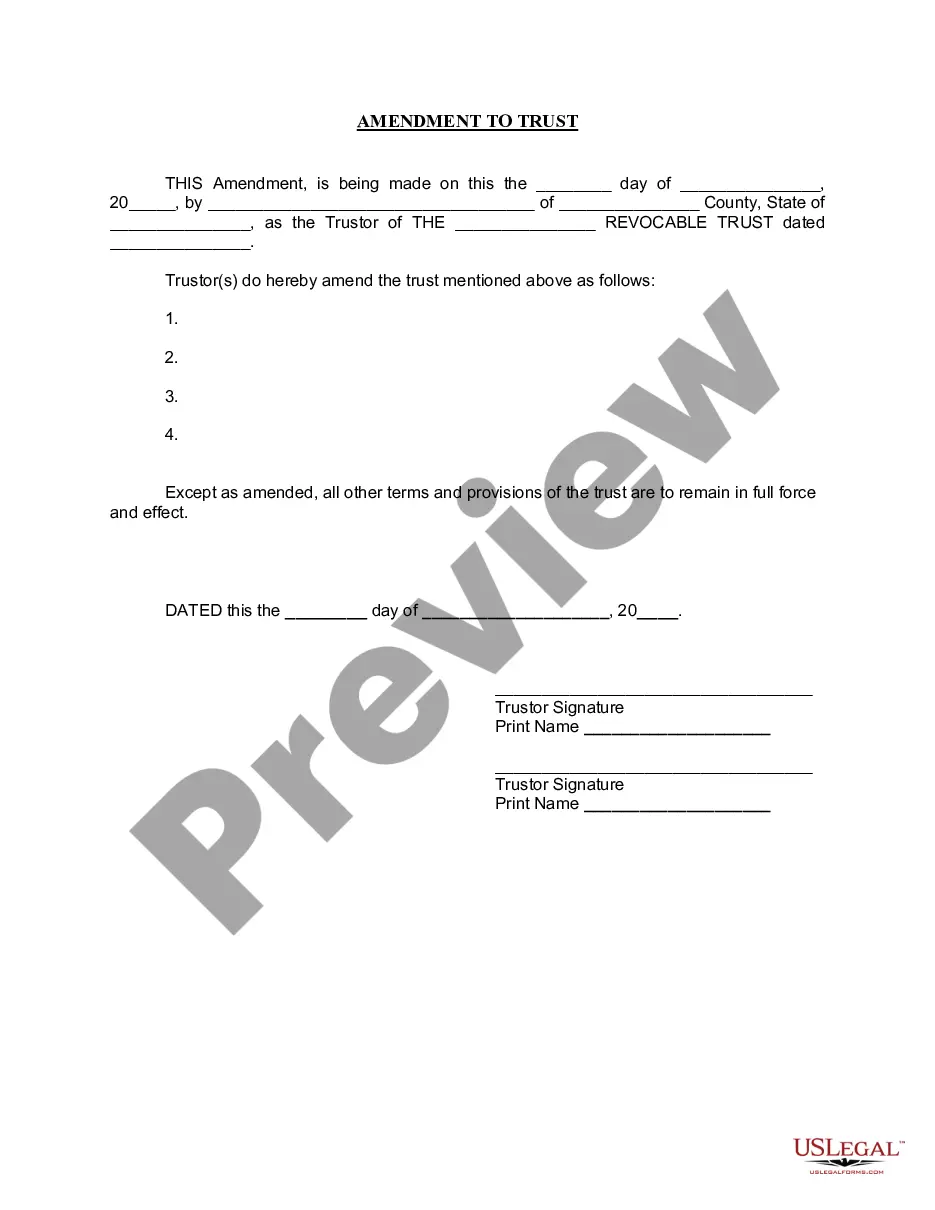
Irrevocable trusts cannot be modified, amended, or terminated without permission from the grantor's beneficiaries or by court order. The grantor transfers all ownership of assets into the trust and legally removes all of their ownership rights to the assets and the trust.
If you've already written a will that includes someone you wish to remove, don't add a codicil (an addition to your will written as a separate document) ? write a new will. It'll stop the document becoming too complicated and open to a challenge. It also means you can more accurately outline your current wishes.