Az Trust With Me
Description
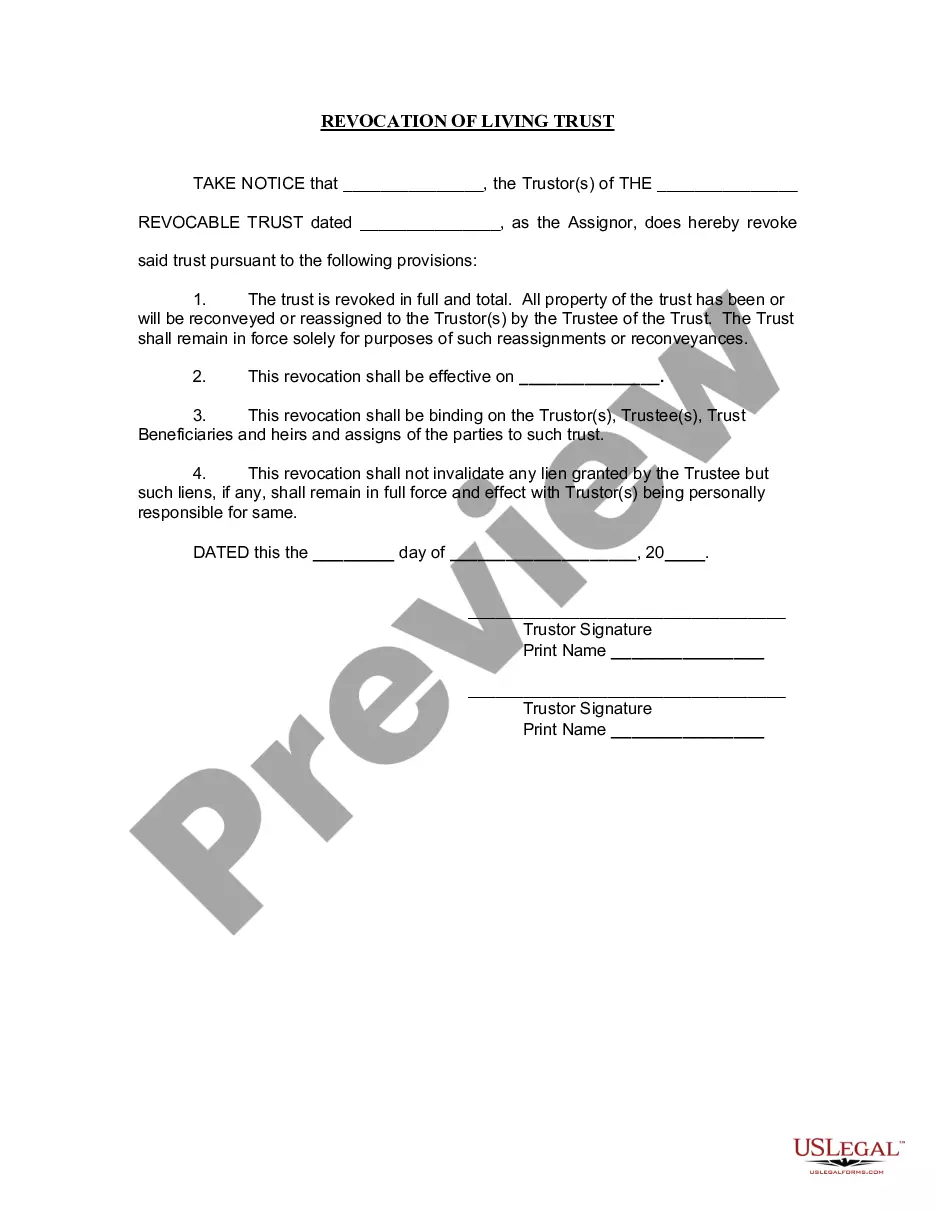
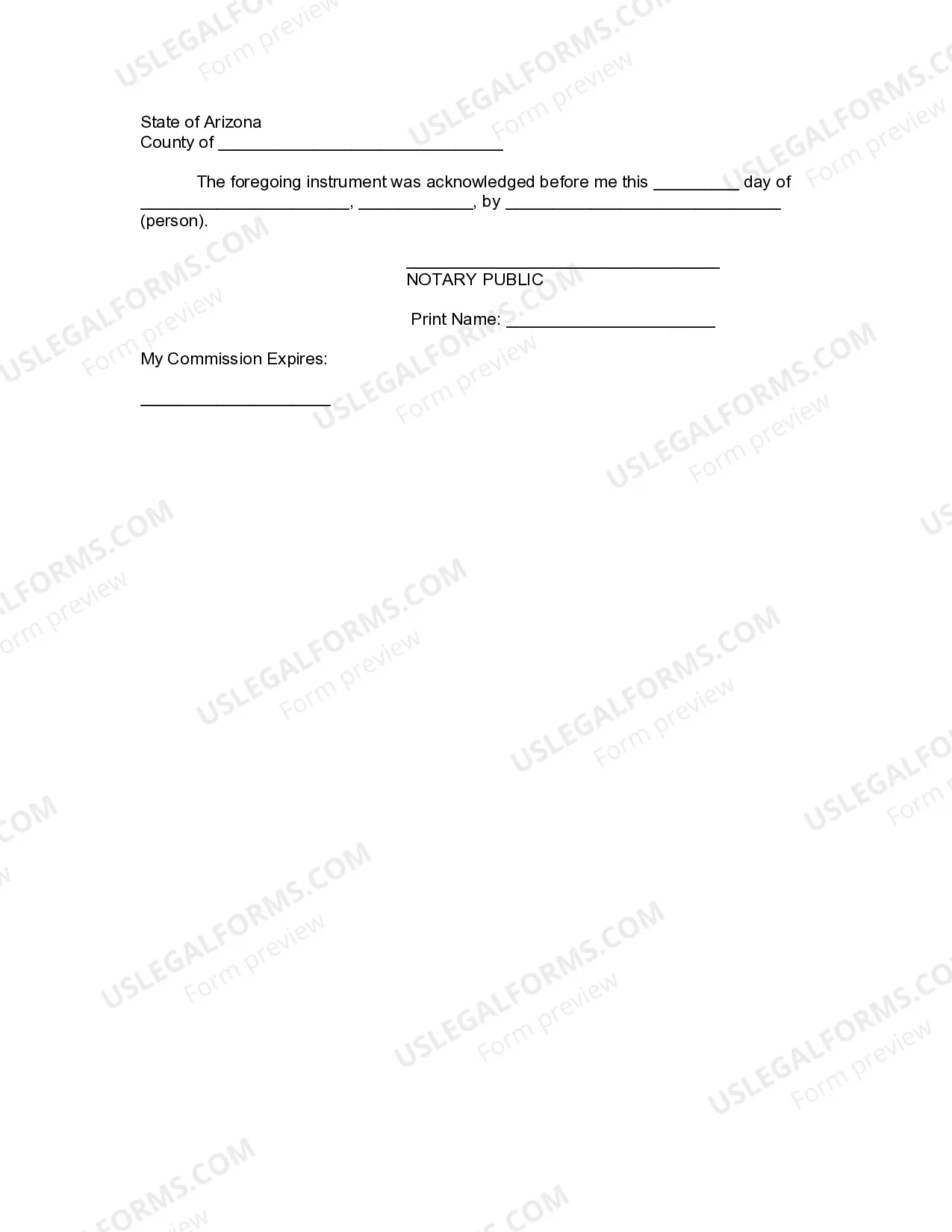




Get your form ready online
Our built-in tools help you complete, sign, share, and store your documents in one place.
Make edits, fill in missing information, and update formatting in US Legal Forms—just like you would in MS Word.
Download a copy, print it, send it by email, or mail it via USPS—whatever works best for your next step.
Sign and collect signatures with our SignNow integration. Send to multiple recipients, set reminders, and more. Go Premium to unlock E-Sign.
If this form requires notarization, complete it online through a secure video call—no need to meet a notary in person or wait for an appointment.
We protect your documents and personal data by following strict security and privacy standards.

Make edits, fill in missing information, and update formatting in US Legal Forms—just like you would in MS Word.

Download a copy, print it, send it by email, or mail it via USPS—whatever works best for your next step.

Sign and collect signatures with our SignNow integration. Send to multiple recipients, set reminders, and more. Go Premium to unlock E-Sign.

If this form requires notarization, complete it online through a secure video call—no need to meet a notary in person or wait for an appointment.

We protect your documents and personal data by following strict security and privacy standards.
Looking for another form?

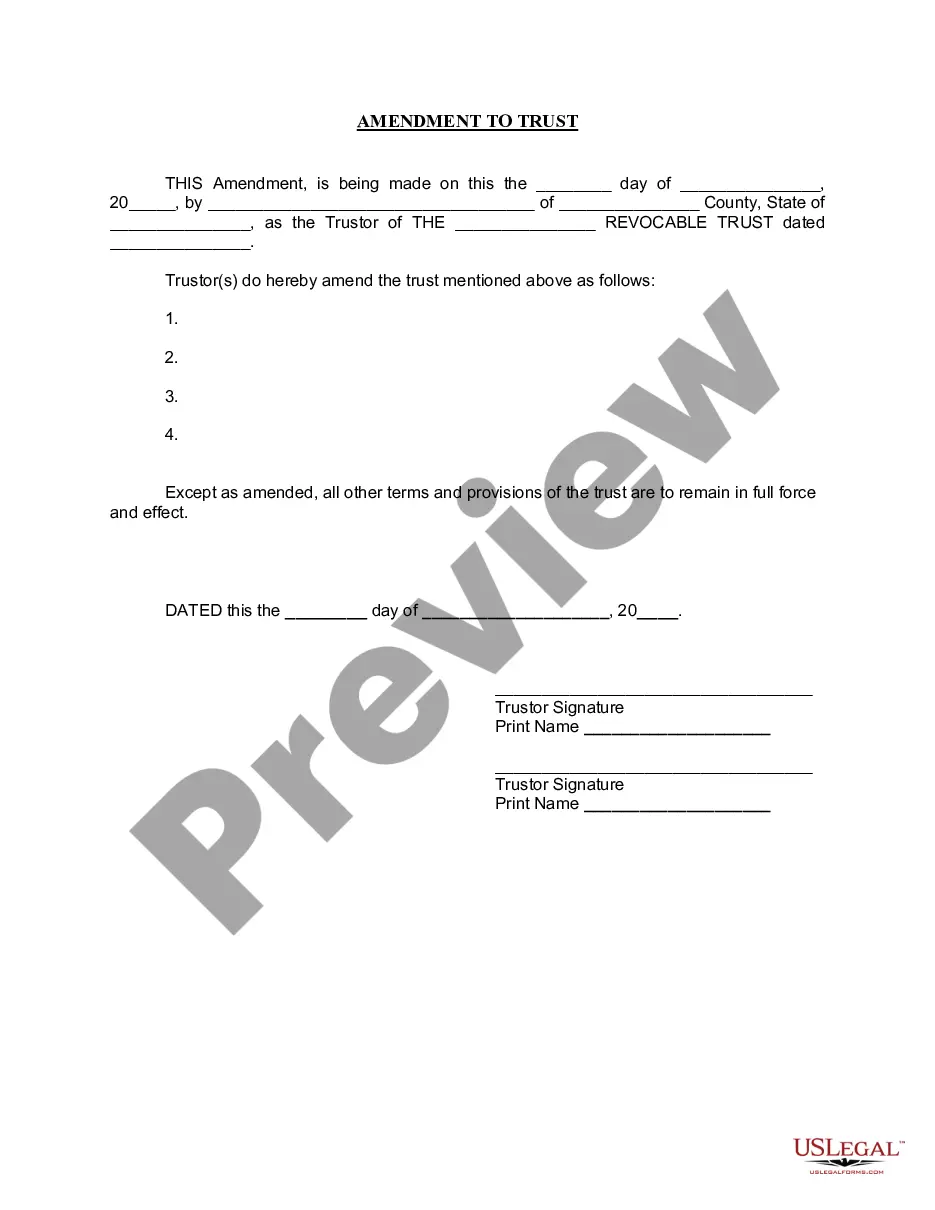


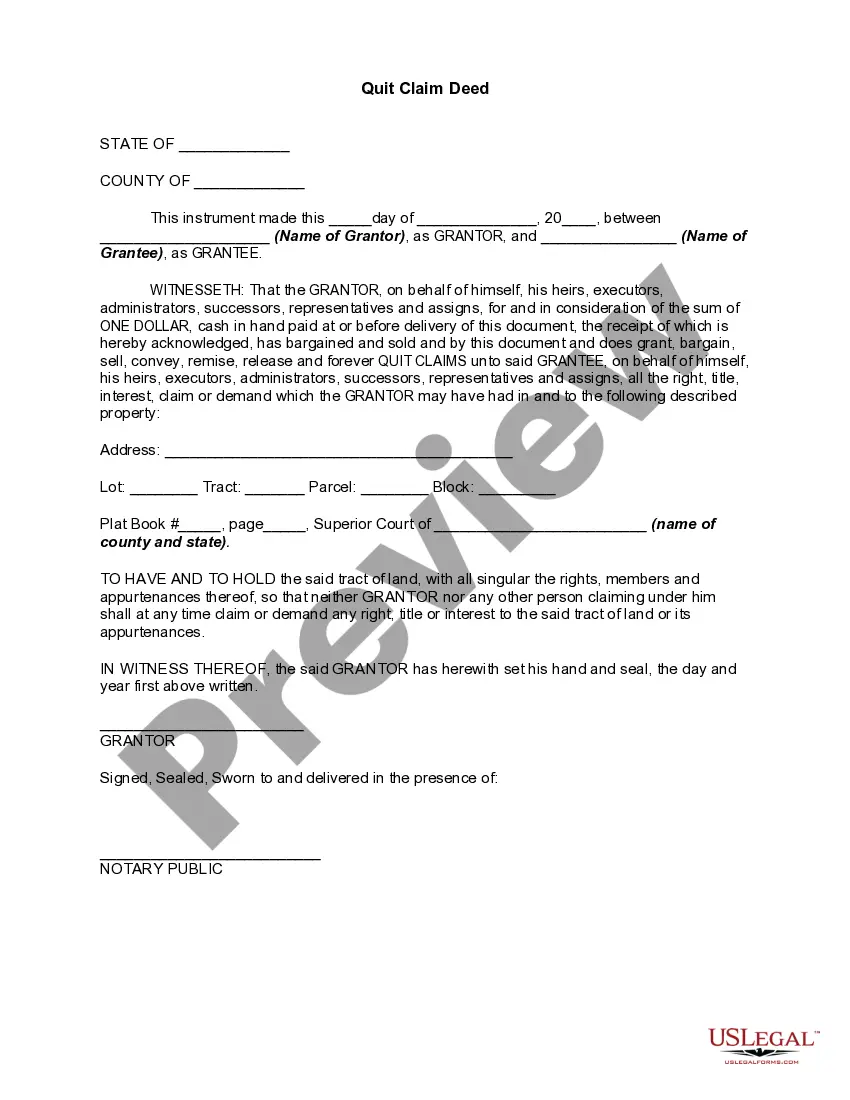
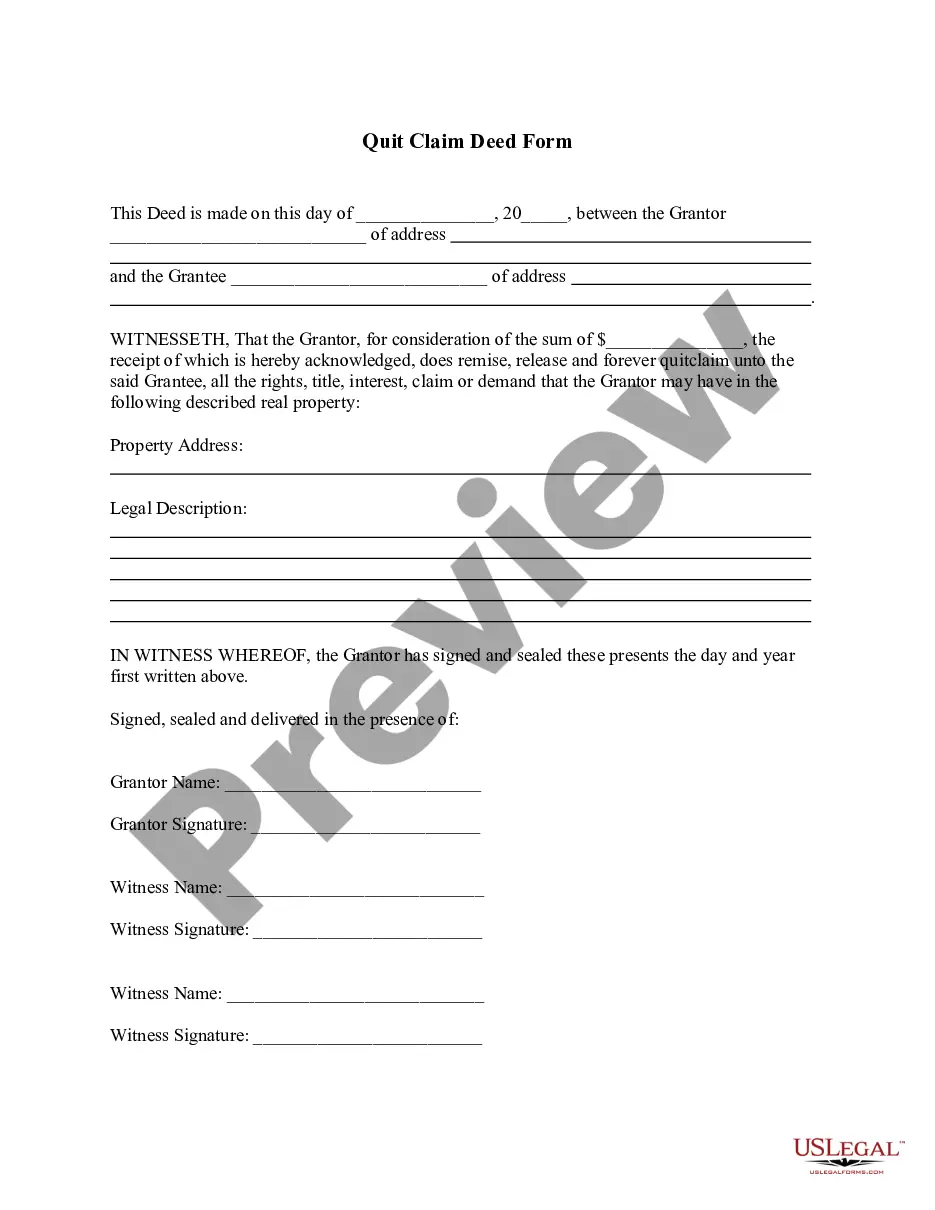

How to fill out Arizona Revocation Of Living Trust?
Securing a reliable source for the latest and suitable legal templates is a significant part of navigating bureaucracy. Locating the correct legal documents demands accuracy and meticulousness, which is why it is crucial to obtain samples of Az Trust With Me exclusively from trustworthy providers, such as US Legal Forms. An incorrect template will squander your time and delay your situation. With US Legal Forms, you have minimal worries. You can access and review all the specifics regarding the document’s application and significance for your situation and in your state or locality.
Consider the following steps to complete your Az Trust With Me.
Eliminate the hassle associated with your legal documentation. Explore the extensive US Legal Forms catalog to discover legal templates, evaluate their applicability to your situation, and download them instantly.
- Utilize the library navigation or search bar to locate your template.
- Review the form’s description to determine if it meets the criteria of your state and county.
- Access the form preview, if available, to confirm the template is the one you need.
- Return to the search and seek the suitable template if the Az Trust With Me does not meet your needs.
- When you are confident about the form’s applicability, download it.
- If you are a registered user, click Log in to verify and access your chosen forms in My documents.
- If you do not have an account yet, click Buy now to acquire the template.
- Select the pricing option that aligns with your needs.
- Proceed to the registration to complete your purchase.
- Conclude your purchase by choosing a payment method (credit card or PayPal).
- Select the file format for downloading Az Trust With Me.
- Once you have the form on your device, you can edit it using the editor or print it and fill it out manually.
Form popularity
FAQ
Yes, you can write your own trust in Arizona, but it is important to follow state-specific laws to ensure its validity. Utilizing platforms like US Legal Forms can provide you with easy-to-follow templates tailored for Arizona. An Az trust with me allows you to maintain control over your assets while ensuring they are distributed according to your wishes. Always consider seeking legal advice to confirm your trust meets all requirements.
Putting your house in a trust can be a wise decision, as it often simplifies the transfer of assets upon your passing. An Az trust with me can help avoid probate, making the process smoother for your beneficiaries. Additionally, it may provide some level of protection from creditors. Consider discussing your options with a legal professional to ensure it aligns with your goals.
Yes, you can set up a trust without an attorney in Arizona, especially if you feel confident in navigating the process. Many individuals successfully create their own trusts using online tools and resources. The Az trust with me platform offers easy-to-use templates and guidance, making it simple for you to establish a trust that aligns with your goals.
In Arizona, a trust does not need to be recorded with the county recorder or any government agency. However, if you want to ensure that your trust is recognized, you may consider providing a copy to relevant parties, such as banks or beneficiaries. By using the Az trust with me service, you can easily create a trust that meets your needs without the hassle of public recording.
ALL EMPLOYEES - ARIZONA STATE WITHHOLDING HAS BEEN UPDATED TO THE DEFAULT RATE 2.0% Any existing additional dollar amounts an employee had chosen to be withheld will not be changed.
You can set up a living trust by yourself. However, if you're not experienced, it might make more sense to get professional advice. If your estate is worth a lot, you may benefit from a living trust. The Uniform Probate Code, however, does simplify the probate process for estates without a trust in Arizona.
Changes to the 2023 tax rate structure mean changes to state withholdings from your paychecks. The new default withholding rate for AZ is 2 percent, so now is the time to review if this amount is appropriate for you. If you want to change this percentage, you can do so at any time during the year.
To create a living trust in Arizona you need to create a trust document that lays out all the details of your trust and names the trustee and beneficiaries. You will sign the document in front of a notary. To complete the process, you fund the trust by transferring the ownership of assets to the trust entity.