Az Revocation Draft For Dummies
Description
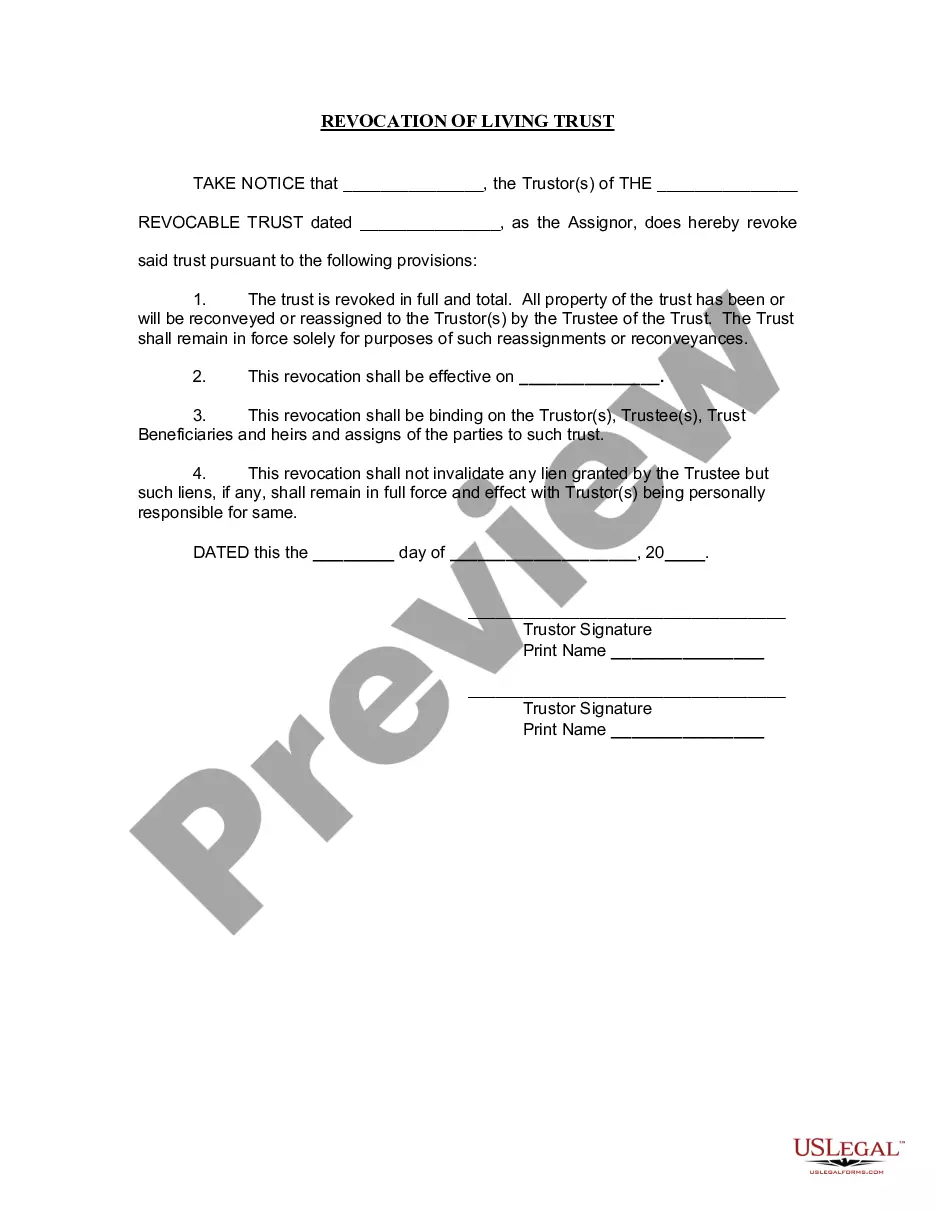
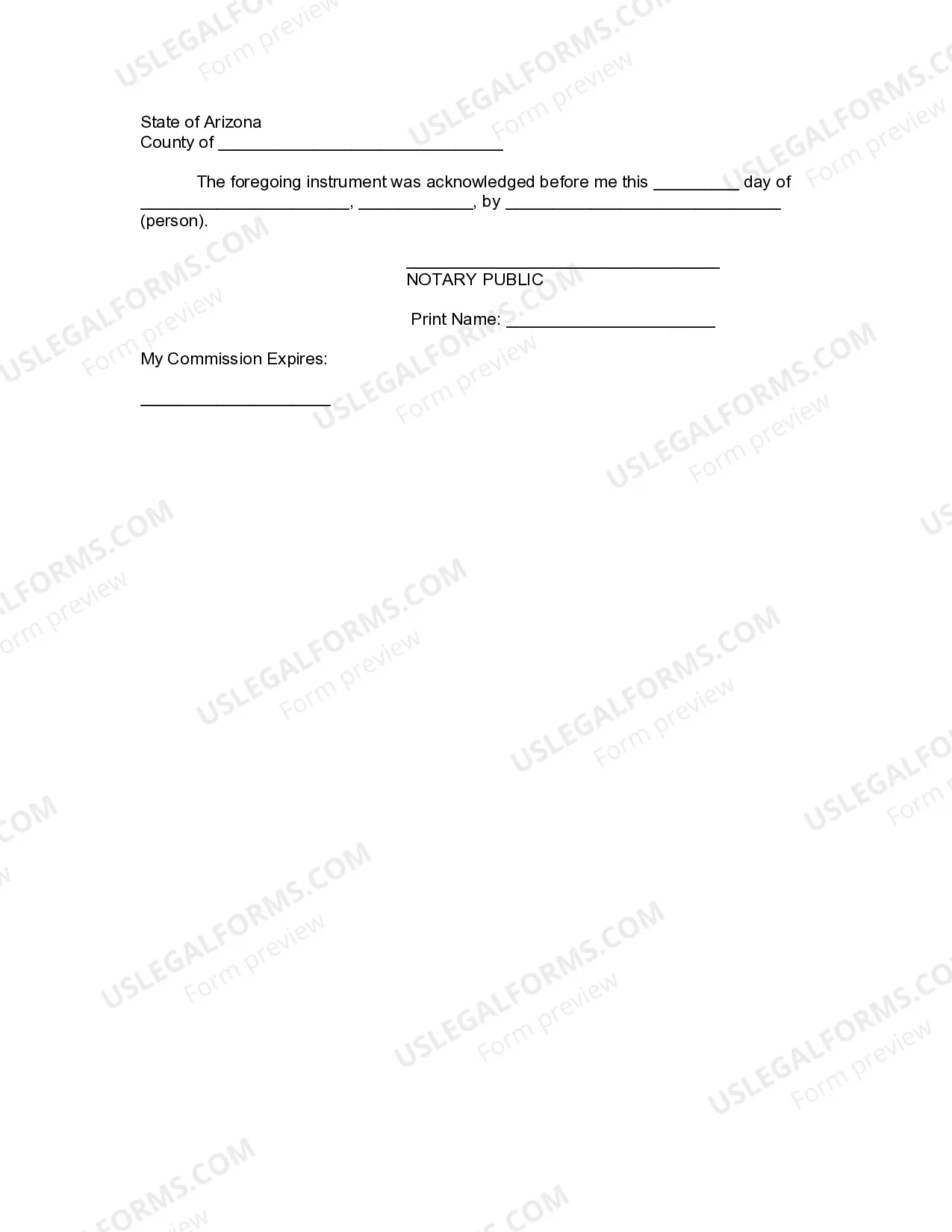




Get your form ready online
Our built-in tools help you complete, sign, share, and store your documents in one place.
Make edits, fill in missing information, and update formatting in US Legal Forms—just like you would in MS Word.
Download a copy, print it, send it by email, or mail it via USPS—whatever works best for your next step.
Sign and collect signatures with our SignNow integration. Send to multiple recipients, set reminders, and more. Go Premium to unlock E-Sign.
If this form requires notarization, complete it online through a secure video call—no need to meet a notary in person or wait for an appointment.
We protect your documents and personal data by following strict security and privacy standards.

Make edits, fill in missing information, and update formatting in US Legal Forms—just like you would in MS Word.

Download a copy, print it, send it by email, or mail it via USPS—whatever works best for your next step.

Sign and collect signatures with our SignNow integration. Send to multiple recipients, set reminders, and more. Go Premium to unlock E-Sign.

If this form requires notarization, complete it online through a secure video call—no need to meet a notary in person or wait for an appointment.

We protect your documents and personal data by following strict security and privacy standards.
Looking for another form?
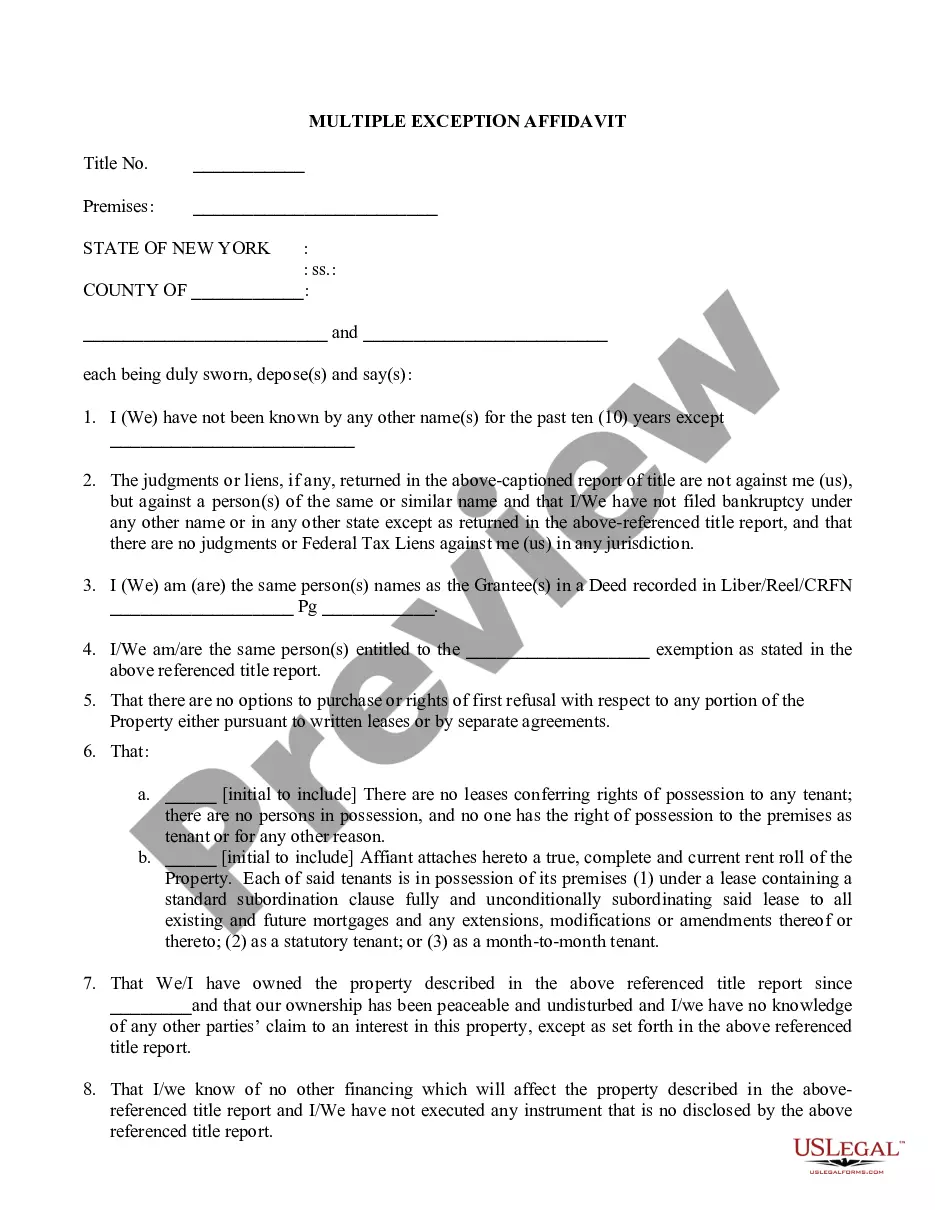

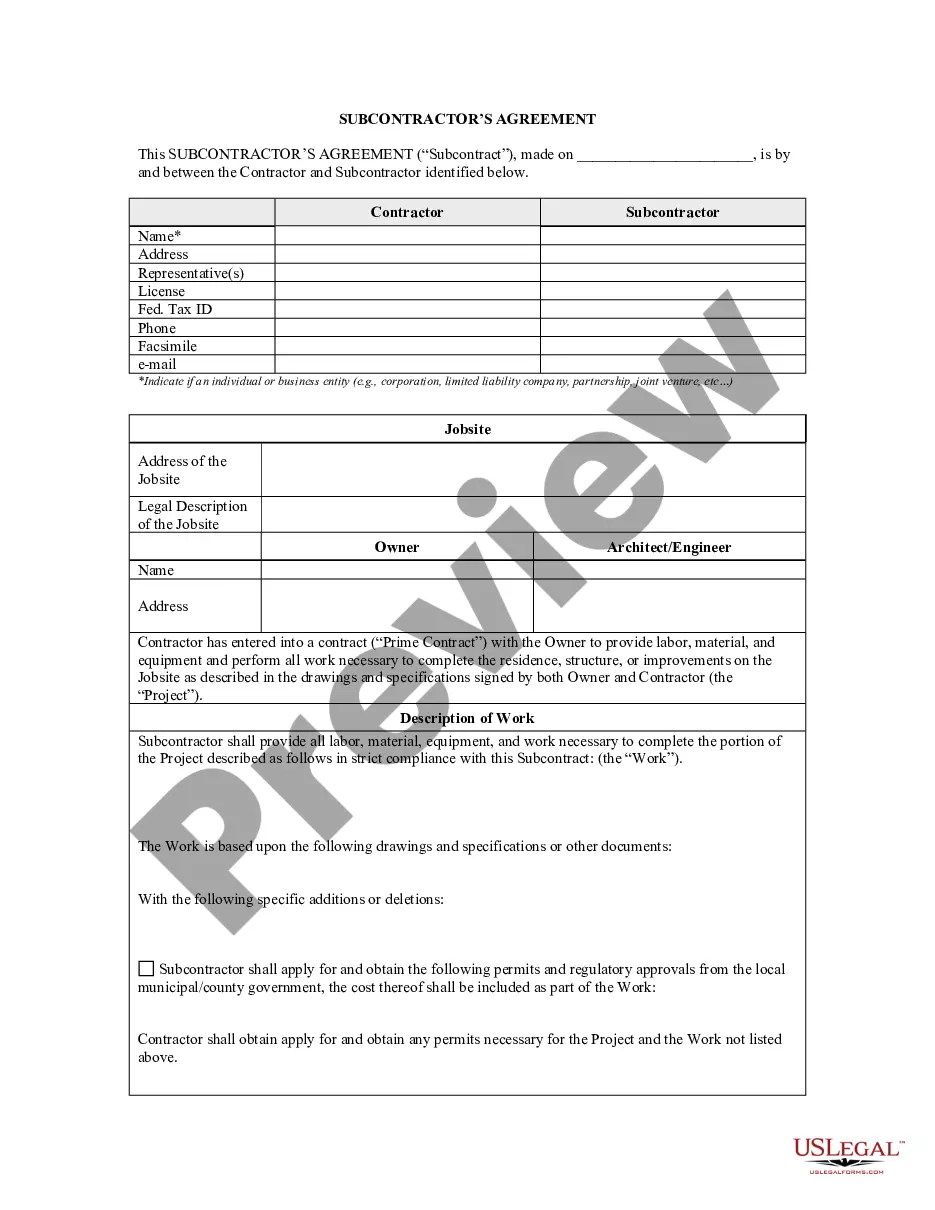


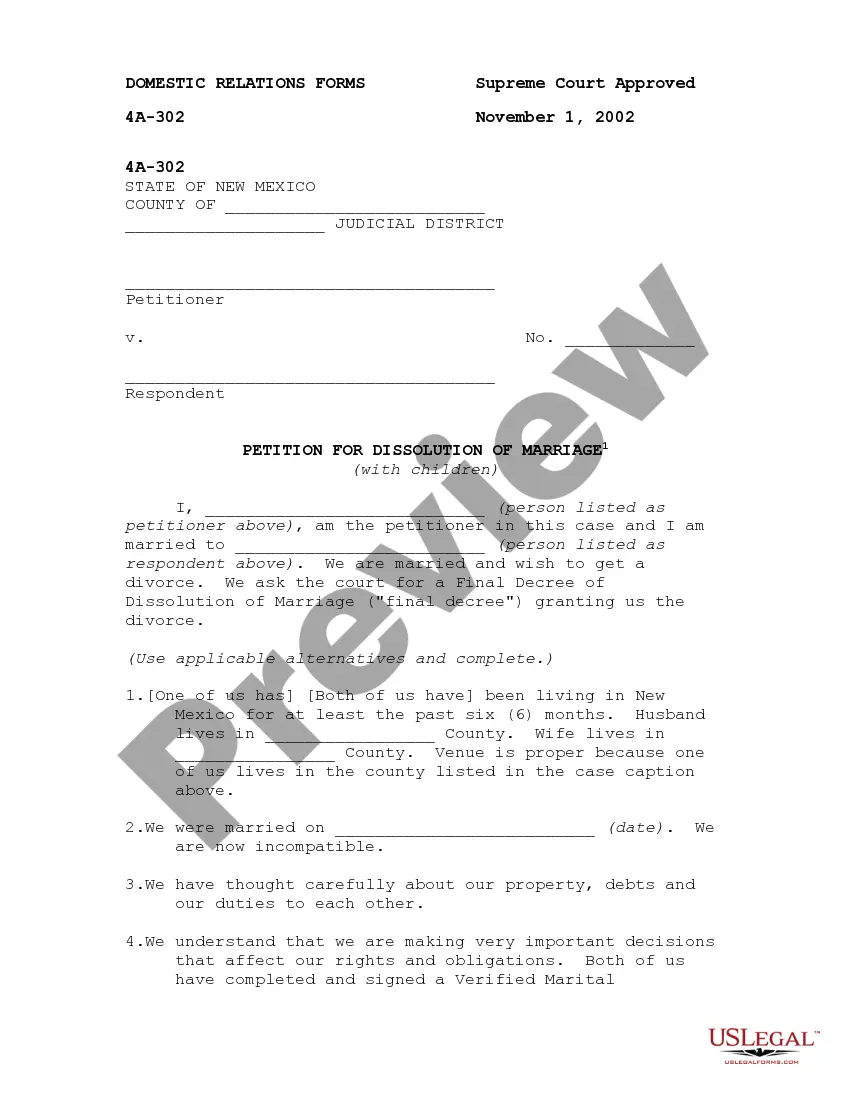

How to fill out Arizona Revocation Of Living Trust?
The Az Revocation Draft For Dummies you observe on this page is a reusable legal format prepared by expert attorneys in compliance with national and local regulations.
For over 25 years, US Legal Forms has furnished individuals, enterprises, and lawyers with more than 85,000 authenticated, state-specific documents for any business and personal situation. It’s the fastest, simplest, and most dependable method to acquire the forms you require, as the service ensures the utmost level of data protection and anti-malware safeguards.
Register with US Legal Forms to have validated legal templates for every circumstance in life at your fingertips.
- Examine the document you need and review it. Browse the template you searched for and preview it or check the form description to confirm it meets your requirements. If it doesn't, utilize the search feature to locate the suitable one. Click Buy Now when you have identified the template you want.
- Register and sign in. Select the pricing plan that is appropriate for you and create an account. Use PayPal or a credit card to complete your purchase swiftly. If you already possess an account, Log In and check your subscription to continue.
- Obtain the editable template. Choose the format you desire for your Az Revocation Draft For Dummies (PDF, DOCX, RTF) and download the form onto your device.
- Complete and endorse the documents. Print the template to finish it manually. Alternatively, use an online versatile PDF editor to efficiently and correctly fill out and sign your document with a legally-binding electronic signature.
- Redownload your documents as needed. Utilize the same file again whenever necessary. Access the My documents tab in your account to retrieve any previously downloaded forms.
Form popularity
FAQ
To reinstate your license, you must pay a $10 reinstatement fee in addition to an application fee. If we do not have a digital photo on file, you must apply in person. Otherwise, you may pay these fees by mail or online at AZMVDNow.gov.
To get this restricted license you need to go through complete substance abuse screening, post a certificate and a certified ignition interlock device (IID). A restricted permit is also available after 30 days of suspension where your license is suspended due to a first extreme DUI conviction.
If you need a license to take care of essential activities in Arizona, you may be able to obtain a hardship license. The criteria for a hardship license are strict. It is crucial to retain a knowledgeable Phoenix DUI lawyer to advocate for a hardship license.
How long does a suspended license stay on your record in Arizona? In Arizona, traffic points and license suspensions remain on your driving record for 12 months.
Driver license holders with a past or current suspension: MVD is working with law enforcement to ensure your status is up to date in the new computer system. Please activate your account at azmvdnow.gov to verify your license status.