Az Revocation Download Without Permission
Description
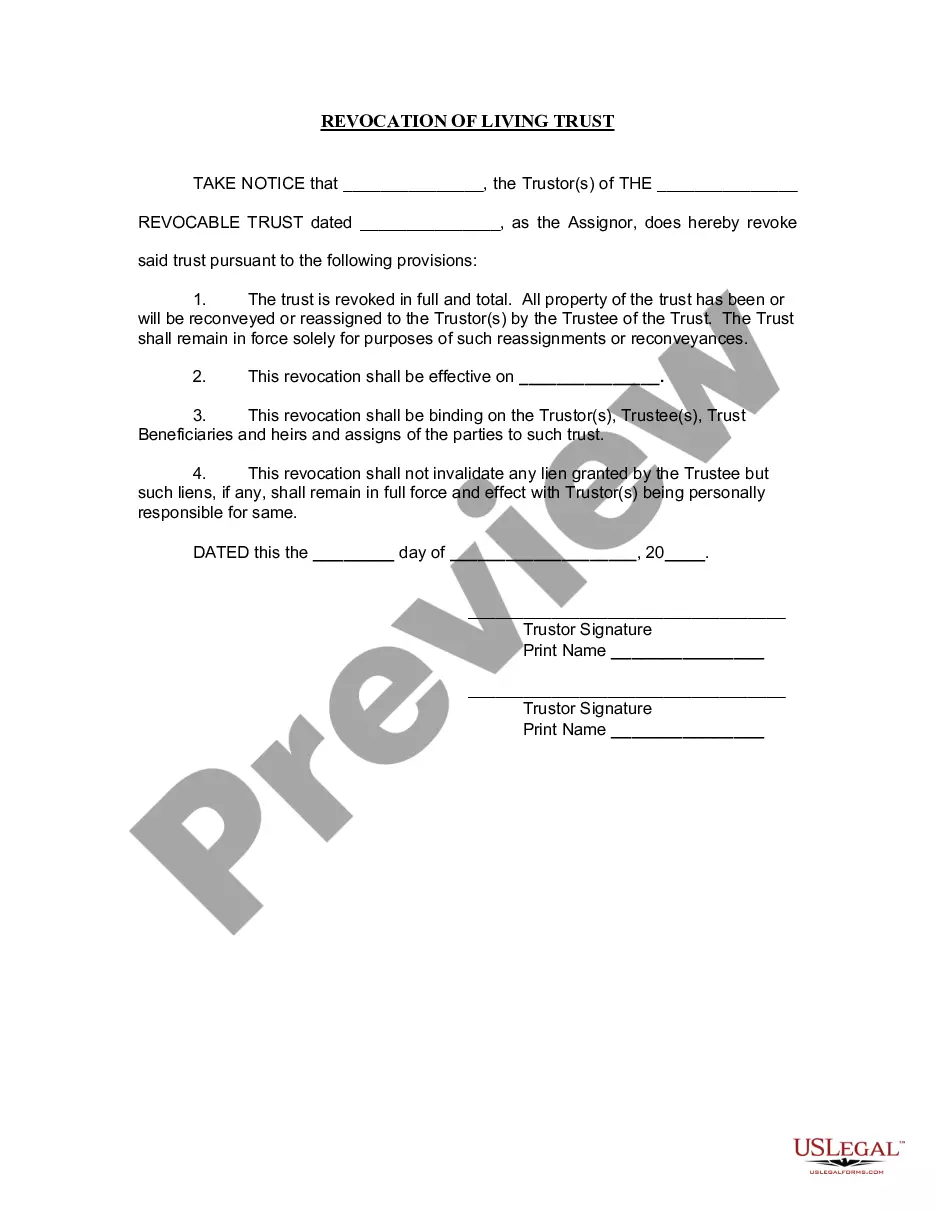
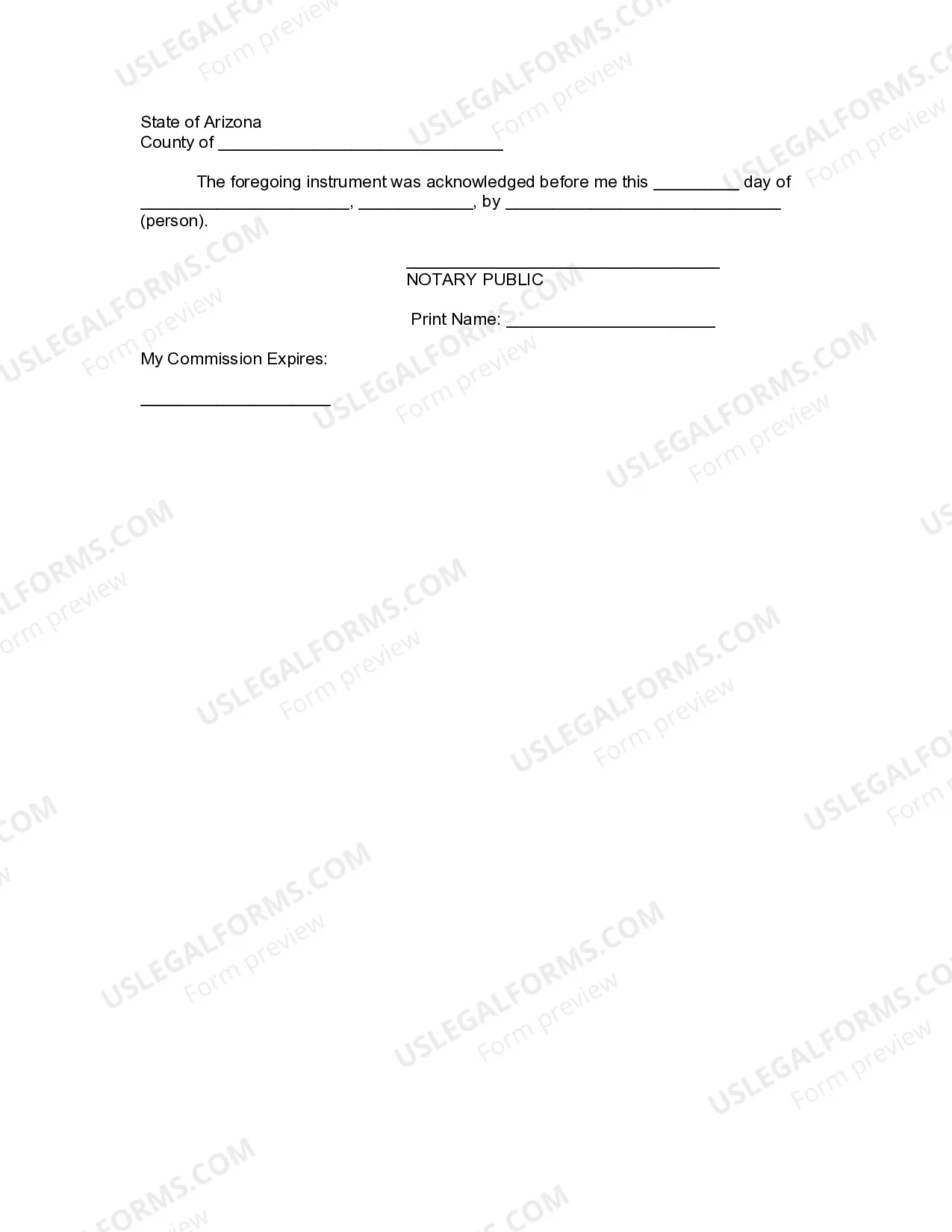




Get your form ready online
Our built-in tools help you complete, sign, share, and store your documents in one place.
Make edits, fill in missing information, and update formatting in US Legal Forms—just like you would in MS Word.
Download a copy, print it, send it by email, or mail it via USPS—whatever works best for your next step.
Sign and collect signatures with our SignNow integration. Send to multiple recipients, set reminders, and more. Go Premium to unlock E-Sign.
If this form requires notarization, complete it online through a secure video call—no need to meet a notary in person or wait for an appointment.
We protect your documents and personal data by following strict security and privacy standards.

Make edits, fill in missing information, and update formatting in US Legal Forms—just like you would in MS Word.

Download a copy, print it, send it by email, or mail it via USPS—whatever works best for your next step.

Sign and collect signatures with our SignNow integration. Send to multiple recipients, set reminders, and more. Go Premium to unlock E-Sign.

If this form requires notarization, complete it online through a secure video call—no need to meet a notary in person or wait for an appointment.

We protect your documents and personal data by following strict security and privacy standards.
Looking for another form?
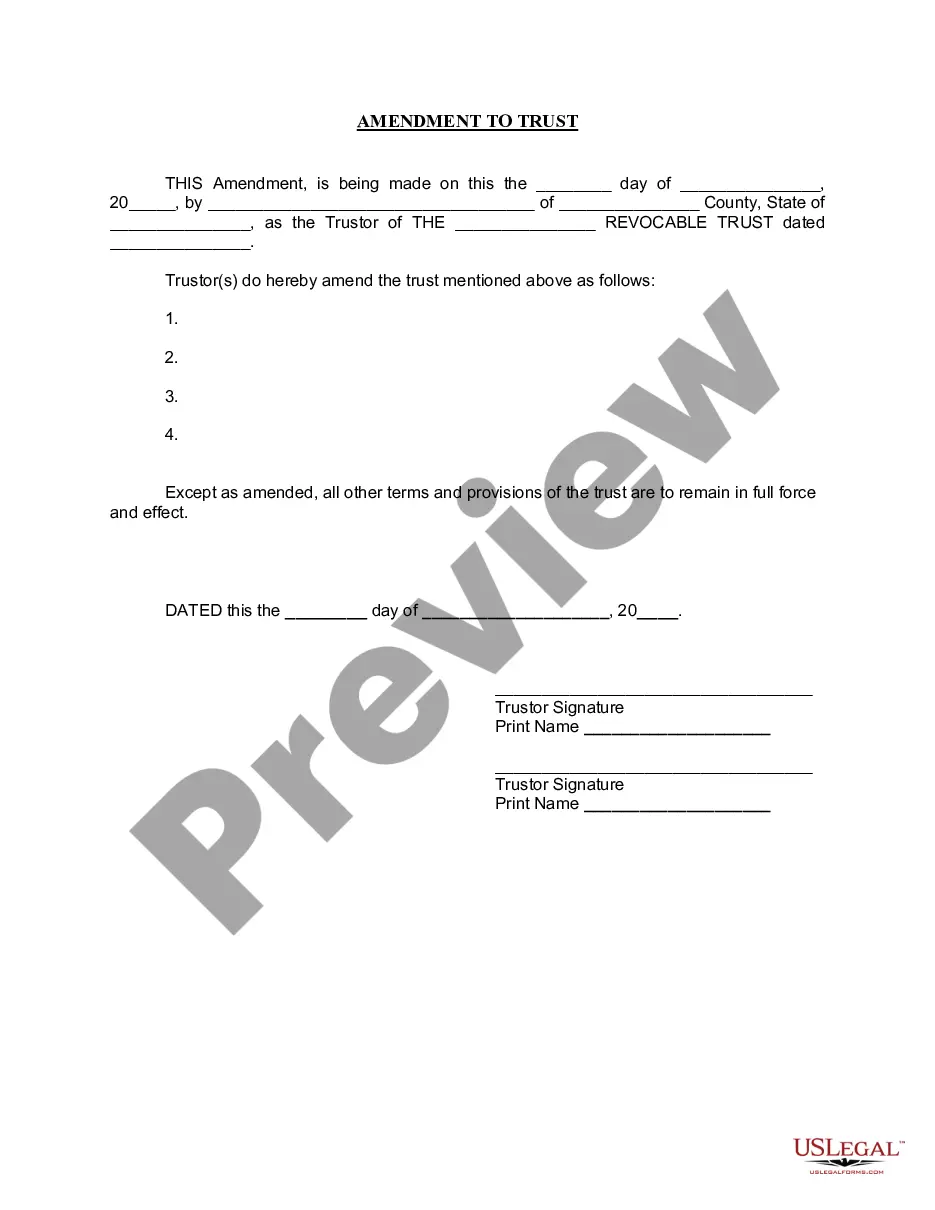

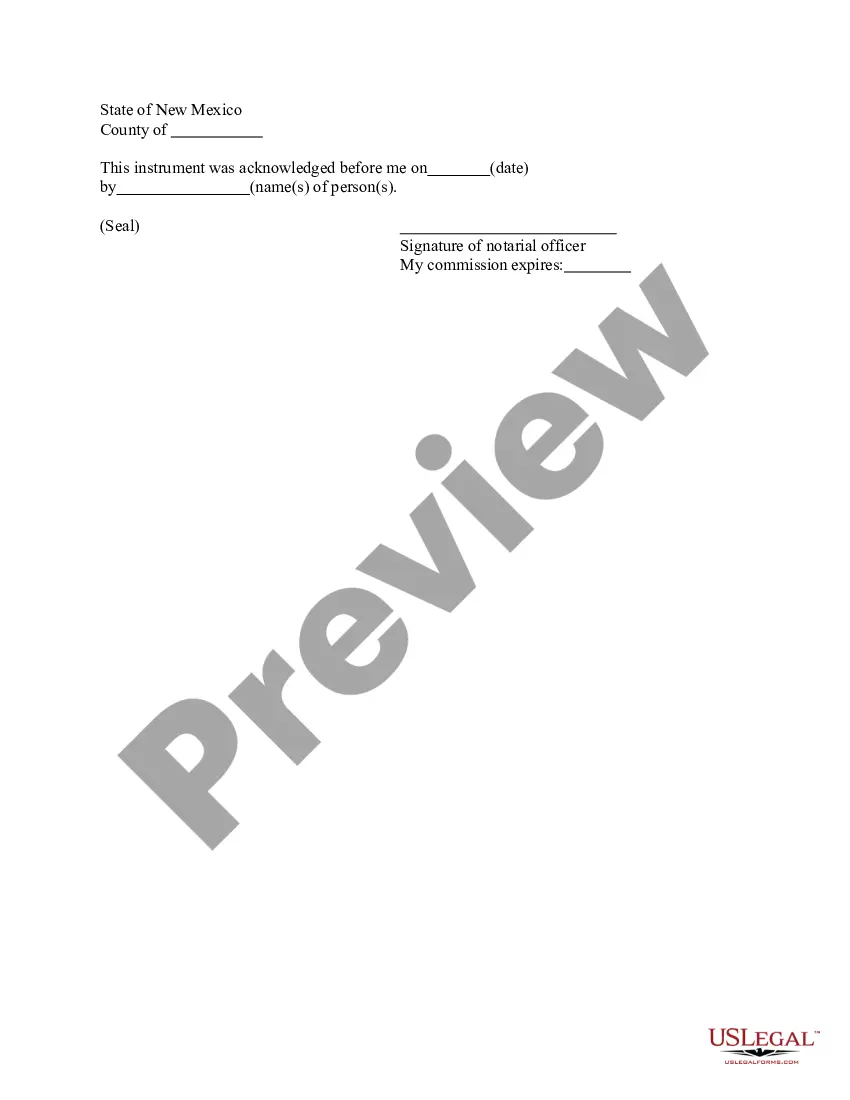

How to fill out Arizona Revocation Of Living Trust?
Legal administration can be daunting, even for the most skilled experts.
When you're seeking an Az Revocation Download Without Authorization and lack the time to dedicate to finding the correct and current version, the procedures can be stressful.
US Legal Forms meets all your needs, from personal to business documentation, all in one place.
Leverage advanced tools to produce and manage your Az Revocation Download Without Authorization.
Follow these steps after obtaining the form you require: Verify that it is the right form by previewing it and reviewing its details. Ensure that the template is recognized in your state or county. Select Buy Now when you're ready. Choose a monthly subscription plan. Locate the format you need, and Download, complete, eSign, print, and dispatch your document. Enjoy the advantages of the US Legal Forms online library, backed by 25 years of expertise and reliability. Streamline your daily document management to a seamless and user-friendly procedure today.
- Attain a valuable resource database of articles, guides, and manuals pertinent to your circumstances and needs.
- Conserve time and effort in your quest for the necessary documentation, and utilize US Legal Forms' advanced search and Preview feature to find Az Revocation Download Without Authorization and download it.
- If you have a subscription, Log In to your US Legal Forms account, search for the form, and download it.
- Check the My documents section to review the documents you've previously downloaded and manage your folders as you prefer.
- If this is your first experience with US Legal Forms, create a free account to gain unlimited access to the entire library's benefits.
- Utilize a comprehensive online form repository that could revolutionize the way anyone addresses these matters effectively.
- US Legal Forms stands as a frontrunner in online legal documents, offering over 85,000 state-specific legal forms available for your convenience at any time.
- Access legal and business forms that are specific to your state or county.
Form popularity
FAQ
Navigate to your storage account in the Azure portal. Under Settings, select Configuration. Locate the setting for Allow recommended upper limit for shared access signature (SAS) expiry interval, and set it to Enabled.
A shared access signature URI is associated with the account key used to create the signature, and the associated stored access policy (if any). If no stored access policy is specified, the only way to revoke a shared access signature is to change the account key.
Azure portal In the Azure portal, open Storage accounts. Select the storage account that contains the resource for which you'd like to create a SAS . From the left menu, select Containers. Right-click on the container for which you'd like to create a SAS . From the context menu, select Generate SAS.
Revocation and renewal: SAS s can be easily revoked by not renewing them or by changing the account key or shared access key. This allows you to terminate access for a specific SAS if needed.
To revoke a user delegation SAS from the Azure CLI, call the az storage account revoke-delegation-keys command. This command revokes all of the user delegation keys associated with the specified storage account. Any shared access signatures associated with those keys are invalidated.