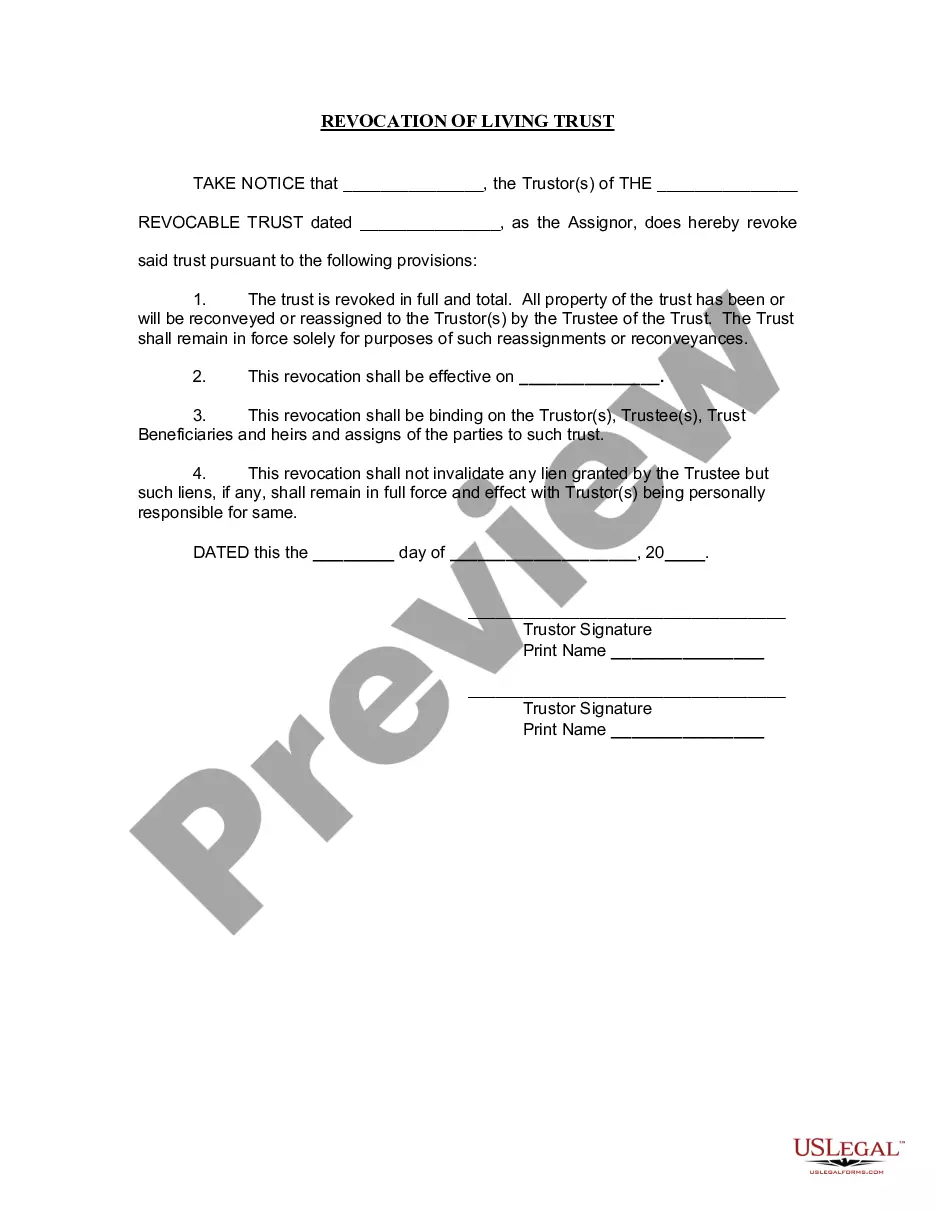
Az Revocation Download For Mac
Description




Get your form ready online
Our built-in tools help you complete, sign, share, and store your documents in one place.
Make edits, fill in missing information, and update formatting in US Legal Forms—just like you would in MS Word.
Download a copy, print it, send it by email, or mail it via USPS—whatever works best for your next step.
Sign and collect signatures with our SignNow integration. Send to multiple recipients, set reminders, and more. Go Premium to unlock E-Sign.
If this form requires notarization, complete it online through a secure video call—no need to meet a notary in person or wait for an appointment.
We protect your documents and personal data by following strict security and privacy standards.

Make edits, fill in missing information, and update formatting in US Legal Forms—just like you would in MS Word.

Download a copy, print it, send it by email, or mail it via USPS—whatever works best for your next step.

Sign and collect signatures with our SignNow integration. Send to multiple recipients, set reminders, and more. Go Premium to unlock E-Sign.

If this form requires notarization, complete it online through a secure video call—no need to meet a notary in person or wait for an appointment.

We protect your documents and personal data by following strict security and privacy standards.
Looking for another form?
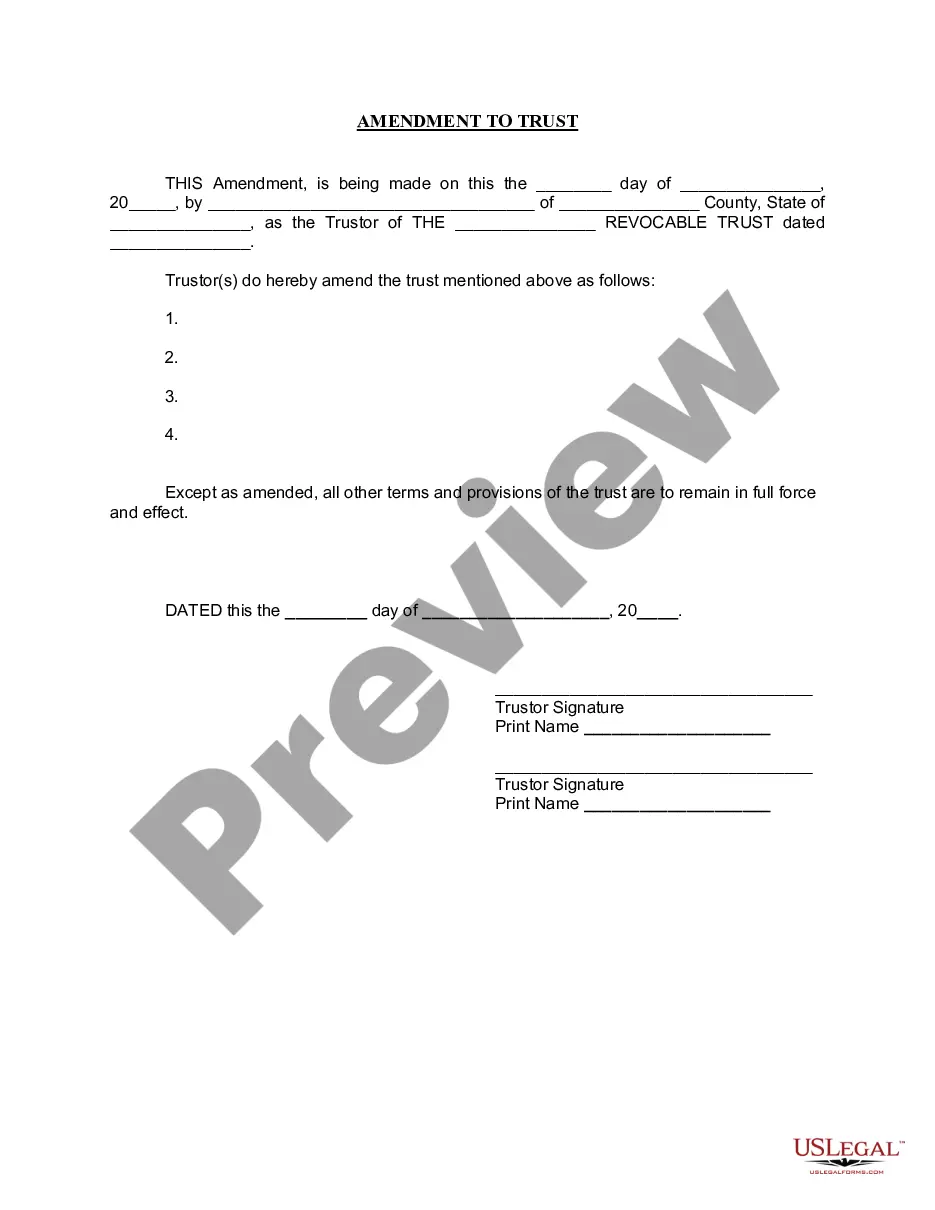



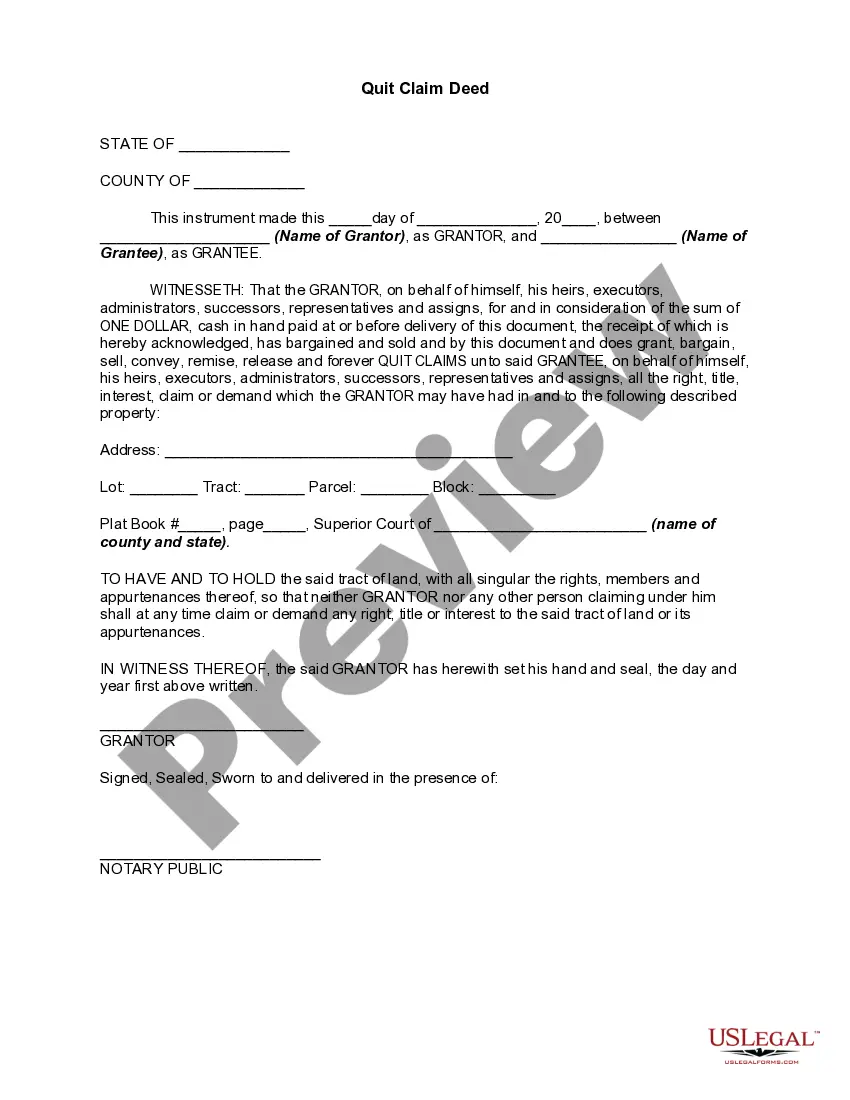
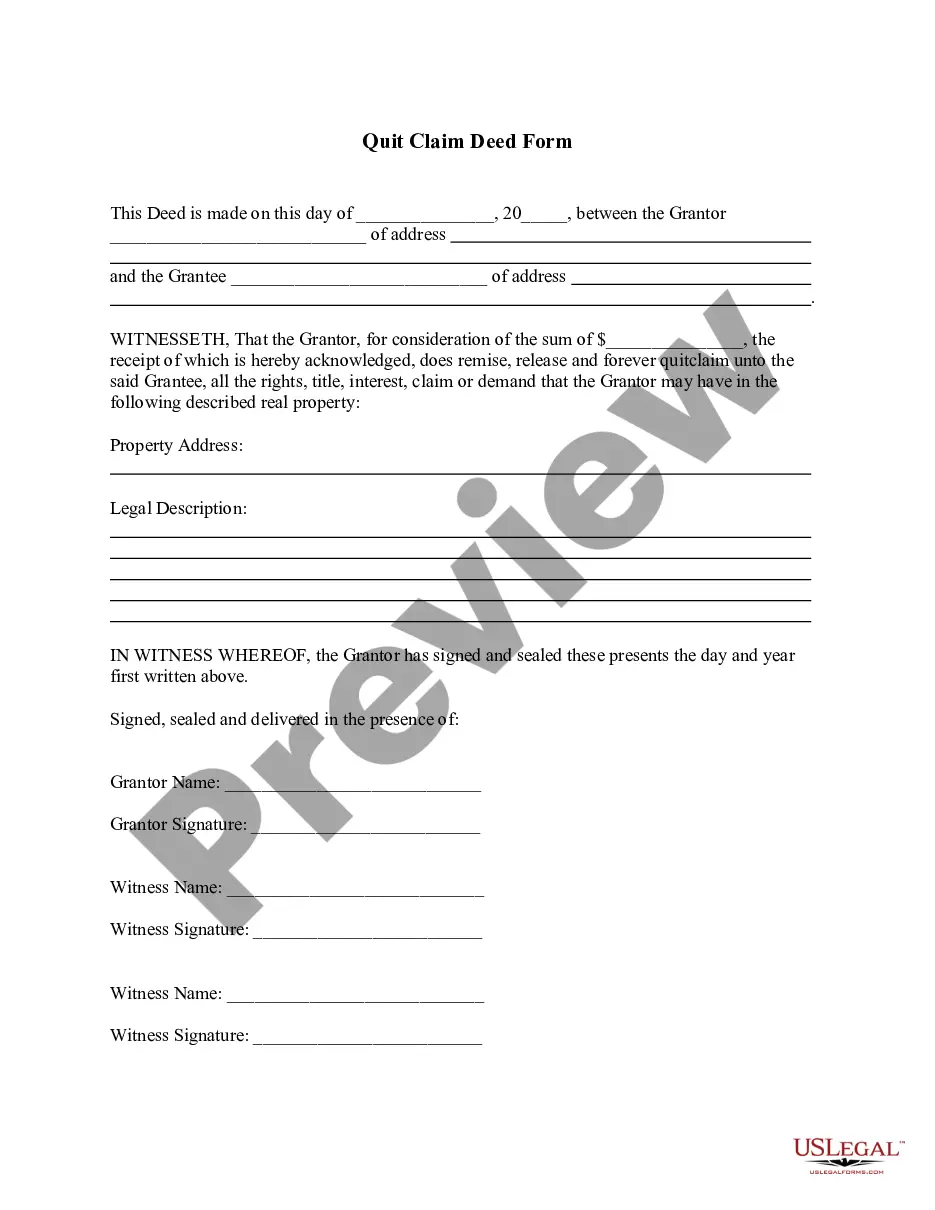

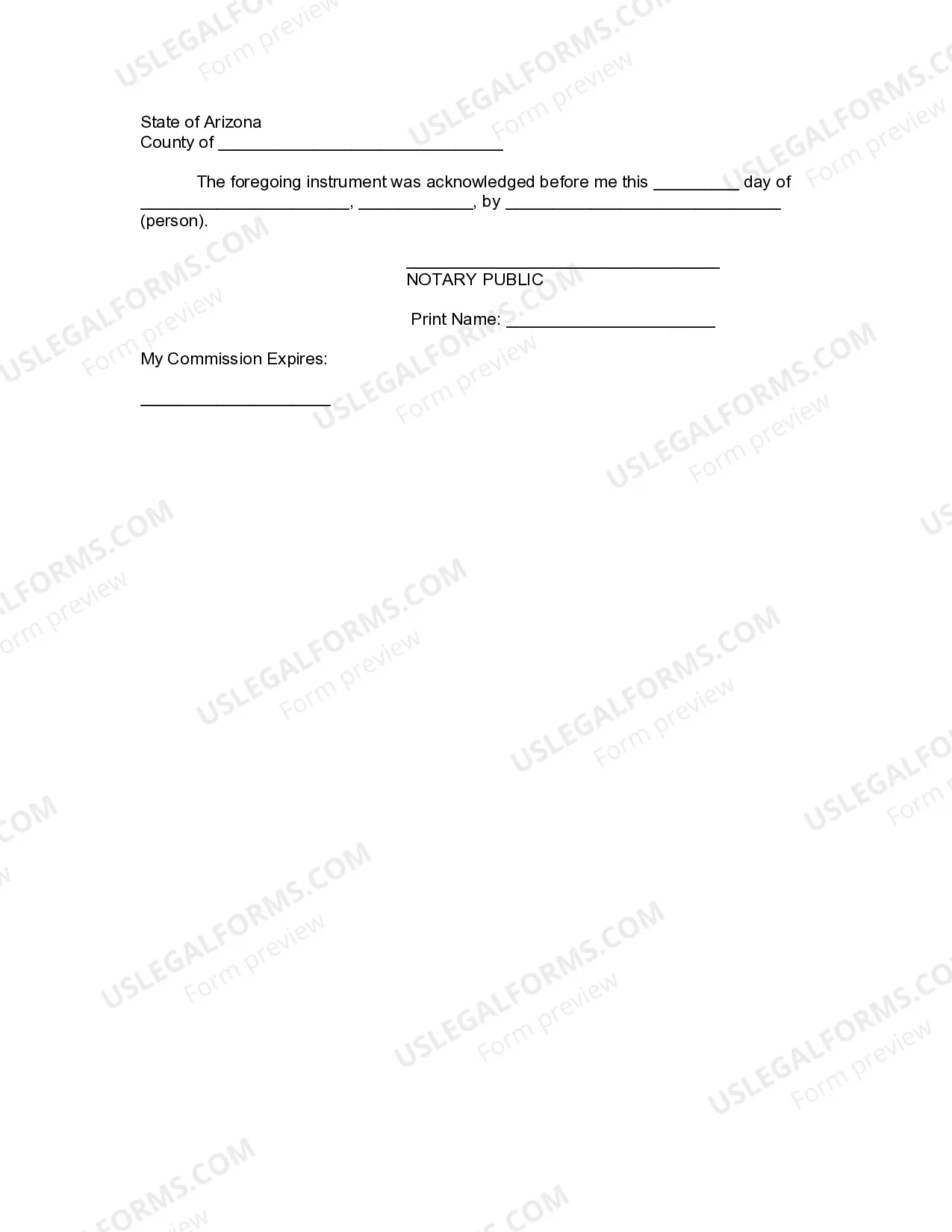
How to fill out Arizona Revocation Of Living Trust?
Dealing with legal documents and processes can be a lengthy addition to your daily schedule.
Az Revocation Download For Mac and similar forms typically require you to locate them and figure out how to fill them out accurately.
Therefore, whether you are managing financial, legal, or personal affairs, utilizing a comprehensive and user-friendly online repository of forms will prove beneficial.
US Legal Forms is the leading online resource for legal templates, providing over 85,000 state-specific documents and various tools to help you fill out your paperwork effortlessly.
Simply Log In to your account, find Az Revocation Download For Mac, and download it immediately from the My documents section. You can also retrieve previously saved forms.
- Discover the collection of relevant documents available with just a single click.
- US Legal Forms offers state- and county-specific forms for download at any time.
- Protect your document management processes with a high-quality service that enables you to prepare any form within minutes without extra or concealed fees.
Form popularity
FAQ
If you need to force quit an in-progress download on your Mac, locate the application managing the download. You can quit the app entirely by pressing Command + Q, or you can use the Force Quit option from the Apple menu. This method ensures that the Az revocation download for Mac is stopped and does not interfere with your other activities.
To get this restricted license you need to go through complete substance abuse screening, post a certificate and a certified ignition interlock device (IID). A restricted permit is also available after 30 days of suspension where your license is suspended due to a first extreme DUI conviction.
If you need a license to take care of essential activities in Arizona, you may be able to obtain a hardship license. The criteria for a hardship license are strict. It is crucial to retain a knowledgeable Phoenix DUI lawyer to advocate for a hardship license.
All drivers with an Arizona license should go onto azmvdnow.gov and create an account. This is where they can view their driving license records and monitor the status of their suspension. Drivers who are looking to reinstate their licenses can also pay the reinstatement fee online through this website.
You will be required to pay the appropriate application fee and a $20 reinstatement fee, and you may be required to file a Certificate of Insurance (commonly known as an SR-22). A written, vision and road test may be required.
You may renew your driver license up to 6 months before the expiration date of your current license. Most can be renewed online at AZMVDNow.gov or visit an MVD or Authorized Third Party office.