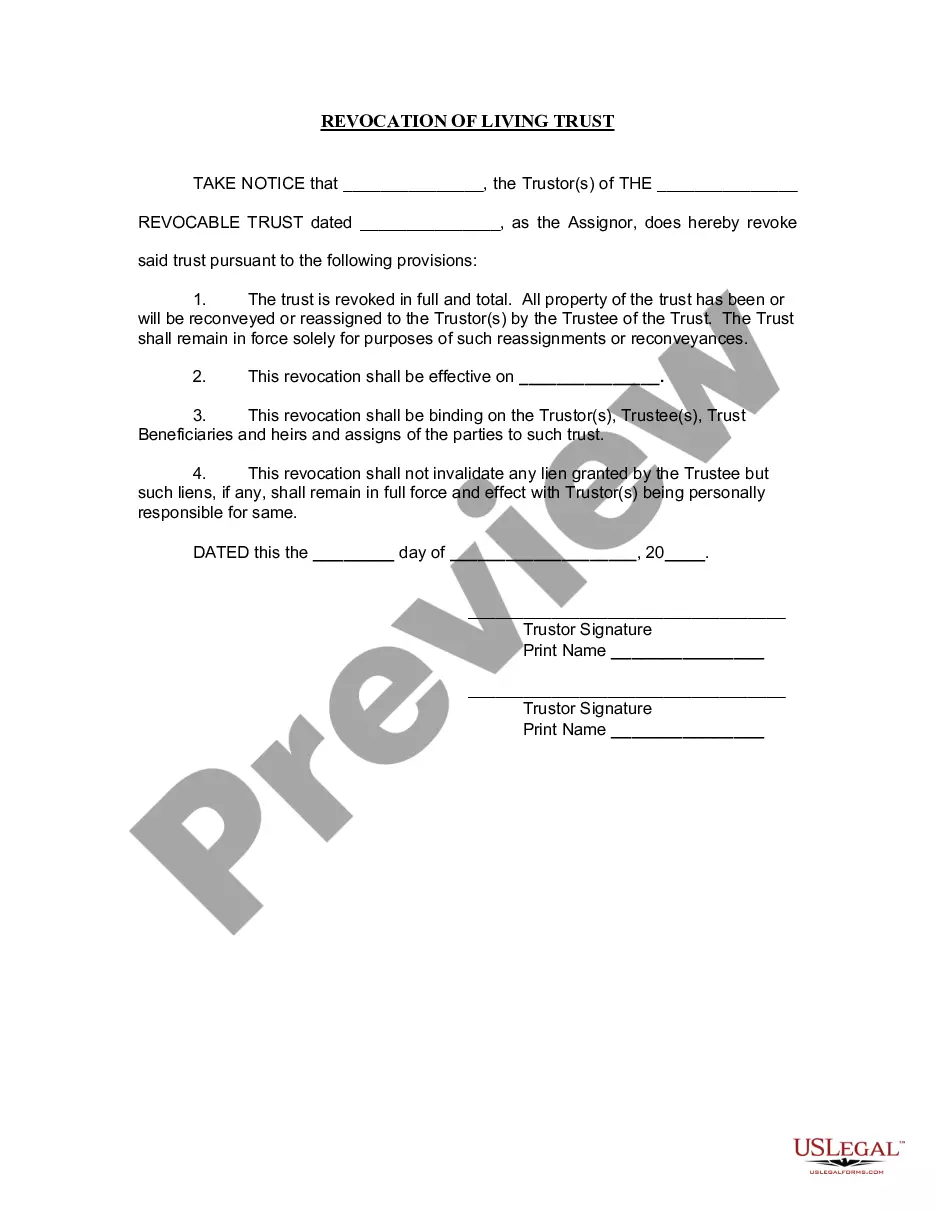
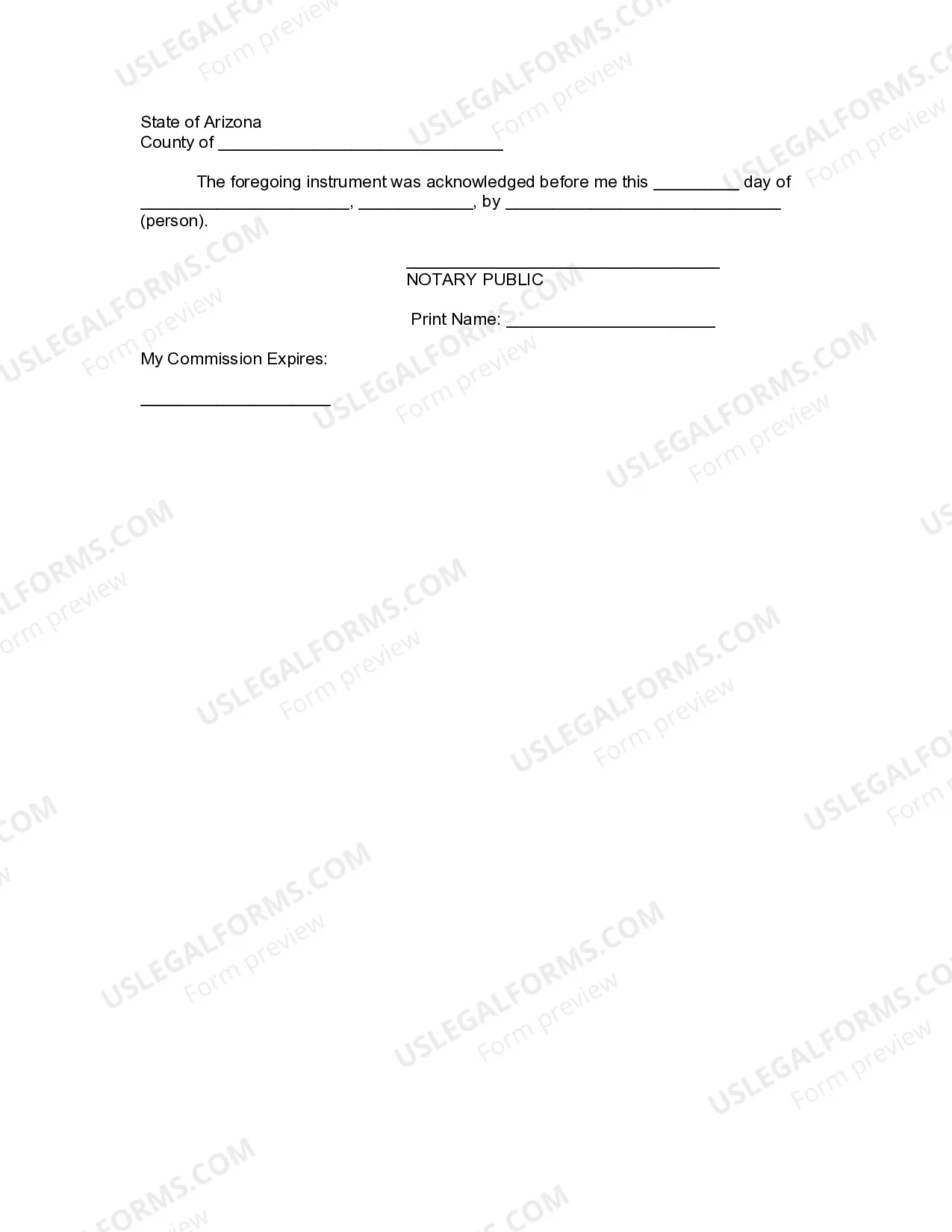
Arizona Revocation Living Trust With Beneficiaries
Description




Get your form ready online
Our built-in tools help you complete, sign, share, and store your documents in one place.
Make edits, fill in missing information, and update formatting in US Legal Forms—just like you would in MS Word.
Download a copy, print it, send it by email, or mail it via USPS—whatever works best for your next step.
Sign and collect signatures with our SignNow integration. Send to multiple recipients, set reminders, and more. Go Premium to unlock E-Sign.
If this form requires notarization, complete it online through a secure video call—no need to meet a notary in person or wait for an appointment.
We protect your documents and personal data by following strict security and privacy standards.

Make edits, fill in missing information, and update formatting in US Legal Forms—just like you would in MS Word.

Download a copy, print it, send it by email, or mail it via USPS—whatever works best for your next step.

Sign and collect signatures with our SignNow integration. Send to multiple recipients, set reminders, and more. Go Premium to unlock E-Sign.

If this form requires notarization, complete it online through a secure video call—no need to meet a notary in person or wait for an appointment.

We protect your documents and personal data by following strict security and privacy standards.
Looking for another form?







How to fill out Arizona Revocation Of Living Trust?
Whether for commercial reasons or for personal matters, everyone must handle legal issues at some point in their lifetime.
Completing legal documents requires meticulous attention, starting from selecting the appropriate form template.
Once it is saved, you can complete the form with the aid of editing software or print it and finish it manually. With an extensive US Legal Forms catalog available, you never have to waste time searching for the correct template online. Utilize the library’s straightforward navigation to find the suitable form for any situation.
- For example, if you choose an incorrect version of the Arizona Revocation Living Trust With Beneficiaries, it will be denied when you submit it.
- Thus, it is crucial to obtain a reliable source of legal documents like US Legal Forms.
- If you need an Arizona Revocation Living Trust With Beneficiaries template, follow these simple steps.
- Locate the template you require using the search bar or catalog browsing.
- Review the form’s description to confirm it suits your circumstances, state, and area.
- Click on the form’s preview to inspect it.
- If it is the wrong form, return to the search feature to find the Arizona Revocation Living Trust With Beneficiaries document you need.
- Acquire the template when it aligns with your requirements.
- If you possess a US Legal Forms account, simply click Log in to access previously saved documents in My documents.
- If you do not have an account yet, you can purchase the form by clicking Buy now.
- Select the appropriate pricing option.
- Fill out the profile registration form.
- Choose your payment method: you can utilize a credit card or PayPal account.
- Select the file format you prefer and download the Arizona Revocation Living Trust With Beneficiaries.
Form popularity
FAQ
The first step in dissolving a revocable trust is to remove all the assets that have been transferred into it. The second step is to fill out a formal revocation form, stating the grantor's desire to dissolve the trust.
Within sixty days after accepting a trusteeship, shall notify the qualified beneficiaries of the acceptance and of the trustee's name, address and telephone number.
A trust might terminate because: The trust has accomplished its intended purposes. It is no longer economically feasible to have a trust. The trust has distributed all of its property and assets. The trust is revoked. The court dissolves the trust because of a dispute or illegality.
Once you've decided that you want to revoke a trust, you must take the following steps to dissolve it: Review the Trust Agreement. You will want to make sure that you are aware of any specific requirements contained in the trust. ... Consult an Estate Planning Attorney. ... Defund the Trust. ... Complete a Written Revocation.
A beneficiary can renounce their interest from the trust and, upon the consent of other beneficiaries, be allowed to exit. A trustee cannot remove a beneficiary from an irrevocable trust. A grantor can remove a beneficiary from a revocable trust by going back to the trust deed codes that allow for the same.