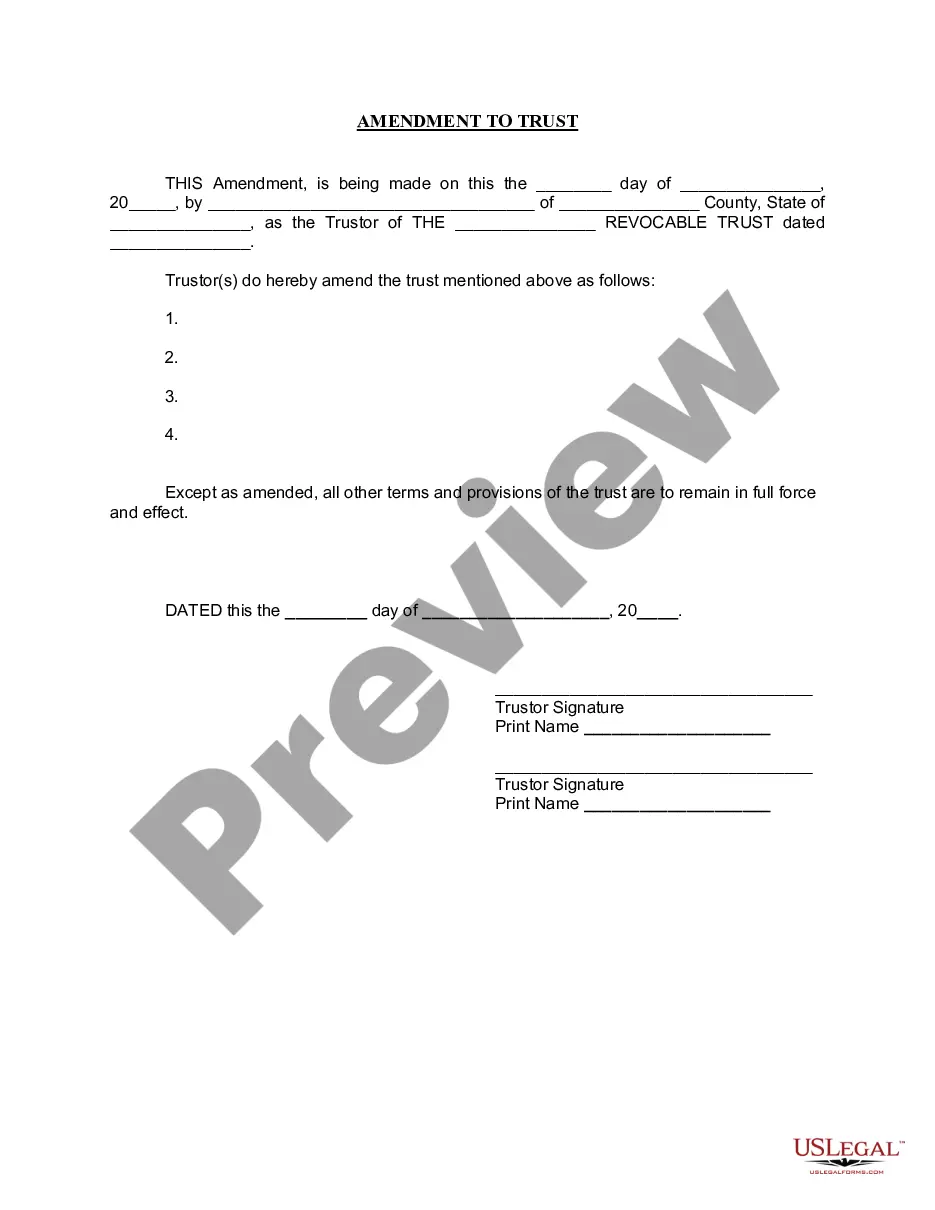
Living Trust Amendment With Mortgage
Description


Get your form ready online
Our built-in tools help you complete, sign, share, and store your documents in one place.
Make edits, fill in missing information, and update formatting in US Legal Forms—just like you would in MS Word.
Download a copy, print it, send it by email, or mail it via USPS—whatever works best for your next step.
Sign and collect signatures with our SignNow integration. Send to multiple recipients, set reminders, and more. Go Premium to unlock E-Sign.
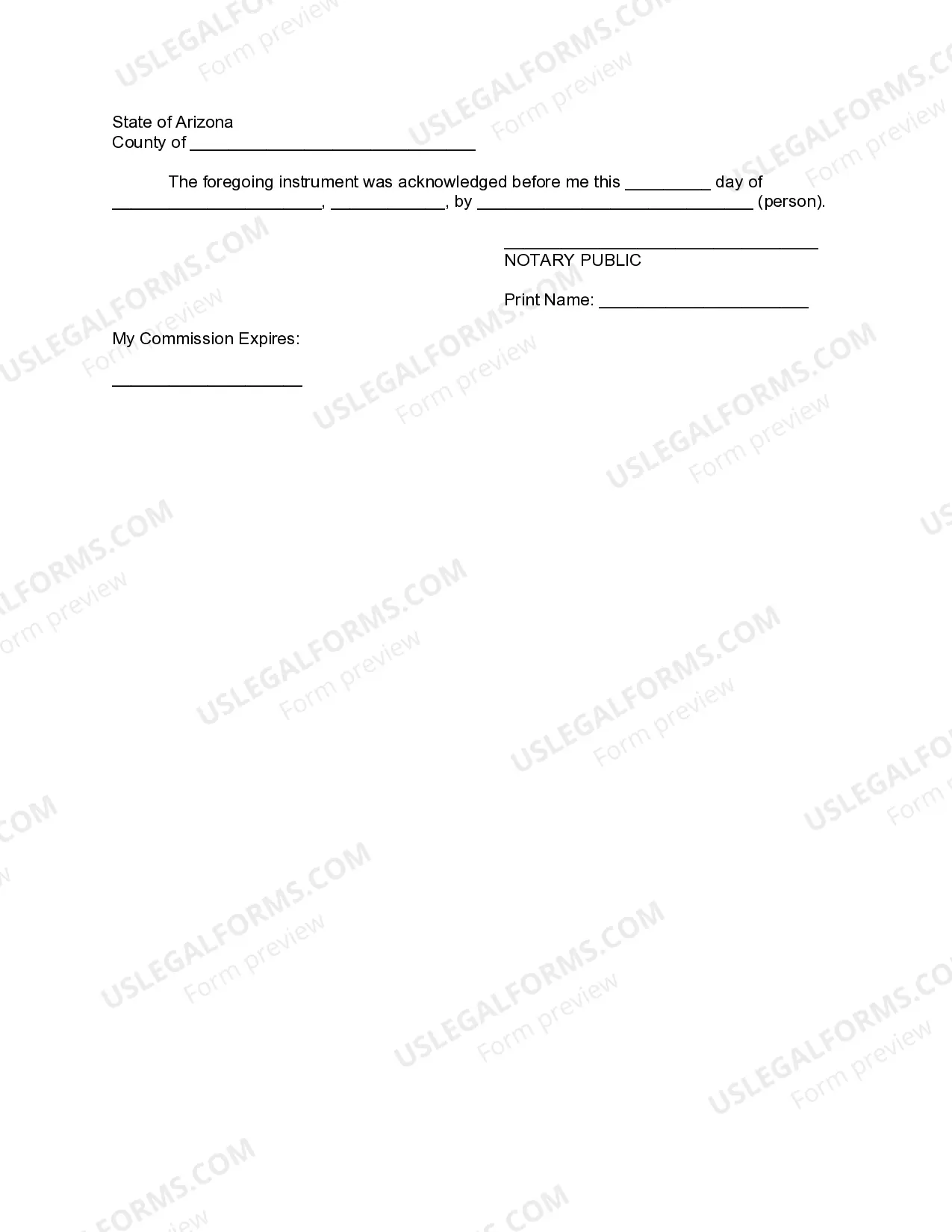
If this form requires notarization, complete it online through a secure video call—no need to meet a notary in person or wait for an appointment.
We protect your documents and personal data by following strict security and privacy standards.

Make edits, fill in missing information, and update formatting in US Legal Forms—just like you would in MS Word.

Download a copy, print it, send it by email, or mail it via USPS—whatever works best for your next step.

Sign and collect signatures with our SignNow integration. Send to multiple recipients, set reminders, and more. Go Premium to unlock E-Sign.

If this form requires notarization, complete it online through a secure video call—no need to meet a notary in person or wait for an appointment.

We protect your documents and personal data by following strict security and privacy standards.
Looking for another form?


How to fill out Arizona Amendment To Living Trust?
Managing legal documentation and tasks can be a lengthy addition to the day.
Living Trust Amendment With Mortgage and similar forms generally necessitate you to search for them and understand how to fill them out efficiently.
Thus, whether you are handling financial, legal, or personal issues, possessing a comprehensive and functional online collection of forms readily available will be immensely beneficial.
US Legal Forms is the leading online resource for legal templates, offering over 85,000 state-specific forms and a variety of tools to help you finalize your documentation swiftly.
Is this your first experience with US Legal Forms? Register and create your account in a few moments, and you’ll gain access to the form library and Living Trust Amendment With Mortgage. Then, follow the steps below to complete your form: Ensure you have located the correct form using the Review feature and examining the form details. Select Buy Now when ready, and choose the subscription option that suits you best. Click Download, then fill out, eSign, and print the form. US Legal Forms boasts 25 years of expertise assisting users in handling their legal documentation. Obtain the form you require now and simplify any procedure effortlessly.
- Explore the collection of relevant documents available to you with just one click.
- US Legal Forms provides state- and county-specific forms ready for download at any time.
- Protect your document management processes by utilizing a reliable service that enables you to prepare any form in minutes without extra or hidden fees.
- Simply Log In to your account, find Living Trust Amendment With Mortgage, and obtain it immediately from the My documents section.
- You can also retrieve previously saved forms.
Form popularity
FAQ
Attorney Assistance: Should you choose to seek the help of an attorney to amend an existing living trust, the fees typically range from $300 to $600. The exact cost may vary based on your location and the complexity of both the original trust and the amendment.
If there is no amendment clause in the Trust Deed, any amendment has to be done with the permission of a Civil Court. Once the Civil Court has allowed permission for amendment, it is not open on the part of the Income Tax Officer or any other person to challenge such amendment.
(California Probate Code §15401-15402). The only way to amend an irrevocable living trust is to have the consent of each and every beneficiary to the trust. Once they all agree upon the amendment(s) to the trust, they can compel modification of the trust with a petition to the court.
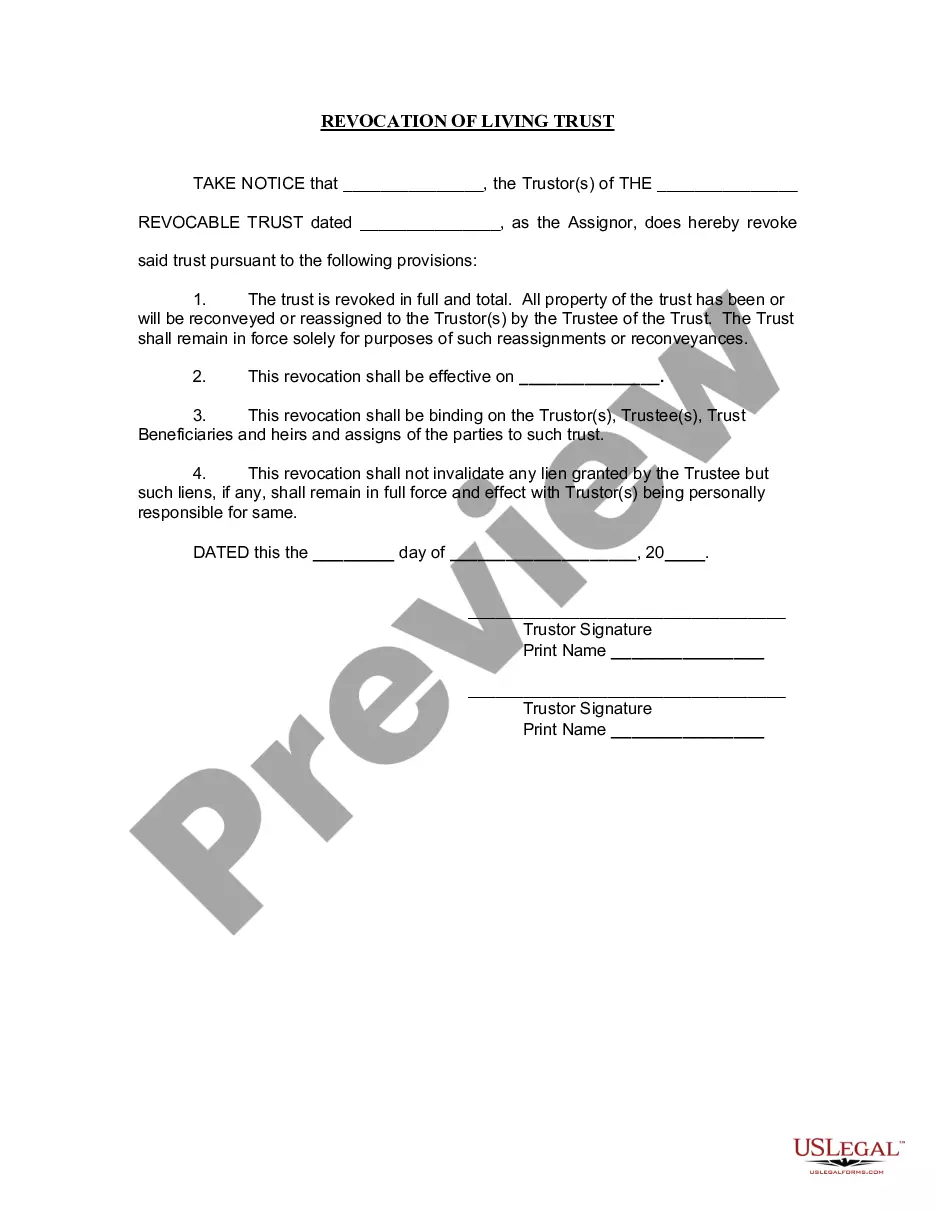
How do you amend or revoke a living trust? Revoking or amending a revocable living trust can be done with or without an attorney. You can amend a living trust without having to go to court. If you created the document through an online service, you should be able to amend it through them for a small fee.
For example, you might use a trust amendment form to: Update your trustee or successor trustee: If your chosen trustee is no longer willing or able to manage the trust, or you'd like to designate someone else, you can use an amendment form to name another person or organization to manage your trust.