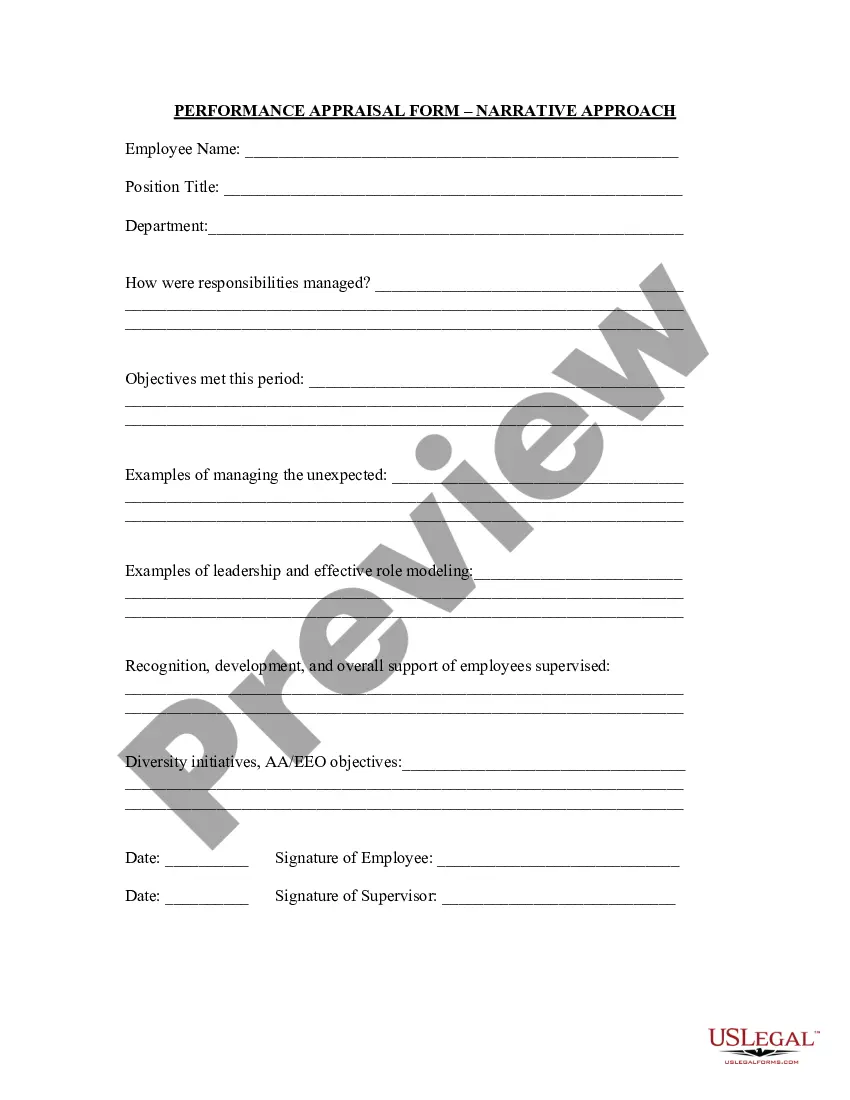
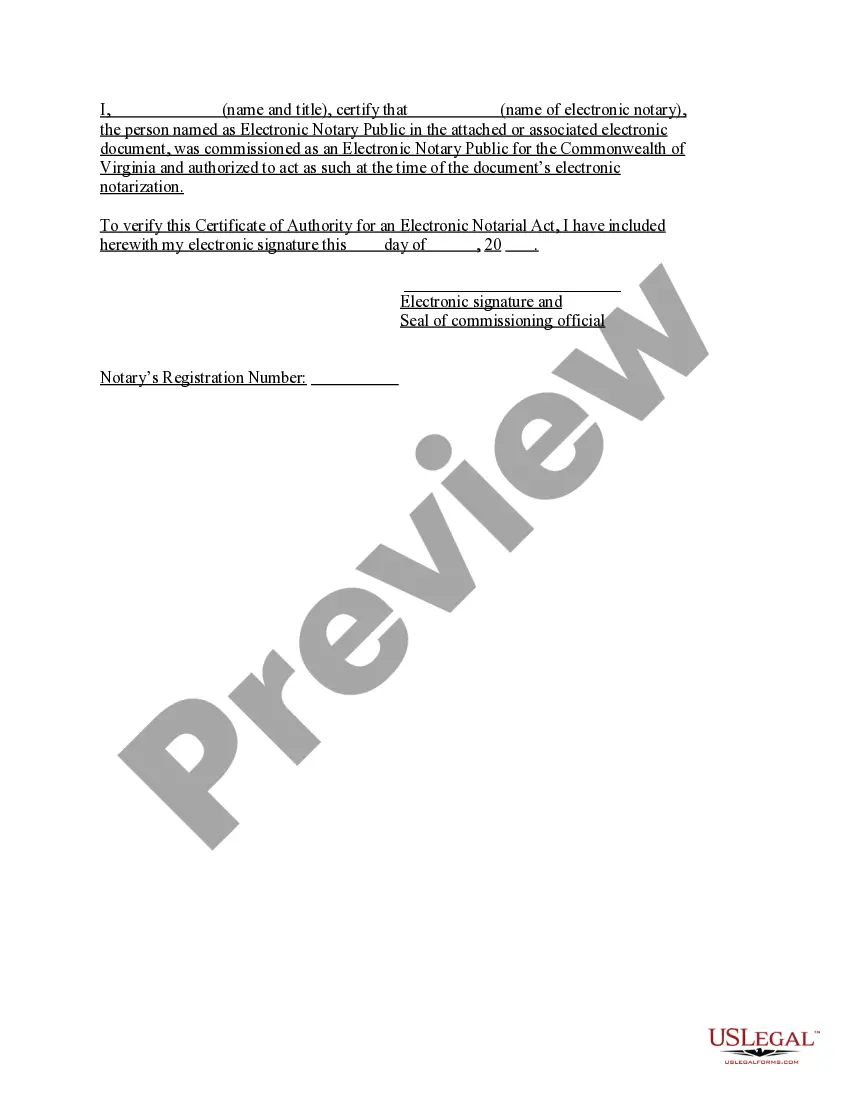
Virginia Acknowledgment by Public Officer
Description
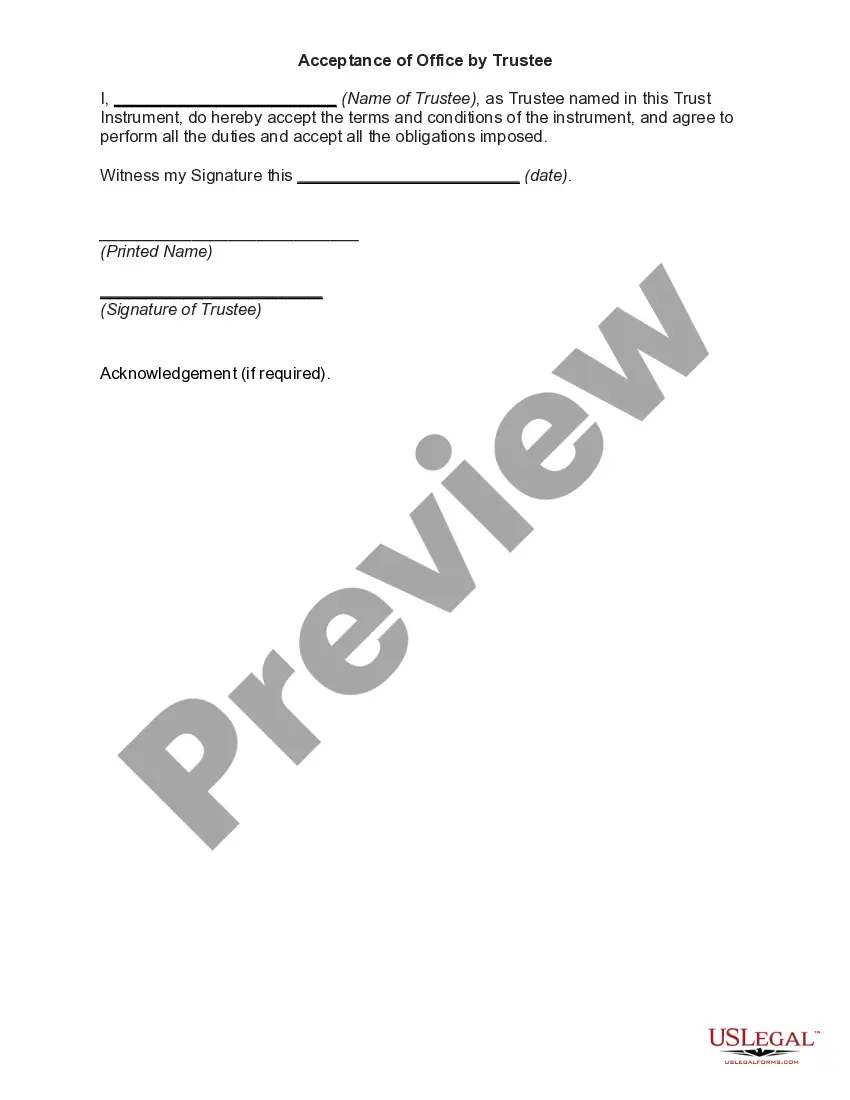

Get your form ready online
Our built-in tools help you complete, sign, share, and store your documents in one place.
Make edits, fill in missing information, and update formatting in US Legal Forms—just like you would in MS Word.
Download a copy, print it, send it by email, or mail it via USPS—whatever works best for your next step.
Sign and collect signatures with our SignNow integration. Send to multiple recipients, set reminders, and more. Go Premium to unlock E-Sign.
If this form requires notarization, complete it online through a secure video call—no need to meet a notary in person or wait for an appointment.
We protect your documents and personal data by following strict security and privacy standards.
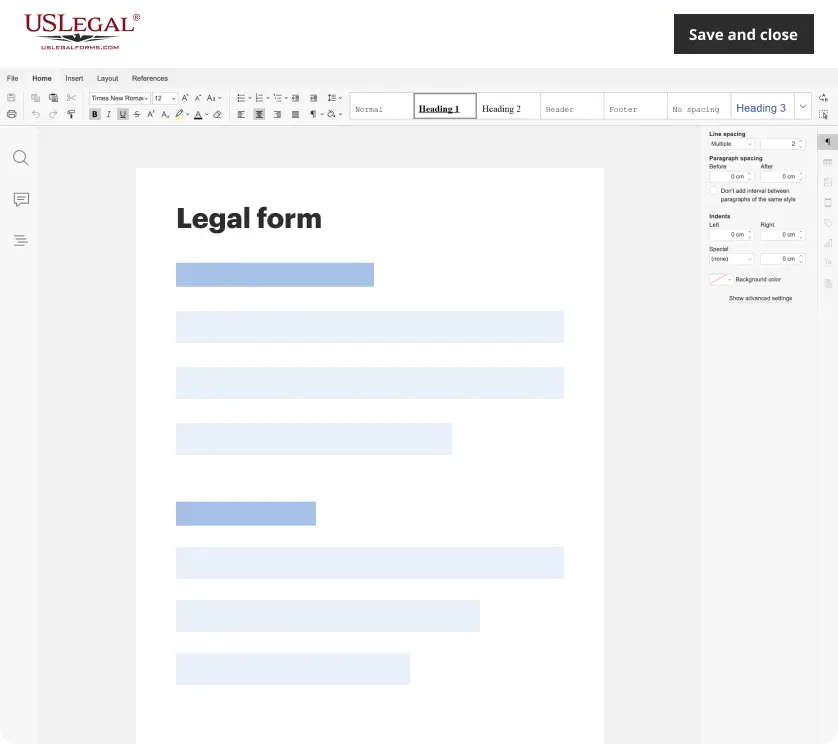
Make edits, fill in missing information, and update formatting in US Legal Forms—just like you would in MS Word.
Download a copy, print it, send it by email, or mail it via USPS—whatever works best for your next step.
Sign and collect signatures with our SignNow integration. Send to multiple recipients, set reminders, and more. Go Premium to unlock E-Sign.

If this form requires notarization, complete it online through a secure video call—no need to meet a notary in person or wait for an appointment.
We protect your documents and personal data by following strict security and privacy standards.
Looking for another form?






How to fill out Virginia Acknowledgment By Public Officer?
Looking for a Virginia Acknowledgment by Public Officer on the internet might be stressful. All too often, you find papers that you simply think are alright to use, but discover later on they’re not. US Legal Forms offers over 85,000 state-specific legal and tax forms drafted by professional lawyers according to state requirements. Get any form you’re looking for within minutes, hassle-free.
If you already have the US Legal Forms subscription, merely log in and download the sample. It’ll automatically be added in to the My Forms section. If you don’t have an account, you need to register and choose a subscription plan first.
Follow the step-by-step guidelines listed below to download Virginia Acknowledgment by Public Officer from the website:
- Read the document description and click Preview (if available) to check whether the form suits your requirements or not.
- In case the document is not what you need, get others using the Search field or the listed recommendations.
- If it’s appropriate, click on Buy Now.
- Choose a subscription plan and create an account.
- Pay via credit card or PayPal and download the document in a preferable format.
- After downloading it, you are able to fill it out, sign and print it.
Get access to 85,000 legal templates straight from our US Legal Forms catalogue. In addition to professionally drafted templates, customers are also supported with step-by-step instructions concerning how to get, download, and complete forms.
Form popularity
FAQ
Step 1: Require Personal Appearance. Step 2: Check Over The Document. Step 3: Carefully Identify The Signer. Step 4: Record Your Journal Entry. Step 5: Complete The Notarial Certificate. A Last Note: Never Give Advice.
In such cases, you should refuse to notarize, citing the blank space as a reason. Remember that you may only complete information in the notarial certificate wording. Any blanks in the main text must be completed by the signer or another individual authorized to do so before the notarization may proceed.
No, in Virginia, you do not need to notarize your will to make it legal. However, Virginia allows you to make your will "self-proving" and you'll need to go to a notary if you want to do that. A self-proving will speeds up probate because the court can accept the will without contacting the witnesses who signed it.
Use an appropriate heading. You can write the letter in any format you choose but make certain to mention an appropriate heading. Insert a case caption. Add the address. Give details about the affiant. Include your name. Leave a space for the signature of the notary public.
When you see (here insert the name and character of the officer) next to a blank as shown below, it means you should insert Your name, Notary Public in the blank.
They key difference is that for a signature witnessing, the signer must always sign the document in the Notary's presence.An acknowledgment, on the other hand, does not require the Notary to witness the signature in most states (one exception is Maryland).
For an acknowledgment, the signer must always: Be positively identified by the Notary. The Notary must always identify the signer for an acknowledgement; whether the signer personally knows the Notary, presents an ID document, or is identified by a credible witness depends on the circumstances.
Step 1: Require Personal Appearance. Step 2: Check Over The Document. Step 3: Carefully Identify The Signer. Step 4: Record Your Journal Entry. Step 5: Complete The Notarial Certificate. A Last Note: Never Give Advice.