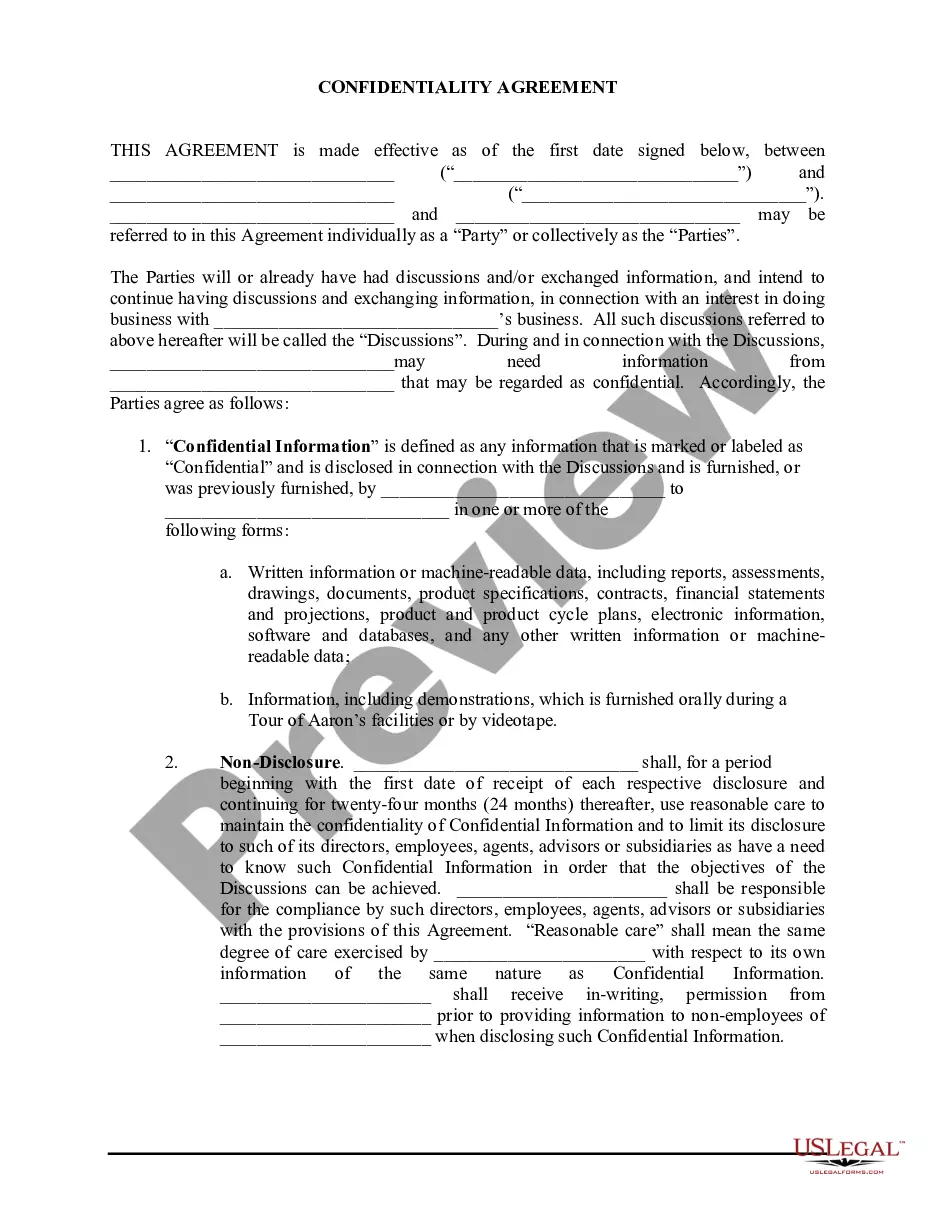
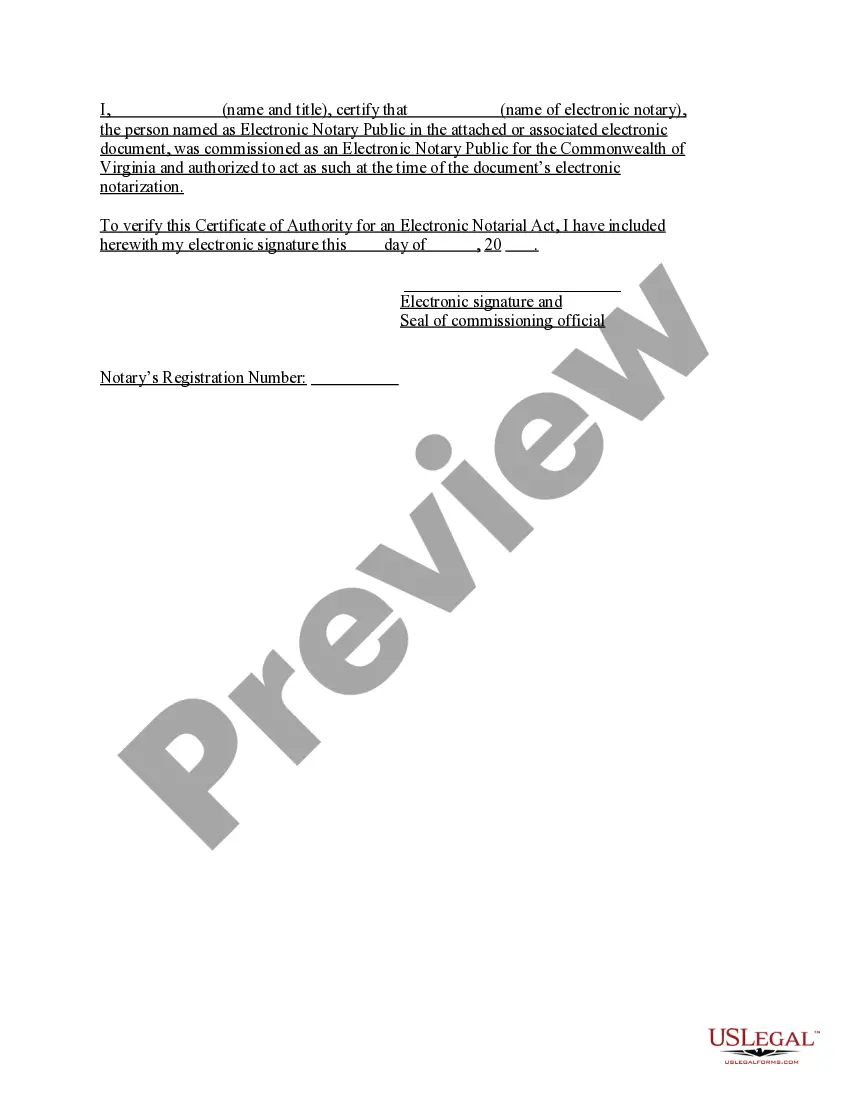
Virginia Acknowledgment of Authority for an Electronic Notarial Act
Understanding this form
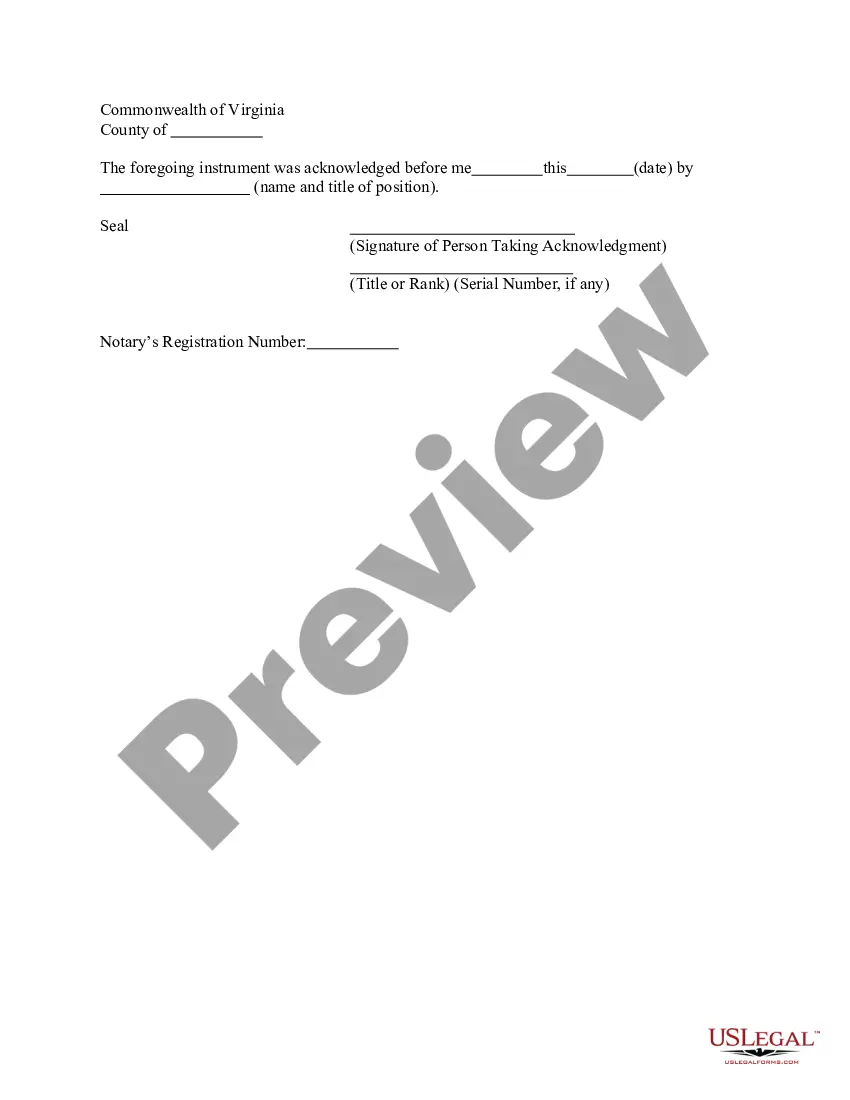
The Acknowledgment of Authority for an Electronic Notarial Act is a legal document that verifies the authority of an electronic notary public. This form confirms that the electronic notary was duly commissioned and allowed to perform notarial acts in the Commonwealth of Virginia at the time of notarization. It is essential for ensuring the validity of documents signed electronically and differs from traditional notary acknowledgments by accommodating digital formats.
What’s included in this form
- Name and title of the certifying official.
- Name of the electronic notary public.
- Commission information for the electronic notary public.
- Date of the acknowledgment.
- Electronic signature and seal of the certifying official.

When this form is needed
This form should be used when you need to verify the authority of an electronic notary public who has notarized a document electronically. It is particularly important in situations involving legal documents that are submitted electronically, such as real estate transactions or legal filings that require notarization.
Who can use this document
- Individuals or businesses needing to verify a document notarized electronically.
- Legal practitioners involved in transactions requiring electronic notarization.
- Government agencies that require confirmation of notarial authority for submissions.
Instructions for completing this form
- Identify the name and title of the certifying official.
- Enter the name of the electronic notary public.
- Include the commission details of the electronic notary.
- Specify the date of the acknowledgment.
- Provide the electronic signature and seal of the certifying official.
Does this document require notarization?
This form does not typically require notarization unless specified by local law. However, it is important to check if additional requirements apply based on the specific use case or local regulations.
Get your form ready online
Our built-in tools help you complete, sign, share, and store your documents in one place.
Make edits, fill in missing information, and update formatting in US Legal Forms—just like you would in MS Word.
Download a copy, print it, send it by email, or mail it via USPS—whatever works best for your next step.
Sign and collect signatures with our SignNow integration. Send to multiple recipients, set reminders, and more. Go Premium to unlock E-Sign.
If this form requires notarization, complete it online through a secure video call—no need to meet a notary in person or wait for an appointment.
We protect your documents and personal data by following strict security and privacy standards.

Make edits, fill in missing information, and update formatting in US Legal Forms—just like you would in MS Word.

Download a copy, print it, send it by email, or mail it via USPS—whatever works best for your next step.

Sign and collect signatures with our SignNow integration. Send to multiple recipients, set reminders, and more. Go Premium to unlock E-Sign.

If this form requires notarization, complete it online through a secure video call—no need to meet a notary in person or wait for an appointment.

We protect your documents and personal data by following strict security and privacy standards.
Common mistakes to avoid
- Failing to enter the correct name of the electronic notary public.
- Omitting the commission details for the notary.
- Not providing the date of the acknowledgment.
Benefits of using this form online
- Convenience of downloading and completing the form at your pace.
- Easy editability to ensure all information is accurate.
- Reliable access to forms drafted by licensed attorneys.
Legal use & context
- The form ensures that electronic notarizations can be legally recognized in Virginia.
- It is crucial for maintaining the integrity of electronically signed documents.
- Utilizing this form can help prevent disputes related to the validity of an electronic notarization.
Summary of main points
- The Acknowledgment of Authority for an Electronic Notarial Act verifies the authority of a notary public.
- It is essential for validating electronically notarized documents.
- Properly completing this form can prevent legal issues down the line.
Looking for another form?




Form popularity
FAQ
Virginia allows its commissioned notaries to perform electronic notarizations or remote notarizations. With the DocVerify e-Notary platform, notaries will be enabled to electronically notarize a document or a set of documents without the use of paper or a rubber stamp.
Yes. An approved Virginia Electronic Notary may perform notarial acts online using audio-video conference technology.
Step 1: Require Personal Appearance. Step 2: Check Over The Document. Step 3: Carefully Identify The Signer. Step 4: Record Your Journal Entry. Step 5: Complete The Notarial Certificate. A Last Note: Never Give Advice.
If the document has already been signed, the signer can sign his or her name again above or next to the first signature. You can then proceed with the notarization. You may want to notate in your journal that the signer was instructed to sign again in your presence.
Step 1: Require Personal Appearance. Almost every state requires the signer to personally appear before you during the notarization. Step 2: Check Over The Document. Step 3: Carefully Identify The Signer. Step 4: Record Your Journal Entry. Step 5: Complete The Notarial Certificate.
Require Personal Appearance. Review The Document. Screen The Signer And Verify The Facts. Record The Notarization. Complete The Notarization.
The purpose of an acknowledgment is for a signer, whose identity has been verified, to declare to a Notary or notarial officer that he or she has willingly signed a document.The signer may either sign the document before appearing before you, or in your presence.
A notary is not required to charge a fee for his or her services, but if a fee is charged, it cannot be more than $5.00 for each notarial act. A Virginia notary may notarize a document to be filed and used outside of Virginia if it is signed and notarized in Virginia.
If the document has already been signed, the signer can sign his or her name again above or next to the first signature. You can then proceed with the notarization. You may want to notate in your journal that the signer was instructed to sign again in your presence.