Putting It All Together - General Provisions
Overview of this form
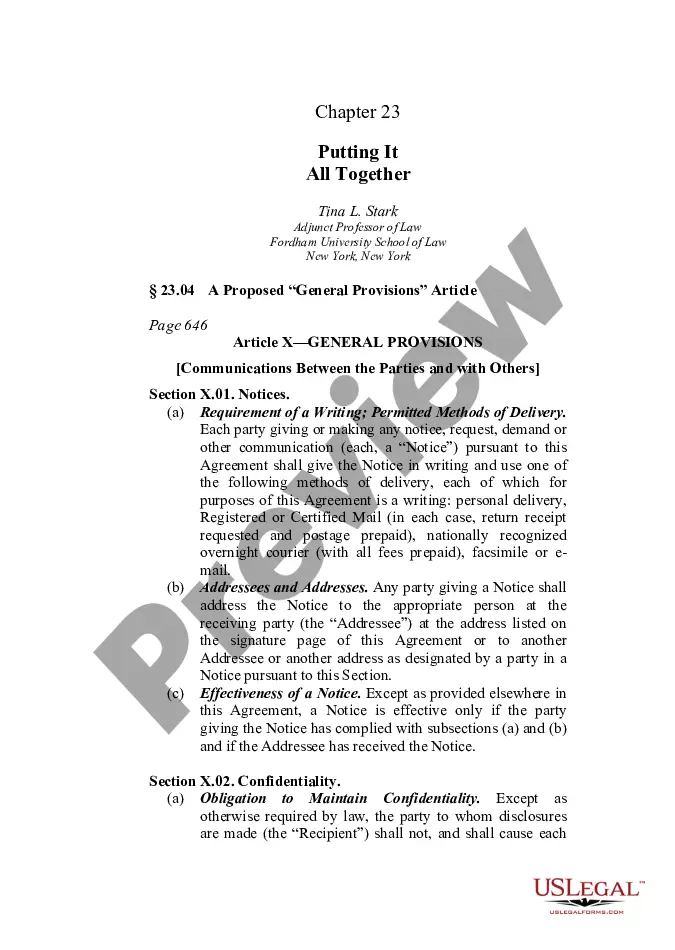
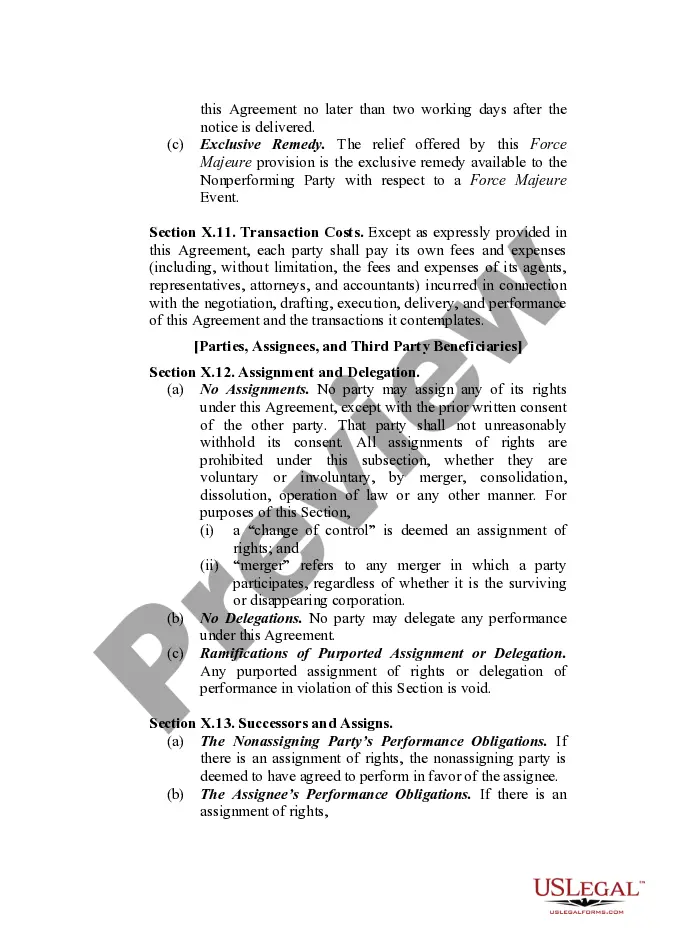
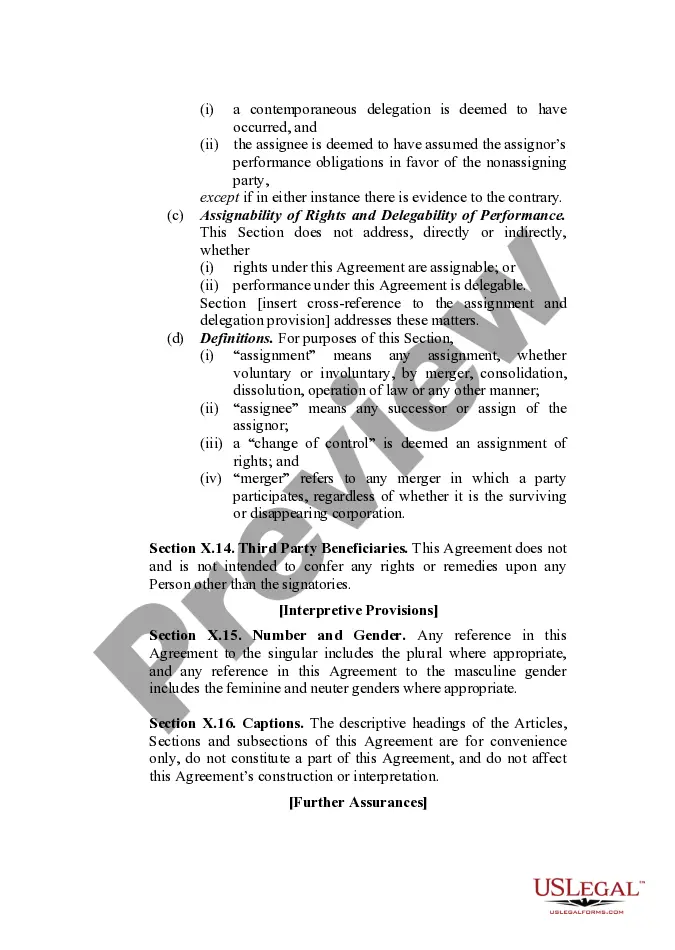
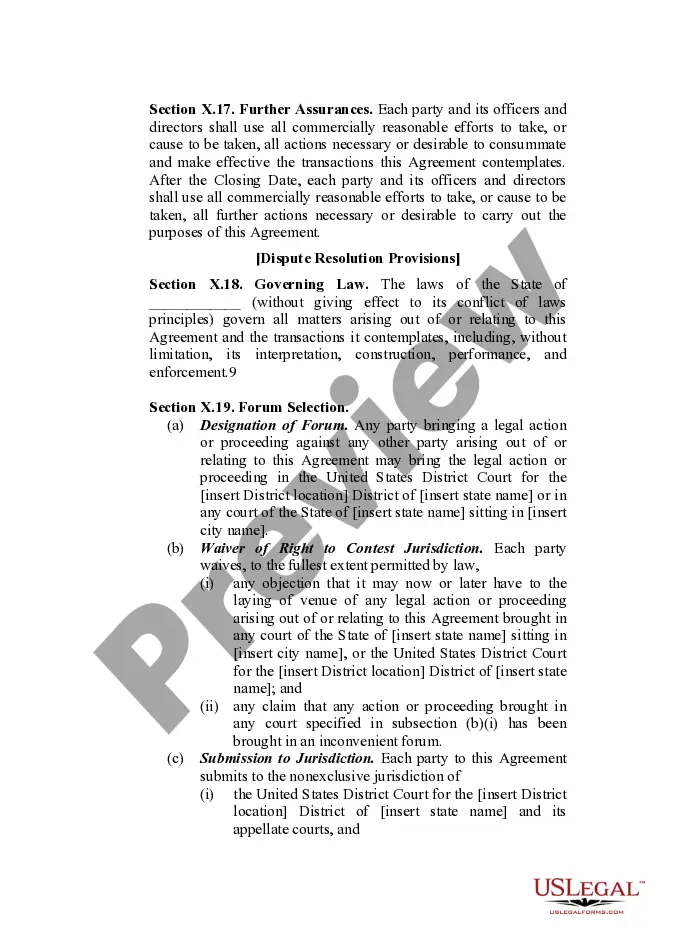
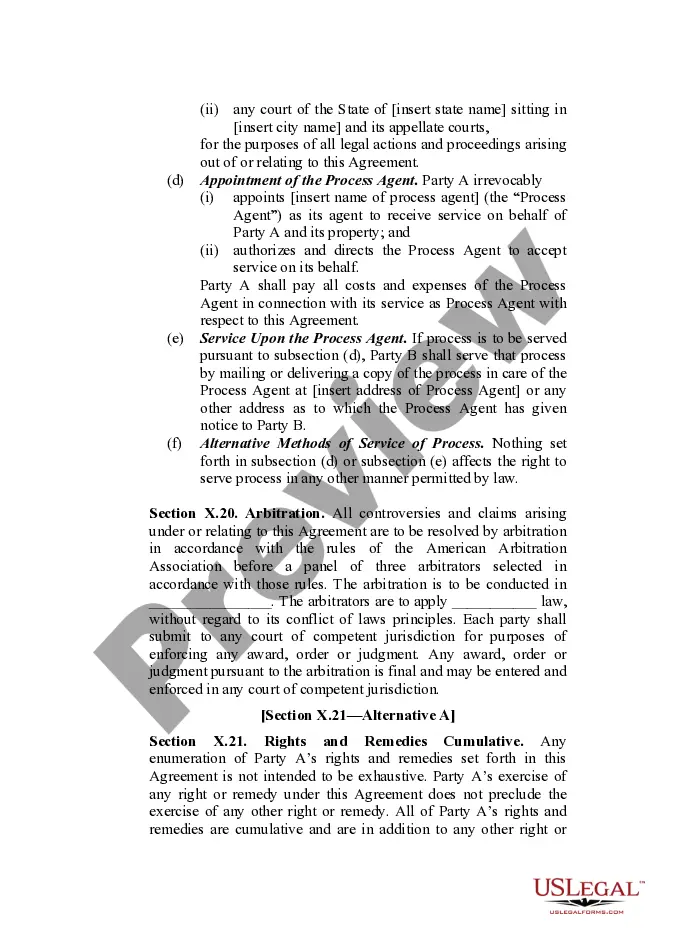
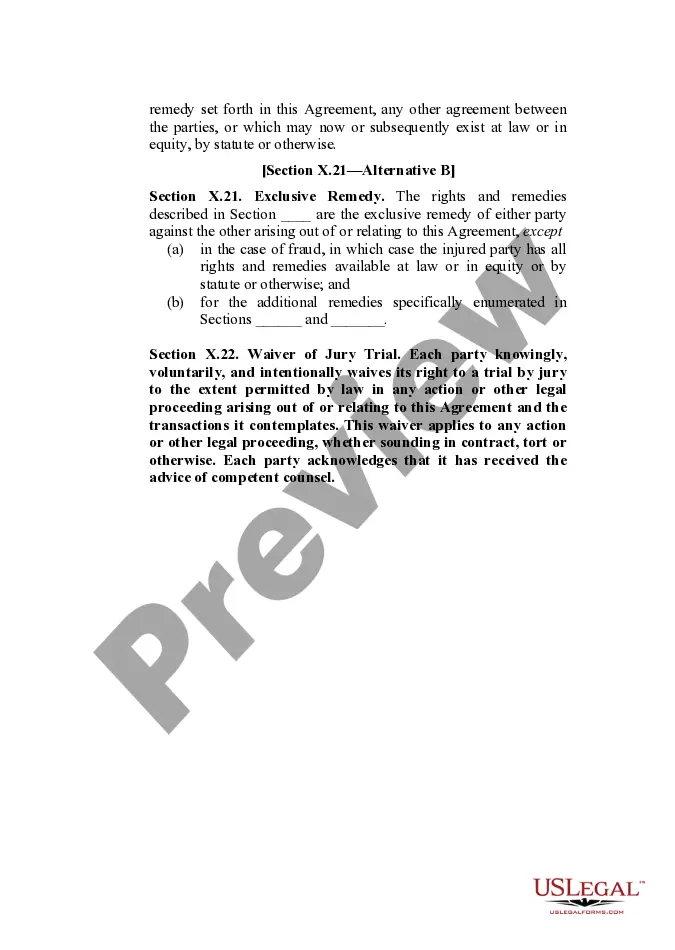
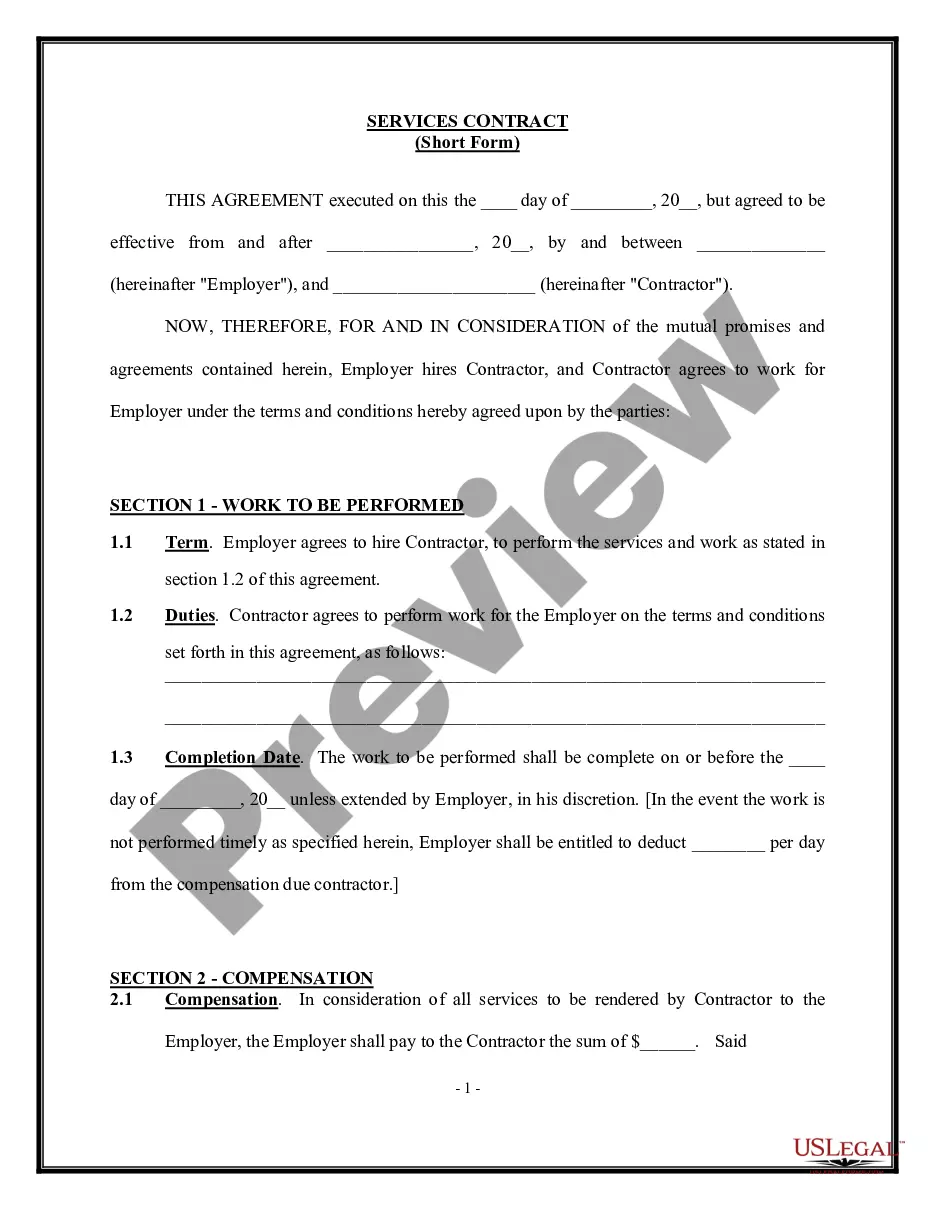
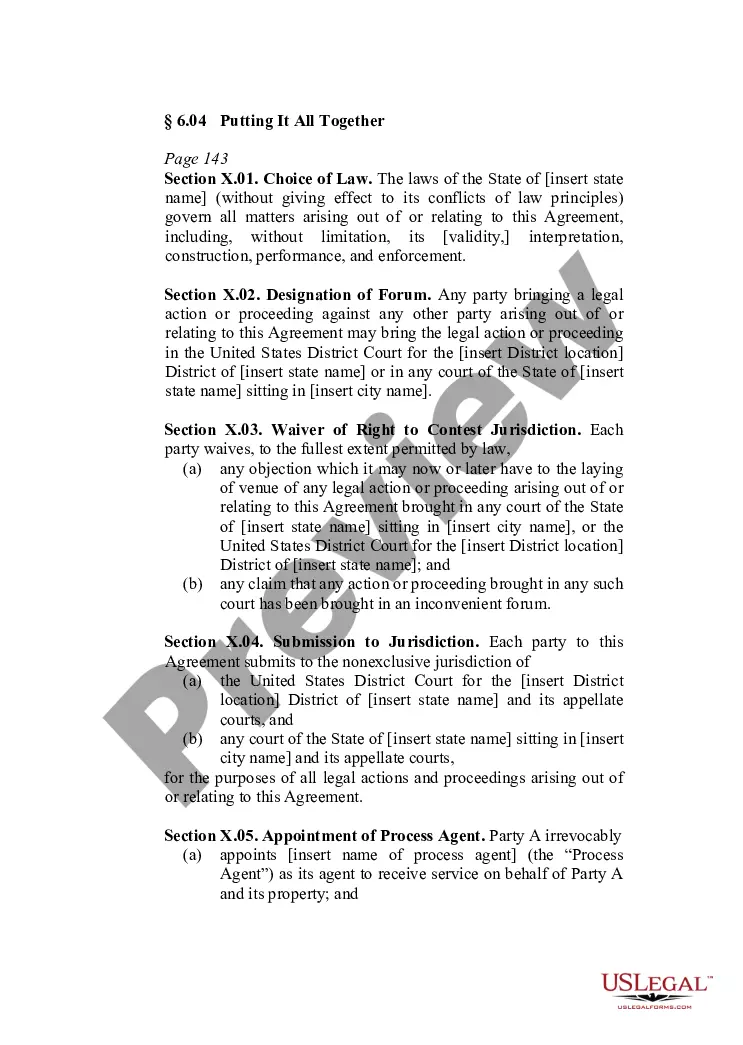
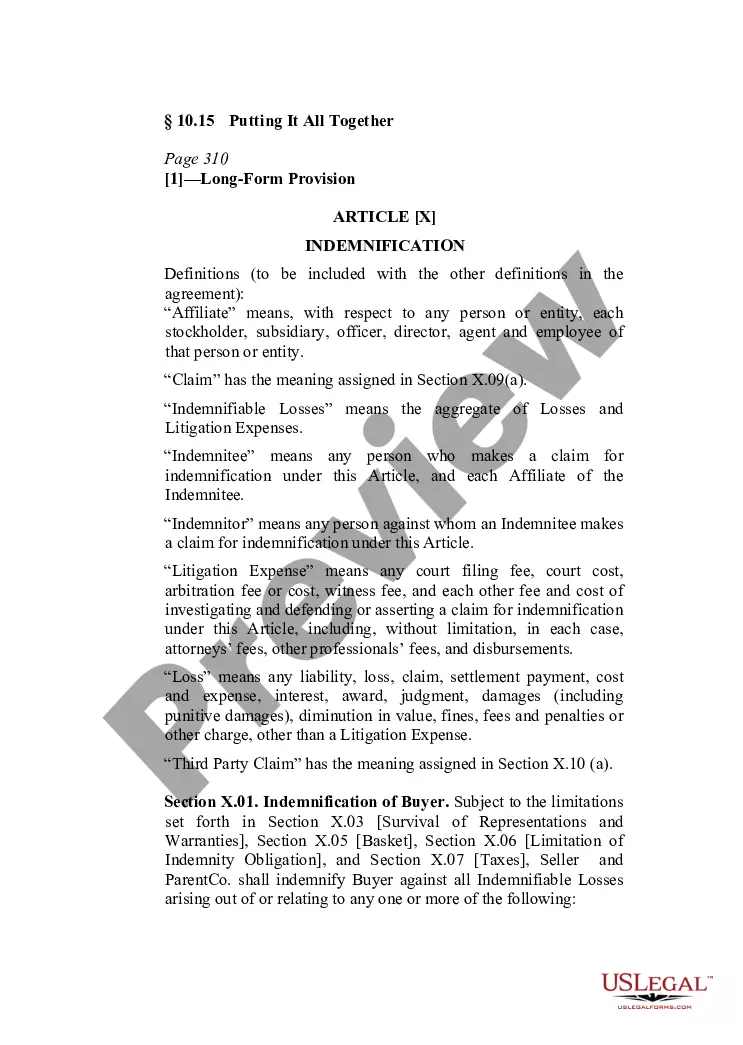
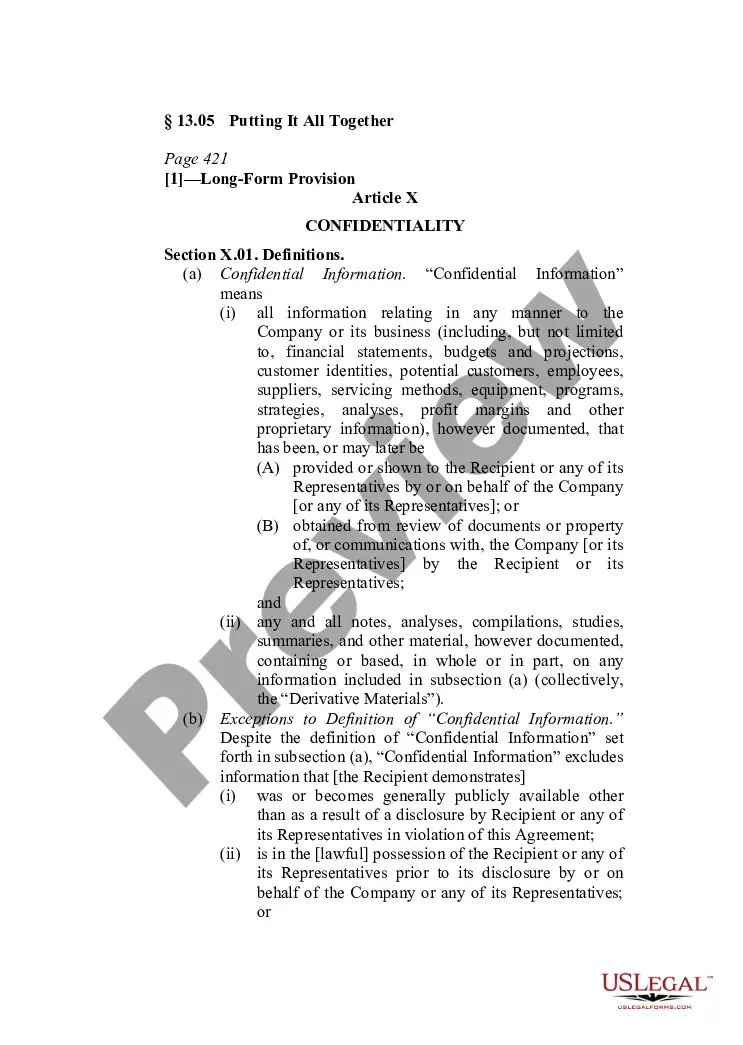
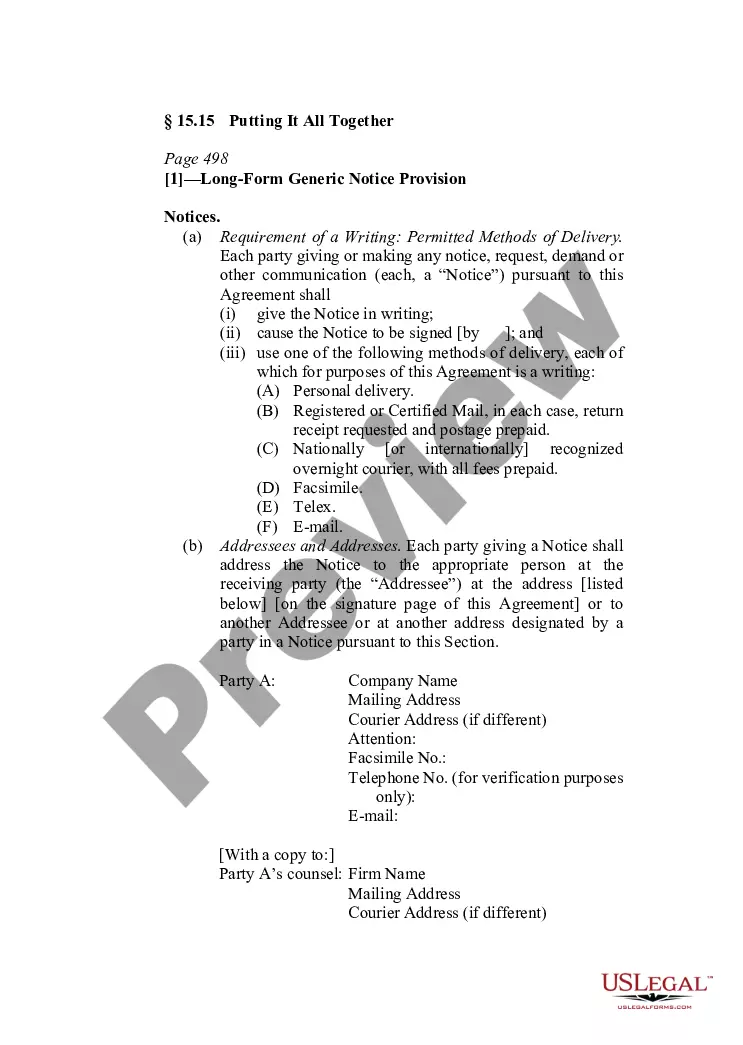
The Putting It All Together - General Provisions form is a comprehensive document that consolidates standard clauses commonly found in contract agreements. This form is designed to provide a cohesive framework for various general provisions, including clauses for notice, amendments, confidentiality, and governing law. It differs from other legal forms by focusing specifically on these essential elements, which are crucial for creating a well-structured contract.
Main sections of this form
- Notice requirements and methods of delivery
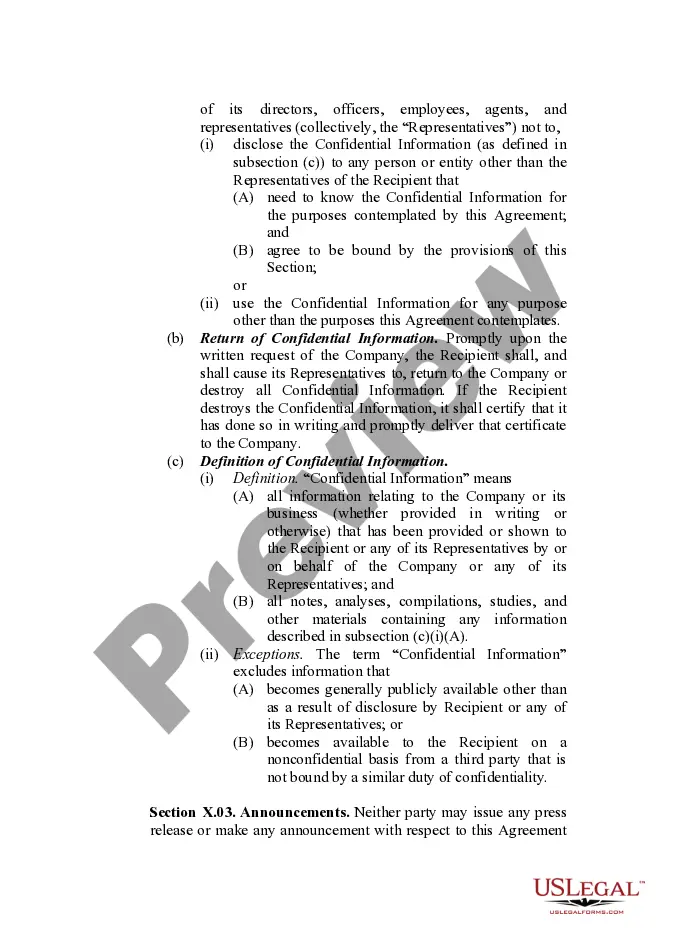
- Confidentiality obligations regarding disclosures
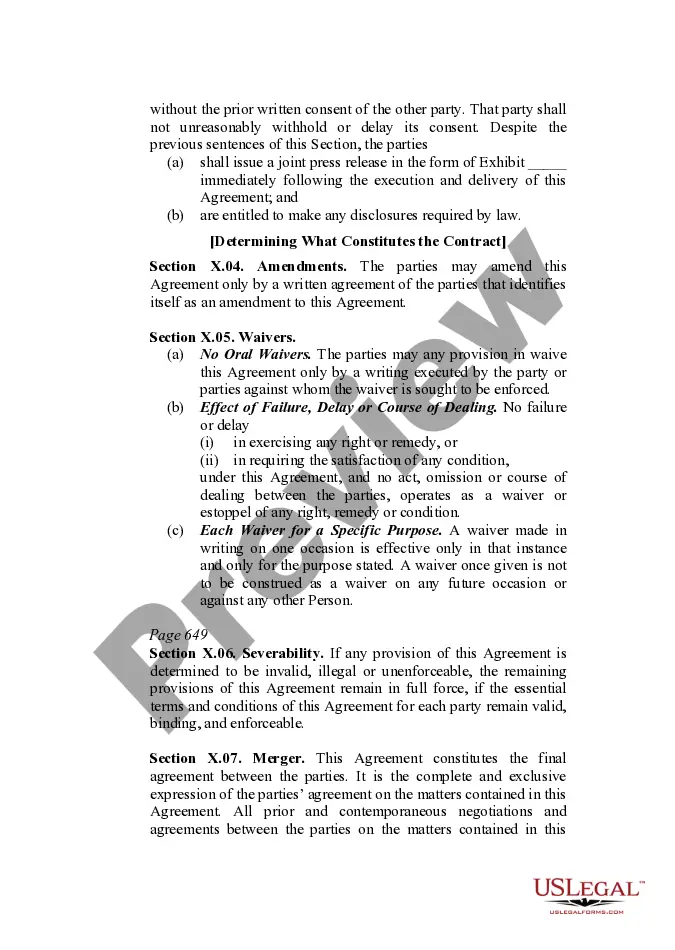
- Amendment provisions for modifying agreements
- Severability clause ensuring enforceability of remaining provisions
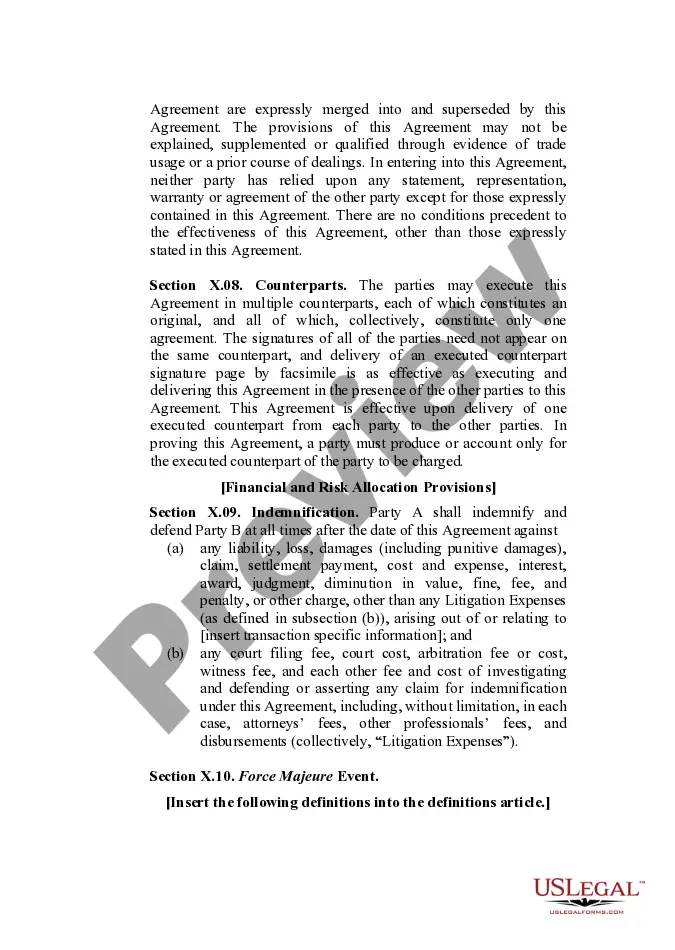
- Indemnification terms outlining liability responsibilities
- Governing law and dispute resolution mechanisms
When to use this form
This form is ideal for use in any contractual agreement where specific provisions are needed to clarify the rights and responsibilities of the parties involved. You may need this form when drafting a business contract, employment agreement, partnership agreement, or any transaction that requires binding terms to be laid out clearly. It helps ensure that all parties are aware of their obligations and the procedures to follow in case of disputes.
Who this form is for
- Business owners creating contracts with partners or clients
- Individuals entering into business or service agreements
- Legal professionals drafting transactional documents
- Anyone needing a standard framework for contract provisions
How to complete this form
- Identify the parties involved by entering their names and addresses.
- Specify the purpose of the agreement in the introductory section.
- Fill in any necessary details related to notices and confidentiality provisions.
- Review and amend any sections to fit your specific contractual needs.
- Sign the document and ensure all parties have a copy for their records.
Notarization guidance
Notarization is generally not required for this form. However, certain states or situations might demand it. You can complete notarization online through US Legal Forms, powered by Notarize, using a verified video call available anytime.
Get your form ready online
Our built-in tools help you complete, sign, share, and store your documents in one place.
Make edits, fill in missing information, and update formatting in US Legal Forms—just like you would in MS Word.
Download a copy, print it, send it by email, or mail it via USPS—whatever works best for your next step.
Sign and collect signatures with our SignNow integration. Send to multiple recipients, set reminders, and more. Go Premium to unlock E-Sign.
If this form requires notarization, complete it online through a secure video call—no need to meet a notary in person or wait for an appointment.
We protect your documents and personal data by following strict security and privacy standards.

Make edits, fill in missing information, and update formatting in US Legal Forms—just like you would in MS Word.

Download a copy, print it, send it by email, or mail it via USPS—whatever works best for your next step.

Sign and collect signatures with our SignNow integration. Send to multiple recipients, set reminders, and more. Go Premium to unlock E-Sign.

If this form requires notarization, complete it online through a secure video call—no need to meet a notary in person or wait for an appointment.

We protect your documents and personal data by following strict security and privacy standards.
Typical mistakes to avoid
- Failing to specify the correct method of notice delivery.
- Omitting or incorrectly defining confidentiality clauses.
- Not including amendments if changes to the agreement are made.
- Overlooking the need for proper signatures from all parties.
Benefits of completing this form online
- Convenient access to a professionally drafted legal document.
- Easy customization to fit specific contractual situations.
- Immediate downloads for quick and efficient use.
Legal use & context
- This form is legally binding when properly executed by all parties.
- It can be enforced in court, assuming all terms are adhered to.
- Consideration of additional local laws may affect its enforceability.
Key takeaways
- The form serves as a comprehensive guide for standard contract provisions.
- Understanding key components is crucial for effective contract management.
- Ensure compliance with state-specific laws when using this form.