Telephone Report Problem
What is this form?
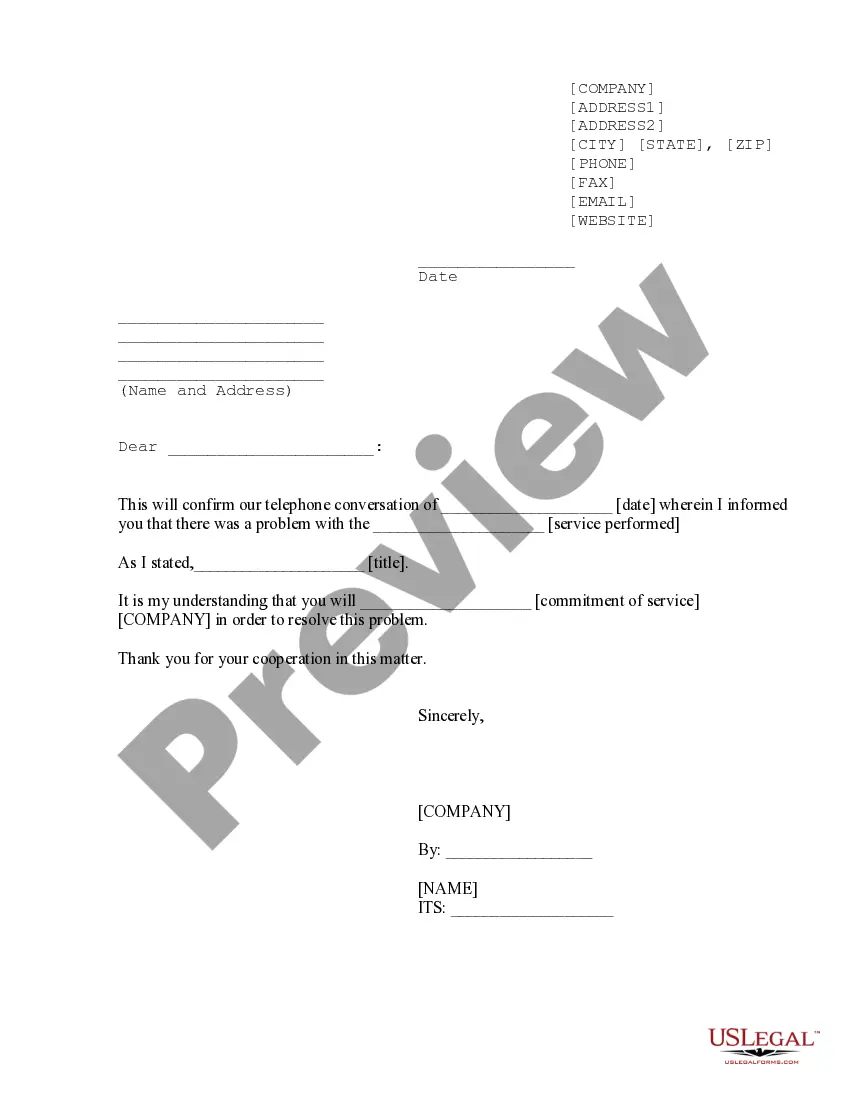
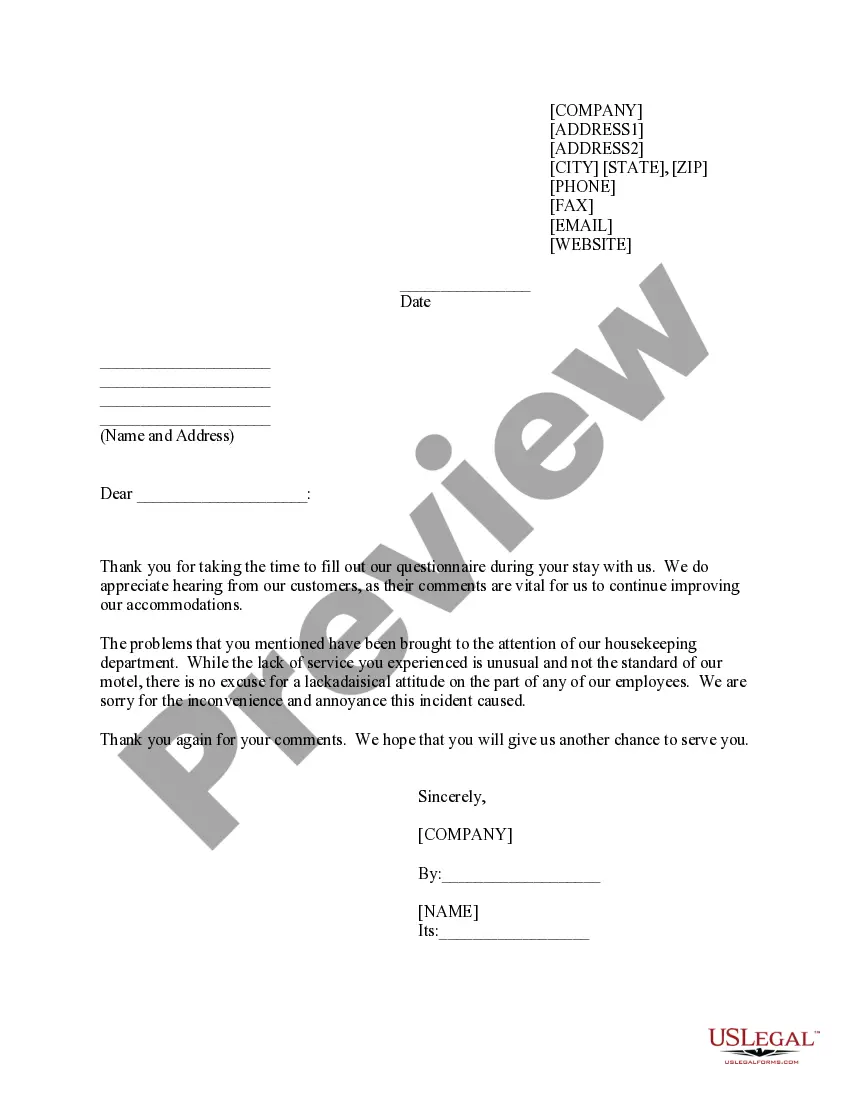
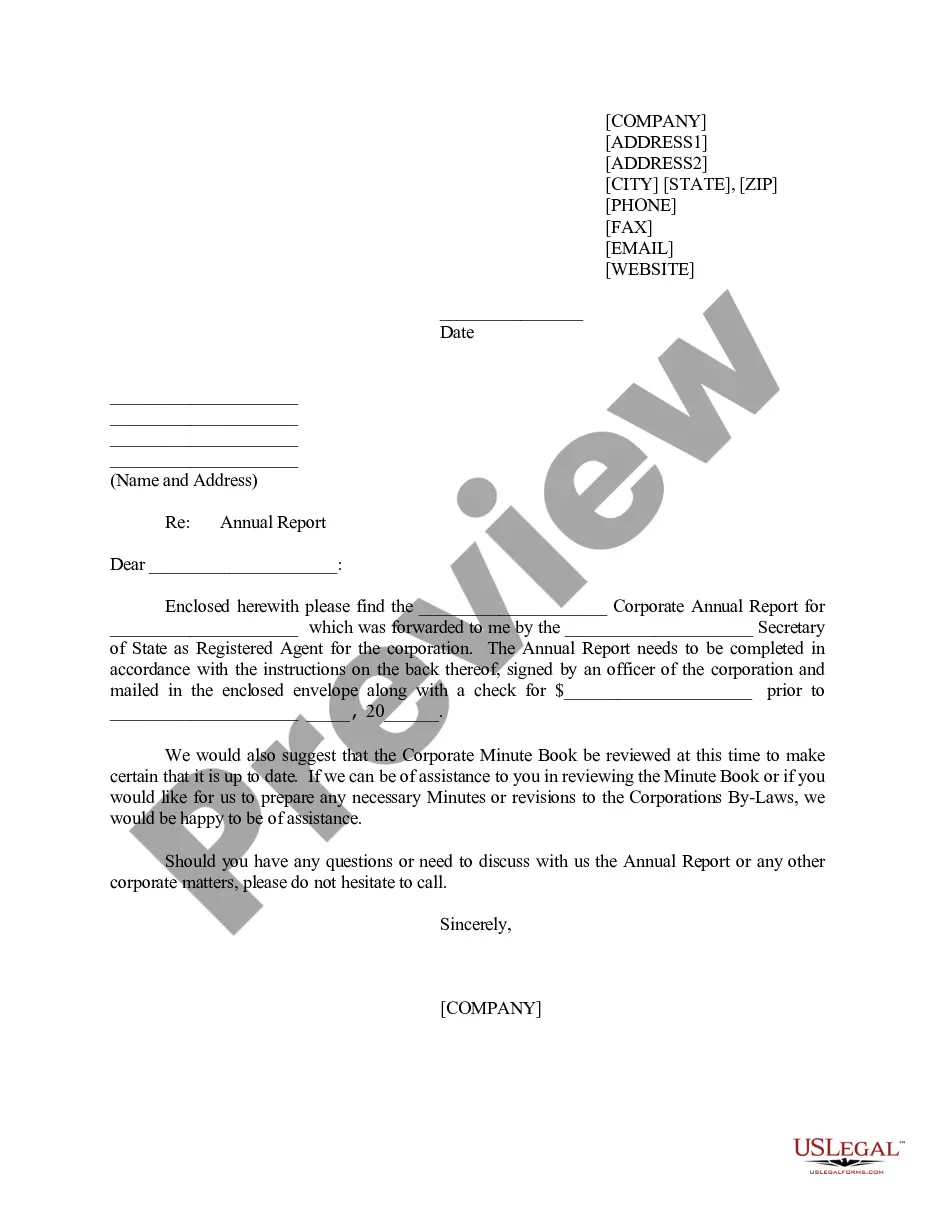
The Telephone Report Problem form is a formal letter used to document and confirm issues discussed during a phone conversation regarding a specific service problem. This form serves a distinct purpose in ensuring clear communication and follow-up on verbal discussions related to service quality, unlike informal email exchanges or notes that may lack legal significance.
Main sections of this form
- Contact Information: Spaces for the sender's address, phone number, fax, email, and website.
- Date: The date when the report is being created.
- Recipient Information: Area to write the name and address of the service provider.
- Confirmation of Discussion: A section to summarize the key points from the telephone conversation.
- Resolution Expectations: Indicates the expected commitment of the service company to resolve the issue.
- Sender's Signature: Space for the sender to sign and indicate their name and title.
When this form is needed
This form should be used when you have encountered a problem with a service, such as poor performance or incomplete work, and you have discussed it over the phone with the service provider. It serves as a written confirmation of that conversation and outlines the next steps for resolving the issue. Use this form to ensure there is a clear record of your communication and the provider's commitment to address the problem.
Intended users of this form
- Individuals who have experienced issues with a service and wish to document their concerns formally.
- Business owners needing to follow up on service problems discussed with vendors or contractors.
- Any party engaged in a service agreement where clear communication is essential for resolution.
Completing this form step by step
- Identify and fill in your contact information at the top of the form.
- Record the date the form is being completed.
- Write the recipient's name and address in the designated area.
- Summarize the issue discussed during the phone conversation, including important details.
- Specify what you expect the company to do to resolve the issue.
- Sign the form and include your name and title for authenticity.
Is notarization required?
Notarization is not commonly needed for this form. However, certain documents or local rules may make it necessary. Our notarization service, powered by Notarize, allows you to finalize it securely online anytime, day or night.
Get your form ready online
Our built-in tools help you complete, sign, share, and store your documents in one place.
Make edits, fill in missing information, and update formatting in US Legal Forms—just like you would in MS Word.
Download a copy, print it, send it by email, or mail it via USPS—whatever works best for your next step.
Sign and collect signatures with our SignNow integration. Send to multiple recipients, set reminders, and more. Go Premium to unlock E-Sign.
If this form requires notarization, complete it online through a secure video call—no need to meet a notary in person or wait for an appointment.
We protect your documents and personal data by following strict security and privacy standards.
Make edits, fill in missing information, and update formatting in US Legal Forms—just like you would in MS Word.
Download a copy, print it, send it by email, or mail it via USPS—whatever works best for your next step.
Sign and collect signatures with our SignNow integration. Send to multiple recipients, set reminders, and more. Go Premium to unlock E-Sign.
If this form requires notarization, complete it online through a secure video call—no need to meet a notary in person or wait for an appointment.
We protect your documents and personal data by following strict security and privacy standards.
Common mistakes to avoid
- Not including all necessary contact information.
- Failing to summarize the phone conversation accurately.
- Leaving out the expected resolution or commitment from the service provider.
- Not dating the letter properly.
- Neglecting to sign the form, which can invalidate its purpose.
Benefits of completing this form online
- Convenient access to format templates designed by licensed attorneys.
- Easy to customize according to specific situations and needs.
- Secure storage and retrieval options for future reference.
- Time efficiency by allowing immediate download and editing.
Quick recap
- The Telephone Report Problem form formalizes verbal communication regarding service issues.
- It's important to clearly state expectations for resolution in the document.
- Using this form can help maintain a professional record of service-related conversations.
Looking for another form?


Form popularity
FAQ
Have an urgent request? Call us at 800.288. 2020.
First, check to ensure the phone is properly plugged in and the battery is charged. If the problem persists, you may need to test the phone with a network interface device (NID). Don't hesitate to contact your telephone service provider for assistance if you still cannot get the phone to work.
Troubleshoot home phone issues Locate the Telephone Network Interface. It's usually located on the back or side of the house. Use a screwdriver to open the box.Unplug the short telephone cord and plug in your corded phone. See if the problem still exists.Unplug the corded phone and replace the short telephone cord.
Plug a working phone (not cordless) into the main phone socket (this is usually where the phone line enters your premises). See if you can make calls from it. If you can make calls, the fault is likely to be with one of your pieces of equipment.
How To Reset A Landline Phone Step 1: Disconnect the Main Base Unit From the Power Supply. Start by disconnecting your landline phone's base device from the power outlet.Step 2: Remove the Batteries.Step 3: Wait for 1 Hour.Step 4: Re-Insert the Batteries Into the Handsets.Step 5: Power Up the Base Unit.
Troubleshoot home phone issues Locate the Telephone Network Interface. It's usually located on the back or side of the house. Use a screwdriver to open the box.Unplug the short telephone cord and plug in your corded phone. See if the problem still exists.Unplug the corded phone and replace the short telephone cord.
If the problem persists, please call our Repair and Maintenance center at 1 800 288-2747. The center is open 24 hours a day, 7 days a week. With AT&T, you can call virtually anywhere in the world.
Test your phone Unplug the phone from the wall jack. Plug a different working phone into the jack. Check to see if you still hear static or don't hear a dial tone. If the problem goes away, repair or replace the phone you just unplugged from the wall jack.