Mississippi Order Denying Motion to Set Aside Default Judgment
What is this form?
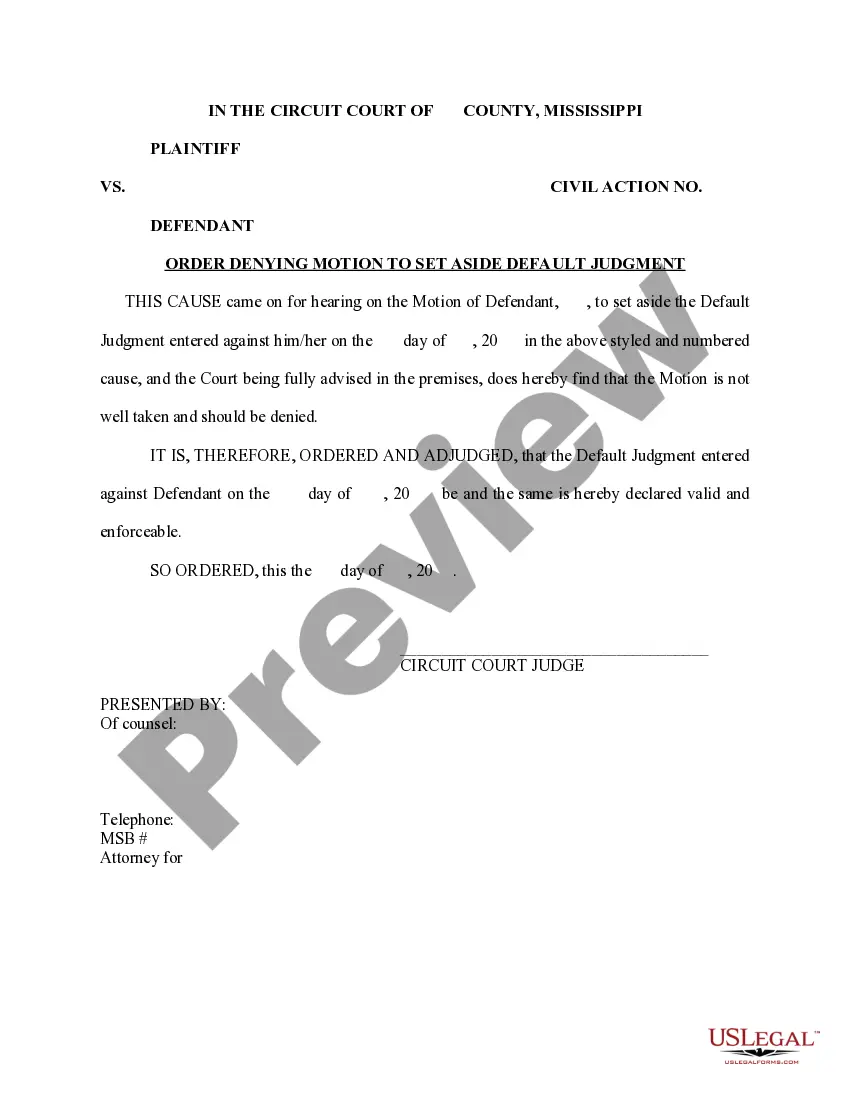
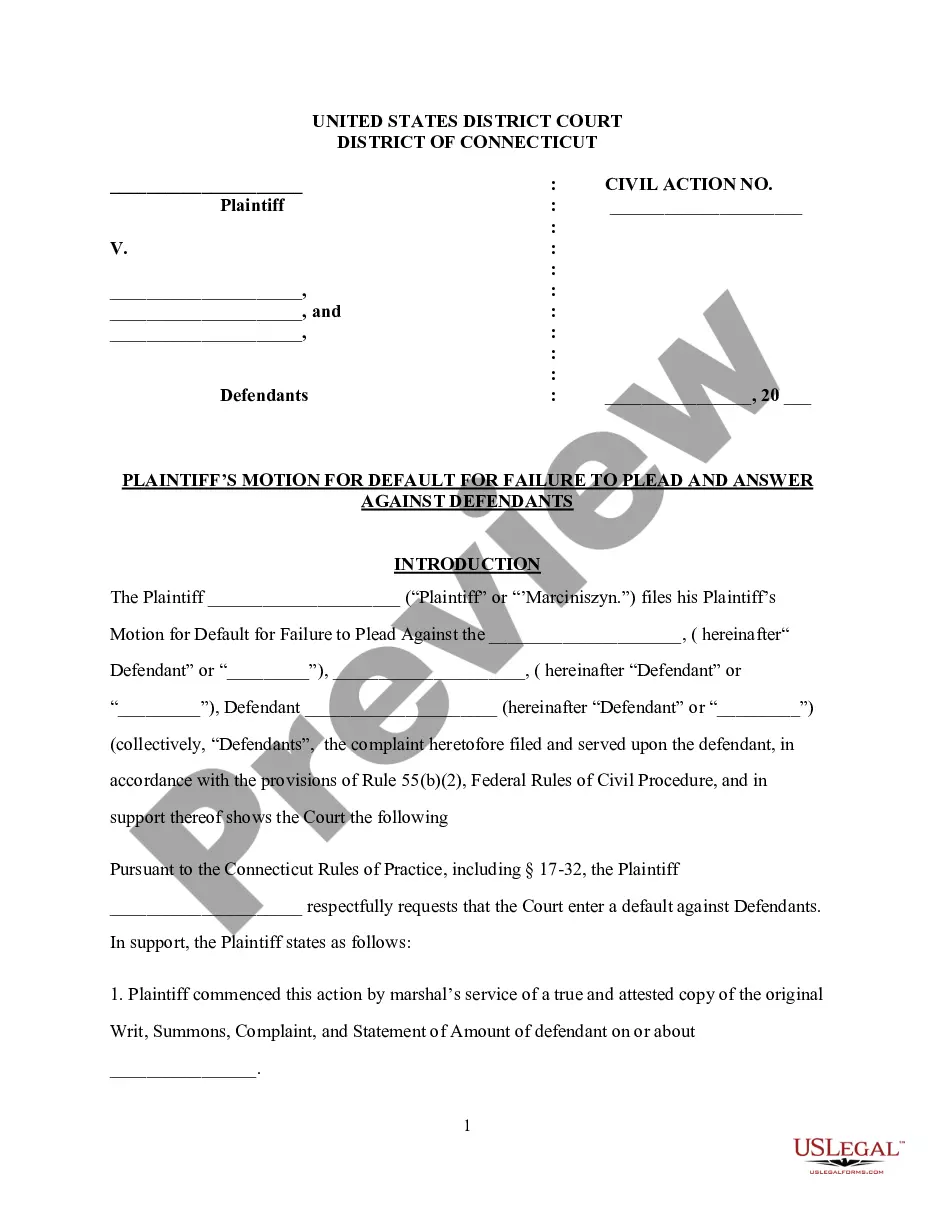
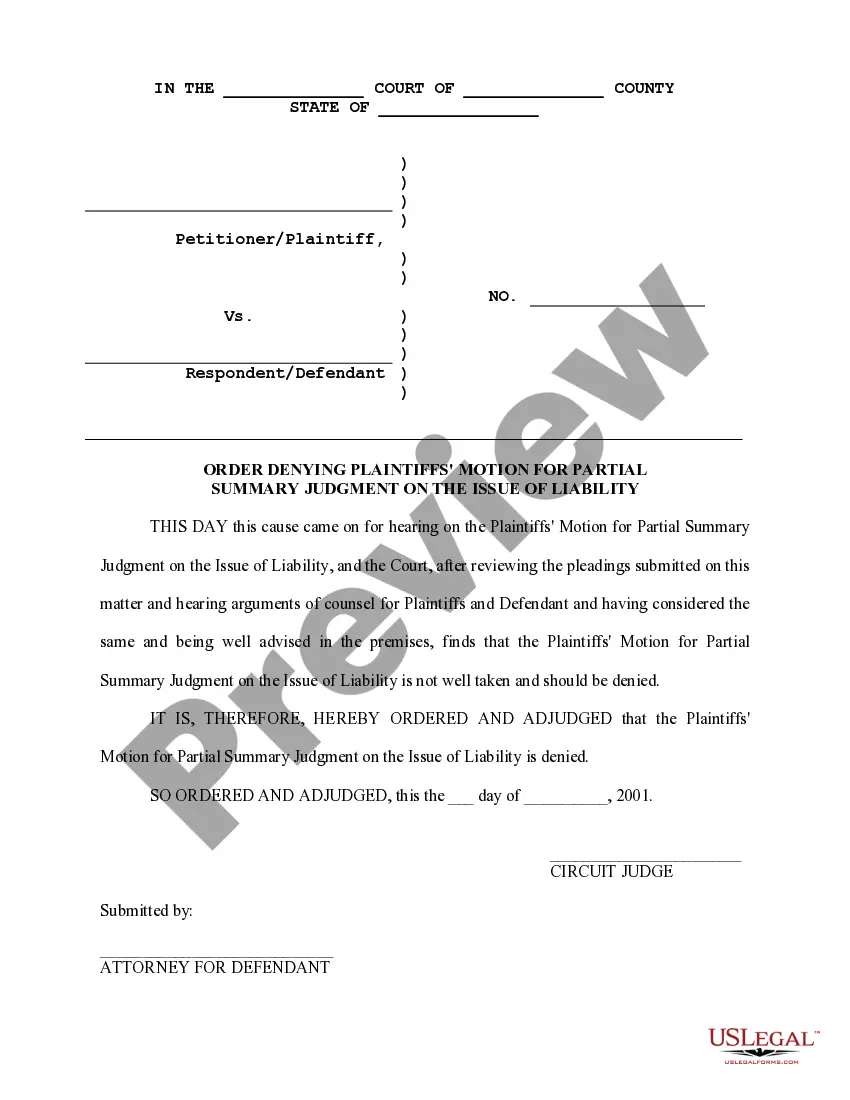
The Order Denying Motion to Set Aside Default Judgment is a legal document issued by a court in response to a motion requesting that a default judgment be overturned. This form is crucial for defendants who seek to challenge a judgment made in their absence, ensuring their request is properly presented to the court. Unlike other motion forms, this specific order denotes the court's conclusion that the motion lacks merit and confirms the validity of the default judgment.
Key components of this form
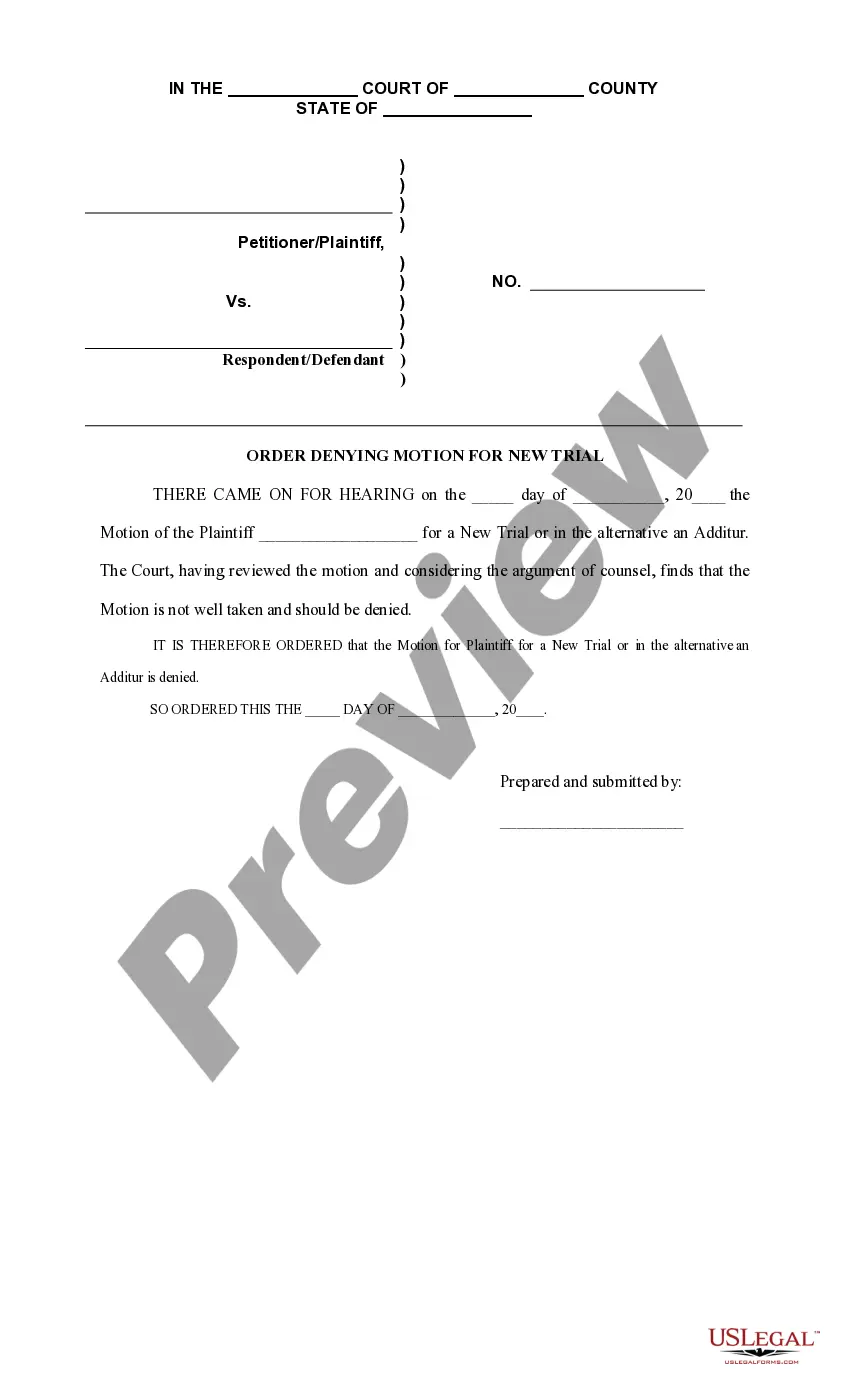
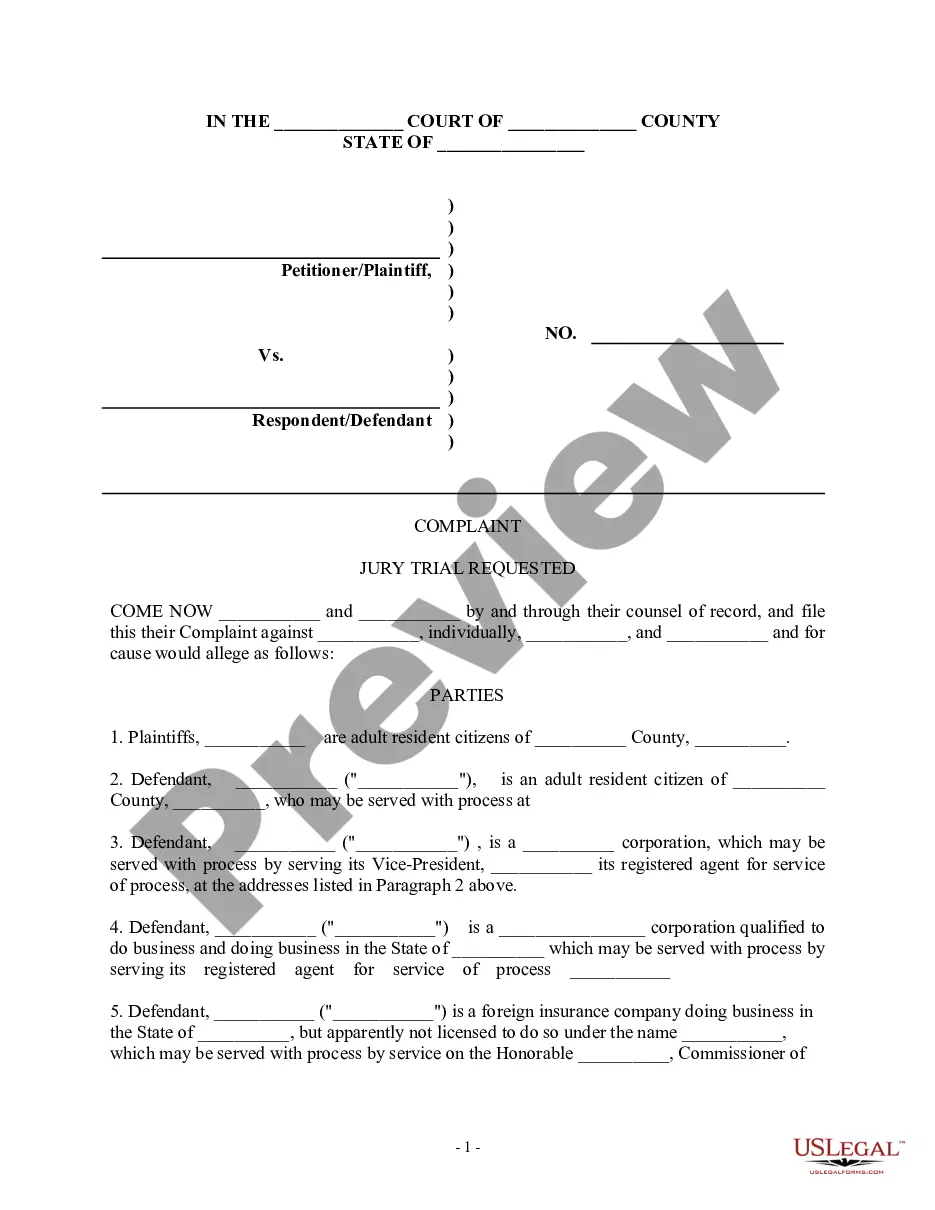
- Case caption including plaintiff and defendant names.
- Civil action number for easy identification of the case.
- Statement acknowledging the hearing of the motion.
- Court's decision declaring the motion as not well taken.
- Validation of the default judgment as enforceable.
- Signature block for the Circuit Court Judge.
When to use this form
This form is used when a defendant wishes to contest a default judgment that was entered against them without their knowledge or participation. Situations may include instances where the defendant did not receive appropriate notice of the proceedings or was unable to attend due to extenuating circumstances. If the court denies the motion, this form serves to solidify the enforceability of the original judgment.
Who needs this form
- Defendants in civil cases facing a default judgment.
- Individuals or entities that believe they were improperly judged without participation.
- Legal representatives filing on behalf of a defendant.
Steps to complete this form
- Identify the parties involved by filling in the names of the plaintiff and defendant.
- Enter the civil action number as assigned by the court.
- Specify the date when the original default judgment was entered.
- Provide the date of the hearing for the motion to set aside the judgment.
- Include the Judge's signature at the end of the form.
Does this form need to be notarized?
Notarization is generally not required for this form. However, certain states or situations might demand it. You can complete notarization online through US Legal Forms, powered by Notarize, using a verified video call available anytime.
Get your form ready online
Our built-in tools help you complete, sign, share, and store your documents in one place.
Make edits, fill in missing information, and update formatting in US Legal Forms—just like you would in MS Word.
Download a copy, print it, send it by email, or mail it via USPS—whatever works best for your next step.
Sign and collect signatures with our SignNow integration. Send to multiple recipients, set reminders, and more. Go Premium to unlock E-Sign.
If this form requires notarization, complete it online through a secure video call—no need to meet a notary in person or wait for an appointment.
We protect your documents and personal data by following strict security and privacy standards.

Make edits, fill in missing information, and update formatting in US Legal Forms—just like you would in MS Word.

Download a copy, print it, send it by email, or mail it via USPS—whatever works best for your next step.

Sign and collect signatures with our SignNow integration. Send to multiple recipients, set reminders, and more. Go Premium to unlock E-Sign.

If this form requires notarization, complete it online through a secure video call—no need to meet a notary in person or wait for an appointment.

We protect your documents and personal data by following strict security and privacy standards.
Typical mistakes to avoid
- Failing to accurately complete the case caption and civil action number.
- Not including the required signature of the judge.
- Submitting the motion without proper legal representation.
- Missing the deadline to file the motion after the default judgment.
Benefits of using this form online
- Instant access to a professionally drafted legal form.
- Convenient download and print options for easy filing.
- Editable fields to ensure accuracy and compliance with specific case details.
- Available outside normal business hours, providing flexibility.
Legal use & context
- This form serves as an official record of the court's decision regarding the motion.
- The order issued is necessary for further legal proceedings and actions.
- Users must understand the implications of a denied motion and the enforceability of the default judgment.
What to keep in mind
- The Order Denying Motion to Set Aside Default Judgment confirms the court's stance on a defendant's motion.
- It is essential for defendants to act promptly when contesting a default judgment.
- Understanding local court rules is crucial for successful form completion.
Looking for another form?
Form popularity
FAQ
If you do not think the default judgment was appropriately entered against you, you must file a motion with the court asking the judge to set aside (void or nullify) the judgment. If the judge grants your motion, the case starts back up again.
You cannot appeal this kind of judgment and have a new trial until you vacate the default judgment, that is, until you have the judgment removed or erased. To vacate a default judgment, do the following:Get the form called Notice of Motion to Vacate Judgment from the small claims clerk.
What happens next? When you file your Motion and Affidavit to Set Aside Default, you will get a hearing date and time from the court clerk. At the hearing, the judge will grant or deny the motion. If the judge grants your motion, the default or default judgment will be set aside, and the case will move forward.
After you notify the defendant of the judgment, you can begin to enforce the judgment. Your judgment might be for money, repossession, eviction, foreclosure, or any number of things. In any case, your rights at this point would be the same as if you had gone to trial and won.
A default judgment means that the court has decided that you owe money. This a result of the person suing you in small claims court and you failed to appear at the hearing.
If a notice of motion for setting aside or variation of a judgment or order is filed within 14 days after the judgment or order is entered, the court may set aside or vary the judgment or order under r 36.16(1) as if the judgment or order had not been entered: r 36.16(3A).
First, you can ask the court to set aside the default judgment and give you an opportunity to contest it. Next, you can settle the debt with the debt buyer for an amount less than what the default judgment is for. And finally you can eliminate the default judgment completely by filing for bankruptcy.
Typically, a court's rules governing enforcement of default judgments include procedures for wage garnishments, attachment of bank accounts and seizure of assets. The plaintiff can usually pursue more than one of these enforcement mechanisms simultaneously.