Release Field Trip Form With Decimals
Description
Get your form ready online
Our built-in tools help you complete, sign, share, and store your documents in one place.
Make edits, fill in missing information, and update formatting in US Legal Forms—just like you would in MS Word.
Download a copy, print it, send it by email, or mail it via USPS—whatever works best for your next step.
Sign and collect signatures with our SignNow integration. Send to multiple recipients, set reminders, and more. Go Premium to unlock E-Sign.
If this form requires notarization, complete it online through a secure video call—no need to meet a notary in person or wait for an appointment.
We protect your documents and personal data by following strict security and privacy standards.

Make edits, fill in missing information, and update formatting in US Legal Forms—just like you would in MS Word.

Download a copy, print it, send it by email, or mail it via USPS—whatever works best for your next step.

Sign and collect signatures with our SignNow integration. Send to multiple recipients, set reminders, and more. Go Premium to unlock E-Sign.

If this form requires notarization, complete it online through a secure video call—no need to meet a notary in person or wait for an appointment.

We protect your documents and personal data by following strict security and privacy standards.
Looking for another form?








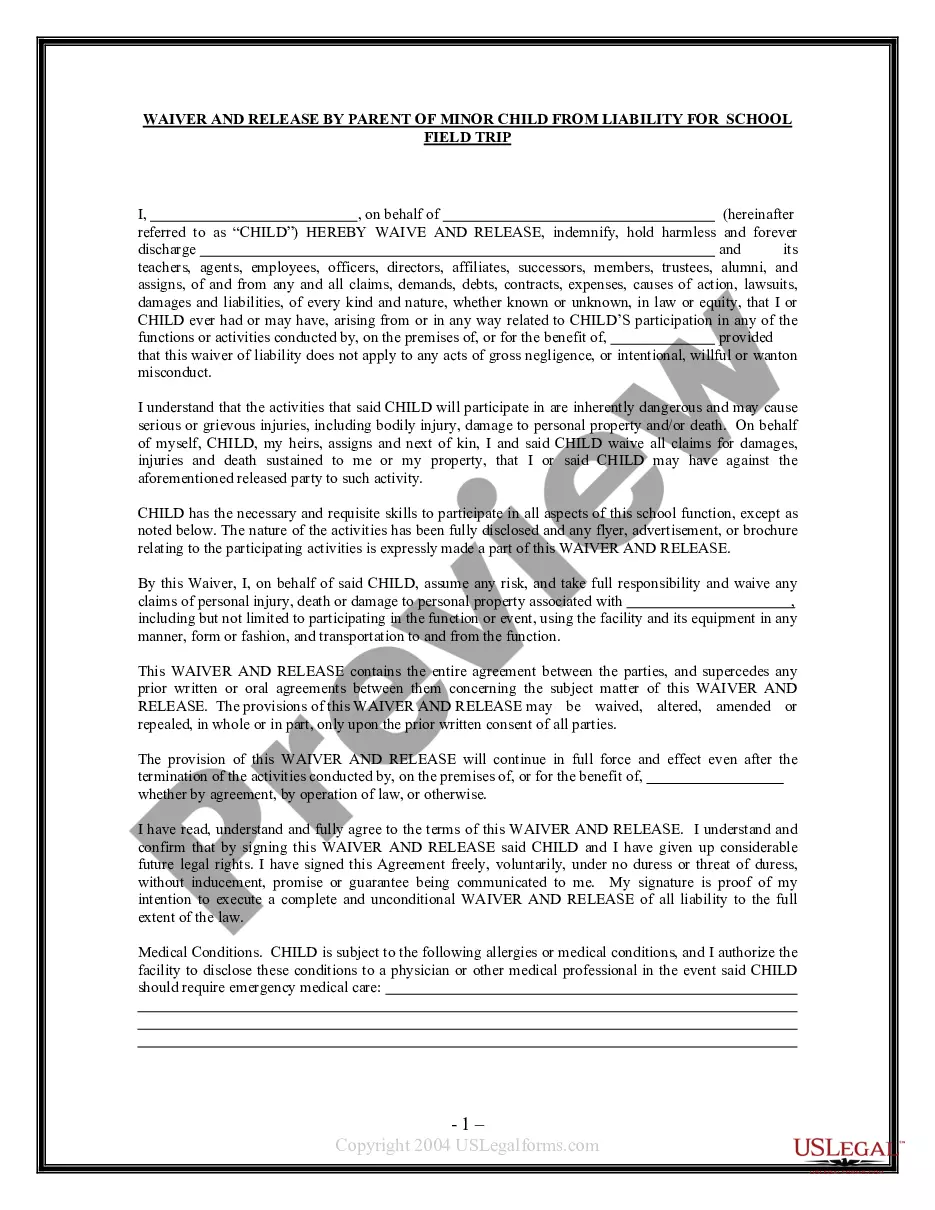
How to fill out Waiver And Release From Liability For Minor Child For School Field Trip?
Managing legal paperwork and processes can be a lengthy addition to your day.
Release Field Trip Form With Decimals and similar forms usually necessitate you to look for them and determine how you can finalize them efficiently.
Thus, if you are addressing financial, legal, or personal issues, having a detailed and user-friendly online library of documents readily available will be extremely beneficial.
US Legal Forms is the premier online platform for legal templates, offering more than 85,000 state-specific documents and a variety of tools to help you complete your paperwork swiftly.
Simply Log In to your account, find Release Field Trip Form With Decimals, and download it immediately from the My documents section. You can also revisit saved forms.
- Explore the archive of relevant forms available to you with just a single click.
- US Legal Forms provides state- and county-specific documents accessible at any time for download.
- Protect your document management activities by utilizing a reliable service that allows you to assemble any form in minutes without extra or concealed costs.
Form popularity
FAQ
Highlight the key argument presented in the essay. Summarise the answer to the essay question, as signalled in the introduction. Refer back to the essay question to show that it has been answered. Reinforce the main theme of the essay, which has been established in the introduction.
Field trip reports should be approximately 1.5-2 pages in length (single spaced, 12 pt font, typed, 1-1.25 in margins and 2 line breaks between paragraphs). Give a full answer at least 2 questions (from 1-8) as well as 9. Answer the others but the answer can be shorter (i.e. bullets) if you run out of space.
They should include all the information both parents and teachers need to keep students safe. Make sure to include the following information on any permission slips for students: Relevant activity details, including the teacher in charge, the trip purpose, destination, date, times, cost, and means of transportation.
Conclusion. Our excursion lasted for an hour and a half, so it ended at 1.30 PM. It was successful because all students learned the required information to write academic papers and support them with dependable facts. Moreover, that trip taught us to value life and be active, trying to change the world for the better.
How to Write a Field Trip Report Make an Interesting Title and Introduction. To start making a field trip report, you must also make an interesting title and an interesting introduction. ... Tell It in Story Format. ... Jargon Must Be Clear and Concise. ... Review Your Trip Report.