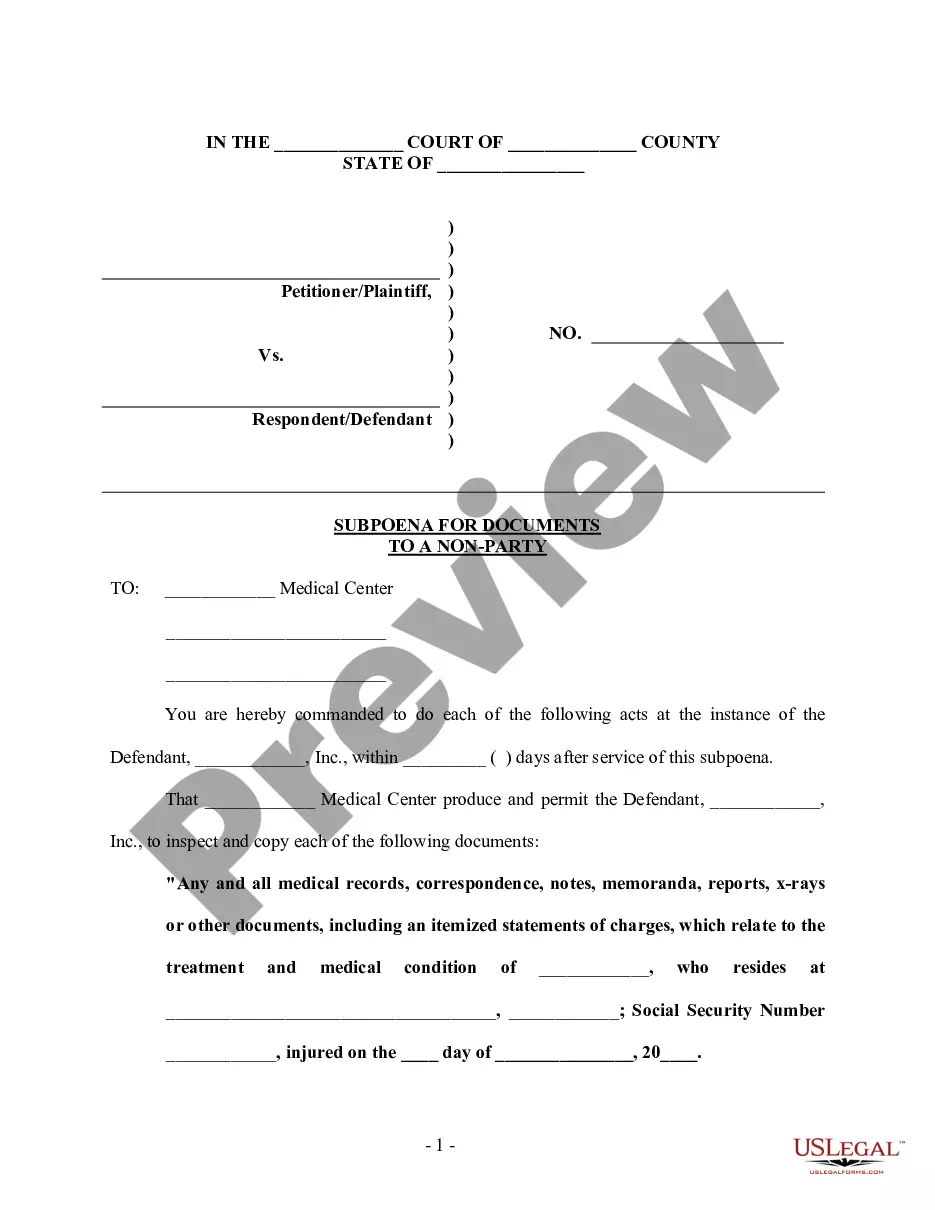
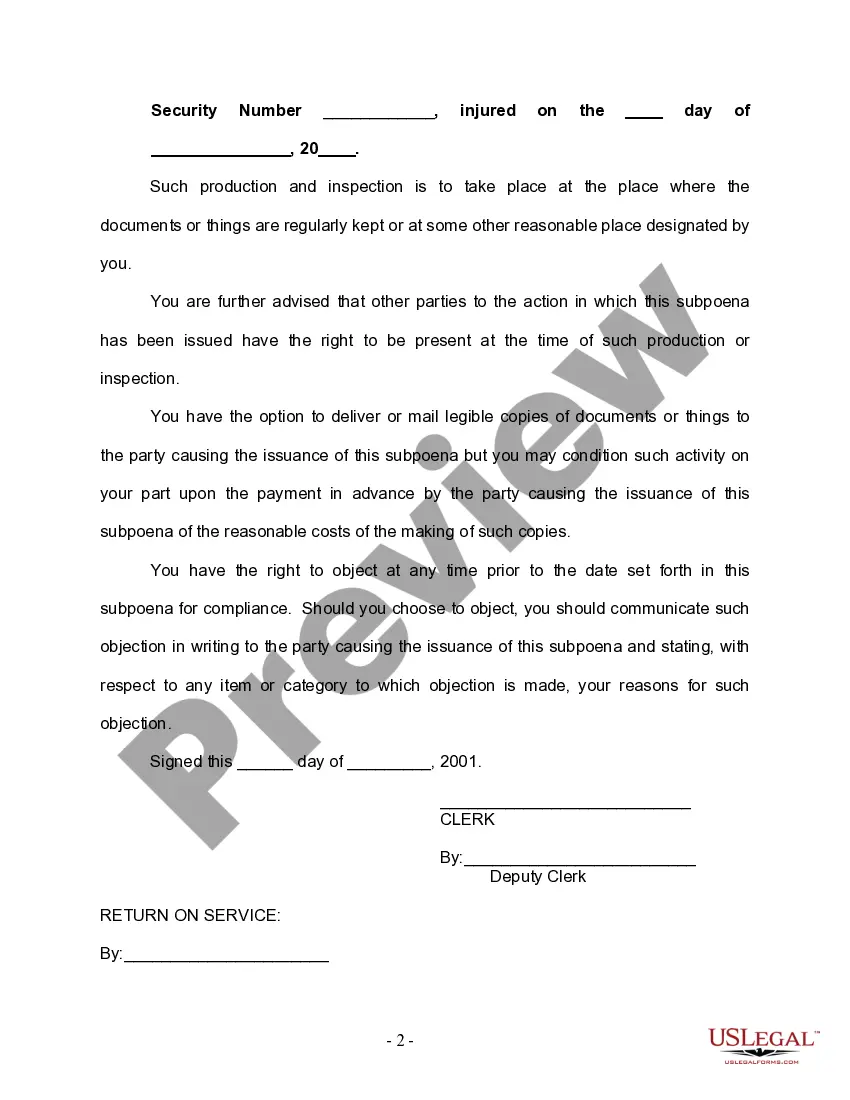
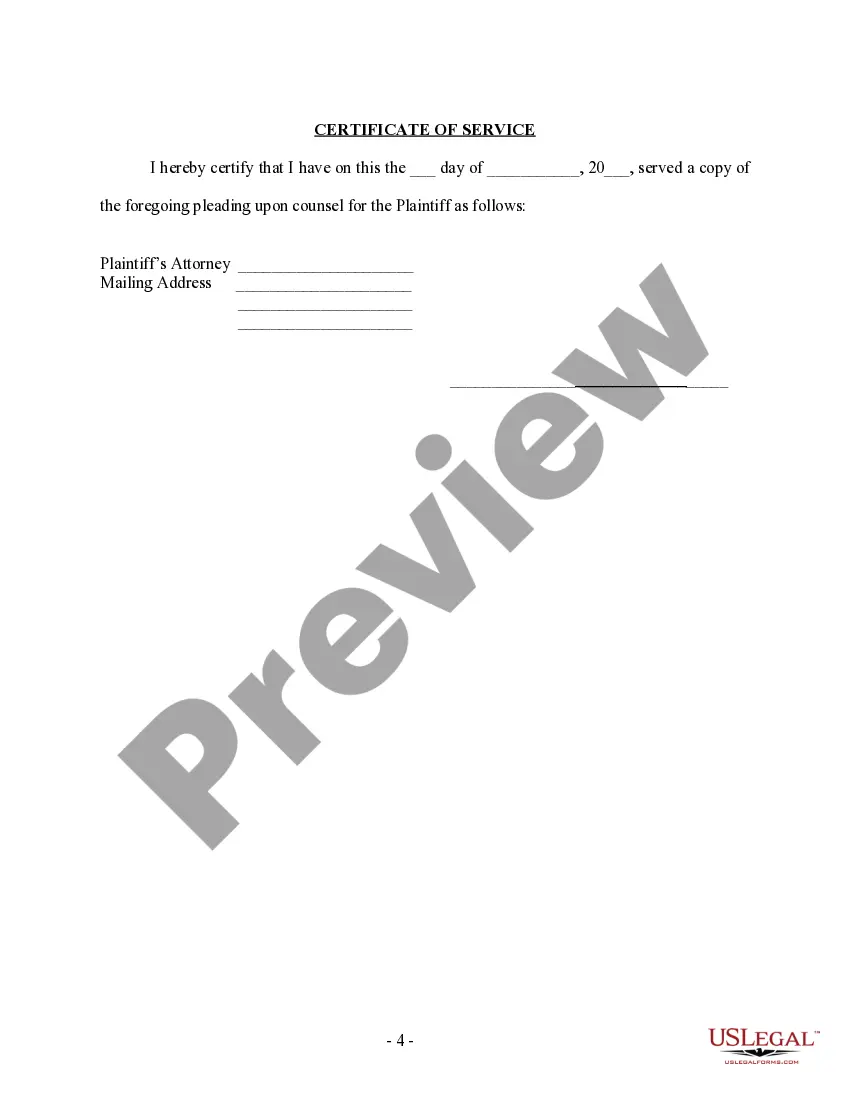
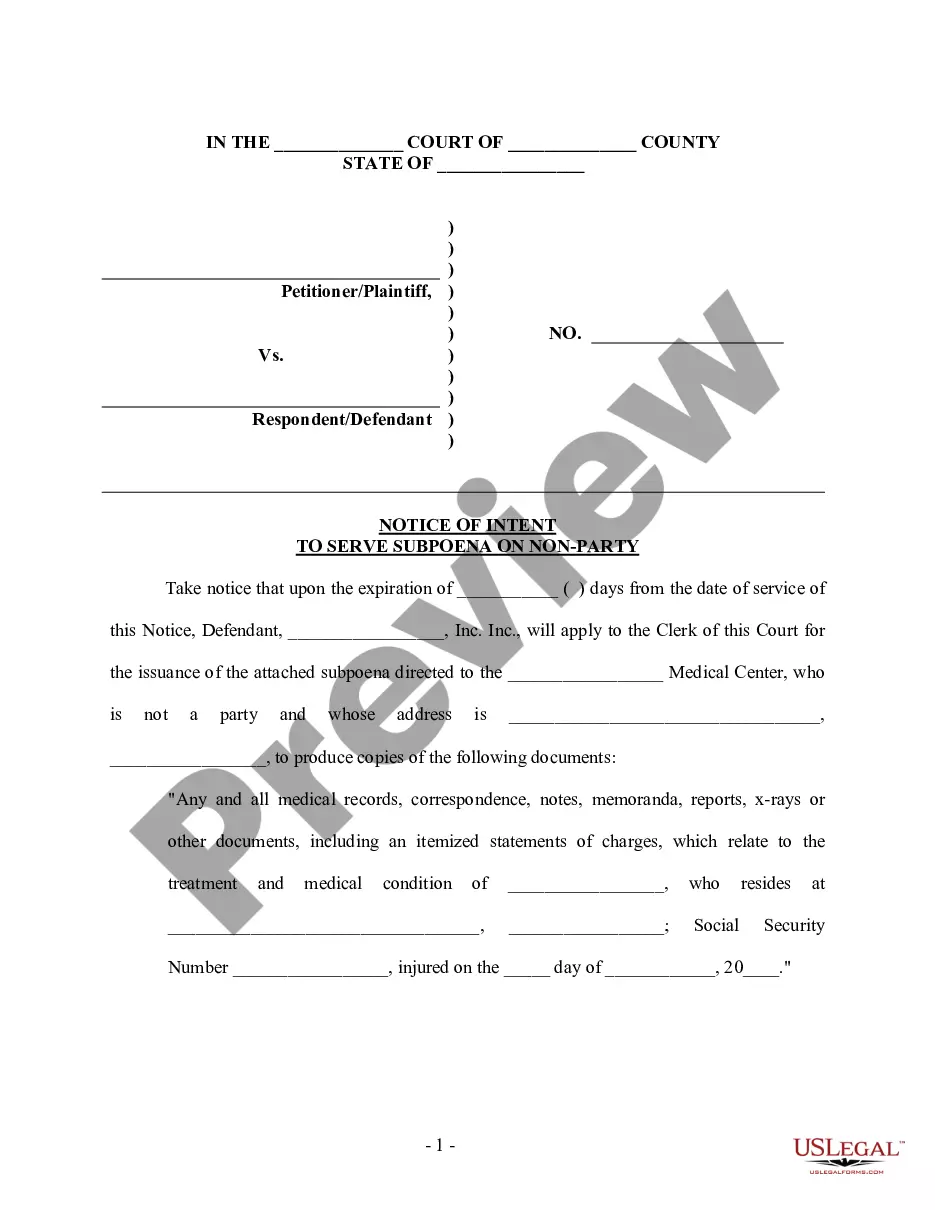
Subpoena Document Request For Production
Description
Get your form ready online
Our built-in tools help you complete, sign, share, and store your documents in one place.
Make edits, fill in missing information, and update formatting in US Legal Forms—just like you would in MS Word.
Download a copy, print it, send it by email, or mail it via USPS—whatever works best for your next step.
Sign and collect signatures with our SignNow integration. Send to multiple recipients, set reminders, and more. Go Premium to unlock E-Sign.
If this form requires notarization, complete it online through a secure video call—no need to meet a notary in person or wait for an appointment.
We protect your documents and personal data by following strict security and privacy standards.
Make edits, fill in missing information, and update formatting in US Legal Forms—just like you would in MS Word.
Download a copy, print it, send it by email, or mail it via USPS—whatever works best for your next step.
Sign and collect signatures with our SignNow integration. Send to multiple recipients, set reminders, and more. Go Premium to unlock E-Sign.
If this form requires notarization, complete it online through a secure video call—no need to meet a notary in person or wait for an appointment.
We protect your documents and personal data by following strict security and privacy standards.
Looking for another form?
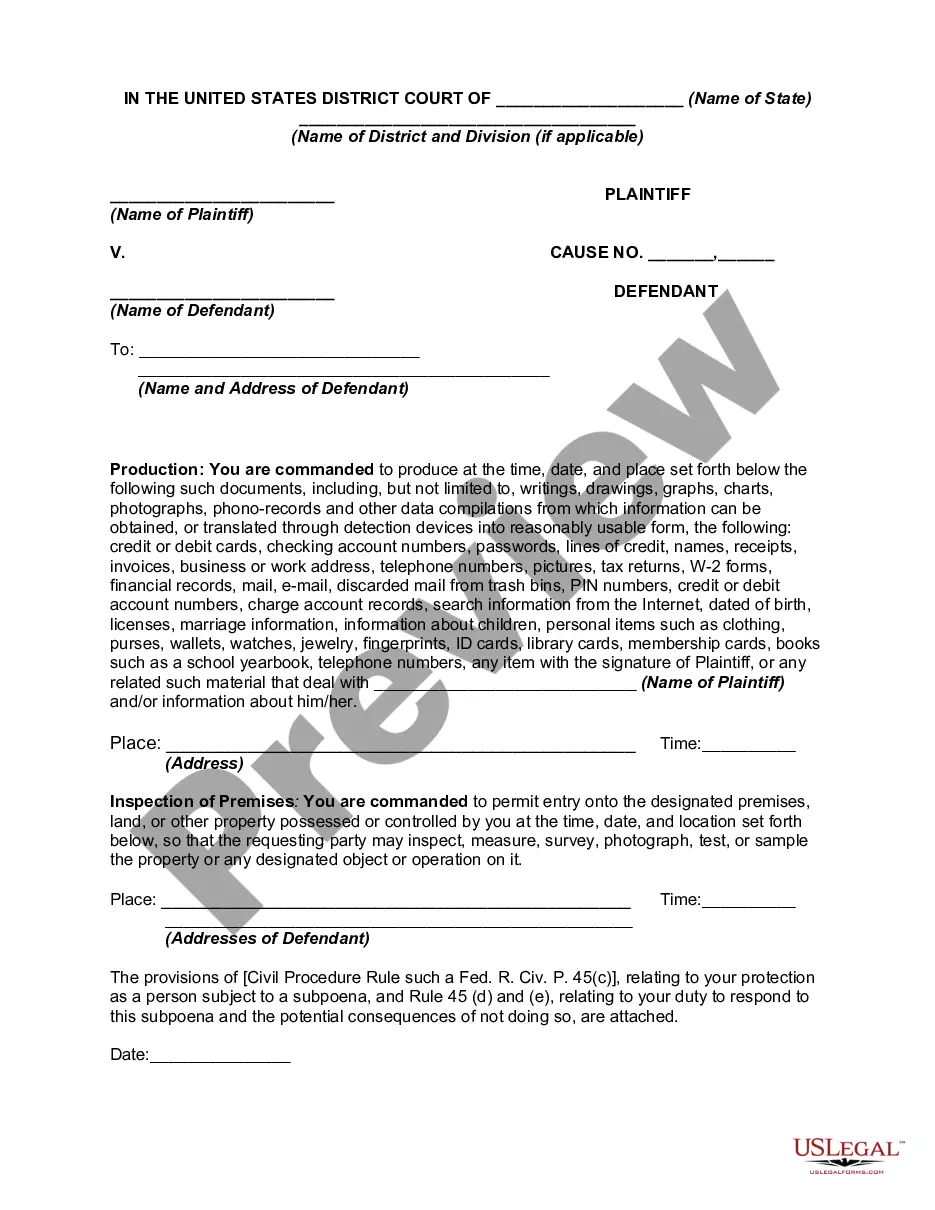

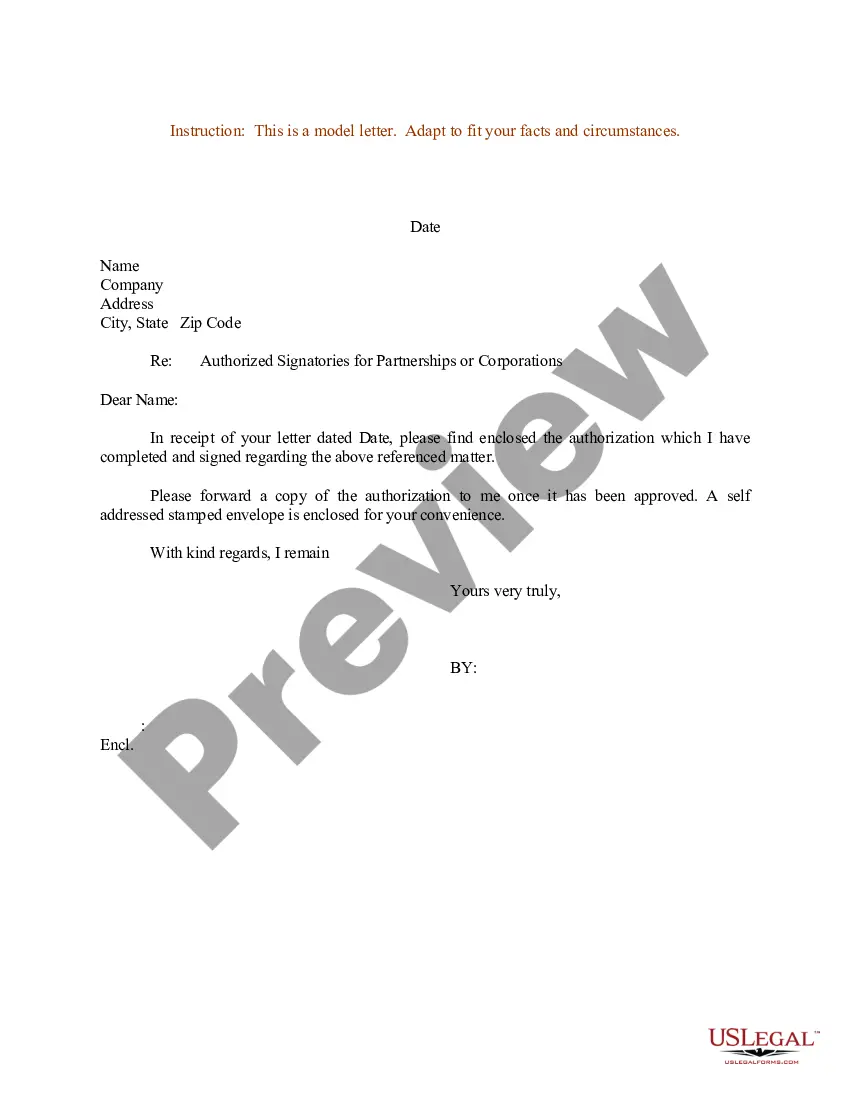

How to fill out Subpoena For Documents To A Nonparty?
Managing legal documents can be exasperating, even for seasoned professionals.
When you're in search of a Subpoena Document Request For Production and can’t find the time to dedicate to searching for the right and current version, the process can be anxiety-inducing.
With US Legal Forms, you can.
Access a wealth of articles, guides, and resources tailored to your situation and requirements.
Verify that this is the correct form by previewing it and reviewing its details.
- Save time and effort in your search for the documents you require, utilizing US Legal Forms’ advanced search and Review tool to find the Subpoena Document Request For Production and obtain it.
- If you have a membership, Log In to your US Legal Forms account, locate the form, and download it.
- Check the My documents tab to review the documents you’ve saved and manage your folders as you prefer.
- If you’re new to US Legal Forms, create an account to gain unlimited access to all the benefits of the library.
- Here are the steps to follow after obtaining the form you need.
- A robust online form directory could significantly improve the experience for anyone needing to navigate these challenges efficiently.
- US Legal Forms stands as a premier provider of online legal documents, featuring over 85,000 state-specific legal forms accessible at any moment.
- Utilize sophisticated tools to complete and manage your Subpoena Document Request For Production.
Form popularity
FAQ
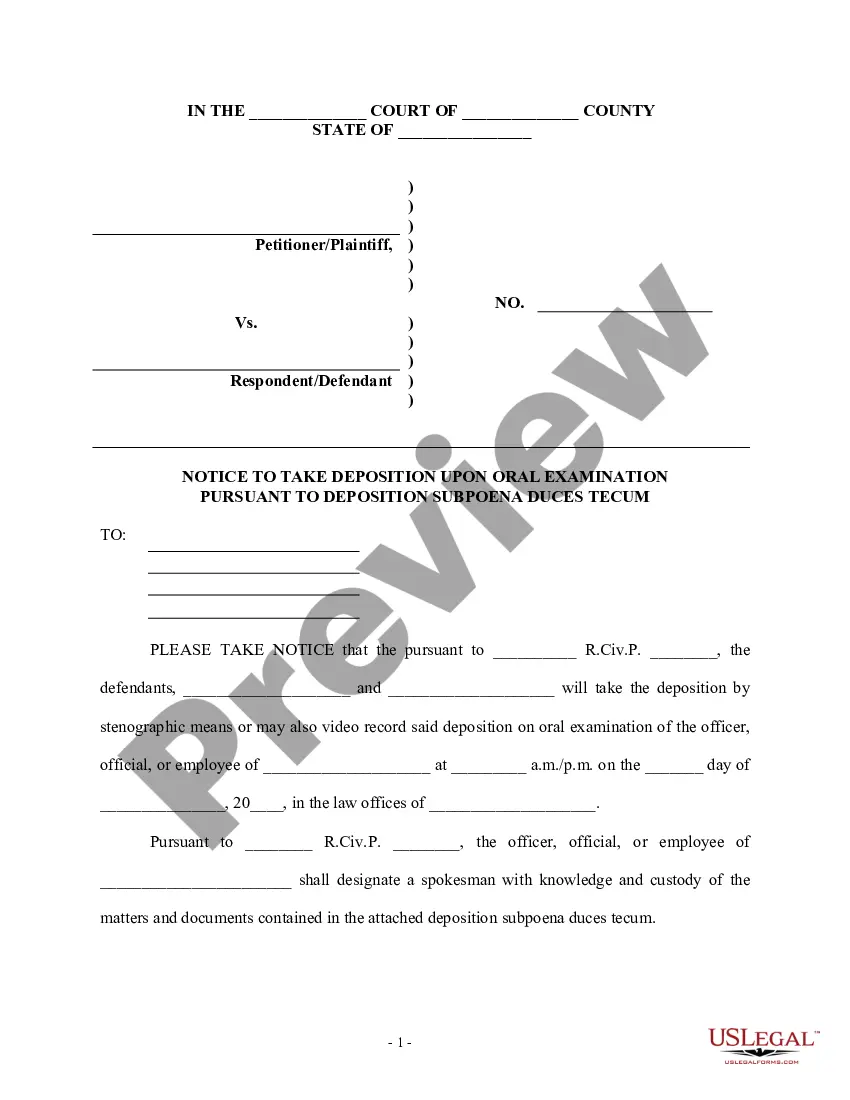
The most appropriate response to a subpoena document request for production involves reviewing the request carefully and determining what documents you must provide. You may choose to comply fully, object to certain parts, or seek clarification through your attorney. It's important to respond by the deadline to avoid penalties or legal repercussions. Seeking professional guidance can help you navigate this process smoothly.
How to respond to Requests for Production Download the blank response template and fill in basic information. ... Prepare the template for your responses. ... Read and answer the questions. ... Sign the document.
How to Request Production of Documents and Things Download the template for Request for Production. ... Fill out basic information at the top. ... Choose a location for the other side to bring the documents. ... Add your own definitions (if useful) ... Write your requests for production. ... Sign and date the document. ... Make copies.
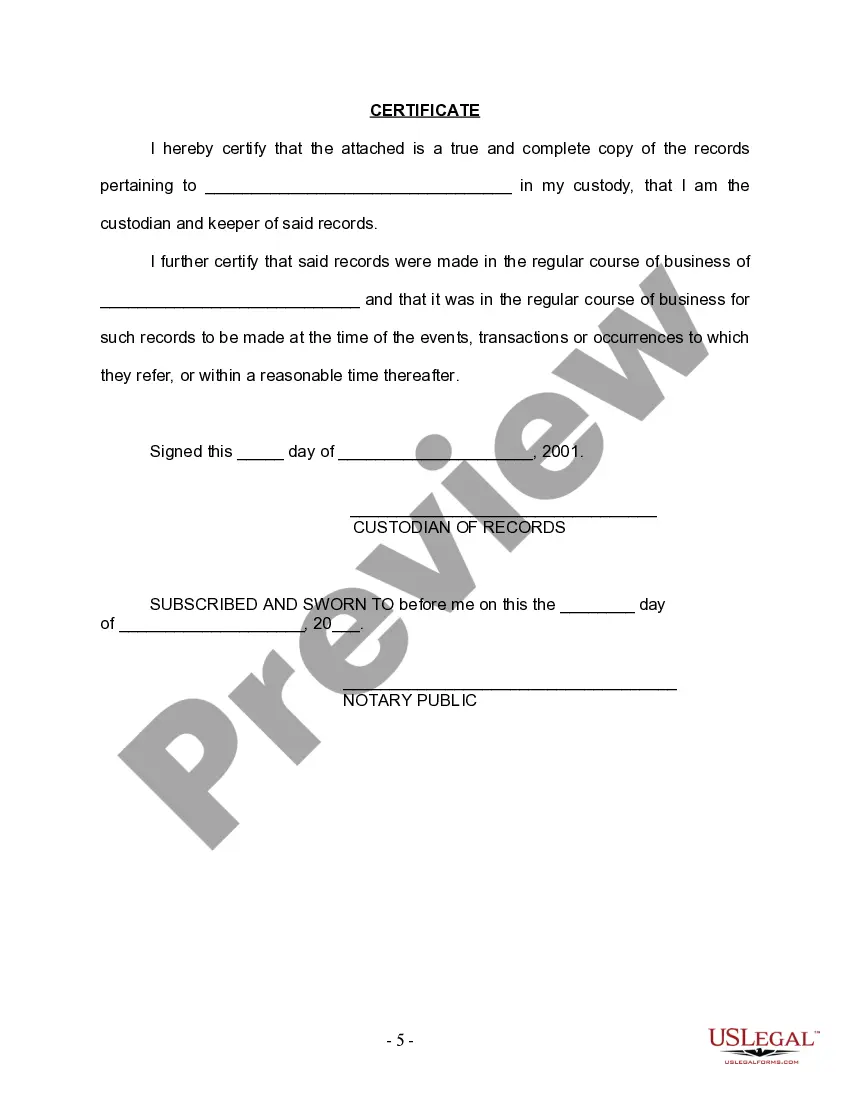
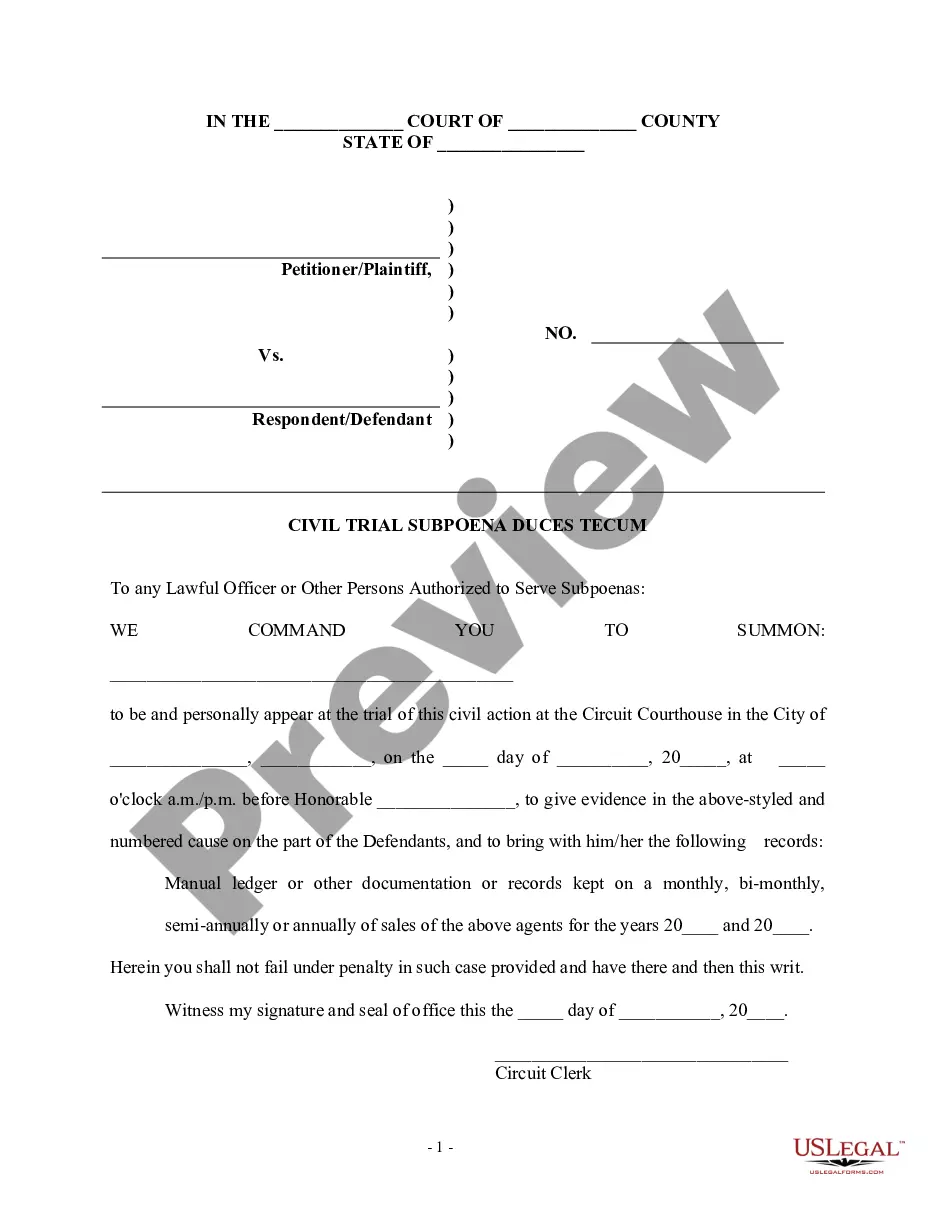
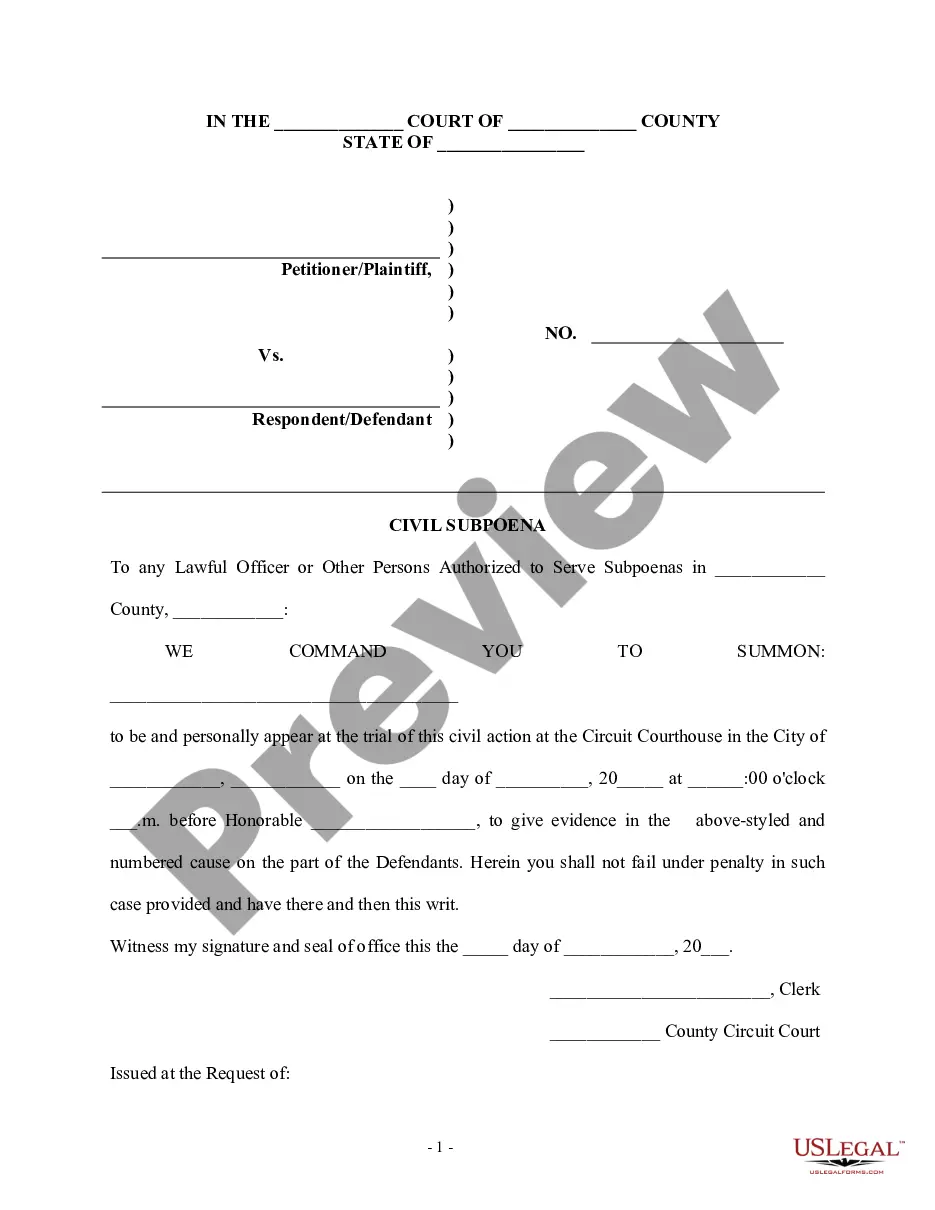
Civil Subpoena (Duces Tecum) for Personal Appearance and Production of Documents, Electronically Stored Information, and Things at Trial or Hearing and Declaration (SUBP-002) Orders a person who is not a party to a case to appear and testify at and bring specific documents or things to a trial or court hearing.
Requests for Production or Demands for Inspection require you to produce documents for copying or in some cases actual items for inspection. Responding to the request has 2 parts: State if you can comply with the request (all of it or some of it) or give the reason why you can't comply.
A Request for Production (RFP) is a discovery tool that permits you to request documents or electronically stored information in the opposing side's ?possession, custody or control.? An RFP can also allow you to inspect, copy, test, or sample ?tangible things? in the opposing side's ?possession, custody or control.? ...