Accident Complaint To Police
Description
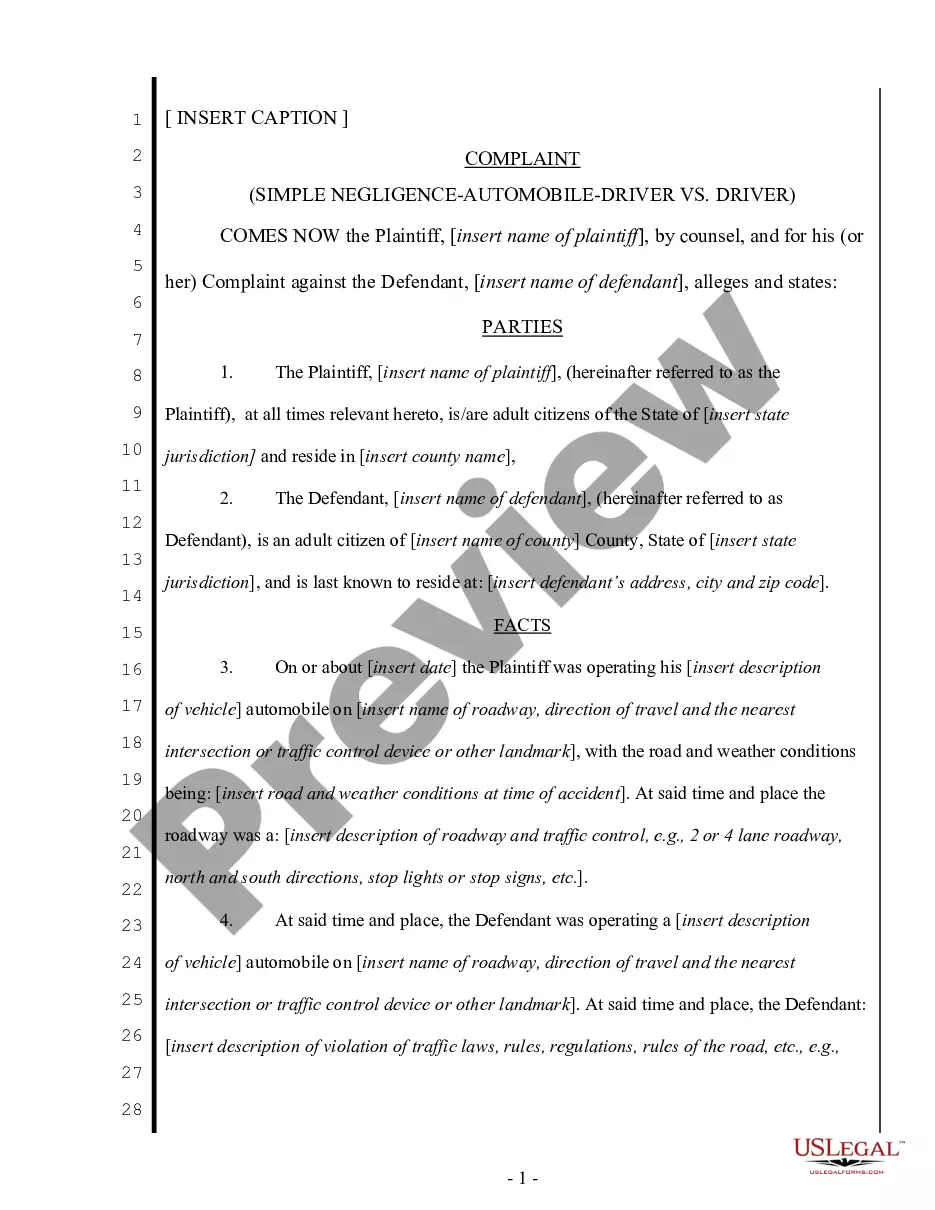
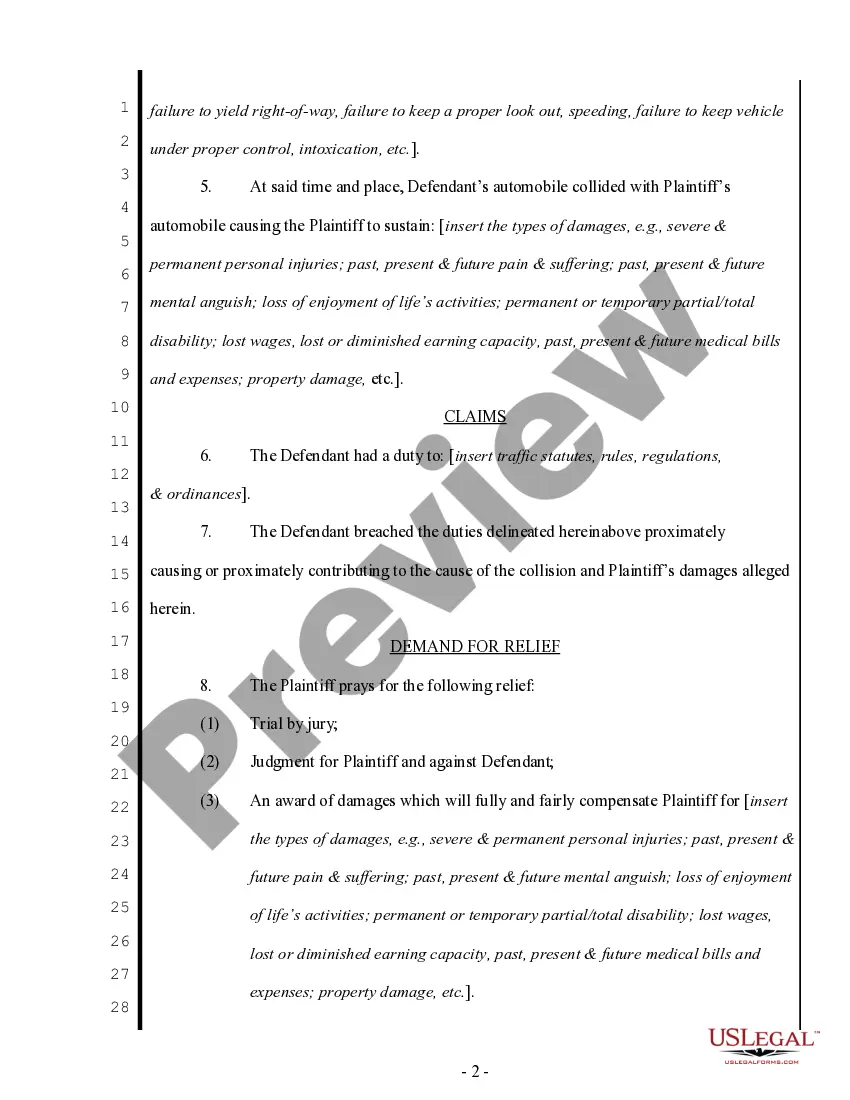
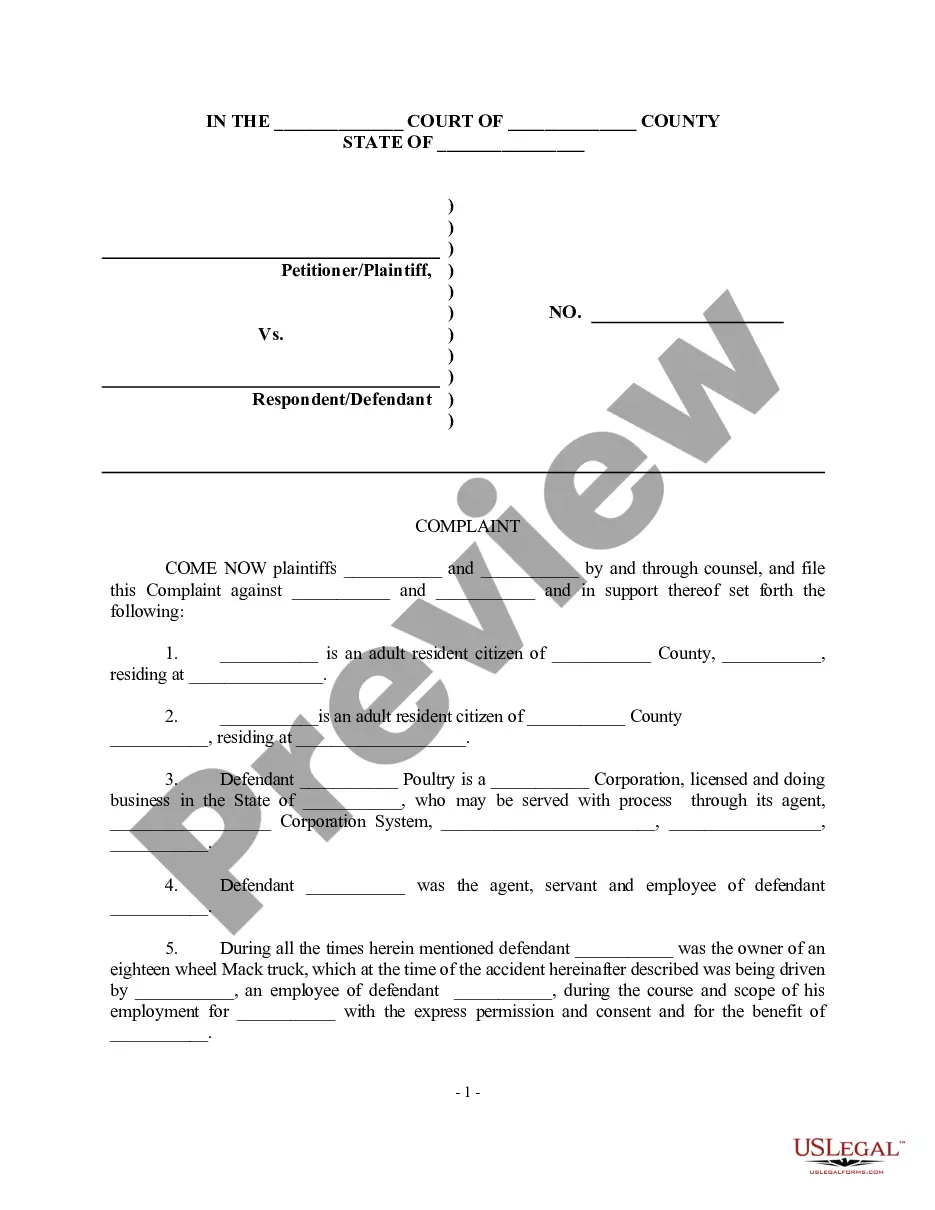
Get your form ready online
Our built-in tools help you complete, sign, share, and store your documents in one place.
Make edits, fill in missing information, and update formatting in US Legal Forms—just like you would in MS Word.
Download a copy, print it, send it by email, or mail it via USPS—whatever works best for your next step.
Sign and collect signatures with our SignNow integration. Send to multiple recipients, set reminders, and more. Go Premium to unlock E-Sign.
If this form requires notarization, complete it online through a secure video call—no need to meet a notary in person or wait for an appointment.
We protect your documents and personal data by following strict security and privacy standards.

Make edits, fill in missing information, and update formatting in US Legal Forms—just like you would in MS Word.

Download a copy, print it, send it by email, or mail it via USPS—whatever works best for your next step.

Sign and collect signatures with our SignNow integration. Send to multiple recipients, set reminders, and more. Go Premium to unlock E-Sign.

If this form requires notarization, complete it online through a secure video call—no need to meet a notary in person or wait for an appointment.

We protect your documents and personal data by following strict security and privacy standards.
Looking for another form?


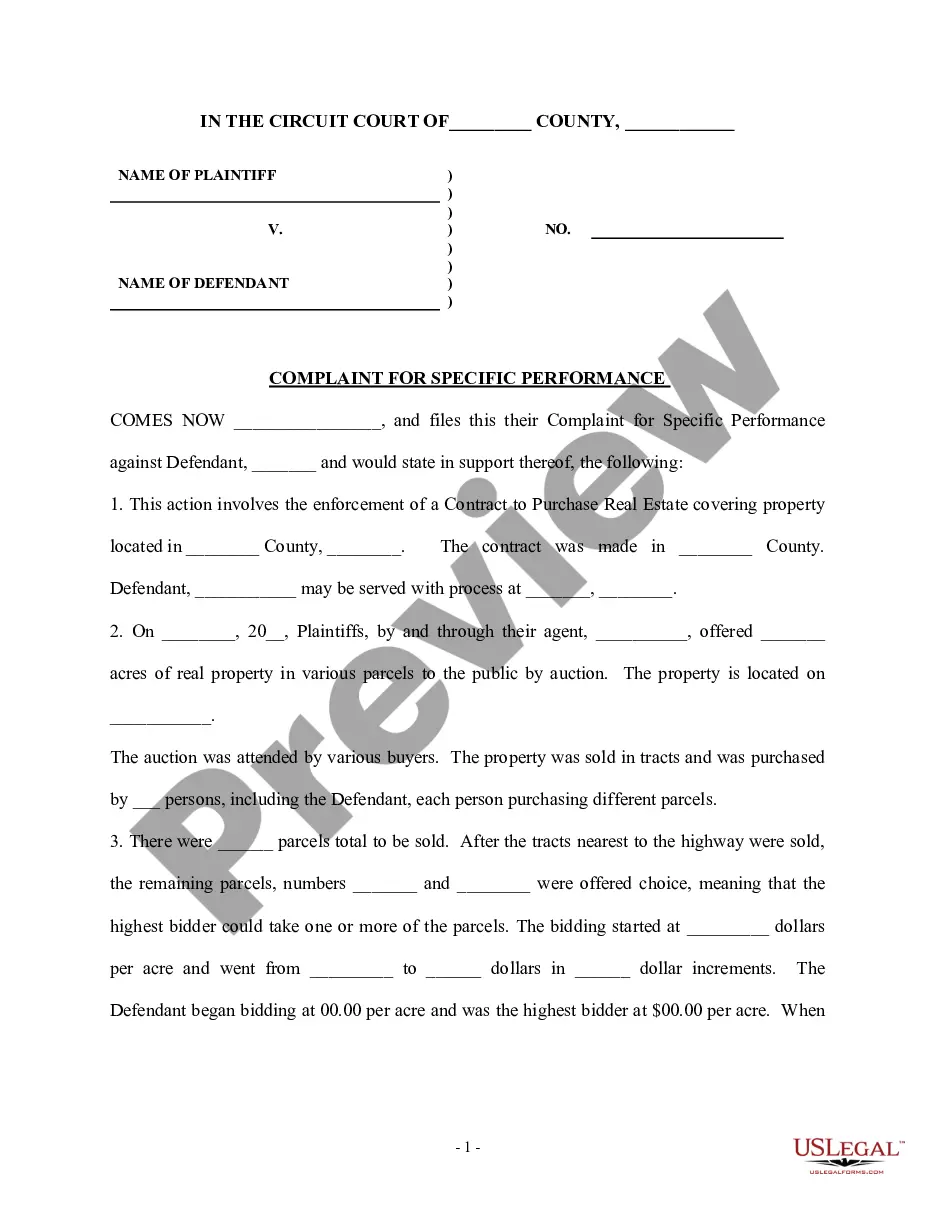

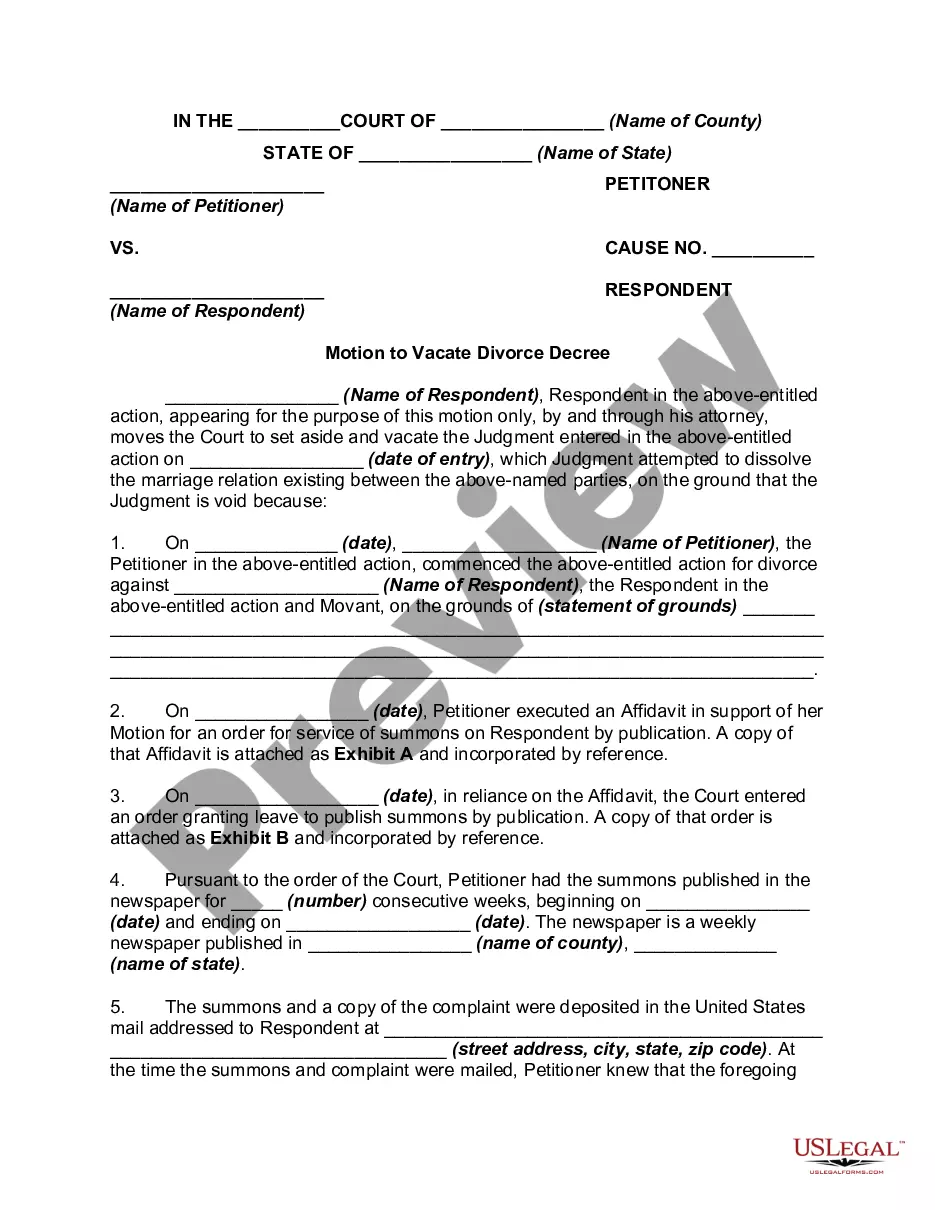


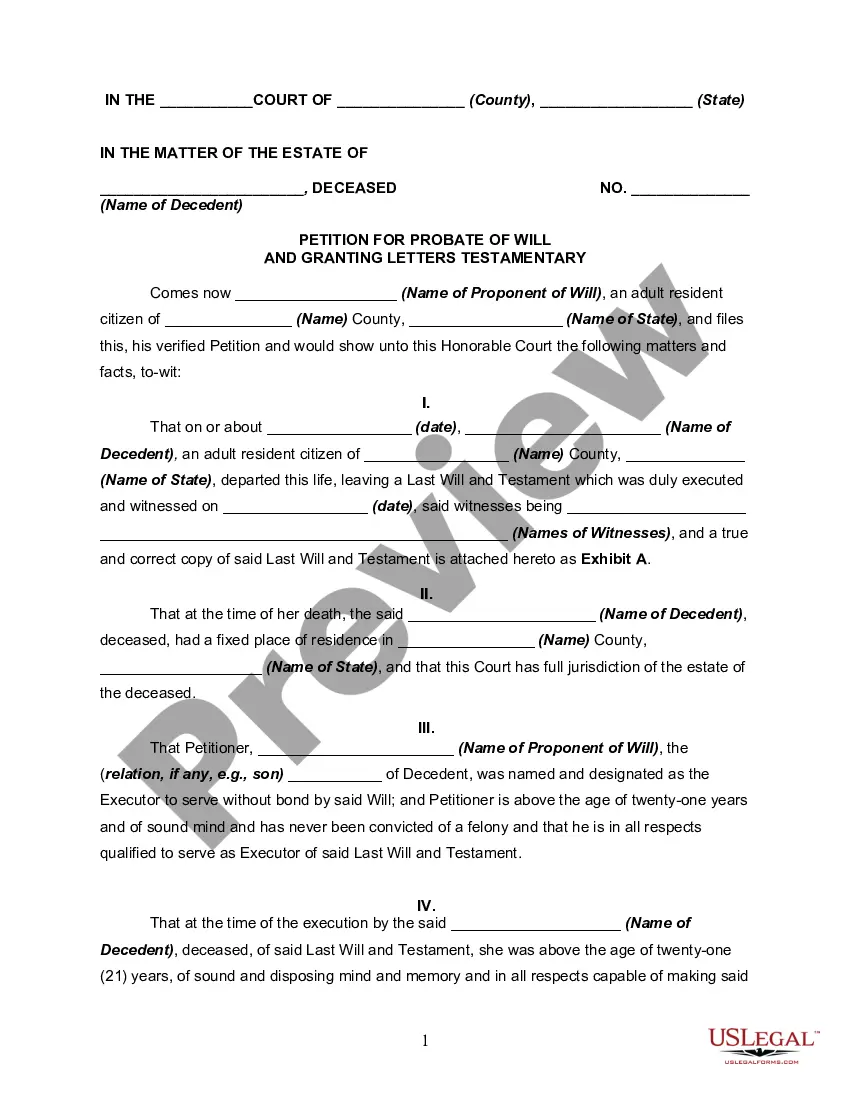

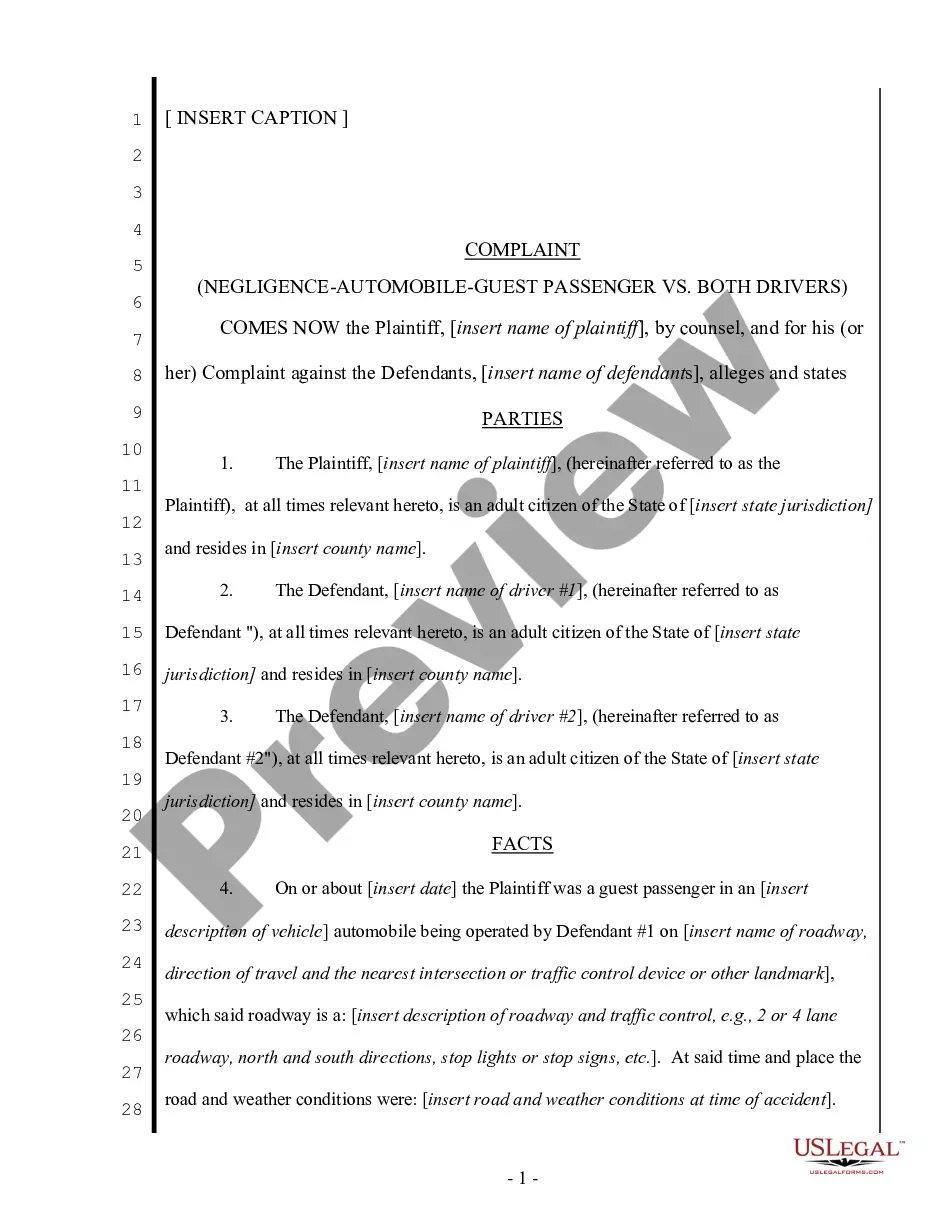
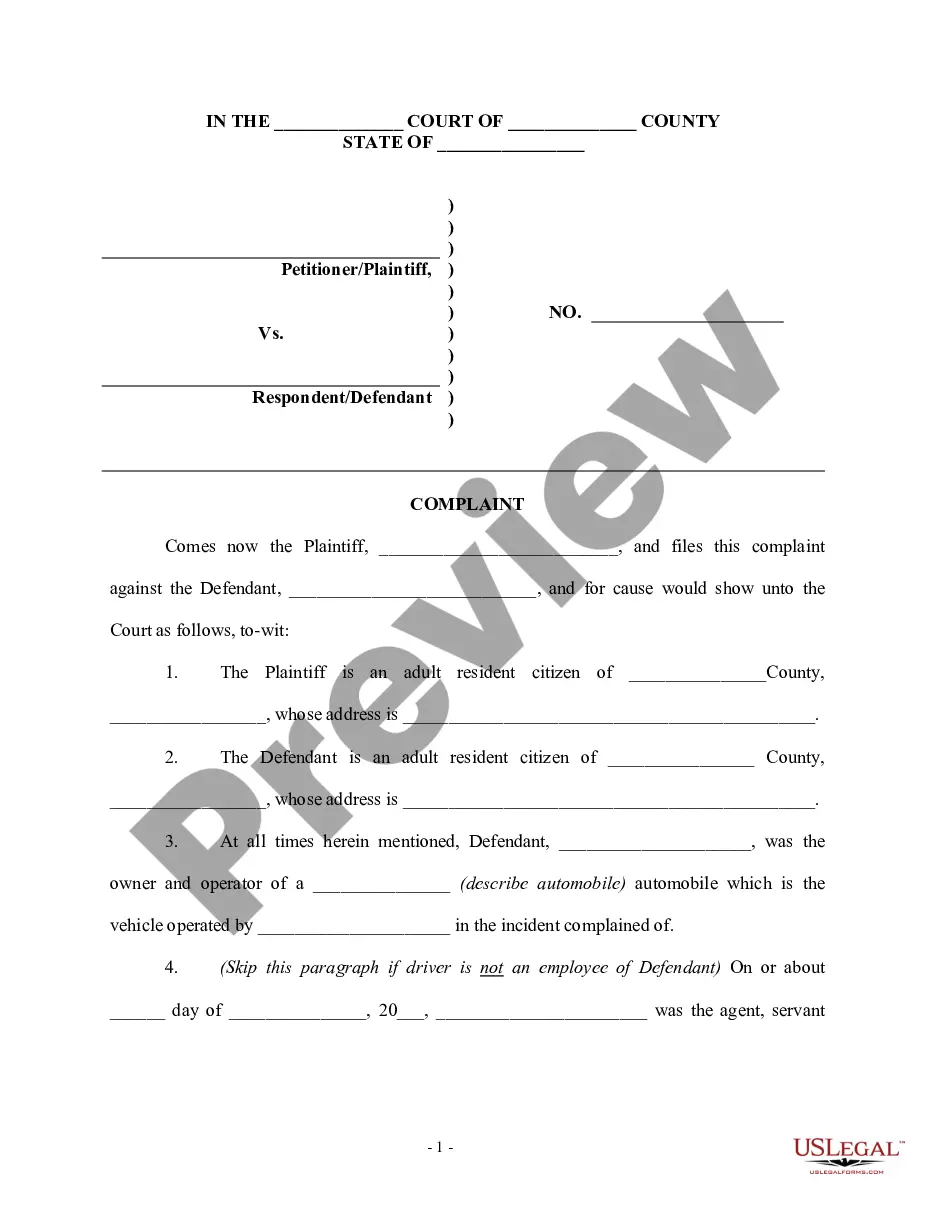
How to fill out Complaint Regarding Auto Accident For Negligence?
Managing legal documentation and processes can be a lengthy addition to your daily routine.
Accident Report to Authorities and similar forms typically necessitate searching for them and figuring out how to fill them out correctly.
For this reason, whether you are dealing with financial, legal, or personal issues, having a thorough and user-friendly online directory of forms readily available will be beneficial.
US Legal Forms is the leading online resource for legal templates, featuring over 85,000 state-specific documents and a range of tools to assist you in completing your paperwork with ease.
Is this your first experience using US Legal Forms? Register and create a free account in just a few minutes and you'll gain access to the form directory and Accident Report to Authorities. Then, follow the steps outlined below to complete your form: Ensure you have located the correct document by utilizing the Review feature and examining the document description. Click Buy Now when ready, and select the subscription option that suits your requirements. Click Download and then fill out, sign, and print the document. US Legal Forms has 25 years of expertise assisting users in managing their legal paperwork. Obtain the document you need today and enhance any procedure without exerting much effort.
- Explore the collection of relevant documents accessible to you with just one click.
- US Legal Forms offers state- and county-specific documents available for download at any time.
- Protect your document management processes with a high-quality service that enables you to create any form in minutes without any extra or hidden fees.
- Simply Log In to your account, find Accident Report to Authorities and obtain it immediately within the My documents section.
- You can also retrieve previously downloaded documents.
Form popularity
FAQ
Colorado drivers have 60 days following a collision to file an accident report with the DMV. The quickest way to submit this report is online through the Colorado Department or Revenue accident report website. Remember that filing an accident report is unnecessary if police are present at the scene of the crash.
Injury and Lost Time Incident Report Sample Type of incident (injury, near miss, property damage, or theft) Location (Address) Date/time of incident. Name. Name of supervisor. Description of the incident, including specific job site location, the sequence of events, and the results of the event.
If it doesn't look like an emergency, you can report the accident by calling the local police's non-emergency line. The Denver police non-emergency helpline is (720) 913-2000. The Denver Police Department offers more information about how to report an accident.
How to File a Police Report. If you don't have a police officer arrive at the accident scene, you can file a report with the Illinois State Police within ten days after the incident occurs.
All drivers in Colorado are legally required to report accidents resulting in bodily injury to, serious bodily injury to, or death of any person, or damage to property (Colorado Revised Statutes, Section 42-4-1606).