Employment Employees Form With Decimals
Description

Get your form ready online
Our built-in tools help you complete, sign, share, and store your documents in one place.
Make edits, fill in missing information, and update formatting in US Legal Forms—just like you would in MS Word.
Download a copy, print it, send it by email, or mail it via USPS—whatever works best for your next step.
Sign and collect signatures with our SignNow integration. Send to multiple recipients, set reminders, and more. Go Premium to unlock E-Sign.
If this form requires notarization, complete it online through a secure video call—no need to meet a notary in person or wait for an appointment.
We protect your documents and personal data by following strict security and privacy standards.

Make edits, fill in missing information, and update formatting in US Legal Forms—just like you would in MS Word.

Download a copy, print it, send it by email, or mail it via USPS—whatever works best for your next step.

Sign and collect signatures with our SignNow integration. Send to multiple recipients, set reminders, and more. Go Premium to unlock E-Sign.

If this form requires notarization, complete it online through a secure video call—no need to meet a notary in person or wait for an appointment.

We protect your documents and personal data by following strict security and privacy standards.
Looking for another form?


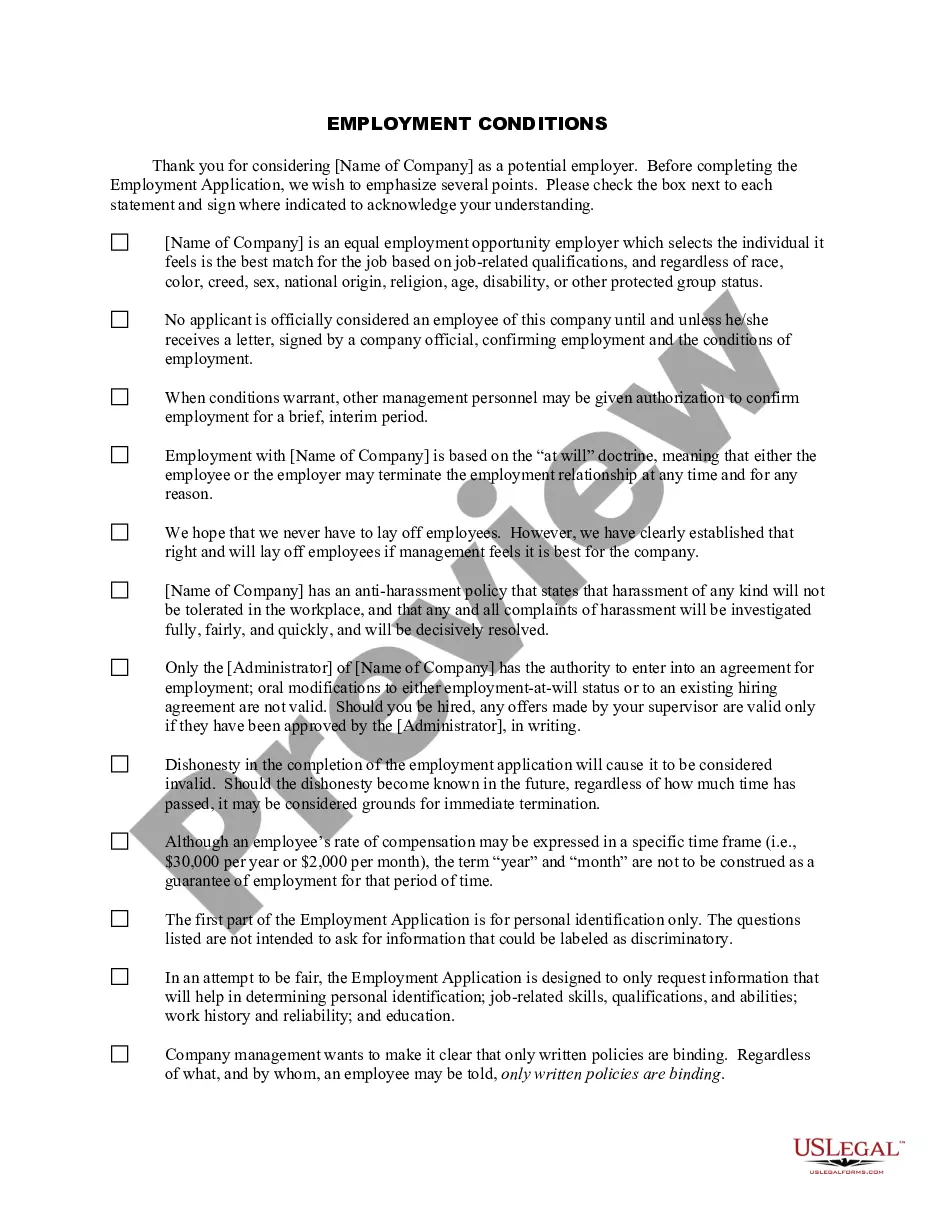
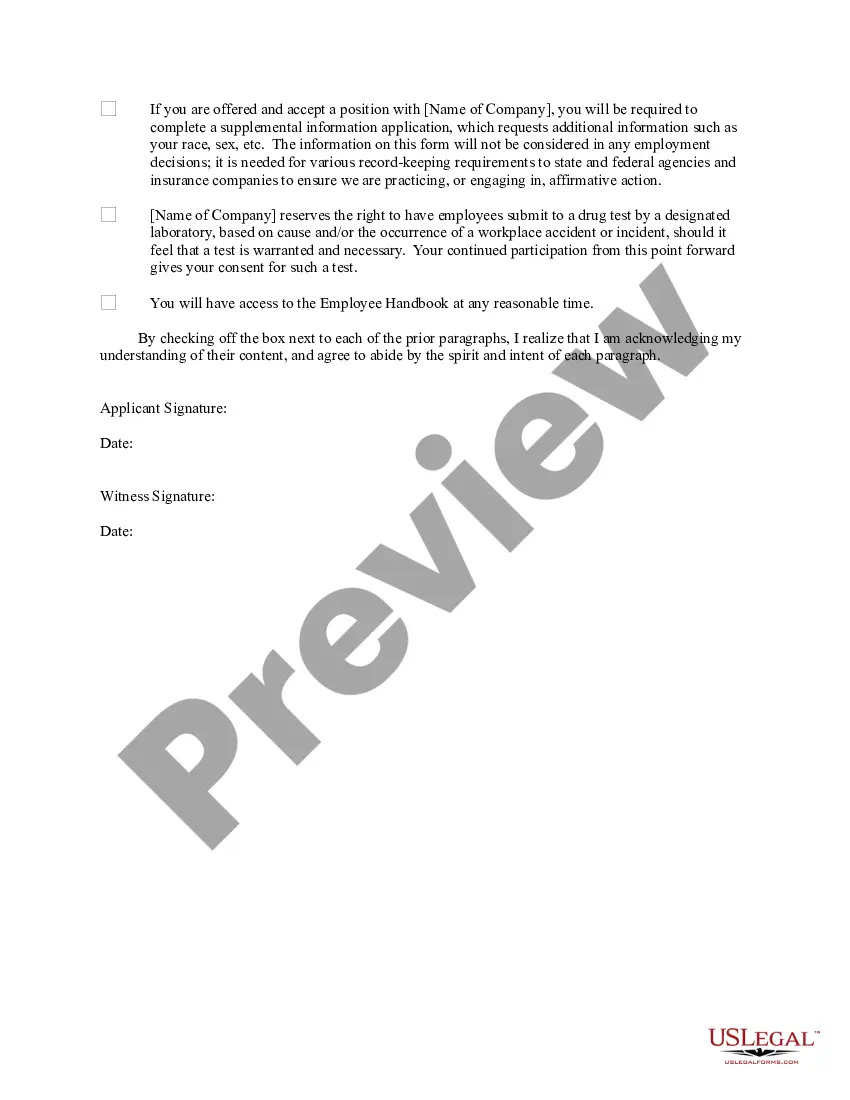
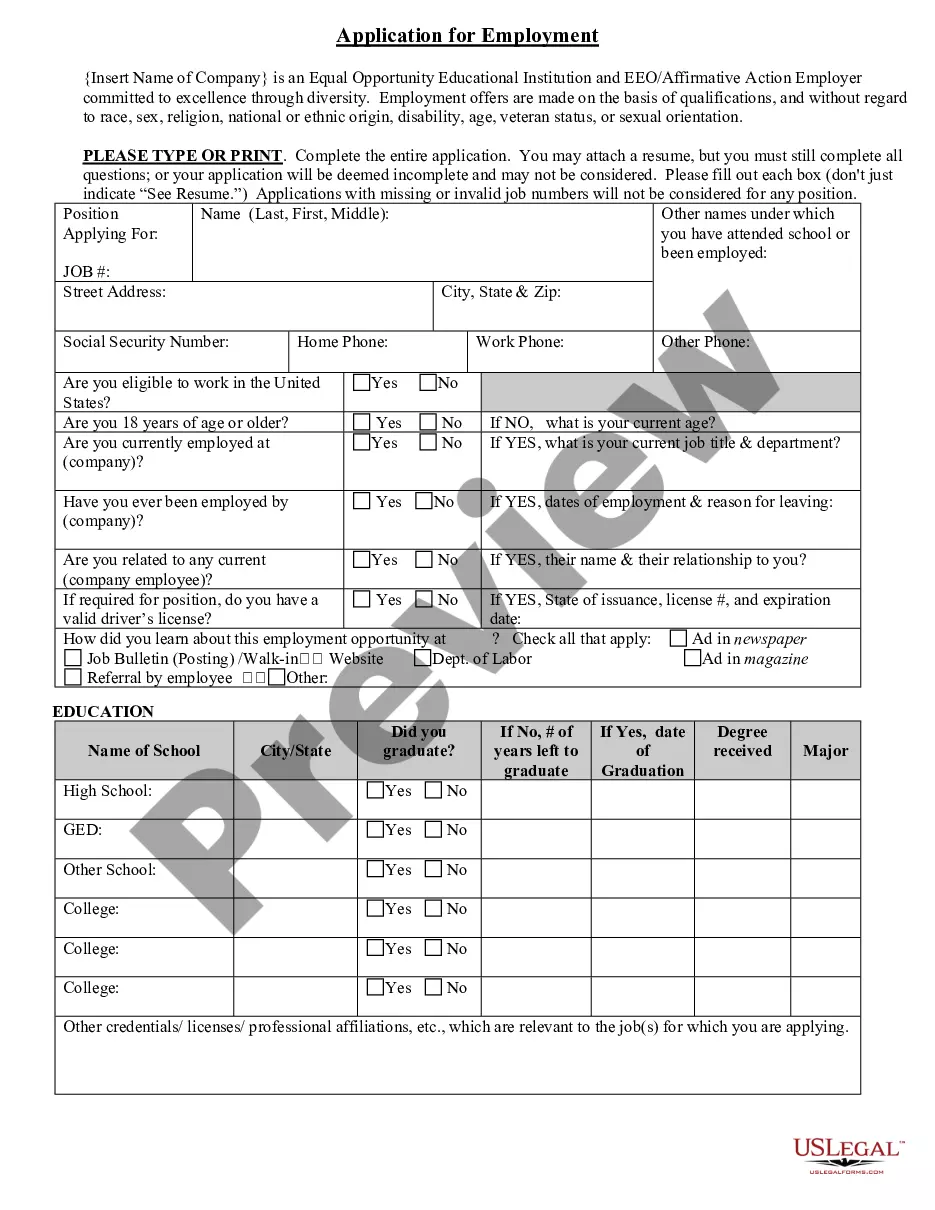
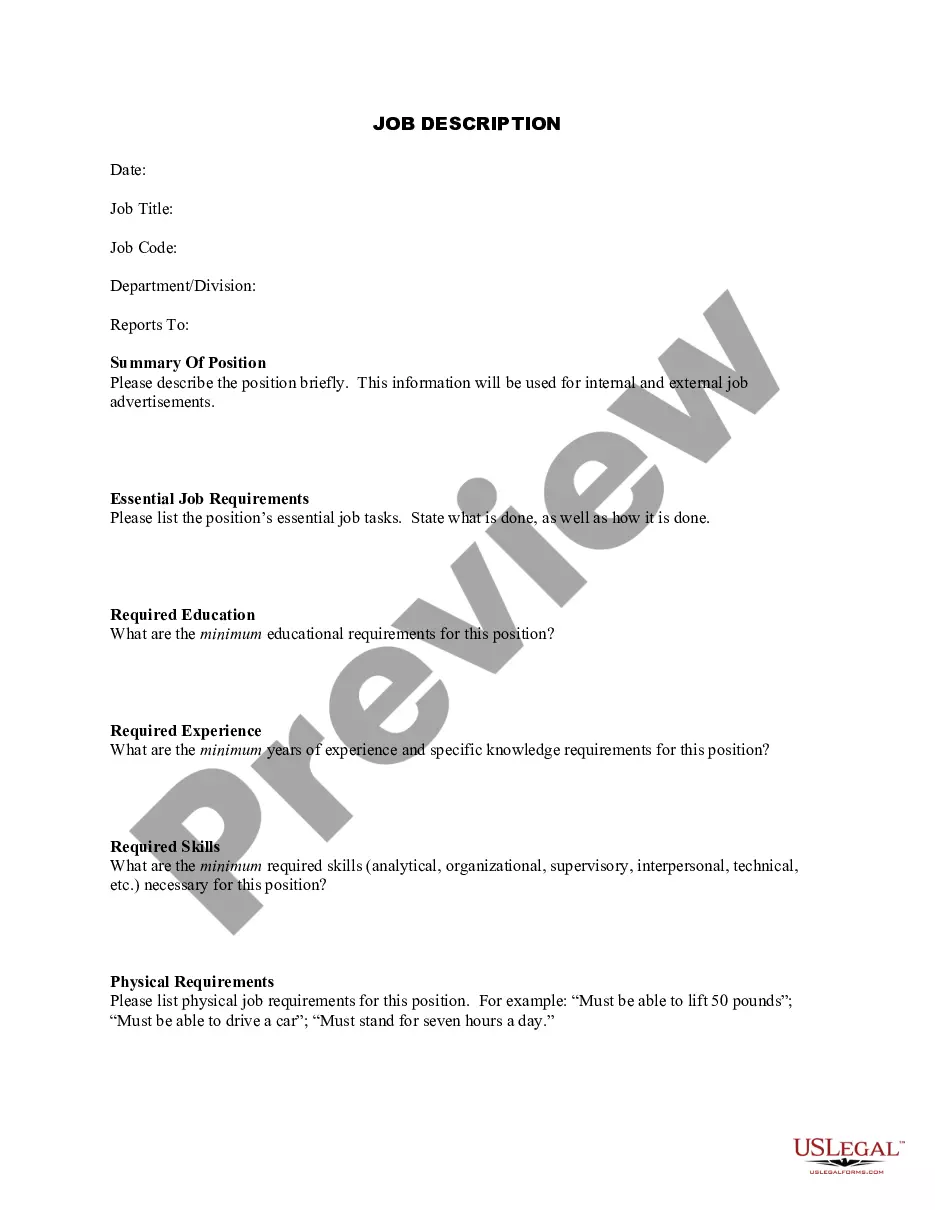
How to fill out Employment Conditions For Potential Employees?
Managing legal documents can be perplexing, even for skilled professionals.
If you require an Employment Employees Form With Decimals but lack the time to find the correct and current version, the process can be overwhelming.
US Legal Forms meets all your needs, from personal to business documentation, all in one convenient location.
Utilize advanced tools to complete and manage your Employment Employees Form With Decimals.
Here are the steps to follow after acquiring the form you need: Validate its accuracy by previewing it and reviewing its description.
- Gain access to a vast collection of articles, guides, and resources related to your situation and needs.
- Save time and effort searching for the forms you require, and use US Legal Forms’ sophisticated search and Preview feature to locate Employment Employees Form With Decimals and obtain it.
- If you possess a subscription, Log In to your US Legal Forms account, search for the form, and get it.
- Check your My documents tab to view previously saved documents and manage your folders as desired.
- If this is your first time using US Legal Forms, create a free account and enjoy unlimited access to all the library's benefits.
- A comprehensive online form library could revolutionize the way you handle these situations.
- US Legal Forms is a top provider of online legal forms, offering over 85,000 state-specific legal forms accessible to you at any time.
- With US Legal Forms, you have the capability to access legal and business documents tailored to your state or county.
Form popularity
FAQ
Part 2 of the 1040 form addresses various income-related topics, including taxable interest, taxable dividends, and other forms of income. This section is essential for anyone using the Employment employees form with decimals, as it summarizes your income from multiple sources. Completing part 2 accurately ensures a smoother filing process and avoids any potential penalties. Keeping detailed records can help you fill this out with precision.
Line 13 ? Total Claim Amount ? add all lines from 1 ? 12 and enter the total in this box. The total amount listed here is used to determine the amount of tax deducted per pay period from employee's gross pay amounts.
The TD1 form gives your employer the best estimate of your personal tax situation, so that they can deduct the right amount of income tax from your pay. If you don't give accurate information on the form, your employer may take the wrong amount of tax off your pay.
When you start a new job, you're given a Form TD1 Personal Tax Credits Return (federal and provincial), and on this form you need to indicate to your second (and so forth) employer(s) that you can't claim the basic personal amount on this pay.
To fill the forms out, employees must follow the instructions on each line of both the federal and provincial forms. Then, each of the amounts on the lines is added together and totaled. This sum is entered into the last line of page 1 on the TD1 form that says ?Total Claim Amount.?
HOW TO: Fill-in a Canadian TD1 Form *2023* - YouTube YouTube Start of suggested clip End of suggested clip Form.MoreForm.