Attendance Sheet Template For Training
Description
Get your form ready online
Our built-in tools help you complete, sign, share, and store your documents in one place.
Make edits, fill in missing information, and update formatting in US Legal Forms—just like you would in MS Word.
Download a copy, print it, send it by email, or mail it via USPS—whatever works best for your next step.
Sign and collect signatures with our SignNow integration. Send to multiple recipients, set reminders, and more. Go Premium to unlock E-Sign.
If this form requires notarization, complete it online through a secure video call—no need to meet a notary in person or wait for an appointment.
We protect your documents and personal data by following strict security and privacy standards.

Make edits, fill in missing information, and update formatting in US Legal Forms—just like you would in MS Word.

Download a copy, print it, send it by email, or mail it via USPS—whatever works best for your next step.

Sign and collect signatures with our SignNow integration. Send to multiple recipients, set reminders, and more. Go Premium to unlock E-Sign.

If this form requires notarization, complete it online through a secure video call—no need to meet a notary in person or wait for an appointment.

We protect your documents and personal data by following strict security and privacy standards.
Looking for another form?

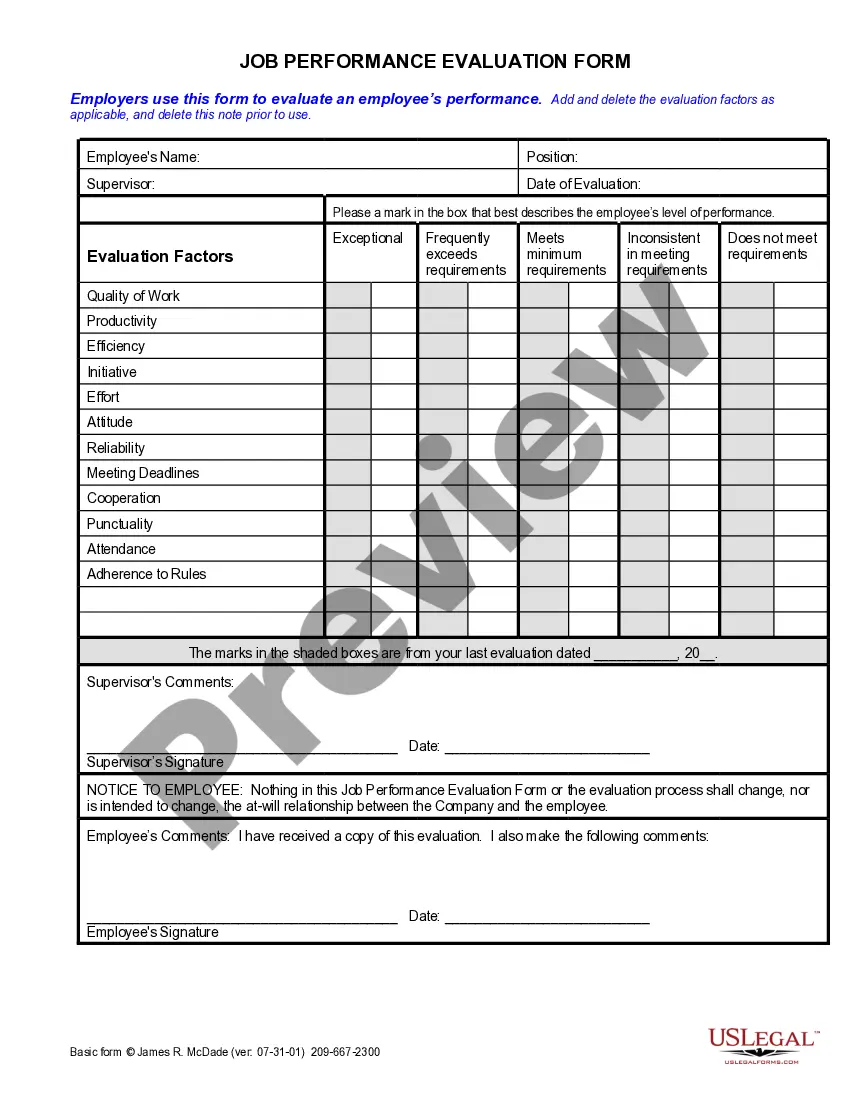




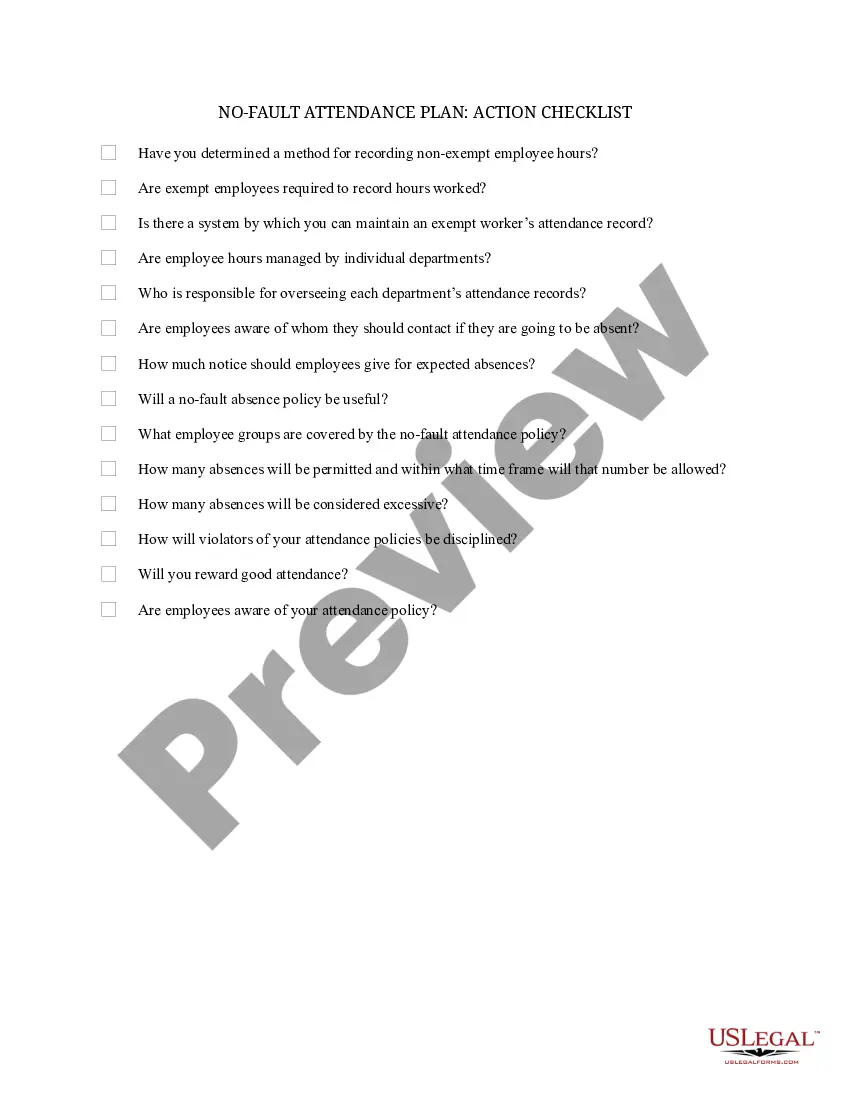
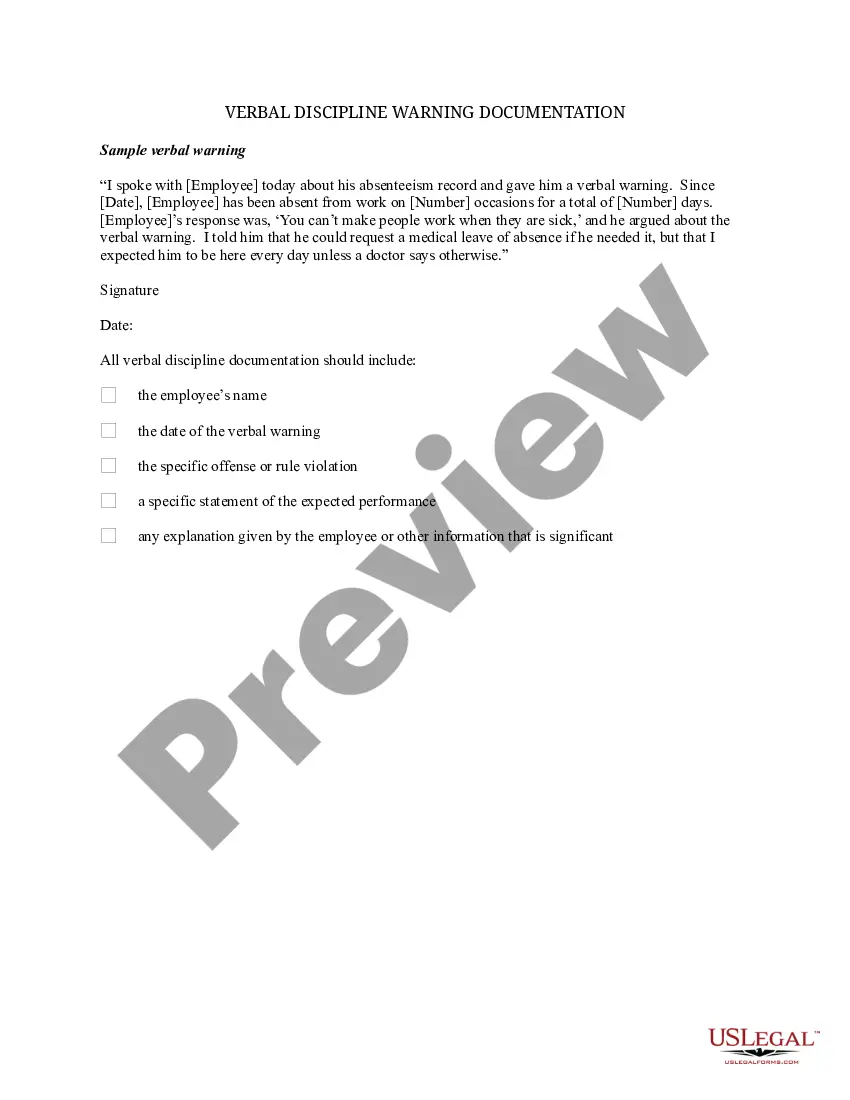
How to fill out No-Fault Attendance Plan - Action Checklist?
It’s clear that becoming a legal authority isn’t something that happens instantly, and mastering how to swiftly create an Attendance Sheet Template For Training also requires a specialized skill set.
Compiling legal documents is a lengthy process that necessitates particular education and competencies. So why not entrust the creation of the Attendance Sheet Template For Training to the experts.
With US Legal Forms, which boasts one of the largest collections of legal templates, you can find everything from court documents to formats for internal company communication. We understand how vital compliance with federal and local laws and regulations is. Therefore, on our platform, all forms are tailored to specific locations and are regularly updated.
You can also access your forms anytime from the My documents section. If you are an existing user, you can just Log In to find and download the template from the same section.
No matter what the purpose of your documentation—whether it’s financial, legal, or personal—our platform has you covered. Explore US Legal Forms today!
- Begin by locating the form you need using the search feature at the top of the page.
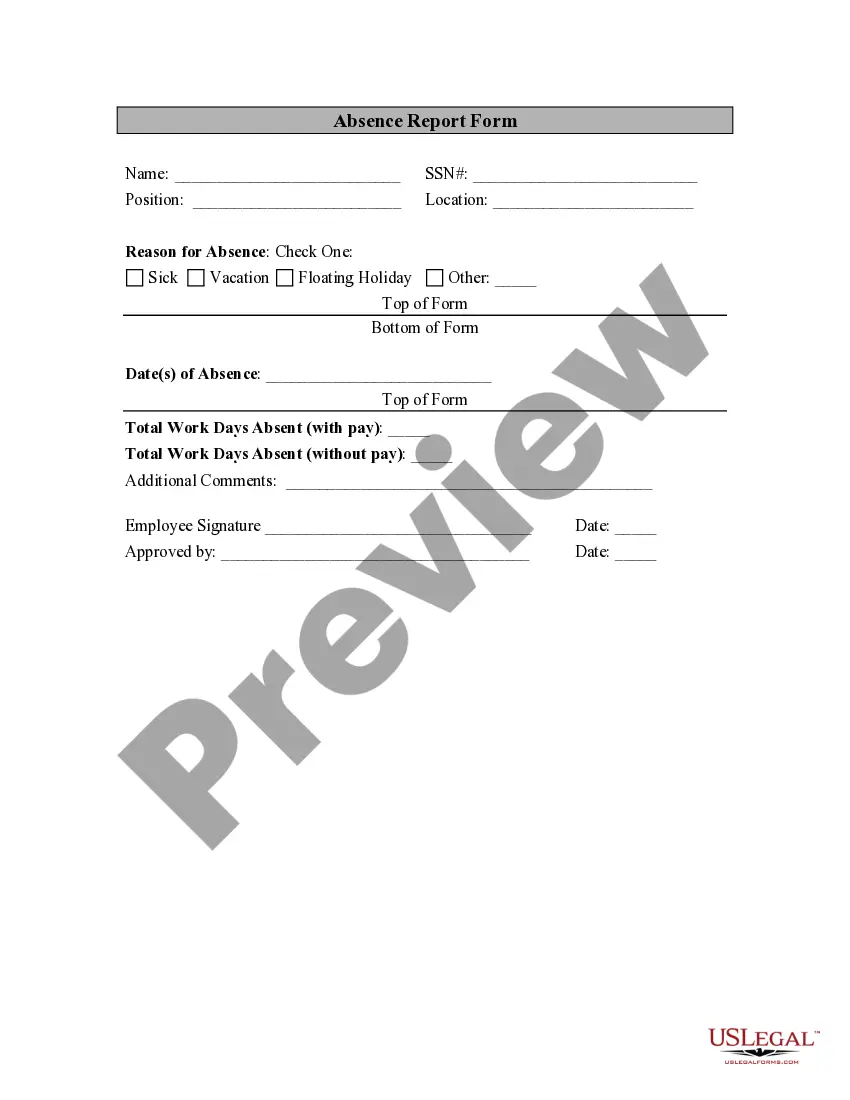
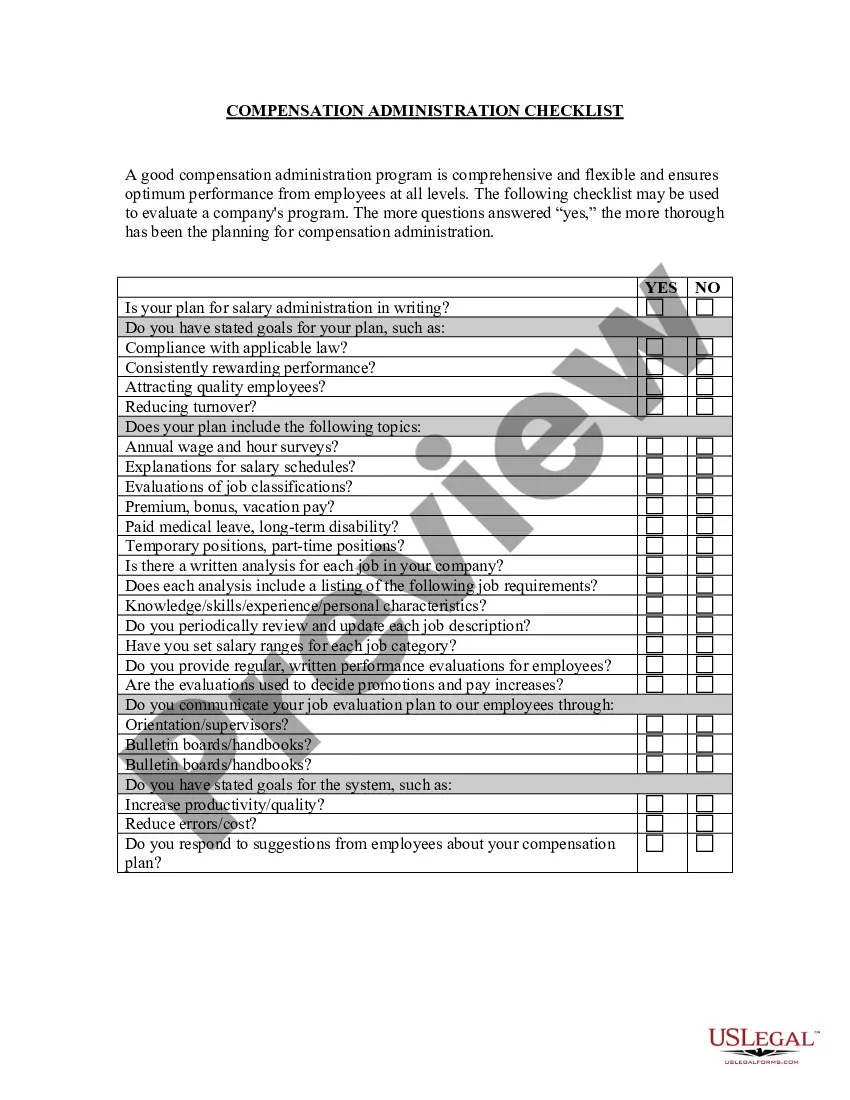
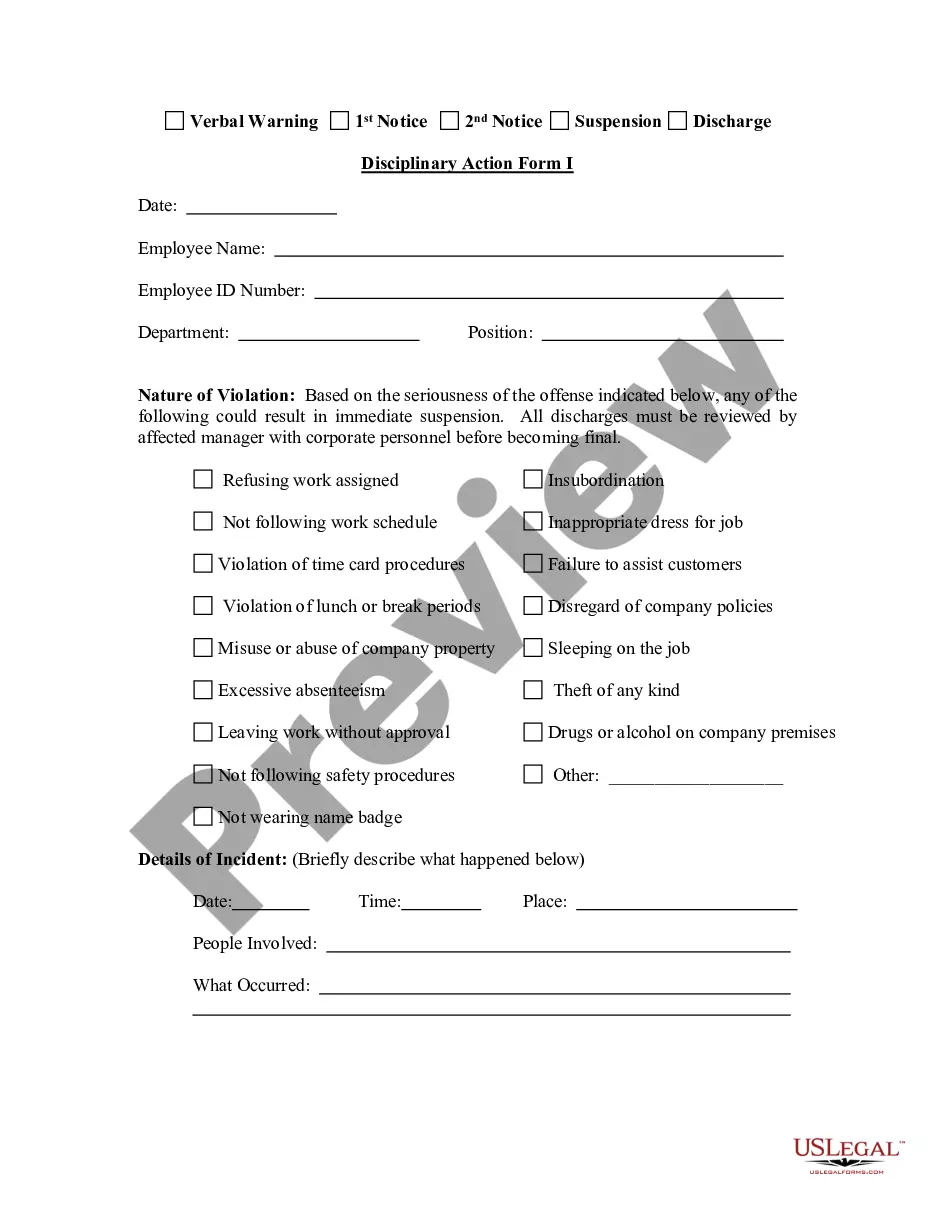
- View a preview (if available) and review the accompanying description to see if the Attendance Sheet Template For Training meets your needs.
- If you require another template, initiate your search again.
- Create a free account and select a subscription plan to purchase the template.
- Click Buy now. Once the payment is completed, you can download the Attendance Sheet Template For Training, fill it out, print it, and deliver it to the appropriate individuals or organizations.
Form popularity
FAQ
How to Make an Attendance Sheet in Excel with Formula? First, you need to add a serial number and a Student Name Column. For this, click on cell B5 and enter Serial No. Now, choose cell C5 and enter your Student Name. Add the name of the student and serial numbers.
What is an attendance list? A training attendance list is a record of participants attendance of training. It includes a short description of the training and who conducted it. The training records can be a valuable tool for effective planning.
An attendance form is a document used to record the attendance of individuals at a specific event or location. It can be used in both educational and business settings to track who was present on a given day or during a specific time period.
How to Make an Attendance Sheet in Excel Download the student attendance tracker template for Excel. Open the file and click on the Blank Student Attendance tab at the bottom of the sheet. Enter the information for the spreadsheet cells at the top of the template: