Employment Contract With Employee
Description
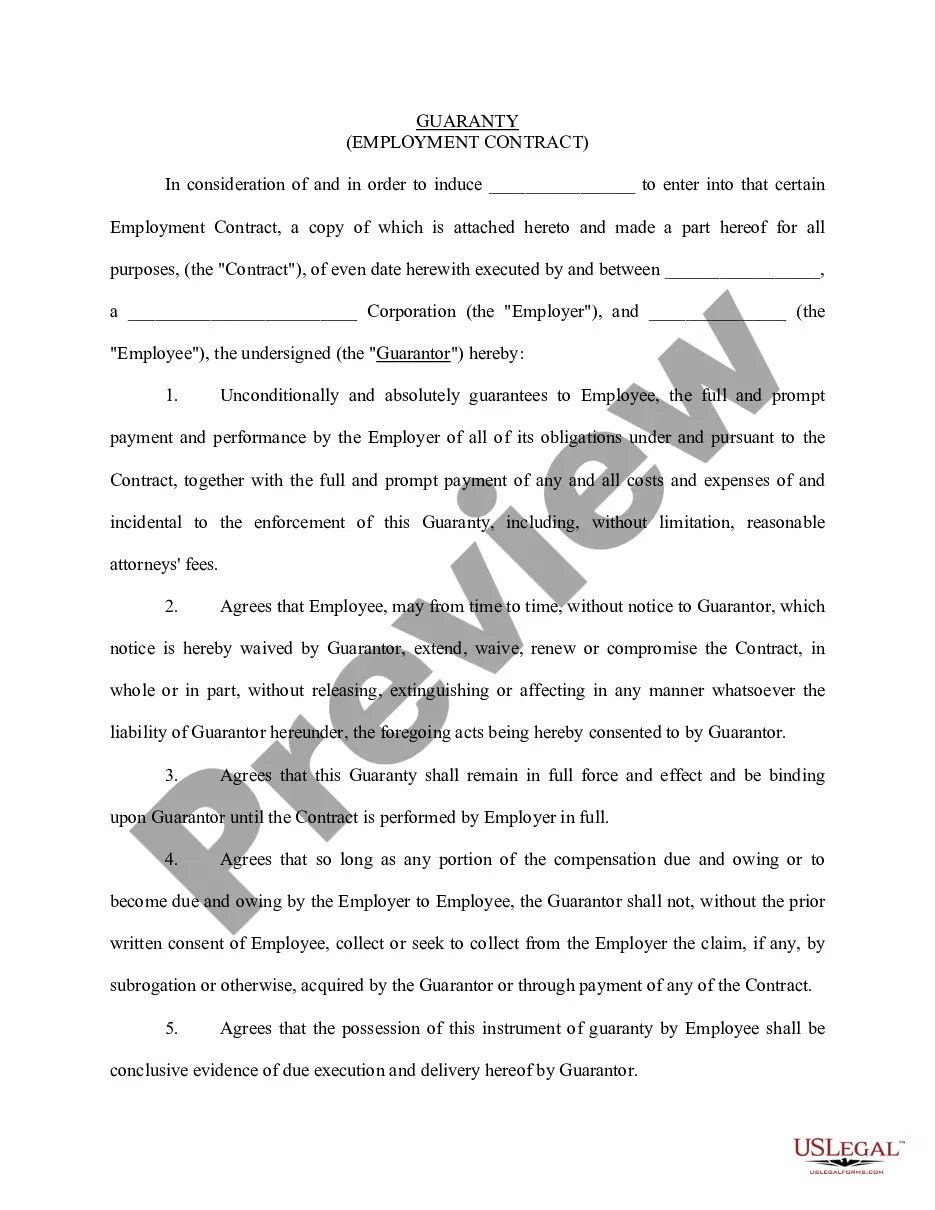
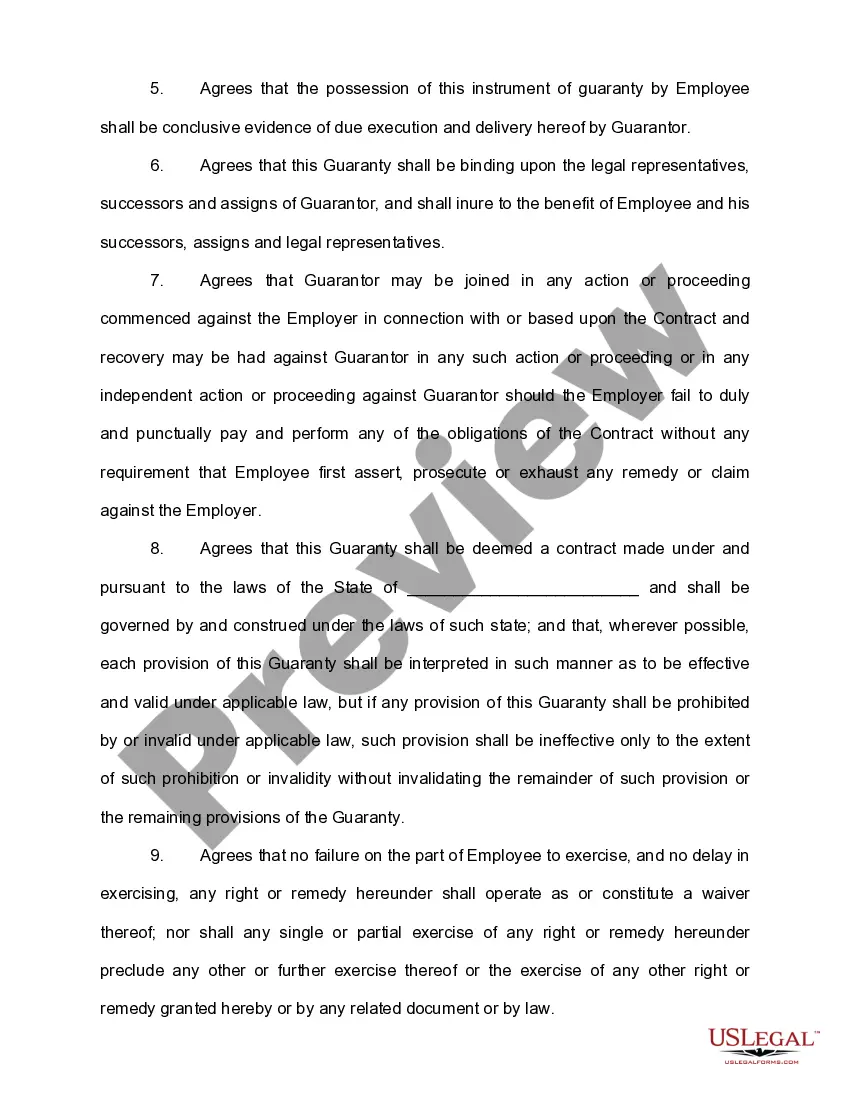
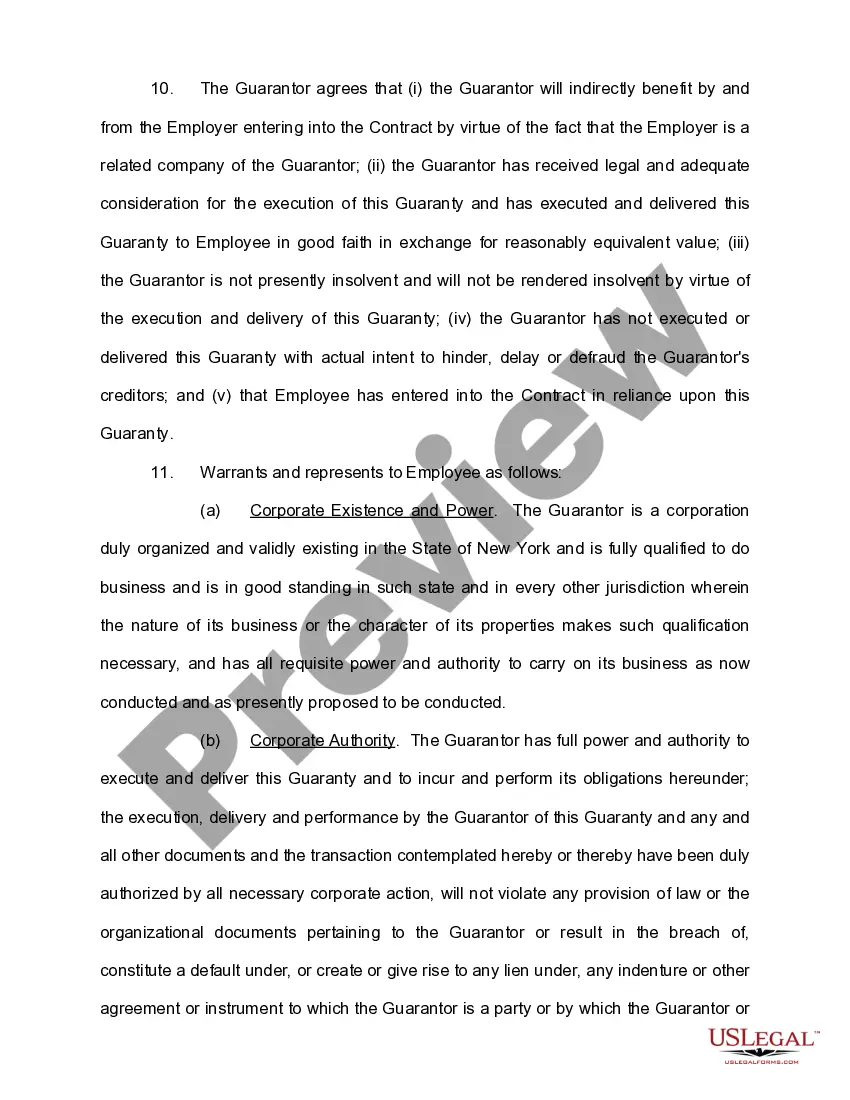
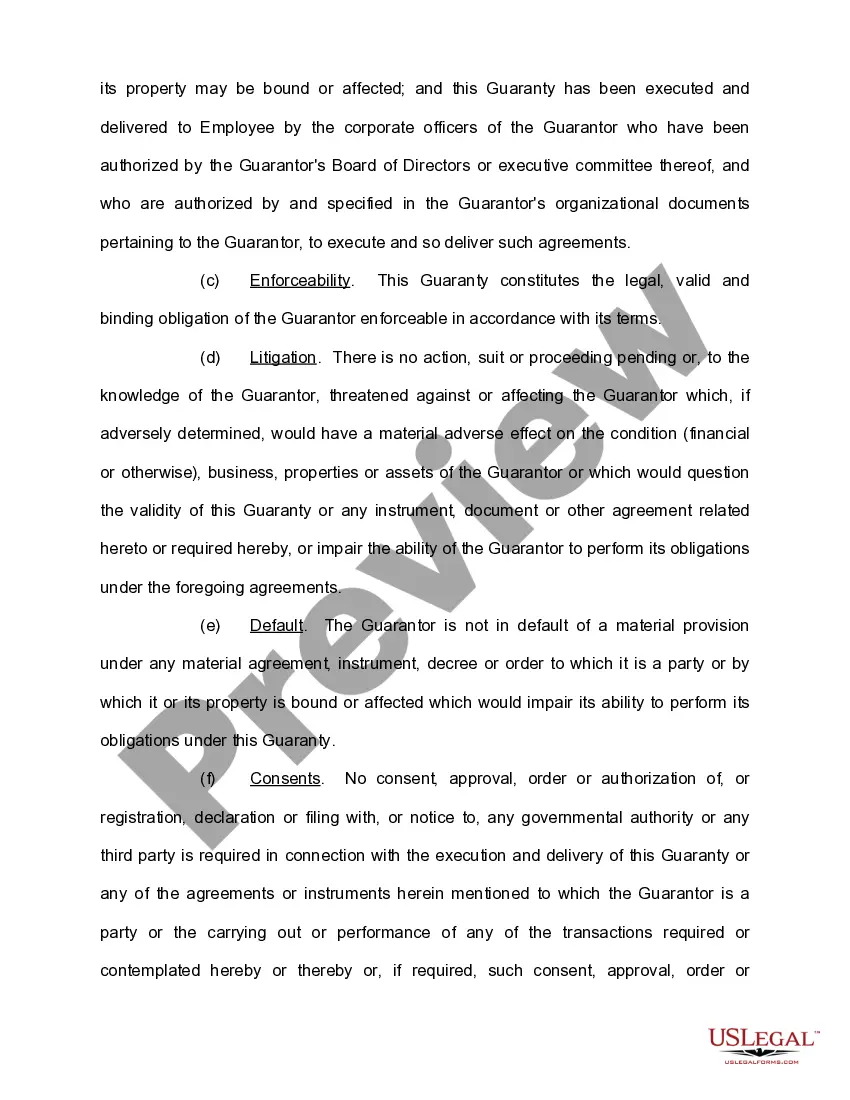
Get your form ready online
Our built-in tools help you complete, sign, share, and store your documents in one place.
Make edits, fill in missing information, and update formatting in US Legal Forms—just like you would in MS Word.
Download a copy, print it, send it by email, or mail it via USPS—whatever works best for your next step.
Sign and collect signatures with our SignNow integration. Send to multiple recipients, set reminders, and more. Go Premium to unlock E-Sign.
If this form requires notarization, complete it online through a secure video call—no need to meet a notary in person or wait for an appointment.
We protect your documents and personal data by following strict security and privacy standards.

Make edits, fill in missing information, and update formatting in US Legal Forms—just like you would in MS Word.

Download a copy, print it, send it by email, or mail it via USPS—whatever works best for your next step.

Sign and collect signatures with our SignNow integration. Send to multiple recipients, set reminders, and more. Go Premium to unlock E-Sign.

If this form requires notarization, complete it online through a secure video call—no need to meet a notary in person or wait for an appointment.

We protect your documents and personal data by following strict security and privacy standards.
Looking for another form?






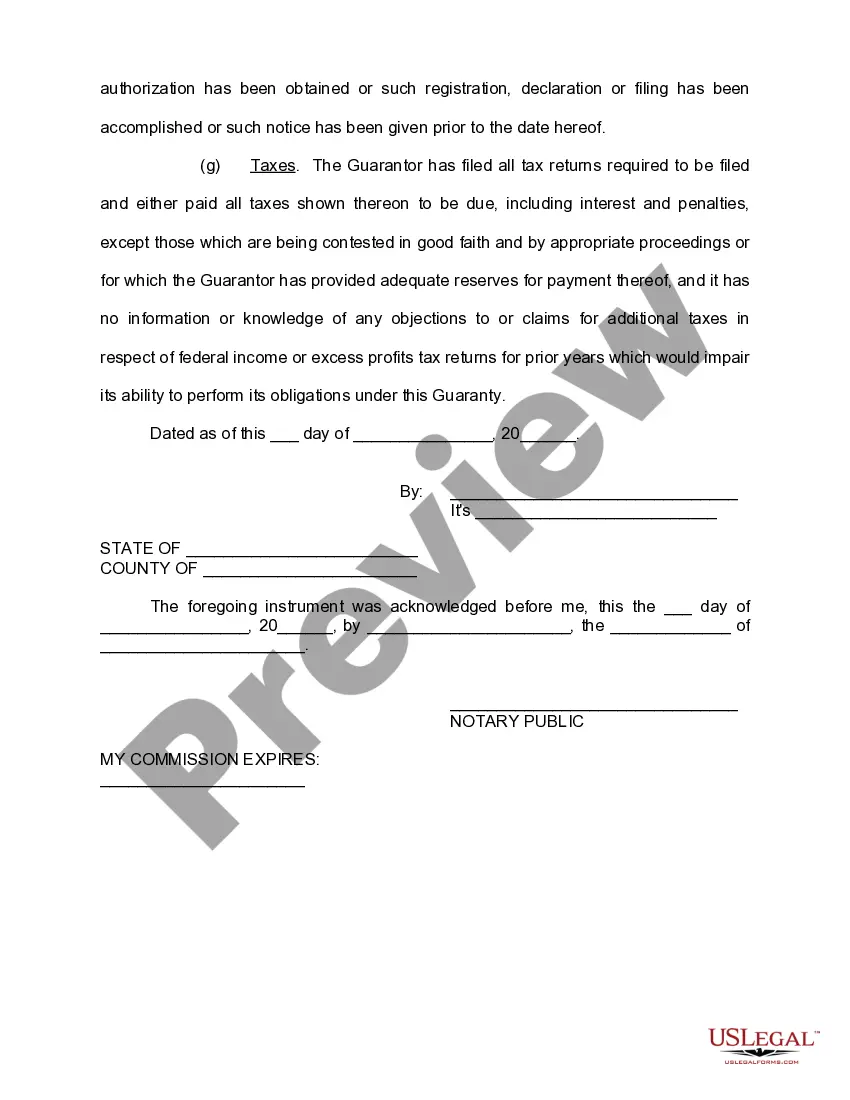
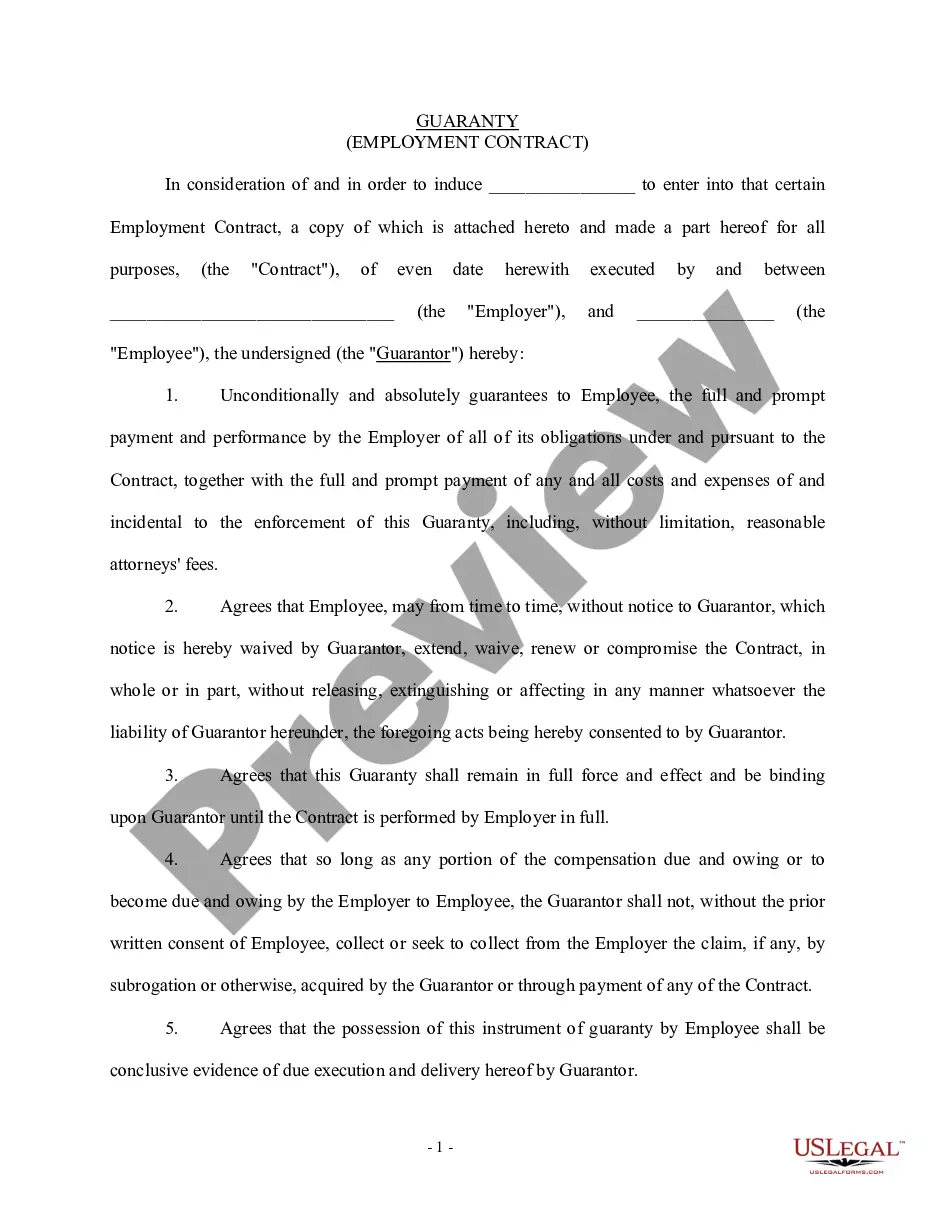
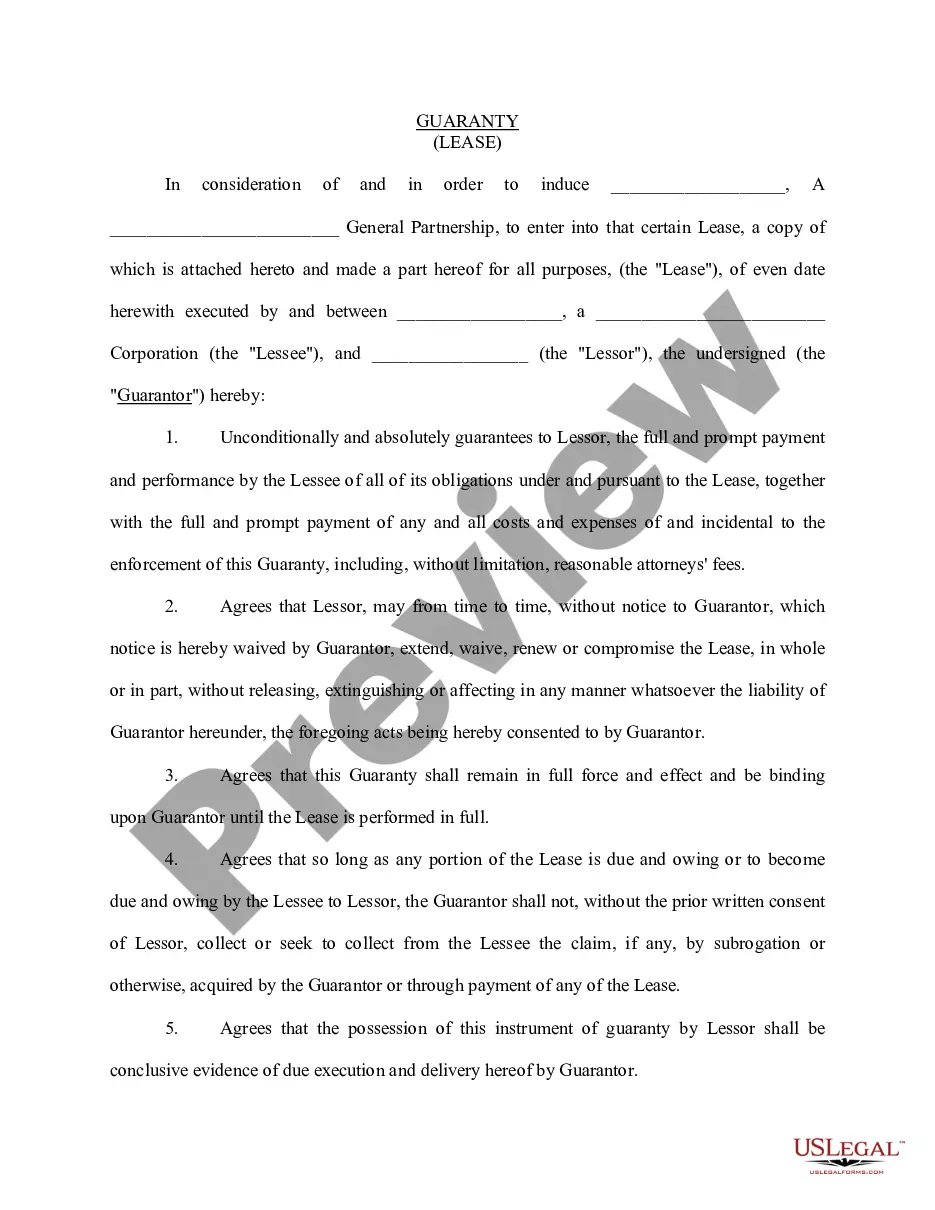
How to fill out Personal Guaranty Of Employment Agreement Between Corporation And Employee?
Collaborating with legal paperwork and procedures can be a lengthy addition to your day.
Employment Agreement With Employee and similar documents typically require you to search for them and find your way to fill them out accurately.
Consequently, whether you are managing financial, legal, or personal issues, having a thorough and user-friendly online directory of forms when you need them will greatly assist.
US Legal Forms is the leading online platform for legal templates, boasting over 85,000 state-specific forms and various tools that simplify the document completion process.
Is this your first time using US Legal Forms? Create and establish a free account in a few minutes and gain access to the form directory and Employment Agreement With Employee. Then, follow these steps to complete your form: Ensure you have located the correct form using the Preview feature and reviewing the form description. Select Buy Now when ready and choose the monthly subscription plan that suits you. Click on Download then fill out, eSign, and print the form. US Legal Forms has a quarter-century of experience aiding individuals in managing their legal paperwork. Locate the form you require today and improve any process effortlessly.
- Explore the collection of pertinent documents accessible with just a single click.
- US Legal Forms supplies you with state- and county-specific forms available for download at any time.
- Safeguard your document management processes with a premium service that enables you to create any form in minutes without extra or hidden charges.
- Just Log In to your account, find Employment Agreement With Employee and download it instantly from the My documents section.
- You can also access previously saved forms.
Form popularity
FAQ
However, in many cases individuals who are hiring the employee can also choose to write their own contracts. In some cases, independent contractors or freelancers can provide their own contracts and terms of employment. In all scenarios both parties would need to agree and sign the contract for it to be effective.
However, in many cases individuals who are hiring the employee can also choose to write their own contracts. In some cases, independent contractors or freelancers can provide their own contracts and terms of employment. In all scenarios both parties would need to agree and sign the contract for it to be effective.
When creating an Employment Contract, you can include the following terms: The type and rate of compensation. The frequency of payment. Vacation time. Specified work hours. Specified work location. Employee responsibilities. Length of a probationary period. Confidentiality, non-solicitation, or non-competition clauses.
How to write agreement letter between two parties? Letter title: Letter of Agreement. Names, addresses, and contact informations of both the parties involved. Date of signing of the agreement letter. Duties/services, fee and costs, timeline or term of agreement, payment terms, other terms of working and clauses.
The contract typically includes basic information, such as the employee's job title, start date, and work schedule. It also outlines the employee's compensation?including salary, bonuses, and leave?and employee benefits like health insurance and retirement.