Hipaa Privacy Form Sample For Employees
Description











Get your form ready online
Our built-in tools help you complete, sign, share, and store your documents in one place.
Make edits, fill in missing information, and update formatting in US Legal Forms—just like you would in MS Word.
Download a copy, print it, send it by email, or mail it via USPS—whatever works best for your next step.
Sign and collect signatures with our SignNow integration. Send to multiple recipients, set reminders, and more. Go Premium to unlock E-Sign.
If this form requires notarization, complete it online through a secure video call—no need to meet a notary in person or wait for an appointment.
We protect your documents and personal data by following strict security and privacy standards.

Make edits, fill in missing information, and update formatting in US Legal Forms—just like you would in MS Word.

Download a copy, print it, send it by email, or mail it via USPS—whatever works best for your next step.

Sign and collect signatures with our SignNow integration. Send to multiple recipients, set reminders, and more. Go Premium to unlock E-Sign.

If this form requires notarization, complete it online through a secure video call—no need to meet a notary in person or wait for an appointment.

We protect your documents and personal data by following strict security and privacy standards.
Looking for another form?



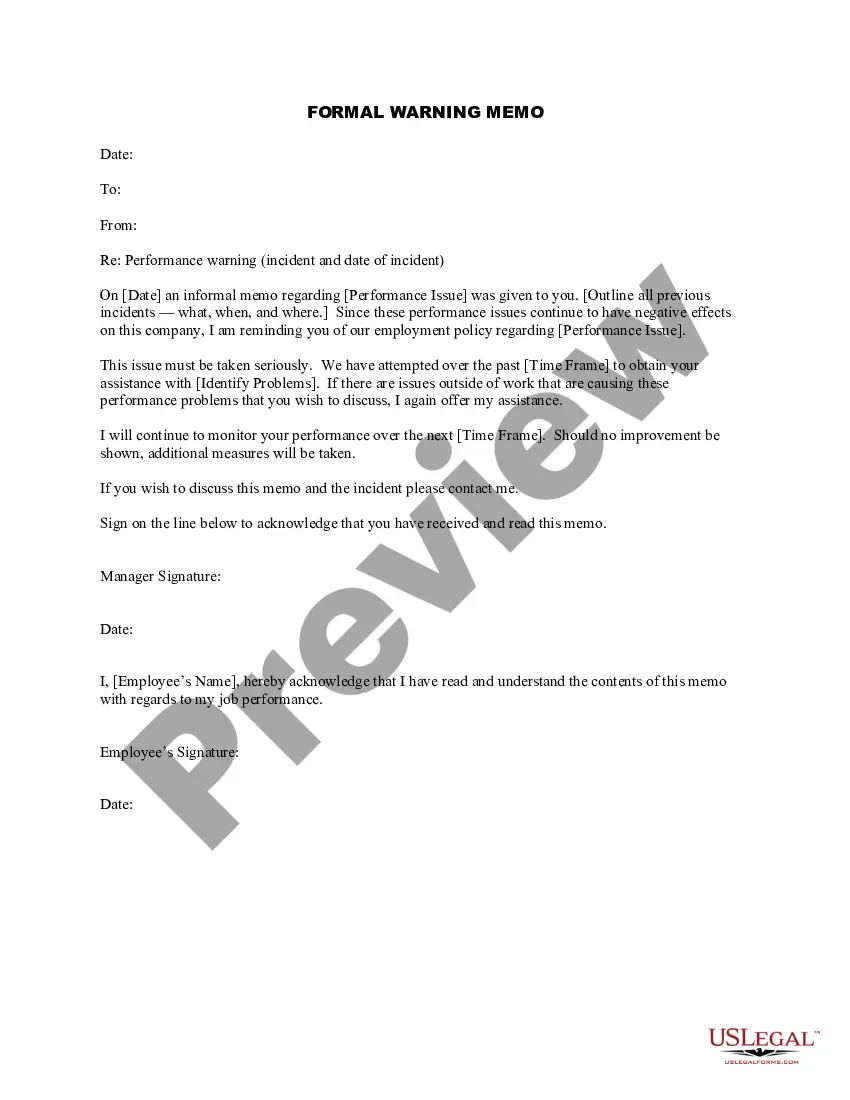
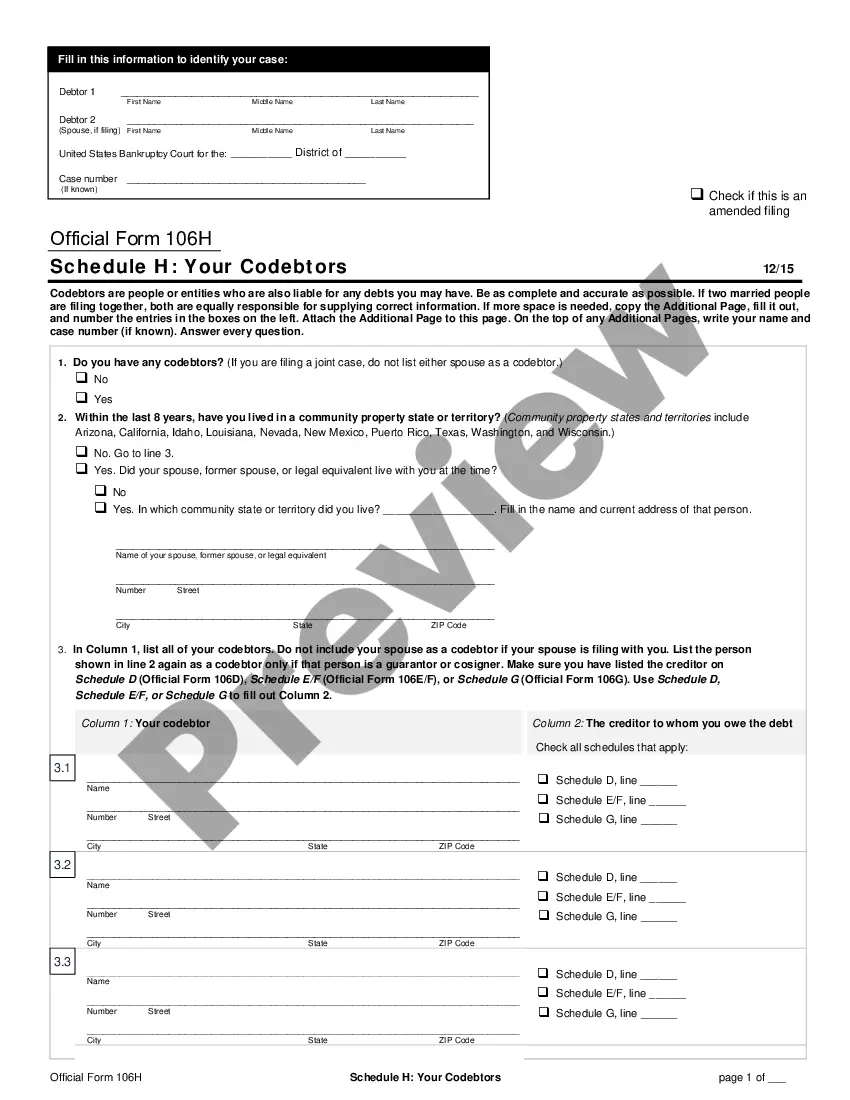
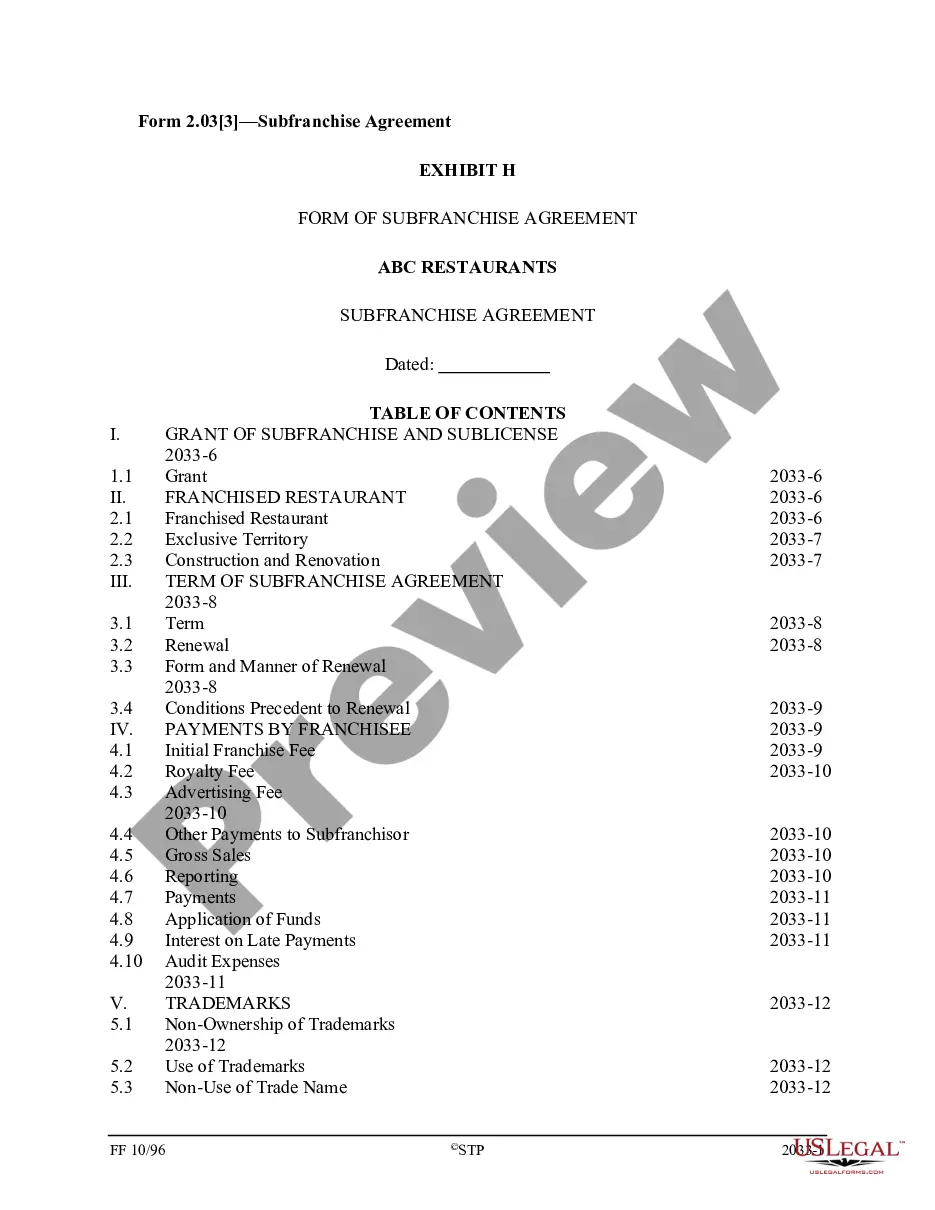
How to fill out HIPAA Notice Of Privacy Practices?
It’s clear that you cannot instantly become a legal expert, nor can you swiftly learn how to prepare a Hipaa Privacy Form Sample For Employees without possessing a specialized skill set.
Drafting legal documents is a labor-intensive task that necessitates particular training and expertise.
So why not entrust the preparation of the Hipaa Privacy Form Sample For Employees to the professionals.
Click Buy now. Once the payment is completed, you can access the Hipaa Privacy Form Sample For Employees, fill it out, print it, and send or mail it to the appropriate individuals or entities.
You can revisit your forms anytime from the My documents tab. If you’re an existing client, simply Log In, and find the template in the same tab.
- Navigate to our website to start and obtain the form you need within minutes.
- Locate the form you require using the search bar at the top of the page.
- If available, preview it and read the accompanying description to determine if the Hipaa Privacy Form Sample For Employees meets your needs.
- If you are looking for a different form, restart your search.
- Create a free account and select a subscription plan to purchase the form.
Form popularity
FAQ
When a document is redacted, it means that certain text contained in a document filed with the Court is concealed from view for privacy protection. This is an example of how a redaction will appear on a document; with the private information concealed: .
Redaction: A quick Intro This is typically done to protect the privacy and security of individuals, organizations, and institutions. Redacted document examples include data from legal transcripts, government reports, and corporate records.
Redacting confidential material from a paper document before its public release involves overwriting portions of text with a wide black pen, followed by photocopying the result?the obscured text may be recoverable from the original.
Redacted, a fairly common practice in legal documents, refers to the process of editing a document to conceal or remove confidential information before disclosure or publication. Redacting personal data in documents is important to avoid identity theft.
While an ellipsis is perhaps the most common way to show redacted text, it may at times be easier for the reader to understand your intention if you explicitly write what has been done, like [redacted], [censored], [cut] and similar.
In your original Word document, replace all the text you wish redacted with the word [REDACTED], and/or do a FIND AND REPLACE of all the text you wish redacted. Example: Replace all instances of "John Wilkes Booth" with "[NAME REDACTED]", "JWB" or whatever you deem fit.
How Do You Redact In Word Document Open the word document that you want to redact. Select the text that you want to redact. ... Go to the "Review" tab in the ribbon. In the "Protect" group, click the "Restrict Editing" button. In the "Restrict Formatting and Editing" pane, click the "Start Enforcing Protection" button.
?Legal? is an extremely broad term, so we won't open the whole can of worms. But what we normally redact when it comes to ?legal? documents is social security number (SSN), driver's license number (DL), name, date of birth (DOB), phone number, address, and account number (like on a financial record).