Form_with Search
Description
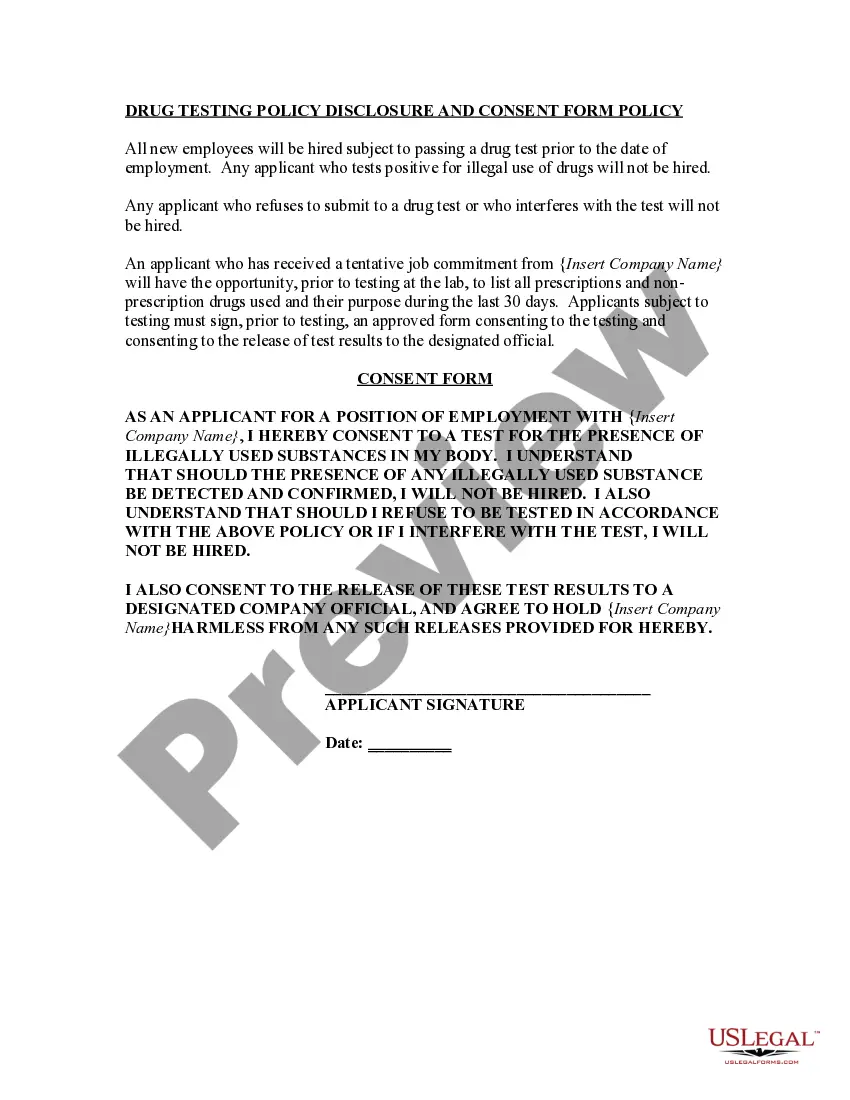
Get your form ready online
Our built-in tools help you complete, sign, share, and store your documents in one place.
Make edits, fill in missing information, and update formatting in US Legal Forms—just like you would in MS Word.
Download a copy, print it, send it by email, or mail it via USPS—whatever works best for your next step.
Sign and collect signatures with our SignNow integration. Send to multiple recipients, set reminders, and more. Go Premium to unlock E-Sign.
If this form requires notarization, complete it online through a secure video call—no need to meet a notary in person or wait for an appointment.
We protect your documents and personal data by following strict security and privacy standards.

Make edits, fill in missing information, and update formatting in US Legal Forms—just like you would in MS Word.

Download a copy, print it, send it by email, or mail it via USPS—whatever works best for your next step.

Sign and collect signatures with our SignNow integration. Send to multiple recipients, set reminders, and more. Go Premium to unlock E-Sign.

If this form requires notarization, complete it online through a secure video call—no need to meet a notary in person or wait for an appointment.

We protect your documents and personal data by following strict security and privacy standards.
Looking for another form?






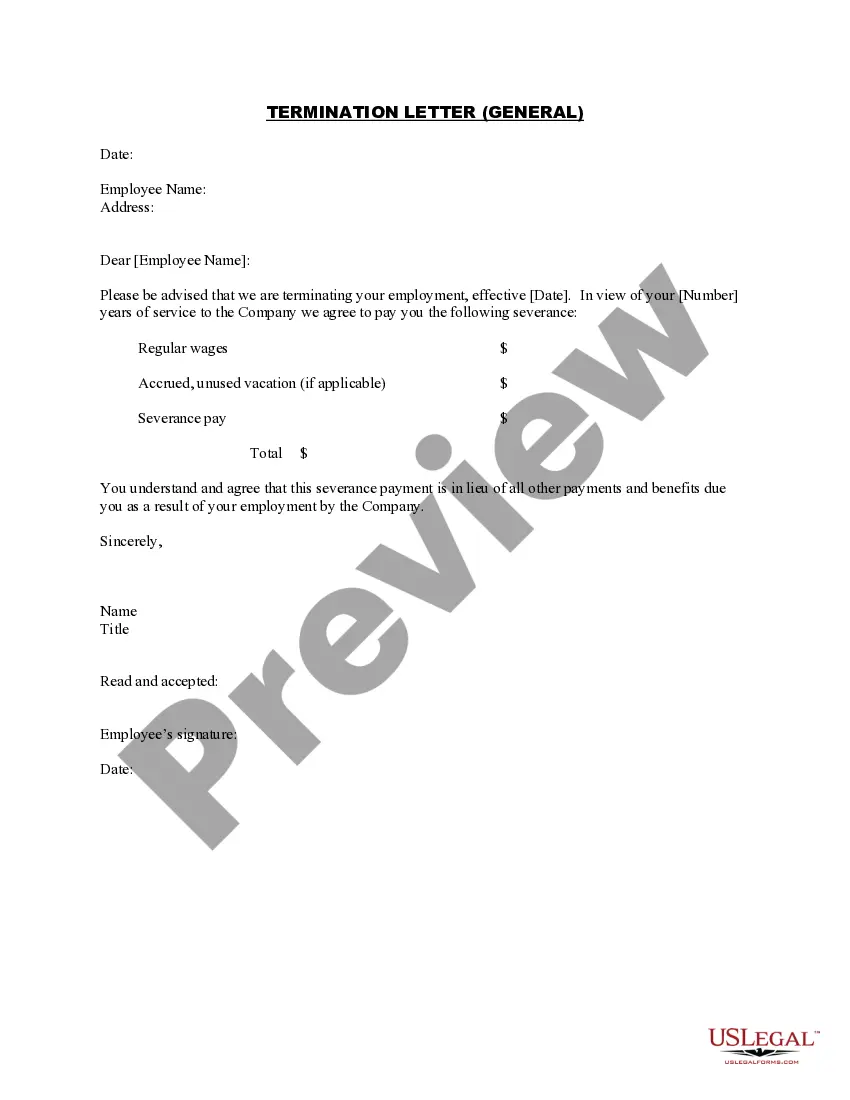

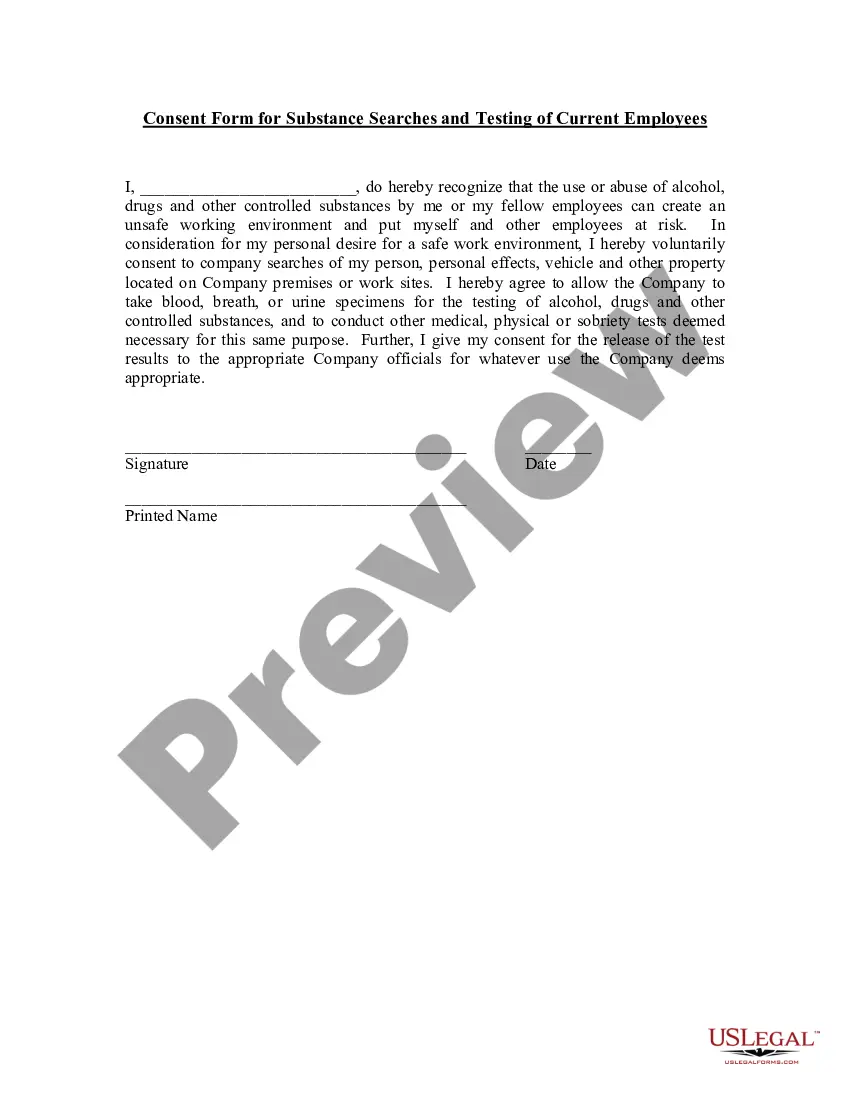
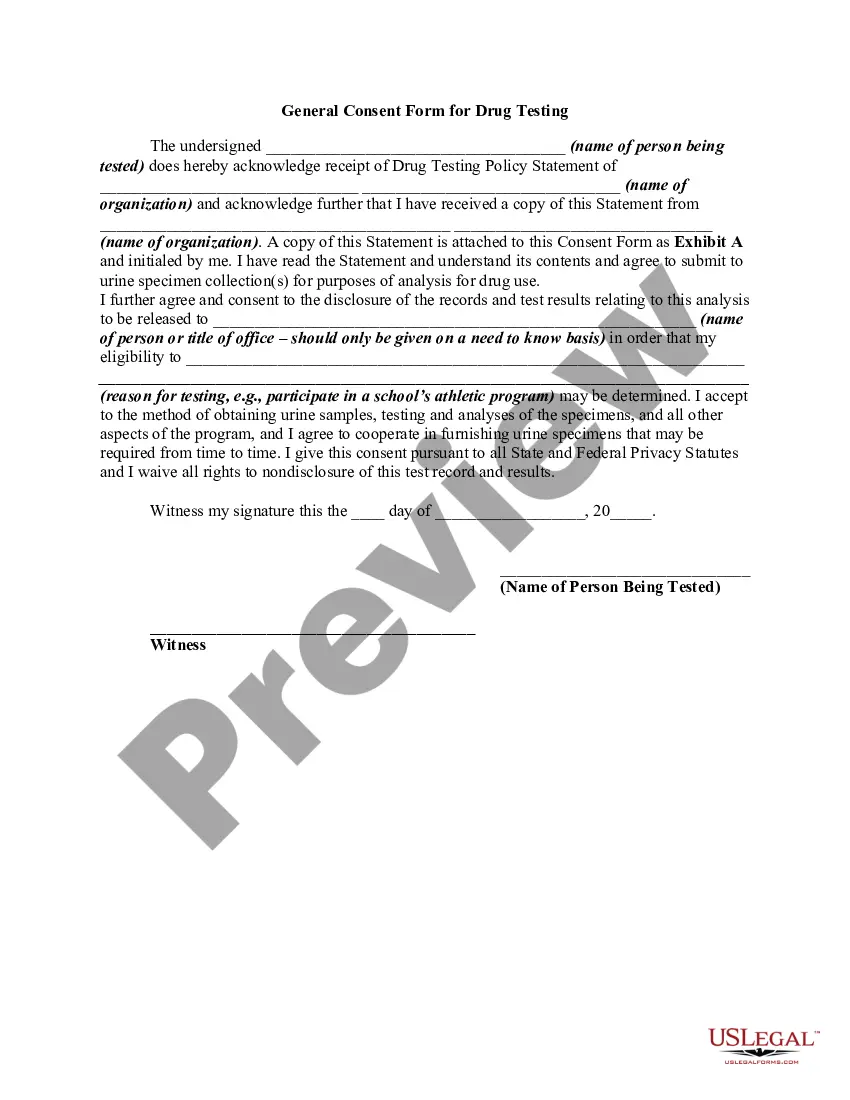
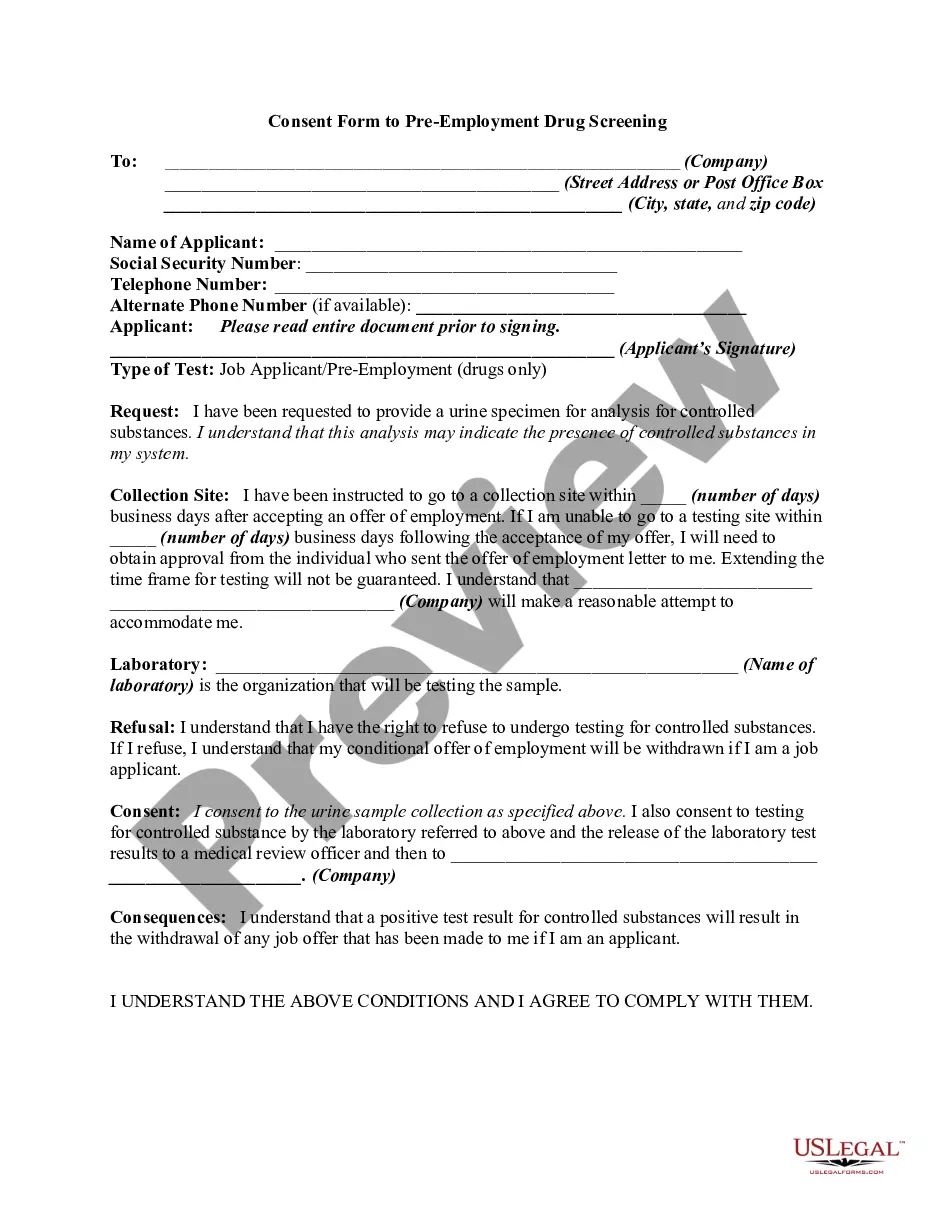
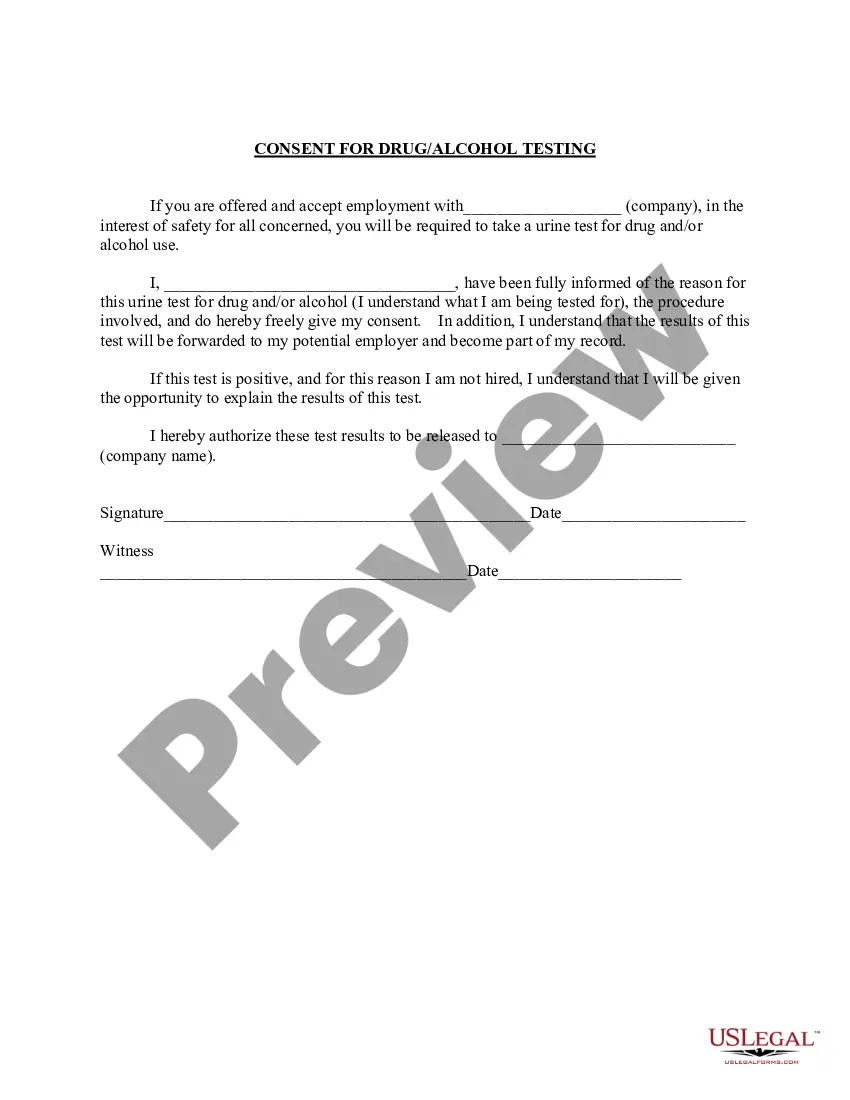
How to fill out Consent Form For Substance Searches Of Vehicles And Personal Effects And For Testing Of Employees?
The Form_with Search displayed on this page is a versatile legal document created by qualified attorneys in compliance with national and local statutes.
For over 25 years, US Legal Forms has offered individuals, businesses, and lawyers more than 85,000 confirmed, jurisdiction-specific forms for every corporate and personal situation. It represents the quickest, clearest, and most reliable way to procure the documents you require, as the service guarantees bank-grade data protection and anti-malware safeguards.
Subscribe to US Legal Forms to have validated legal templates for all of life’s circumstances readily available for you.
- Look for the document you require and assess it.
- Browse through the sample you found and preview it or review the form description to confirm it meets your needs. If it does not, use the search feature to locate the appropriate one.
- Click Buy Now once you have identified the template you need.
- Select and Log In.
- Pick the pricing option that best fits you and create an account. Use PayPal or a credit card to complete a speedy transaction. If you already possess an account, Log In and check your subscription to proceed.
- Obtain the fillable form.
- Choose the format you desire for your Form_with Search (PDF, DOCX, RTF) and download the document onto your device.
- Complete and sign the documents.
- Print the template to fill it out manually. Alternatively, use an online multi-functional PDF editor to swiftly and precisely complete and sign your form with a valid signature.
- Download your documents once more.
- Use the same document again whenever necessary. Access the My documents section in your profile to redownload any previously saved forms.
Form popularity
FAQ
You must include this option for your form to work properly with the form_with helper! form_with will use a POST verb and the action path will be /resources. the form will start out empty. the submit button will say 'Create (resource name)' the action method we need to process the form data will be called create.
The main difference between these is that form_tag can create a form without having to use a model and form_for relies on a model to generate the form for (makes sense, right?). When using form_for, we also have access to using form builders, which are not available for form_tag.
The main difference between these is that form_tag can create a form without having to use a model and form_for relies on a model to generate the form for (makes sense, right?). When using form_for, we also have access to using form builders, which are not available for form_tag.
Another difference between form_with compared to form_for and form_tag is that form_for and form_tag generate automatic ids for the input fields. On the other hand, form_with does not. Ids and classes have to be specified. This isn't necessarily considered to be a bad thing.
The form_for method automatically includes the model id as a hidden field in the form. This is used to maintain the correlation between the form data and its associated model. Some ORM systems do not use IDs on nested models so in this case you want to be able to disable the hidden id.