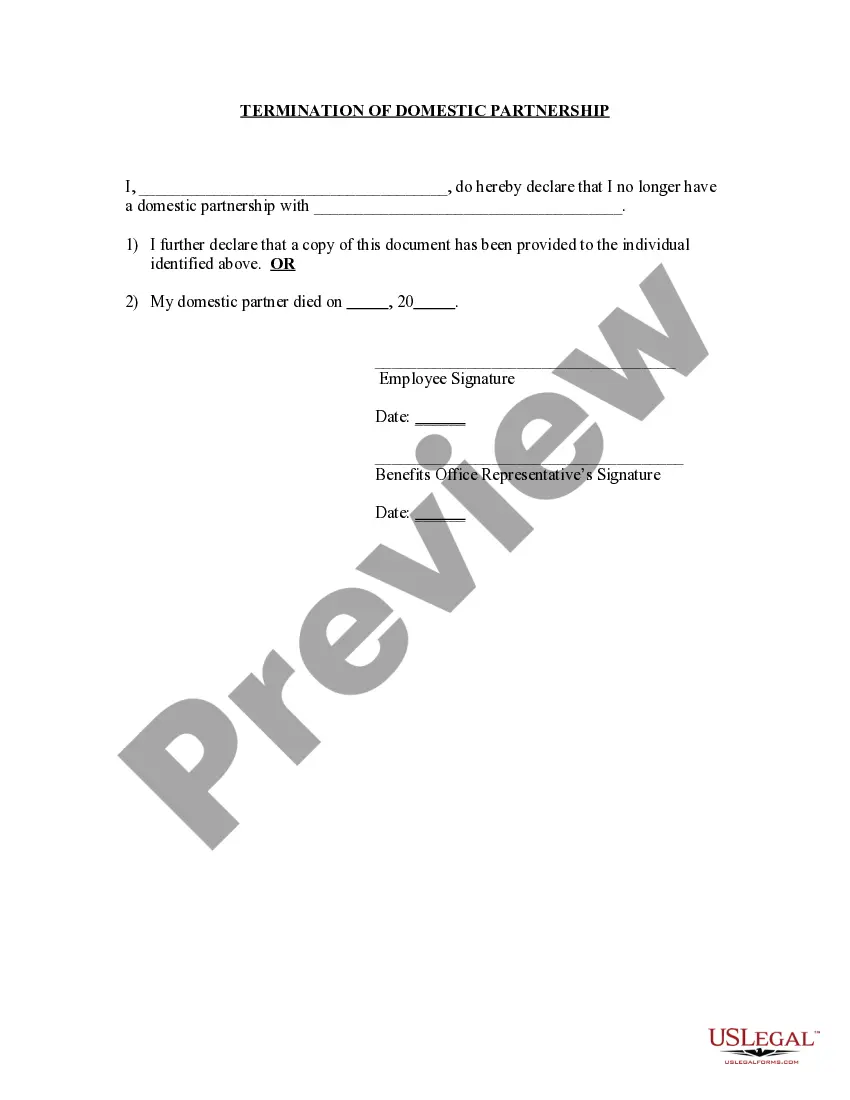
Domestic Partner Vs Registered Domestic Partner
Description
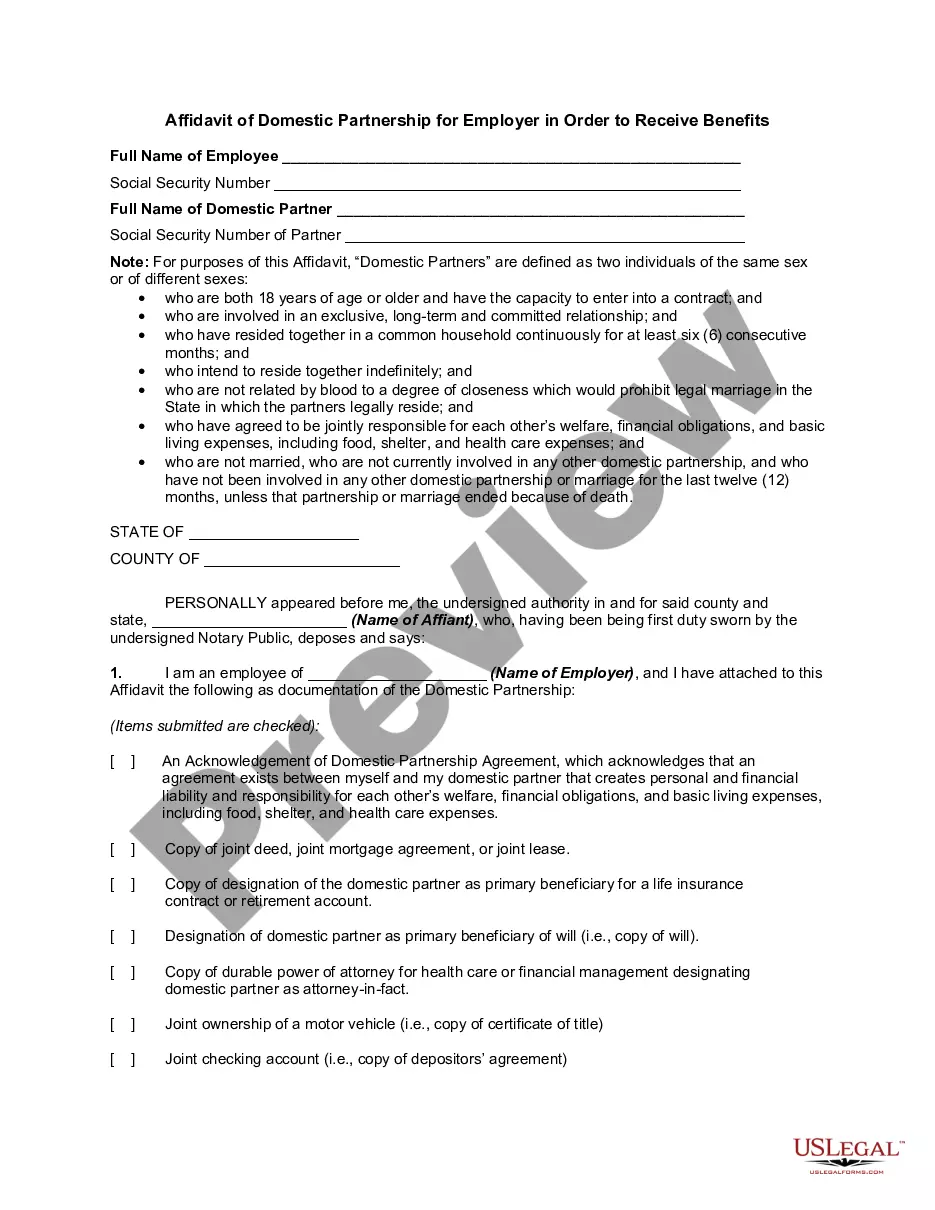
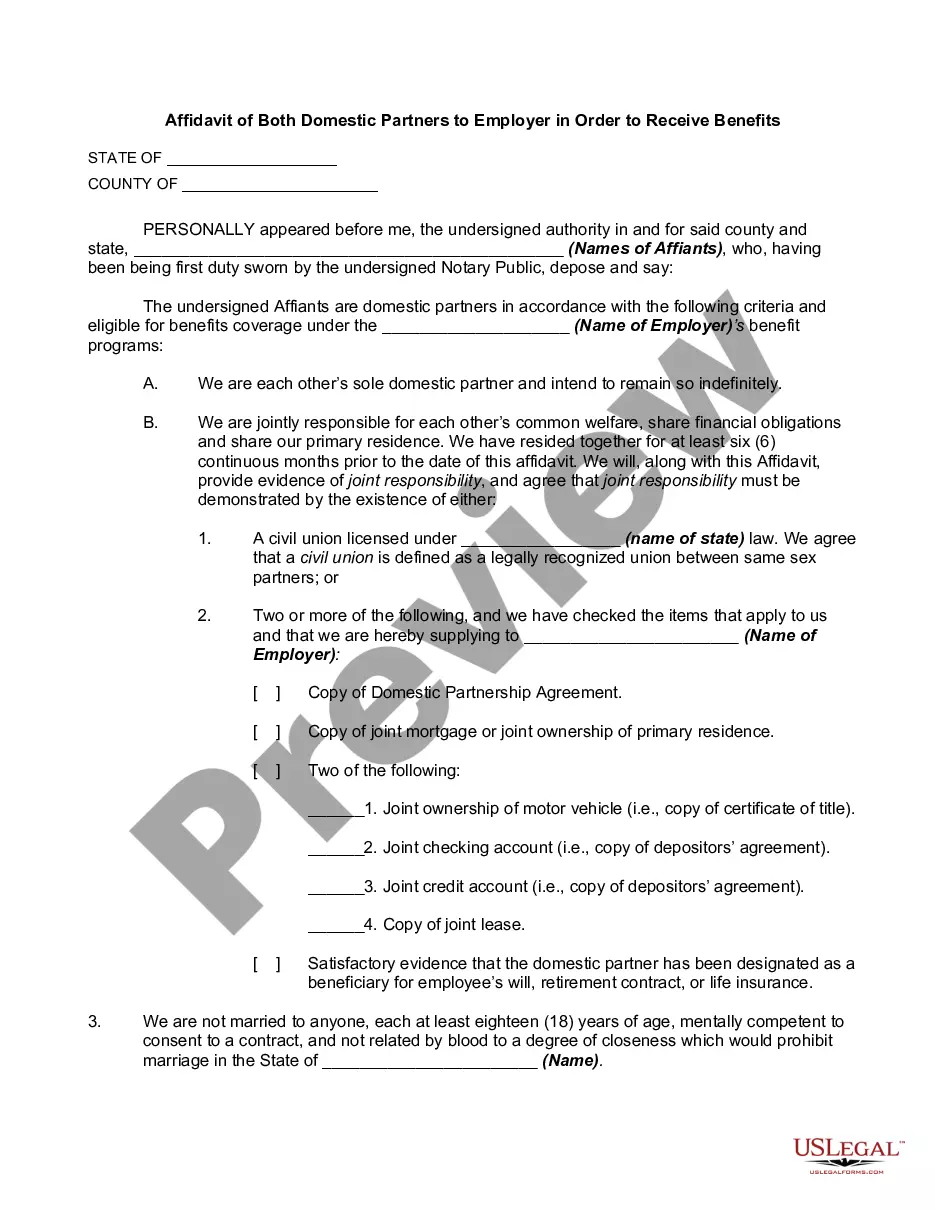
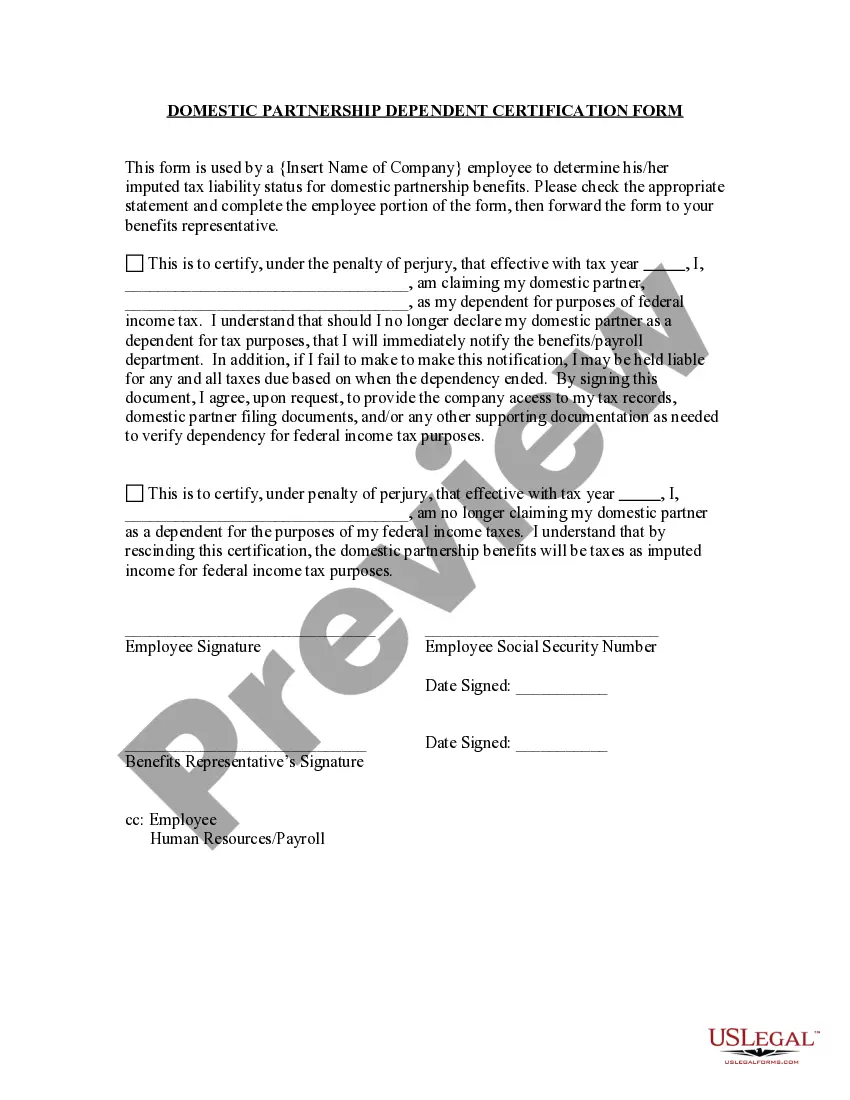
Get your form ready online
Our built-in tools help you complete, sign, share, and store your documents in one place.
Make edits, fill in missing information, and update formatting in US Legal Forms—just like you would in MS Word.
Download a copy, print it, send it by email, or mail it via USPS—whatever works best for your next step.
Sign and collect signatures with our SignNow integration. Send to multiple recipients, set reminders, and more. Go Premium to unlock E-Sign.
If this form requires notarization, complete it online through a secure video call—no need to meet a notary in person or wait for an appointment.
We protect your documents and personal data by following strict security and privacy standards.

Make edits, fill in missing information, and update formatting in US Legal Forms—just like you would in MS Word.

Download a copy, print it, send it by email, or mail it via USPS—whatever works best for your next step.

Sign and collect signatures with our SignNow integration. Send to multiple recipients, set reminders, and more. Go Premium to unlock E-Sign.

If this form requires notarization, complete it online through a secure video call—no need to meet a notary in person or wait for an appointment.

We protect your documents and personal data by following strict security and privacy standards.
Looking for another form?

How to fill out Termination Of Domestic Partnership?
The Domestic Partner Vs Registered Domestic Partner presented on this page is a versatile formal template crafted by expert lawyers in adherence to federal and local laws and regulations.
For over 25 years, US Legal Forms has supplied individuals, organizations, and legal practitioners with more than 85,000 validated, state-specific forms for any business and personal circumstance. It’s the fastest, simplest, and most dependable method to acquire the documents you require, as the service ensures the utmost level of data security and anti-malware safeguards.
Select the format you prefer for your Domestic Partner Vs Registered Domestic Partner (PDF, Word, RTF) and download the example to your device. Complete and endorse the paperwork. Print the template for manual completion. Alternatively, utilize an online multifunctional PDF editor to swiftly and accurately fill out and sign your document with an eSignature. Download your documents again by using the same file whenever it's needed. Access the 'My documents' tab in your profile to redownload any previously downloaded templates. Subscribe to US Legal Forms to have authenticated legal templates for all of life’s situations readily available.
- Examine the document you require and assess it.
- Browse through the example you found and preview it or examine the form description to confirm it meets your requirements. If not, utilize the search tool to identify the appropriate one. Click 'Buy Now' after you have found the template you want.
- Register and Log In.
- Choose the pricing option that works for you and set up an account. Use PayPal or a credit card for a quick payment. If you already possess an account, Log In and verify your subscription to proceed.
- Acquire the editable template.
Form popularity
FAQ
In California, domestic partners can choose to file their taxes jointly or separately. Filing together may provide certain tax benefits, similar to married couples. However, it is essential to understand the differences between a domestic partner and a registered domestic partner, as this distinction can affect your tax situation. Consulting with a tax advisor can help you navigate your options.
Patents Issued AFTER 1976 Go to the USPTO's online database. In the pull-down field menu, select "Assignee Name" if searching for company name or "Inventor Name" if searching for Inventor name. Type in the name of the inventor or company, keeping in mind that you might need to try several times.
How can I search patent documents using Basic Search? add Select the field (searchable index) from the drop-down menu. Enter search terms in the search query text boxes. Select which Boolean set operator to use from the drop-down menu (if searching for a second term). Select ?Search.? Review search results.
Below are some websites that you can use to perform a free patent search: USPTO. The U.S. Patent & Trademark Office provides free patent searching of its public databases. Google Patents. A relatively easy database to search which PDF images available. Limited to U.S. patents and U.S. published applications.
It allows you to find and access U.S. patents issued from 1790 - present. These include utility, design, reissue, and plant patents, as well as SIR documents. It also allows you to find and access U.S. published patent applications (including new utility and plant) submitted from 2001 - present.
Patents may be searched using the following resources: Patent Public Search. Global Dossier. Patent Application Information Retrieval (PAIR) Public Search Facility. Patent and Trademark Resource Centers (PTRCs) Patent Official Gazette. Common Citation Document (CCD) Search International Patent Offices.
?Preview? will provide a pop-up view of the front page of the patent or published patent application. Select ?PDF? to view the entire pdf file in a new browser tab. Use the download or print buttons on the right to download or print a copy of the pdf.
To run a Basic Search: Select the field (searchable index) from the drop-down menu. Enter search terms in the search query text boxes. Select which Boolean set operator to use from the drop-down menu (if searching for a second term). Select ?Search.? Review search results.
Searching Enter a patent publication or application number, such as US9014905B1 , 9014905 , or US 14/166,502. Enter freeform text, such as autonomous vehicle camera. ... Paste a large block of text, such as a paragraph, to run the Prior Art Finder keyword extractor to suggest search terms.