Vermont Amendment to Living Trust

About this form
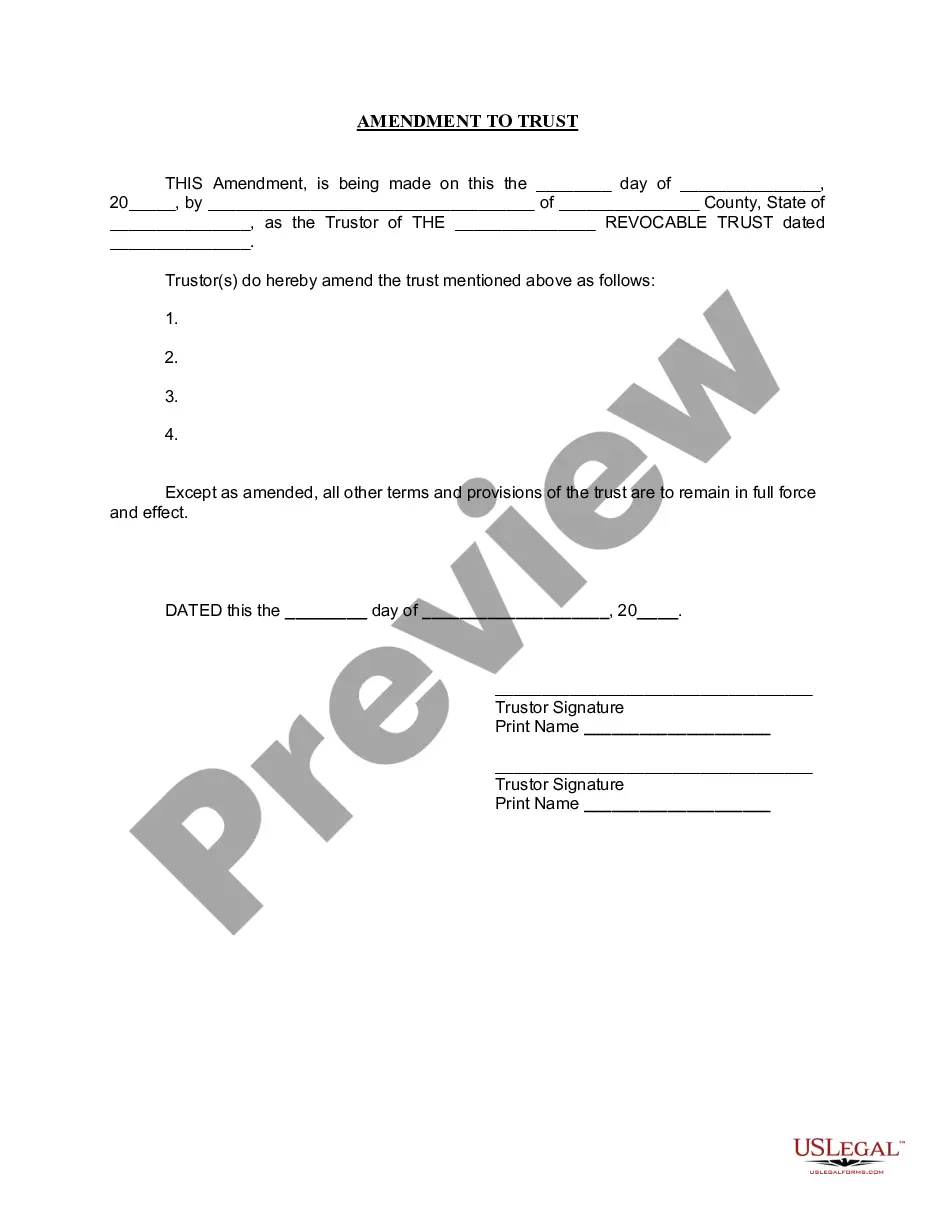
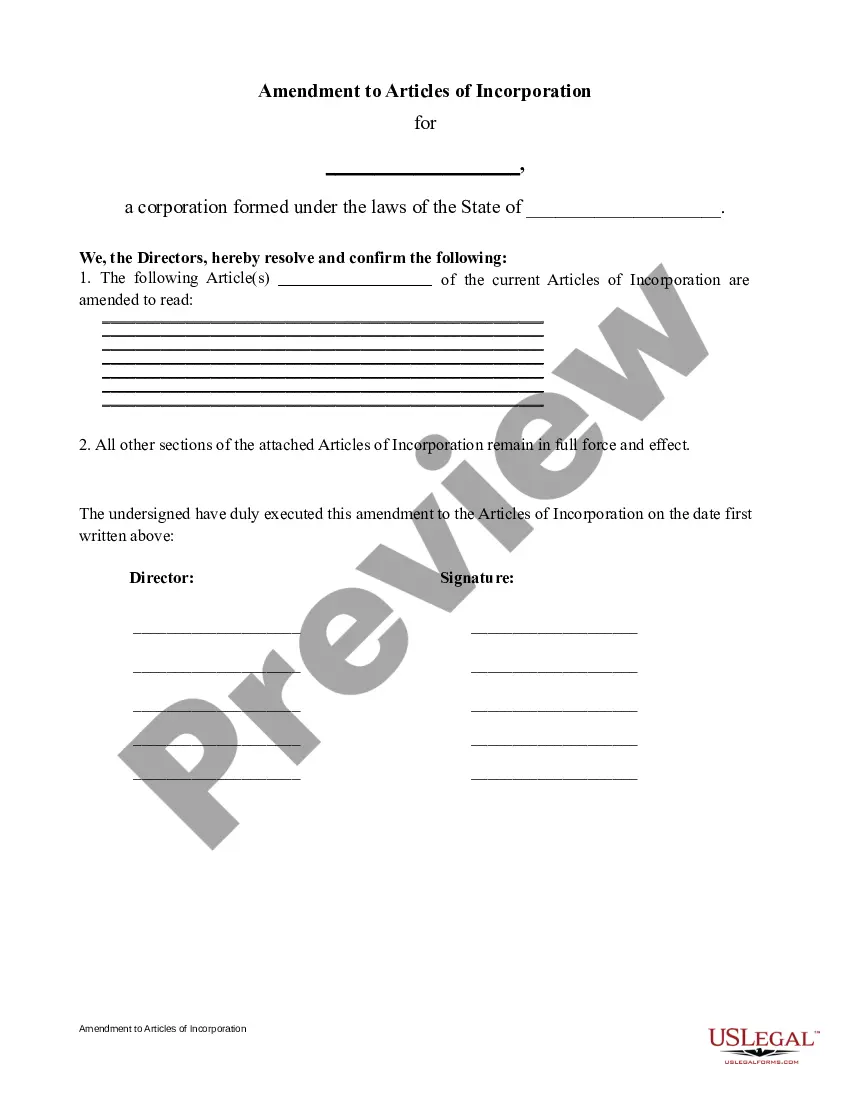
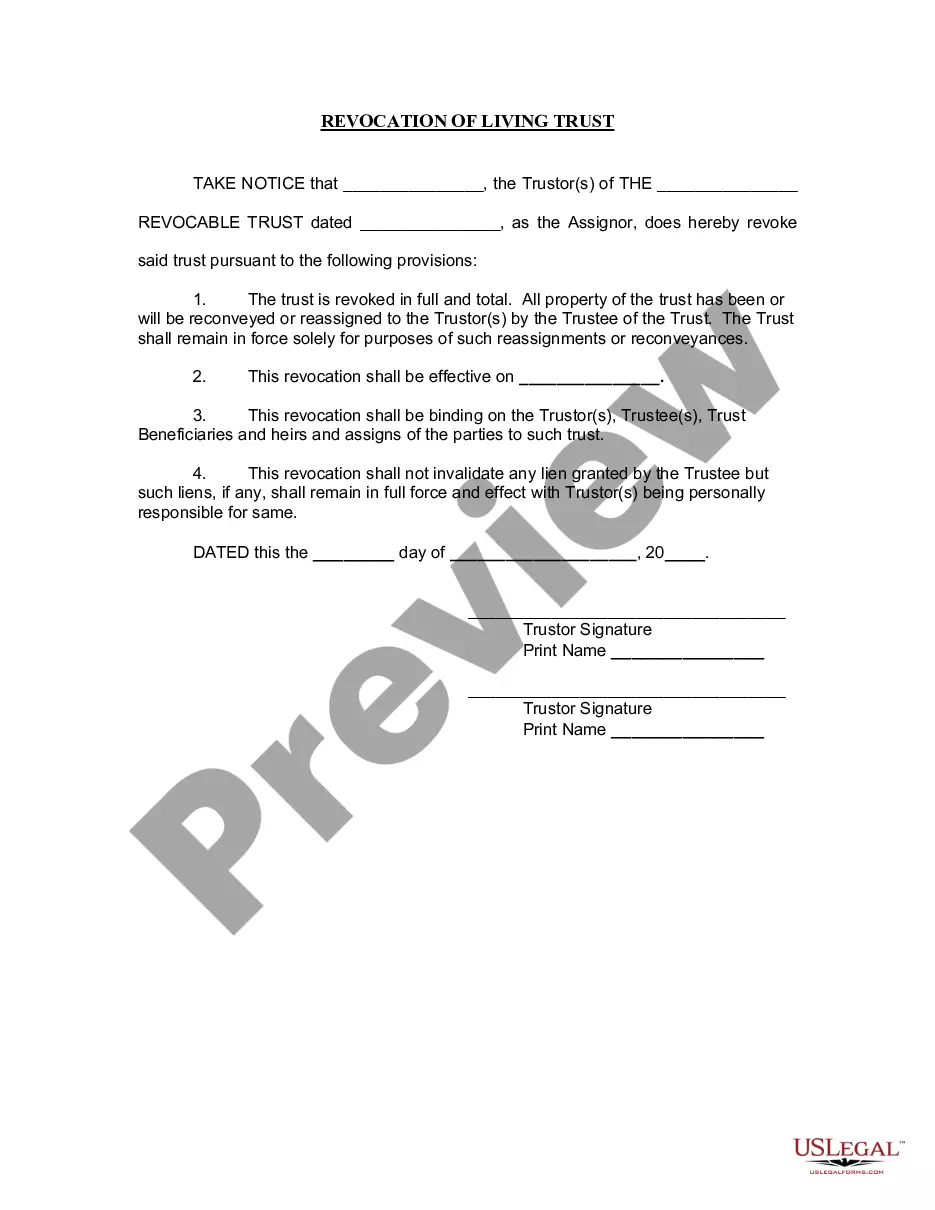
The Amendment to Living Trust is a legal document used to modify the terms of an existing living trust. This form allows the Trustor to make specific changes to the trust's provisions while ensuring that the overall purpose of the trust remains intact. An amendment differs from a complete revocation of the trust, as only selected clauses are updated or removed, leaving the remaining terms in effect.
Key parts of this document
- Date of amendment
- Trustor's name and county of residence
- Details of the living trust, including its name and date established
- Specifications of the amendments being made
- Signature lines for the Trustor(s)
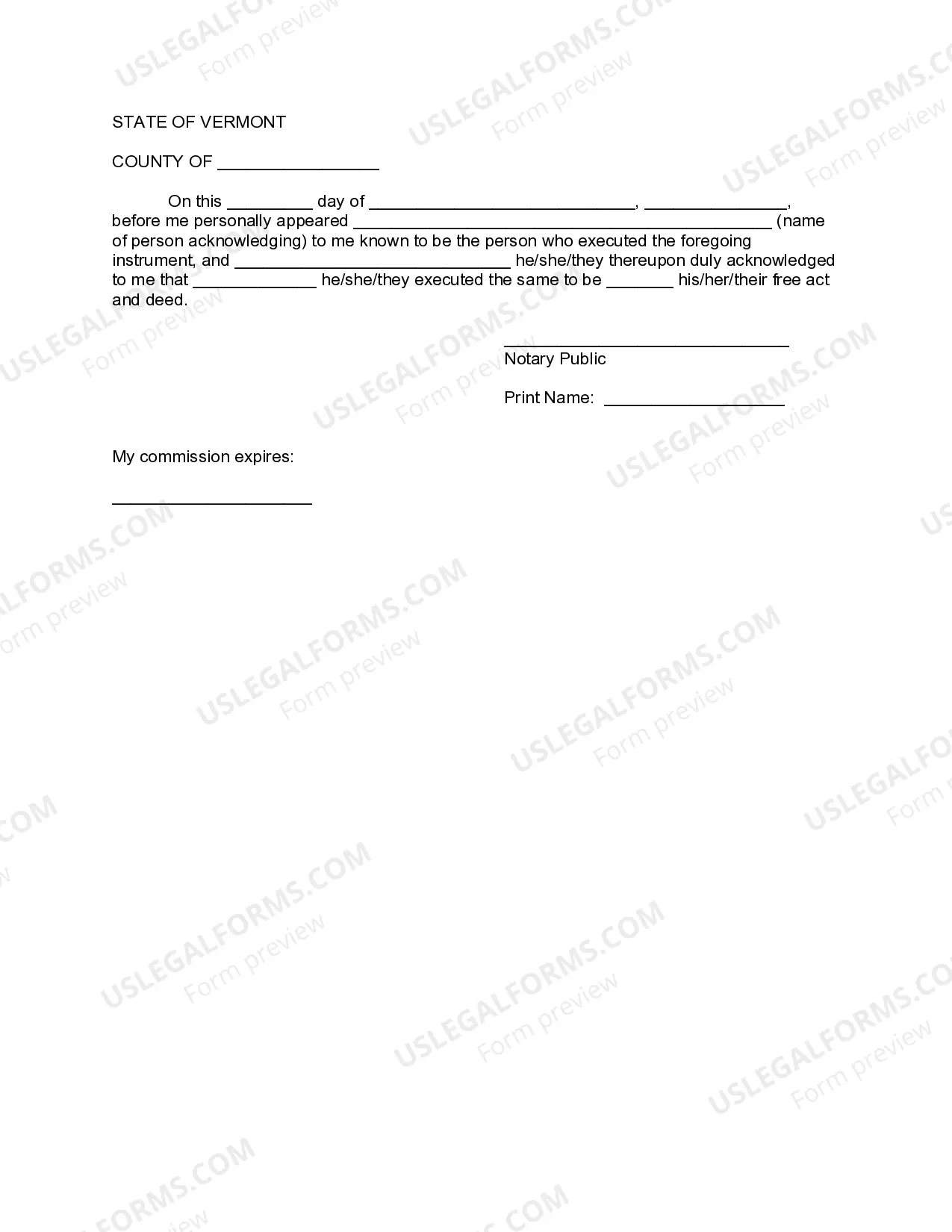
- Notary acknowledgment section


When to use this form
This form is essential when you need to make changes to your living trust, such as updating beneficiaries, modifying assets within the trust, or changing terms of management. It is particularly useful in scenarios like the birth of a child, the passing of an individual previously named in the trust, or any change in your personal circumstances that affects asset distribution.
Who can use this document
- Individuals who are the Trustor of an existing living trust
- Those who need to adjust specific provisions of their trust
- Everyone looking to ensure their estate planning is up-to-date and reflects their current wishes
Steps to complete this form
- Identify the date you are making the amendment.
- Enter your name as the Trustor and your county and state of residence.
- Specify the name and date of the original living trust.
- Clearly outline the amendments you wish to make.
- Sign and print your name in the designated signature sections.
- Have the form notarized to ensure legal validity.
Does this document require notarization?
Yes, this form must be notarized to be legally valid. You will need to sign the document in front of a notary public, who will verify your identity and witness your signature. US Legal Forms offers integrated online notarization options, providing you with a convenient and secure way to complete this step without the need for in-person visits.
Get your form ready online
Our built-in tools help you complete, sign, share, and store your documents in one place.
Make edits, fill in missing information, and update formatting in US Legal Forms—just like you would in MS Word.
Download a copy, print it, send it by email, or mail it via USPS—whatever works best for your next step.
Sign and collect signatures with our SignNow integration. Send to multiple recipients, set reminders, and more. Go Premium to unlock E-Sign.
If this form requires notarization, complete it online through a secure video call—no need to meet a notary in person or wait for an appointment.
We protect your documents and personal data by following strict security and privacy standards.

Make edits, fill in missing information, and update formatting in US Legal Forms—just like you would in MS Word.

Download a copy, print it, send it by email, or mail it via USPS—whatever works best for your next step.

Sign and collect signatures with our SignNow integration. Send to multiple recipients, set reminders, and more. Go Premium to unlock E-Sign.

If this form requires notarization, complete it online through a secure video call—no need to meet a notary in person or wait for an appointment.

We protect your documents and personal data by following strict security and privacy standards.
Typical mistakes to avoid
- Failing to clearly specify the amendments, leading to ambiguity.
- Not signing the document in front of a notary public.
- Leaving out the date of the amendment, which can complicate future references.
Benefits of using this form online
- Instant access to professionally drafted legal documents.
- Convenient download and edit options to tailor the form to your needs.
- Secure storage and easy retrieval for future amendments or references.
Quick recap
- The Amendment to Living Trust modifies specific provisions of an existing trust.
- It is crucial to have the amendments clearly outlined and properly signed and notarized.
- Staying current with your living trust ensures that your estate planning aligns with your wishes.
Looking for another form?

Form popularity
FAQ
Locate the original trust. The grantor must locate the original trust documents and identify the specific provisions that require amendment. Prepare an amendment form. Get the amendment form notarized. Attach amendment form to original trust.
Find living trust forms online. Be as clear as possible. Include specific language. Have the amendment notarized. Keep your trust document and amendment together in a safe place. Alternatively, do what is called a restatement of the trust. Revoke your trust.
An amendment to a trust is not required to be notarized or witnessed unless the terms of the original trust require it.
Of course you can, however, "Codicil" is an amendment to a will. Amending a trust called "Amendment" to the trust, even if it is just amending a trustee's name. It needs to be notarized and some specific language to be sufficient.
Locate the original trust. The grantor must locate the original trust documents and identify the specific provisions that require amendment. Prepare an amendment form. Get the amendment form notarized. Attach amendment form to original trust.
Just about any writing will suffice to make a valid Trust amendment. Having the writing typed is not legally required. That's really the point of Trust amendments, to allow a Settlor to express his or her intent as easily as possible. As long as the Trust terms are followed, any writing will do.
The trust deed lists the trustees. Therefore, to change an individual trustee, you need to amend the trust deed. Most trust deeds permit a change of trustee by way of a trustee resolution and entry into a deed of variation.A change of trustee will usually require the consent of the appointor of the trust.
You can change your living trust, usually without incurring lawyer bills.Because you and your spouse made the trust together, you should both sign the amendment, and when you sign it, get your signatures notarized, just like the original. Another way to go is to create a "restatement" of your trust.