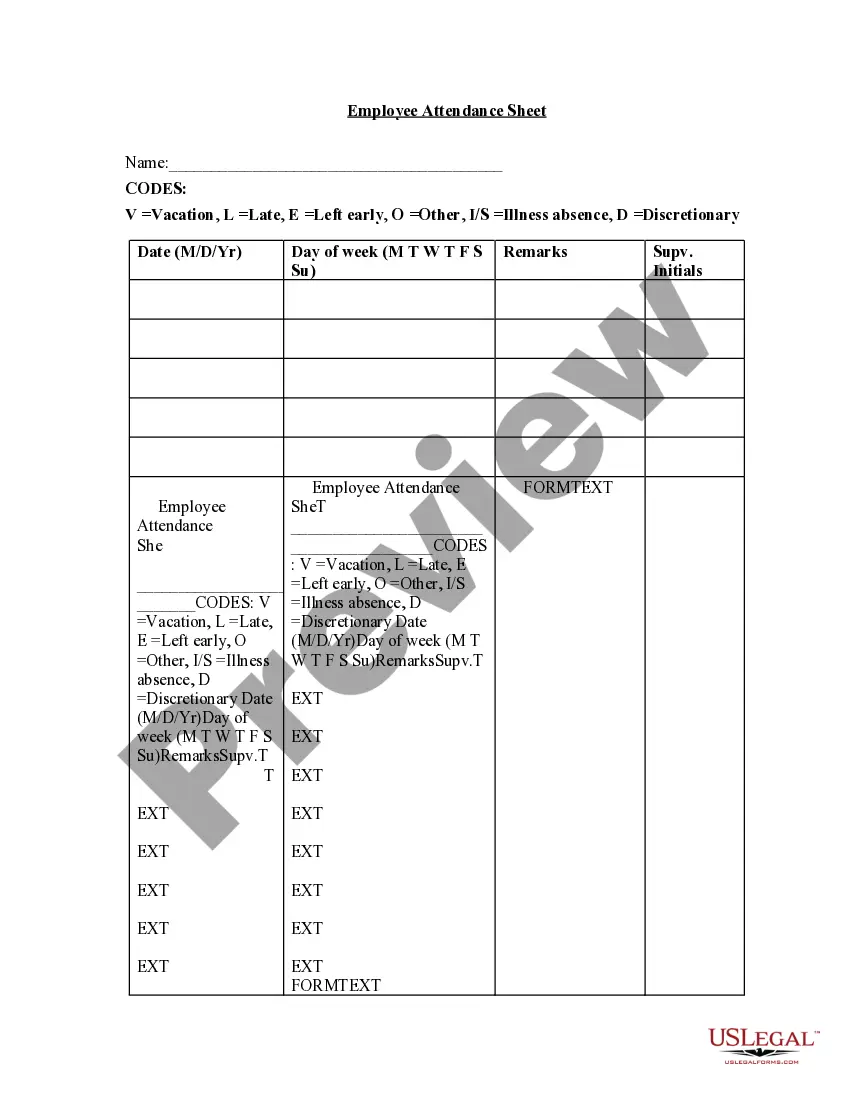
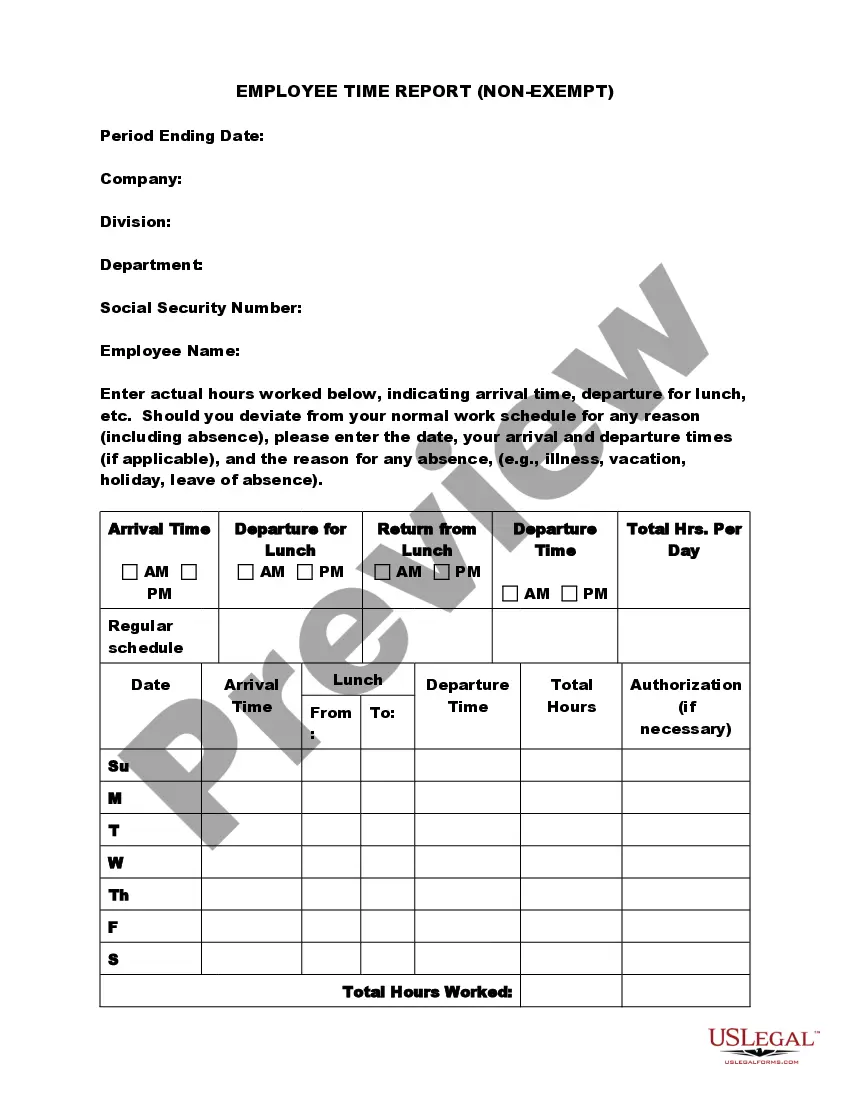
Employee Sign In Sheet With Lunch
Description
Get your form ready online
Our built-in tools help you complete, sign, share, and store your documents in one place.
Make edits, fill in missing information, and update formatting in US Legal Forms—just like you would in MS Word.
Download a copy, print it, send it by email, or mail it via USPS—whatever works best for your next step.
Sign and collect signatures with our SignNow integration. Send to multiple recipients, set reminders, and more. Go Premium to unlock E-Sign.
If this form requires notarization, complete it online through a secure video call—no need to meet a notary in person or wait for an appointment.
We protect your documents and personal data by following strict security and privacy standards.

Make edits, fill in missing information, and update formatting in US Legal Forms—just like you would in MS Word.

Download a copy, print it, send it by email, or mail it via USPS—whatever works best for your next step.

Sign and collect signatures with our SignNow integration. Send to multiple recipients, set reminders, and more. Go Premium to unlock E-Sign.

If this form requires notarization, complete it online through a secure video call—no need to meet a notary in person or wait for an appointment.

We protect your documents and personal data by following strict security and privacy standards.
Looking for another form?



How to fill out Employee Time Sheet?
Handling legal papers and procedures could be a time-consuming addition to your day. Employee Sign In Sheet With Lunch and forms like it typically require you to look for them and navigate the best way to complete them effectively. For that reason, whether you are taking care of financial, legal, or personal matters, having a comprehensive and convenient web library of forms when you need it will greatly assist.
US Legal Forms is the number one web platform of legal templates, offering more than 85,000 state-specific forms and numerous resources to assist you to complete your papers quickly. Check out the library of pertinent papers open to you with just one click.
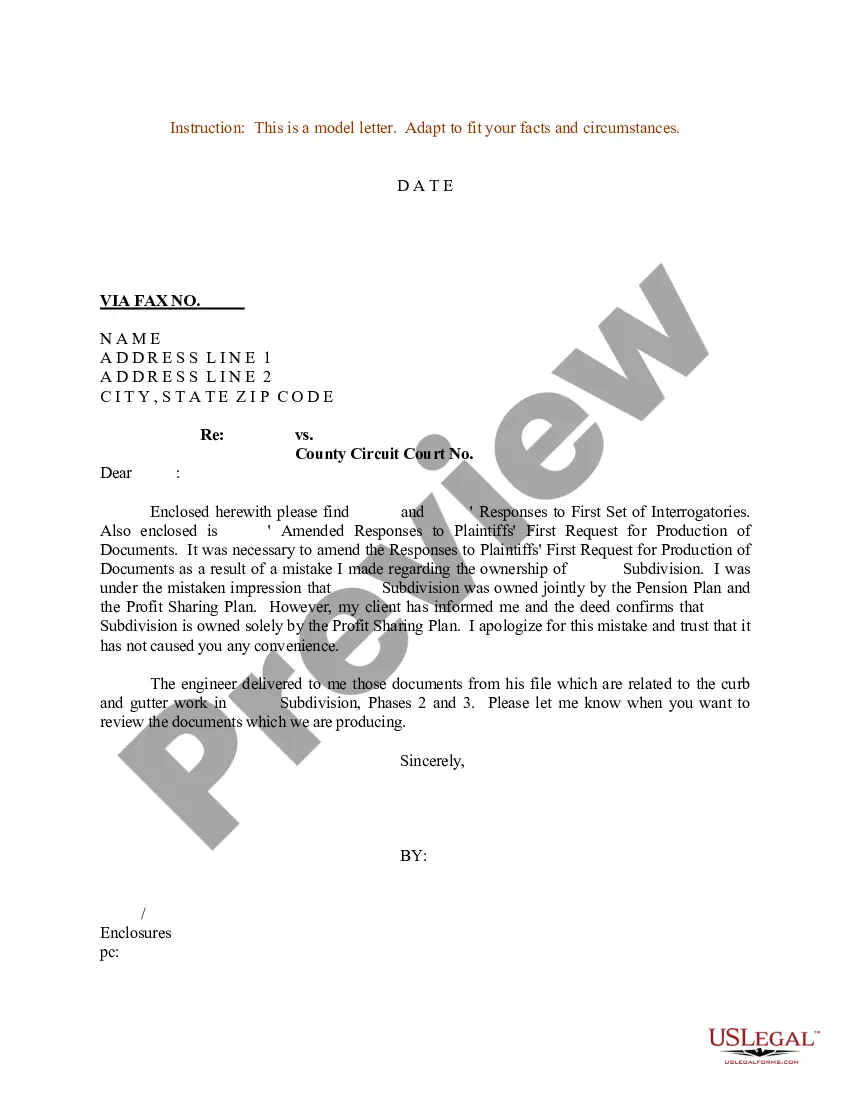
US Legal Forms gives you state- and county-specific forms available at any moment for downloading. Protect your document administration processes using a top-notch services that allows you to put together any form within a few minutes with no extra or hidden charges. Just log in in your account, find Employee Sign In Sheet With Lunch and download it right away within the My Forms tab. You may also access formerly saved forms.
Would it be your first time making use of US Legal Forms? Register and set up up an account in a few minutes and you’ll get access to the form library and Employee Sign In Sheet With Lunch. Then, follow the steps listed below to complete your form:
- Ensure you have found the right form using the Review option and reading the form description.
- Select Buy Now when all set, and select the subscription plan that suits you.
- Choose Download then complete, sign, and print the form.
US Legal Forms has 25 years of experience helping consumers control their legal papers. Get the form you want today and improve any operation without breaking a sweat.
Form popularity
FAQ
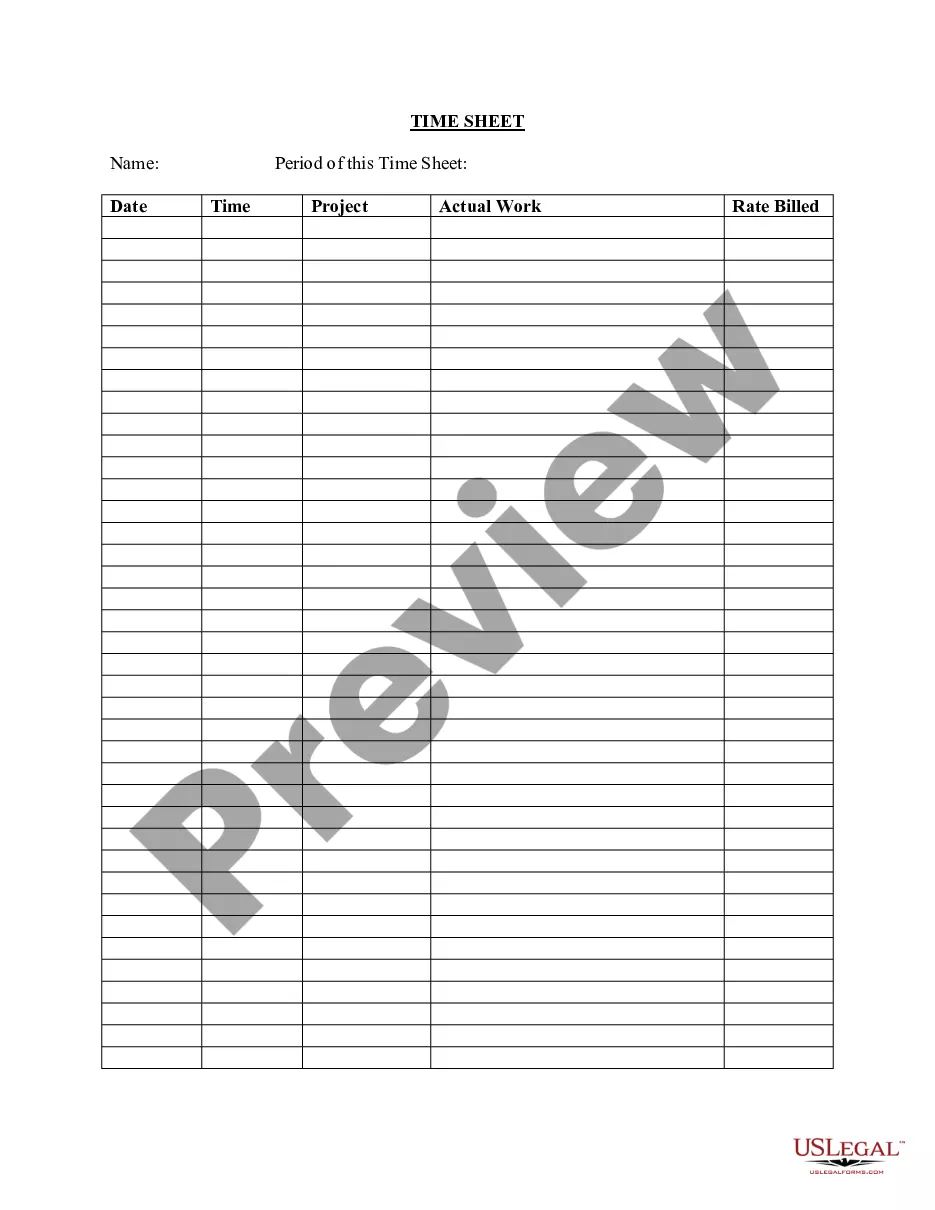
An employee sign-in sheet is a form which allows a manager, supervisor, or other authority figure to keep track of employees' work hours. Each employee will be able to record the time when their shift commences as well as when it finishes.
How to Fill Out a Timesheet Enter the Employee's Name. Here you should fill out the employee's full, legal name whose hours you are recording. Provide the Date or the Date Range. Next up you need to add the date. ... Fill in the Task Details. ... Add Hours Worked. ... Calculate Your Total Hours. ... Approve the Timesheet.
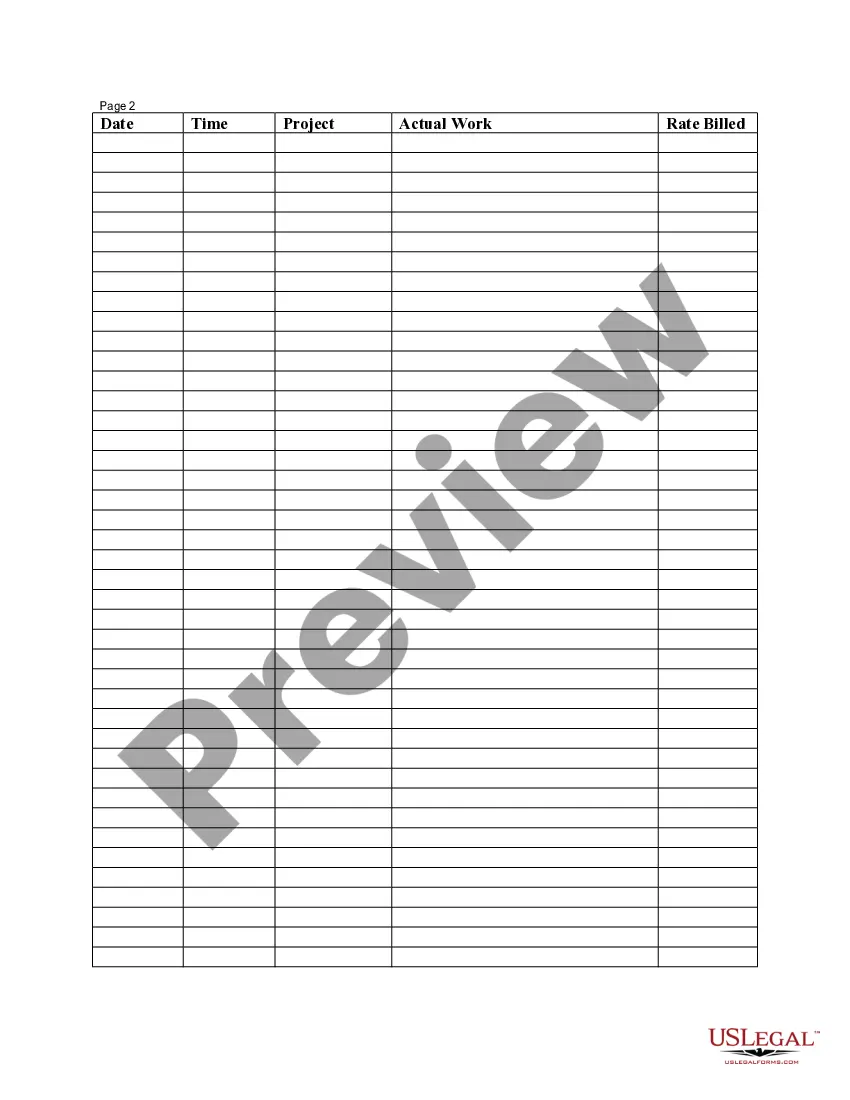
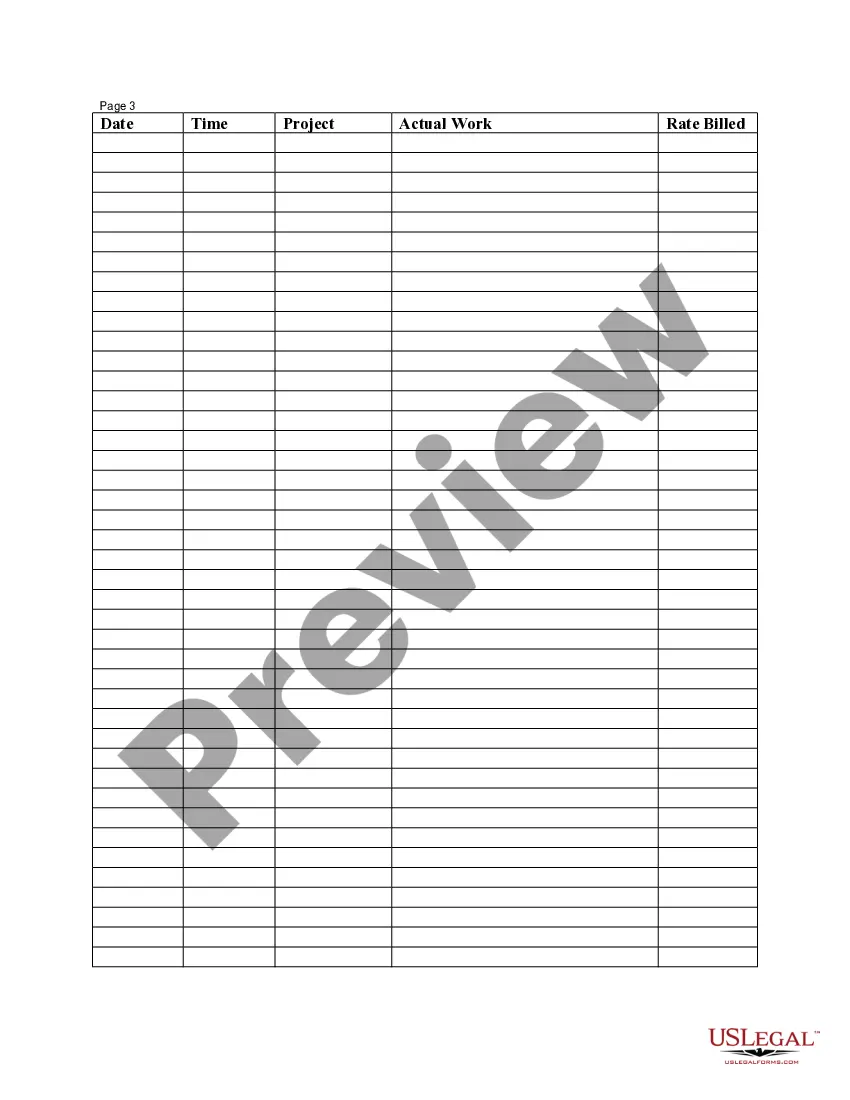
A timesheet is a method for recording the amount of time workers spend working - this method includes filling out the start and end times for employees, and the projects and activities they worked on, traditionally on a piece of paper.
How to fill out a timesheet (step-by-step guide) Step 1: Enter the employee's name. ... Step 2: Add the date or date range. ... Step 3: Fill in the project and task details. ... Step 4: Add working hours for each day of the week. ... Step 5: Calculate the total hours. ... Step 6: Add notes if required. ... Step 7: Get approval.
To fill out a payroll timesheet, include an employee's full name, working days, hours worked on these days, project or job details, notes, and a final calculation of all working hours. If you're a manager or work in Human Resources, you may also fill out tax and insurance columns.