Expense Form Document For Google Sheets
Description

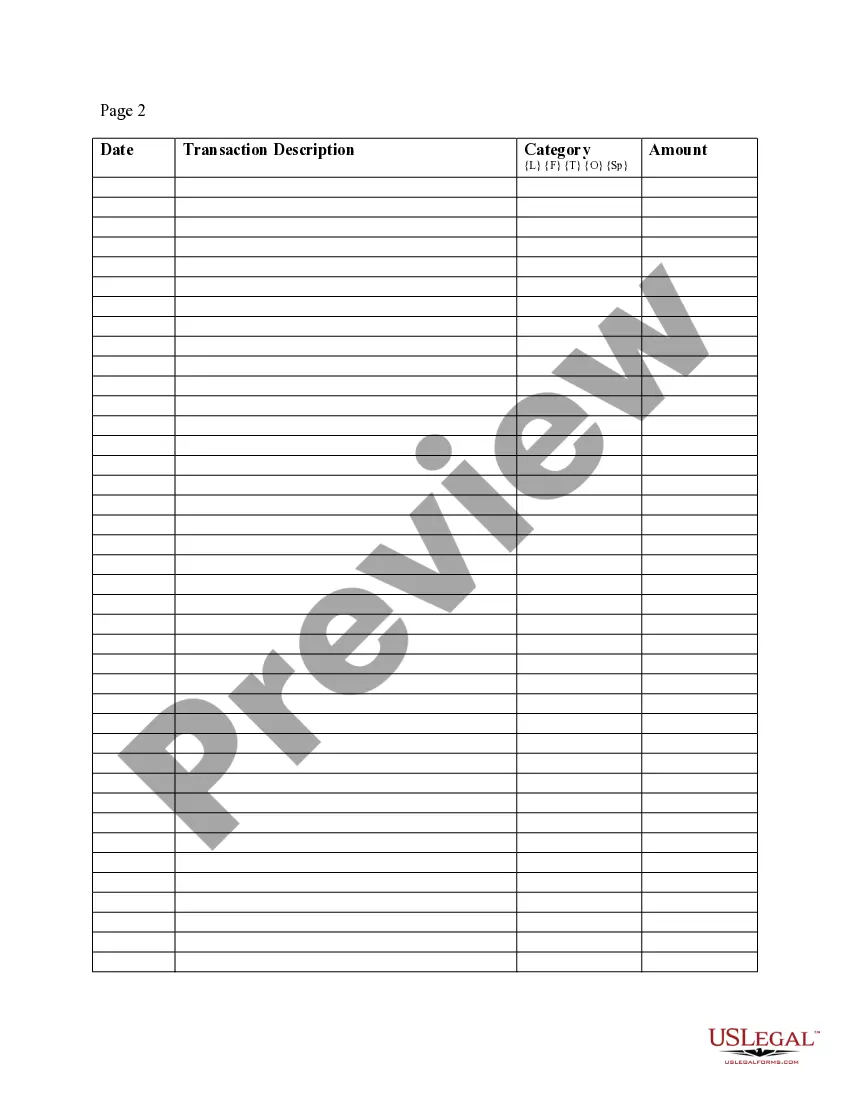
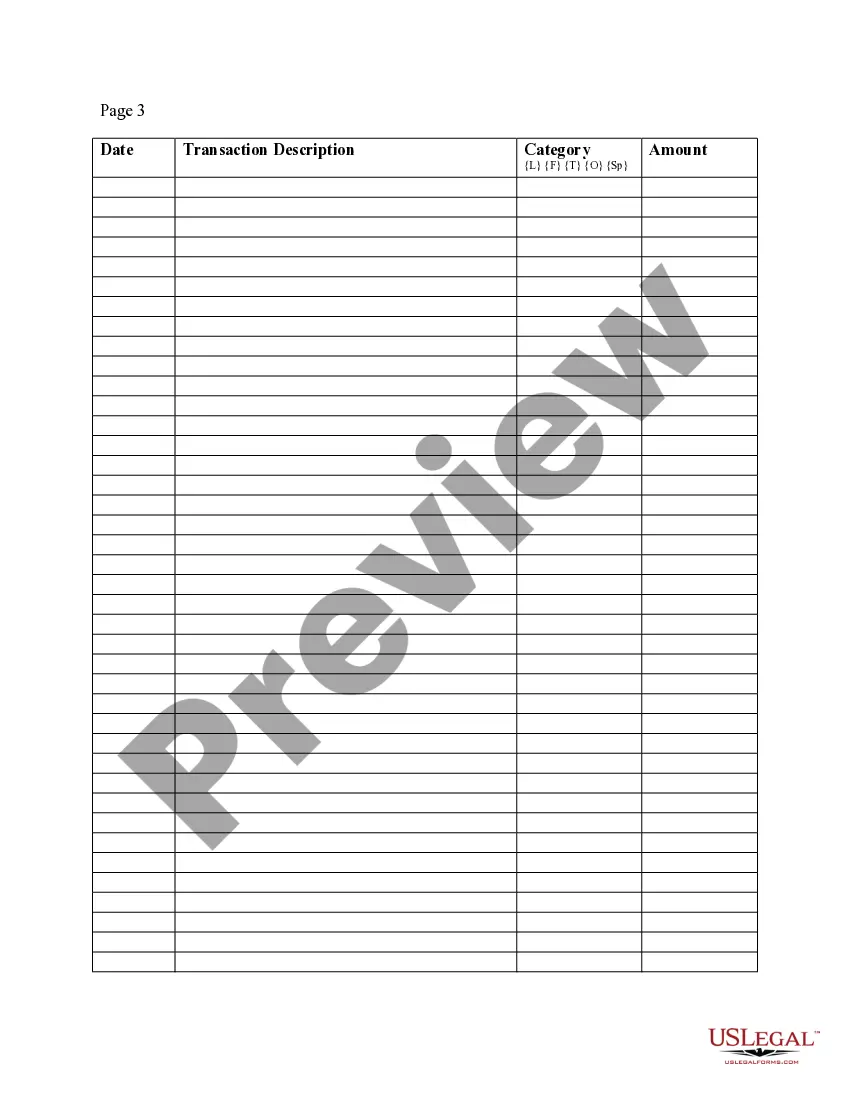




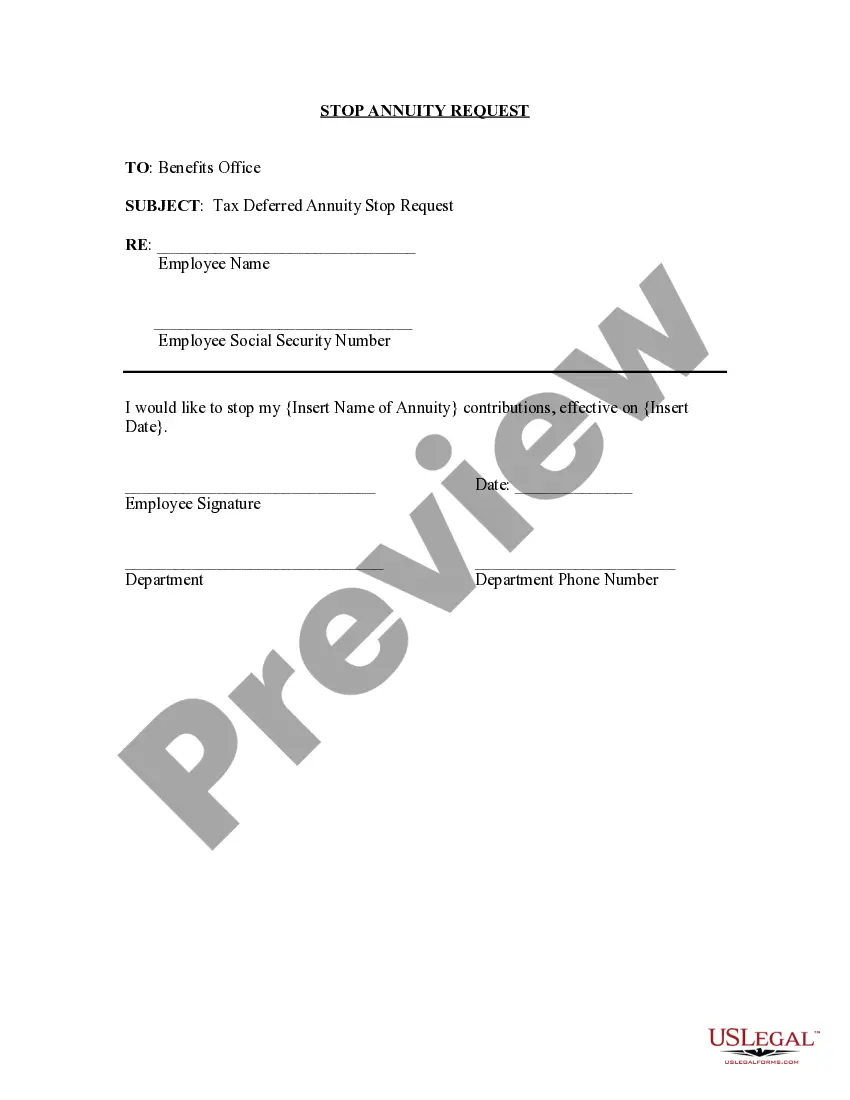

How to fill out Expense Account Form?
The Expense Form Document For Google Sheets you see on this page is a versatile legal template created by expert attorneys in accordance with federal and local laws and regulations.
For over 25 years, US Legal Forms has supplied individuals, companies, and lawyers with more than 85,000 authenticated, state-specific documents for any business and personal situation.
Fill out and sign the paperwork. Print out the template to complete it by hand. Alternatively, use an online multifunctional PDF editor to quickly and accurately fill out and sign your form with a legally-binding electronic signature. Download your paperwork one more time. Use the same document again anytime required. Access the My documents tab in your profile to redownload any previously purchased forms. Sign up for US Legal Forms to have verified legal templates for all of life’s situations at your fingertips.
- It’s the quickest, easiest, and most dependable method to acquire the paperwork you require, as the service ensures the highest degree of data protection and anti-malware security.
- Obtaining this Expense Form Document For Google Sheets will take you just a few simple steps.
- Browse for the document you need and check it. Look through the file you searched and preview it or check the form description to ensure it meets your needs. If it doesn’t, use the search feature to find the appropriate one. Click Buy Now once you have found the template you require.
- Subscribe and Log In. Choose the pricing plan that fits you and create an account. Use PayPal or a credit card to make a swift payment. If you already have an account, Log In and check your subscription to proceed.
- Obtain the fillable template. Select the format you want for your Expense Form Document For Google Sheets (PDF, DOCX, RTF) and save the sample on your device.
Form popularity
FAQ
To use the fill handle: Select the cell you want to use. A small square?known as the fill handle?will appear in the bottom-right corner of the cell. Hover the mouse over the fill handle. ... Click and drag the fill handle over the cells you want to fill. ... Release the mouse to fill the selected cells.
How to Fill Out an Expense Report Enter your name, department, and employee ID number. Date the employee expense report. Provide a brief description of the business purpose of the expenses submitted for reimbursement. Enter the date, type, and amount of each expense in the related column.
To create your own income tracker template in Google Sheets: In the top row of your spreadsheet, starting in column B, type the name of each month (ex. ... In cell A2 type in one of your sources of income. ... Fill in the total income that you earned for each source in the corresponding month column.
How to create a Google Forms expense tracker Create the expense form. Select Google Forms. Add an appropriate name to your form. Modify the blank first question. Change the question type to Short paragraph. Click the three-dot icon and select Response validation. Select Number. Toggle the Required option on.
How to create a Google Forms expense tracker Create the expense form. Select Google Forms. Add an appropriate name to your form. Modify the blank first question. Change the question type to Short paragraph. Click the three-dot icon and select Response validation. Select Number. Toggle the Required option on.