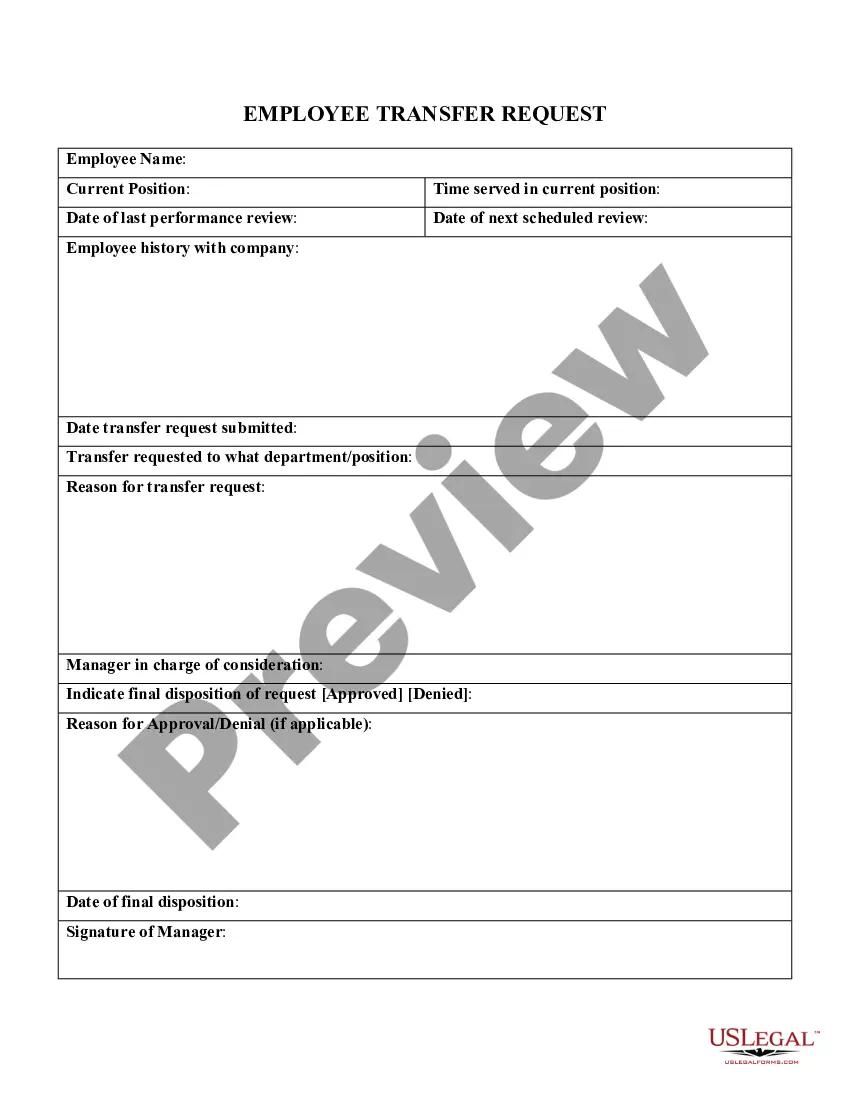
Employee Transfer Request Form Template
Description

Get your form ready online
Our built-in tools help you complete, sign, share, and store your documents in one place.
Make edits, fill in missing information, and update formatting in US Legal Forms—just like you would in MS Word.
Download a copy, print it, send it by email, or mail it via USPS—whatever works best for your next step.
Sign and collect signatures with our SignNow integration. Send to multiple recipients, set reminders, and more. Go Premium to unlock E-Sign.
If this form requires notarization, complete it online through a secure video call—no need to meet a notary in person or wait for an appointment.
We protect your documents and personal data by following strict security and privacy standards.

Make edits, fill in missing information, and update formatting in US Legal Forms—just like you would in MS Word.

Download a copy, print it, send it by email, or mail it via USPS—whatever works best for your next step.

Sign and collect signatures with our SignNow integration. Send to multiple recipients, set reminders, and more. Go Premium to unlock E-Sign.

If this form requires notarization, complete it online through a secure video call—no need to meet a notary in person or wait for an appointment.

We protect your documents and personal data by following strict security and privacy standards.
Looking for another form?


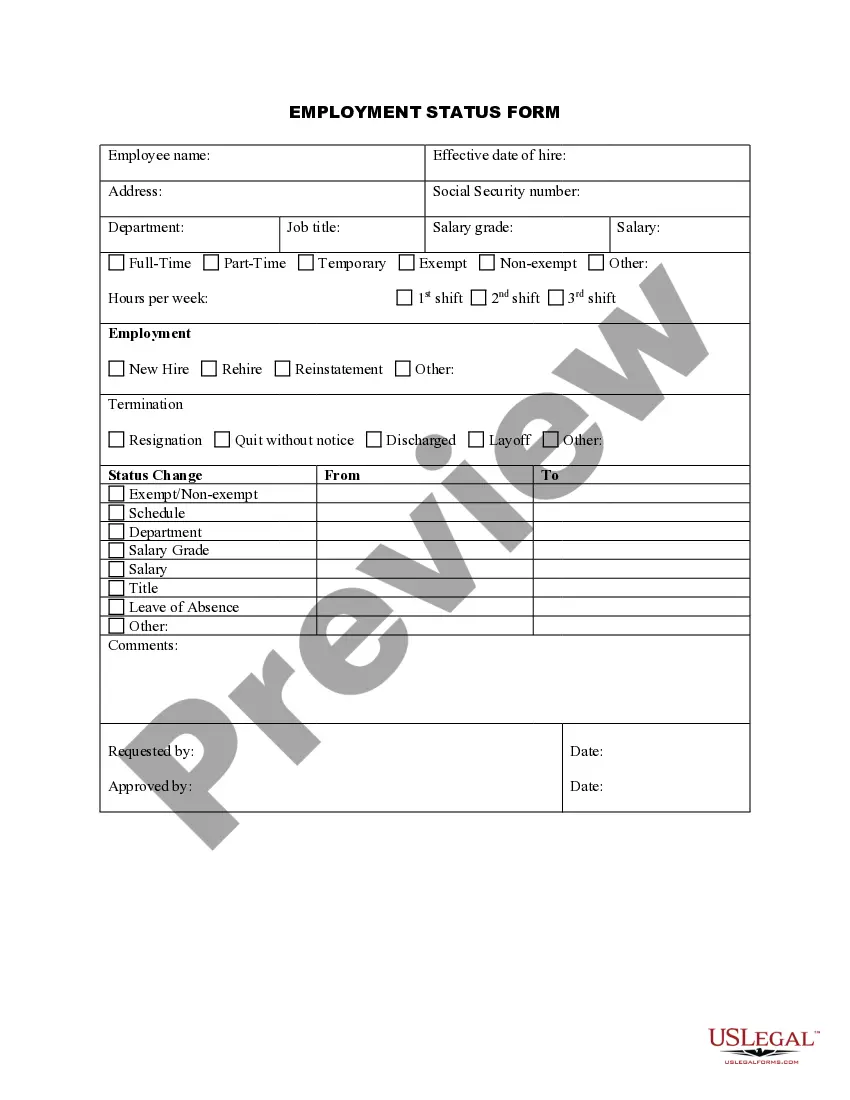
How to fill out Employee Transfer Request?
It's well-known that you cannot instantly become a legal professional, nor can you quickly learn how to efficiently create an Employee Transfer Request Form Template without possessing a unique set of abilities.
Drafting legal documents is a labor-intensive task that demands particular education and expertise. Therefore, why not entrust the development of the Employee Transfer Request Form Template to the experts.
With US Legal Forms, which boasts one of the largest legal document collections, you can discover everything from judicial paperwork to templates for internal communication.
If you require a different form, restart your search.
Create a free account and select a subscription plan to purchase the form. Click Buy now. Once the payment is completed, you can access the Employee Transfer Request Form Template, fill it in, print it, and send it or mail it to the appropriate individuals or organizations.
- We understand how important it is to comply with federal and local laws and regulations.
- That’s why all templates on our platform are tailored to specific locations and are current.
- To get started with our service and obtain the form you need in just minutes.
- Locate the form you require using the search bar at the top of the webpage.
- Review it (if this feature is available) and examine the accompanying description to determine if the Employee Transfer Request Form Template is what you need.
Form popularity
FAQ
Be sure to include: The employee's full name and current address, with accurate contact information. Reason for the transfer. Name of the department or location from which the employee is transferring. Name of the department or location to which the individual is moving. The exact effective date the transfer will take place.
Steps For Writing A Transfer Request Letter Start with a formal salutation. ... Mention the purpose of the letter. ... State why you are requesting a transfer. ... Mention your work history with the company. ... Write a conclusion. ... Include your CV.
Dear [Recipient's name], I am writing to request consideration for a transfer from my [current position] at [company name and location] to a similar position at the [company name] office located in [city and state of preferred location]. I am asking for a transfer due to [reason for wanting a transfer].
I'm letting you know that [Employee Name] will be transferred to our [New Department] team, effective [start date]. In [his/her/their] time as a [Current Title] on the [Current Department] team, [Employee Name] has contributed a great deal, including [relevant accomplishments].
If you need to request a transfer in writing, write a letter highlighting why you're making the request. Start with a professional letter sample or template, and tailor it to fit your own circumstances. Use your letter to explain what you can offer the company at the new location.