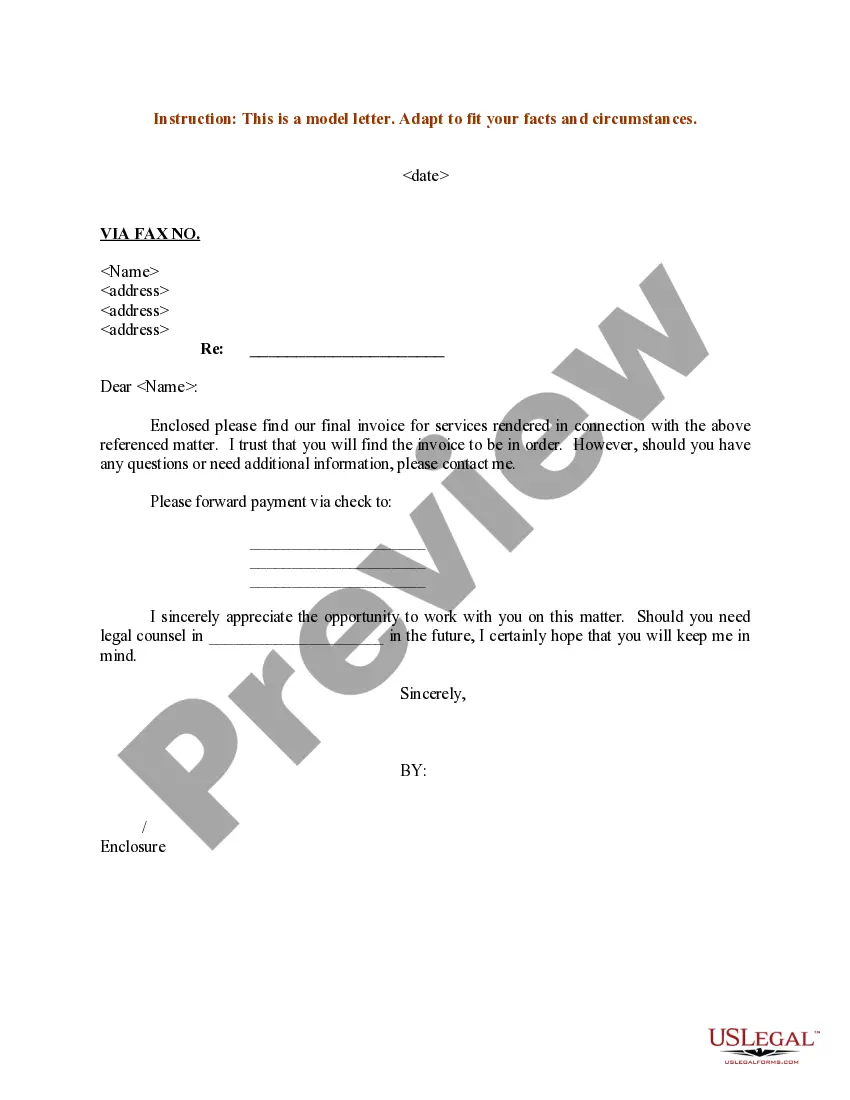
Services Rendered Form With 2 Points
Description
Get your form ready online
Our built-in tools help you complete, sign, share, and store your documents in one place.
Make edits, fill in missing information, and update formatting in US Legal Forms—just like you would in MS Word.
Download a copy, print it, send it by email, or mail it via USPS—whatever works best for your next step.
Sign and collect signatures with our SignNow integration. Send to multiple recipients, set reminders, and more. Go Premium to unlock E-Sign.
If this form requires notarization, complete it online through a secure video call—no need to meet a notary in person or wait for an appointment.
We protect your documents and personal data by following strict security and privacy standards.

Make edits, fill in missing information, and update formatting in US Legal Forms—just like you would in MS Word.

Download a copy, print it, send it by email, or mail it via USPS—whatever works best for your next step.

Sign and collect signatures with our SignNow integration. Send to multiple recipients, set reminders, and more. Go Premium to unlock E-Sign.

If this form requires notarization, complete it online through a secure video call—no need to meet a notary in person or wait for an appointment.

We protect your documents and personal data by following strict security and privacy standards.
Looking for another form?

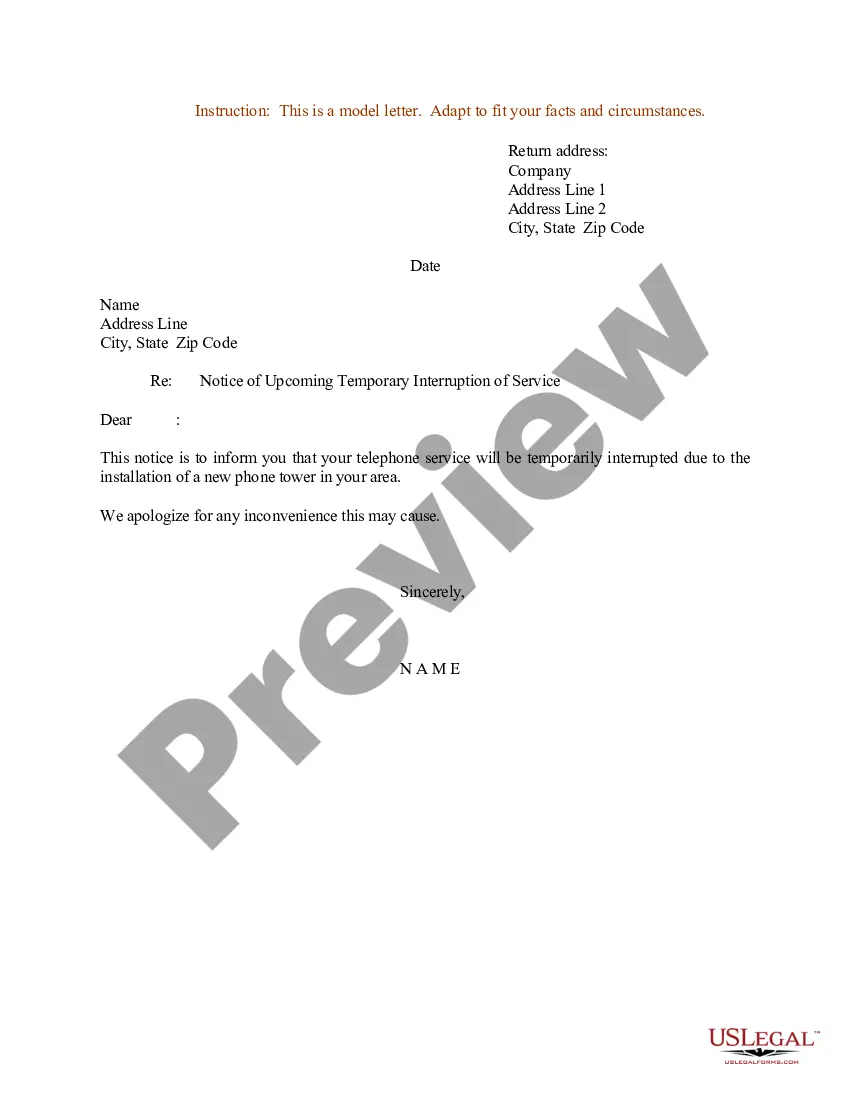



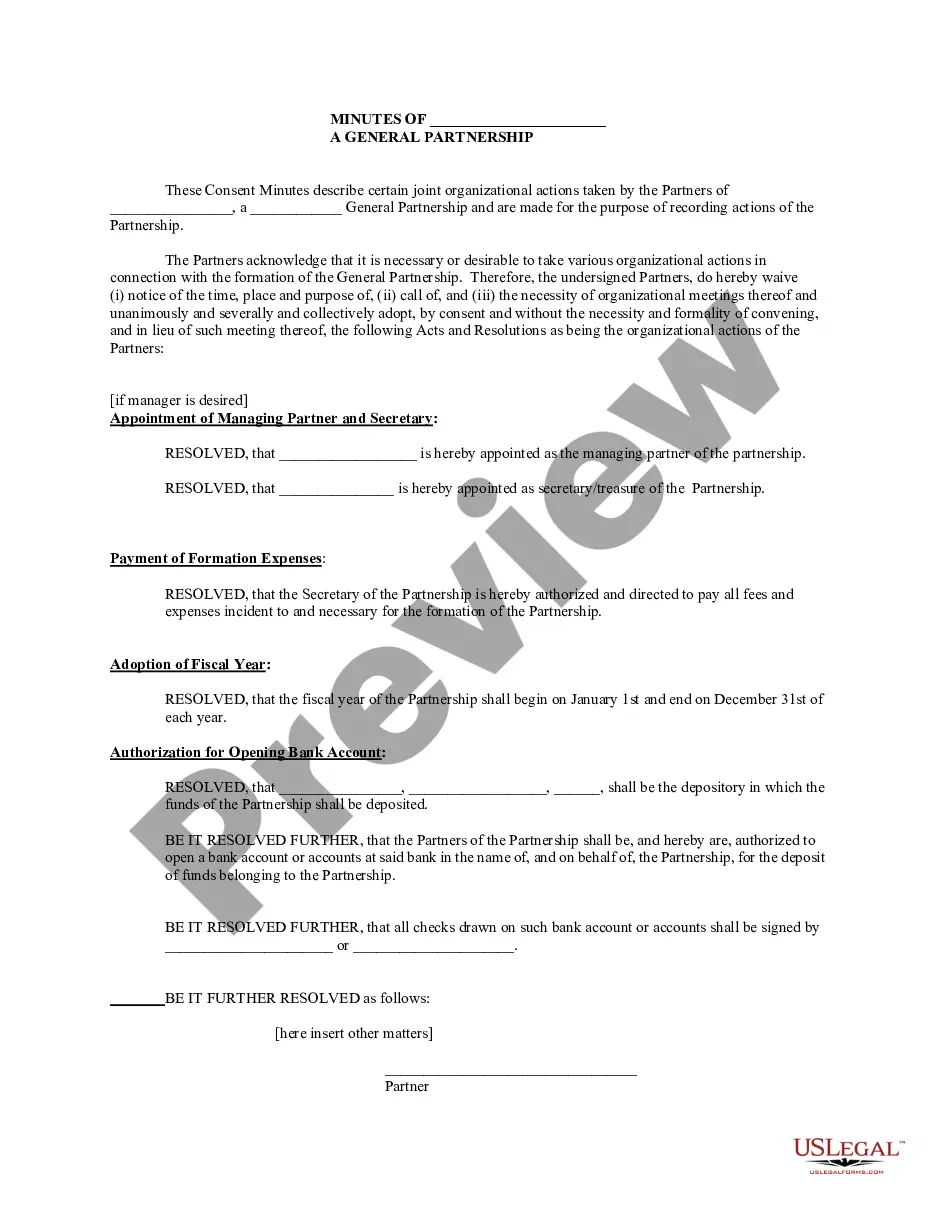
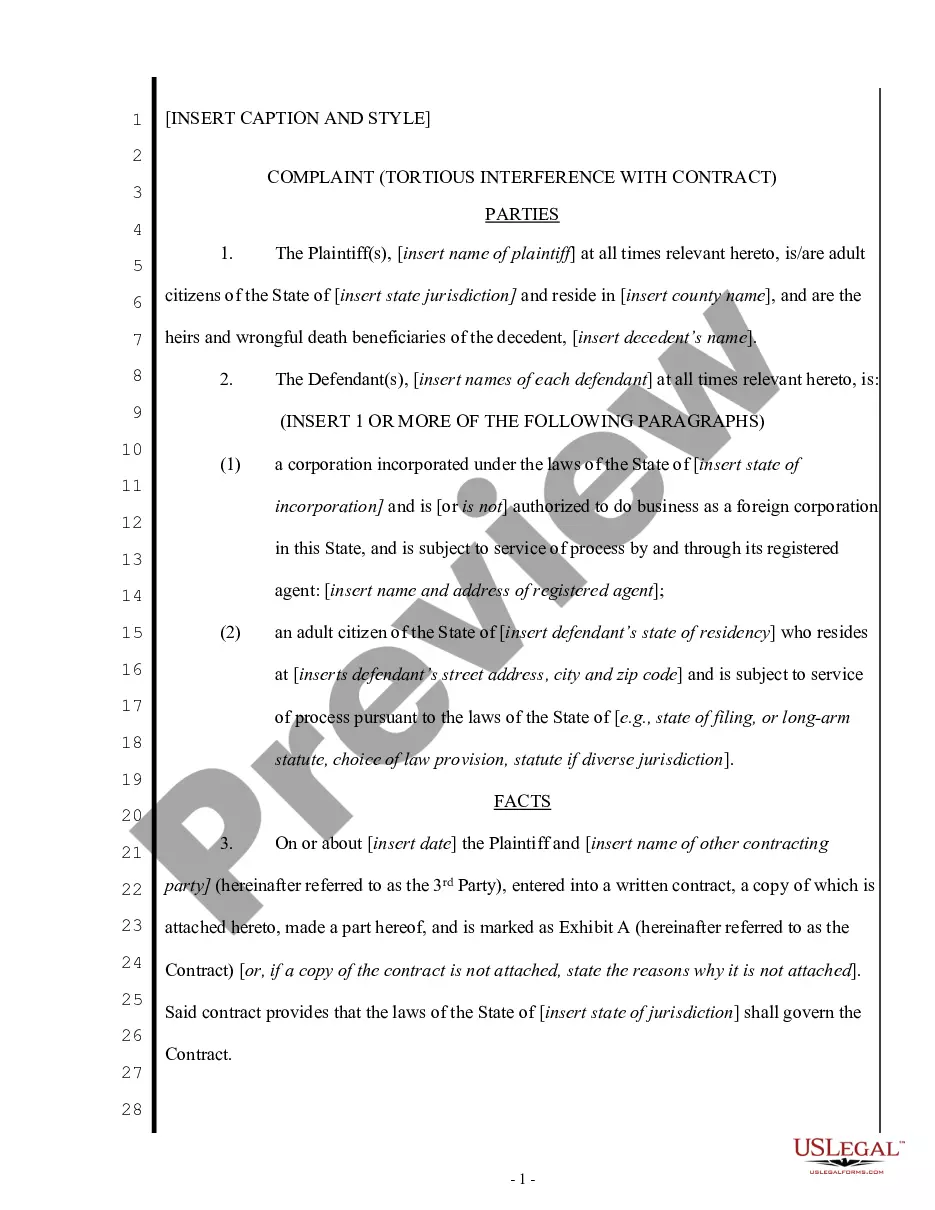
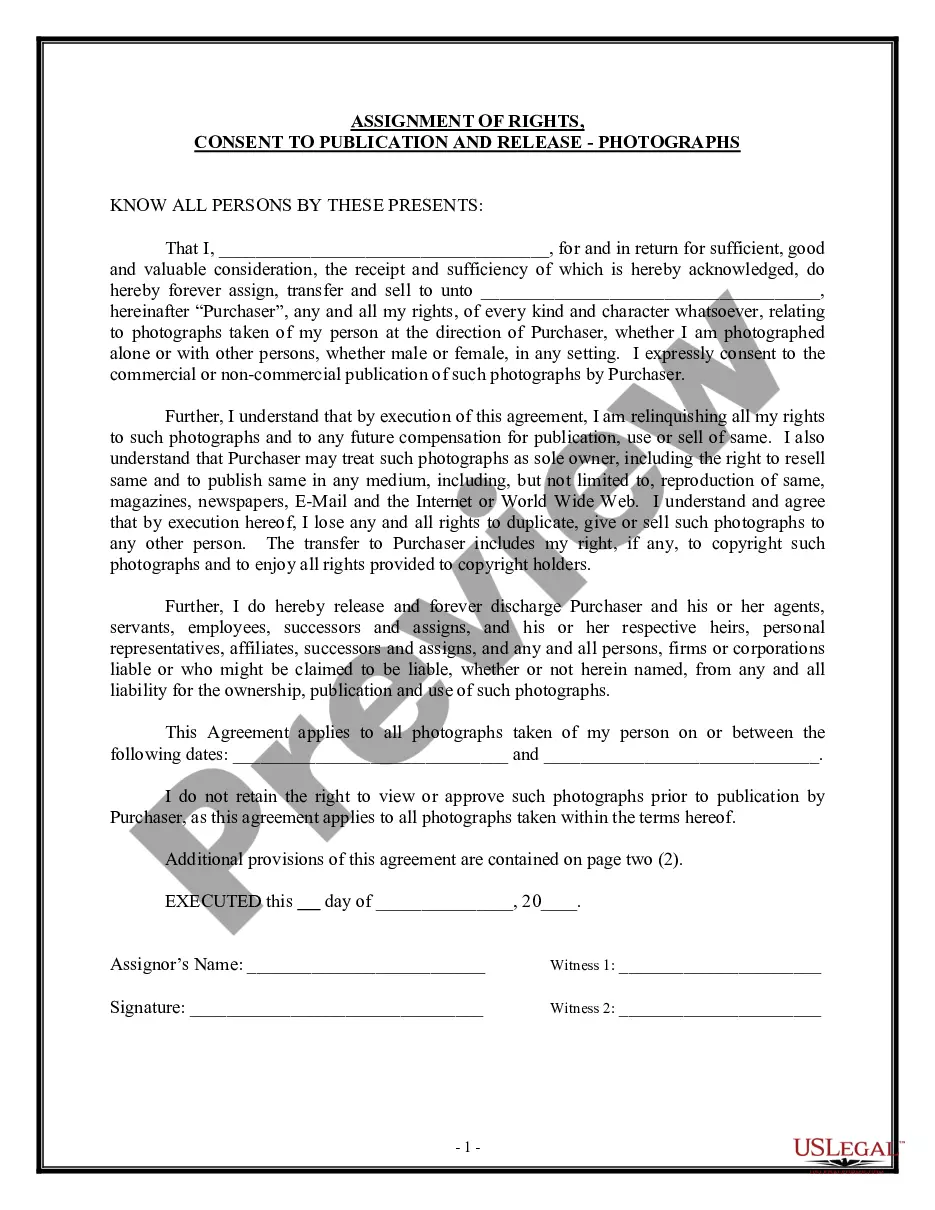
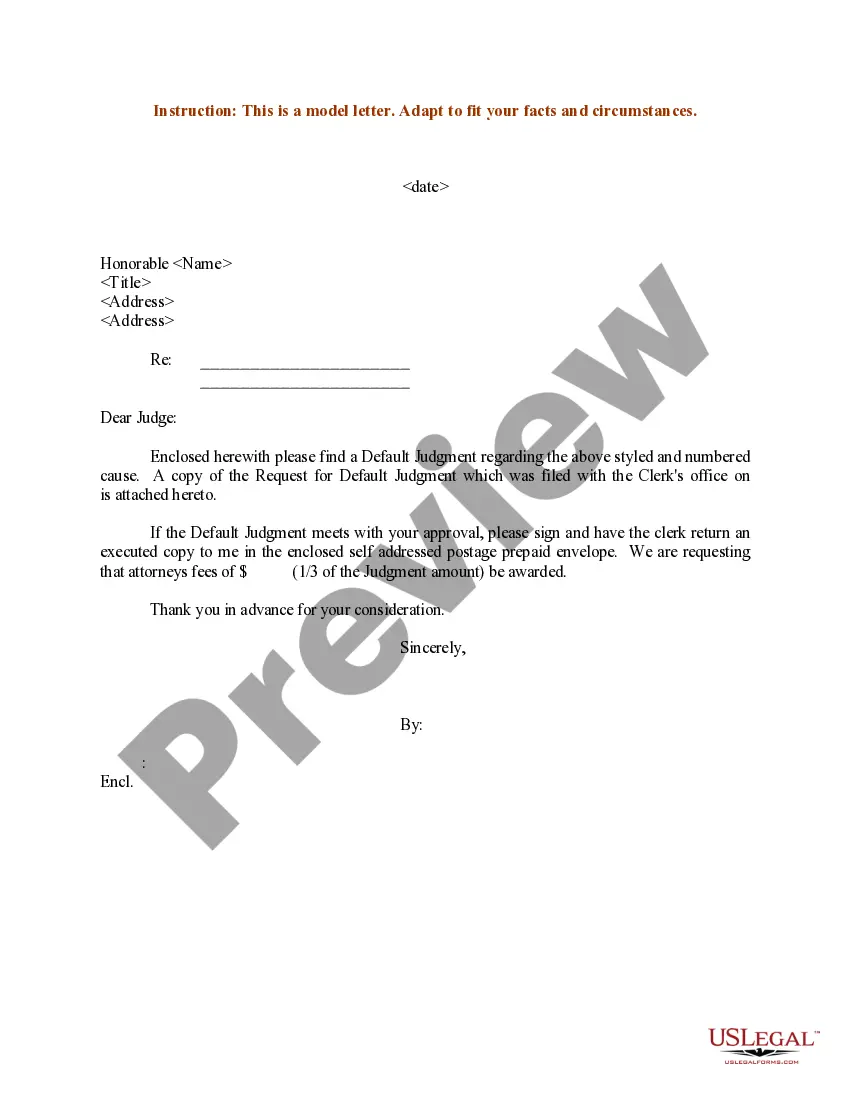
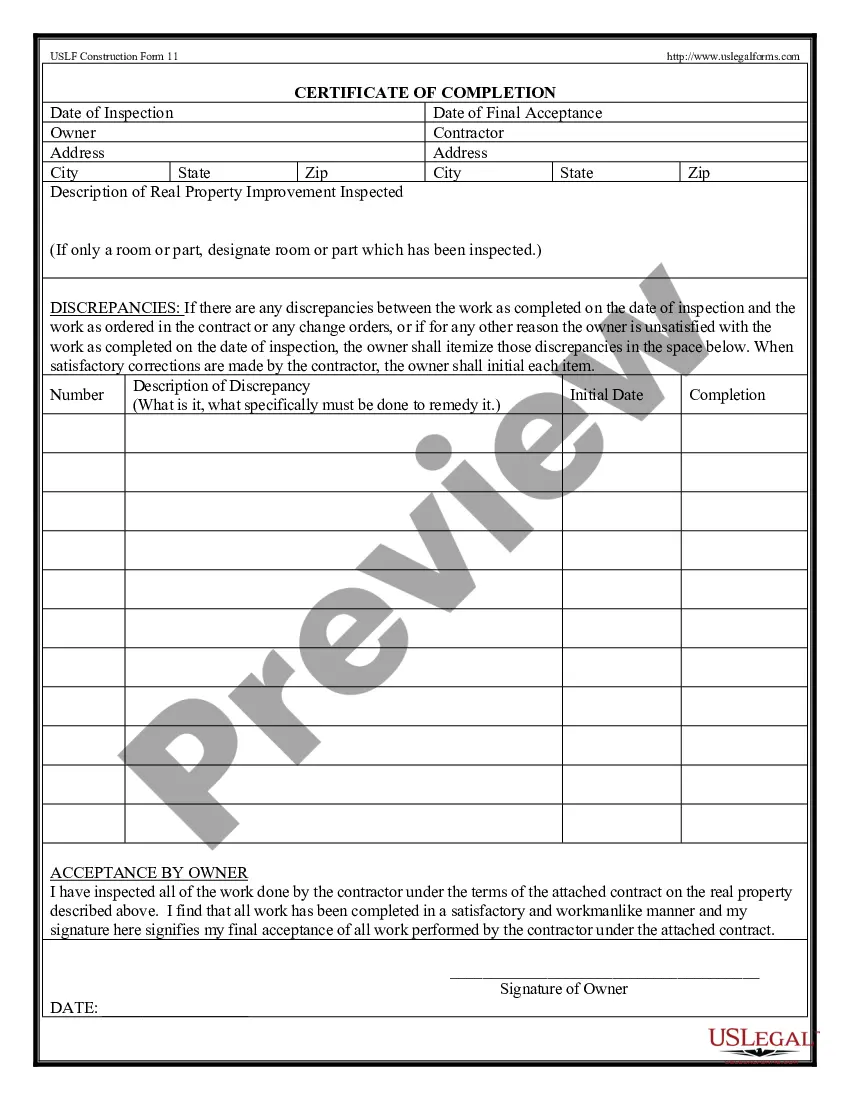
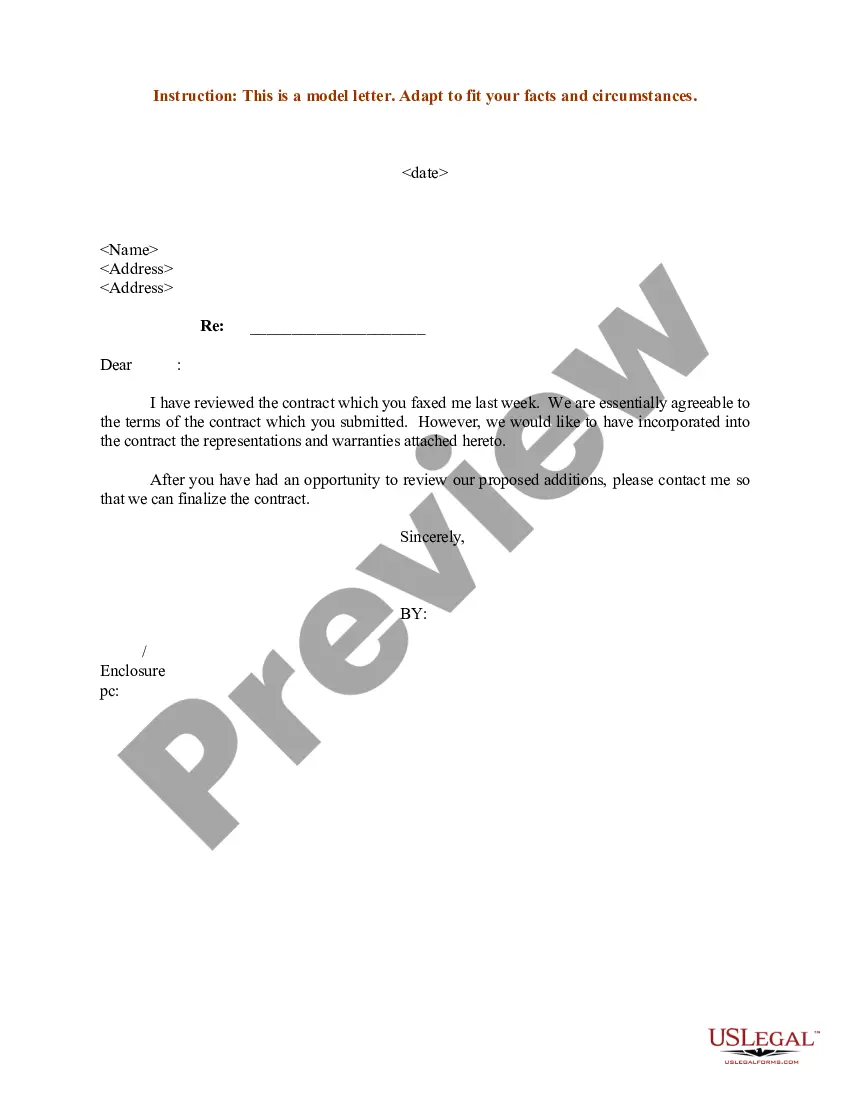
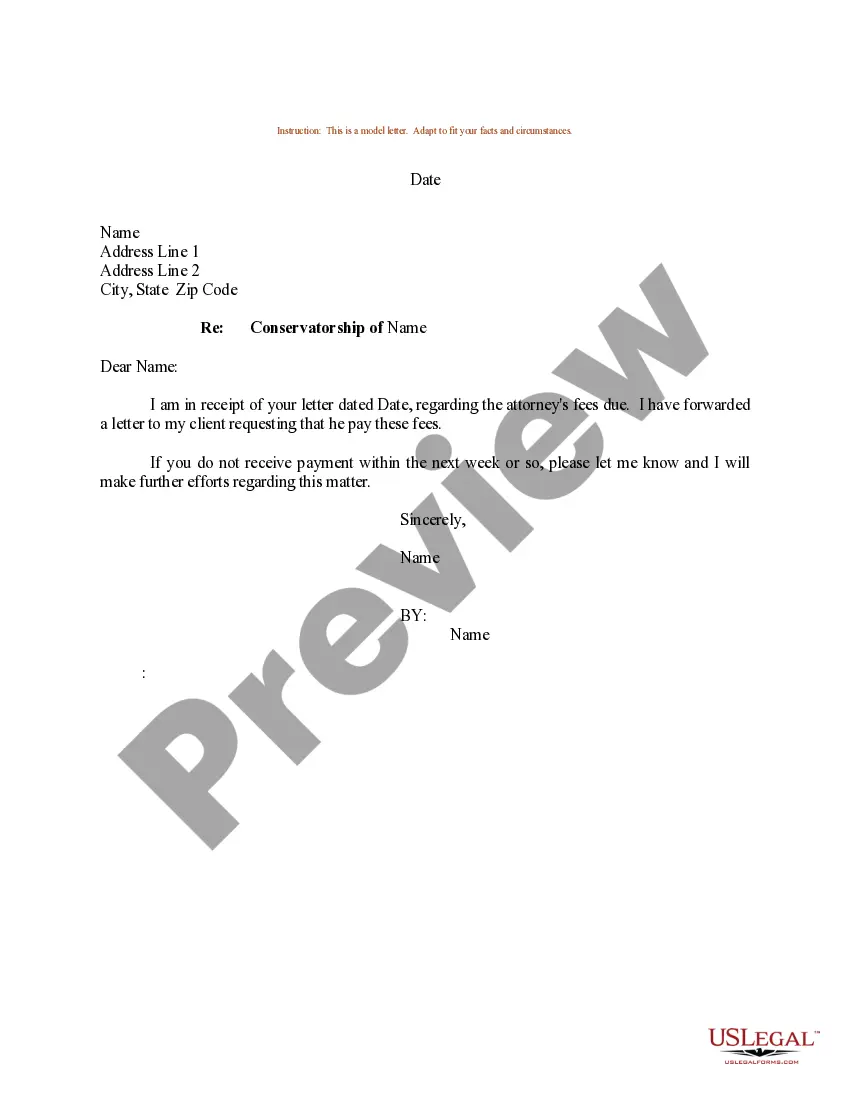
How to fill out Sample Letter Regarding Invoice For Services Rendered?
It’s obvious that you can’t become a law professional immediately, nor can you learn how to quickly draft Services Rendered Form With 2 Points without having a specialized set of skills. Putting together legal documents is a long process requiring a certain education and skills. So why not leave the preparation of the Services Rendered Form With 2 Points to the professionals?
With US Legal Forms, one of the most comprehensive legal document libraries, you can find anything from court documents to templates for internal corporate communication. We know how important compliance and adherence to federal and local laws are. That’s why, on our platform, all templates are location specific and up to date.
Here’s start off with our platform and obtain the form you require in mere minutes:
- Discover the document you need with the search bar at the top of the page.
- Preview it (if this option provided) and check the supporting description to determine whether Services Rendered Form With 2 Points is what you’re searching for.
- Begin your search over if you need any other form.
- Set up a free account and choose a subscription plan to purchase the form.
- Pick Buy now. Once the payment is through, you can get the Services Rendered Form With 2 Points, fill it out, print it, and send or send it by post to the designated individuals or organizations.
You can re-gain access to your documents from the My Forms tab at any time. If you’re an existing client, you can simply log in, and find and download the template from the same tab.
No matter the purpose of your paperwork-whether it’s financial and legal, or personal-our platform has you covered. Try US Legal Forms now!
Form popularity
FAQ
Submission of the CMS 1500 (02/12) claim form should either be typed or computer printed forms. Handwritten forms can cause delays and errors in processing and slow down time for reimbursement. Ensure to use all capital typeface with Courier New or Tines New Roman font style and size 10.
Place of Service Codes are two-digit codes placed on health care professional claims to indicate the setting in which a service was provided. The Centers for Medicare & Medicaid Services (CMS) maintain POS codes used throughout the health care industry.
POS 02: Telehealth provided other than in patient's home. Patient is not located in their home when receiving health services or health related services through telecommunication technology.
How to fill out a CMS-1500 form The type of insurance and the insured's ID number. The patient's full name. The patient's date of birth. The insured's full name, if applicable. The patient's address. The patient's relationship to the insured, if applicable. The insured's address, if applicable. Field reserved for NUCC use.
Database (updated September 2023) Place of Service Code(s)Place of Service Name02Telehealth Provided Other than in Patient's Home03School04Homeless Shelter05Indian Health Service Free-standing Facility55 more rows