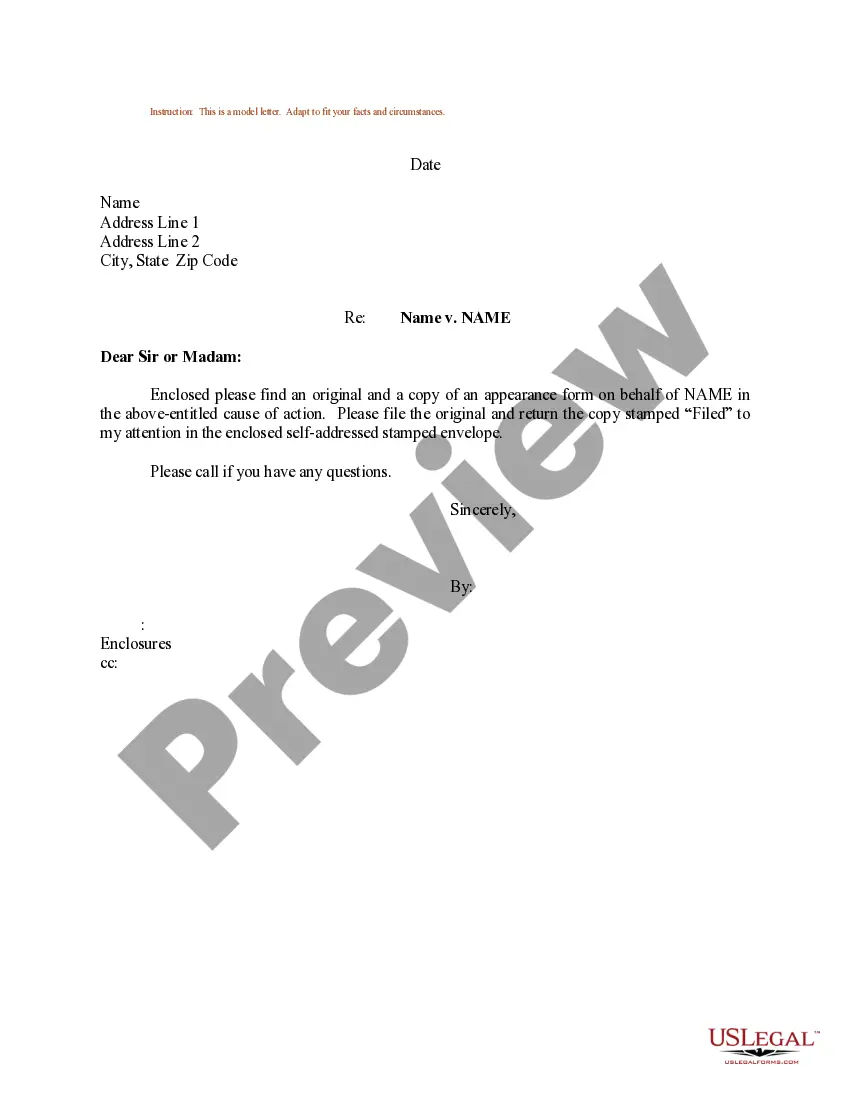
Appearance Format Document With Not Showing
Description

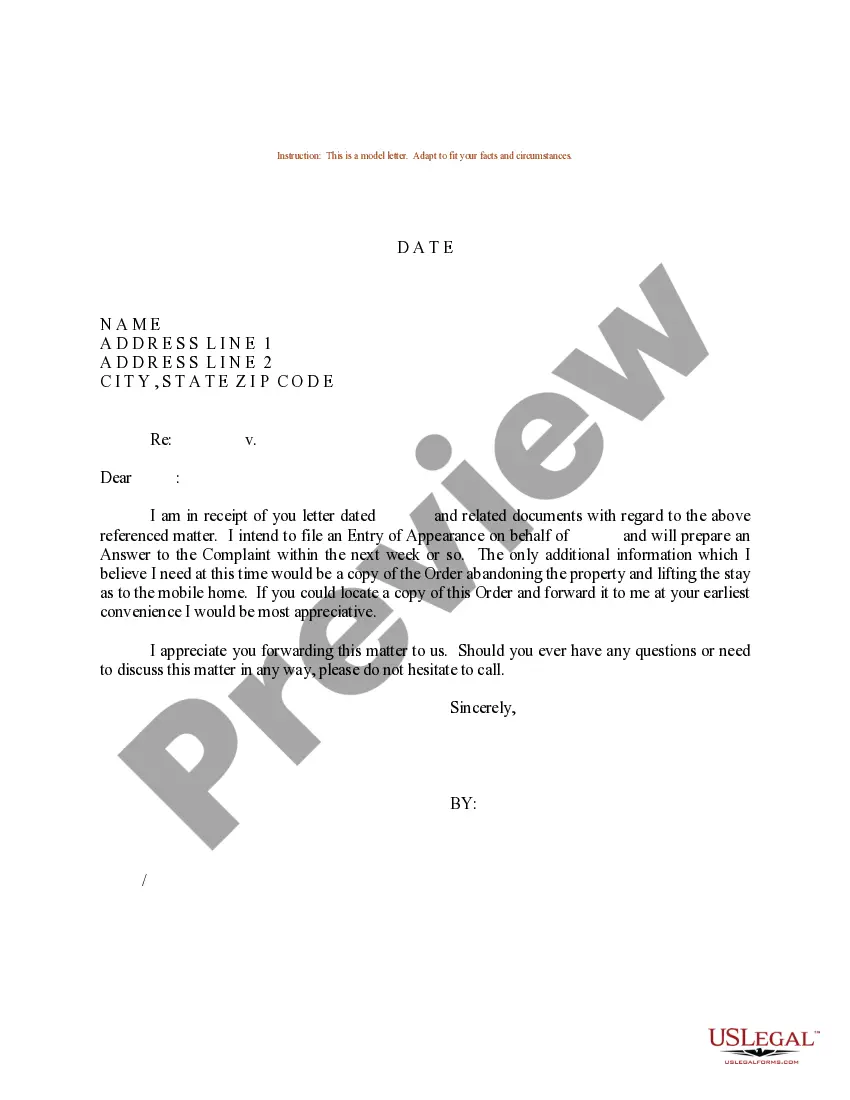
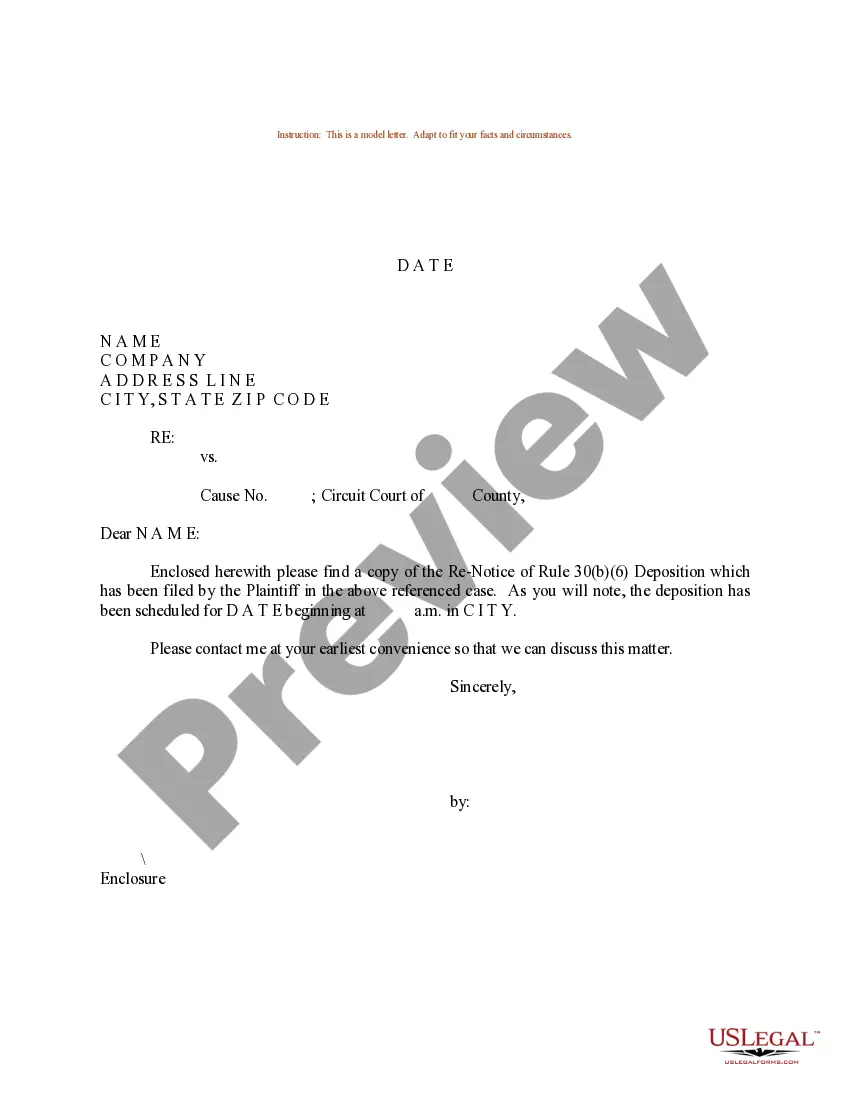
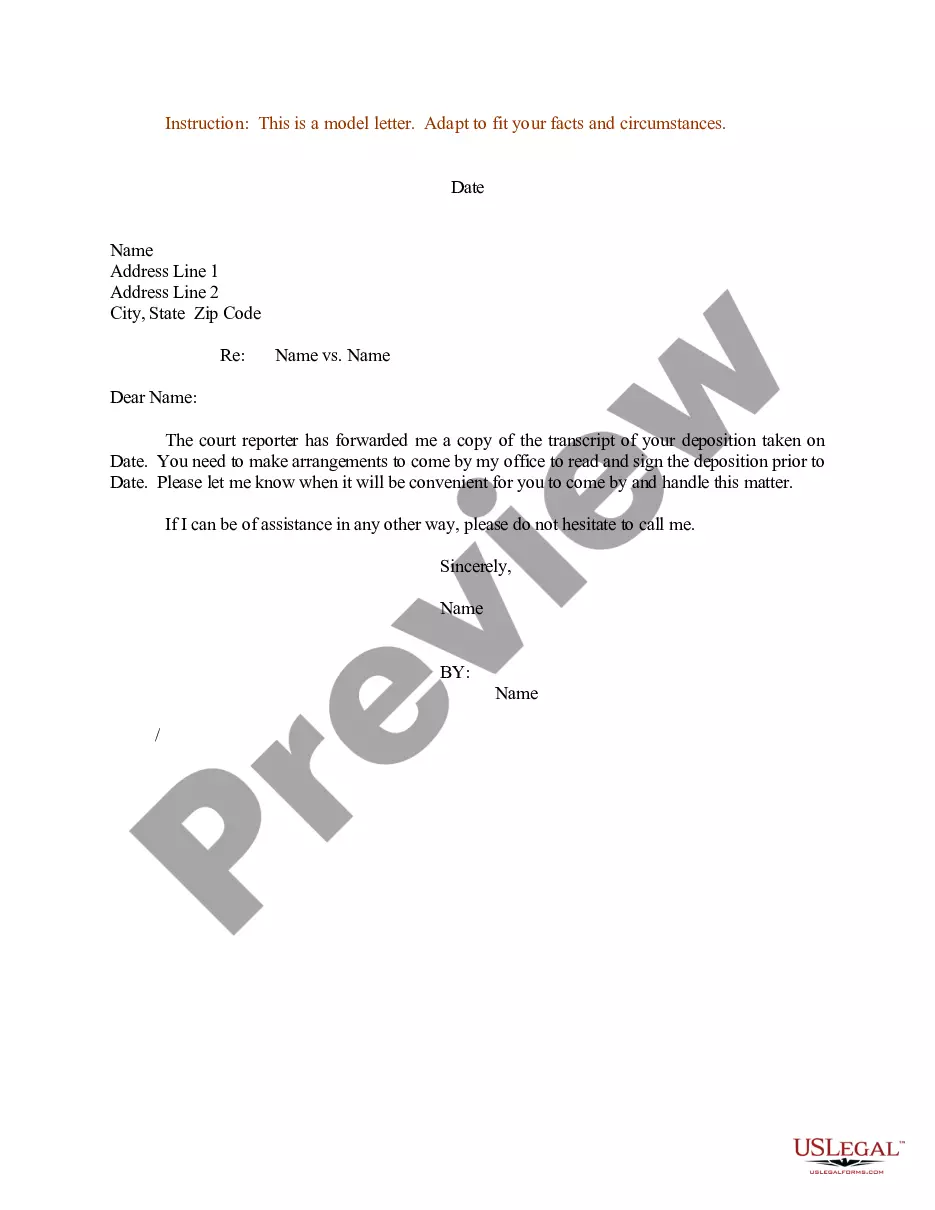
Get your form ready online
Our built-in tools help you complete, sign, share, and store your documents in one place.
Make edits, fill in missing information, and update formatting in US Legal Forms—just like you would in MS Word.
Download a copy, print it, send it by email, or mail it via USPS—whatever works best for your next step.
Sign and collect signatures with our SignNow integration. Send to multiple recipients, set reminders, and more. Go Premium to unlock E-Sign.
If this form requires notarization, complete it online through a secure video call—no need to meet a notary in person or wait for an appointment.
We protect your documents and personal data by following strict security and privacy standards.

Make edits, fill in missing information, and update formatting in US Legal Forms—just like you would in MS Word.

Download a copy, print it, send it by email, or mail it via USPS—whatever works best for your next step.

Sign and collect signatures with our SignNow integration. Send to multiple recipients, set reminders, and more. Go Premium to unlock E-Sign.

If this form requires notarization, complete it online through a secure video call—no need to meet a notary in person or wait for an appointment.

We protect your documents and personal data by following strict security and privacy standards.
Looking for another form?




How to fill out Sample Letter Regarding Appearance Form?
The Visual Format Document With Not Displaying you observe on this page is a reusable legal template crafted by expert attorneys in accordance with federal and state regulations.
For over 25 years, US Legal Forms has supplied individuals, companies, and legal practitioners with more than 85,000 validated, state-specific documents for any business and personal needs.
Select the format you desire for your Appearance Format Document With Not Displaying (PDF, DOCX, RTF) and download the example onto your device.
- Search for the document you require and examine it.
- Browse through the example you sought and review it or read the form description to confirm it meets your requirements. If it doesn't, use the search bar to find the appropriate one. Click Buy Now when you have found the template you need.
- Register and Log In to your account.
- Choose the pricing plan that works for you and sign up for an account. Use PayPal or a credit card to complete a quick payment. If you already possess an account, Log In and verify your subscription to continue.
- Obtain the editable template.
Form popularity
FAQ
Formatting a document means applying specific styles and layouts to the textual content. This encompasses selecting fonts, defining paragraph styles, setting margins, and creating headers or footers. When you format your document correctly, it reveals a polished appearance to your audience and prevents issues where the appearance format document with not showing could become a concern.
Formatting can be defined as the process of arranging and organizing the appearance of text within a document. This can include adding headings, lists, or adjusting the layout for specific sections. A well-formatted document not only looks appealing but also ensures clarity, making it easier for readers to engage with the content, rather than dealing with an appearance format document that is not showing as intended.
If the format document feature is not working in Visual Studio Code, several factors could be at play. Check your settings to ensure that the formatting tool is enabled, and look for any extensions that may interfere with formatting. Sometimes, the issue may lie in the specific code or syntax, causing the appearance format document with not showing functionality to fail.
Yes, formatting refers to determining the overall appearance of a document. This includes aspects like font type, size, line spacing, and margins. When you properly format your document, it enhances readability and ensures that it meets professional standards, so you avoid any situation where the appearance format document is not showing correctly.
To check the formatting on a Word document, you should first open the document and select the 'Home' tab. There, you will find the 'Paragraph' section which showcases various formatting options such as alignment, spacing, and indentation. You can adjust these elements as needed to ensure your document's appearance format is correct, without any issues showing up.
To enable auto formatting in Visual Studio, go to Tools, then Options, and navigate to Text Editor. Under the 'C#' (or your desired language) tab, select 'Formatting' and check the options you’d like to enable. This setup will improve your efficiency by automating the processes that ensure the appearance format document with not showing consistently.
To format a document using Prettier in Visual Studio, first, ensure you have the Prettier extension installed. Next, you can either right-click in your document and choose 'Format Document' or use the shortcut Ctrl+Shift+P, then select Prettier. This tool will ensure the appearance format document with not showing is addressed correctly.
The format impacts readability by influencing how easily the audience can navigate and absorb information. Cohesion is enhanced when the appearance format document with not showing aligns with the content's message. A well-formatted document establishes a consistent flow, ensuring that readers stay engaged and informed.
To fix code formatting in Visual Studio, you can use the built-in formatting options. Simply highlight your code, right-click, and choose 'Format Selection.' This helps correct any inconsistencies in the coding style, aligning with the appearance format document with not showing for a cleaner look.
Yes, formatting involves changing the appearance of a document to improve its visual layout and structure. This process can include adjusting fonts, colors, and spacing, ultimately guiding the reader’s experience. The focus on the appearance format document with not showing ensures your document looks polished and professional.