Sample Summary Judgment Motion Without An Attorney
Description
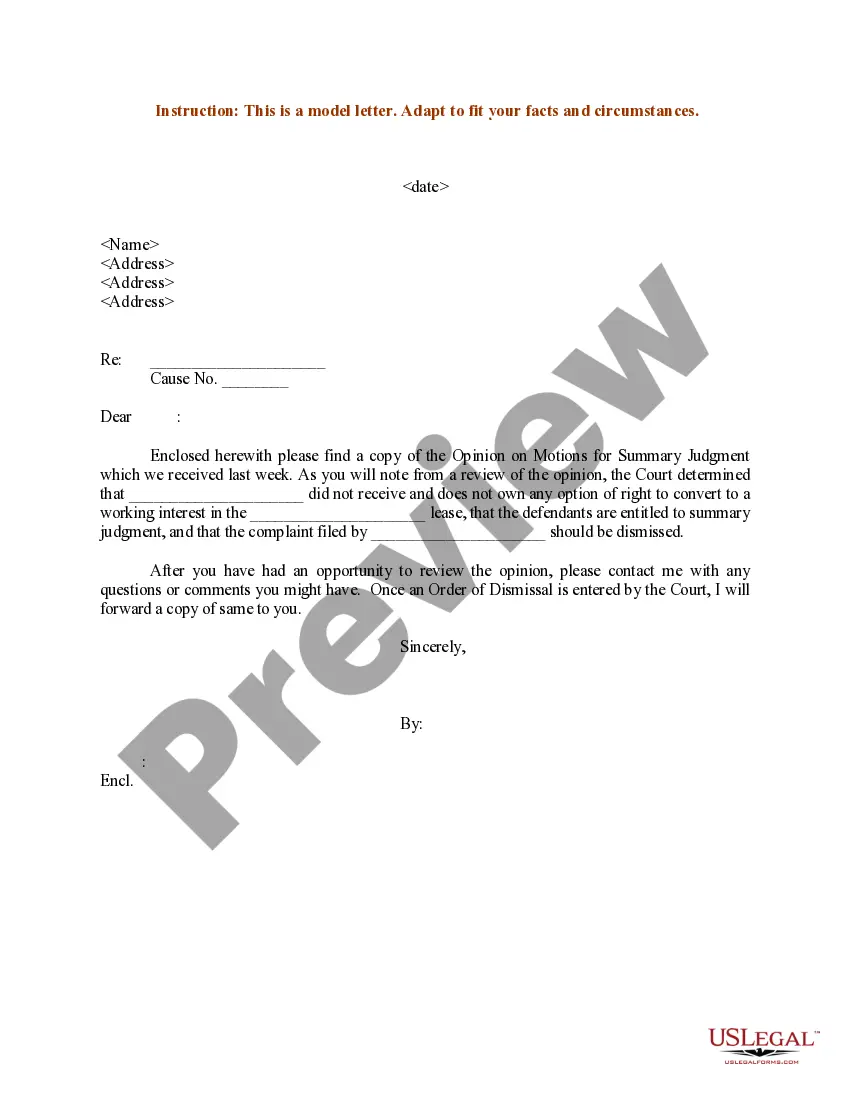
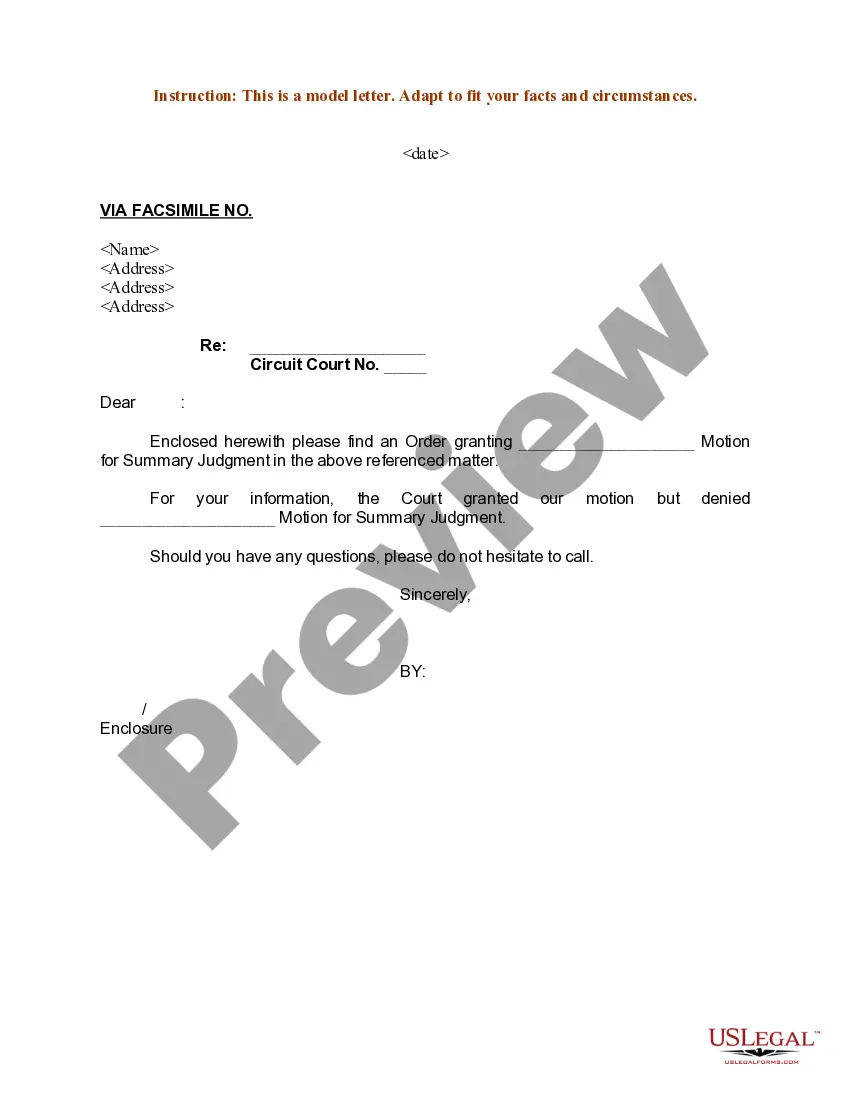
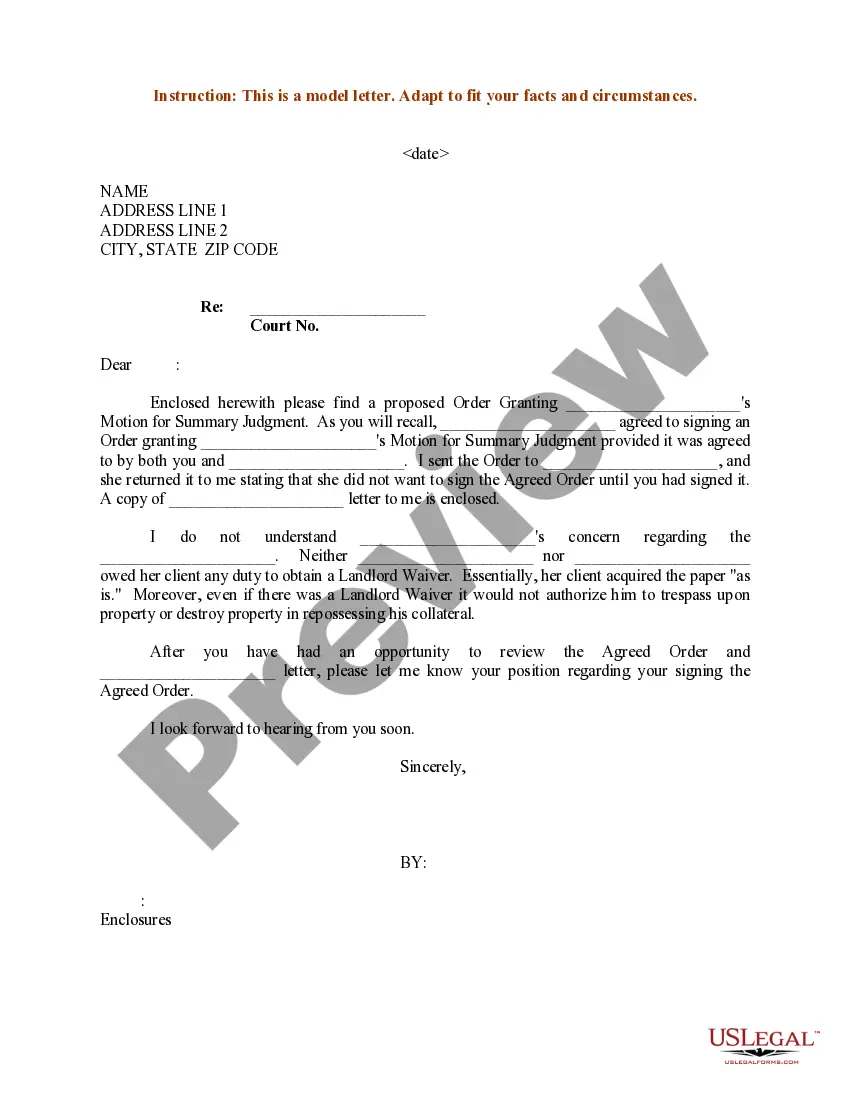
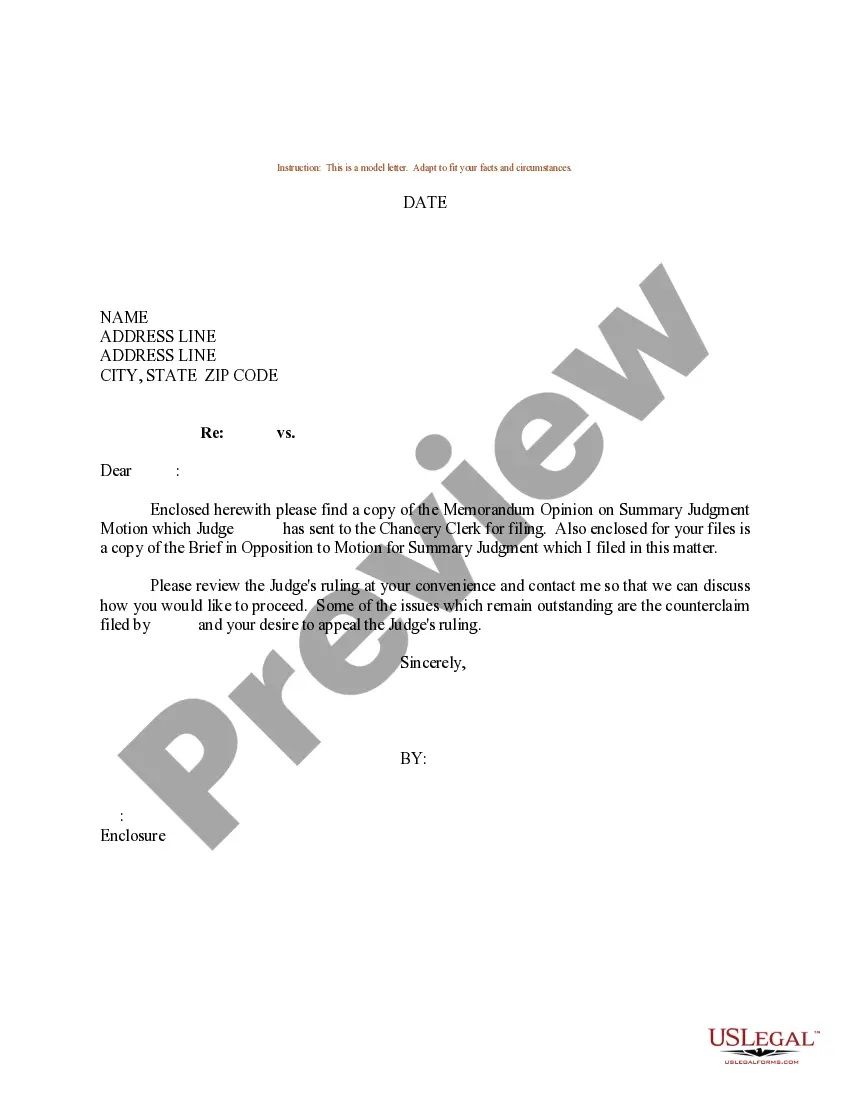

Get your form ready online
Our built-in tools help you complete, sign, share, and store your documents in one place.
Make edits, fill in missing information, and update formatting in US Legal Forms—just like you would in MS Word.
Download a copy, print it, send it by email, or mail it via USPS—whatever works best for your next step.
Sign and collect signatures with our SignNow integration. Send to multiple recipients, set reminders, and more. Go Premium to unlock E-Sign.
If this form requires notarization, complete it online through a secure video call—no need to meet a notary in person or wait for an appointment.
We protect your documents and personal data by following strict security and privacy standards.

Make edits, fill in missing information, and update formatting in US Legal Forms—just like you would in MS Word.

Download a copy, print it, send it by email, or mail it via USPS—whatever works best for your next step.

Sign and collect signatures with our SignNow integration. Send to multiple recipients, set reminders, and more. Go Premium to unlock E-Sign.

If this form requires notarization, complete it online through a secure video call—no need to meet a notary in person or wait for an appointment.

We protect your documents and personal data by following strict security and privacy standards.
Looking for another form?
How to fill out Sample Letter For Motion For Summary Judgment?
Managing legal documents and protocols can be a lengthy addition to your day.
Examples of Summary Judgment Motions Without An Attorney and similar forms typically necessitate that you search for them and comprehend how to fill them out correctly.
Thus, whether you are addressing financial, legal, or personal issues, having access to a comprehensive and useful online catalog of forms will significantly aid you.
US Legal Forms is the premier online platform for legal templates, offering over 85,000 state-specific forms and various resources to help you complete your documents effortlessly.
Is this your first time using US Legal Forms? Create an account in a matter of minutes and gain access to the form catalog and Sample Summary Judgment Motion Without An Attorney. Then, follow the instructions below to fill out your form.
- Browse through the selection of relevant documents accessible to you with just one click.
- US Legal Forms grants you access to state- and county-specific forms that are available for download at any time.
- Streamline your document management with top-notch support that allows you to prepare any form in minutes without additional or concealed fees.
- Simply Log In to your account, locate Sample Summary Judgment Motion Without An Attorney, and obtain it immediately from the My documents section.
- You can also access previously downloaded forms.
Form popularity
FAQ
A Pet Addendum is a legally binding agreement that modifies a Lease Agreement to allow a tenant to keep pets on the rental premises. Pet Addendums specifying rules, fees and other legal provisions are commonly used in residential leases to allow pets such as cats, dogs, birds, rabbits, rodents, reptiles, and fish.
For pet-friendly rentals landlords may also ask for an additional deposit for your pet. Many states, including California, do not have a statute on pet deposit laws. ing to the website American Landlord, California pet deposits must be ?reasonable and must be refunded unless there are deductions.?
I agree to clean up immediately when my pet uses the pet relief area, and dispose of waste quickly and appropriately. I agree to keep my pet leashed, but not tethered, when it is outside my unit. I agree to pay immediately for any damage caused by my pet.
The Pet Addendum (Form CA-080) is one of CAA's most popular forms. It allows the landlord to grant permission for a tenant to have a pet, when pets are prohibited by the rental agreement. The addendum requires the specific pet to be identified.
If the landlord and tenant sign a pet addendum, the landlord allows pets in their unit as long as the tenant is fully responsible for the pet and any damages that it may cause during the tenancy.
In California, how much pet deposit/security deposit to charge depends on whether a unit is furnished or not. For furnished units, the maximum you can charge is 3X the monthly rate. For unfurnished units, the most you can ask as security deposit is the equivalent of the rent of 2 months.
