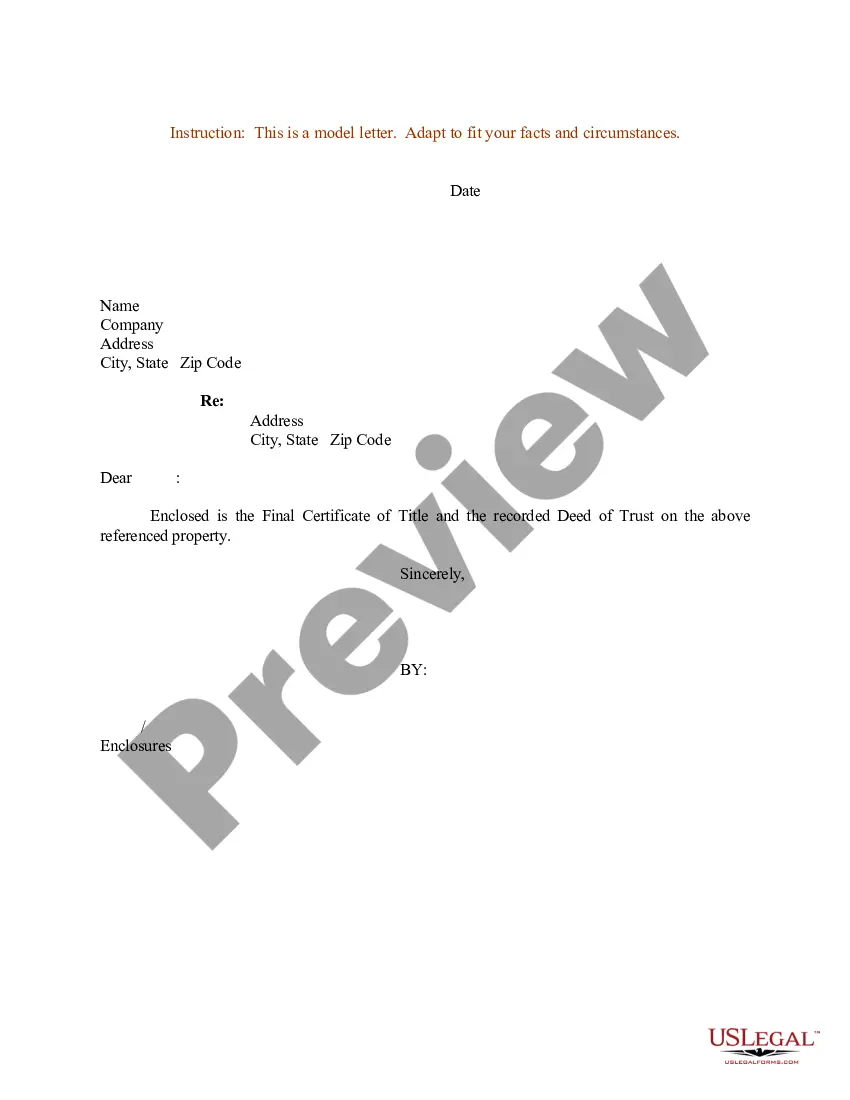
Certificate Title Application Form Mv-1
Description
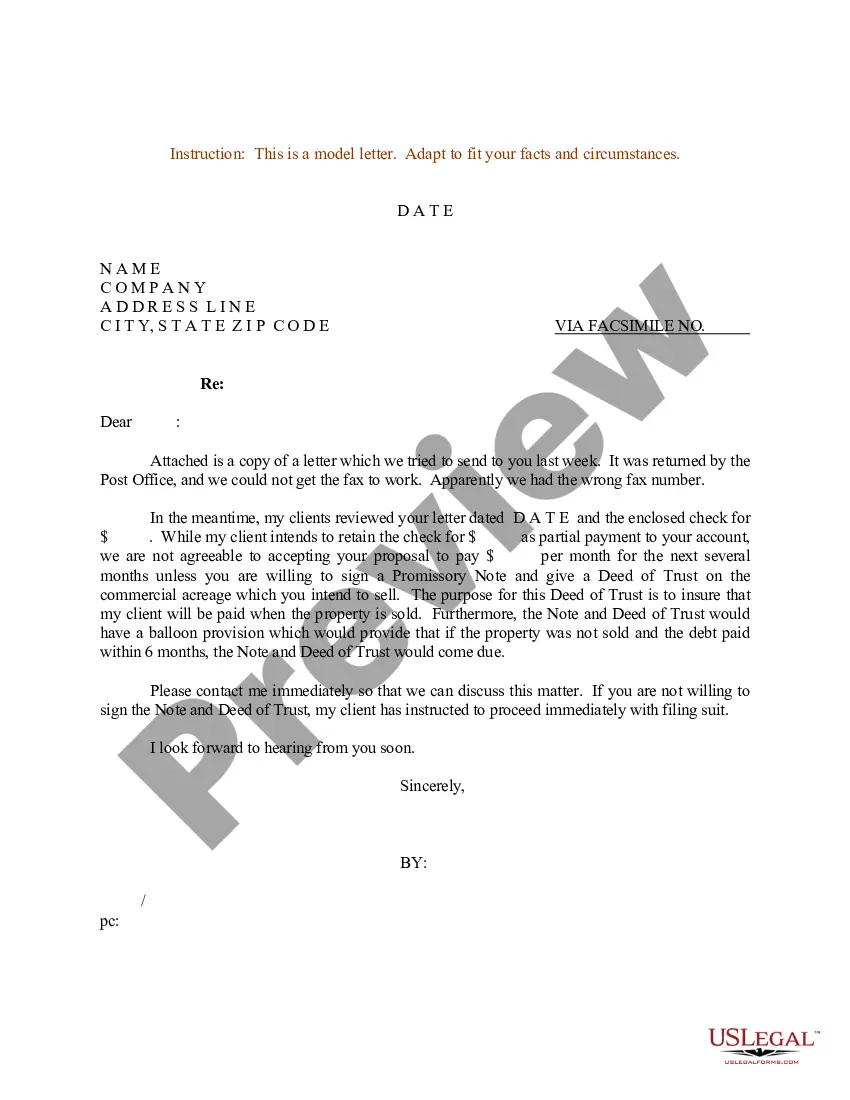
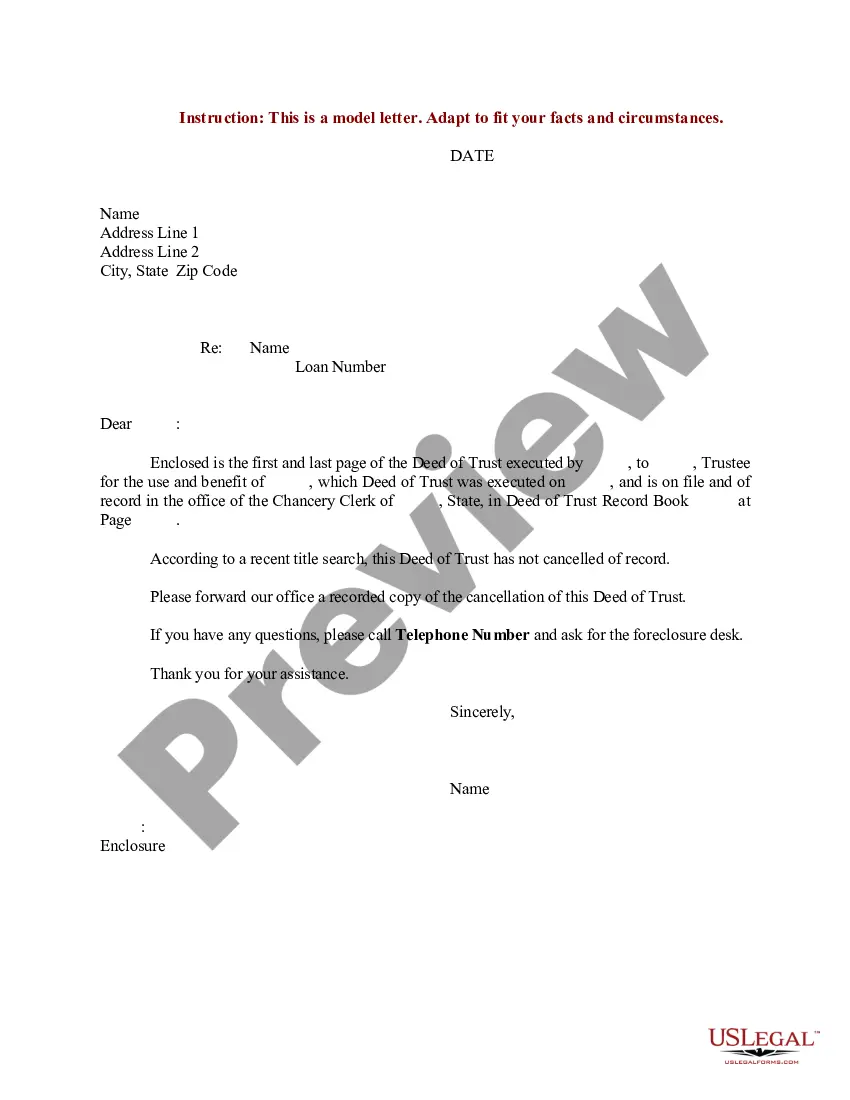
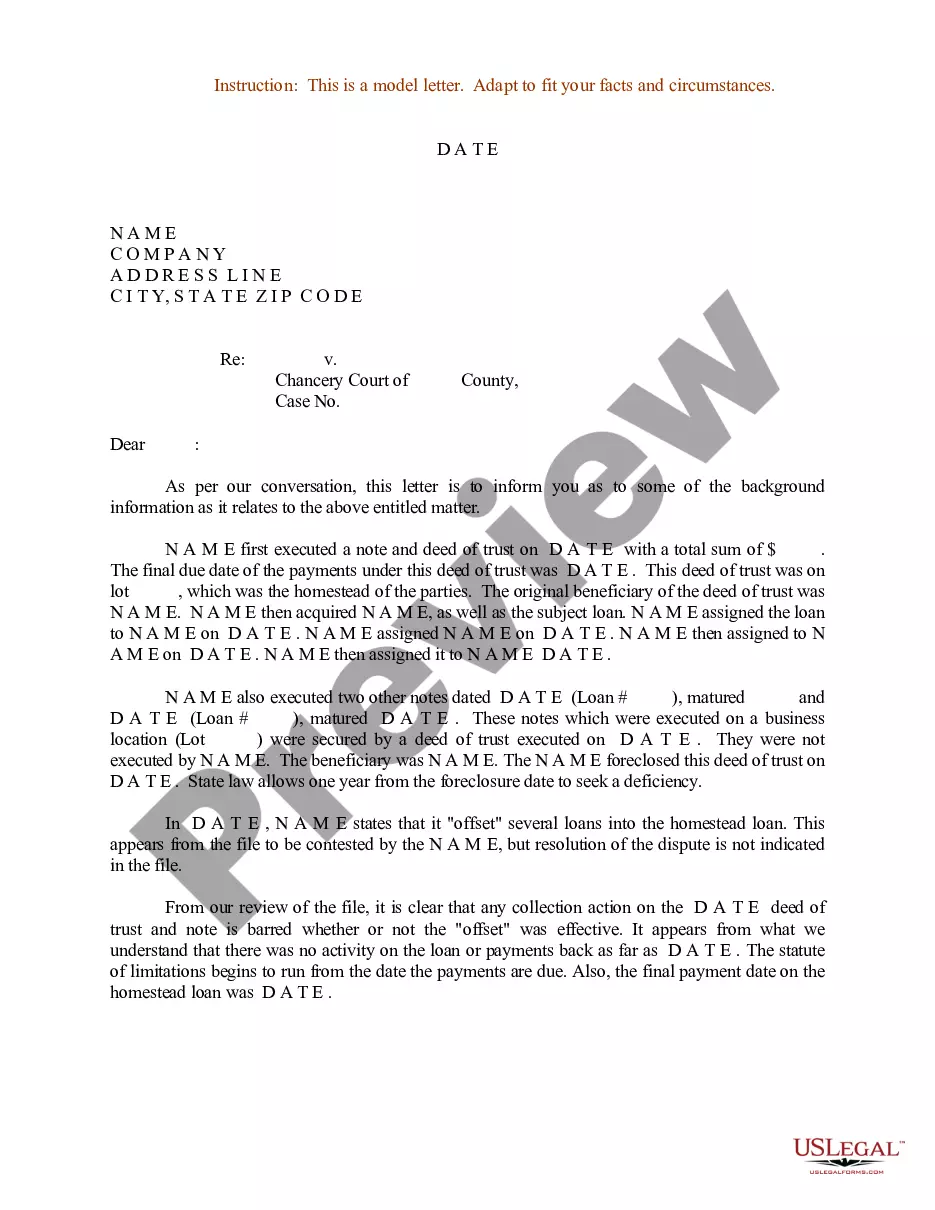
Get your form ready online
Our built-in tools help you complete, sign, share, and store your documents in one place.
Make edits, fill in missing information, and update formatting in US Legal Forms—just like you would in MS Word.
Download a copy, print it, send it by email, or mail it via USPS—whatever works best for your next step.
Sign and collect signatures with our SignNow integration. Send to multiple recipients, set reminders, and more. Go Premium to unlock E-Sign.
If this form requires notarization, complete it online through a secure video call—no need to meet a notary in person or wait for an appointment.
We protect your documents and personal data by following strict security and privacy standards.

Make edits, fill in missing information, and update formatting in US Legal Forms—just like you would in MS Word.

Download a copy, print it, send it by email, or mail it via USPS—whatever works best for your next step.

Sign and collect signatures with our SignNow integration. Send to multiple recipients, set reminders, and more. Go Premium to unlock E-Sign.

If this form requires notarization, complete it online through a secure video call—no need to meet a notary in person or wait for an appointment.

We protect your documents and personal data by following strict security and privacy standards.
Looking for another form?


How to fill out Sample Letter For Deed Of Trust And Final Certificate Of Title?
The Certificate Title Application Form Mv-1 displayed on this page is a versatile legal framework crafted by experienced attorneys in compliance with federal and state regulations.
For over 25 years, US Legal Forms has supplied individuals, companies, and legal experts with more than 85,000 authenticated, state-specific documents for any commercial and personal occasion. It is the quickest, simplest, and most trustworthy method to acquire the documentation you require, as the service ensures the utmost level of data protection and anti-malware safeguards.
Pick the format you prefer for your Certificate Title Application Form Mv-1 (PDF, Word, RTF) and save the sample to your device.
- Search for the document you require and evaluate it.
- Browse through the example you looked for and preview it or read the form description to confirm it meets your needs. If not, utilize the search feature to discover the suitable one. Click Buy Now when you locate the template you need.
- Register and Log In.
- Choose the pricing option that fits you and create an account. Use PayPal or a credit card for a rapid transaction. If you already possess an account, Log In and review your subscription to advance.
- Obtain the editable template.
Form popularity
FAQ
Examples of patents include the Wright Brothers' patent for the airplane, Thomas Edison's patent for the light bulb, and Alexander Graham Bell's patent for the telephone.
Prepare a patent application, including: A short abstract of the invention. References to any prior applications. A brief discussion of the general field, background, and circumstances of the invention. A summary of the invention. A description of the best implementation of the invention, including a drawing, if applicable.
The legal answer is, of course, yes. Thomas Jefferson filed his own patent application, as have many inventors over the last two centuries. The Patent Office was designed to be approachable and helpful to the individual inventor, especially in regard to provisional applications.
Cost for the Utility Patent Application As a result of this complexity, most patent applications cost between $8,000 and $15,000 to draft. Applications for simple mechanical inventions are usually between $8,000 and $10,000, while medical device and software inventions generally cost between $12,000 and $14,000.
A qualified yes! Drafting your own patent application can be a great way for applicants to defer costs and mitigate risk, and there is some potential for overall cost savings.
Format of a Patent Application The Specification. ... The Title. ... The Description. ... The Claims. ... The Drawings. ... The Abstract. ... Sample Specifications. ... Minimum Requirements for a Filing Date.
If you're an inventor or small business owner, you may be eligible for free legal assistance in preparing and filing a patent application.
The cheapest way to get "Patent Pending" status is to file a provisional patent application. All that is required is a detailed description of the invention, an informal drawing, and a synopsis of how you came up with the idea. For small entities, the application fee is $130 and for large companies it is $260.