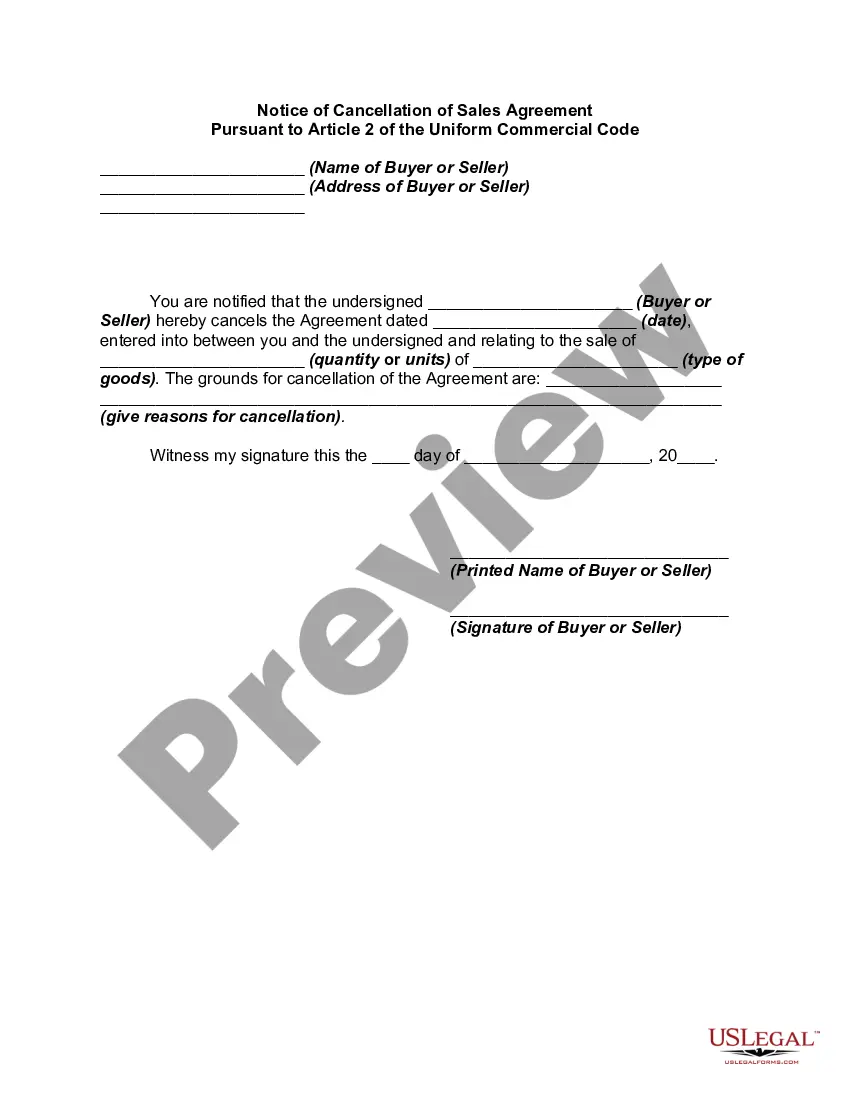
Notice Cancel Order With Amazon
Description
Get your form ready online
Our built-in tools help you complete, sign, share, and store your documents in one place.
Make edits, fill in missing information, and update formatting in US Legal Forms—just like you would in MS Word.
Download a copy, print it, send it by email, or mail it via USPS—whatever works best for your next step.
Sign and collect signatures with our SignNow integration. Send to multiple recipients, set reminders, and more. Go Premium to unlock E-Sign.
If this form requires notarization, complete it online through a secure video call—no need to meet a notary in person or wait for an appointment.
We protect your documents and personal data by following strict security and privacy standards.

Make edits, fill in missing information, and update formatting in US Legal Forms—just like you would in MS Word.

Download a copy, print it, send it by email, or mail it via USPS—whatever works best for your next step.

Sign and collect signatures with our SignNow integration. Send to multiple recipients, set reminders, and more. Go Premium to unlock E-Sign.

If this form requires notarization, complete it online through a secure video call—no need to meet a notary in person or wait for an appointment.

We protect your documents and personal data by following strict security and privacy standards.
Looking for another form?

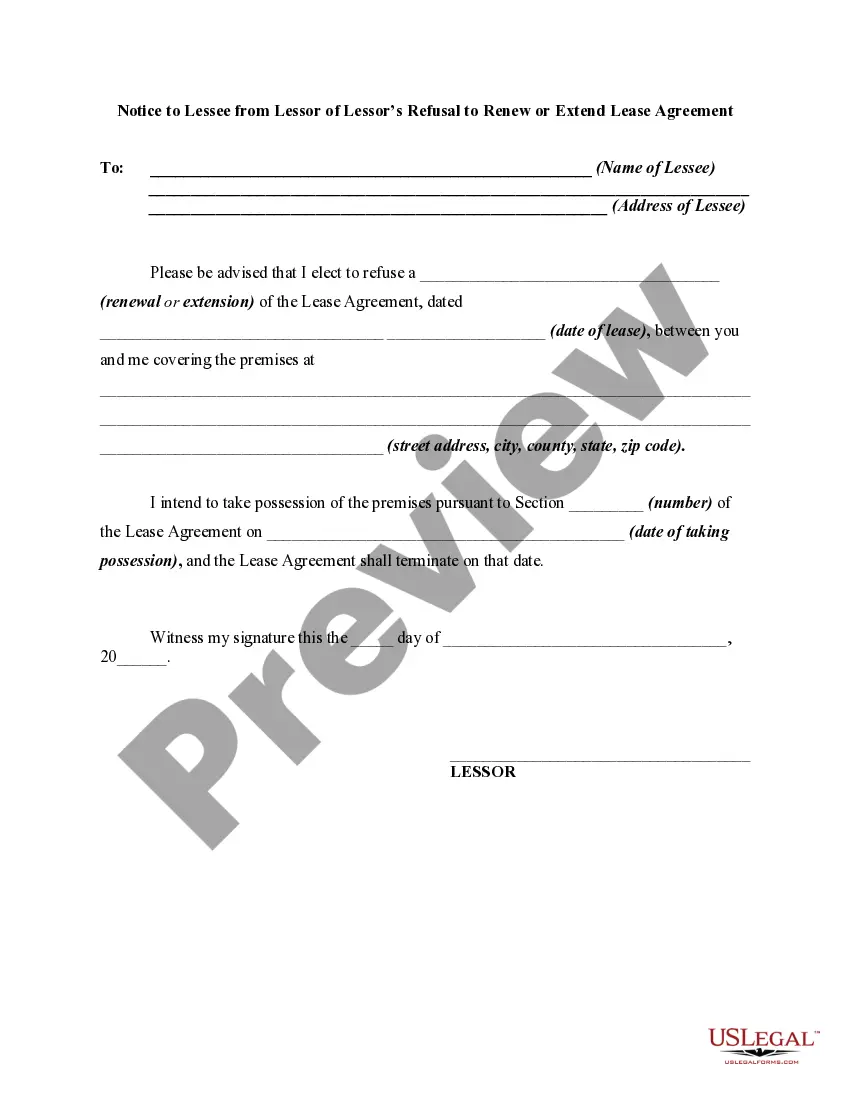



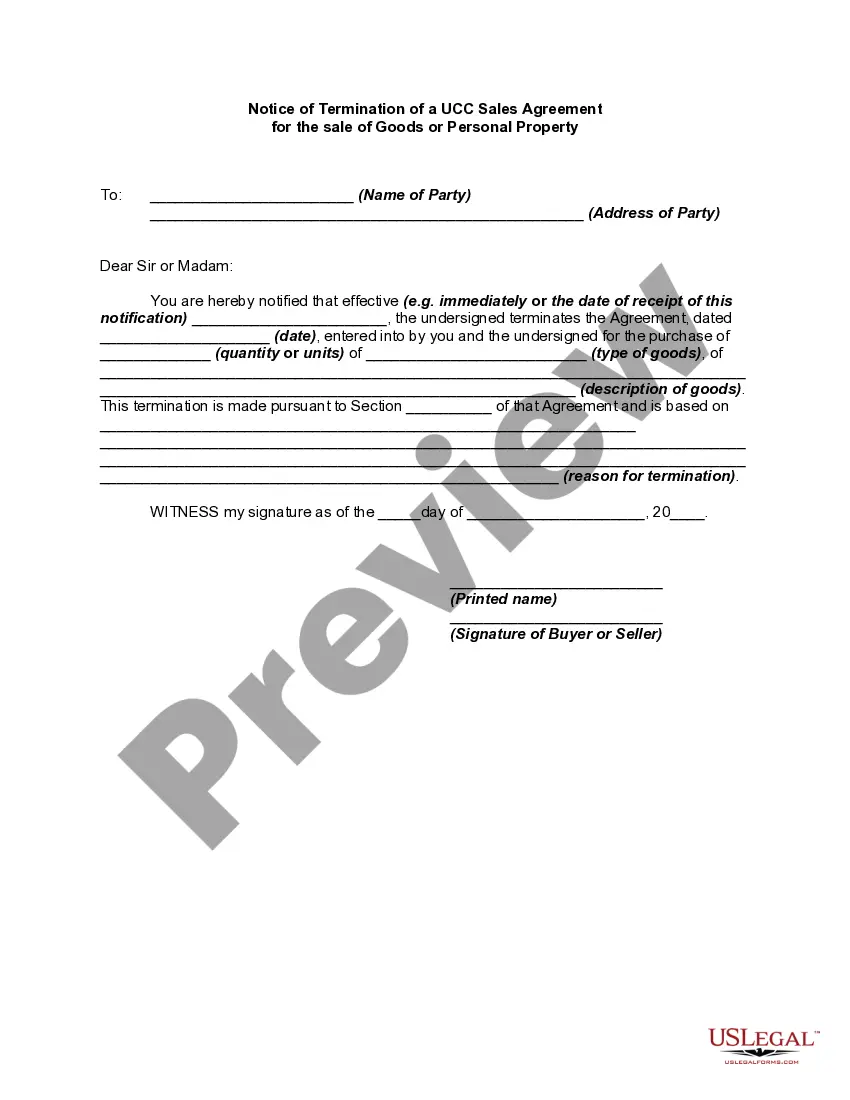
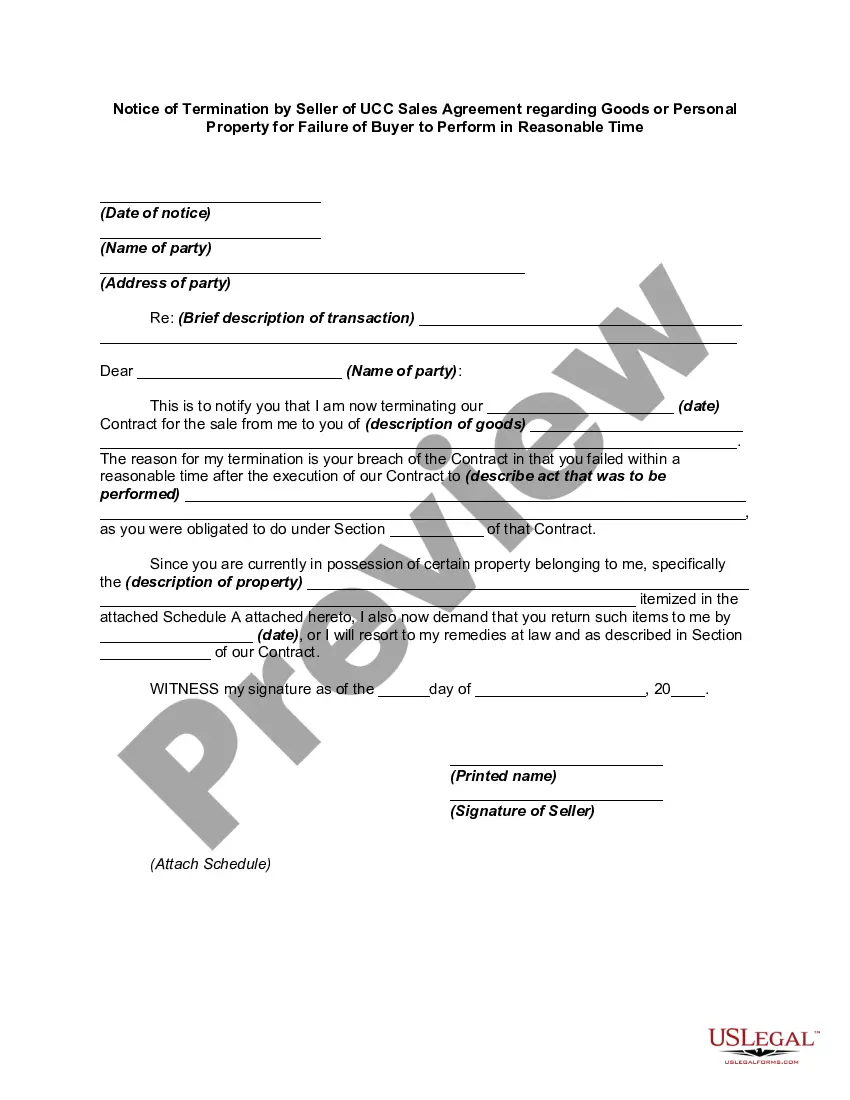
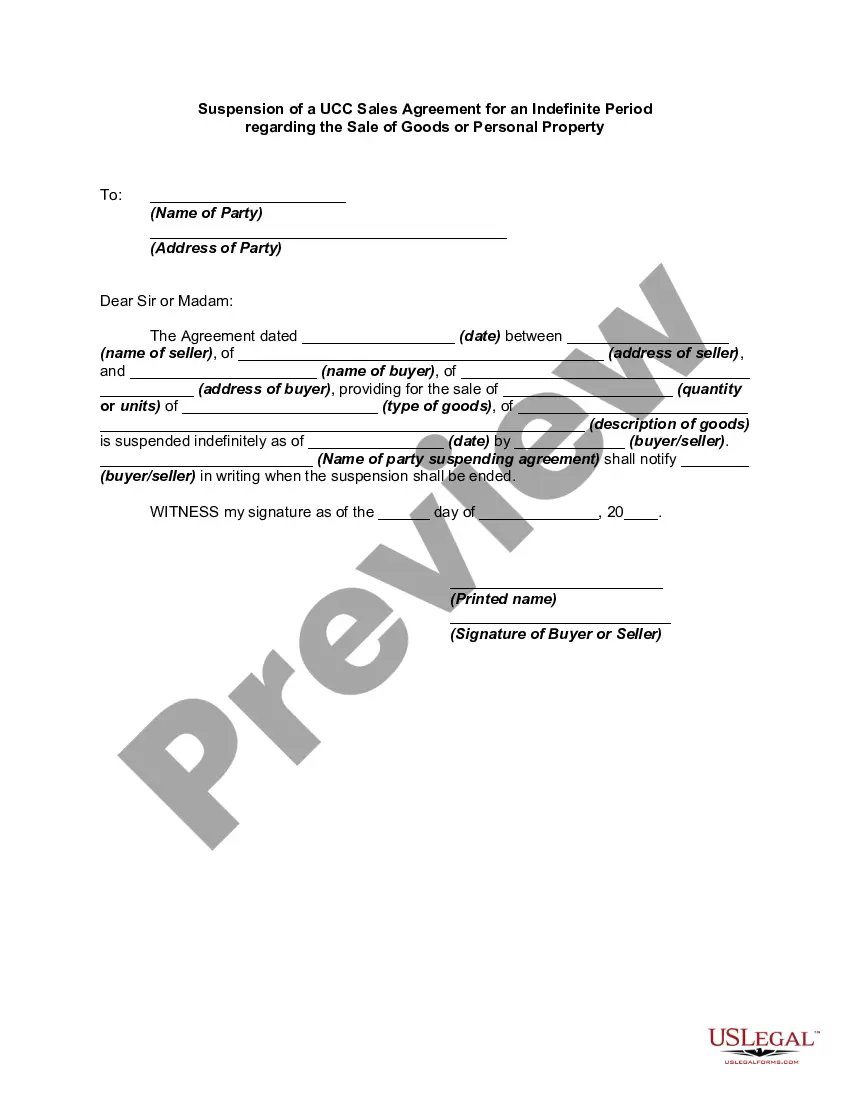
How to fill out Notice Of Cancellation Of Sales Agreement Pursuant To Article 2 Of The Uniform Commercial Code?
Obtaining a reliable source for the latest and pertinent legal templates is a significant part of navigating bureaucracy.
Locating the correct legal documents demands accuracy and meticulousness, which is why it’s essential to source samples of Notice Cancel Order With Amazon exclusively from trustworthy providers, such as US Legal Forms. An incorrect template can consume your time and delay your situation.
Eliminate the complexity associated with your legal documentation. Browse the extensive US Legal Forms catalog to discover legal templates, verify their applicability to your situation, and download them instantly.
- Utilize the library navigation or search option to locate your sample.
- Review the description of the form to determine if it meets the criteria of your state and locality.
- Check the preview of the form, if available, to confirm that the template aligns with your interests.
- Return to your search and discover the appropriate template if the Notice Cancel Order With Amazon doesn’t satisfy your requirements.
- When you are certain of the document’s pertinence, download it.
- As a registered user, click Log in to verify your identity and access your chosen templates in My documents.
- If you haven’t created an account yet, click Buy now to obtain the template.
- Select the pricing option that fits your needs.
- Advance to the sign-up to finalize your acquisition.
- Complete your transaction by choosing a payment method (credit card or PayPal).
- Select the file format to download Notice Cancel Order With Amazon.
- After you have the form on your device, you may edit it using the editor or print it out and fill it out manually.
Form popularity
FAQ
To find out if Amazon canceled your order, check your order history in your account. Amazon provides real-time updates about order statuses, including cancellations. In cases where you notice a lack of information, you can also revisit your email for any notifications from Amazon. Monitoring these details helps you stay attuned to your notice cancel order with Amazon.
In "Orders," find the product you want to cancel. From here, click "Request Cancellation." If that option is no longer available, click "Contact Third-Party Seller" to message the vendor.
If you accidentally cancel your order on Amazon and want to reinstate it, you can try the following steps: Contact Amazon Customer Service: Reach out to Amazon's customer service as soon as possible to explain the situation and request assistance.
I recently ordered (product name) from you, and I would like to cancel if possible. My order number is (order number), and my details are (including information). Please confirm that you have received this email and that my order has been canceled. If you can advise me when I can get a refund, I would appreciate it.
To cancel your refund request or reverse the refund: Go to Your Orders. Locate the order. Select Problem with order. Select Withdraw Request. Enter your comments in the text box. Select Submit.
You can cancel items or orders by visiting the Your Orders section in Your Account. Go to Your Orders. Select the item you want to cancel and click Cancel items. Provide reasons for cancellation (optional) and proceed.