Business Tax Related Without Receipts
Description
Get your form ready online
Our built-in tools help you complete, sign, share, and store your documents in one place.
Make edits, fill in missing information, and update formatting in US Legal Forms—just like you would in MS Word.
Download a copy, print it, send it by email, or mail it via USPS—whatever works best for your next step.
Sign and collect signatures with our SignNow integration. Send to multiple recipients, set reminders, and more. Go Premium to unlock E-Sign.
If this form requires notarization, complete it online through a secure video call—no need to meet a notary in person or wait for an appointment.
We protect your documents and personal data by following strict security and privacy standards.

Make edits, fill in missing information, and update formatting in US Legal Forms—just like you would in MS Word.

Download a copy, print it, send it by email, or mail it via USPS—whatever works best for your next step.

Sign and collect signatures with our SignNow integration. Send to multiple recipients, set reminders, and more. Go Premium to unlock E-Sign.

If this form requires notarization, complete it online through a secure video call—no need to meet a notary in person or wait for an appointment.

We protect your documents and personal data by following strict security and privacy standards.
Looking for another form?



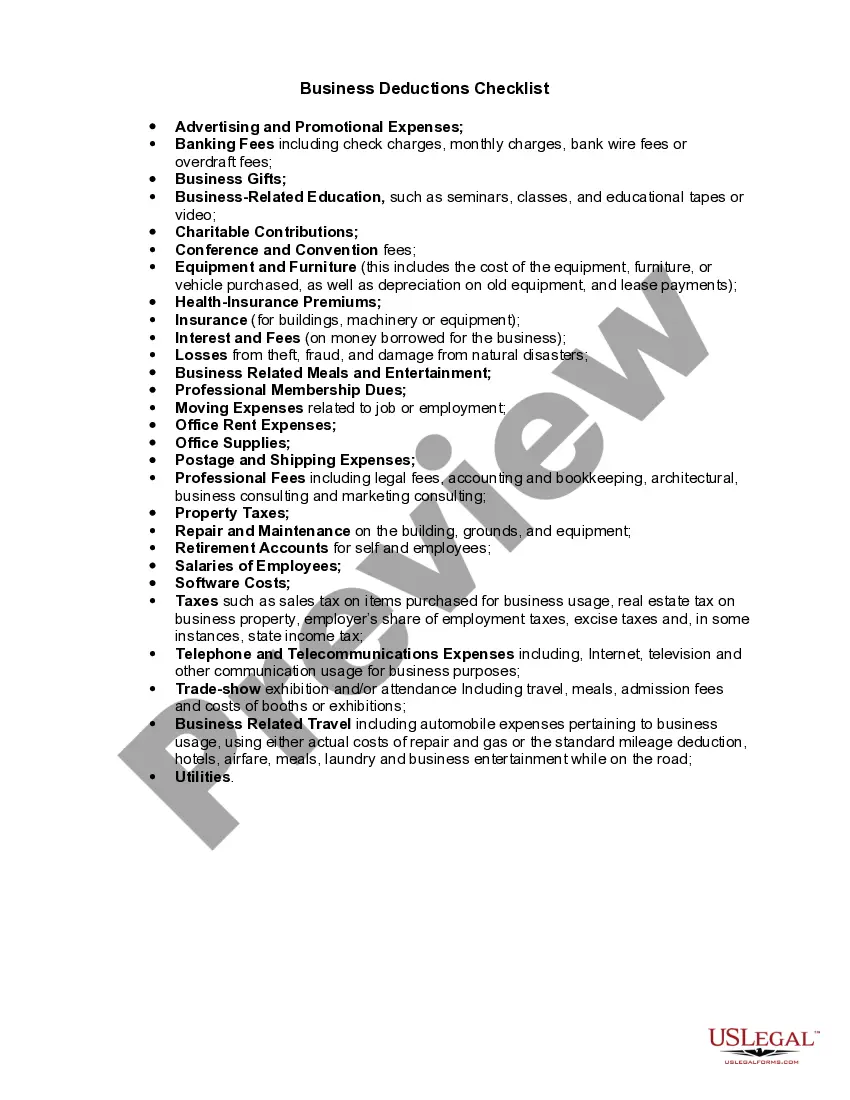
How to fill out Business Deductions Checklist?
Dealing with legal documents and processes can be a lengthy addition to your daily routine.
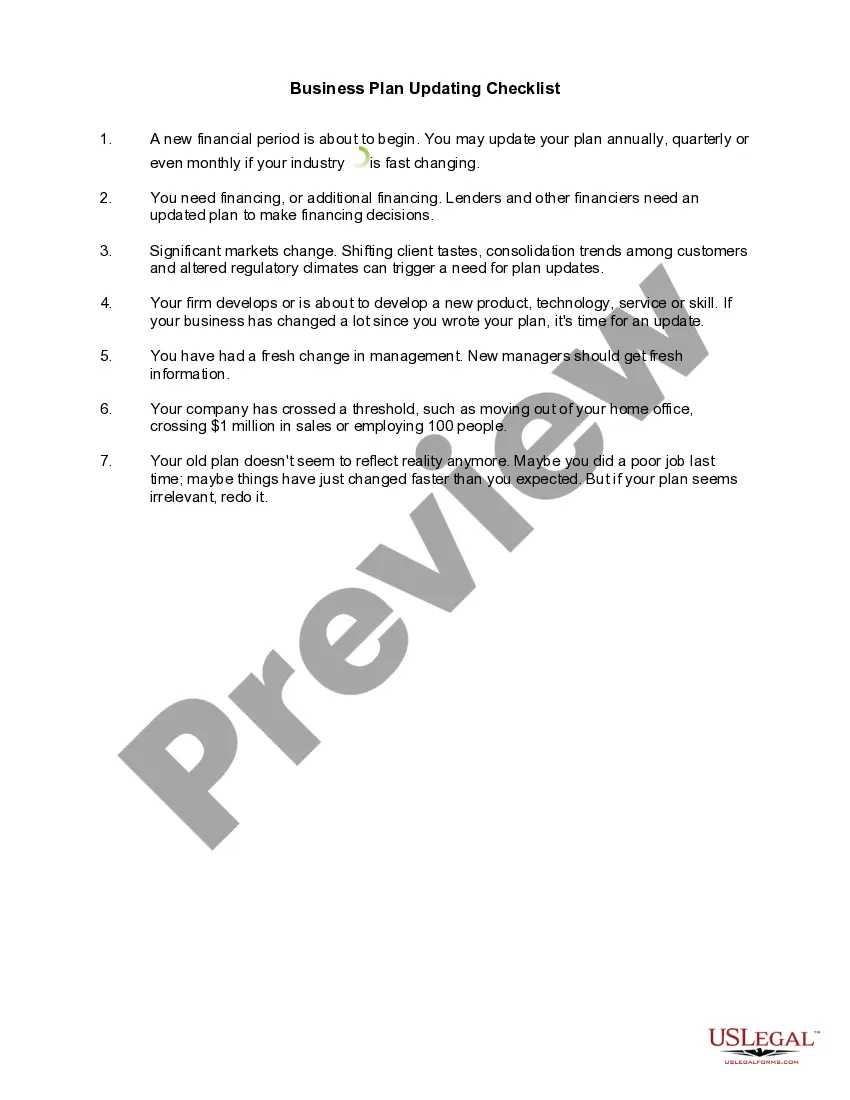
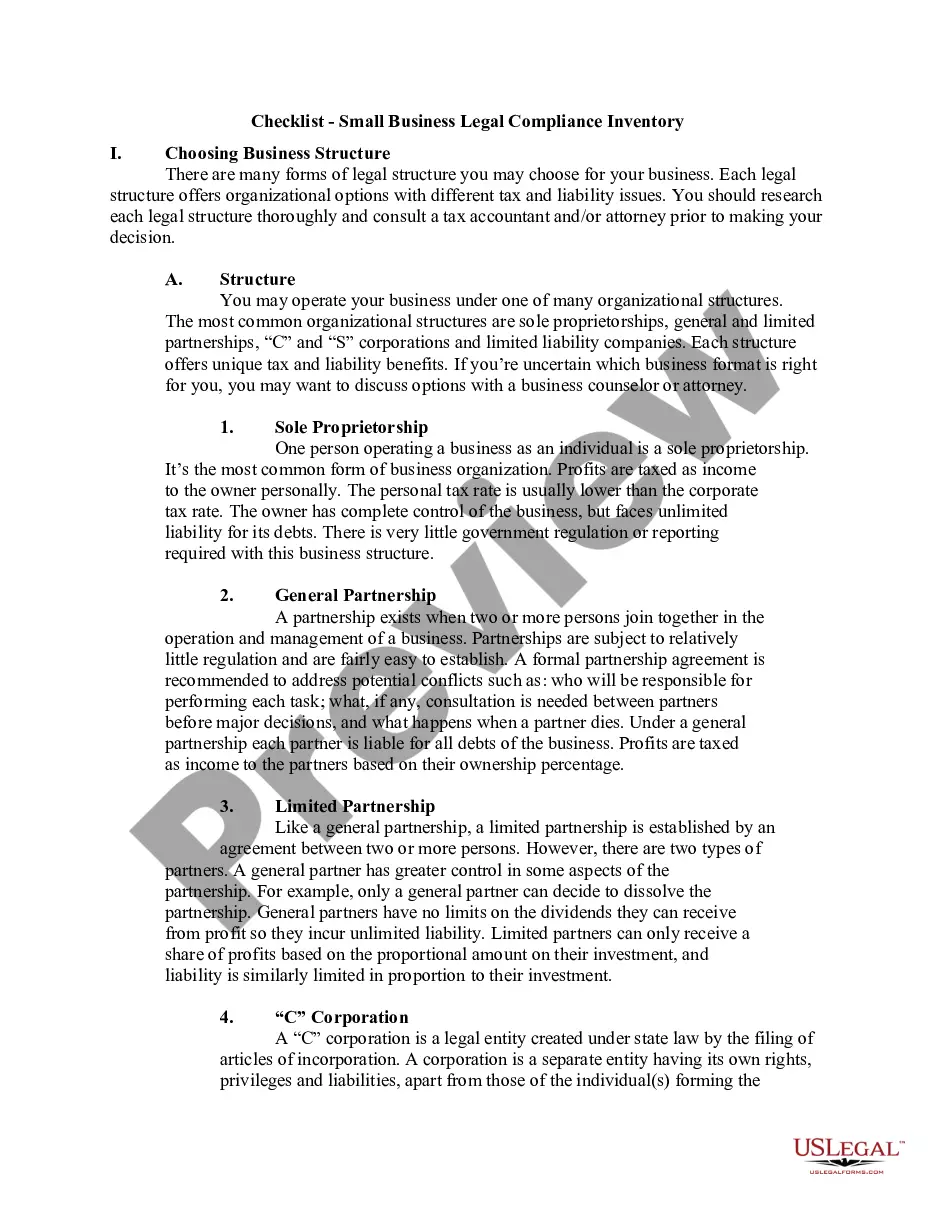
Business Tax Related Without Receipts and similar forms frequently necessitate that you search for them and comprehend the most effective method to fill them out correctly.
Thus, whether you are managing financial, legal, or personal issues, utilizing a comprehensive and efficient online repository of forms at your disposal will be tremendously beneficial.
US Legal Forms is the premier online platform for legal documents, boasting over 85,000 state-specific forms and various tools that will assist you in completing your paperwork seamlessly.
Is this your first time using US Legal Forms? Sign up and create a complimentary account in a matter of minutes, and you will gain access to the form library and Business Tax Related Without Receipts. Then, follow the steps outlined below to complete your document: Ensure you have the correct form by utilizing the Review feature and examining the form details. Click Buy Now when ready, and select the subscription plan that meets your requirements. Choose Download, then fill out, sign, and print the form. US Legal Forms has 25 years of experience assisting clients in managing their legal documents. Obtain the form you require today and streamline any process effortlessly.
- Explore the collection of pertinent documents available with just one click.
- US Legal Forms offers you state- and county-specific documents accessible at any time for download.
- Protect your document management procedures by utilizing a quality service that enables you to prepare any form within minutes with no additional or concealed fees.
- Simply Log In to your account, find Business Tax Related Without Receipts, and obtain it instantly from the My documents section.
- You can also access previously downloaded documents.
Form popularity
FAQ
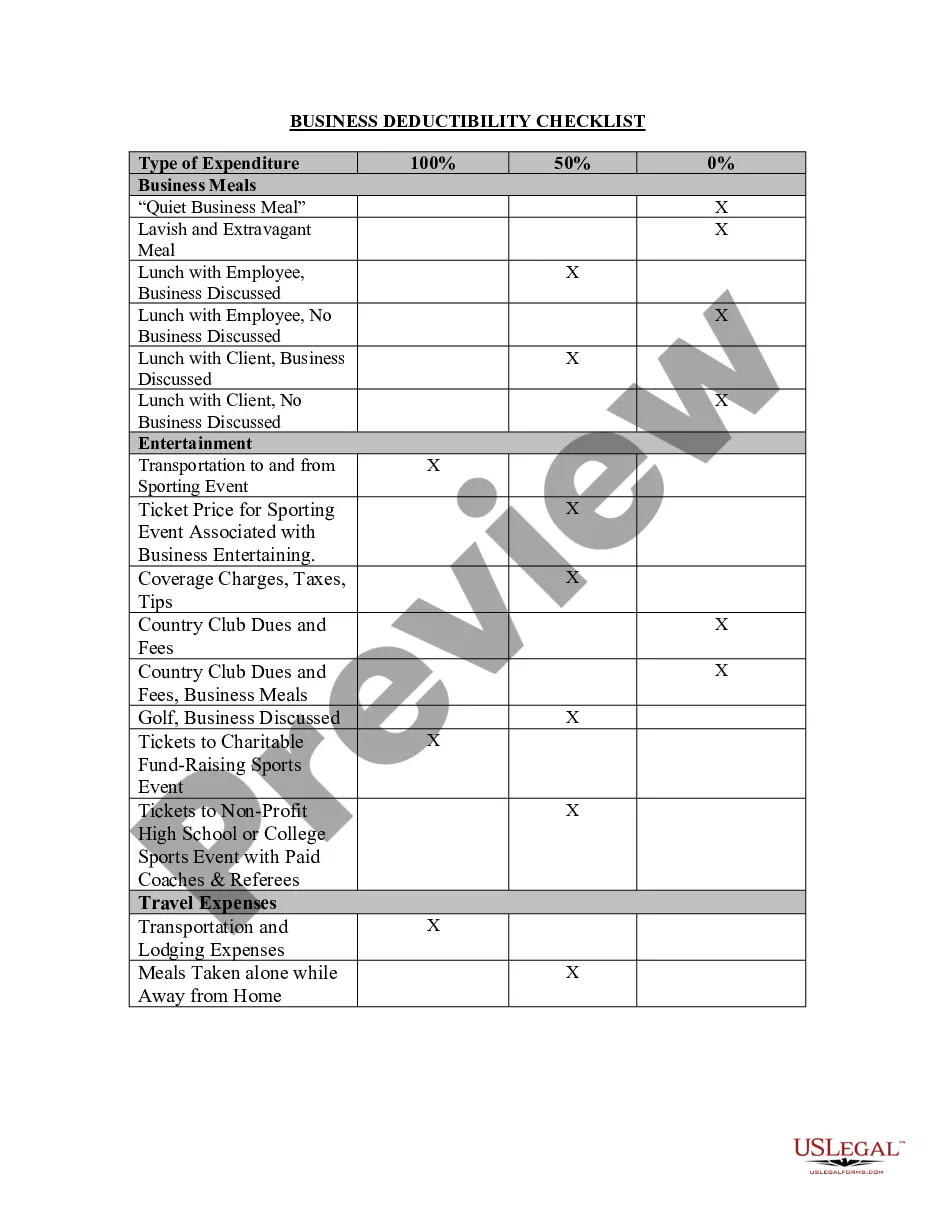
What does the IRS allow you to deduct (or ?write off?) without receipts? Self-employment taxes. ... Home office expenses. ... Self-employed health insurance premiums. ... Self-employed retirement plan contributions. ... Vehicle expenses. ... Cell phone expenses.
Your bank statements and cancelled checks are a good starting point, if you still have access to these documents. If you're a business that deducted expenses and you no longer have receipts, it may be logical that you would have expenses that the IRS should allow even though you don't have a receipt.
Gather as Much Evidence as You Can Reach out to vendors and suppliers for copies of receipts or invoices. ... Review your bank account statements and credit card statements. ... Check your calendar or appointment book. ... For mileage and travel expenses, check your social media history or cell phone records.
However, if you have no receipts, the IRS will not allow you to deduct the full amount of your expenses. The IRS will calculate the minimum standard amount for the service or item purchased by a taxpayer and will only allow a deduction for that amount.
You can claim business expenses without receipts by retracing your steps by asking past vendors and suppliers for receipts. Furthermore, check your calendar and bank statements for additional information related to the expenses to support your case.