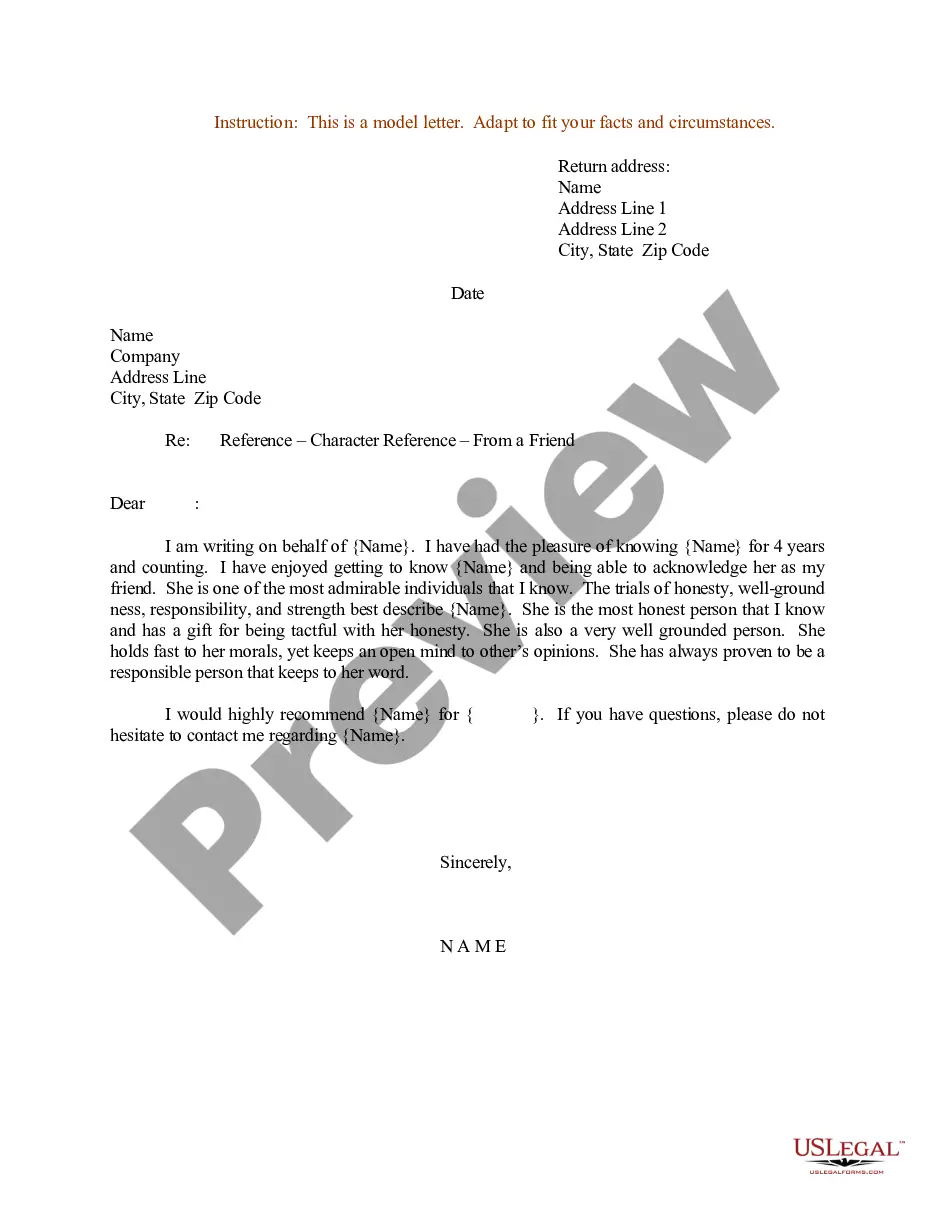
Sample Reference Form Template With Drop Down Menu
Description
Get your form ready online
Our built-in tools help you complete, sign, share, and store your documents in one place.
Make edits, fill in missing information, and update formatting in US Legal Forms—just like you would in MS Word.
Download a copy, print it, send it by email, or mail it via USPS—whatever works best for your next step.
Sign and collect signatures with our SignNow integration. Send to multiple recipients, set reminders, and more. Go Premium to unlock E-Sign.
If this form requires notarization, complete it online through a secure video call—no need to meet a notary in person or wait for an appointment.
We protect your documents and personal data by following strict security and privacy standards.

Make edits, fill in missing information, and update formatting in US Legal Forms—just like you would in MS Word.

Download a copy, print it, send it by email, or mail it via USPS—whatever works best for your next step.

Sign and collect signatures with our SignNow integration. Send to multiple recipients, set reminders, and more. Go Premium to unlock E-Sign.

If this form requires notarization, complete it online through a secure video call—no need to meet a notary in person or wait for an appointment.

We protect your documents and personal data by following strict security and privacy standards.
Looking for another form?
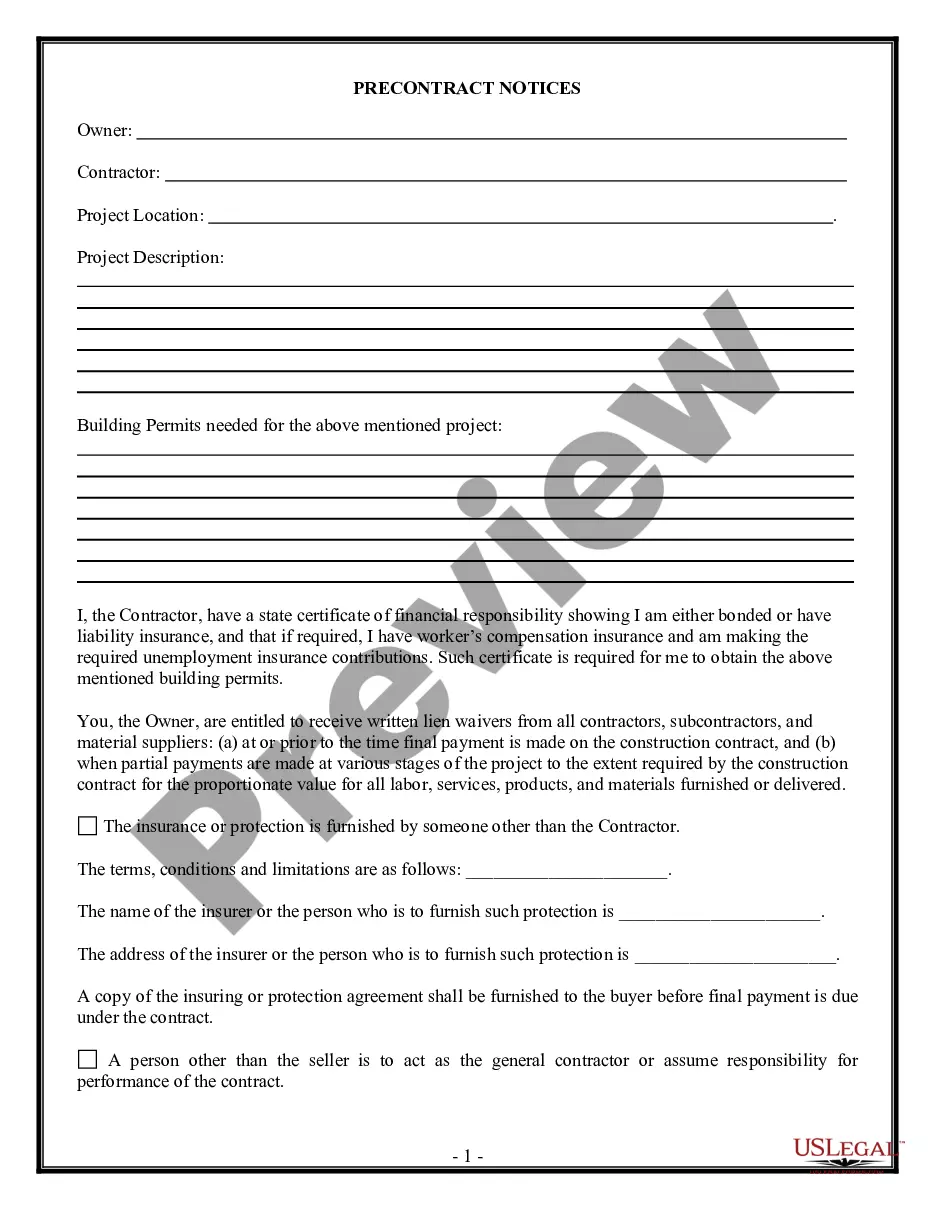




How to fill out Sample Letter For Character Reference From A Friend?
Utilizing legal documents that adhere to federal and state laws is crucial, and the web provides a plethora of alternatives to select from.
However, what is the benefit of squandering time hunting for the appropriate Sample Reference Form Template With Drop Down Menu online when the US Legal Forms digital library has already compiled such documents in one location.
US Legal Forms is the premier online legal repository featuring over 85,000 editable templates created by attorneys for various business and personal situations.
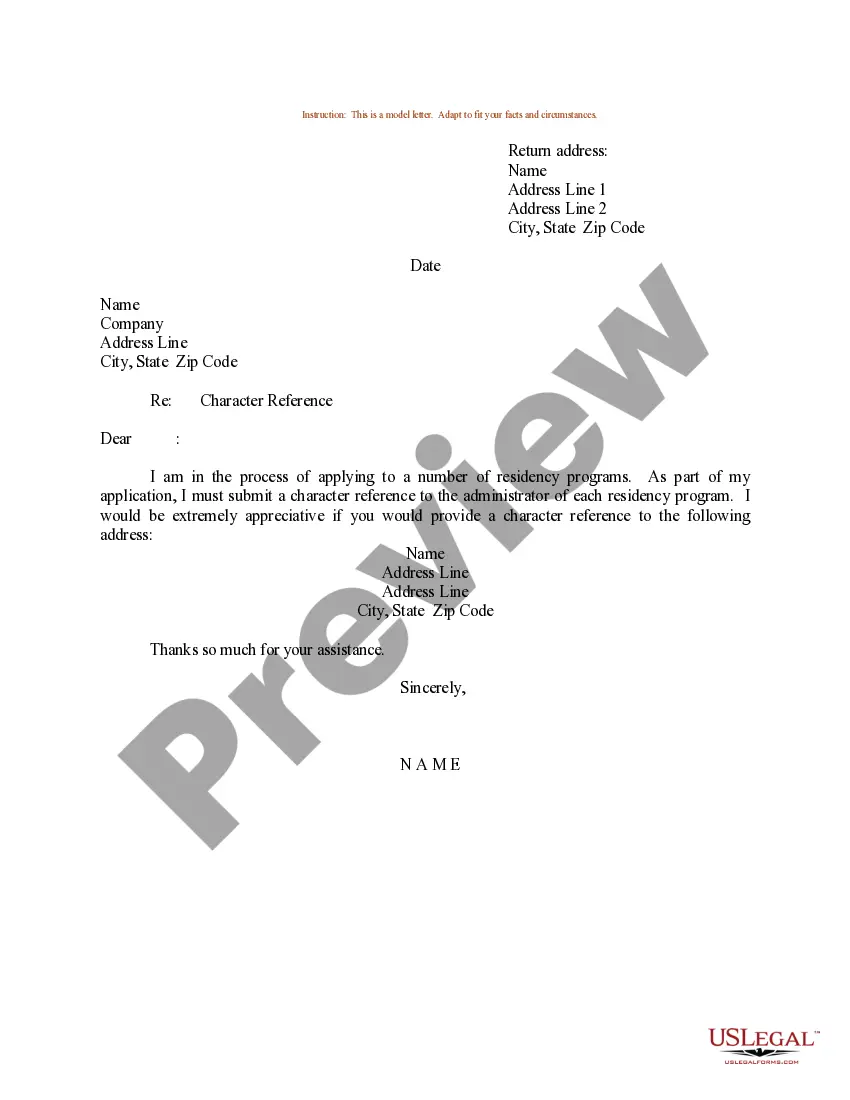
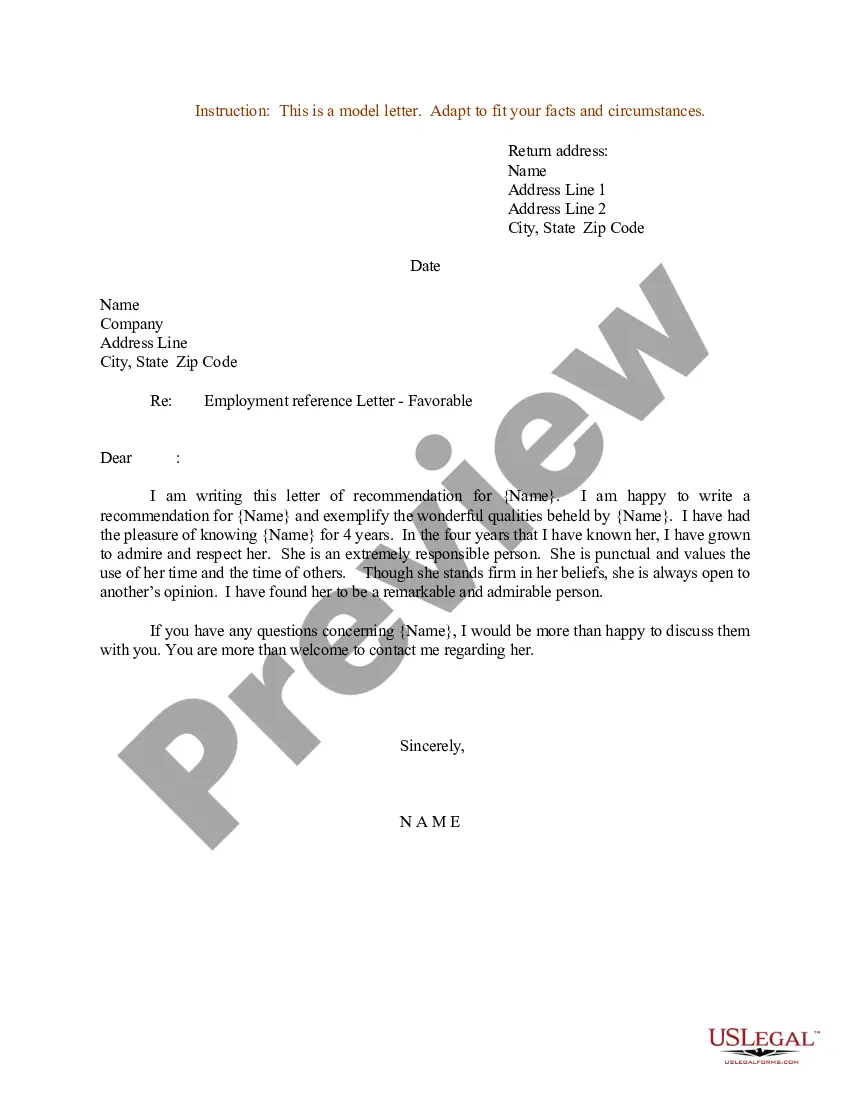
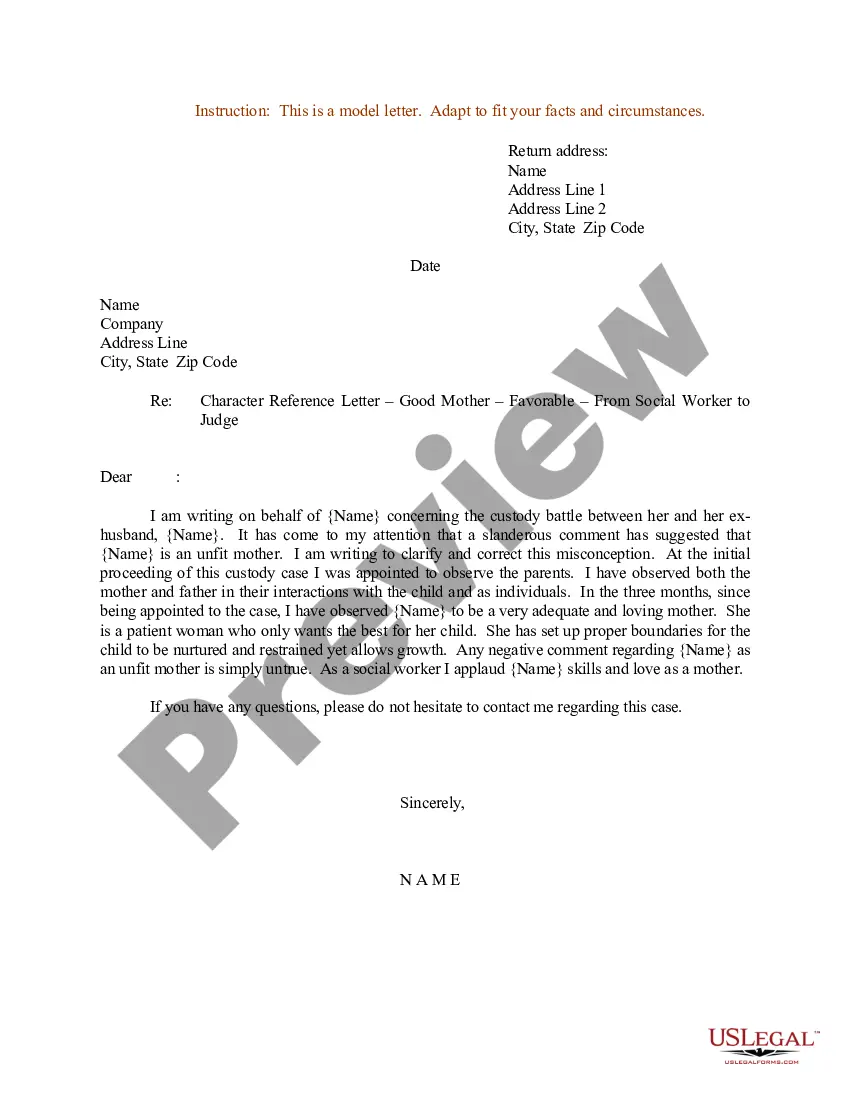
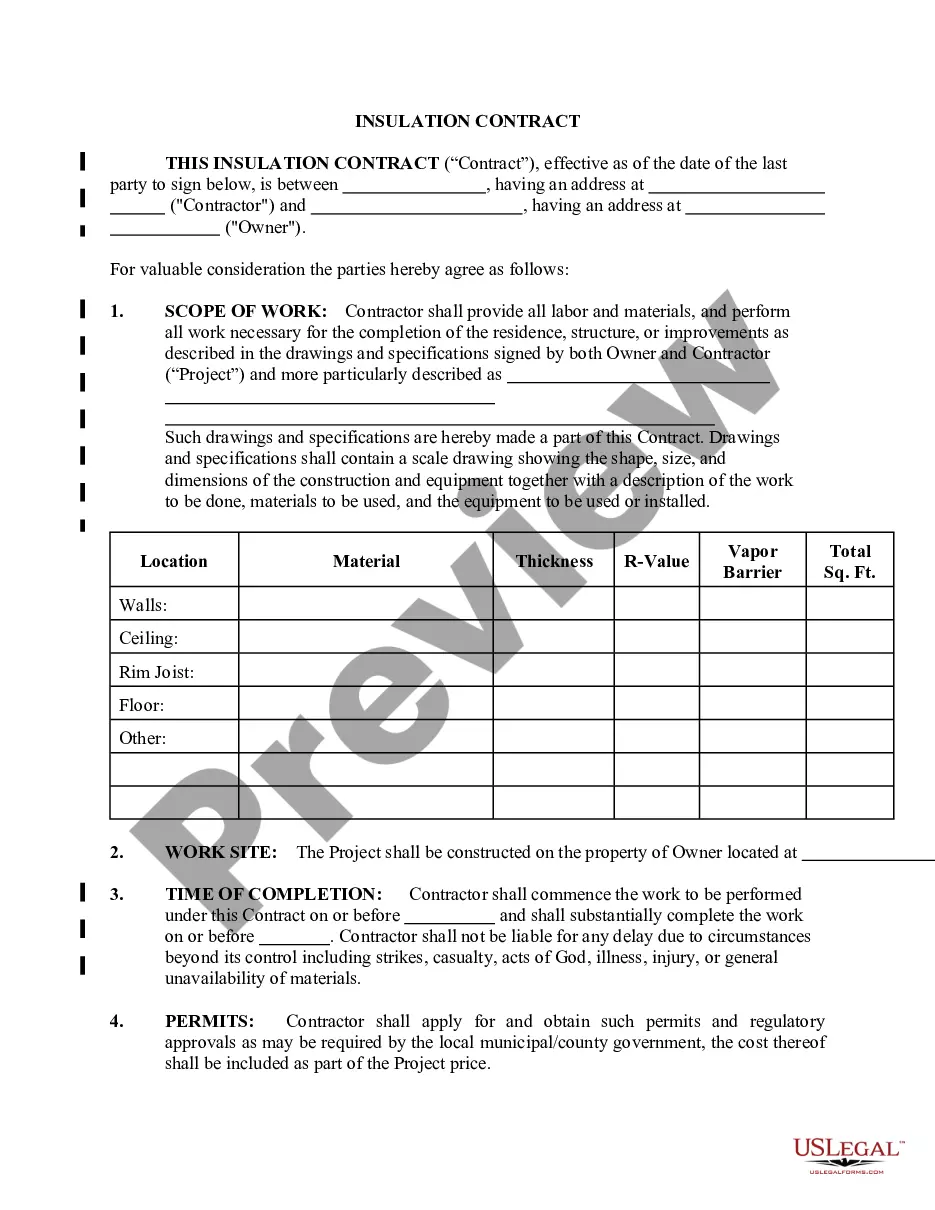
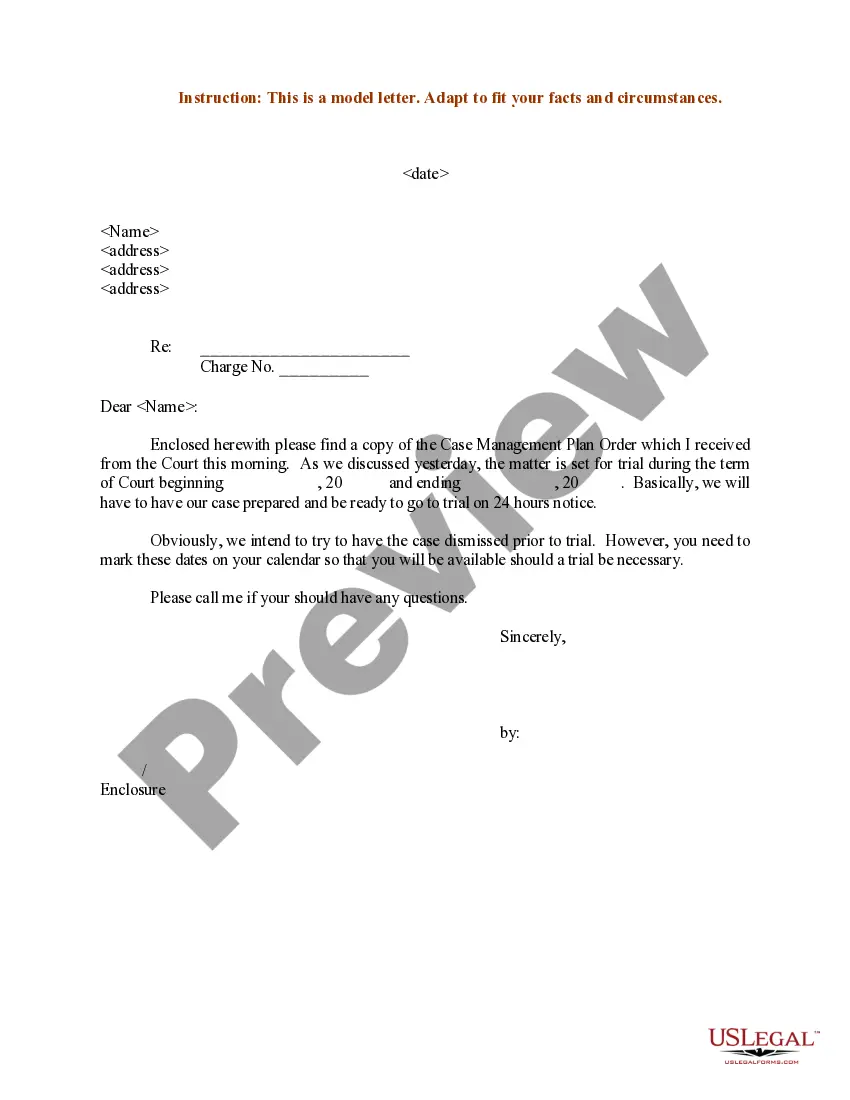
Review the template using the Preview feature or via the text outline to ensure it suits your requirements.
- They are straightforward to navigate with all documents organized by state and intended use.
- Our experts stay informed about legal updates, ensuring that you can always trust your form to be current and compliant when obtaining a Sample Reference Form Template With Drop Down Menu from our site.
- Receiving a Sample Reference Form Template With Drop Down Menu is straightforward and fast for both existing and new users.
- If you already possess an account with an active subscription, Log In and download the document sample you require in the correct format.
- If you are a newcomer to our platform, follow the steps below.
Form popularity
FAQ
Creating a form with drop-down menus in Excel can simplify data entry and enhance user experience. First, ensure your data is organized in a clear manner, then use the Data Validation feature to create your drop-down list. This allows you to maintain consistency in the responses collected. If you're looking for an efficient solution, consider using a sample reference form template with drop-down menu options available on platforms like US Legal Forms.
To make a reference form, start by outlining the information you need to include such as the referee's contact details and relationship to the applicant. Use a structured format to ensure clarity and ease of use. Utilizing a Sample reference form template with drop down menu can help you streamline this process and ensure all necessary items are covered.
To make a fillable form with a drop-down list, begin with a form design tool that supports interactive elements. Add a drop-down component, then customize your options according to your requirements. For a ready-made solution, consider utilizing a Sample reference form template with drop down menu for quick setup.
To create a dropdown list in a form, select your form-building tool and look for the option to add a drop-down field. Define the list options in the settings of the field. For a more structured approach, a Sample reference form template with drop down menu can guide you through the process effortlessly.
To create a fillable form in Word with a drop-down list, start by enabling the Developer tab in the ribbon. Next, insert a drop-down list content control and customize the options according to your needs. With the Sample reference form template with drop down menu, you can easily manage and streamline your data collection process.
To create a form in Excel with dropdowns, start by opening a new or existing spreadsheet. Next, select the cell where you want the dropdown menu, then navigate to the 'Data' tab and choose 'Data Validation'. Here, you can select 'List' and enter your options, ensuring that your choices are clear and organized. Utilize this method to design a Sample reference form template with drop down menu that can streamline data entry and enhance user experience.
Create a drop-down list Select the cells that you want to contain the lists. On the ribbon, select DATA > Data Validation. In the dialog box, set Allow to List. Click in Source, type the text or numbers (separated by commas, for a comma-delimited list) that you want in your drop-down list, and select OK.
Select a cell where you want a drop-down list. Click the DATA tab, and click Data Validation. In the Data Validation dialog, set Allow to List; this enables a list in the cell. Leave In-cell drop-down selected; this enables a drop-down list in the cell.
If you insert a drop down from a regular range, include the sheet's name in the source reference. In the Data Validation dialog window, place the cursor in the Source box, switch to the other sheet and select the range containing the items. Excel will add the sheet name to the reference automatically.
Insert a combo box or a drop-down list Go to Developer > Combo Box Content Control or Drop-Down List Content Control . Select the content control, and then select Properties. To create a list of choices, select Add under Drop-Down List Properties. Type a choice in Display Name, such as Yes, No, or Maybe.