Personal Trainer Fitness Form With Two Points
Description
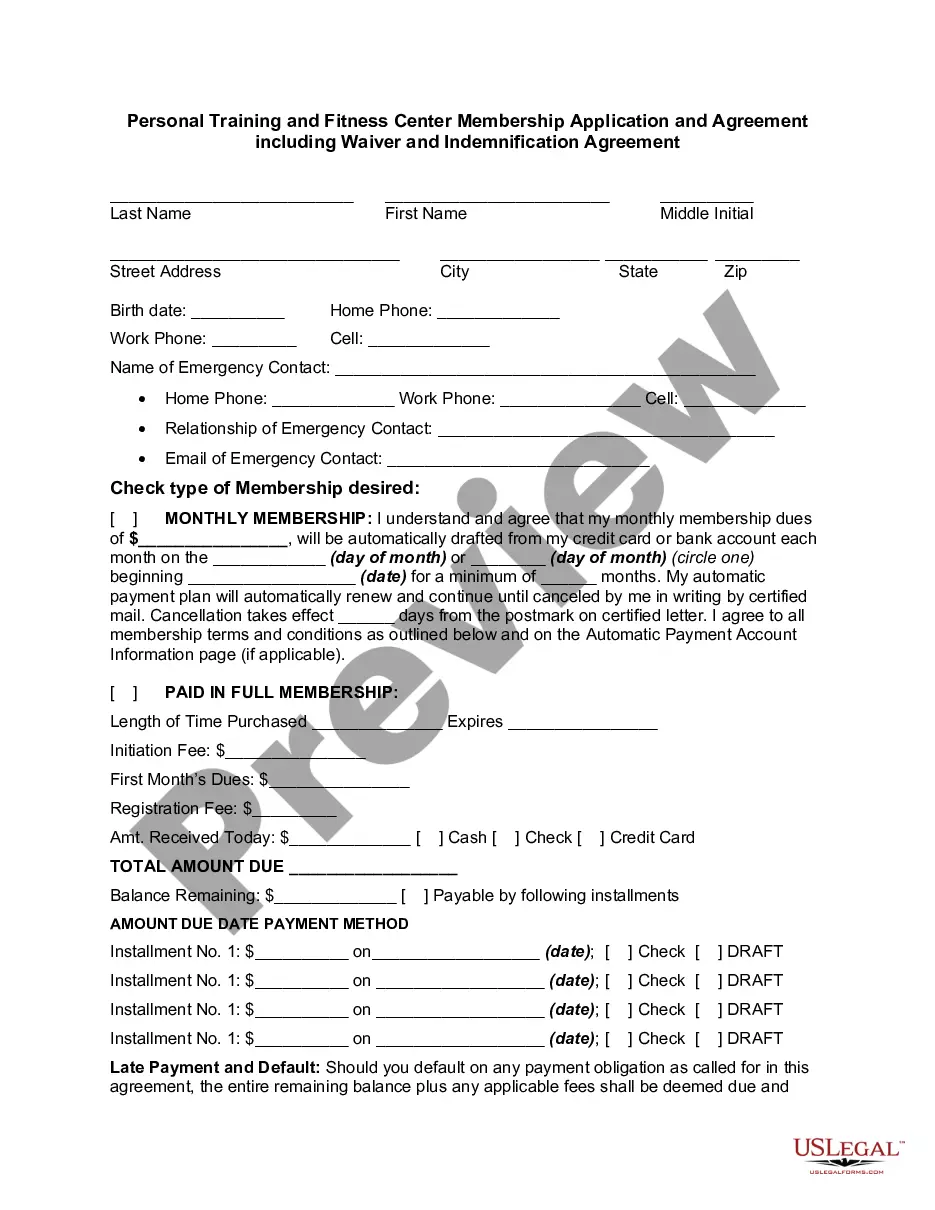
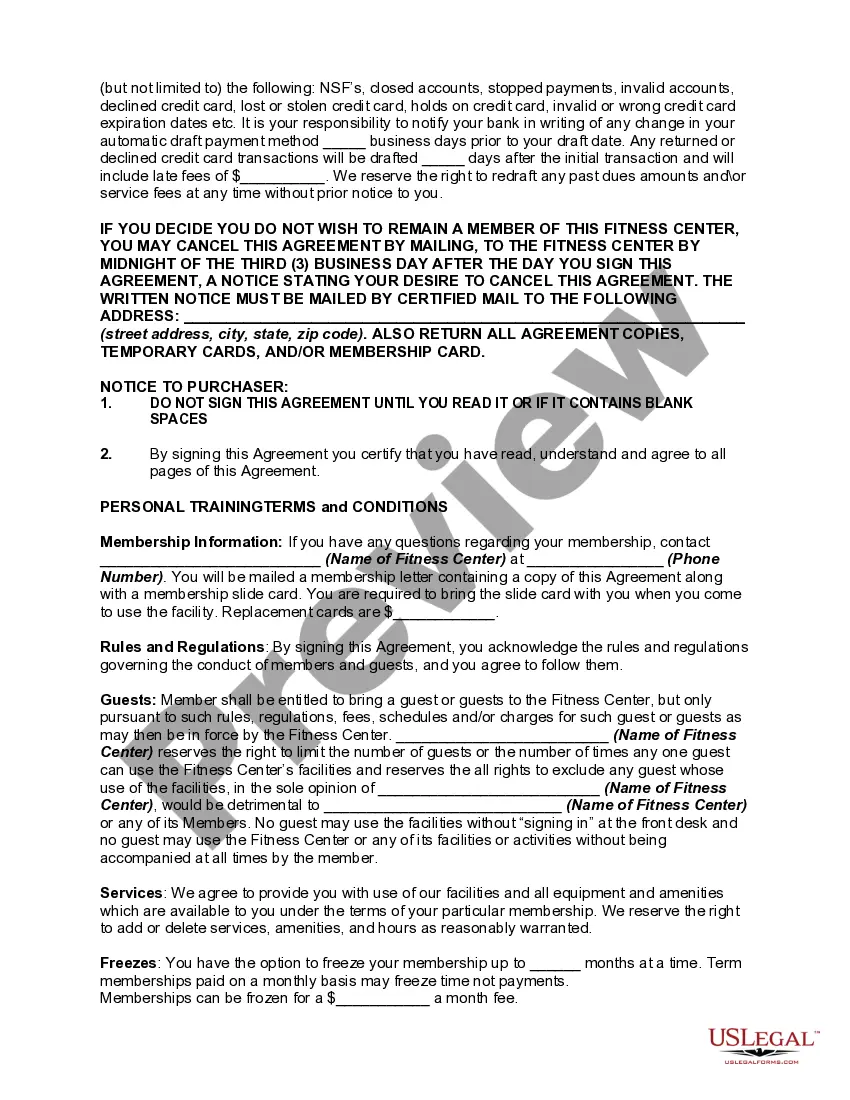
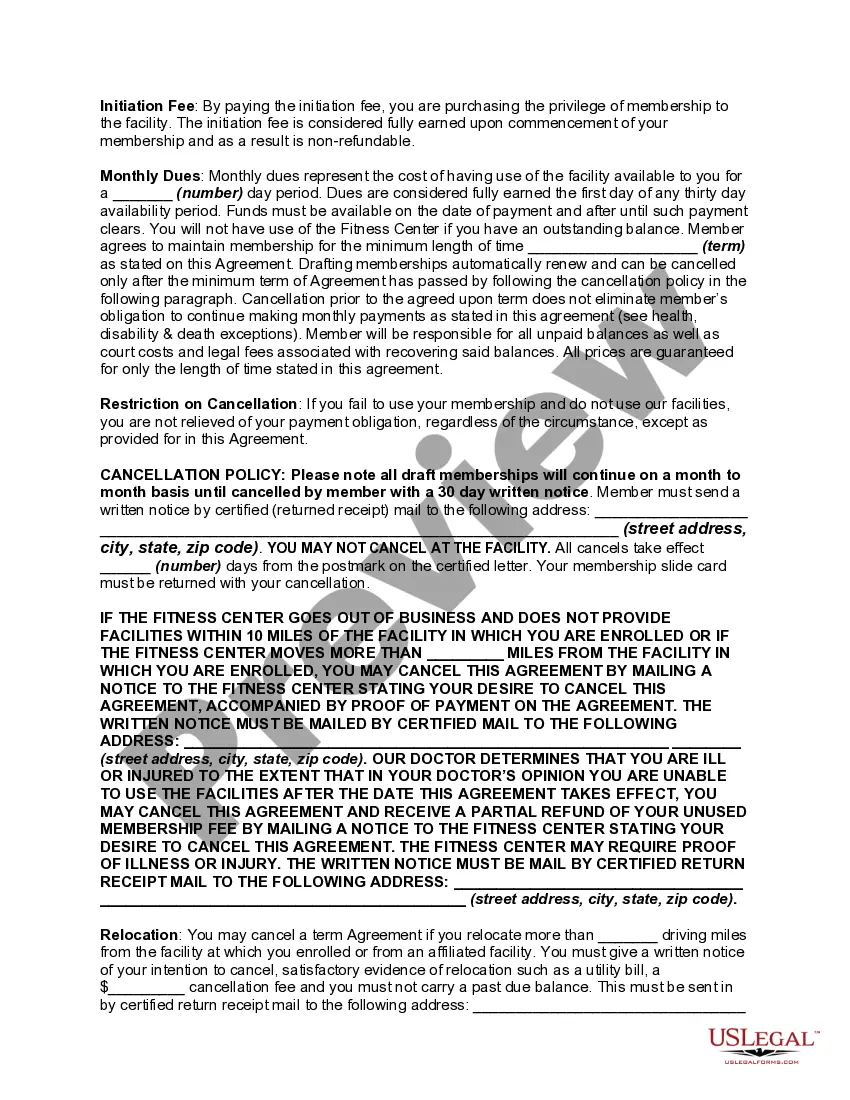
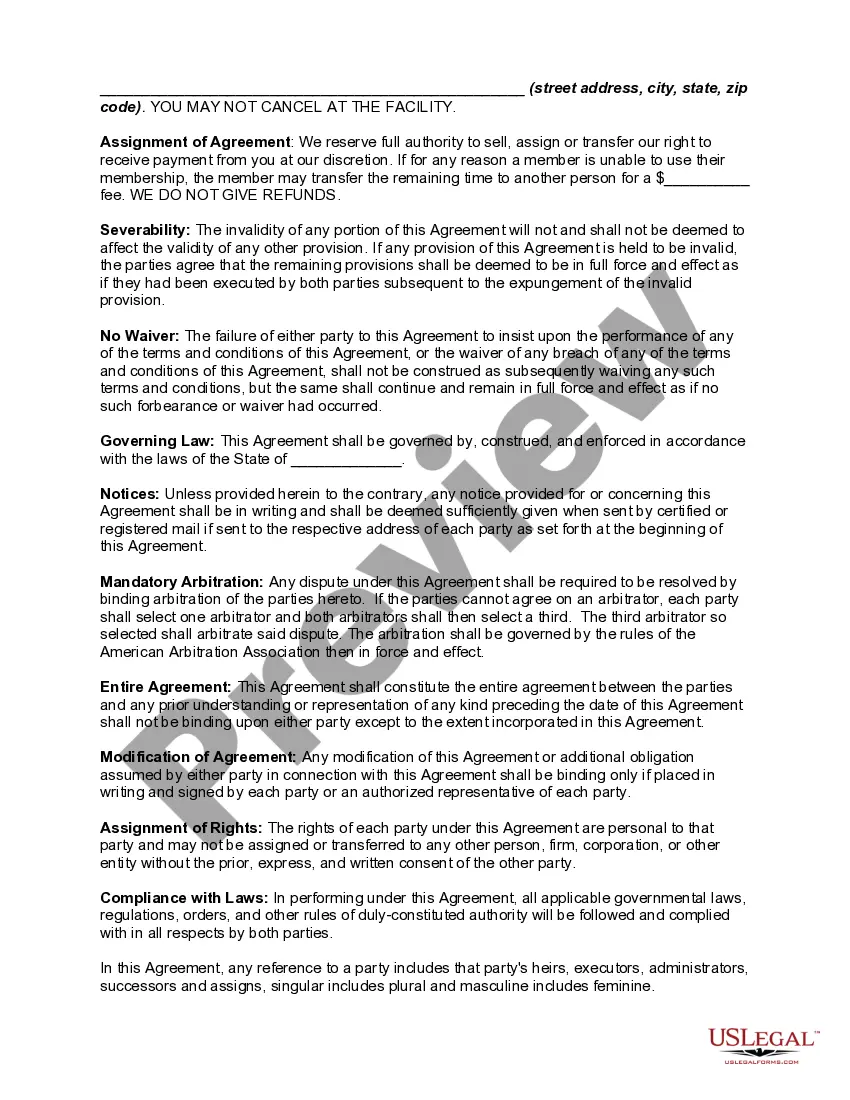
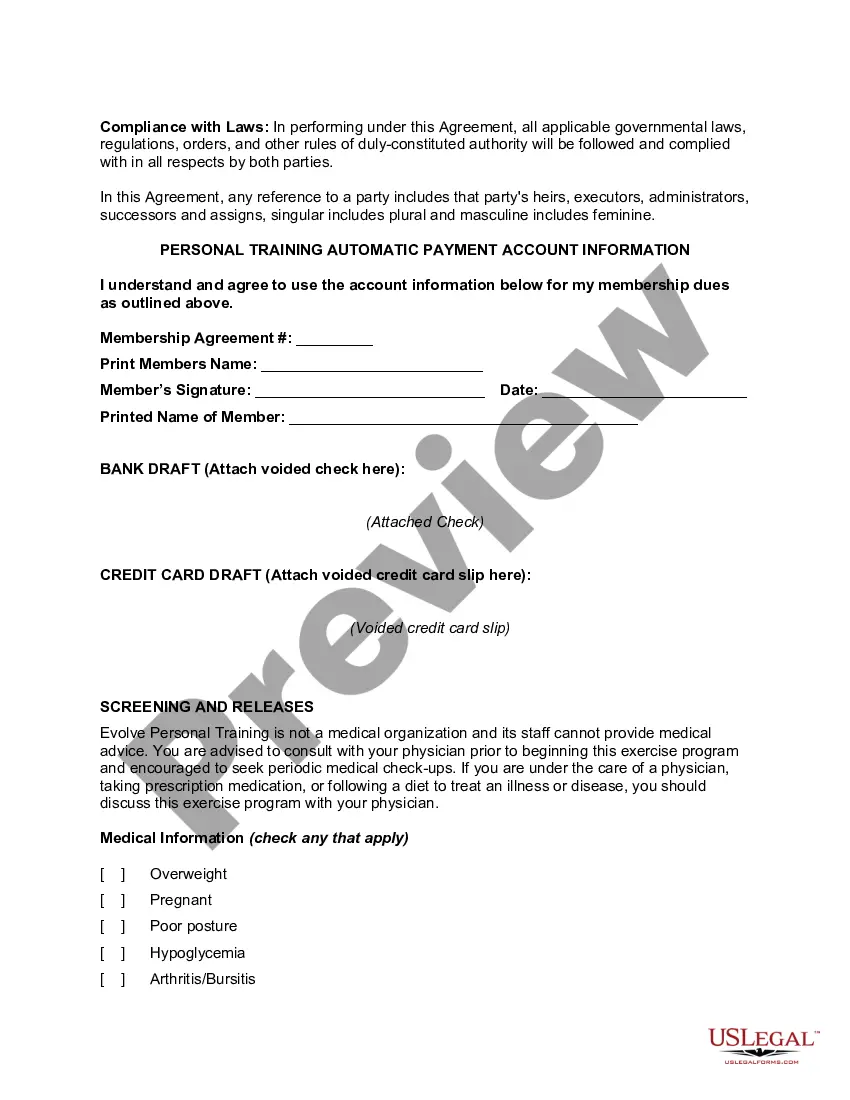
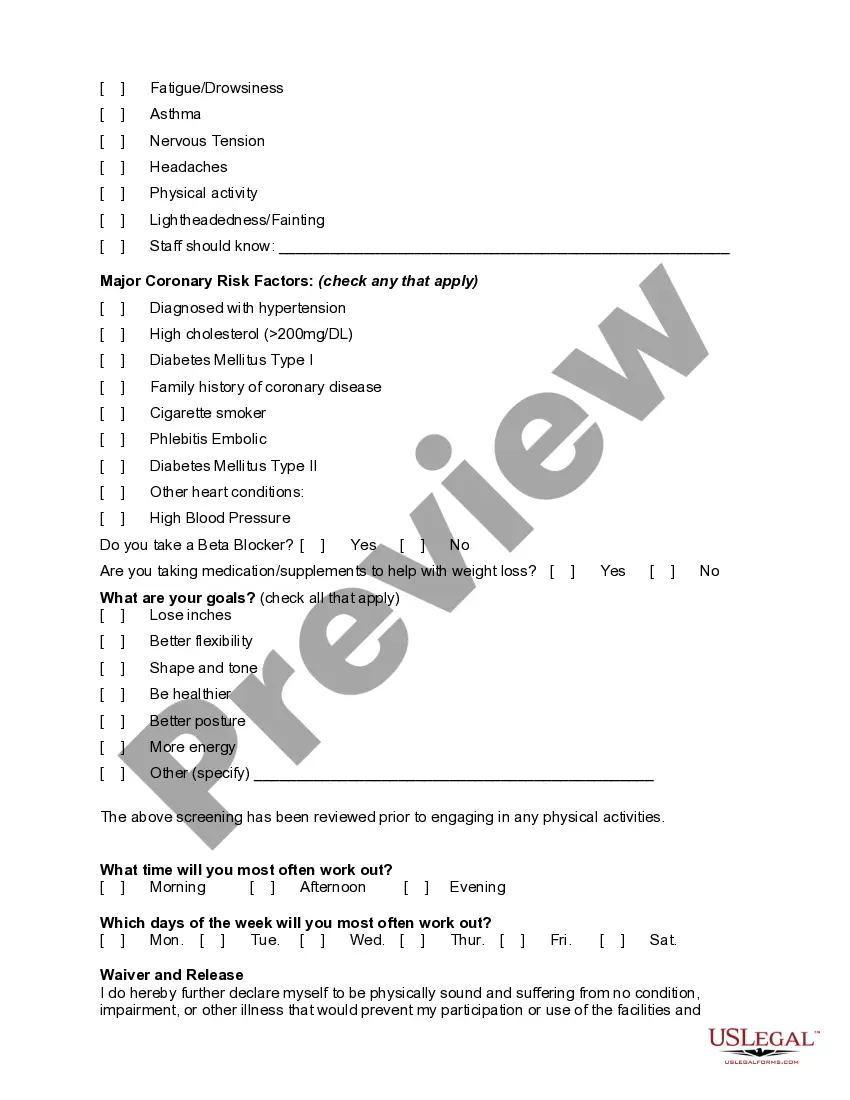
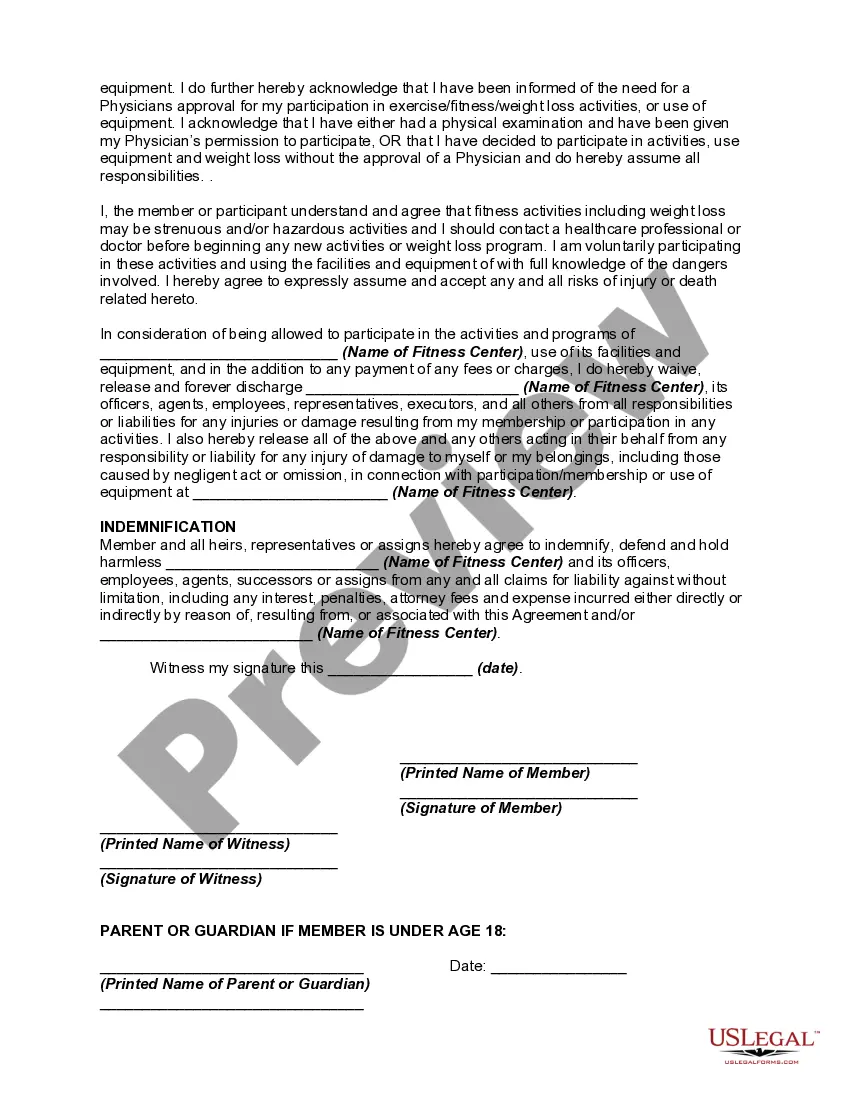

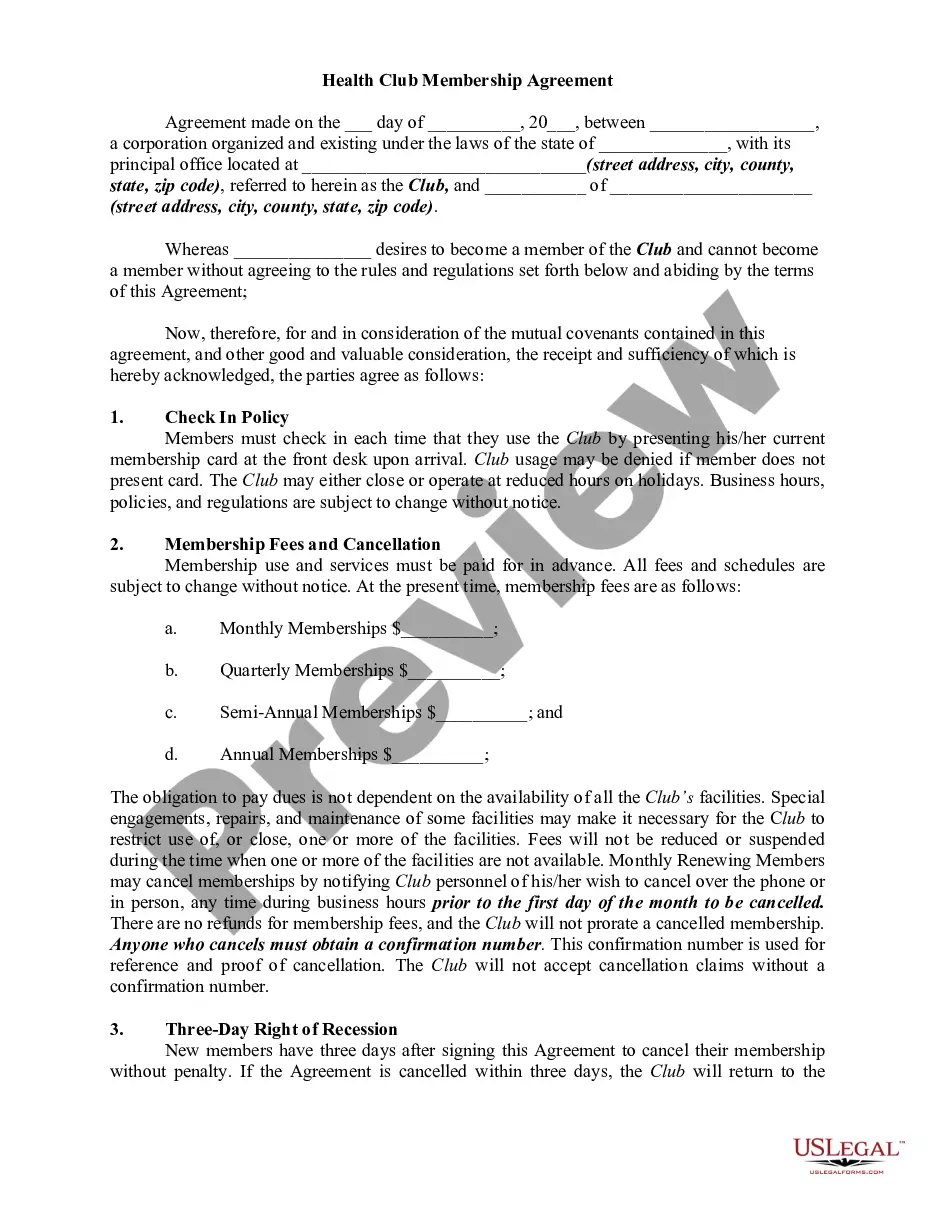
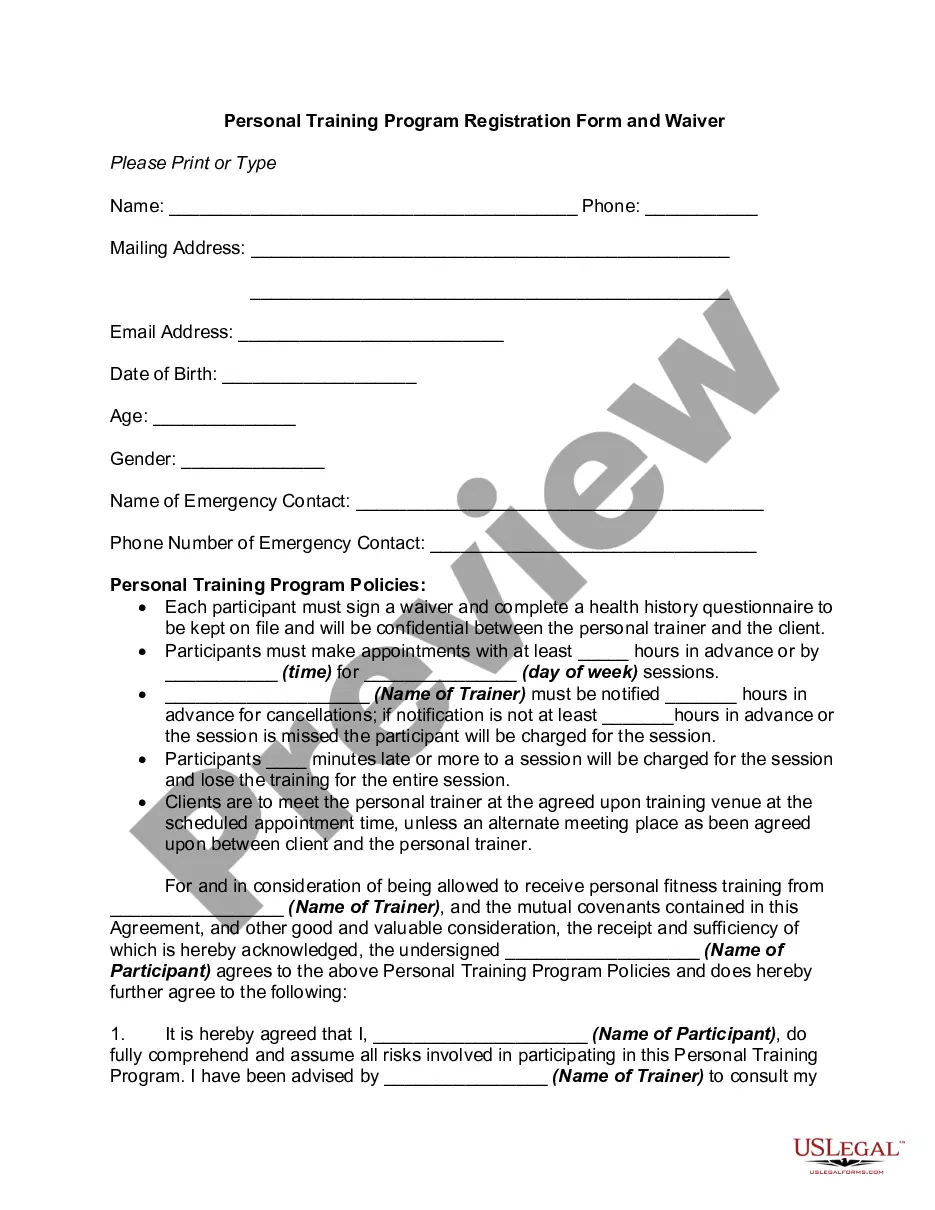
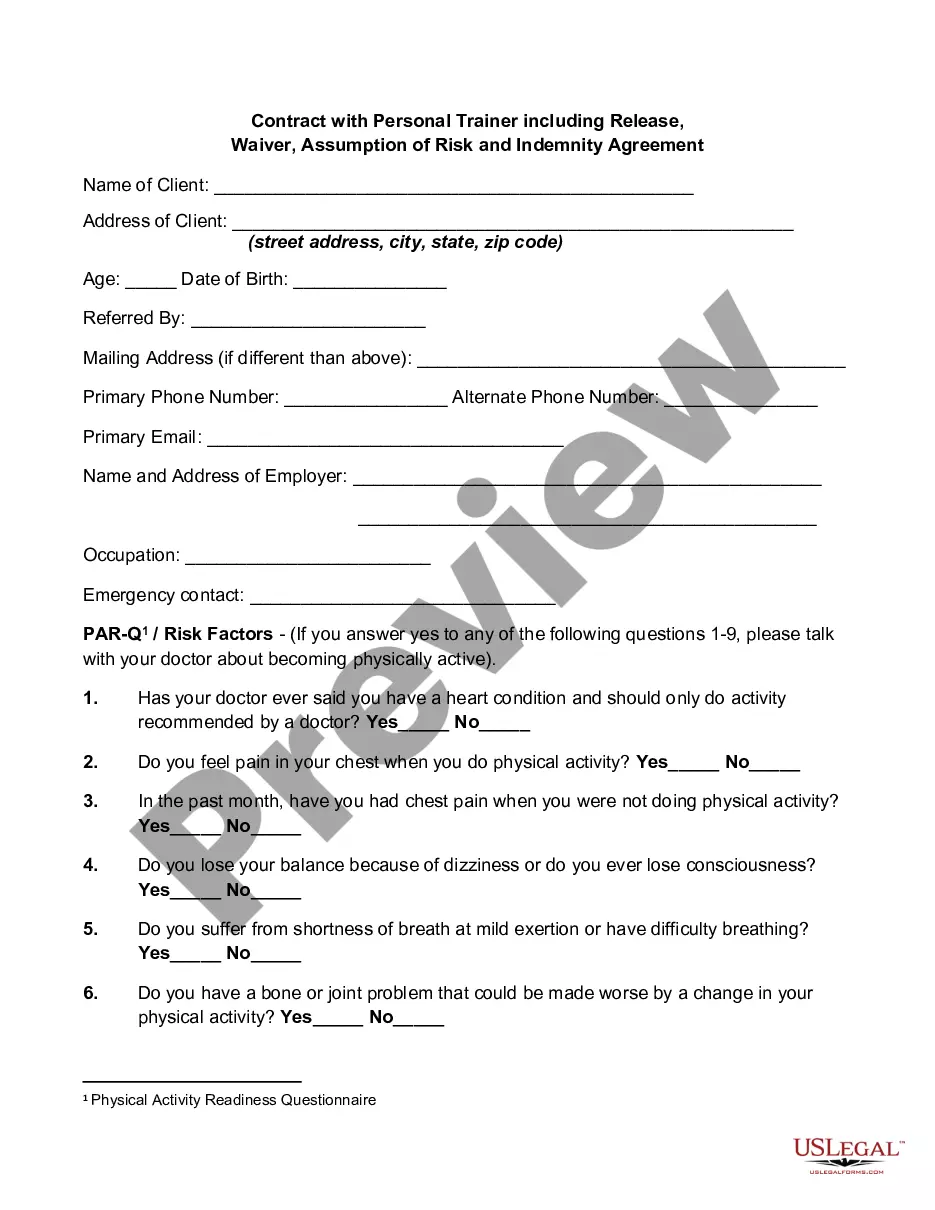
Get your form ready online
Our built-in tools help you complete, sign, share, and store your documents in one place.
Make edits, fill in missing information, and update formatting in US Legal Forms—just like you would in MS Word.
Download a copy, print it, send it by email, or mail it via USPS—whatever works best for your next step.
Sign and collect signatures with our SignNow integration. Send to multiple recipients, set reminders, and more. Go Premium to unlock E-Sign.
If this form requires notarization, complete it online through a secure video call—no need to meet a notary in person or wait for an appointment.
We protect your documents and personal data by following strict security and privacy standards.

Make edits, fill in missing information, and update formatting in US Legal Forms—just like you would in MS Word.

Download a copy, print it, send it by email, or mail it via USPS—whatever works best for your next step.

Sign and collect signatures with our SignNow integration. Send to multiple recipients, set reminders, and more. Go Premium to unlock E-Sign.

If this form requires notarization, complete it online through a secure video call—no need to meet a notary in person or wait for an appointment.

We protect your documents and personal data by following strict security and privacy standards.
Looking for another form?



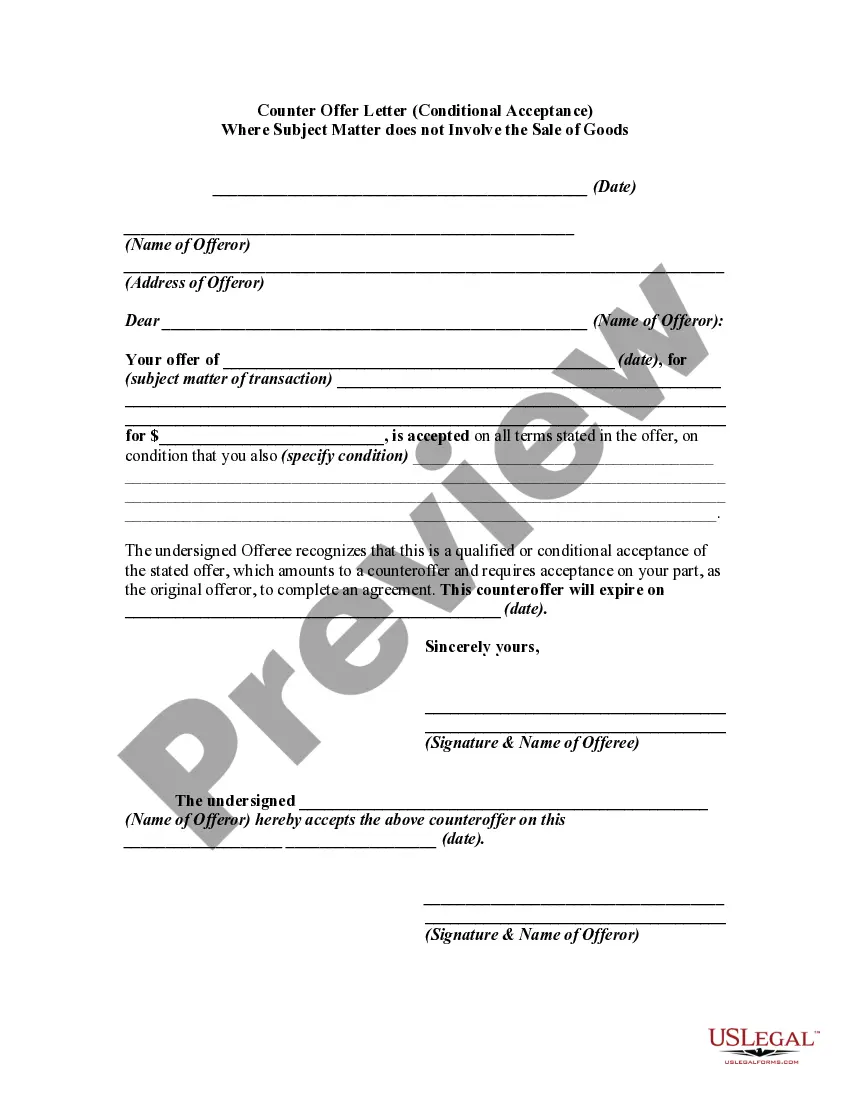


How to fill out Personal Training Or Trainer And Fitness Center Membership Application And Agreement Including Waiver And Indemnification Agreement?
Engaging with legal documents and processes can be a labor-intensive addition to your entire day.
Personal Trainer Fitness Form With Two Points and similar forms typically require you to search for them and figure out how to finish them efficiently.
For that reason, whether you are managing financial, legal, or personal issues, utilizing a comprehensive and user-friendly online directory of forms readily available will be highly beneficial.
US Legal Forms is the premier online platform for legal templates, providing over 85,000 state-specific forms and a range of tools to assist you in completing your documents with ease.
Is it your first time utilizing US Legal Forms? Register and establish your account in a few minutes, and you will gain access to the form directory and Personal Trainer Fitness Form With Two Points. Then, follow the steps outlined below to complete your form: Ensure you have the correct form by using the Review feature and examining the form details. Choose Buy Now when prepared, and select the monthly subscription plan that suits you best. Click Download then fill out, sign, and print the form. US Legal Forms has twenty-five years of experience assisting clients in managing their legal documents. Find the form you need today and simplify any process without breaking a sweat.
- Explore the directory of relevant documents accessible to you with just one click.
- US Legal Forms offers you state- and county-specific forms that you can download at any time.
- Streamline your document management processes using a high-quality service that enables you to generate any form in minutes without additional or hidden charges.
- Simply Log In to your account, locate Personal Trainer Fitness Form With Two Points, and download it instantly from the My documents section.
- You can also access previously saved forms.
Form popularity
FAQ
Someone with a Level 2 Gym Instructor qualification would be able to work as a Gym Instructor or Fitness Instructor. They would be qualified to support and induct members of a gym, but they would not be able to give advice or create a tailored training programme for a client.
stage fitness test or a onemile run are used most often to assess cardiovascular endurance. Muscular strength is the amount of force a muscle can produce. Examples would be the bench press, leg press or bicep curl. The push up test is most often used to assess muscular strength.
Personal Training Forms For Your Fitness Business PAR-Q? ... Waiver of Liability? ... Client Agreement / Contract? ... Fitness Assessment. ... Medical History? ... Goal-Setting Form? ... Fitness Assessment Informed Consent? ... Client Referrals?
These 8 considerations are all important to include in your personal training assessment: Postural assessment. ... Movement analysis. ... Overhead squat assessment. ... Elevated heels modification. ... Sit-ups. ... Endurance analysis. ... Flexibility limitations. ... Recovery levels.
The aim of this Level 2 Certificate in Fitness Instructing qualification is to train learners to a professionally competent level, enabling them to prescribe, plan and deliver safe and effective exercise programmes within a gym or health club environment as a Level 2 Fitness Instructor.