Mobile Home For Sale Without Land
Description
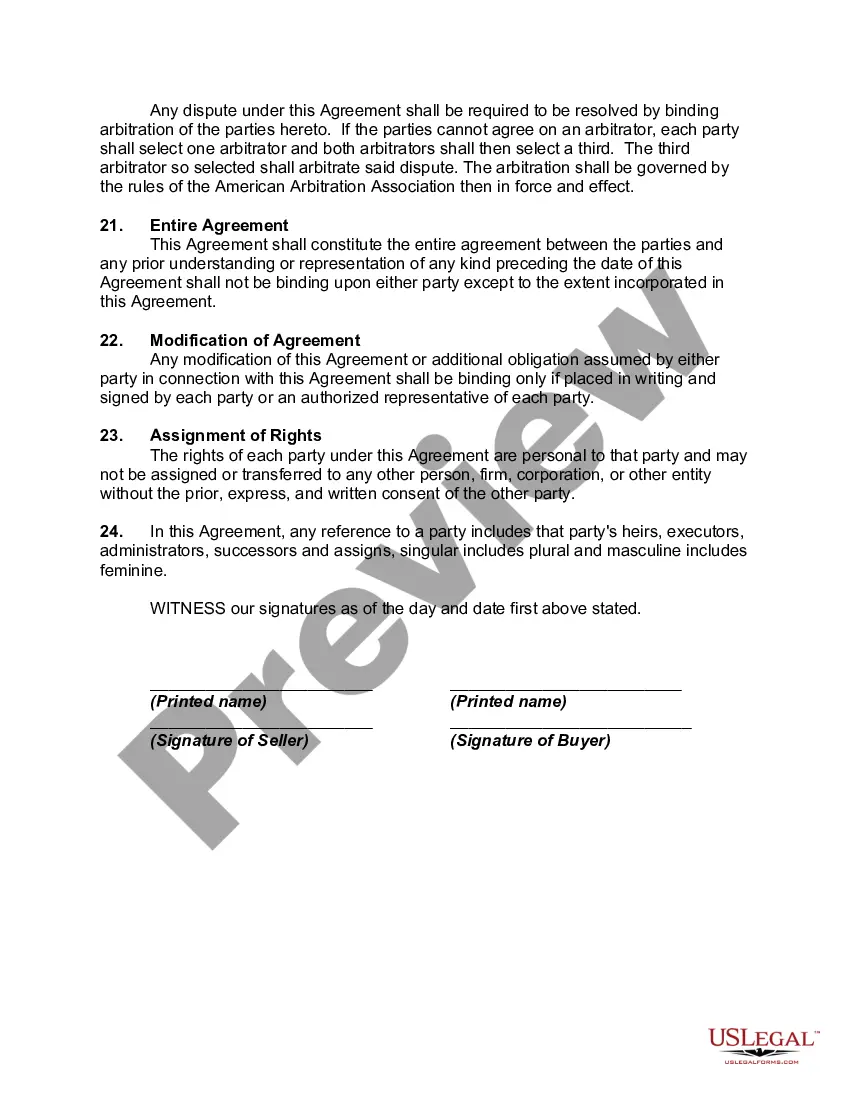
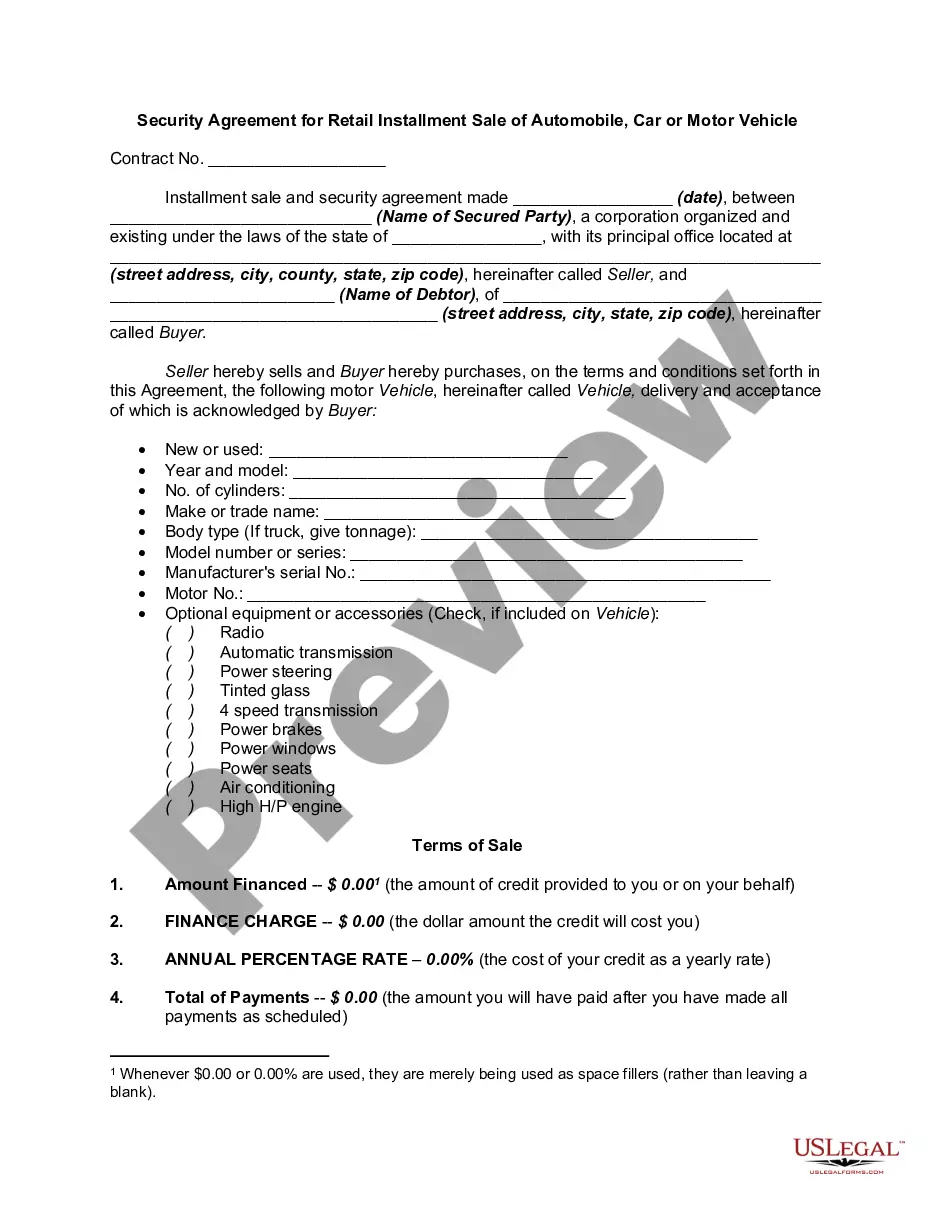
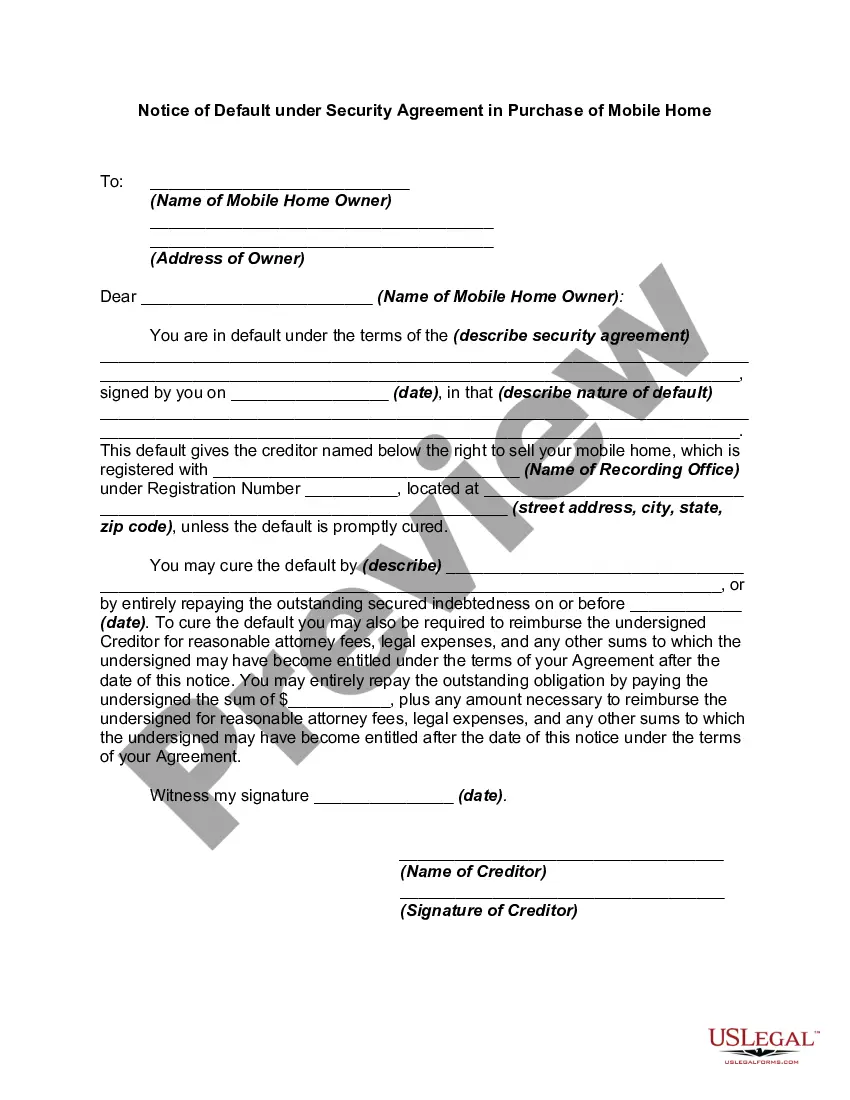
Get your form ready online
Our built-in tools help you complete, sign, share, and store your documents in one place.
Make edits, fill in missing information, and update formatting in US Legal Forms—just like you would in MS Word.
Download a copy, print it, send it by email, or mail it via USPS—whatever works best for your next step.
Sign and collect signatures with our SignNow integration. Send to multiple recipients, set reminders, and more. Go Premium to unlock E-Sign.
If this form requires notarization, complete it online through a secure video call—no need to meet a notary in person or wait for an appointment.
We protect your documents and personal data by following strict security and privacy standards.

Make edits, fill in missing information, and update formatting in US Legal Forms—just like you would in MS Word.

Download a copy, print it, send it by email, or mail it via USPS—whatever works best for your next step.

Sign and collect signatures with our SignNow integration. Send to multiple recipients, set reminders, and more. Go Premium to unlock E-Sign.

If this form requires notarization, complete it online through a secure video call—no need to meet a notary in person or wait for an appointment.

We protect your documents and personal data by following strict security and privacy standards.
Looking for another form?
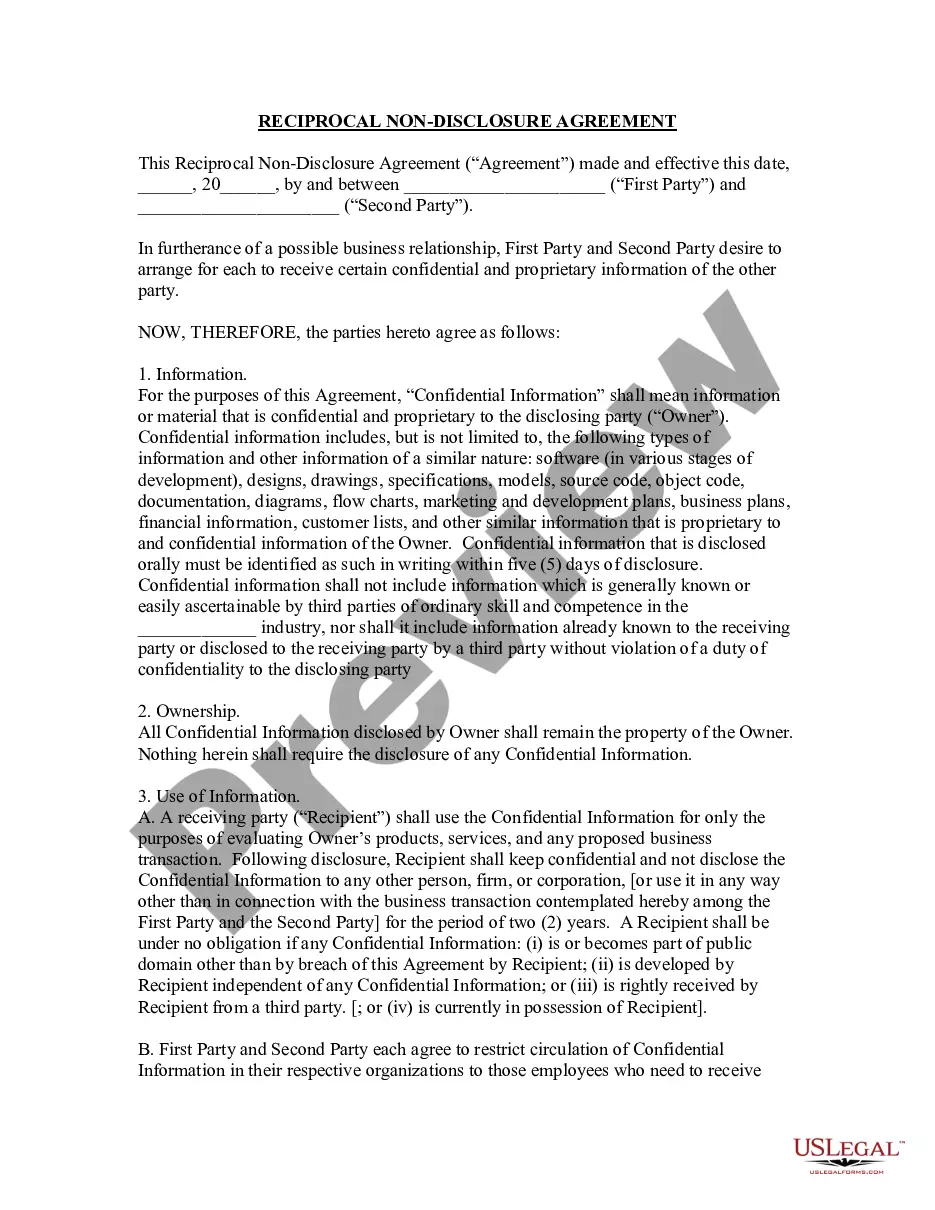


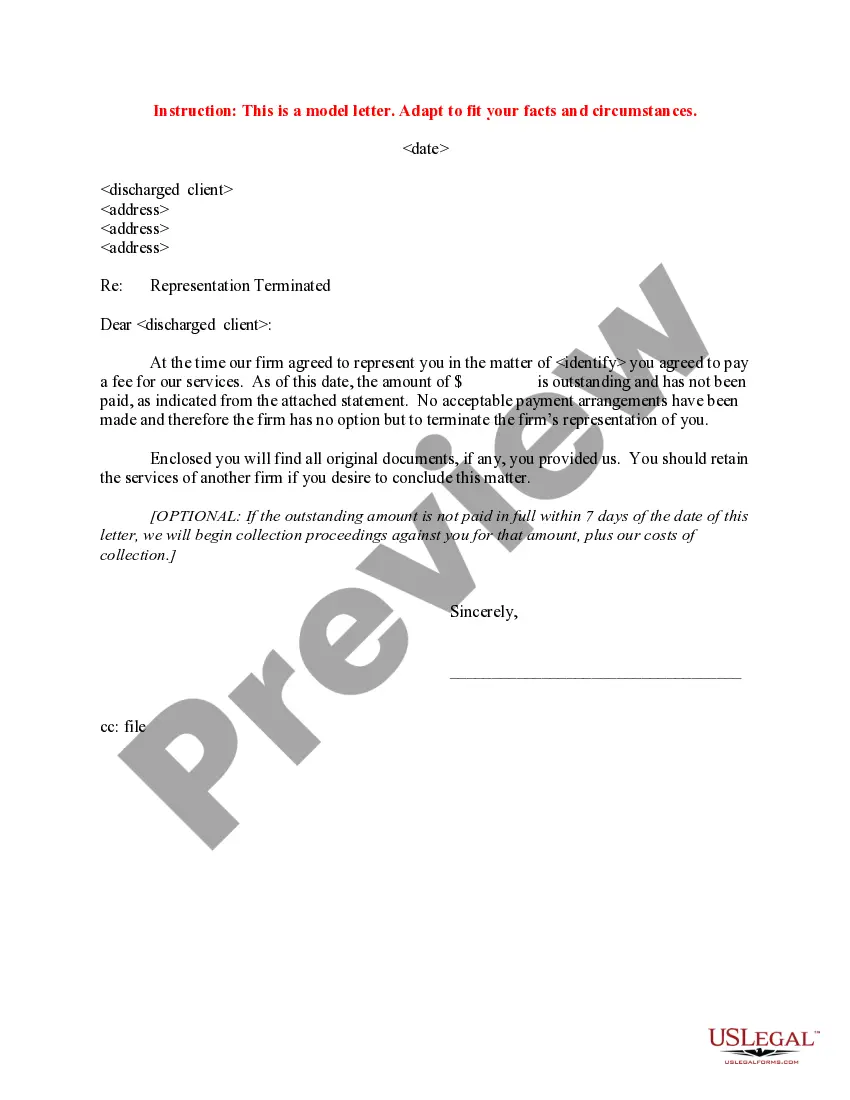


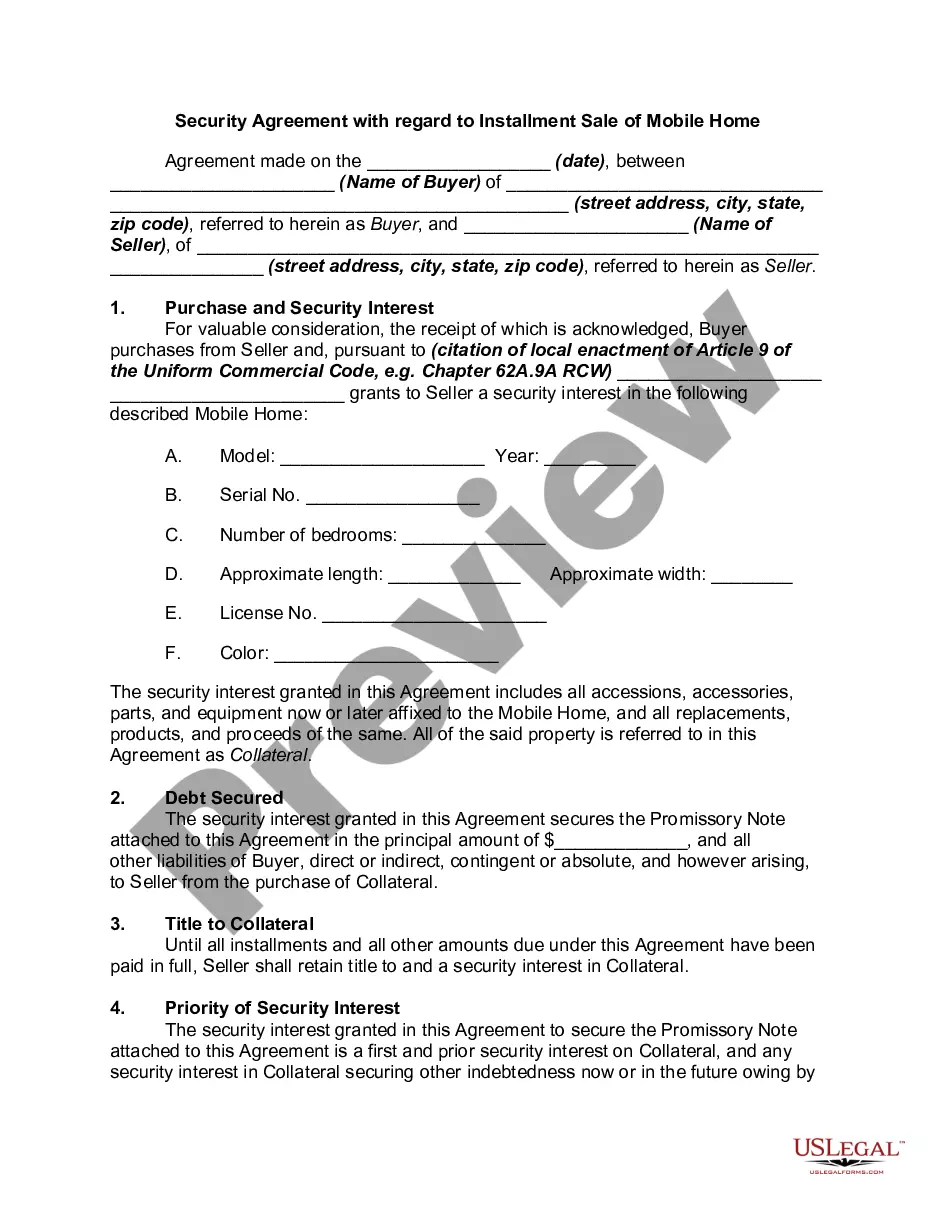
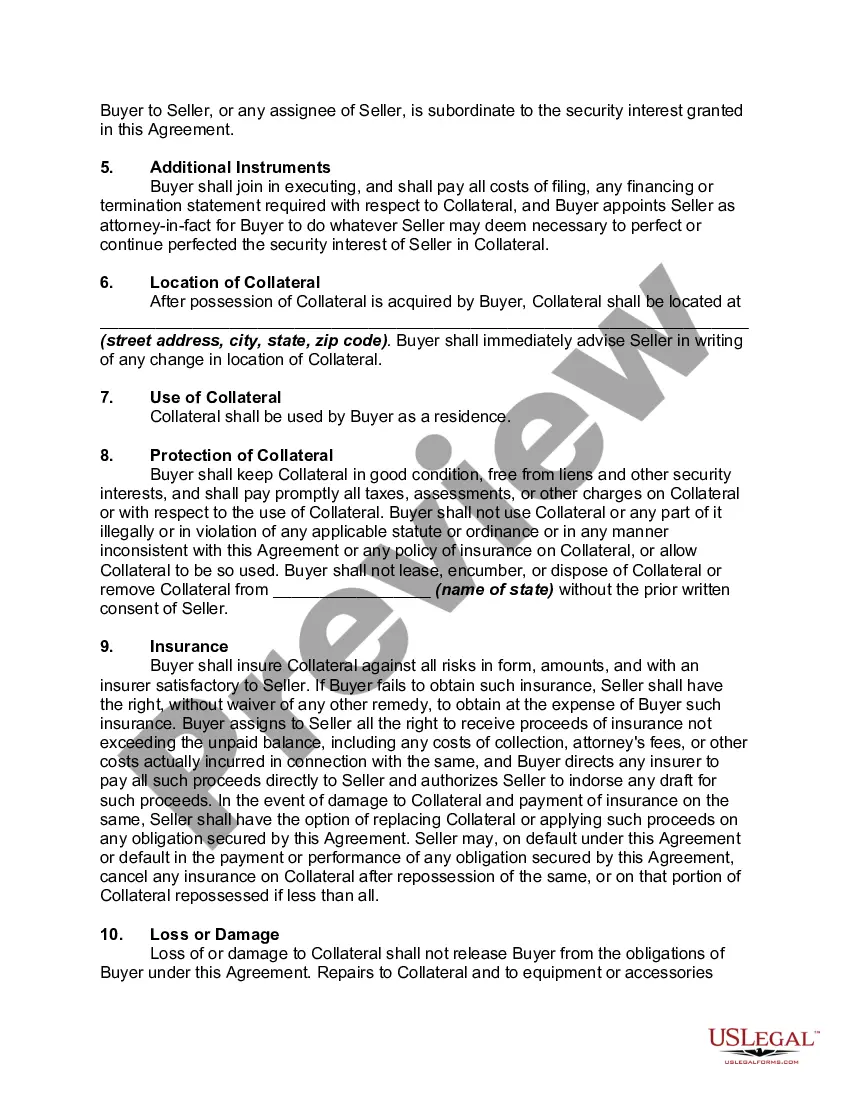
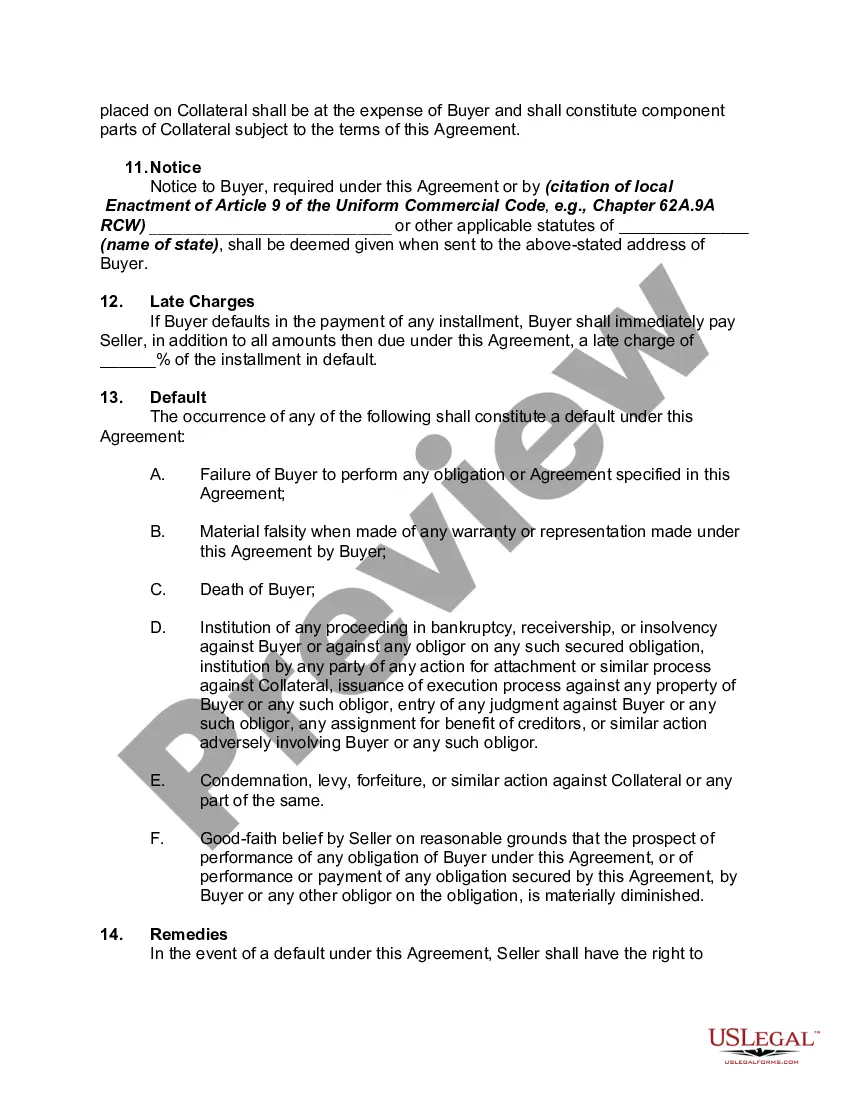
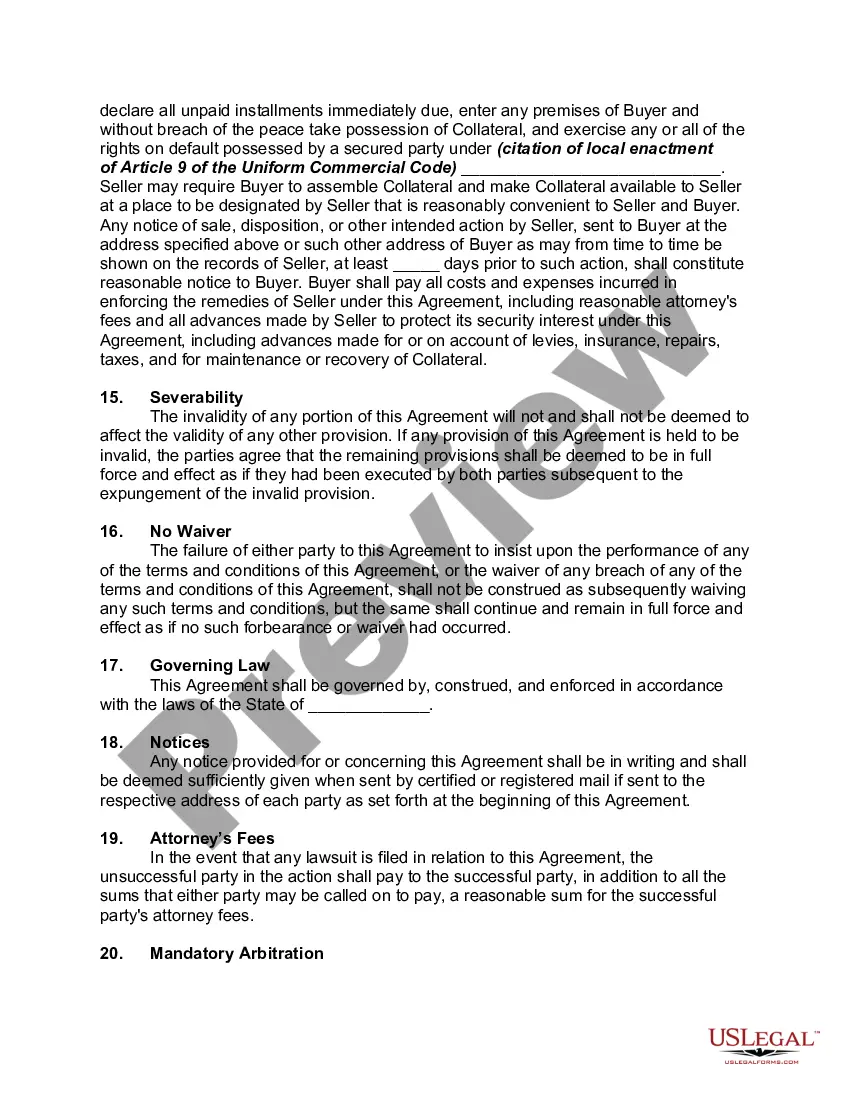
How to fill out Security Agreement With Regard To Installment Sale Of Mobile Home?
Finding a reliable source for the most current and pertinent legal documents is a significant part of navigating bureaucracy.
Selecting the appropriate legal forms requires accuracy and meticulousness, which is why it’s essential to obtain samples of Mobile Home For Sale Without Land exclusively from reputable origins, such as US Legal Forms.
Remove the hassle associated with your legal documentation. Discover the extensive US Legal Forms library where you can locate legal samples, assess their applicability to your situation, and download them instantly.
- Utilize the catalog navigation or search feature to locate your template.
- Examine the form’s description to determine if it meets the criteria of your state and locality.
- Check the form preview, if available, to ensure the template is indeed the one you are seeking.
- Return to the search and look for the correct document if the Mobile Home For Sale Without Land does not fulfill your requirements.
- If you are confident about the form’s applicability, download it.
- If you are an authorized user, click Log in to verify and access your selected templates in My documents.
- If you do not yet have an account, click Buy now to acquire the template.
- Select the pricing option that best fits your needs.
- Continue to registration to finalize your purchase.
- Complete your purchase by selecting a payment method (credit card or PayPal).
- Select the document format for downloading Mobile Home For Sale Without Land.
- Once you have the form on your device, you can modify it using the editor or print it out to fill it in manually.
Form popularity
FAQ
Order forms and other publications from Library of Congress, Copyright Office- COPUBS, 101 Independence Avenue SE, Washington, DC 20559 or call (202) 707-9100 or 1-877-476-0778 (toll free). Access and download circulars and other information from the Copyright Office website at .copyright.gov.
Works that no longer attract copyright protection are said to be in the public domain, and you are free to use them without restriction. That includes no restrictions on copying and adapting, no need to seek permission, and no uncertainty about your rights as a user.
Which form should I use? Online registration through the electronic Copyright Office (eCO) is the preferred way to register basic claims. Paper versions of Form TX (literary works); Form VA (visual arts works); Form PA (performing arts); Form SR (sound recordings) are available on the Copyright Office website.
Copyright registrations made and documents recorded from 1978 to date are available for searching online.
The Standard Application can be used to register a variety of types of works including a work created by a single author, a work created jointly by two or more authors, a work made for hire, a derivative work, a compilation, a collective work, and a unit of publication.
To register a claim to copyright with the U.S. Copyright Office, the claimant must: (1) submit a properly completed application; (2) pay a nonrefundable fee; and (3) deposit the required number of copies of the works to be registered.
Order forms and other publications from Library of Congress, Copyright Office- COPUBS, 101 Independence Avenue SE, Washington, DC 20559 or call (202) 707-9100 or 1-877-476-0778 (toll free). Access and download circulars and other information from the Copyright Office website at .copyright.gov.
Ingly, for most works, using the Standard Application to register a copyright claim is most appropriate. The Single Application registration option is available only for works meeting the Copyright Office's eligibility requirements.