Reciprocal Nondisclosure Agreement
About this form
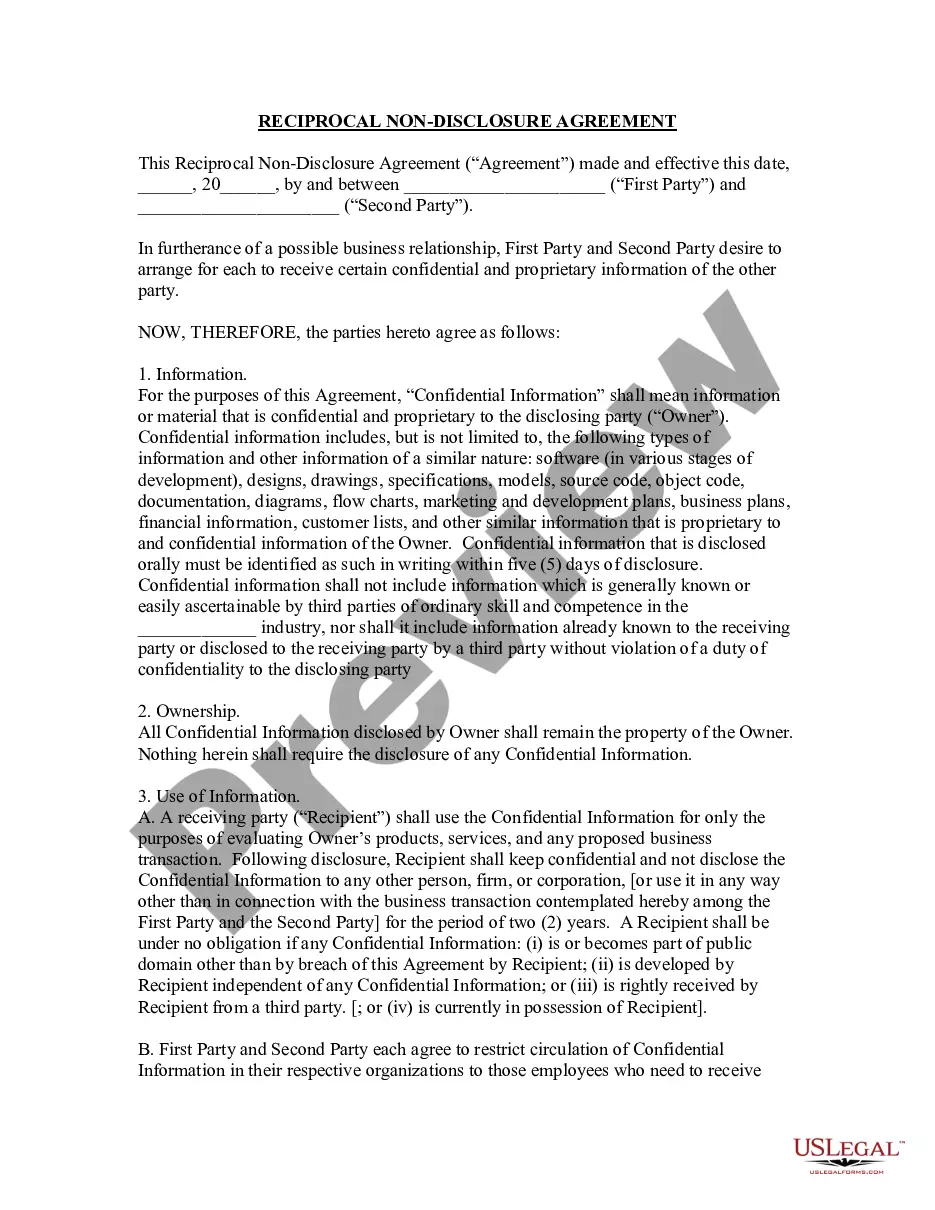
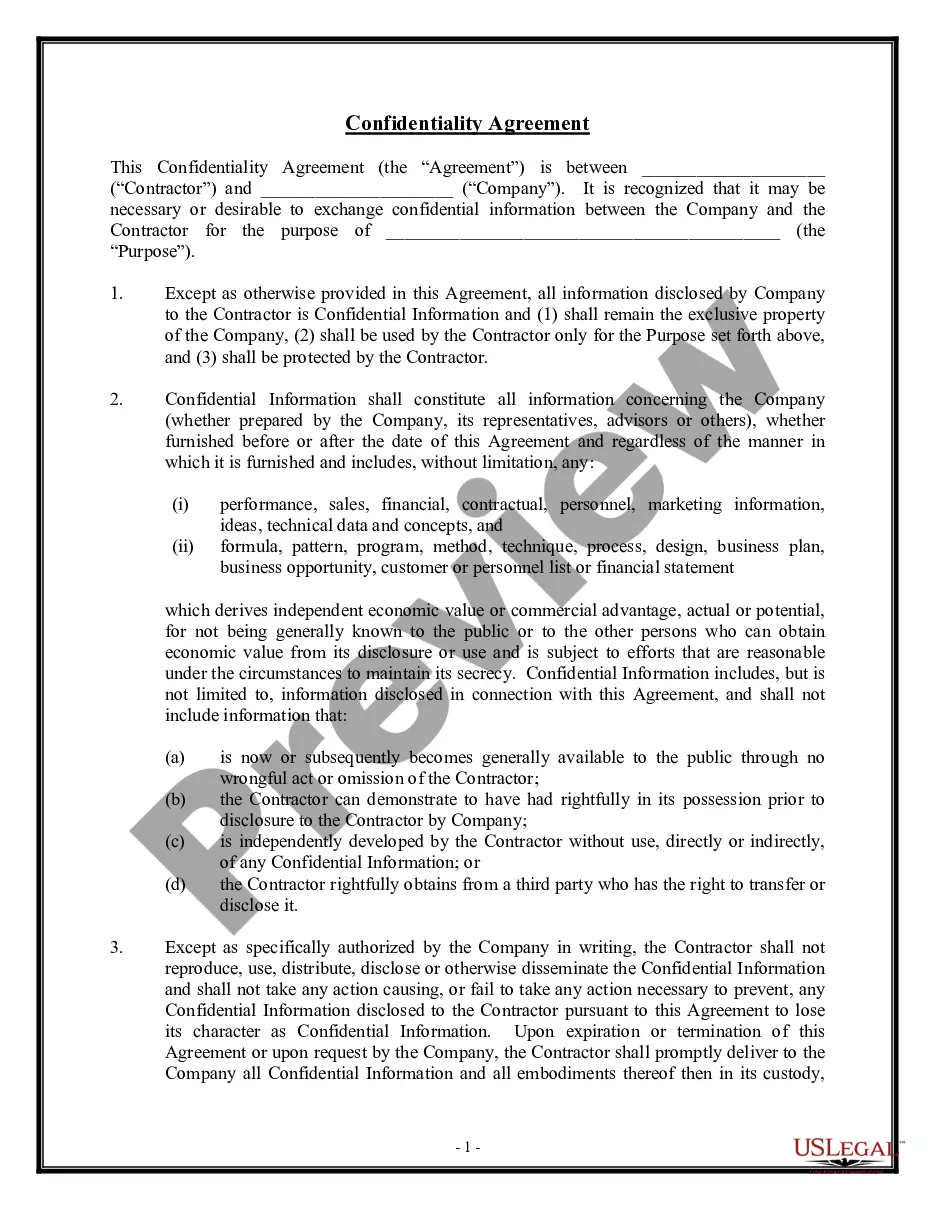
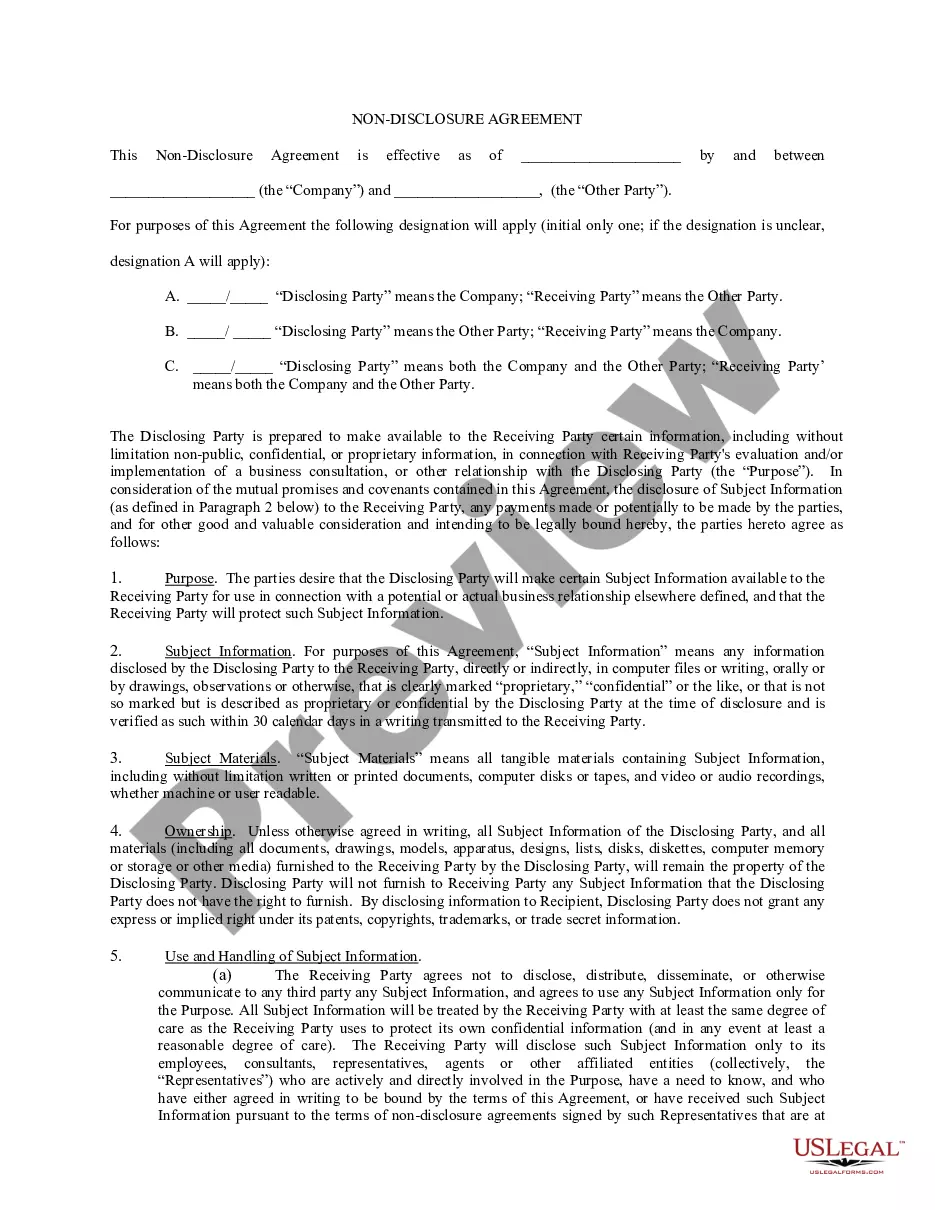
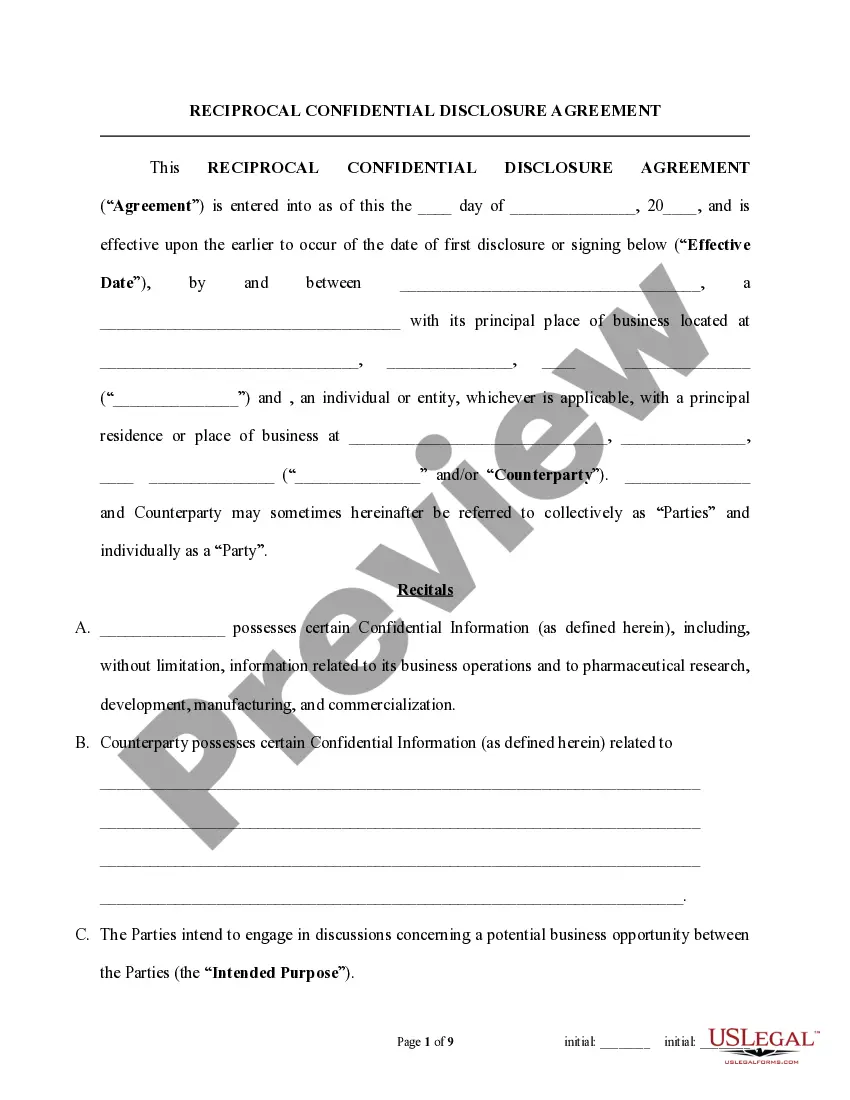
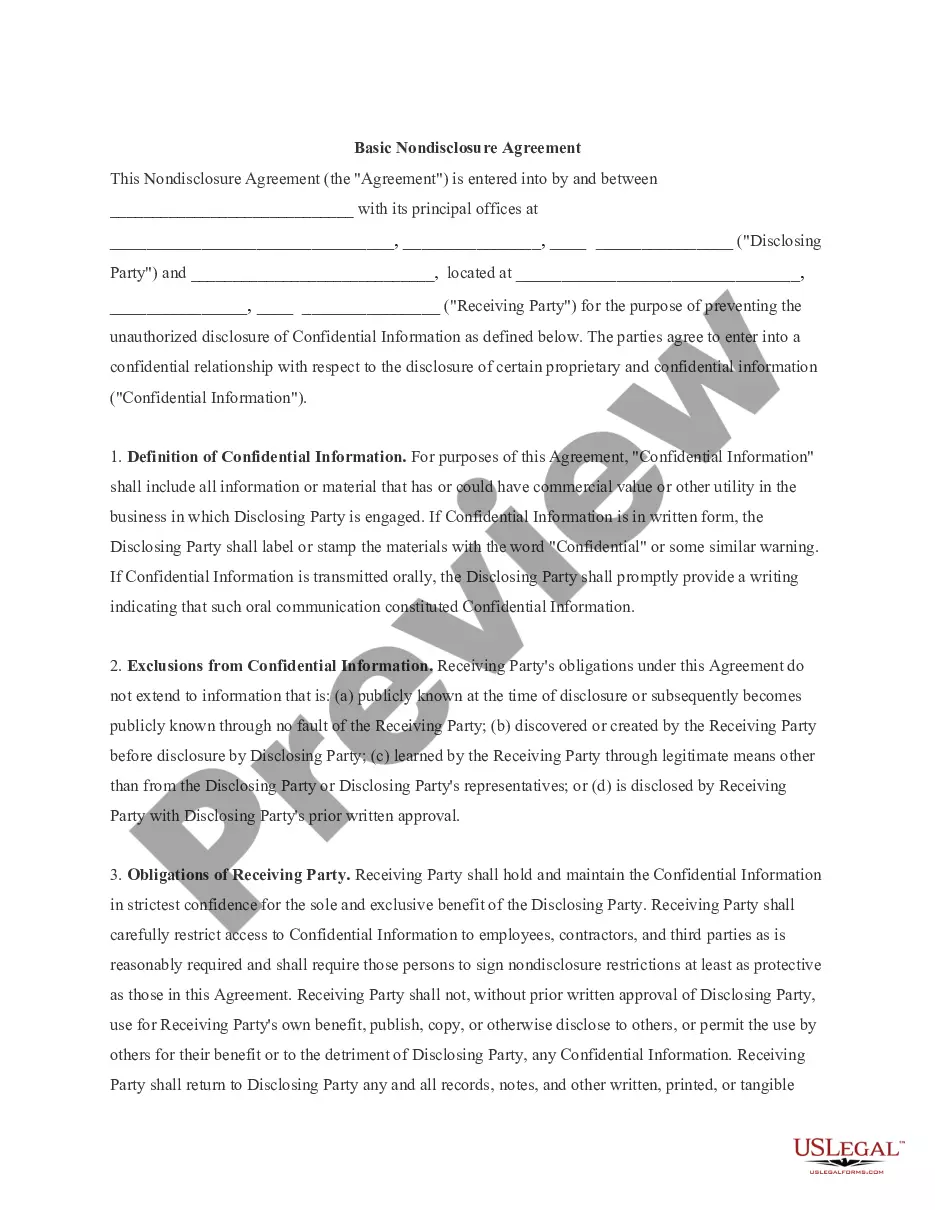
The Reciprocal Nondisclosure Agreement is a legal document designed to protect confidential information shared between two parties. This agreement ensures that both parties can exchange proprietary information without fear of unauthorized disclosure. Unlike one-sided nondisclosure agreements, this reciprocal version establishes mutual responsibilities regarding the handling of sensitive data, making it ideal for potential business partnerships, joint ventures, and collaborative projects.
What’s included in this form
- Definition of "Confidential Information" including examples such as software, business plans, and marketing strategies.
- Ownership clause stating that all confidential information remains the property of the disclosing party.
- Use of Information section that restricts how the recipient can use the confidential information.
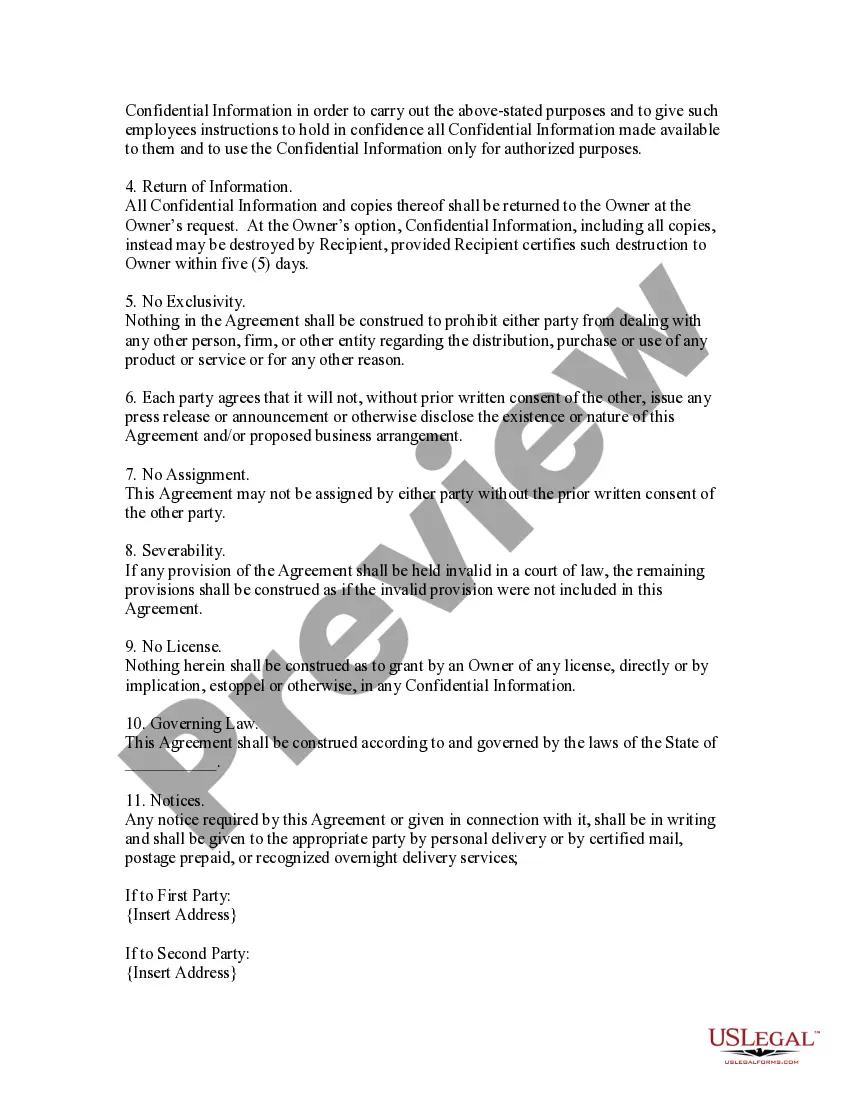
- Return of Information clause outlining the obligation to return or destroy confidential information upon request.
- No Exclusivity clause allowing both parties to engage with others without restriction.
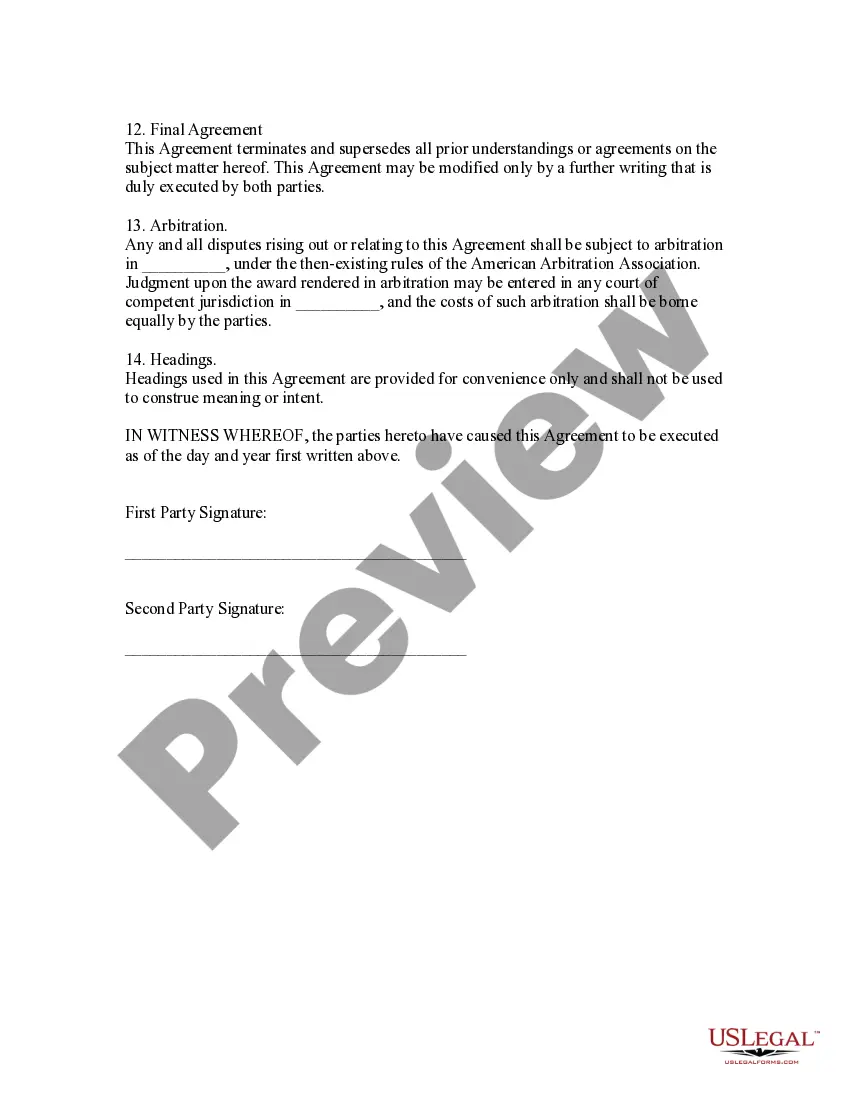
- Governing Law and Arbitration provisions for handling disputes.
Situations where this form applies
This form is suitable in scenarios where two businesses or individuals are exploring a partnership or joint project that involves sharing sensitive information. It is particularly useful when new products, technology development, or marketing strategies are being discussed to ensure both parties are legally protected while evaluating potential collaborations.
Intended users of this form
- Businesses looking to enter into partnerships while sharing confidential information.
- Entrepreneurs discussing business ideas with potential investors or partners.
- Consultants and contractors needing to share proprietary data with clients.
- Individuals or firms in joint ventures requiring mutual confidentiality assurances.
Steps to complete this form
- Identify and insert the names of both parties at the beginning of the agreement.
- Specify the date when the agreement becomes effective.
- Clearly define what constitutes "Confidential Information" relevant to the parties involved.
- Enter any specific terms related to the use and return of the confidential information.
- Include signatures from both parties to finalize the agreement.
Notarization guidance
In most cases, this form does not require notarization. However, some jurisdictions or signing circumstances might. US Legal Forms offers online notarization powered by Notarize, accessible 24/7 for a quick, remote process.
Get your form ready online
Our built-in tools help you complete, sign, share, and store your documents in one place.
Make edits, fill in missing information, and update formatting in US Legal Forms—just like you would in MS Word.
Download a copy, print it, send it by email, or mail it via USPS—whatever works best for your next step.
Sign and collect signatures with our SignNow integration. Send to multiple recipients, set reminders, and more. Go Premium to unlock E-Sign.
If this form requires notarization, complete it online through a secure video call—no need to meet a notary in person or wait for an appointment.
We protect your documents and personal data by following strict security and privacy standards.

Make edits, fill in missing information, and update formatting in US Legal Forms—just like you would in MS Word.

Download a copy, print it, send it by email, or mail it via USPS—whatever works best for your next step.

Sign and collect signatures with our SignNow integration. Send to multiple recipients, set reminders, and more. Go Premium to unlock E-Sign.

If this form requires notarization, complete it online through a secure video call—no need to meet a notary in person or wait for an appointment.

We protect your documents and personal data by following strict security and privacy standards.
Avoid these common issues
- Failing to clearly define what is considered confidential information.
- Not specifying the duration for which the confidentiality obligations apply.
- Overlooking necessary signatures, which can render the agreement unenforceable.
Why use this form online
- Convenient access to a legally vetted document that can be downloaded and customized.
- Immediate editing capabilities to tailor the agreement to specific needs.
- Reliability in legal language, drafted by licensed attorneys to ensure enforceability.
Looking for another form?
Form popularity
FAQ
Lump Sum or Fixed Price Contract Type. Cost Plus Contracts. Time and Material Contracts When Scope is Not Clear. Unit Pricing Contracts. Bilateral Contract. Unilateral Contract. Implied Contracts. Express Contracts.
Wagering Agreement. Void Agreement. Voidable Agreement. Implied Agreement. Express Agreement. Conditional Agreement. Illegal Agreement.
Fixed price contracts. With a fixed price contract the buyer (that's you) doesn't take on much risk. Cost-reimbursable contracts. With a cost-reimbursable contract you pay the vendor for the actual cost of the work. Time and materials contracts.
A contract is a legally binding agreement between two or more parties obligating parties to do. or not to do a particular thing. A contract may be verbal or written, formal or informal, general or.
Open Acrobat: Click the Tools tab and select Prepare Form. Select a file or scan a document: Acrobat will automatically analyse your document and add form fields. Add new form fields: Use the top toolbar and adjust the layout using tools in the right pane. Save your fillable PDF:
All of the information for both parties. The start and end times of the contract. Any key terms used. The products or service that you will be receiving or providing. Payment terms, due dates and any milestone payments or part payments that may be needed. Any fees or interest for late payments.
Drafting a contract. Provide details of the parties. Describe services or results. Set out payment details. Assign intellectual property rights. Explain how to treat confidential information. Identify who is liable indemnity. Provide insurance obligations.
Find your contract. Print it out. Pen in the relevant details (ok, we admit you can easily update a lot of this in Word). Send the paper package to the freelancer. They sign it, they send it back. You sign it and voila.