Claims Against Creditor For Harassment
Description
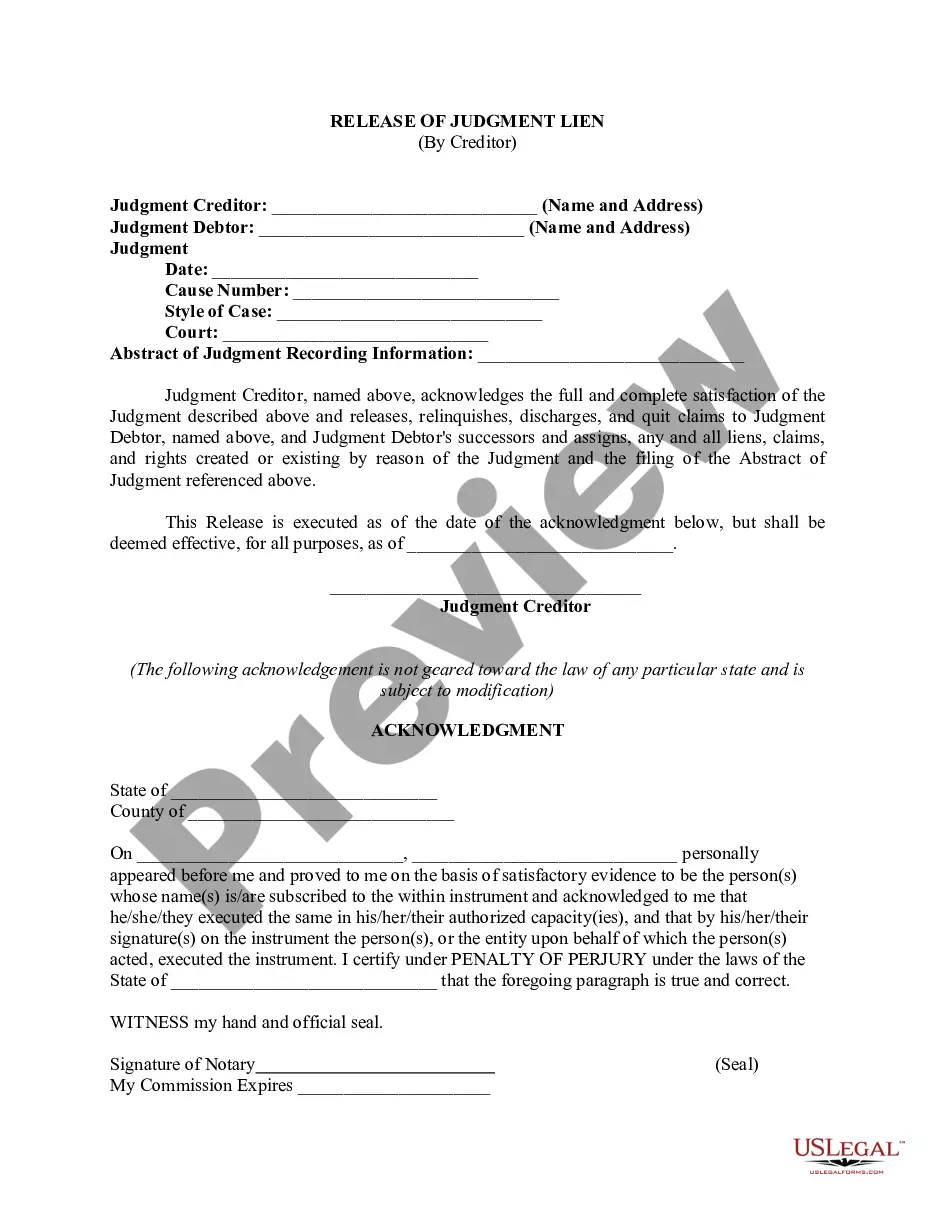
Get your form ready online
Our built-in tools help you complete, sign, share, and store your documents in one place.
Make edits, fill in missing information, and update formatting in US Legal Forms—just like you would in MS Word.
Download a copy, print it, send it by email, or mail it via USPS—whatever works best for your next step.
Sign and collect signatures with our SignNow integration. Send to multiple recipients, set reminders, and more. Go Premium to unlock E-Sign.
If this form requires notarization, complete it online through a secure video call—no need to meet a notary in person or wait for an appointment.
We protect your documents and personal data by following strict security and privacy standards.

Make edits, fill in missing information, and update formatting in US Legal Forms—just like you would in MS Word.

Download a copy, print it, send it by email, or mail it via USPS—whatever works best for your next step.

Sign and collect signatures with our SignNow integration. Send to multiple recipients, set reminders, and more. Go Premium to unlock E-Sign.

If this form requires notarization, complete it online through a secure video call—no need to meet a notary in person or wait for an appointment.

We protect your documents and personal data by following strict security and privacy standards.
Looking for another form?








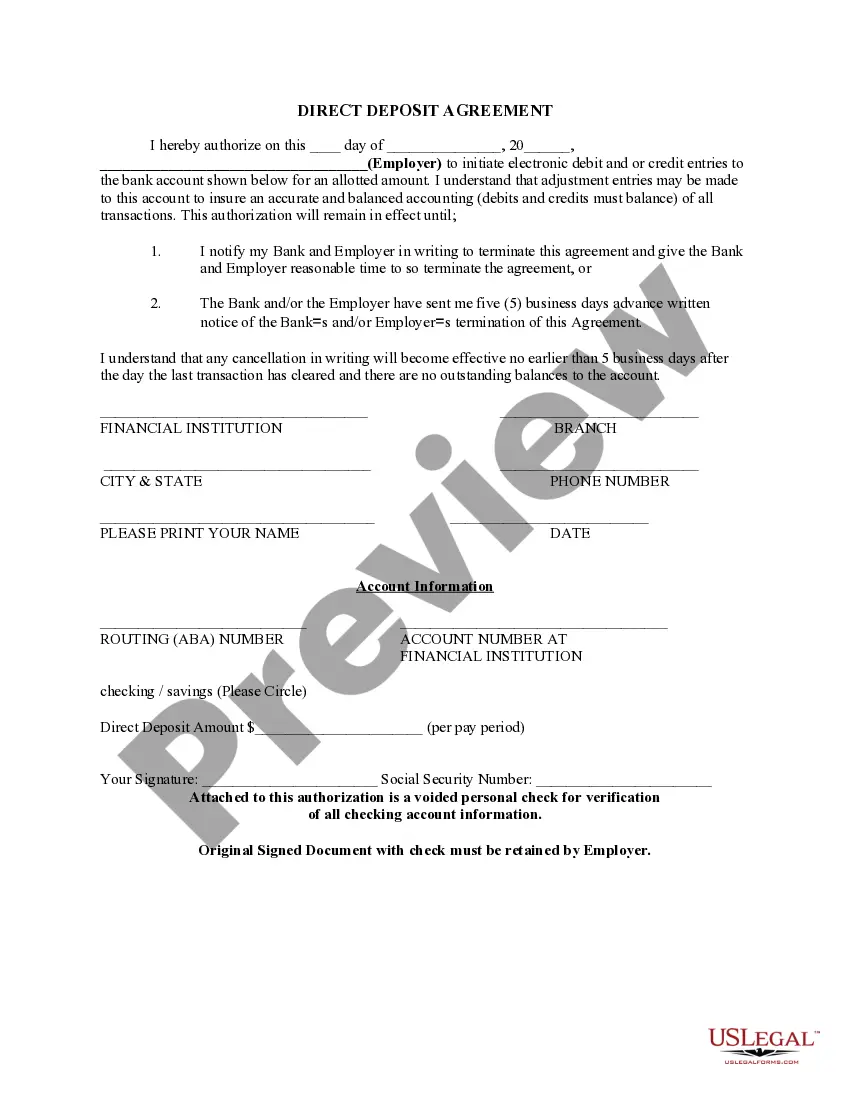

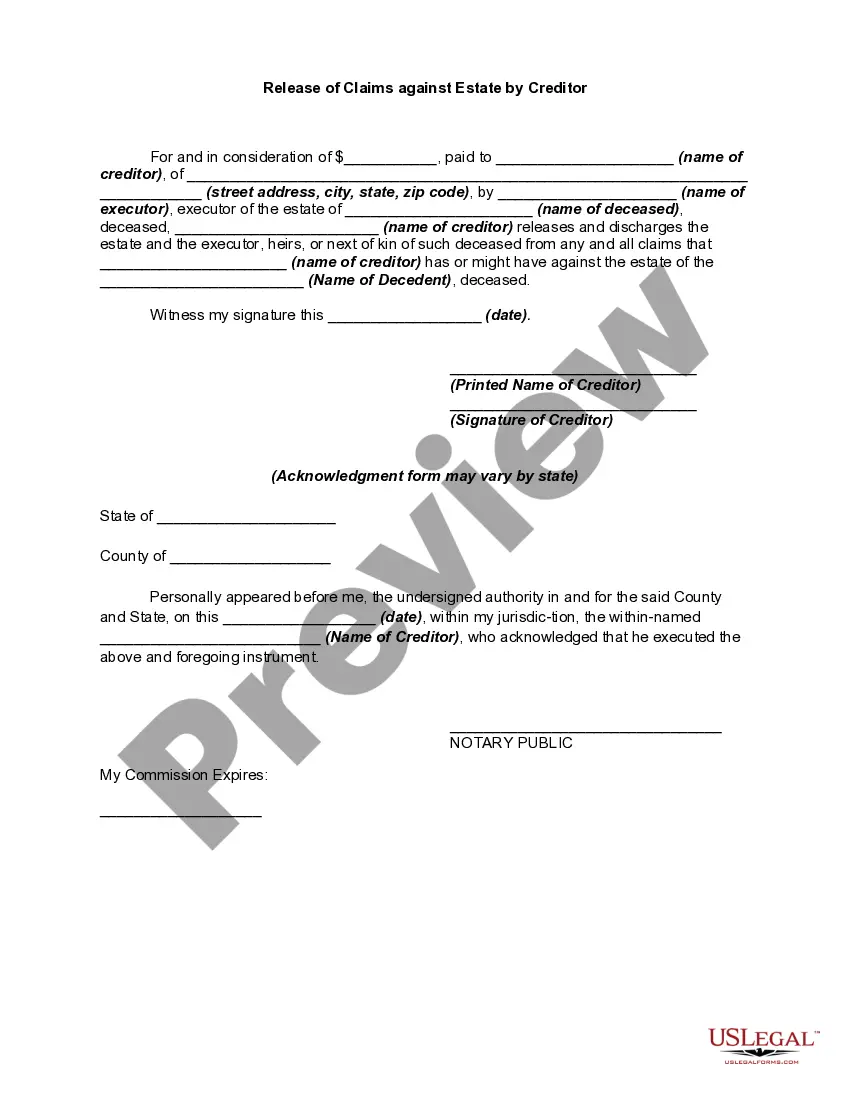
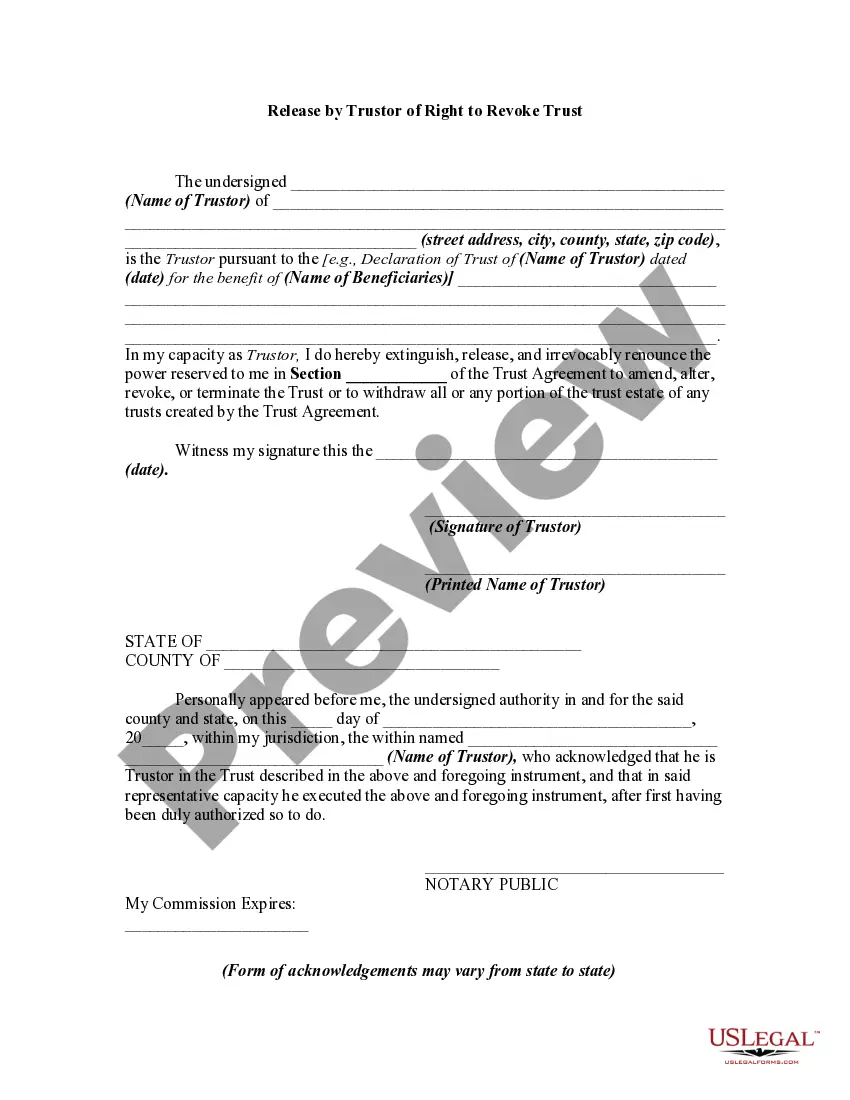
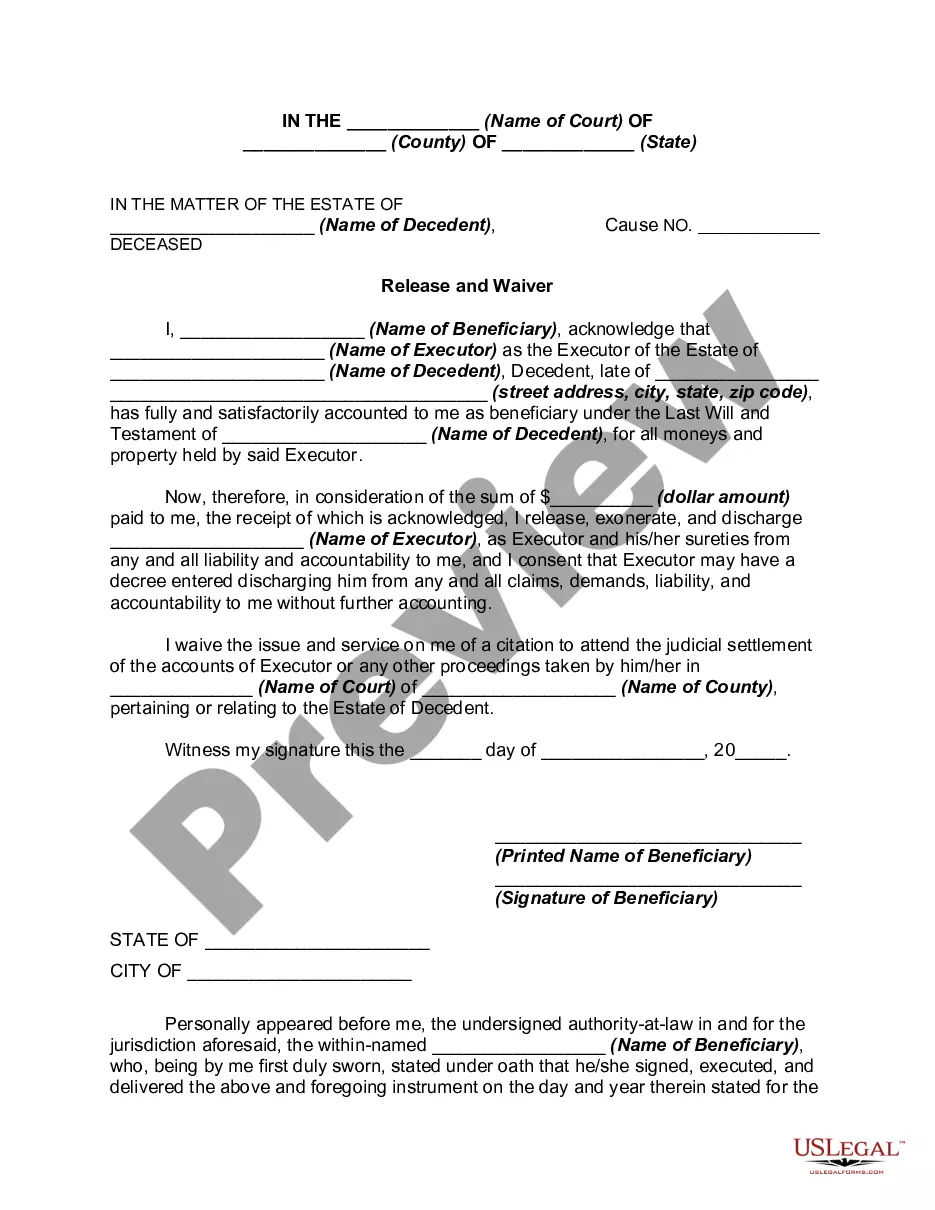
How to fill out Release Of Claims Against Estate By Creditor?
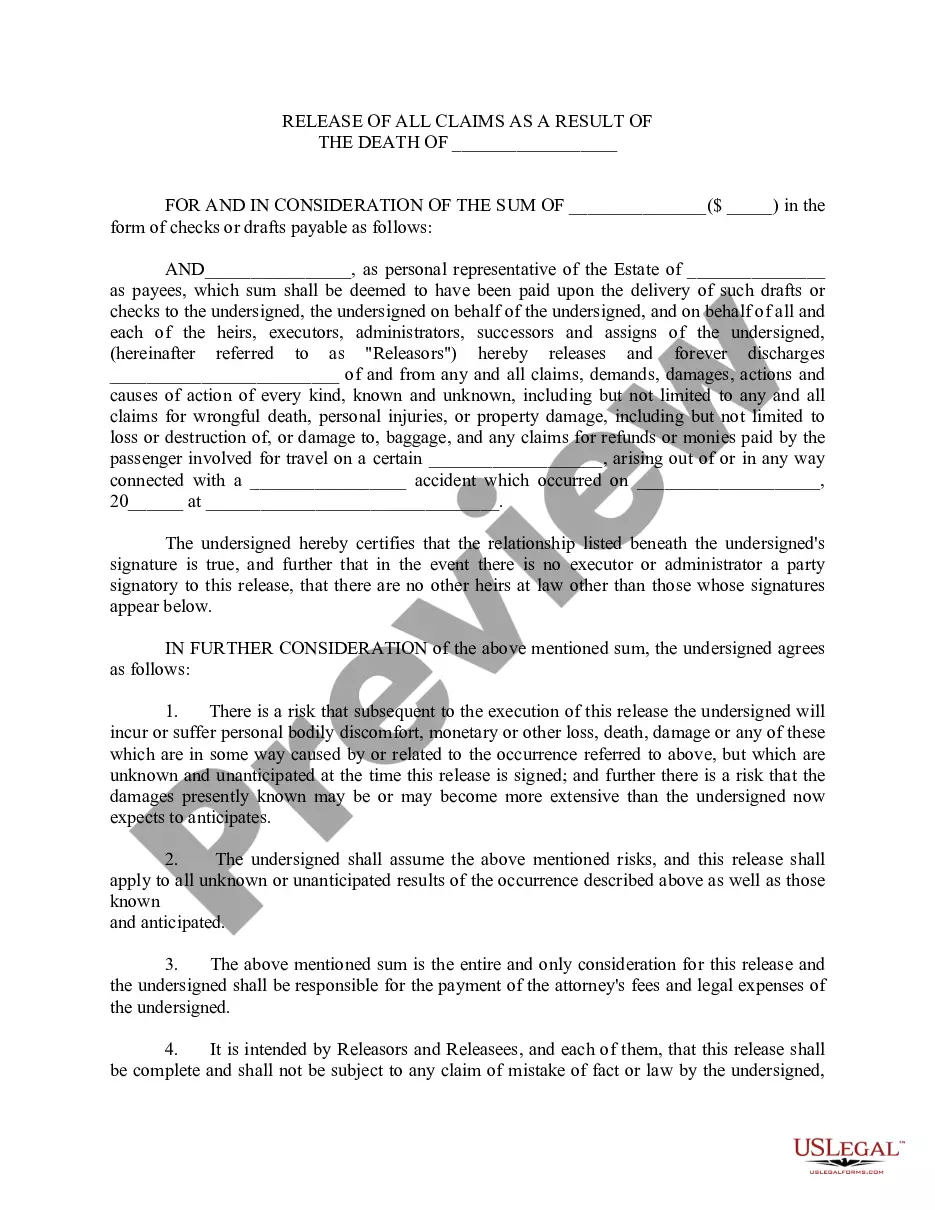
The Allegations Against Creditor For Intimidation you observe on this page is a reusable official template created by expert attorneys in accordance with federal and local regulations.
For over 25 years, US Legal Forms has supplied individuals, enterprises, and lawyers with more than 85,000 validated, state-specific forms for any commercial and personal circumstance. It’s the fastest, simplest, and most reliable method to obtain the documentation you require, as the service guarantees the utmost level of data protection and anti-malware security.
Select the format you prefer for your Allegations Against Creditor For Intimidation (PDF, Word, RTF) and download the example to your device. Fill out and sign the document.
- Search for the document you require and examine it.
- Browse through the file you searched and preview it or assess the form description to ensure it meets your needs. If it doesn’t, utilize the search feature to locate the appropriate one. Click Buy Now when you have identified the template you require.
- Sign up and Log In.
- Select the pricing plan that fits you and create an account. Use PayPal or a credit card to make a swift payment. If you already possess an account, Log In and verify your subscription to proceed.
- Obtain the fillable template.
Form popularity
FAQ
North Dakota state district court case records are generally available to the public, and anyone can request to look at the case records in almost any court case. Sometimes there's information in a court case record that a person doesn't want made available to the general public.
The steps in the process Prepare the notice of claim. A lawsuit in Small Claims Court begins with a notice of claim. ... File the notice of claim in court. You must file the notice of claim in the Small Claims Court registry. ... Serve the notice on the defendant. ... Wait for a reply. ... Attend the settlement conference.
Proof of service shows the state district court when, how, and where the other parties were served. Proof of service also shows the documents that were served. An affidavit, declaration of service, or certificate of service gives the court proof of service.
In North Dakota, a state district court civil action starts with service of a summons on the Defendant. A copy of the complaint must be served with the summons. Filing a summons and complaint with the state district court does not start a civil action.
Record Searches may be made online at the North Dakota Supreme Court Public Search website. There are also public terminals available at all District Courts in the state as well as Fargo Municipal Court where you may view and print public documents associated with court records.
To start a Small Claims Court action, the Plaintiff completes the Claim Affidavit (Form 2) and files it with the clerk of court. Then, the Plaintiff arranges for service of a copy of the completed Claim Affidavit and five (5) other forms from the Small Claims Court packet on the Defendant.
A copy of the summons and complaint must be deposited in a post office or with a third-party commercial carrier in North Dakota, postage or shipping prepaid, and directed to the defendant to be served at the defendant's last reasonably ascertainable address, within ten days after the filing of the affidavit for ...