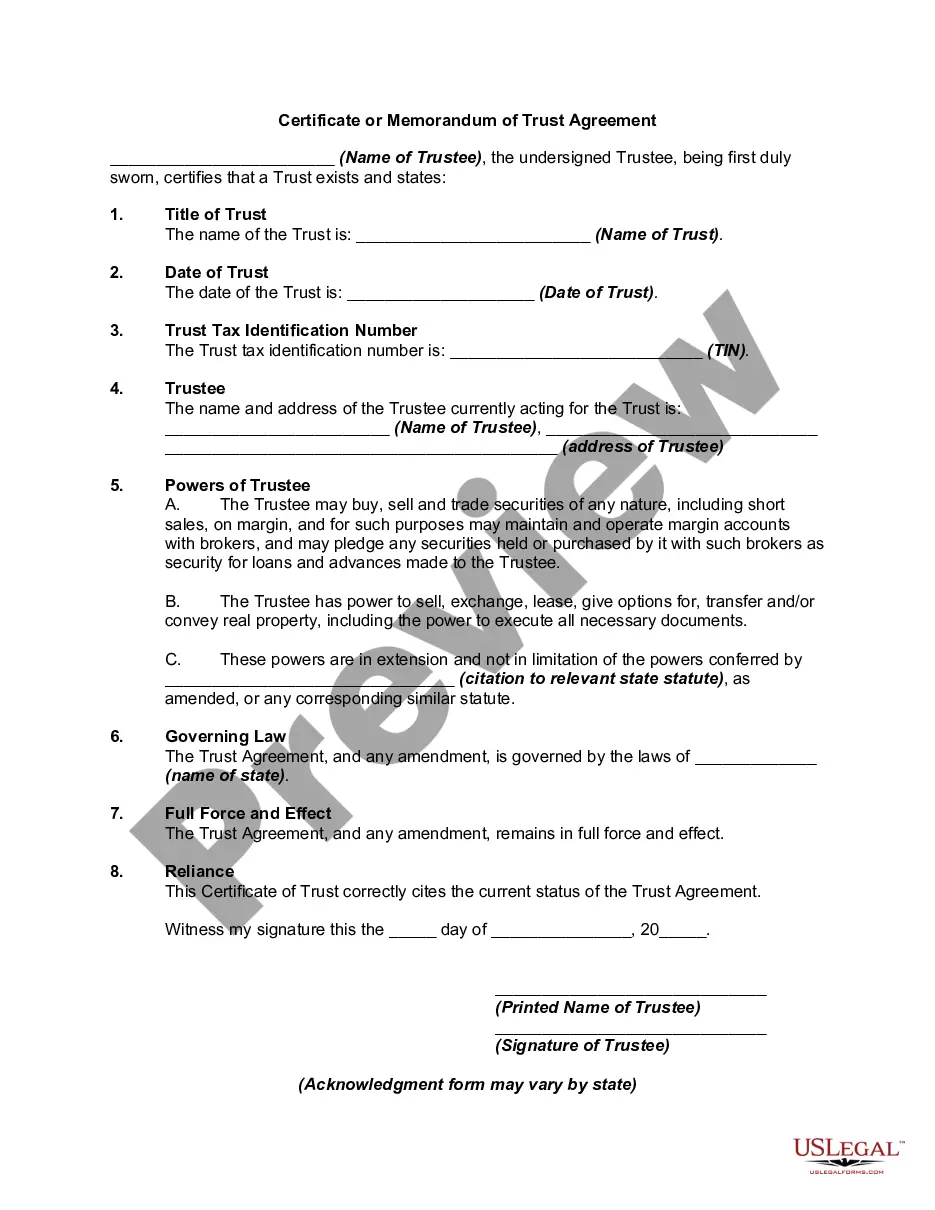
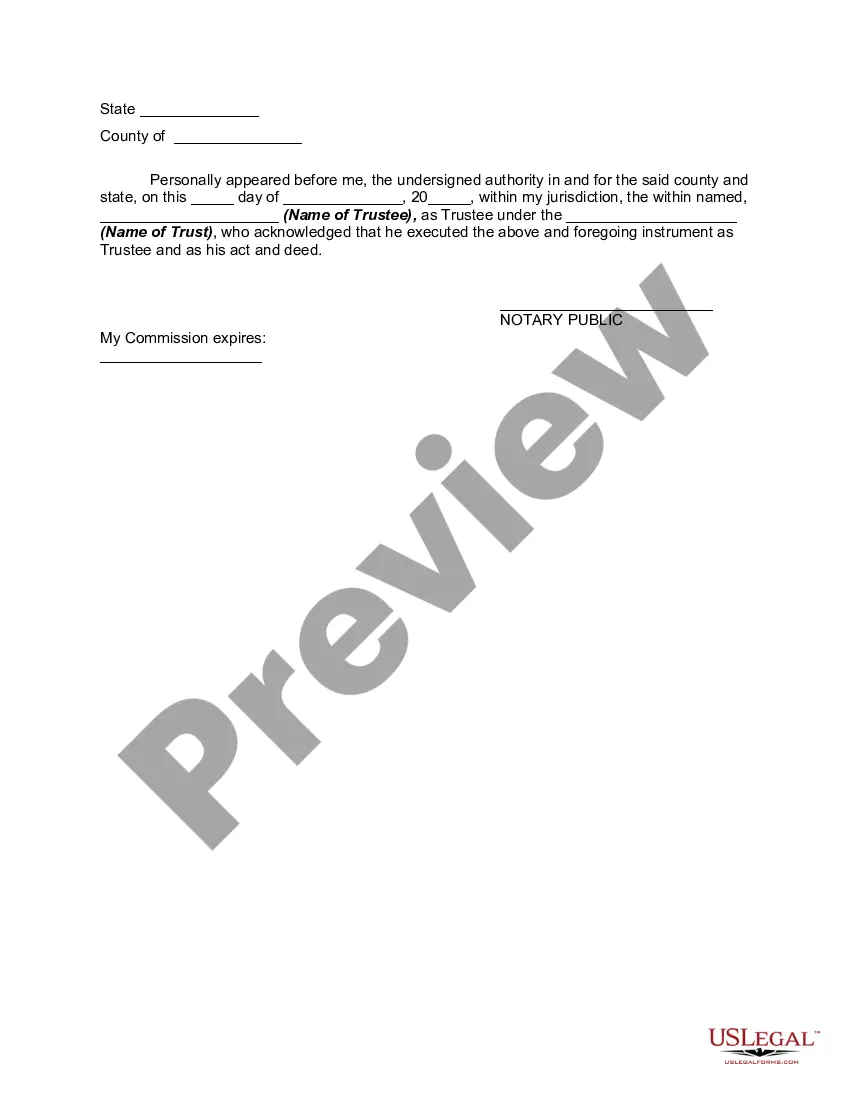
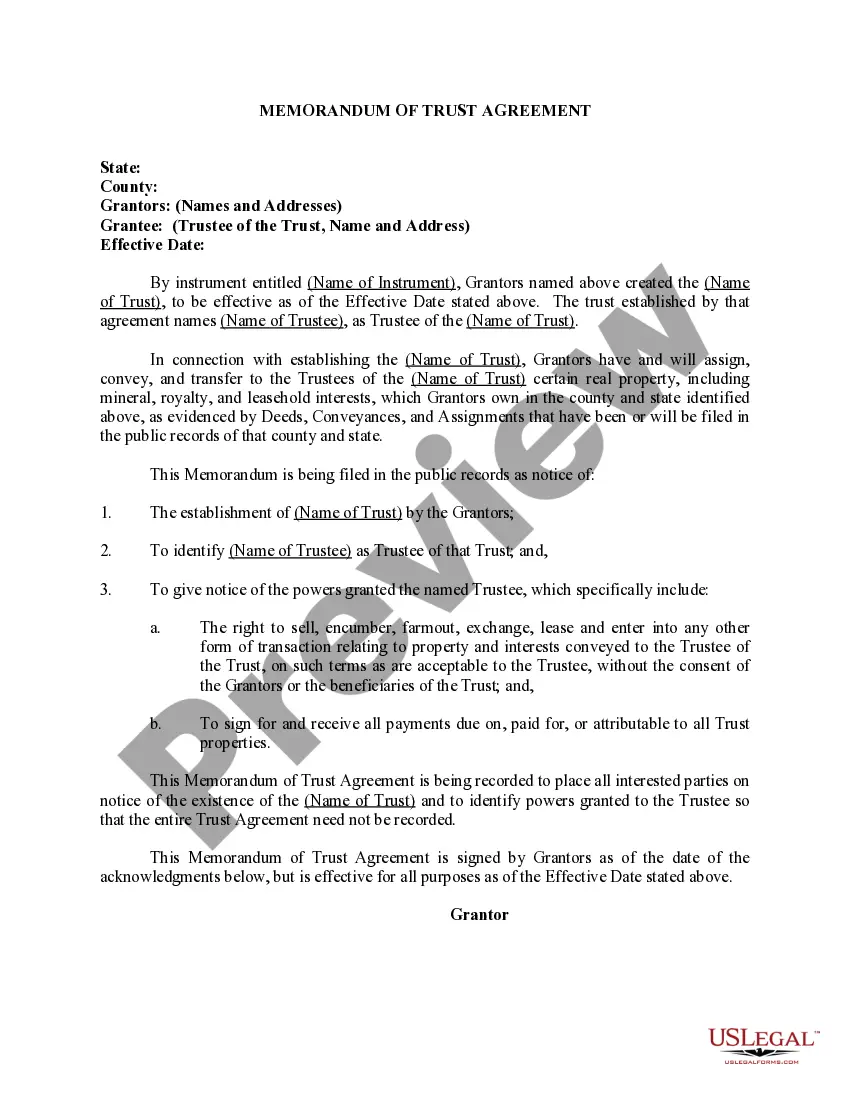
Certificate Of Trust Example With Name
Description
Get your form ready online
Our built-in tools help you complete, sign, share, and store your documents in one place.
Make edits, fill in missing information, and update formatting in US Legal Forms—just like you would in MS Word.
Download a copy, print it, send it by email, or mail it via USPS—whatever works best for your next step.
Sign and collect signatures with our SignNow integration. Send to multiple recipients, set reminders, and more. Go Premium to unlock E-Sign.
If this form requires notarization, complete it online through a secure video call—no need to meet a notary in person or wait for an appointment.
We protect your documents and personal data by following strict security and privacy standards.

Make edits, fill in missing information, and update formatting in US Legal Forms—just like you would in MS Word.

Download a copy, print it, send it by email, or mail it via USPS—whatever works best for your next step.

Sign and collect signatures with our SignNow integration. Send to multiple recipients, set reminders, and more. Go Premium to unlock E-Sign.

If this form requires notarization, complete it online through a secure video call—no need to meet a notary in person or wait for an appointment.

We protect your documents and personal data by following strict security and privacy standards.
Looking for another form?










How to fill out Certificate Or Memorandum Of Trust Agreement?
The Trust Certificate Sample With Name you view on this site is a reusable legal document crafted by expert attorneys in compliance with federal and state laws.
For over 25 years, US Legal Forms has supplied individuals, businesses, and legal professionals with more than 85,000 validated, state-specific documents for any business and personal necessity. It’s the fastest, most direct, and most reliable method to acquire the paperwork you require, as the service ensures the utmost level of data protection and malware defense.
Register for US Legal Forms to have verified legal templates for all of life’s situations readily available.
- Search for the document you require and review it.
- Browse the file you searched and preview it or check the form description to confirm it meets your criteria. If it does not, use the search feature to find the correct one. Click Buy Now once you have located the template you need.
- Register and Log In.
- Select the pricing option that best fits you and create an account. Use PayPal or a credit card to process a quick payment. If you already possess an account, Log In and check your subscription to move forward.
- Obtain the editable template.
- Decide on the format you prefer for your Trust Certificate Sample With Name (PDF, Word, RTF) and save the file on your device.
- Fill out and sign the documentation.
- Print the template to complete it manually. Alternatively, use an online multifunctional PDF editor to swiftly and accurately fill out and sign your form with an electronic signature.
- Redownload your documents as needed.
- Use the same document again whenever necessary. Access the My documents tab in your profile to redownload any previously acquired forms.
Form popularity
FAQ
Filing a UCC-1 statement allows creditors to collateralize or ?secure? their loan by utilizing the personal property assets of their customers. In the event of a customer defaulting on their loan or filing for bankruptcy, a UCC-1 elevates the lender's status to a secured creditor, ensuring that it will be paid.
"Amendment" means a UCC record that amends the information contained in a financing statement. Amendments include assignments, continuations and terminations.
When commercial lenders offer financing to small businesses, they often require collateral to secure the loan amount. To make things official, they'll add what's called a UCC filing ? the abbreviation stands for Uniform Commercial Code ? to your business credit reports.
1 is a financing statement that a creditor files to notify other parties that they have a security interest against one or all of your assets. UCC1s sometimes cause confusion for business owners who need equipment financing, and these filings can affect your business credit score.
UCC-3 assignments: This type of filing is used to transfer rights in a filing from one secured party to another. There are both ?partial? and ?full? assignments. UCC-3 terminations: A UCC-3 termination is used to extinguish the lien before its five-year term has ended.
Ask the lender to terminate the lien upon payoff. A good rule of thumb is to request that your lender file a UCC-3 form with your secretary of state as soon as possible after you pay off your loan. The UCC-3 will terminate the lien on your company's assets (or assets) and remove the UCC-1 filing.
Uniform Commercial Code (UCC) filings allow creditors to notify other creditors about a debtor's assets used as collateral for a secured transaction. UCC liens filed with Secretary of State offices act as a public notice by the "creditor" of the creditor's interest in the property.
Remember: as long as an asset has a UCC lien filed against it, you're not allowed to transfer, sell, or use it as collateral for any other loan.