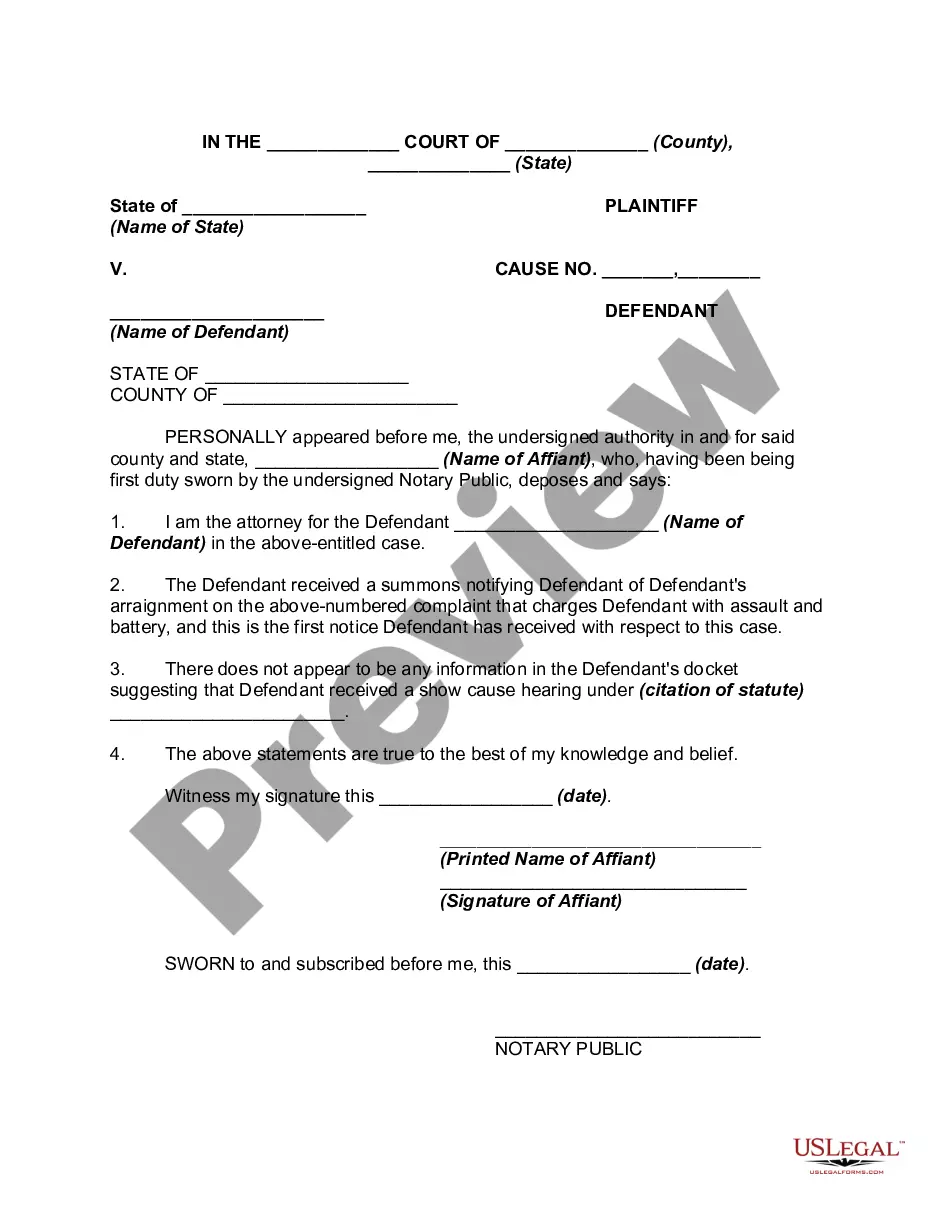
Affidavit With Motion To Dismiss
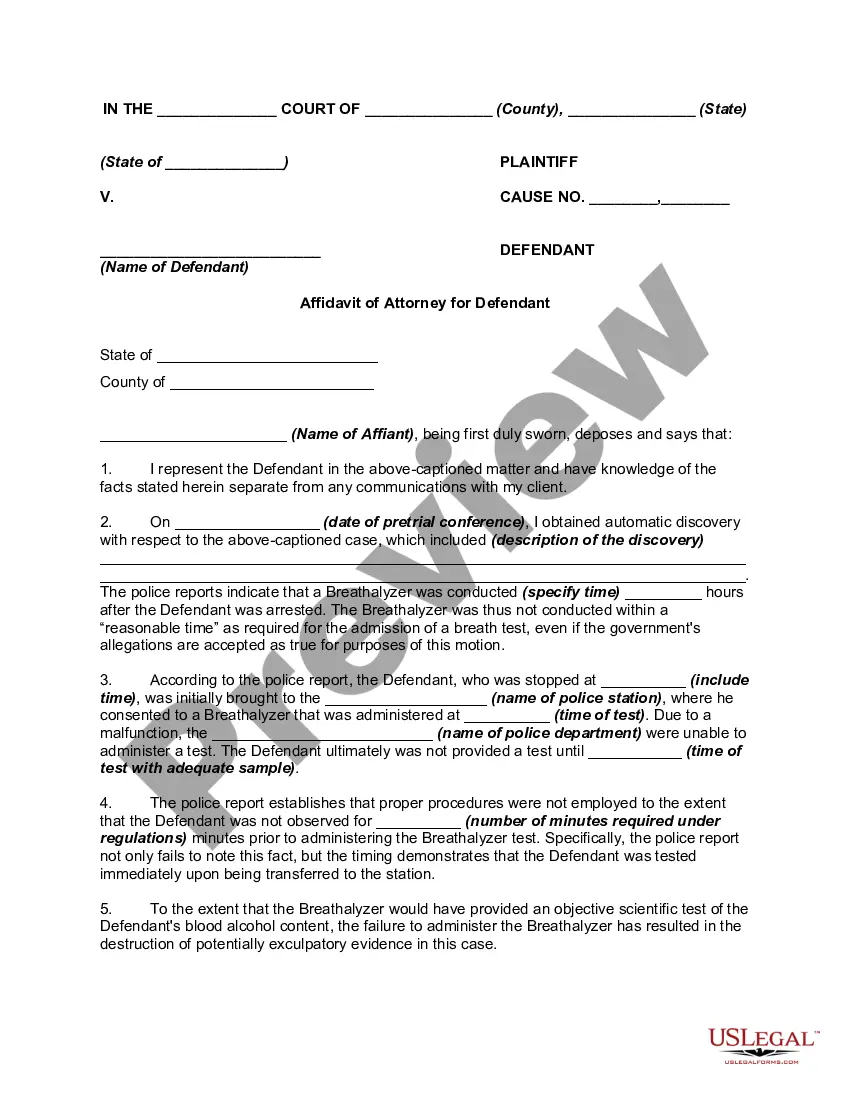
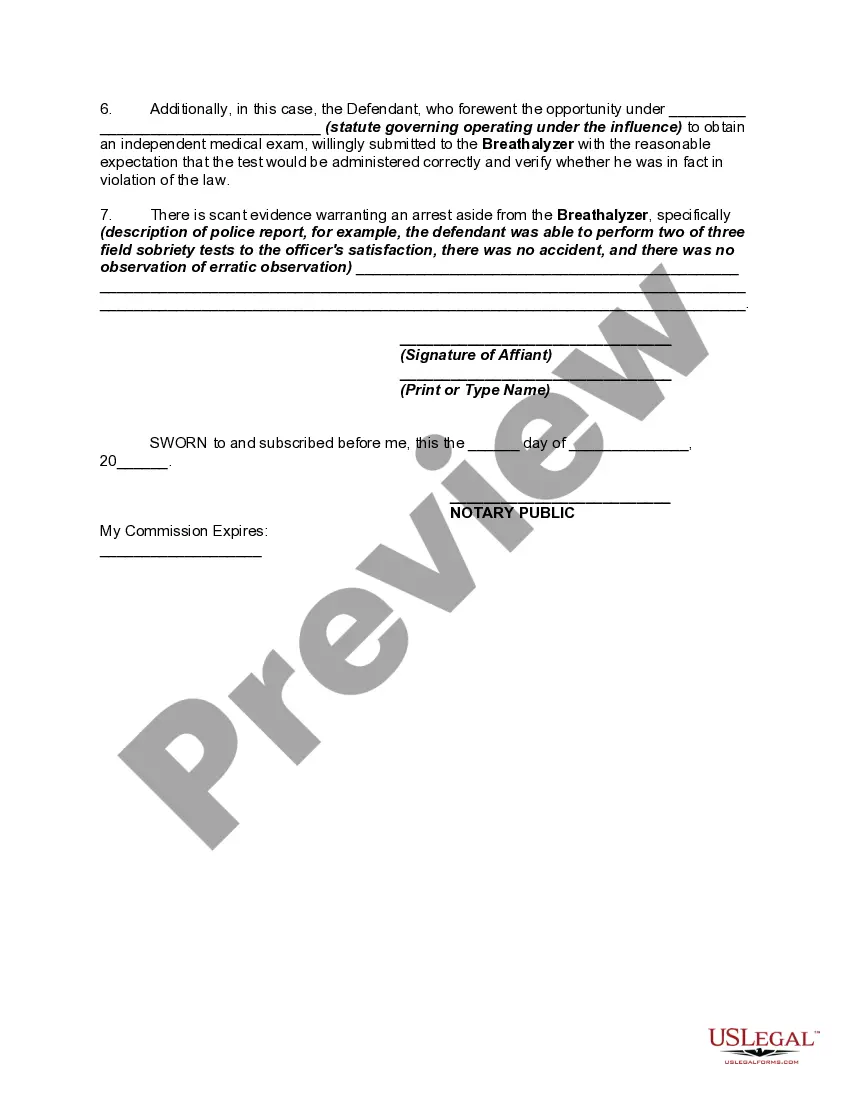
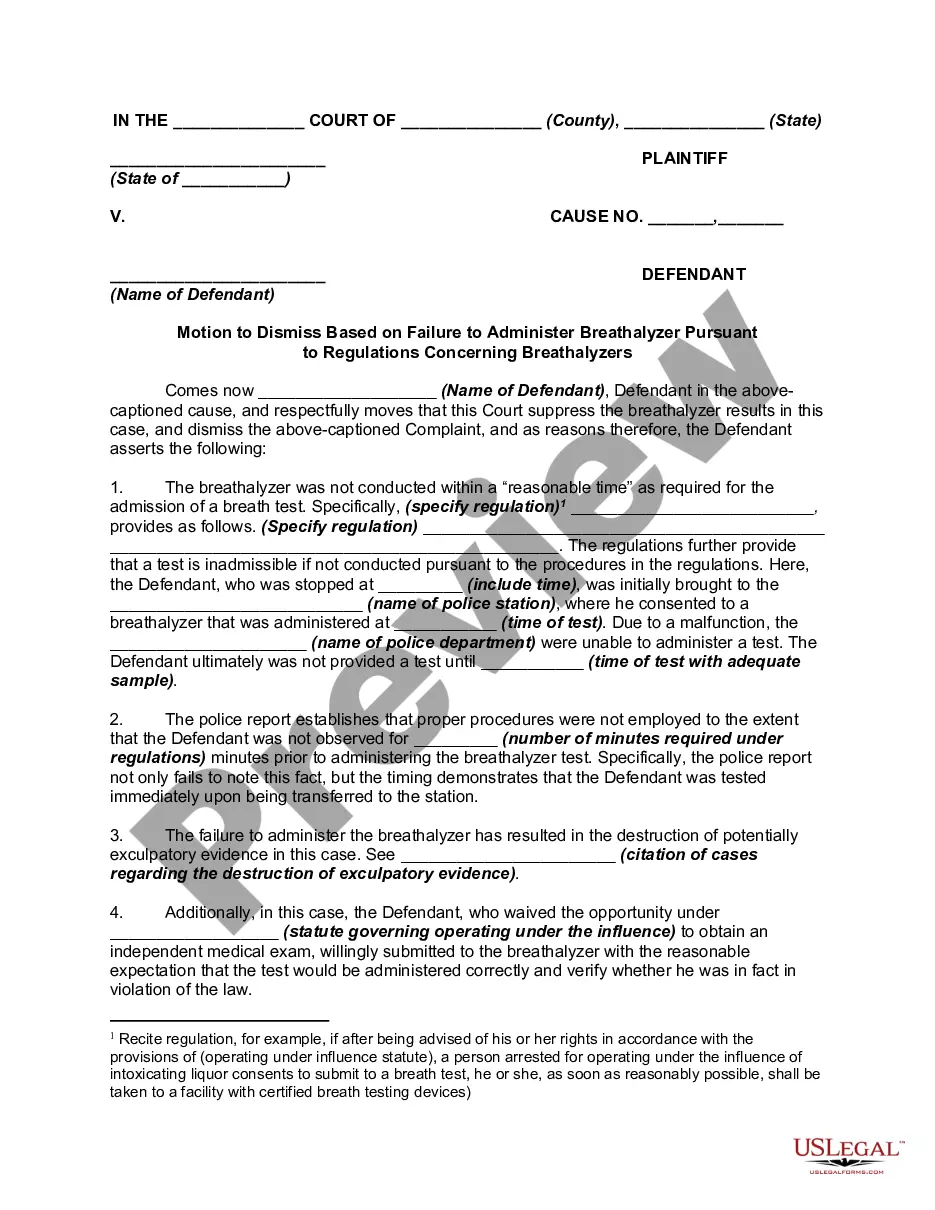
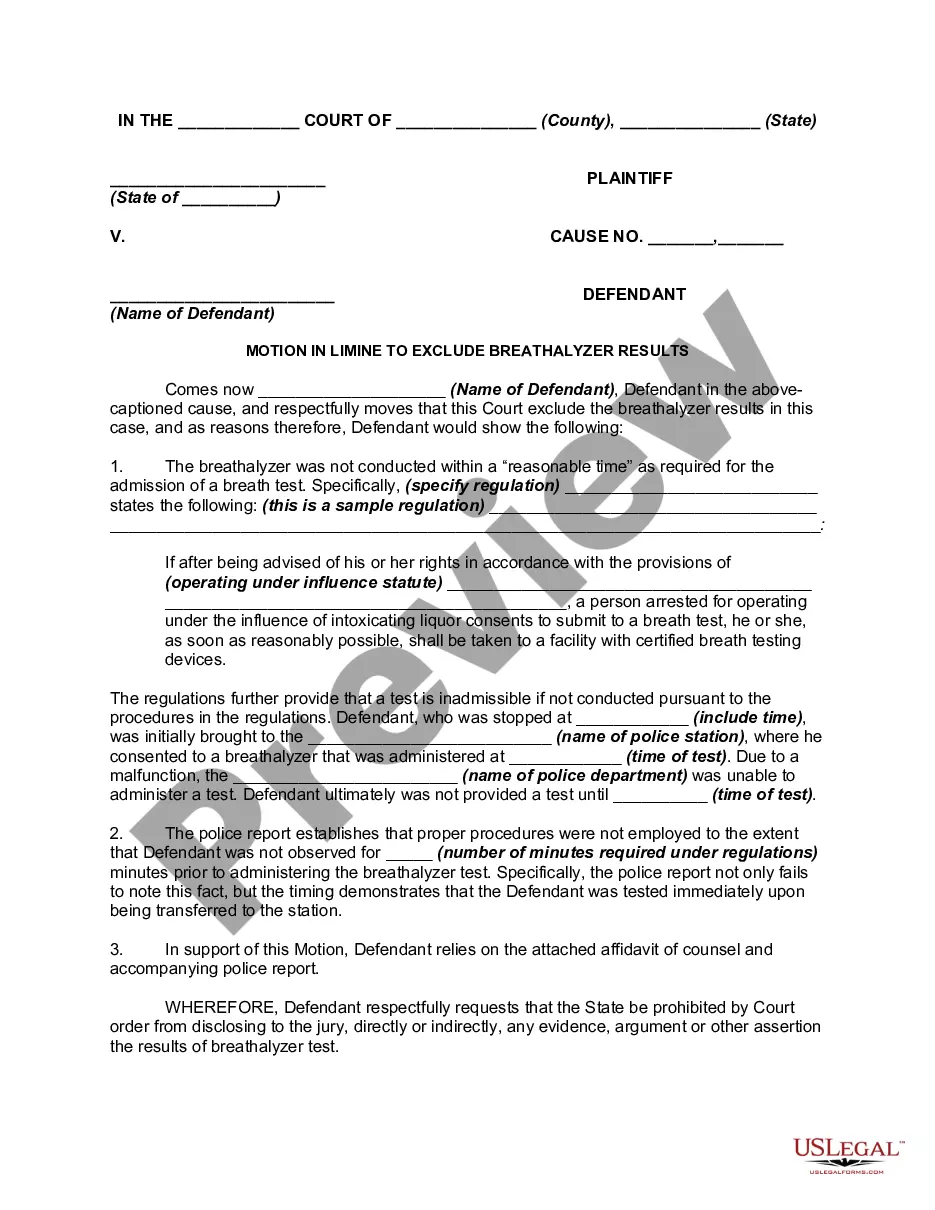
Description
Get your form ready online
Our built-in tools help you complete, sign, share, and store your documents in one place.
Make edits, fill in missing information, and update formatting in US Legal Forms—just like you would in MS Word.
Download a copy, print it, send it by email, or mail it via USPS—whatever works best for your next step.
Sign and collect signatures with our SignNow integration. Send to multiple recipients, set reminders, and more. Go Premium to unlock E-Sign.
If this form requires notarization, complete it online through a secure video call—no need to meet a notary in person or wait for an appointment.
We protect your documents and personal data by following strict security and privacy standards.

Make edits, fill in missing information, and update formatting in US Legal Forms—just like you would in MS Word.

Download a copy, print it, send it by email, or mail it via USPS—whatever works best for your next step.

Sign and collect signatures with our SignNow integration. Send to multiple recipients, set reminders, and more. Go Premium to unlock E-Sign.

If this form requires notarization, complete it online through a secure video call—no need to meet a notary in person or wait for an appointment.

We protect your documents and personal data by following strict security and privacy standards.
Looking for another form?



How to fill out Affidavit In Support Of Motion To Dismiss For Failure To Follow Breathalyzer Protocols - DUI?
Well-crafted formal paperwork is one of the essential assurances for preventing complications and legal disputes, but acquiring it without legal counsel's support may require time.
Whether you're in urgent need of a current Affidavit With Motion To Dismiss or other templates for employment, familial, or business situations, US Legal Forms is always available to assist.
The procedure is even more straightforward for current users of the US Legal Forms library. If your subscription is active, you only need to Log In and press the Download button next to the chosen file. Additionally, you can access the Affidavit With Motion To Dismiss at any future time, as all documents ever obtained on the platform remain accessible within the My documents section of your profile. Save time and resources on preparing formal paperwork. Experience US Legal Forms today!
- Ensure that the document is appropriate for your case and location by reviewing the description and preview.
- Search for another example (if necessary) using the Search bar in the page header.
- Click on Buy Now once you find the correct template.
- Choose the pricing option, sign in to your account, or create a new one.
- Select your preferred payment method to purchase the subscription plan (using a credit card or PayPal).
- Choose between PDF or DOCX file format for your Affidavit With Motion To Dismiss.
- Click Download, then print the document to complete it or upload it to an online editor.
Form popularity
FAQ
A motion requests the Court to take action under a specific Federal Rule. To oppose a motion, you must prepare an affidavit or affirmation. You will title your submission as appropriate, for example: plaintiff s opposition to defendant's motion to dismiss or for summary judgment.
Since the Swing Era, Federal Rule of Civil Procedure 12(b)(6) has allowed a defendant in federal court to file a motion to dismiss the plaintiff's lawsuit for failure to state a claim upon which relief can be granted. This means you can ask the judge to dismiss a lawsuitin whole or in parton the ground that the
As nouns the difference between affidavit and affirmation is that affidavit is affidavit while affirmation is that which is affirmed; a declaration that something is true.
Rule 91a Motion to Dismiss A Motion to Dismiss under Rule 91a must identify each cause of action the party seeks to dismiss and must specifically state the reasons the cause action has no basis in law or fact. served on the movant. o The Motion to Dismiss must be filed at least 21 days before the motion is heard.
When a party makes a motion in a case, that party is called the movant. For example, if a plaintiff in a civil case moves for summary judgment, the plaintiff is the movant.
